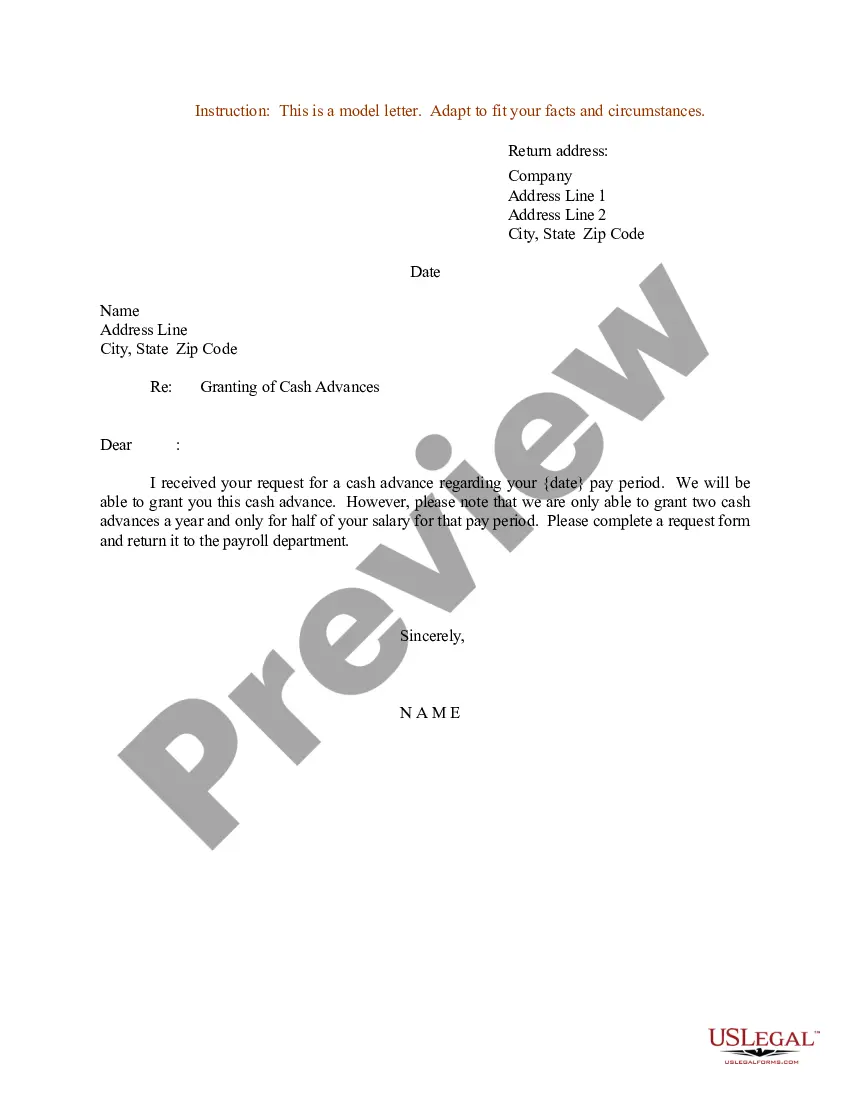
Sample Reimbursement Document With Watermark
Description
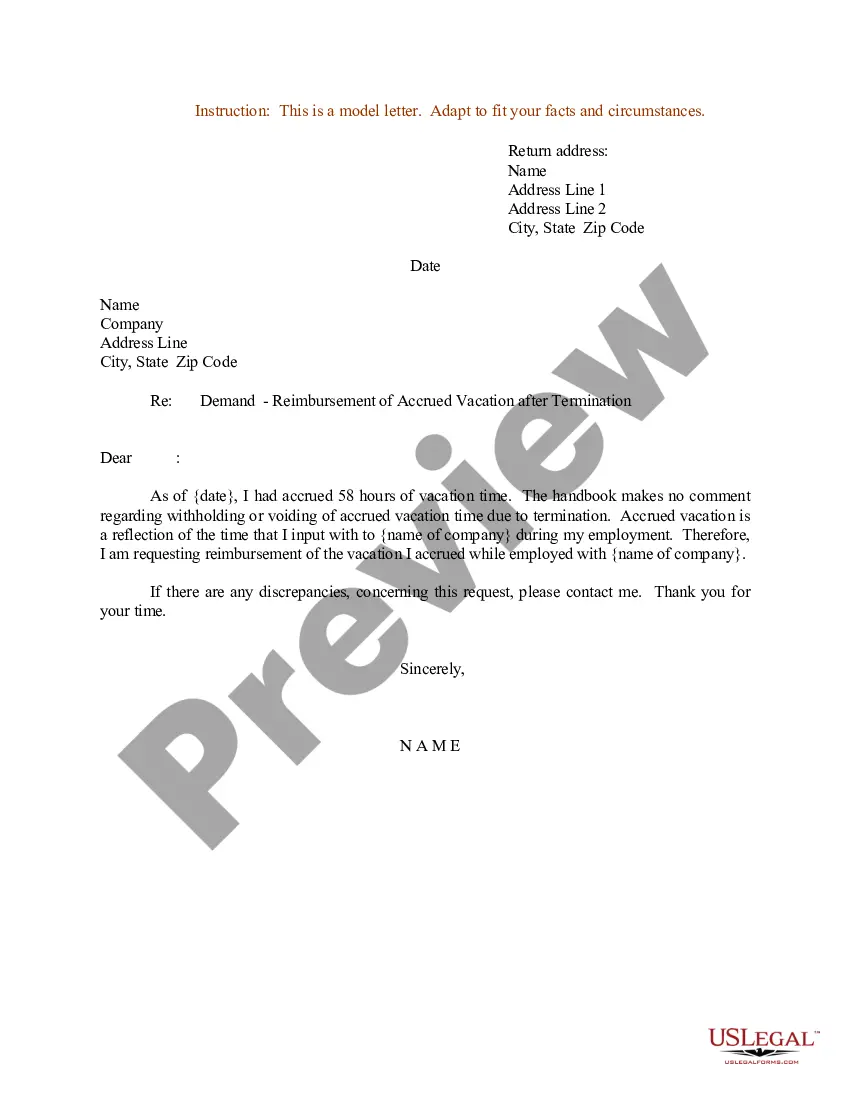
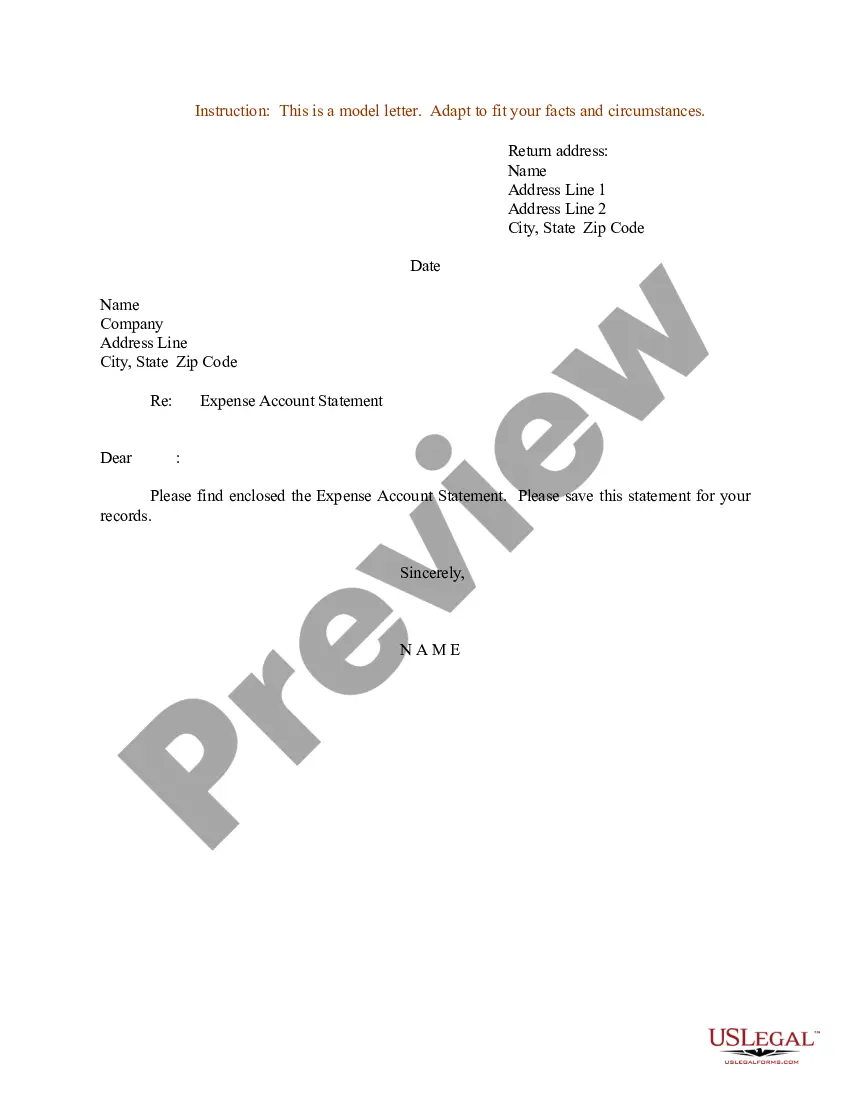
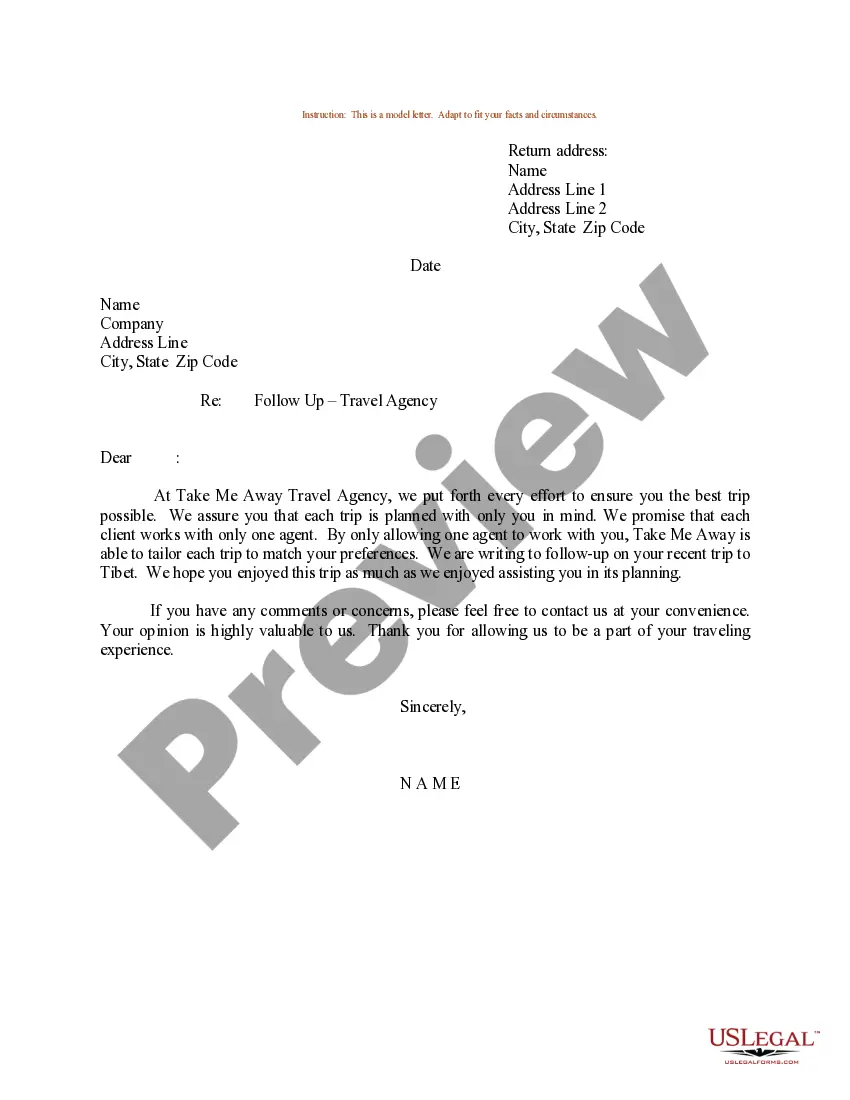
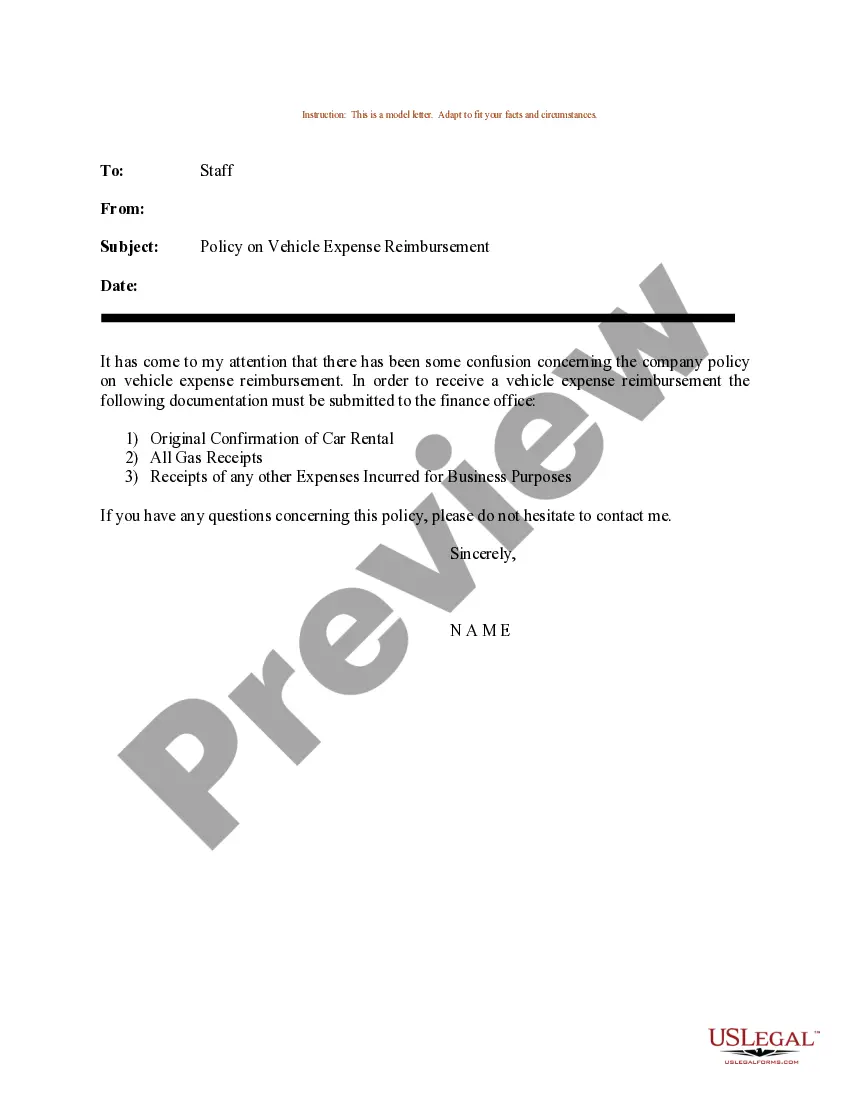
Get your form ready online
Our built-in tools help you complete, sign, share, and store your documents in one place.
Make edits, fill in missing information, and update formatting in US Legal Forms—just like you would in MS Word.
Download a copy, print it, send it by email, or mail it via USPS—whatever works best for your next step.
Sign and collect signatures with our SignNow integration. Send to multiple recipients, set reminders, and more. Go Premium to unlock E-Sign.
If this form requires notarization, complete it online through a secure video call—no need to meet a notary in person or wait for an appointment.
We protect your documents and personal data by following strict security and privacy standards.

Make edits, fill in missing information, and update formatting in US Legal Forms—just like you would in MS Word.

Download a copy, print it, send it by email, or mail it via USPS—whatever works best for your next step.

Sign and collect signatures with our SignNow integration. Send to multiple recipients, set reminders, and more. Go Premium to unlock E-Sign.

If this form requires notarization, complete it online through a secure video call—no need to meet a notary in person or wait for an appointment.

We protect your documents and personal data by following strict security and privacy standards.
Looking for another form?
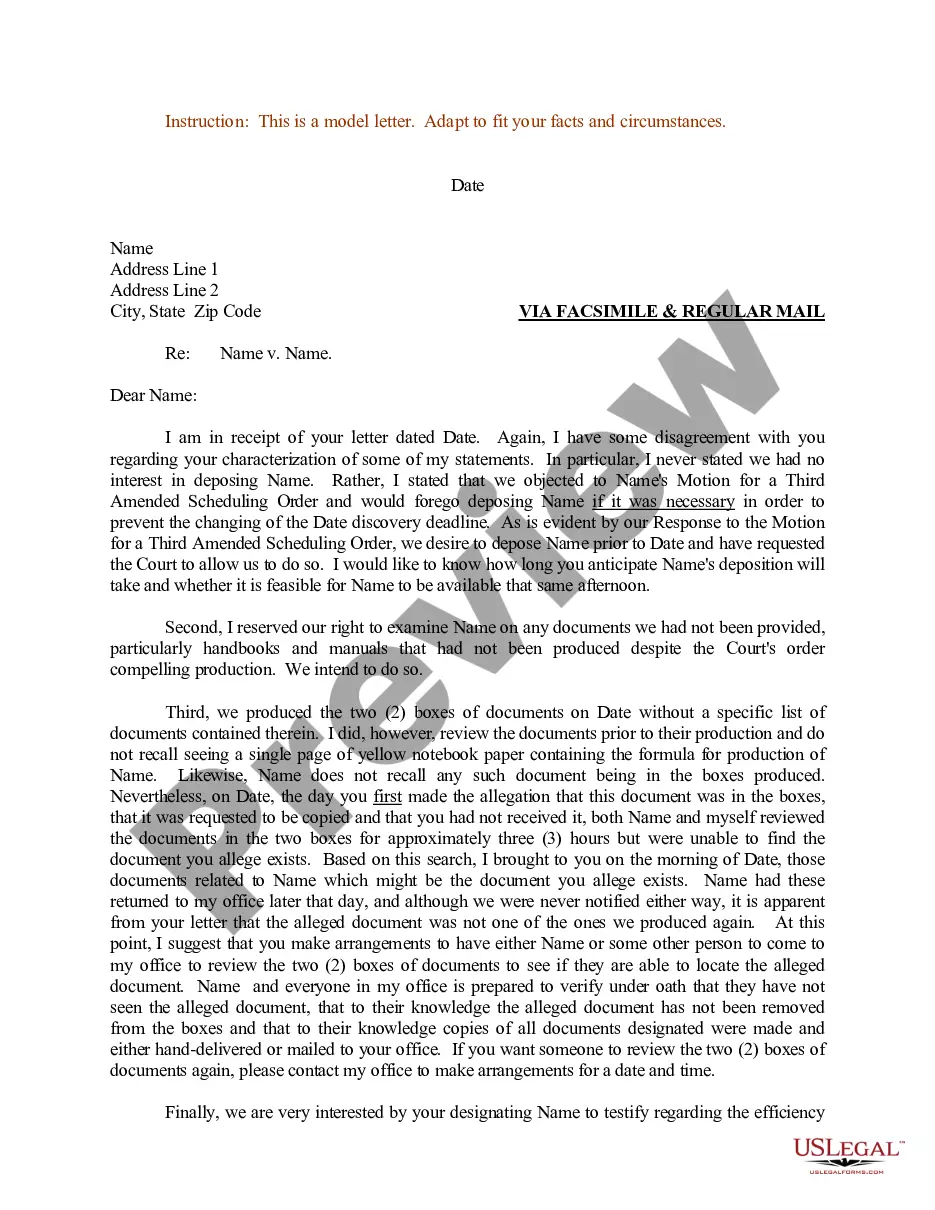
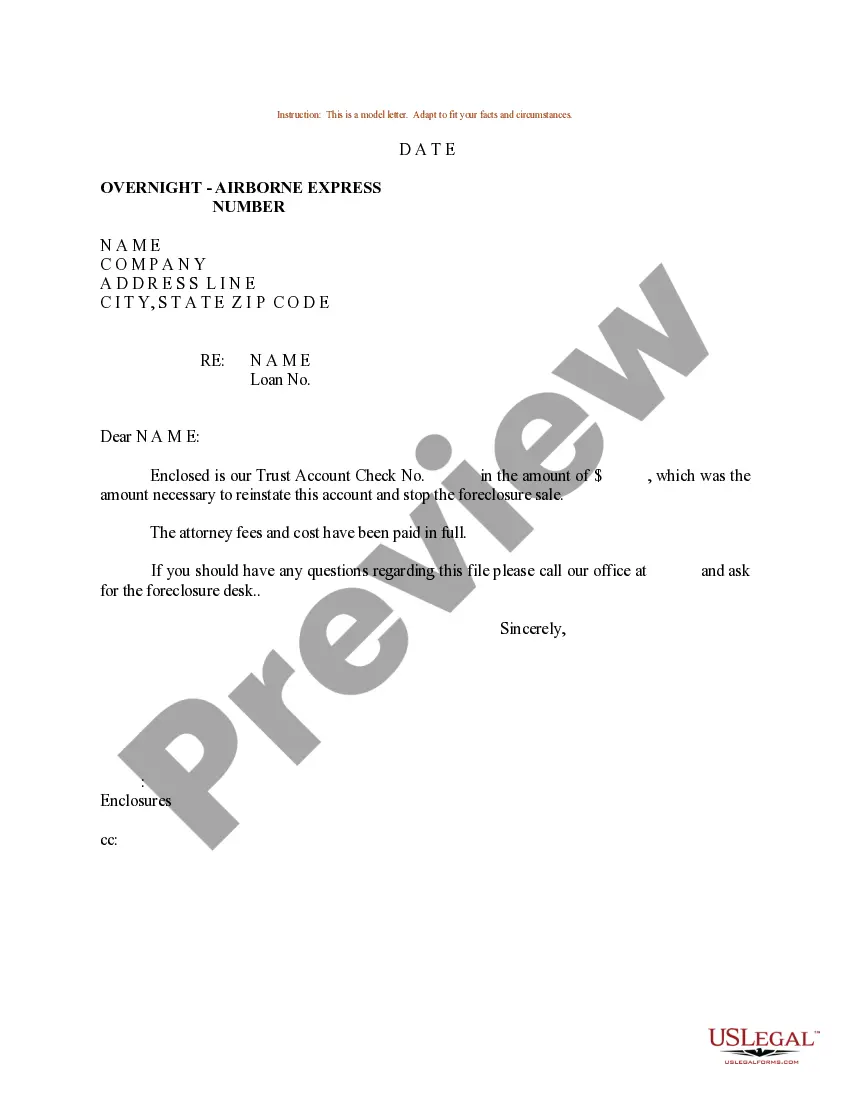

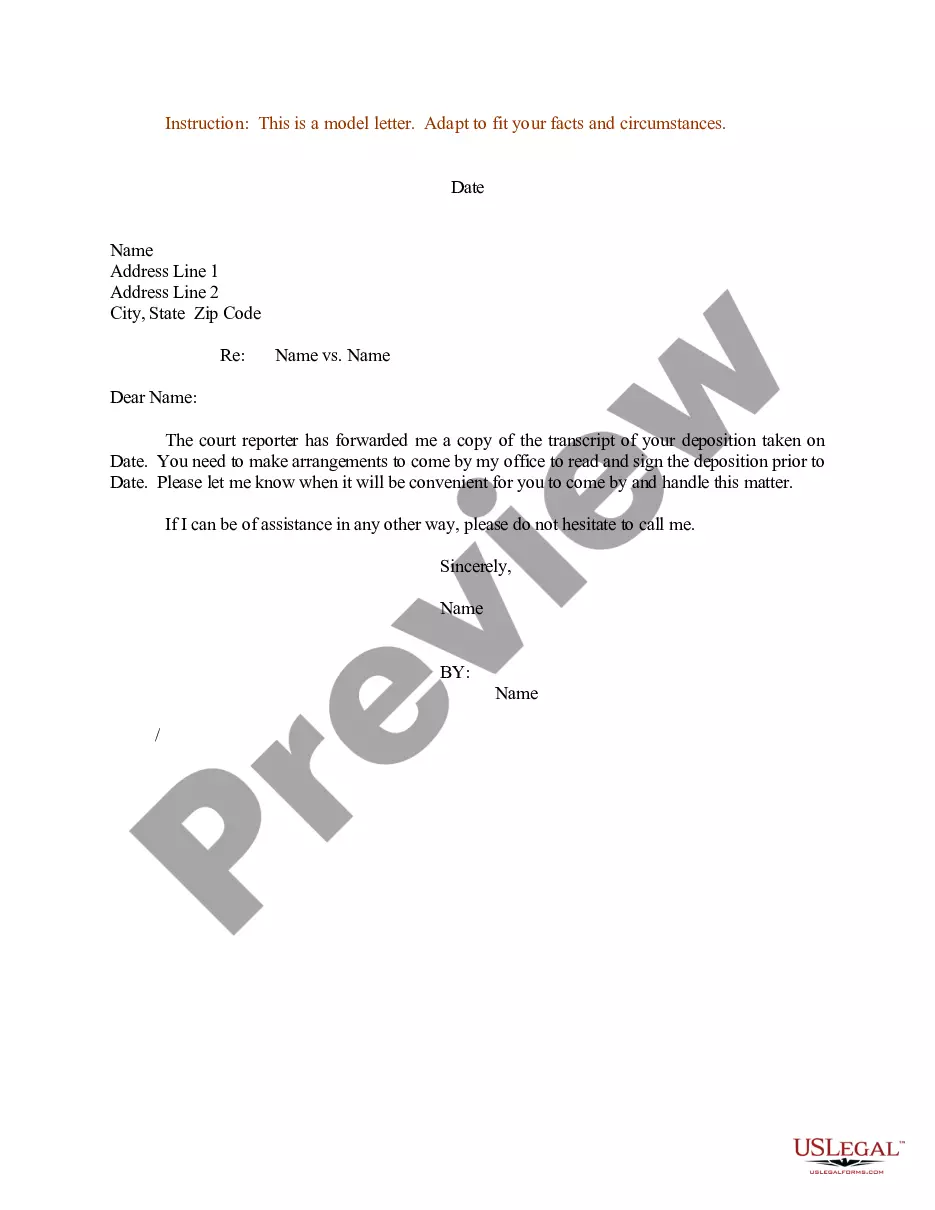
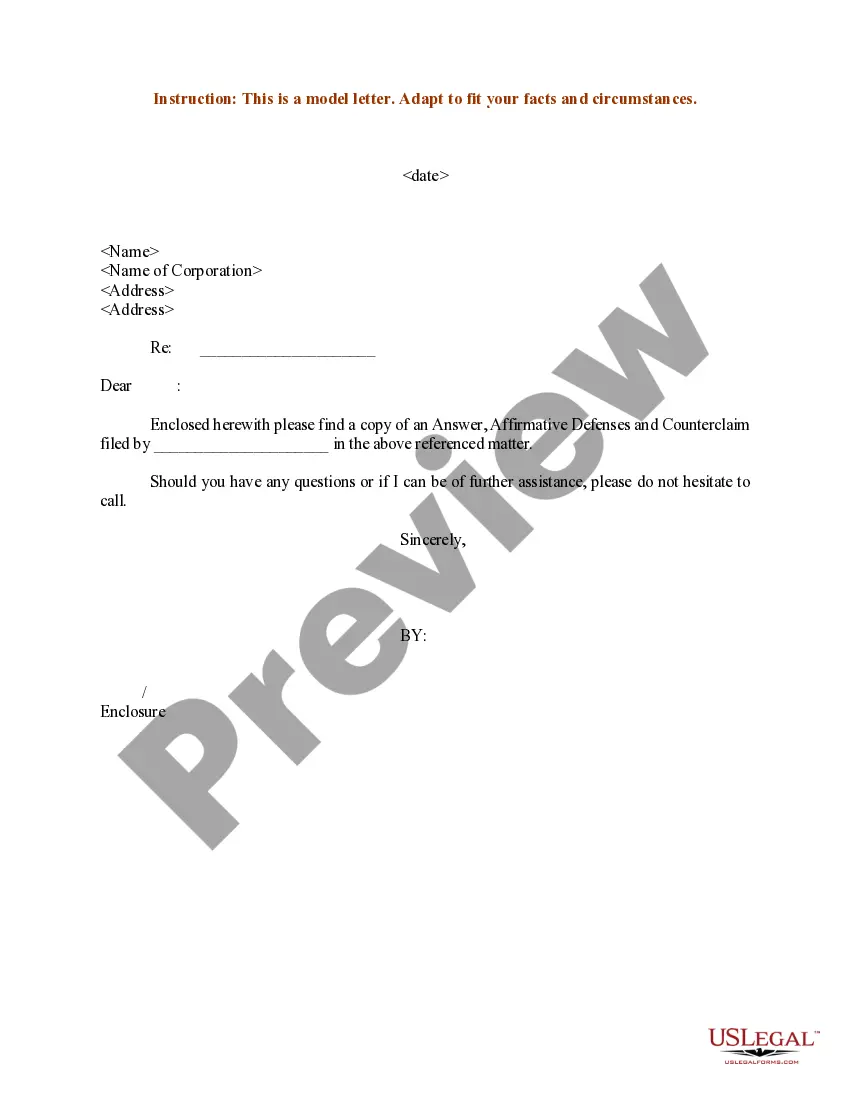
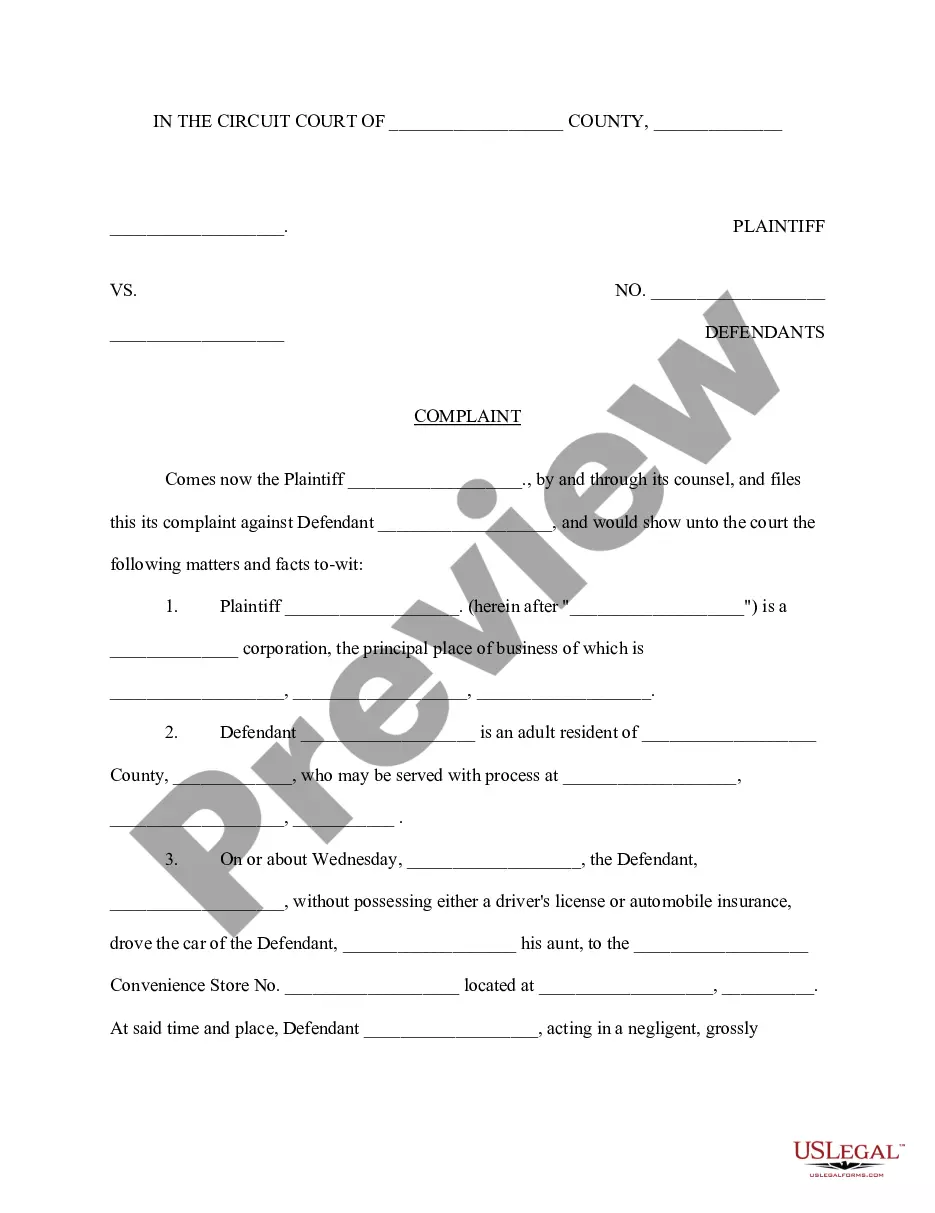
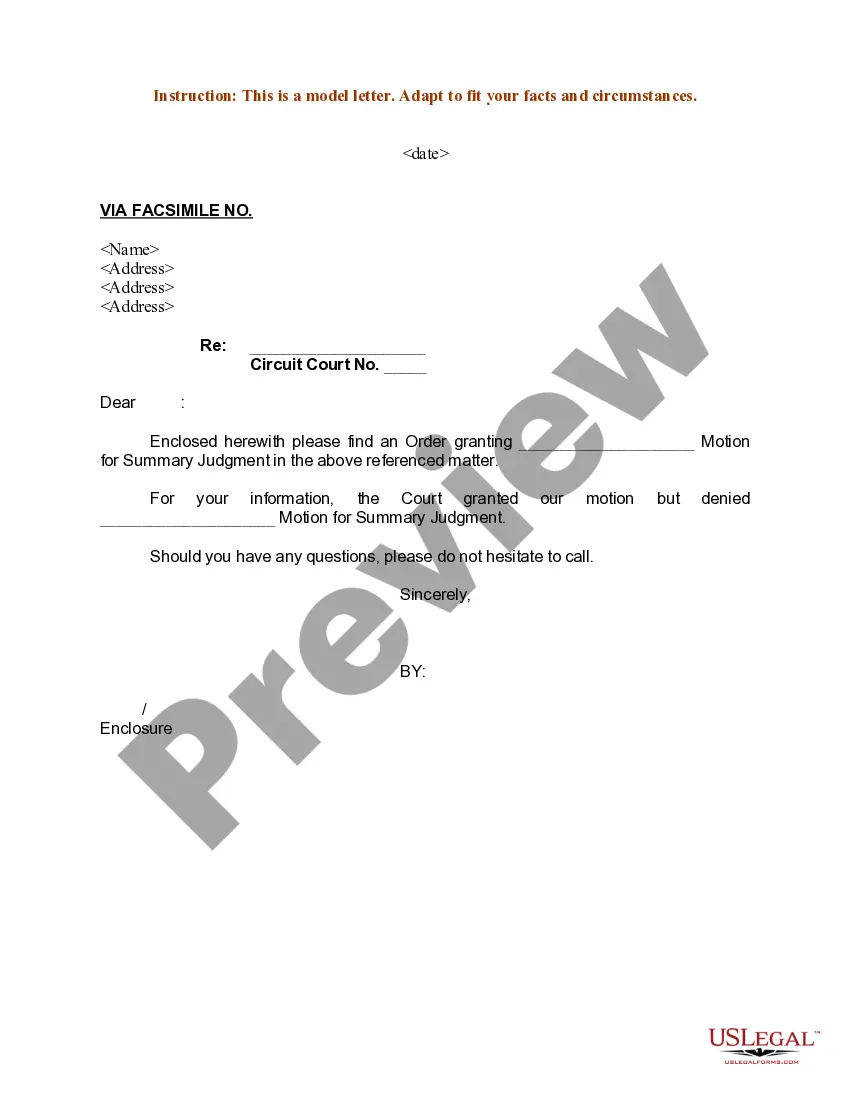
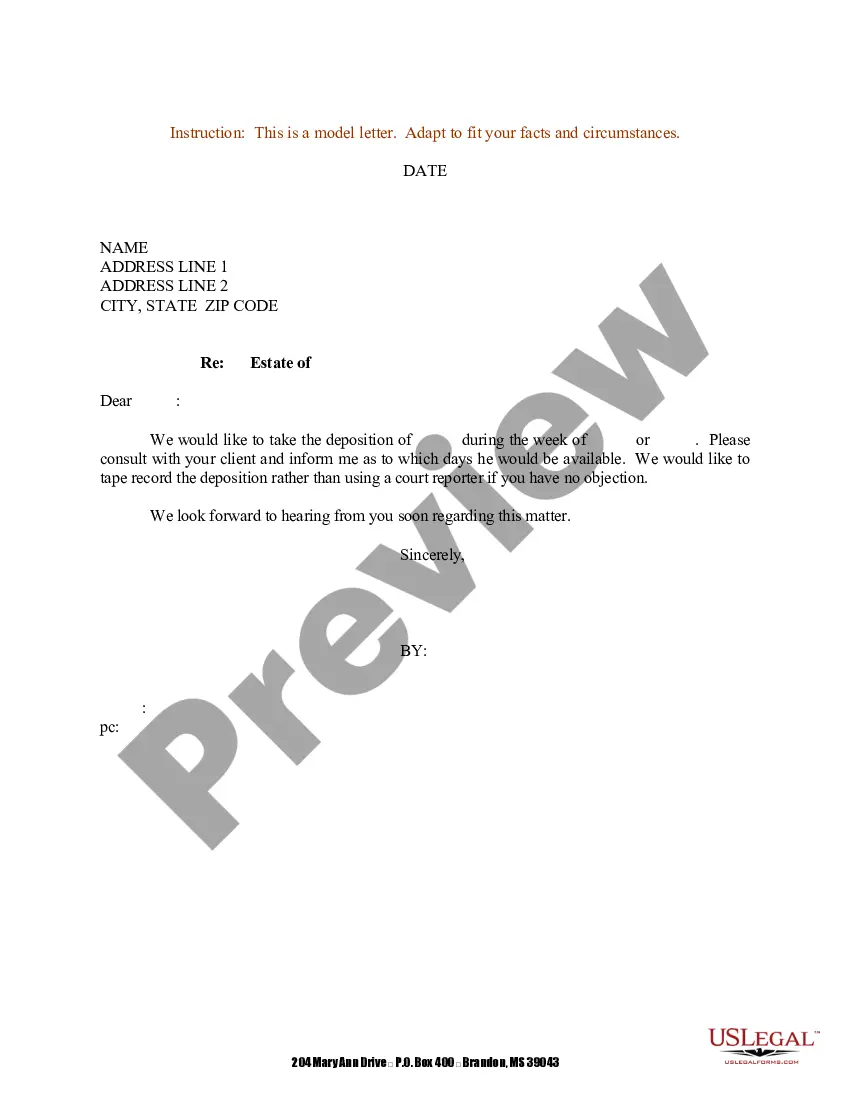
How to fill out Sample Letter For Reimbursement For Business Trip?
The Example Reimbursement Template With Watermark displayed on this page is a reusable legal framework prepared by qualified attorneys in compliance with federal and local statutes and regulations.
For over 25 years, US Legal Forms has offered individuals, companies, and legal practitioners more than 85,000 verified, state-specific documents for any business and personal circumstances. It is the quickest, easiest, and most trustworthy way to acquire the documentation you require, as the service ensures the highest standards of data safety and anti-malware defense.
Register for US Legal Forms to have verified legal templates available for all of life's situations.
- Look for the document you need and review it. Browse the sample you searched for and preview it or examine the form description to confirm it meets your needs. If it doesn’t, use the search feature to locate the appropriate one. Click Purchase Now when you have identified the template you require.
- Create an account and Log In. Choose the pricing option that works for you and set up an account. Use PayPal or a credit card to make a quick payment. If you already possess an account, Log In and check your subscription to proceed.
- Obtain the editable template. Select the format you prefer for your Example Reimbursement Template With Watermark (PDF, DOCX, RTF) and download the sample to your device.
- Complete and sign the document. Print the template to fill it out manually. Alternatively, use an online versatile PDF editor to efficiently and accurately complete and sign your form digitally.
- Download your documents again. Reuse the same document whenever necessary. Access the My documents section in your profile to redownload any previously acquired forms.
Form popularity
FAQ
TMView is the largest free trademark database in the world. It was launched ten years ago with trademark data from very few European Intellectual property offices. Today it includes over 107 million trademarks from 68 participating offices worldwide.
You may conduct a free online search of the USPTO database at the Public Search Facility (Madison East, 1st Floor; 600 Dulany Street, Alexandria, Virginia) between a.m. and p.m. USPTO personnel may not conduct trademark searches for the public. Private trademark search firms will conduct searches for a fee.
Where Do You Do a Trademark Lookup? The USPTO Trademark Database ? TESS. ... State Trademark Databases. ... Google Trademark Search.
How to Conduct a Trademark Search Open the USPTO Trademark Electronic Search System online. ... Select "Word and/or Design Mark Search (Free Form)". ... Try the obvious first. ... Make sure you're covering all the bases. ... Expand the field of search. ... Combining terms. ... Narrow the search to reduce distractions. ... Review the records you found.
How to conduct a registered trademark search in India? Step 1:- Visit the trademark search India's database at IPI India Online. Step 2:- Select the wordmark and choose the option ?Start with?, ?Contains? or ?matches?.
Free Trademark Public Search Online (ipindiaonline.gov.in)
Trademark Database An online trademark search database is available through the website of the Comptroller General of Patent Designs and Trademarks, and can be used by both professionals and non-professionals to do a trademark search.
The Trademark Electronic Search System (TESS) contains the records of all active and inactive trademark registrations and applications. You can search this database for any applied-for or registered trademarks to see if any are conflicting with your trademark.
