Employee Documentation Form For Employees
Description

Get your form ready online
Our built-in tools help you complete, sign, share, and store your documents in one place.
Make edits, fill in missing information, and update formatting in US Legal Forms—just like you would in MS Word.
Download a copy, print it, send it by email, or mail it via USPS—whatever works best for your next step.
Sign and collect signatures with our SignNow integration. Send to multiple recipients, set reminders, and more. Go Premium to unlock E-Sign.
If this form requires notarization, complete it online through a secure video call—no need to meet a notary in person or wait for an appointment.
We protect your documents and personal data by following strict security and privacy standards.

Make edits, fill in missing information, and update formatting in US Legal Forms—just like you would in MS Word.

Download a copy, print it, send it by email, or mail it via USPS—whatever works best for your next step.

Sign and collect signatures with our SignNow integration. Send to multiple recipients, set reminders, and more. Go Premium to unlock E-Sign.

If this form requires notarization, complete it online through a secure video call—no need to meet a notary in person or wait for an appointment.

We protect your documents and personal data by following strict security and privacy standards.
Looking for another form?


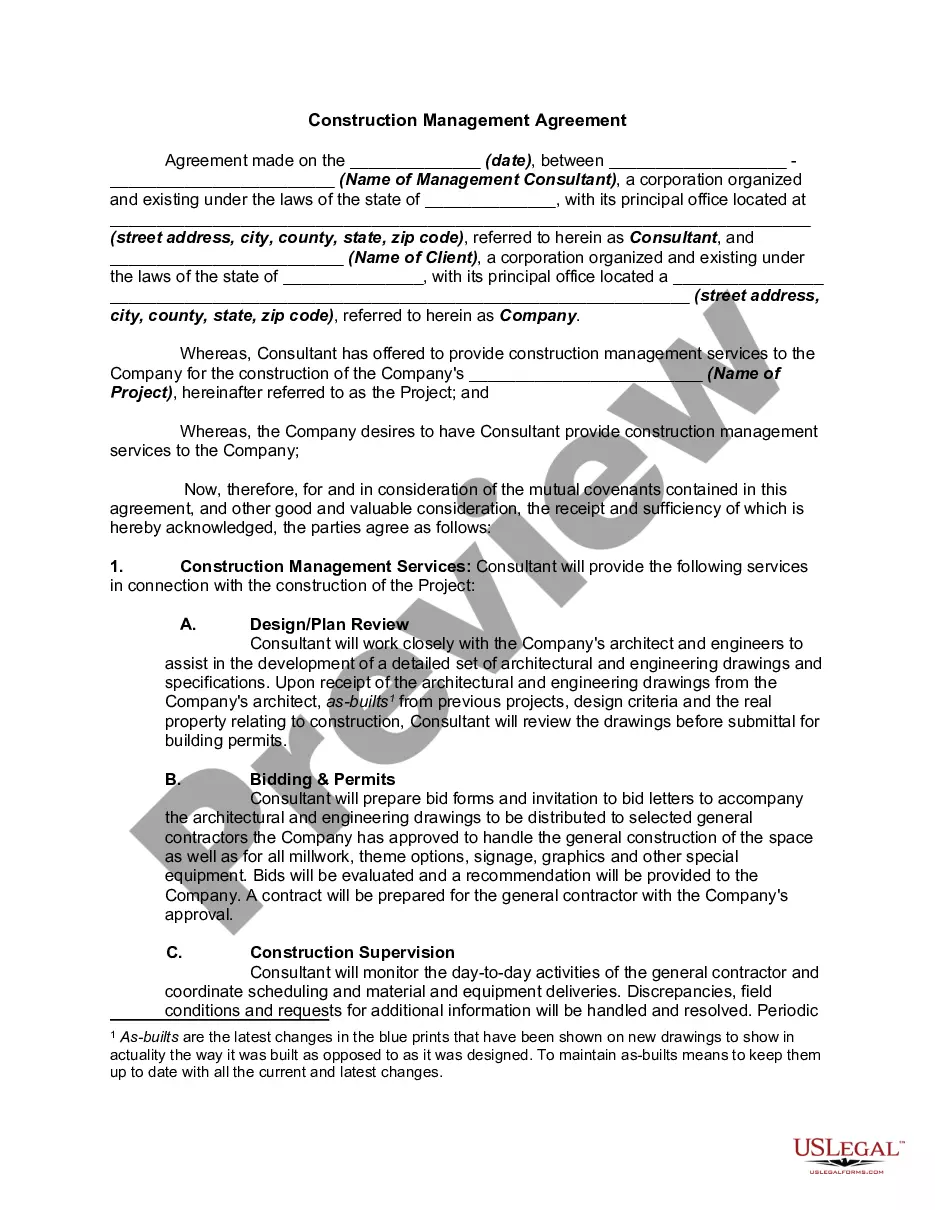


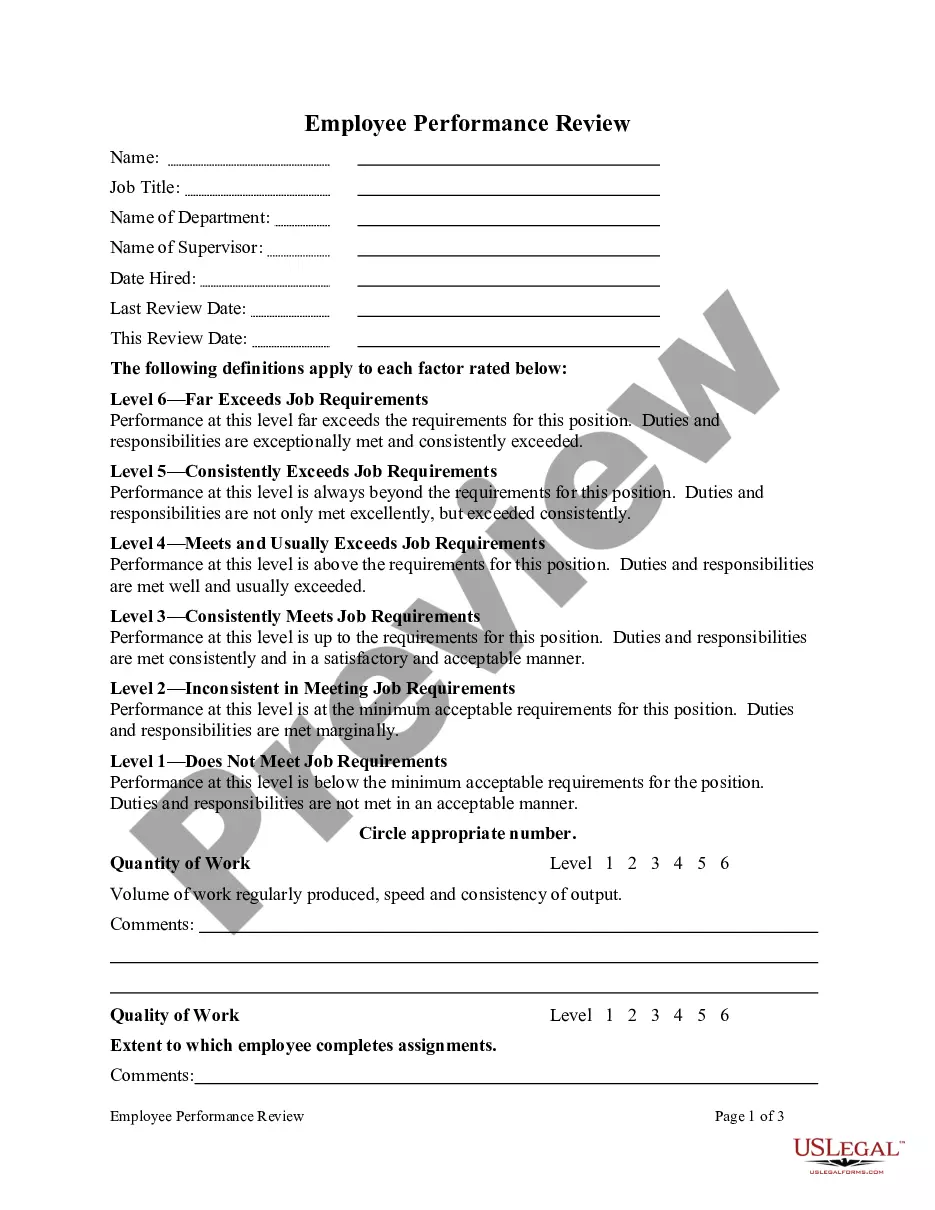
How to fill out Employee Action And Behavior Documentation?
Creating legal paperwork from the ground up can occasionally be somewhat daunting.
Certain situations may require extensive investigation and significant expenditures.
If you're seeking a simpler and more cost-effective approach to drafting Employee Documentation Form For Employees or any other documents without unnecessary complications, US Legal Forms is always available to assist you.
Our online repository of over 85,000 current legal documents covers nearly every aspect of your financial, legal, and personal affairs. With just a few clicks, you can quickly obtain state- and county-specific forms meticulously crafted for you by our legal experts.
Review the document preview and descriptions to confirm you are on the correct form. Ensure the form you select adheres to the laws and regulations of your state and county. Choose the most appropriate subscription option to acquire the Employee Documentation Form For Employees. Download the file, then complete, sign, and print it out. US Legal Forms has an excellent reputation and over 25 years of experience. Join us today and make document processing a straightforward and seamless experience!
- Utilize our service whenever you require trustworthy and dependable options to swiftly discover and download the Employee Documentation Form For Employees.
- If you're familiar with our website and have previously established an account with us, simply Log In to your account, find the form, and download it right away or re-download it at any time later in the My documents section.
- Don’t have an account? No problem. It only takes a few minutes to create one and browse the catalog.
- However, before diving directly into downloading Employee Documentation Form For Employees, consider these suggestions.
Form popularity
FAQ
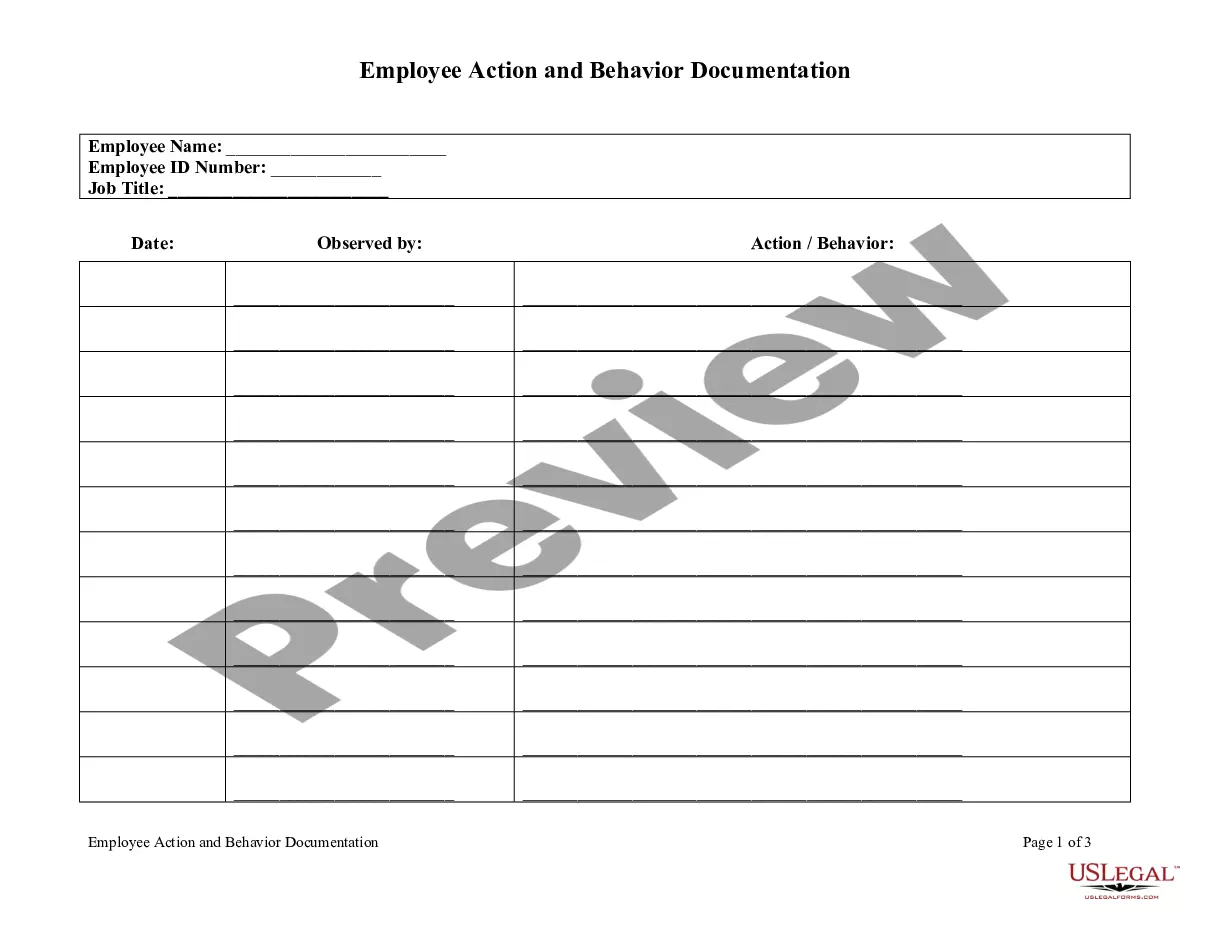
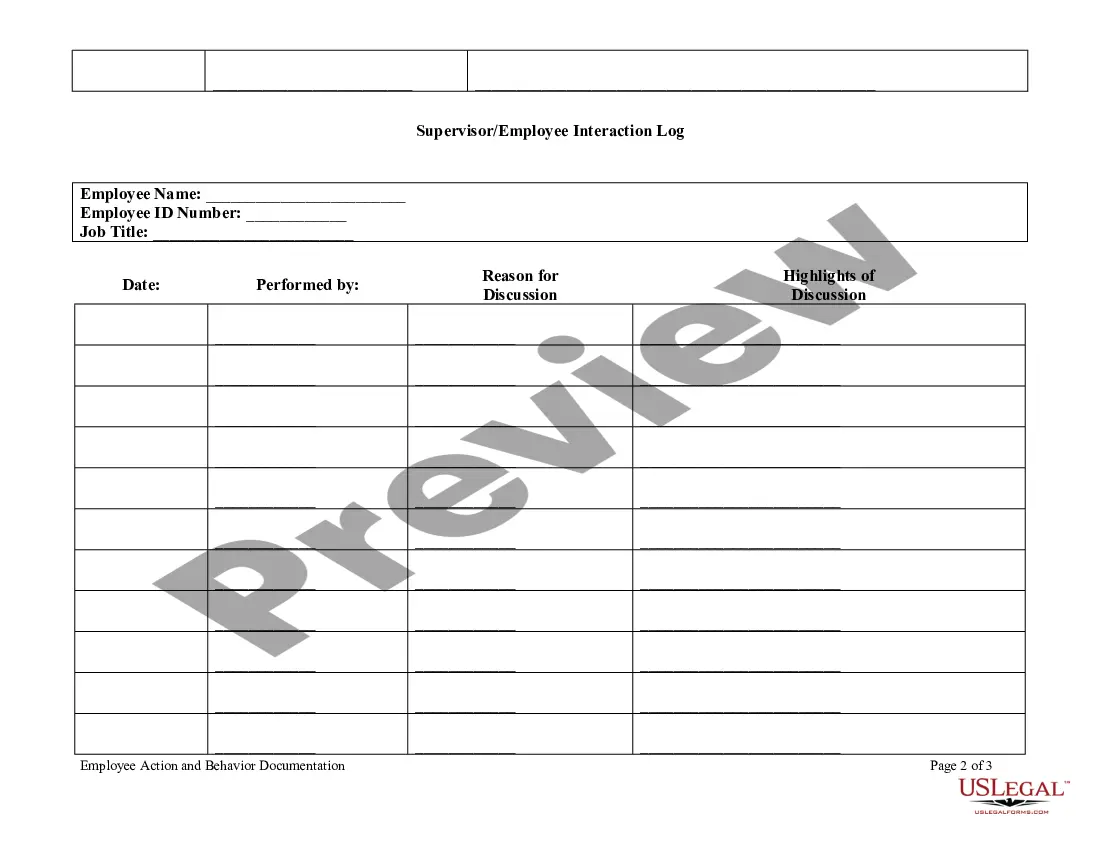
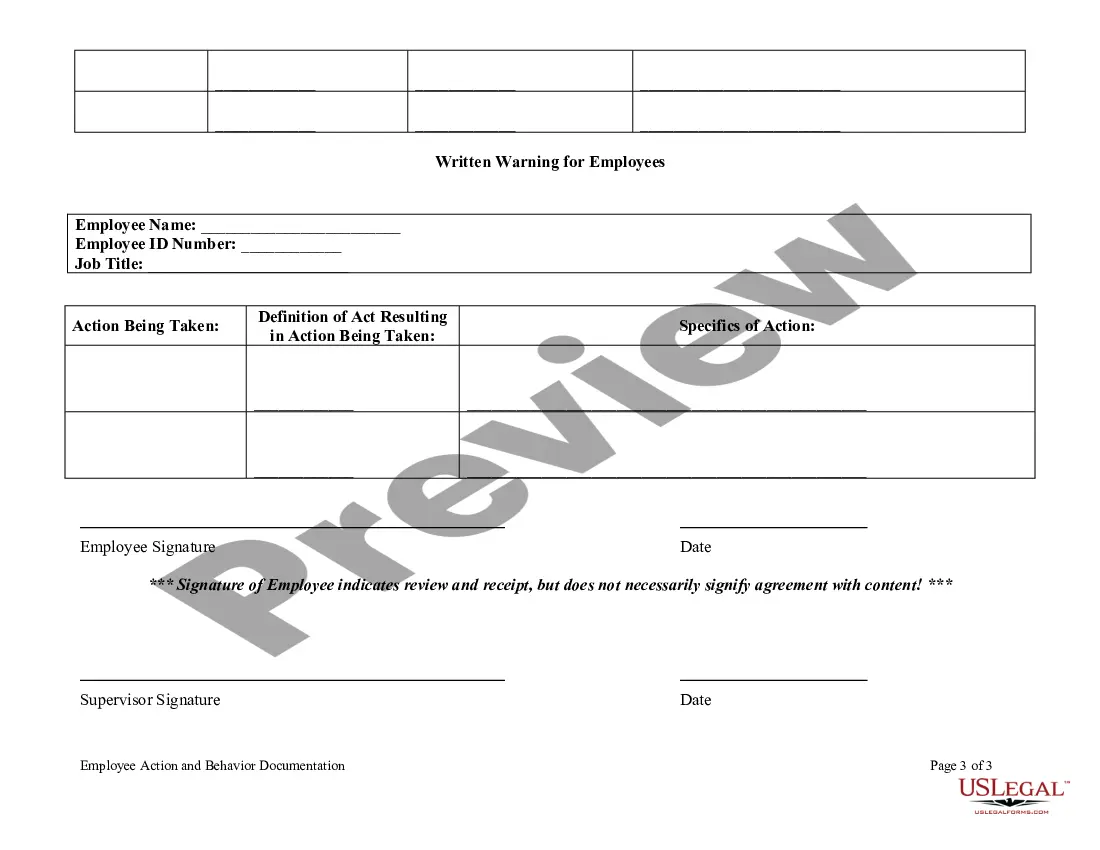
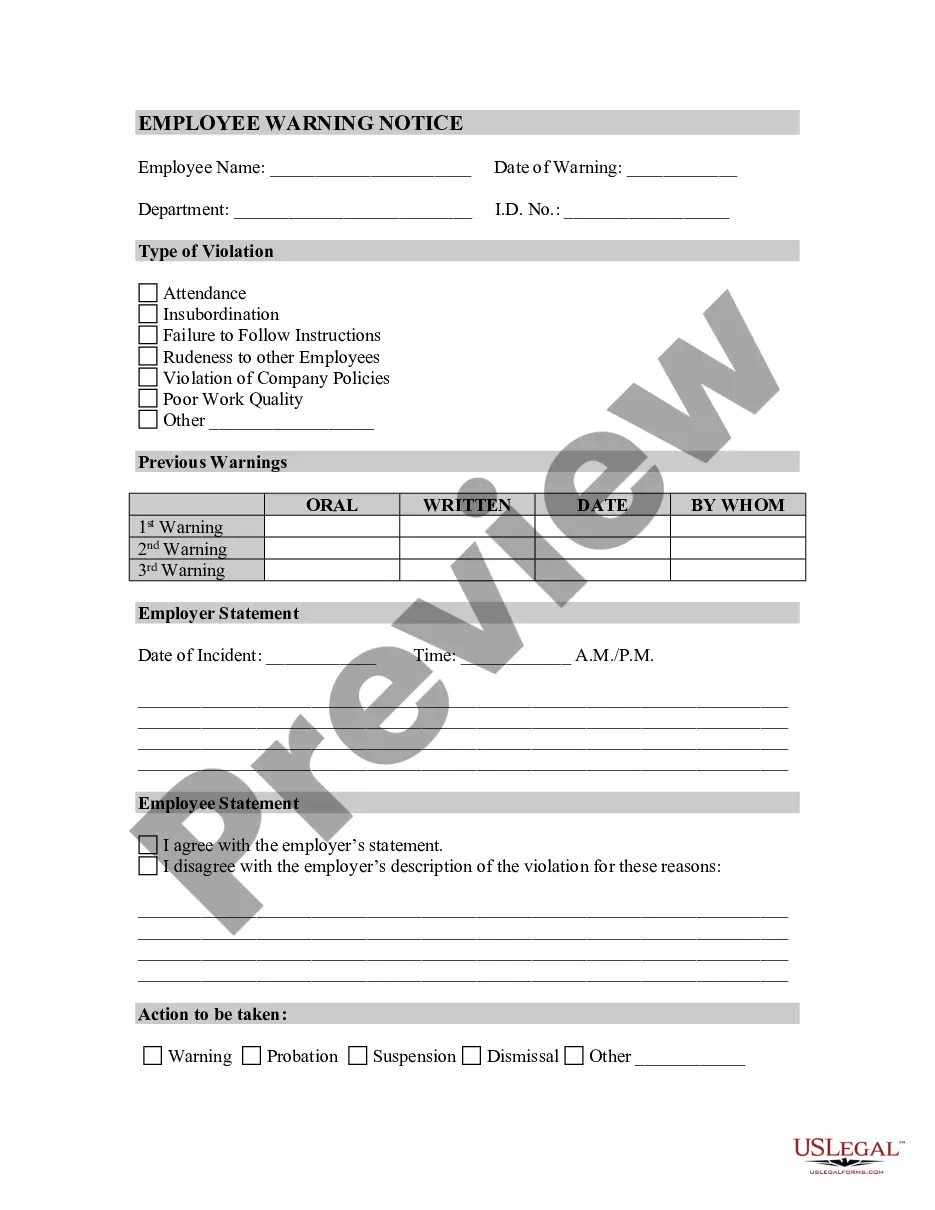
What Should Your Employee Write-Up Include? The employee's name or ID Number. The employee's position. A specific recounting of the offense committed. The type of warning or discipline enacted. A plan for improvement. Any and all managers or decision-makers who should be aware of the situation.
Usually, new employees need to provide information about their social insurance number, employment details, position, supervisor, department, start date, and even spousal contact address.
Follow the steps below when documenting employee performance issues: Stick to the facts and underline expectations. Emphasize behavior. Align records of past performance. Describe proof of misconduct. Identify and present consequences. Meet in person and get a signature.
What Are Employee Files? An employee file, also known as an employee record, is a paper or electronic folder made up of employee documents that detail the relationship between an employee and the company. Documents cover the entire employee lifecycle, from recruitment right through to termination or resignation.
What Should Your Employee Write-Up Include? The employee's name or ID Number. The employee's position. A specific recounting of the offense committed. The type of warning or discipline enacted. A plan for improvement. Any and all managers or decision-makers who should be aware of the situation.