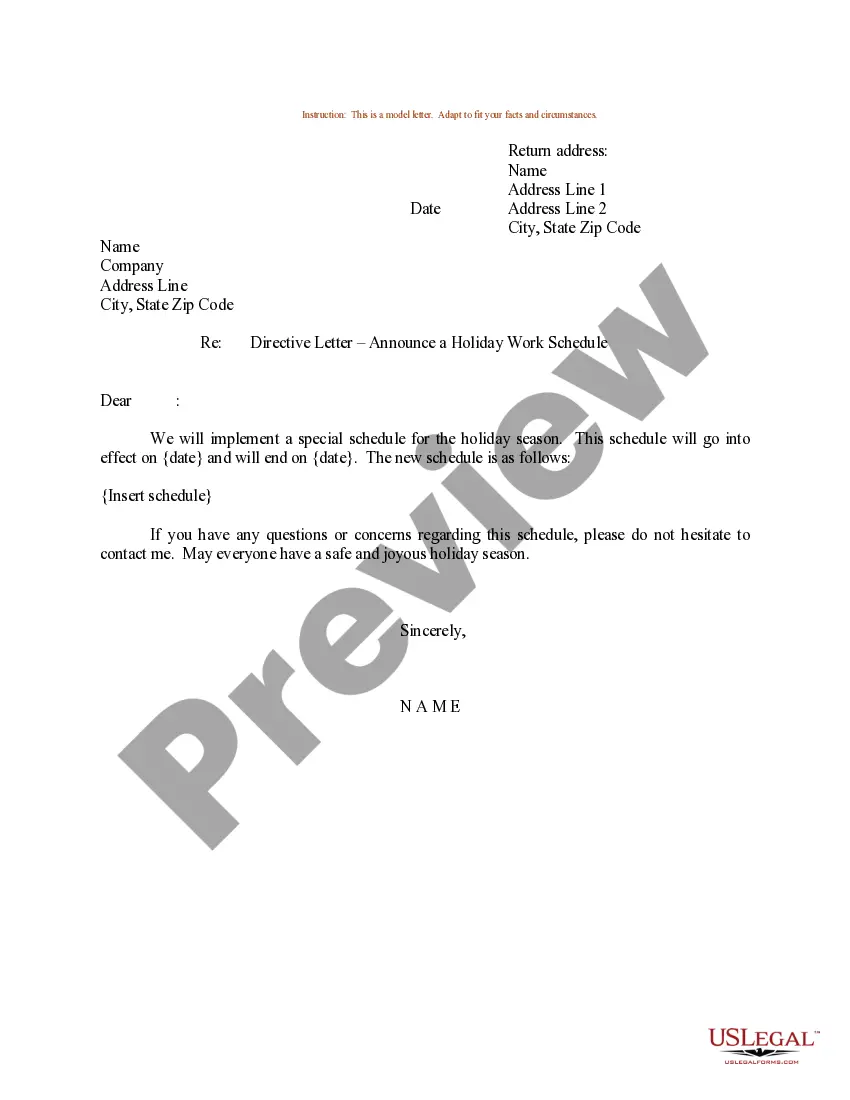
Sample Work Schedule Template For Project
Description
Get your form ready online
Our built-in tools help you complete, sign, share, and store your documents in one place.
Make edits, fill in missing information, and update formatting in US Legal Forms—just like you would in MS Word.
Download a copy, print it, send it by email, or mail it via USPS—whatever works best for your next step.
Sign and collect signatures with our SignNow integration. Send to multiple recipients, set reminders, and more. Go Premium to unlock E-Sign.
If this form requires notarization, complete it online through a secure video call—no need to meet a notary in person or wait for an appointment.
We protect your documents and personal data by following strict security and privacy standards.

Make edits, fill in missing information, and update formatting in US Legal Forms—just like you would in MS Word.

Download a copy, print it, send it by email, or mail it via USPS—whatever works best for your next step.

Sign and collect signatures with our SignNow integration. Send to multiple recipients, set reminders, and more. Go Premium to unlock E-Sign.

If this form requires notarization, complete it online through a secure video call—no need to meet a notary in person or wait for an appointment.

We protect your documents and personal data by following strict security and privacy standards.
Looking for another form?




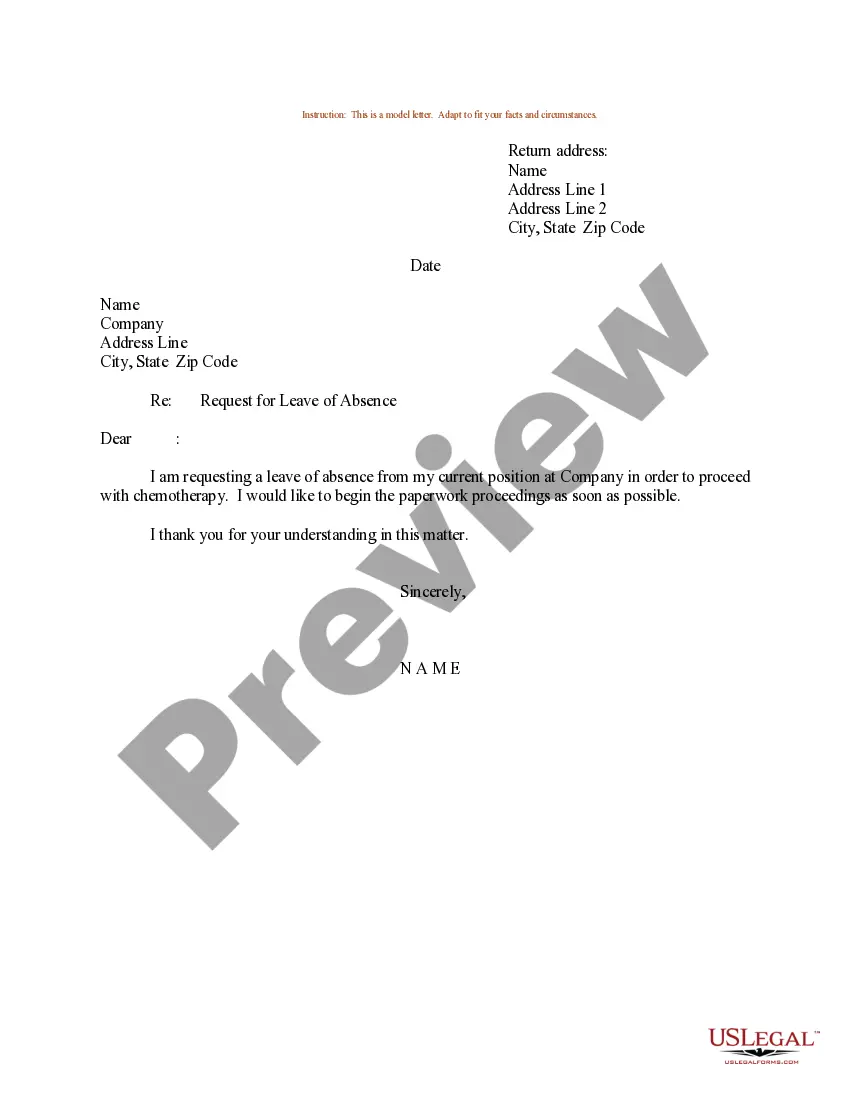
How to fill out Sample Letter For Holiday Work Schedule?
Whether for commercial purposes or for personal matters, everyone must confront legal circumstances at some stage in their life. Completing legal documents necessitates meticulous attention, beginning with selecting the correct form template. For example, if you choose an incorrect version of a Sample Work Schedule Template For Project, it will be rejected once you submit it. Thus, it is vital to have a trustworthy source of legal documents like US Legal Forms.
If you need to obtain a Sample Work Schedule Template For Project template, follow these simple steps: Find the template you require by using the search bar or catalog navigation. Review the form’s details to ensure it is suitable for your situation, state, and area. Click on the form’s preview to examine it. If it is the wrong form, return to the search feature to find the Sample Work Schedule Template For Project template you need. Obtain the file if it satisfies your requirements. If you possess a US Legal Forms account, click Log in to access previously saved documents in My documents. If you don’t have an account yet, you can download the form by clicking Buy now. Select the suitable pricing option. Complete the account registration form. Choose your payment method: use a credit card or PayPal account. Select the document format you wish and download the Sample Work Schedule Template For Project. Once it is saved, you can fill out the form using editing software or print it and complete it by hand.
- With a vast US Legal Forms catalog available, you never have to waste time searching for the correct template online.
- Utilize the library’s simple navigation to locate the appropriate template for any circumstance.
Form popularity
FAQ
A project schedule is created during the planning phase and includes the following: A project timeline with start dates, end dates and milestones. The work necessary to complete the project deliverables. The costs, resources and dependencies associated with each task.
A project schedule template typically includes the following components: Project Name: Enter the name of the project. Project Manager: Enter the name of the project manager. Project Start and End Dates: Enter the project's start and end dates. Project Phases: List the phases of your project.
How to Schedule Your Time Step 1: Identify Available Time. Start by establishing the time you want to make available for your work. ... Step 2: Schedule Essential Actions. ... Step 3: Schedule High-Priority Activities. ... Step 4: Schedule Contingency Time. ... Step 5: Schedule Discretionary Time. ... Step 6: Analyze Your Activities.
How best to create work schedules? Make the time to understand your team. Make the time to analyze the workload. Track employee clock-in and clock-out times. Follow a set of rules to schedule employees fairly. Establish an efficient team communication system. Post the work schedule at least 7 days in advance.
7 steps to create a project schedule Define your project goals. ... Identify all stakeholders. ... Determine your final deadline. ... List each step or task. ... Assign a team member responsible for each task. ... Work backward to set due dates for each task. ... Organize your project schedule in one tool, and share it with your team.