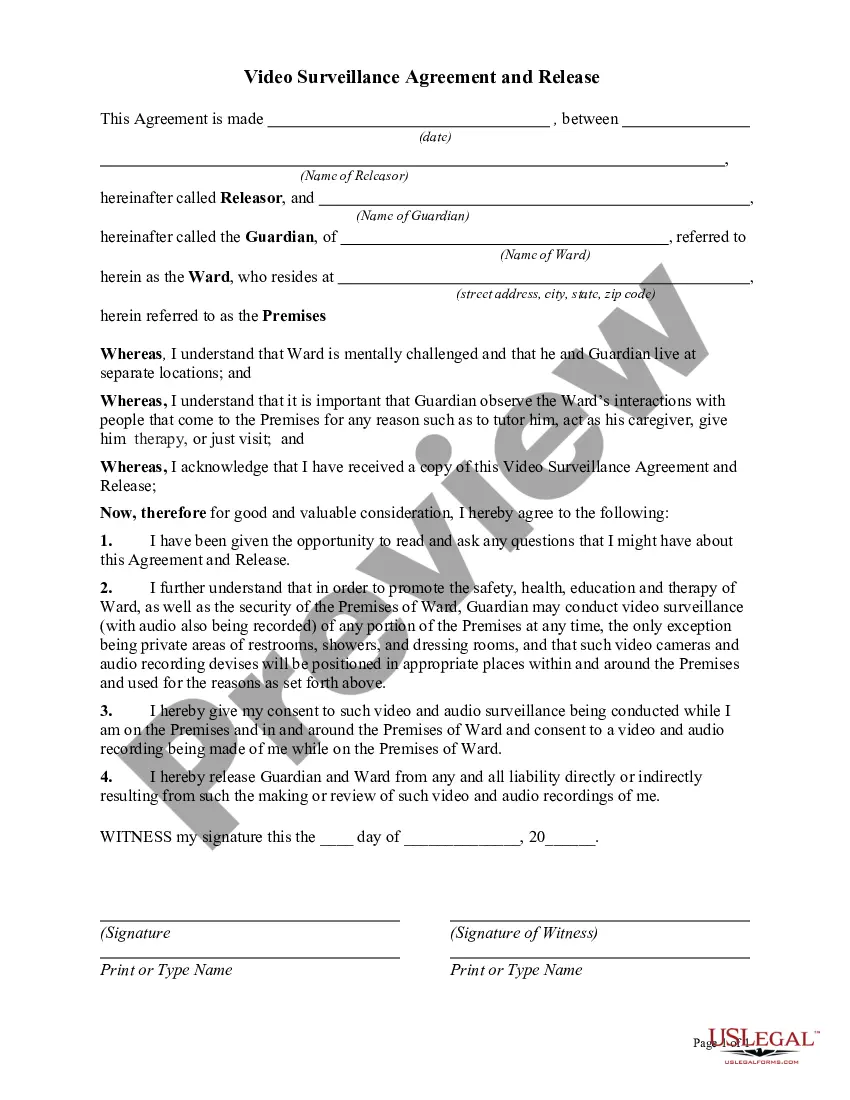
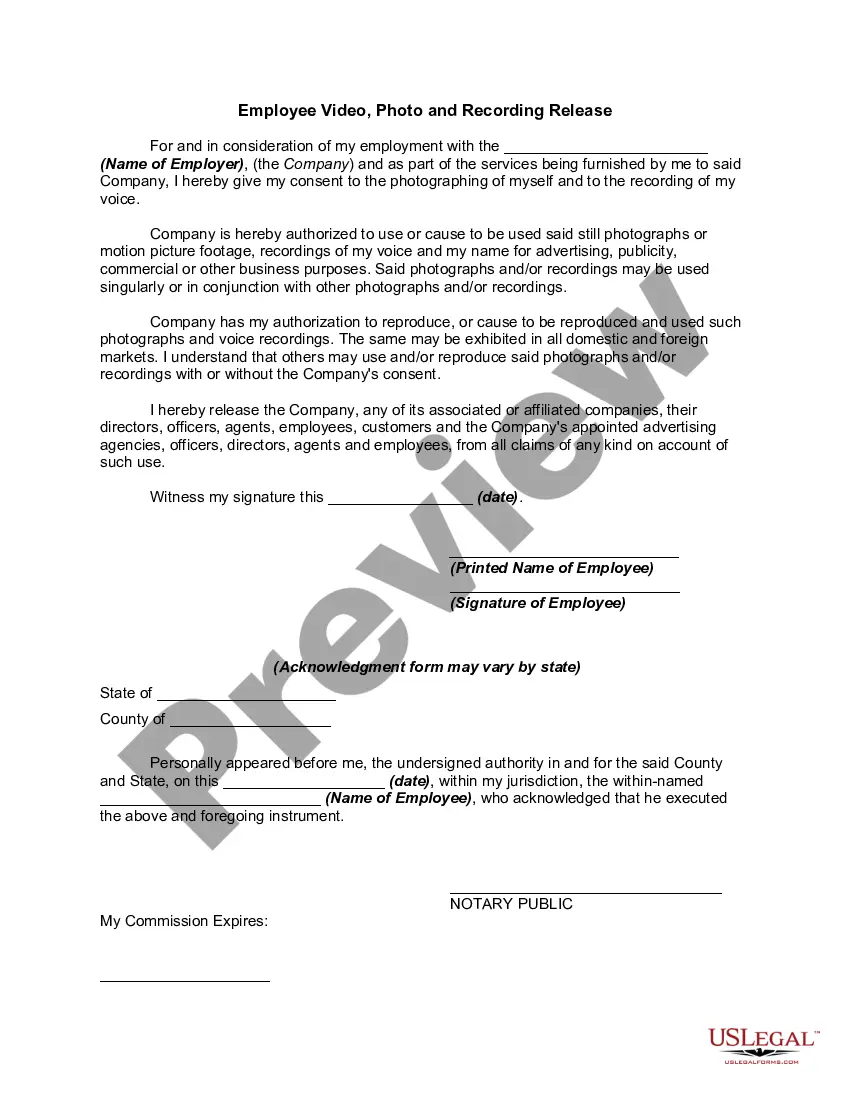
Video Surveillance Agreement For Employees
Description
Get your form ready online
Our built-in tools help you complete, sign, share, and store your documents in one place.
Make edits, fill in missing information, and update formatting in US Legal Forms—just like you would in MS Word.
Download a copy, print it, send it by email, or mail it via USPS—whatever works best for your next step.
Sign and collect signatures with our SignNow integration. Send to multiple recipients, set reminders, and more. Go Premium to unlock E-Sign.
If this form requires notarization, complete it online through a secure video call—no need to meet a notary in person or wait for an appointment.
We protect your documents and personal data by following strict security and privacy standards.

Make edits, fill in missing information, and update formatting in US Legal Forms—just like you would in MS Word.

Download a copy, print it, send it by email, or mail it via USPS—whatever works best for your next step.

Sign and collect signatures with our SignNow integration. Send to multiple recipients, set reminders, and more. Go Premium to unlock E-Sign.

If this form requires notarization, complete it online through a secure video call—no need to meet a notary in person or wait for an appointment.

We protect your documents and personal data by following strict security and privacy standards.
Looking for another form?
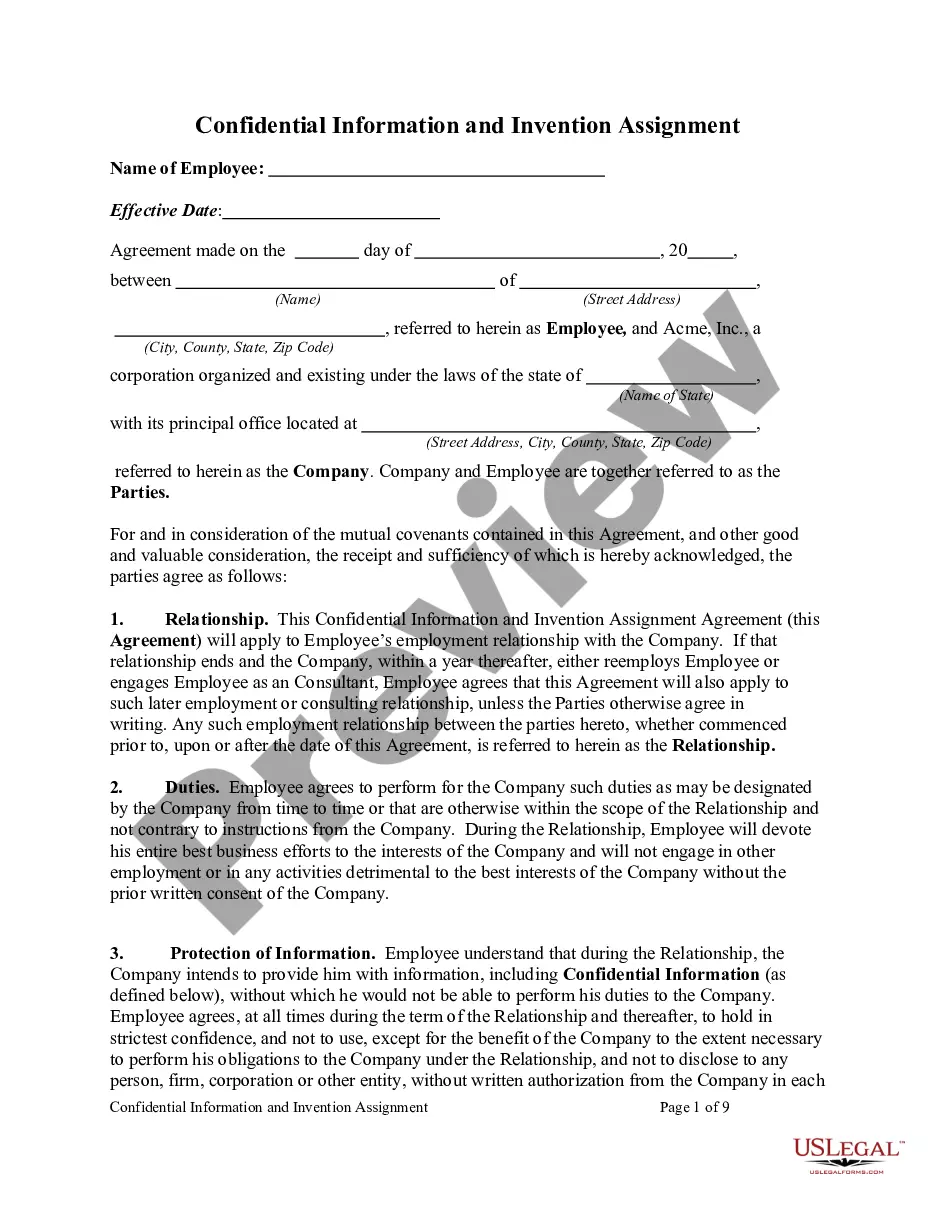
How to fill out Video Surveillance Agreement And Release?
Acquiring legal document examples that comply with federal and state regulations is essential, and the web provides countless choices to select from.
But what’s the purpose of squandering time looking for the properly drafted Video Surveillance Agreement For Employees template online when the US Legal Forms digital library already has such documents assembled in a single location.
US Legal Forms is the largest virtual legal repository with over 85,000 customizable templates created by attorneys for various business and personal situations. They are user-friendly to navigate, with all files categorized by state and intended use. Our specialists stay informed on legislative changes, ensuring your documents are always current and compliant when acquiring a Video Surveillance Agreement For Employees from our platform.
Press Buy Now once you’ve located the appropriate form and choose a subscription plan. Create an account or Log In and complete the payment using PayPal or a credit card. Choose the most suitable format for your Video Surveillance Agreement For Employees and download it. All documents you discover via US Legal Forms are reusable. To redownload and complete previously saved forms, access the My documents section in your profile. Take advantage of the most comprehensive and user-friendly legal document service!
- Obtaining a Video Surveillance Agreement For Employees is quick and straightforward for both existing and new customers.
- If you already possess an account with an active subscription, Log In and save the document template you require in your desired format.
- If you are new to our site, follow the guidelines below.
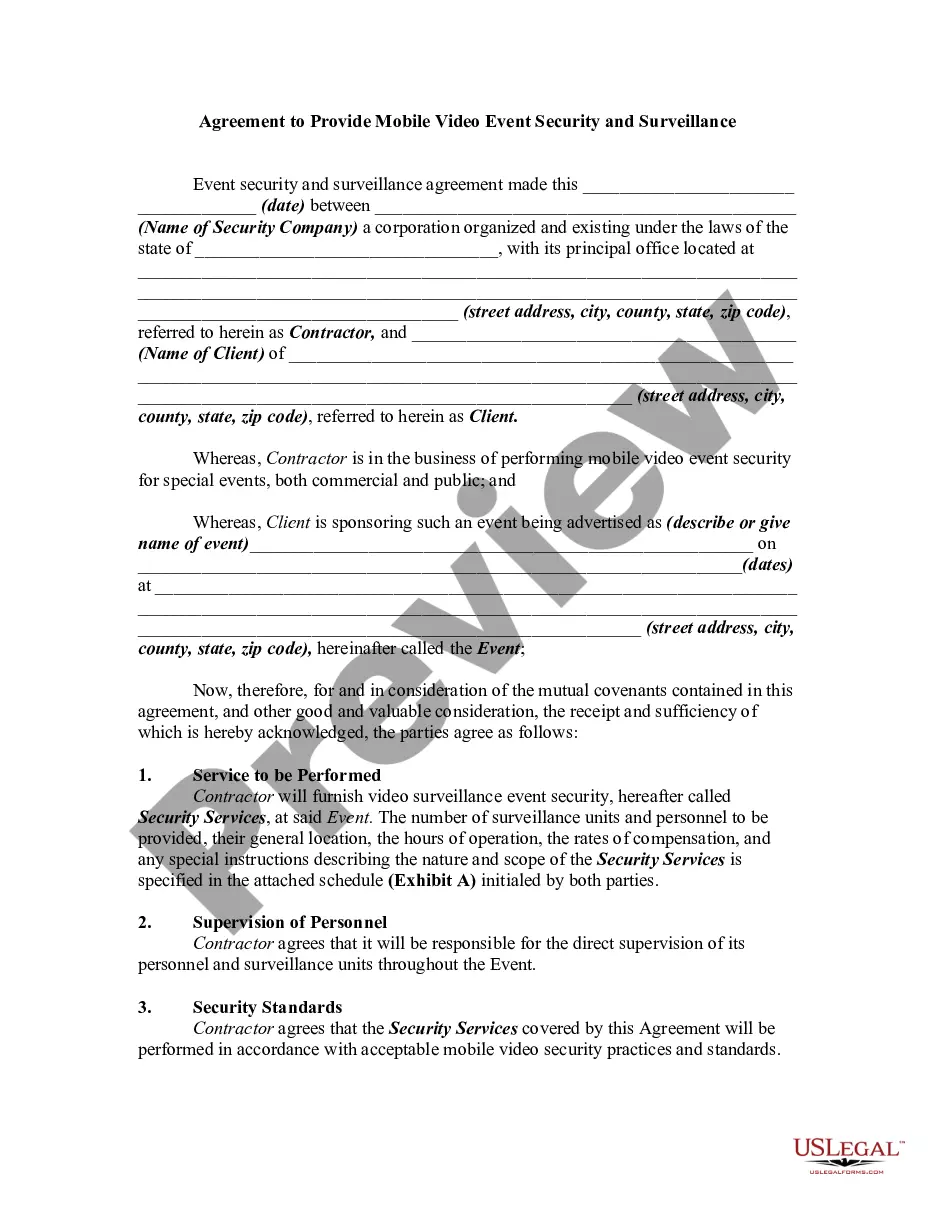
- Examine the template using the Preview feature or through the text outline to verify it meets your requirements.
- Use the search capability at the top of the page to find an alternative sample if necessary.
Form popularity
FAQ
Employees have a right to decline being recorded without giving any further explanation. You can ask your employer to stop recording even when you have given consent, but if you do not wish to be recoded any more.
Can my employer monitor me from a work computer through a built-in camera? A: YES, your employer can monitor you from a workplace computer through a built-in camera. To do this, special monitoring software has to be installed on your computer. Although this is not a common practice, some employers in the US do this.
Many employers use video cameras to prevent internal theft, security purposes, and to have a record of any employee accident or injury. Most video surveillance in the workplace is permissible when the employers notify workers about the surveillance.
If an employer wants to place a microphone in the office to listen to workers all day, that is legal. But it is not legal to place a microphone in the cafeteria, where people may be talking about personal issues. Similarly, it's not legal to place monitoring devices in locker rooms and bathrooms.
It is illegal to monitor employees without their knowledge and consent in California (though federal law does not require employers to inform workers they are being recorded). Employers are required to tell all people who are being recorded the extent and duration of the recording.