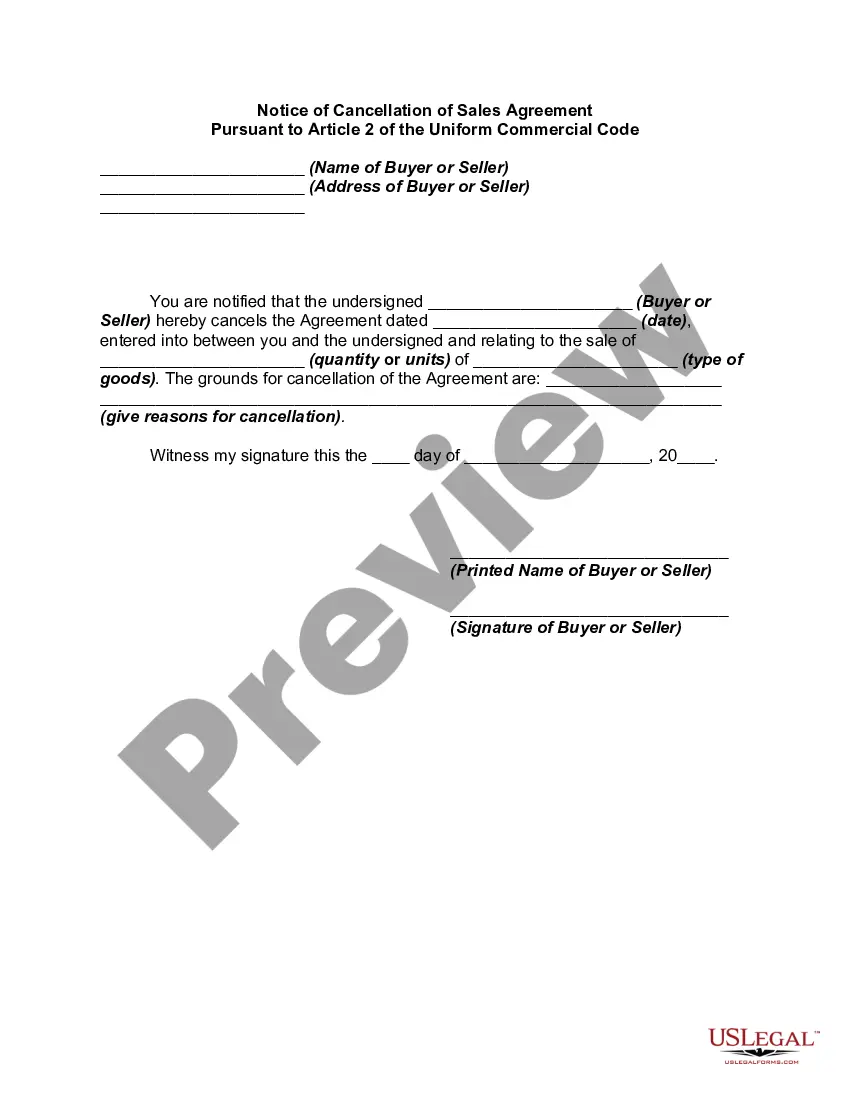
Notice Cancel Order With Klarna
Description
Get your form ready online
Our built-in tools help you complete, sign, share, and store your documents in one place.
Make edits, fill in missing information, and update formatting in US Legal Forms—just like you would in MS Word.
Download a copy, print it, send it by email, or mail it via USPS—whatever works best for your next step.
Sign and collect signatures with our SignNow integration. Send to multiple recipients, set reminders, and more. Go Premium to unlock E-Sign.
If this form requires notarization, complete it online through a secure video call—no need to meet a notary in person or wait for an appointment.
We protect your documents and personal data by following strict security and privacy standards.

Make edits, fill in missing information, and update formatting in US Legal Forms—just like you would in MS Word.

Download a copy, print it, send it by email, or mail it via USPS—whatever works best for your next step.

Sign and collect signatures with our SignNow integration. Send to multiple recipients, set reminders, and more. Go Premium to unlock E-Sign.

If this form requires notarization, complete it online through a secure video call—no need to meet a notary in person or wait for an appointment.

We protect your documents and personal data by following strict security and privacy standards.
Looking for another form?


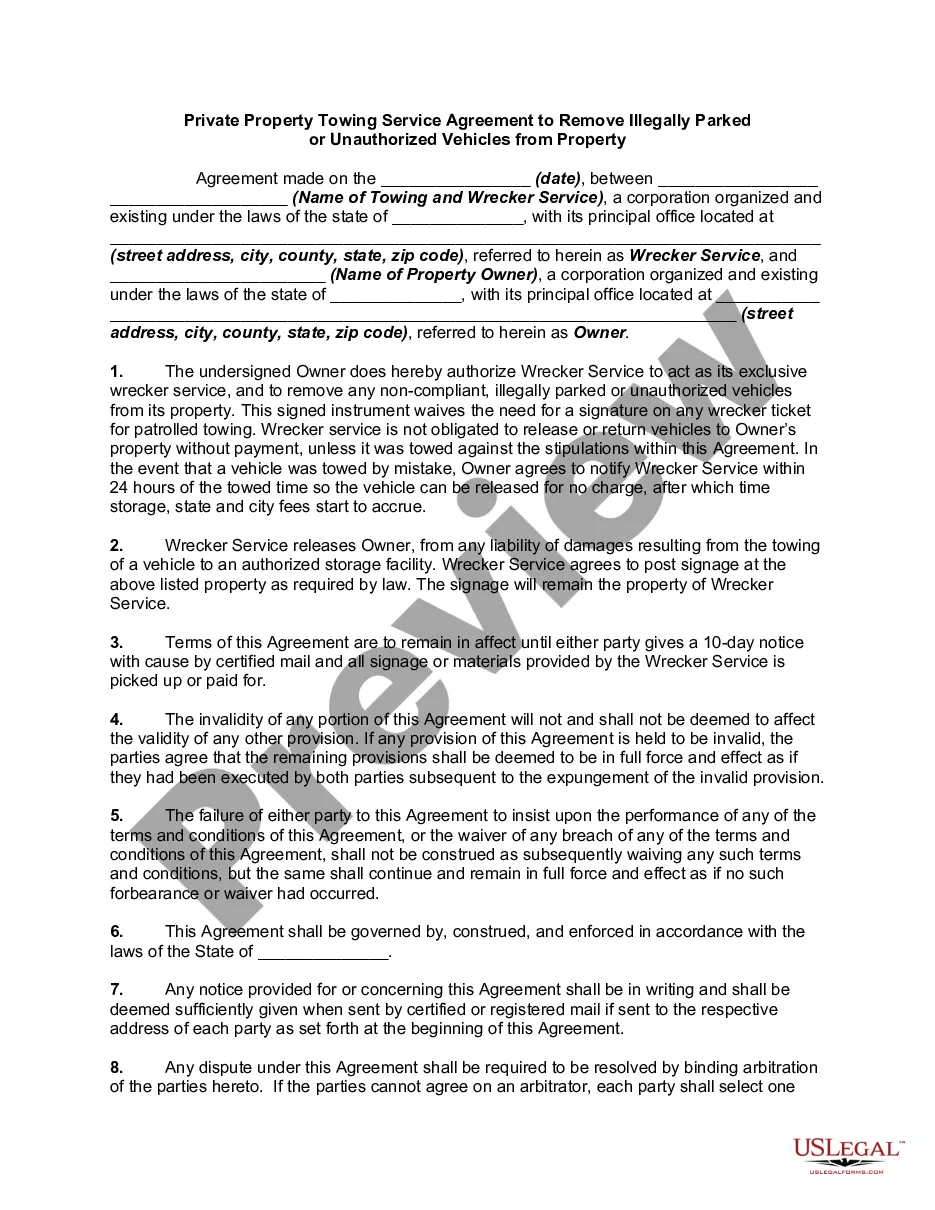





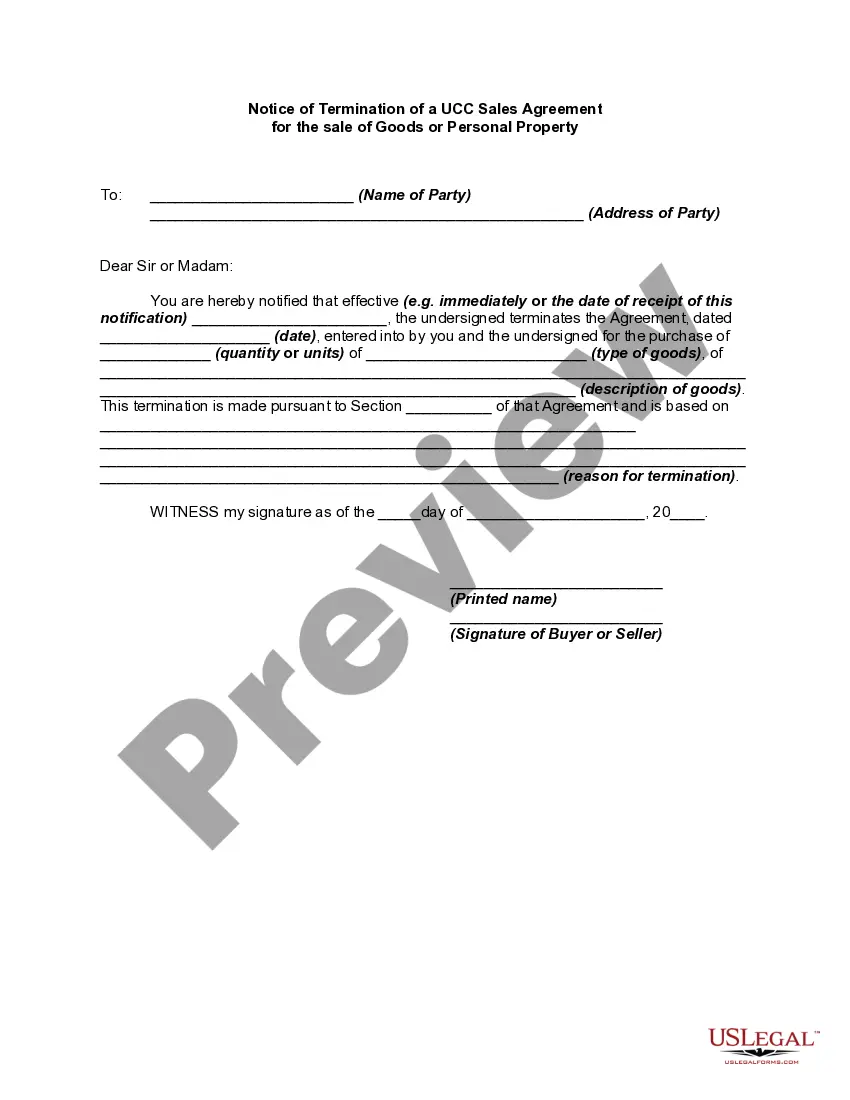
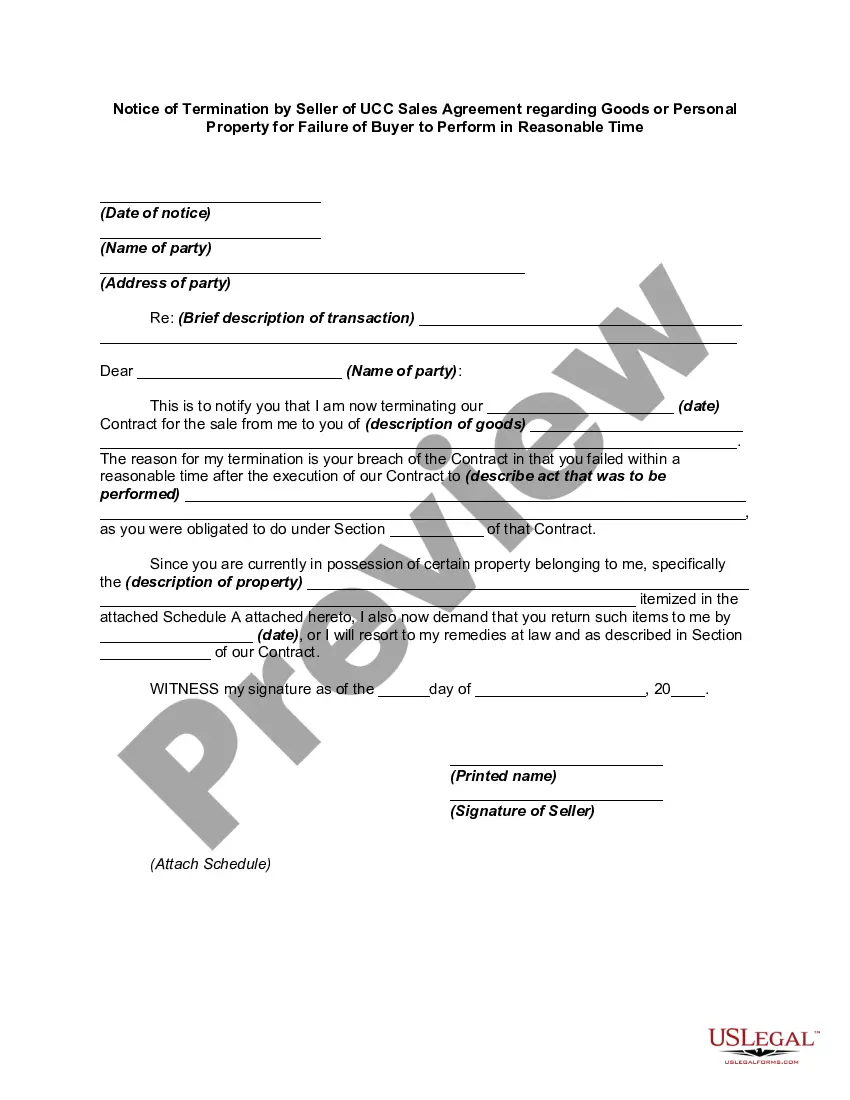
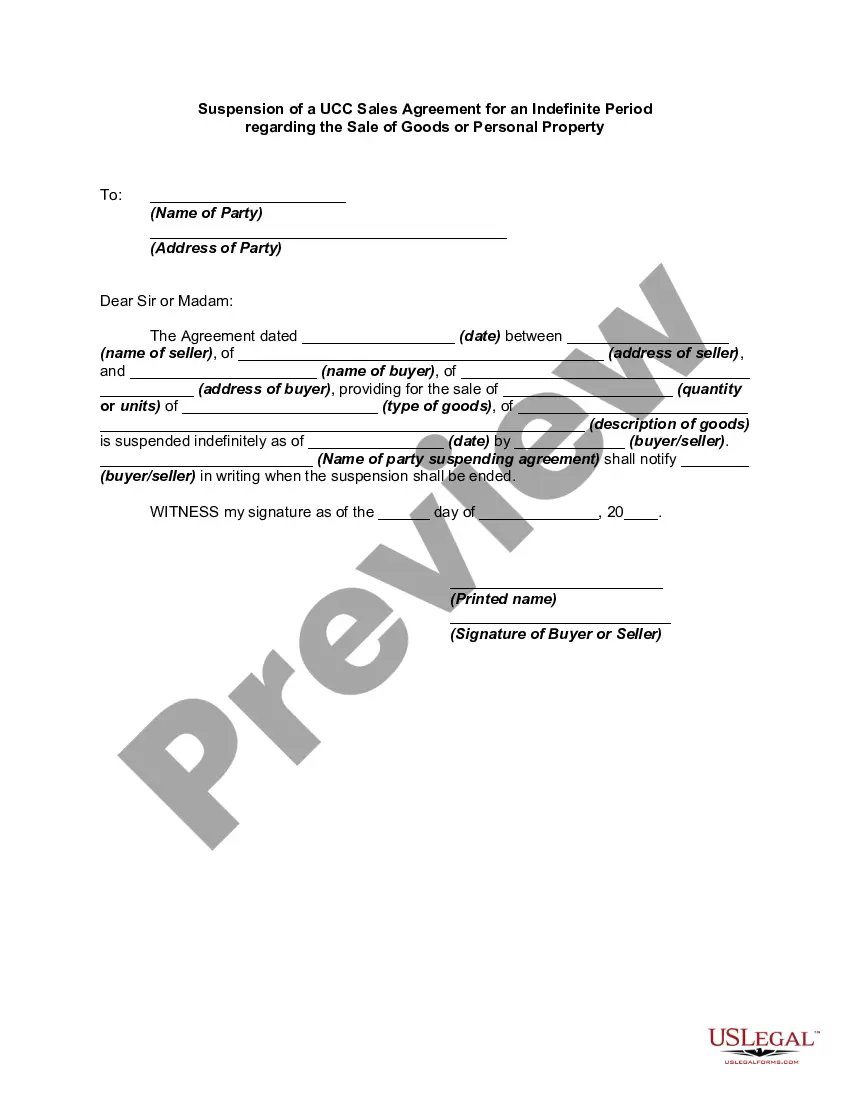
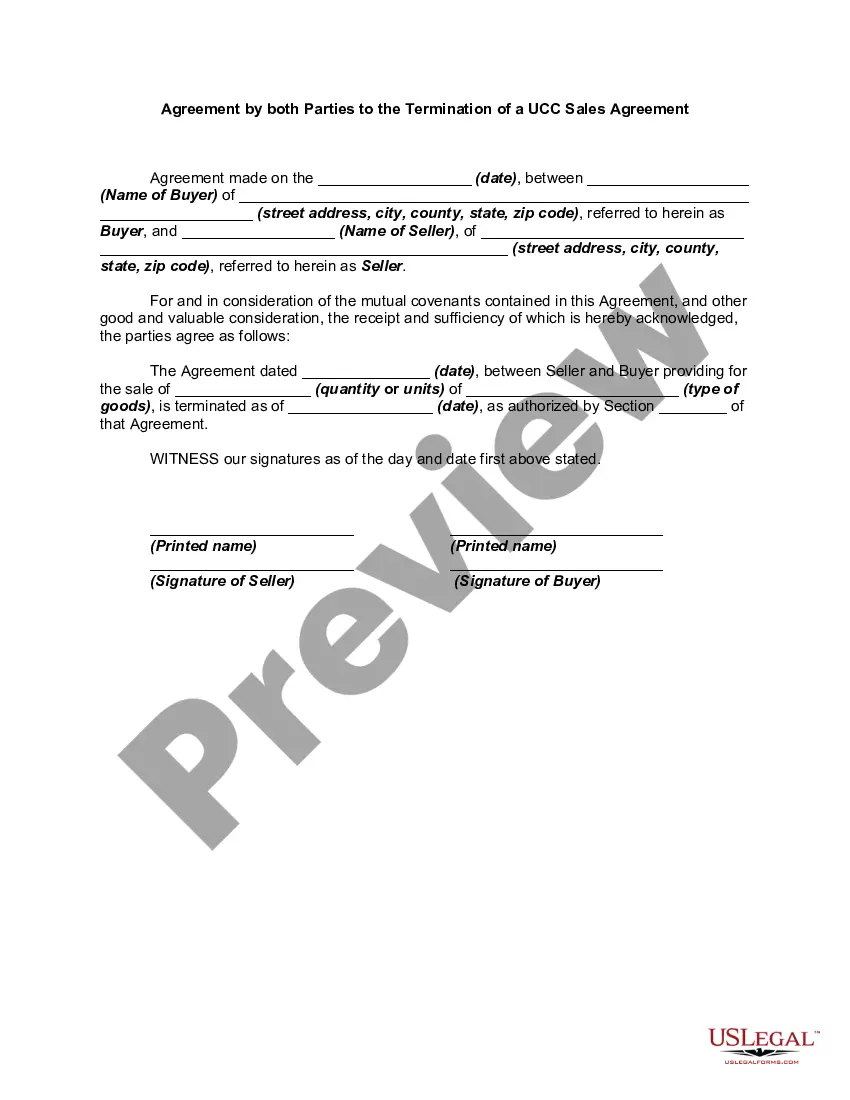
How to fill out Notice Of Cancellation Of Sales Agreement Pursuant To Article 2 Of The Uniform Commercial Code?
Regardless of whether it's for commercial objectives or personal affairs, everyone must navigate legal matters at some stage in their life.
Filling out legal paperwork demands meticulous care, starting with selecting the appropriate form template.
Once it is downloaded, you can fill out the form using editing software or print it and complete it by hand.
- For instance, if you choose an incorrect version of a Notice Cancel Order With Klarna, it will be rejected upon submission.
- Thus, it is essential to have a reliable resource for legal documents like US Legal Forms.
- In case you need to obtain a Notice Cancel Order With Klarna template, adhere to these straightforward steps.
- Locate the template you require using the search bar or catalog browsing.
- Review the form’s details to confirm it aligns with your situation, state, and county.
- Click on the form’s preview to inspect it.
- If it is the wrong document, return to the search feature to find the correct Notice Cancel Order With Klarna template you need.
- Download the template once it satisfies your needs.
- If you possess a US Legal Forms account, click Log in to retrieve previously stored files in My documents.
- In case you do not have an account yet, you can acquire the form by clicking Buy now.
- Select the appropriate pricing option.
- Fill out the account registration form.
- Choose your payment method: you can utilize a credit card or PayPal account.
- Select the file format you desire and download the Notice Cancel Order With Klarna.
Form popularity
FAQ
How do I cancel my order? Contact the store. Contact the store directly to cancel your order. ... Wait for the store's confirmation. We will cancel your payment ingly and refund any paid amount when the store confirms the cancellation. Check for updates in the Klarna app. ... Receive refund.
A canceled order is an order that won't be fulfilled. You can cancel orders as long as they haven't been captured yet. Captured orders can't be canceled and should be refunded instead. Canceled orders won't show up in your statements, as no payment from us or your customer has been made.
If you don't successfully make a purchase, the authorisation hold placed on your payment card will be released within 24 hours. Depending on your financial institution, it might take between 1 to 7 business days for this to reflect on your bank statement.
What should I do? If you are still being charged, or the authorization hold has not been released after a couple of days, we recommend chatting with our Customer Service with your cancelation confirmation on hand.
When the store confirms the order cancellation, we will cancel your invoice and refund any paid amount. You can check the status of your order anytime in the app.