Harassment Employee Form For Esic
Description
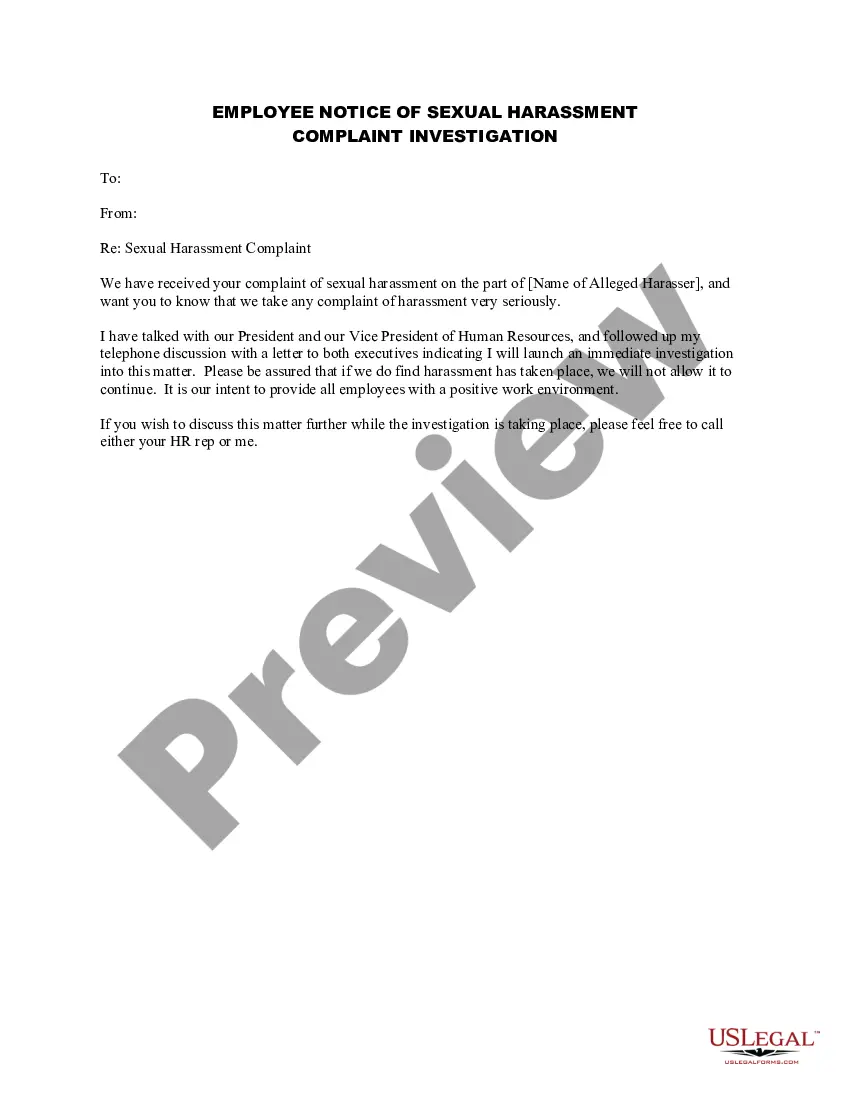
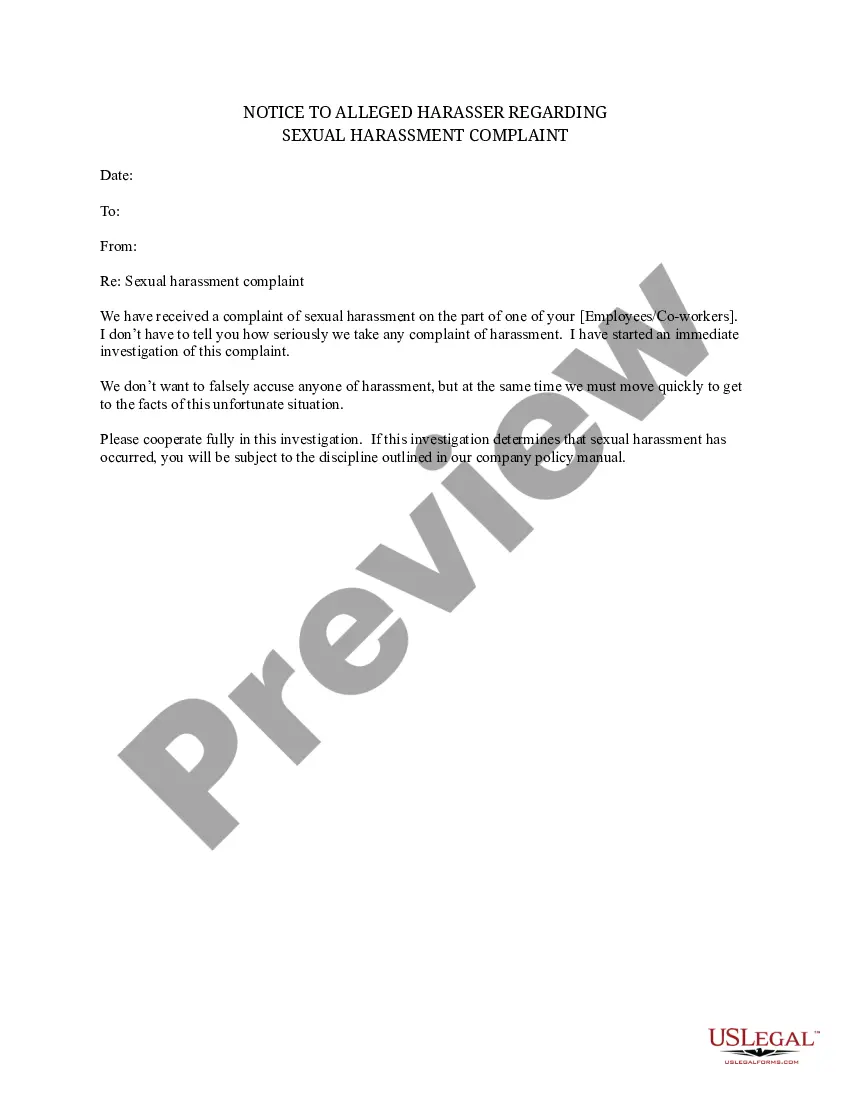
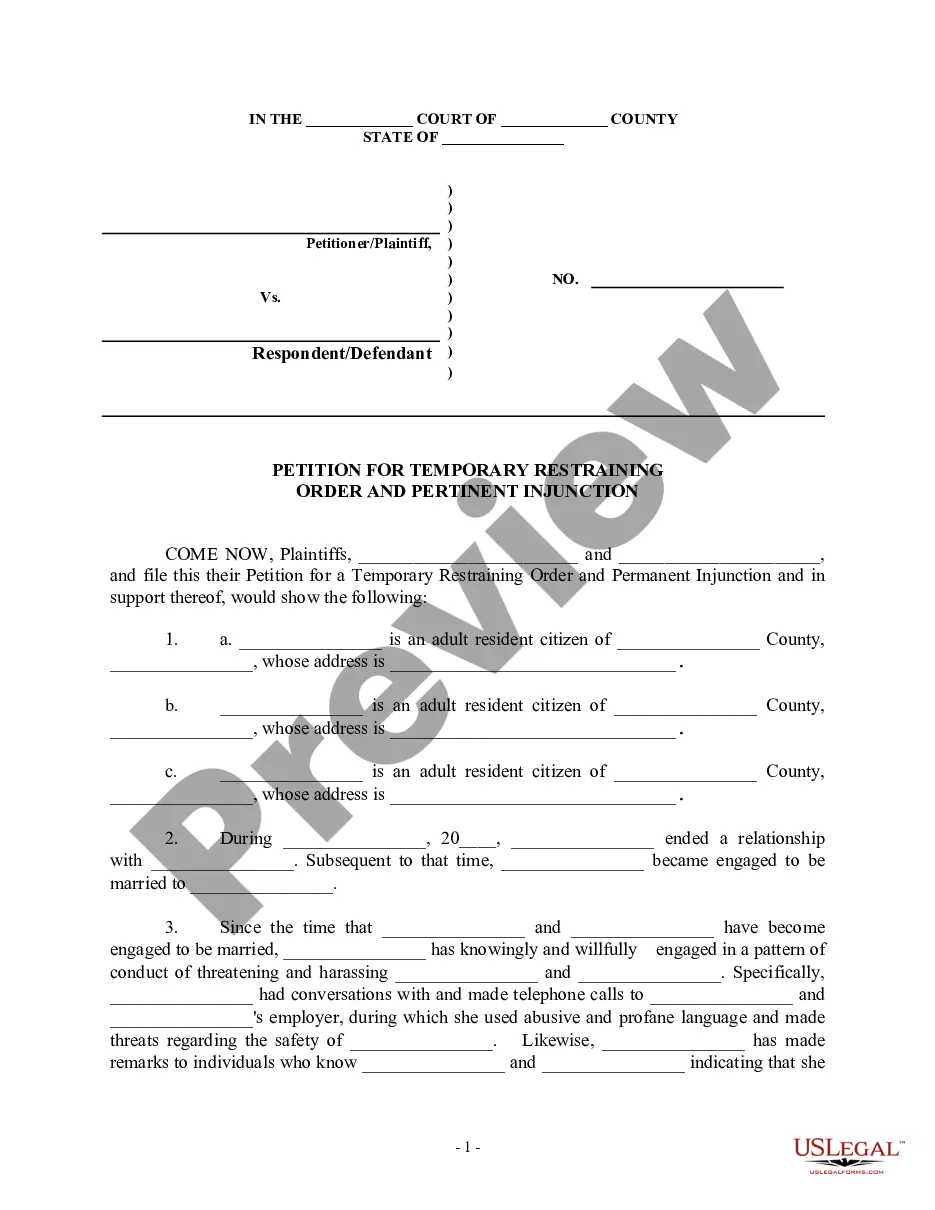
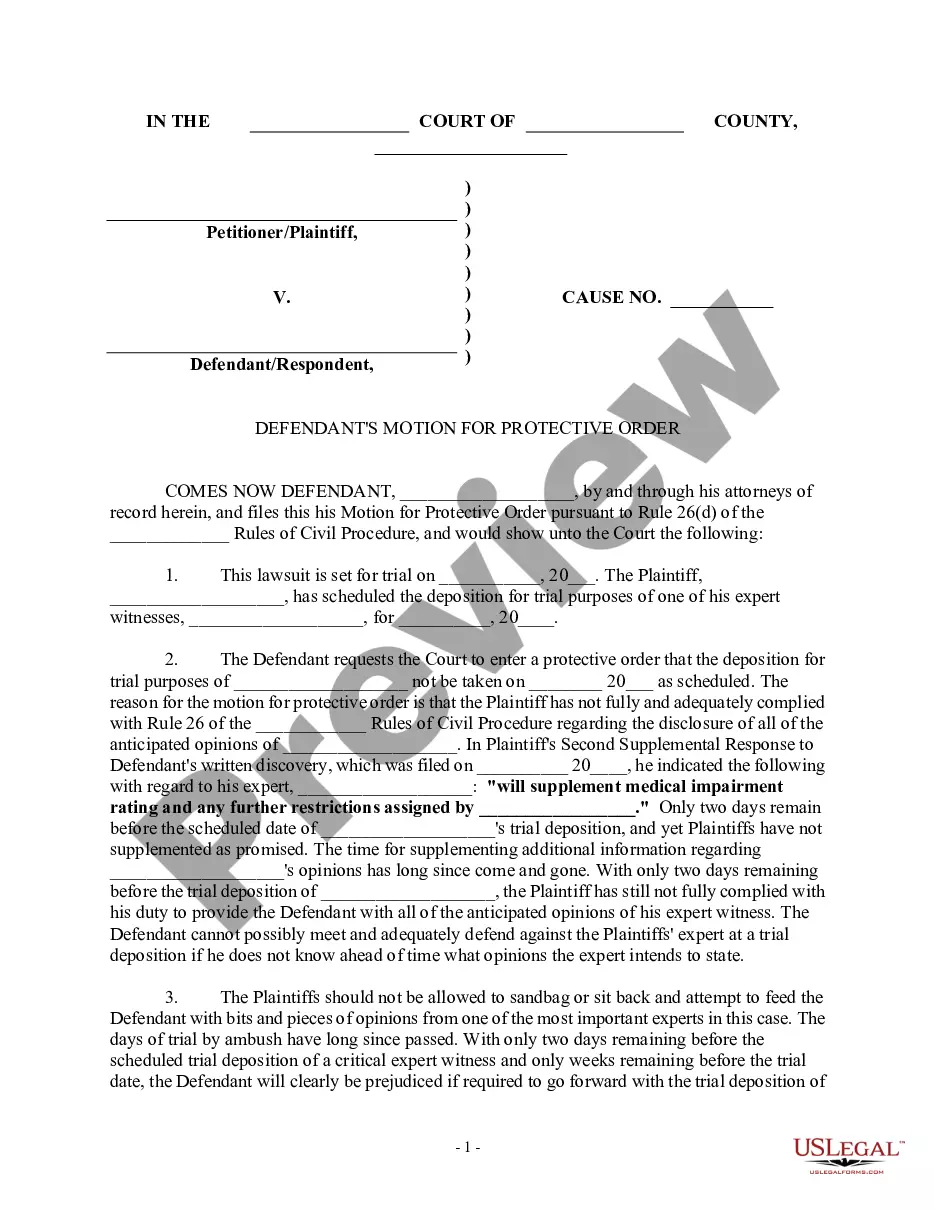
Get your form ready online
Our built-in tools help you complete, sign, share, and store your documents in one place.
Make edits, fill in missing information, and update formatting in US Legal Forms—just like you would in MS Word.
Download a copy, print it, send it by email, or mail it via USPS—whatever works best for your next step.
Sign and collect signatures with our SignNow integration. Send to multiple recipients, set reminders, and more. Go Premium to unlock E-Sign.
If this form requires notarization, complete it online through a secure video call—no need to meet a notary in person or wait for an appointment.
We protect your documents and personal data by following strict security and privacy standards.

Make edits, fill in missing information, and update formatting in US Legal Forms—just like you would in MS Word.

Download a copy, print it, send it by email, or mail it via USPS—whatever works best for your next step.

Sign and collect signatures with our SignNow integration. Send to multiple recipients, set reminders, and more. Go Premium to unlock E-Sign.

If this form requires notarization, complete it online through a secure video call—no need to meet a notary in person or wait for an appointment.

We protect your documents and personal data by following strict security and privacy standards.
Looking for another form?
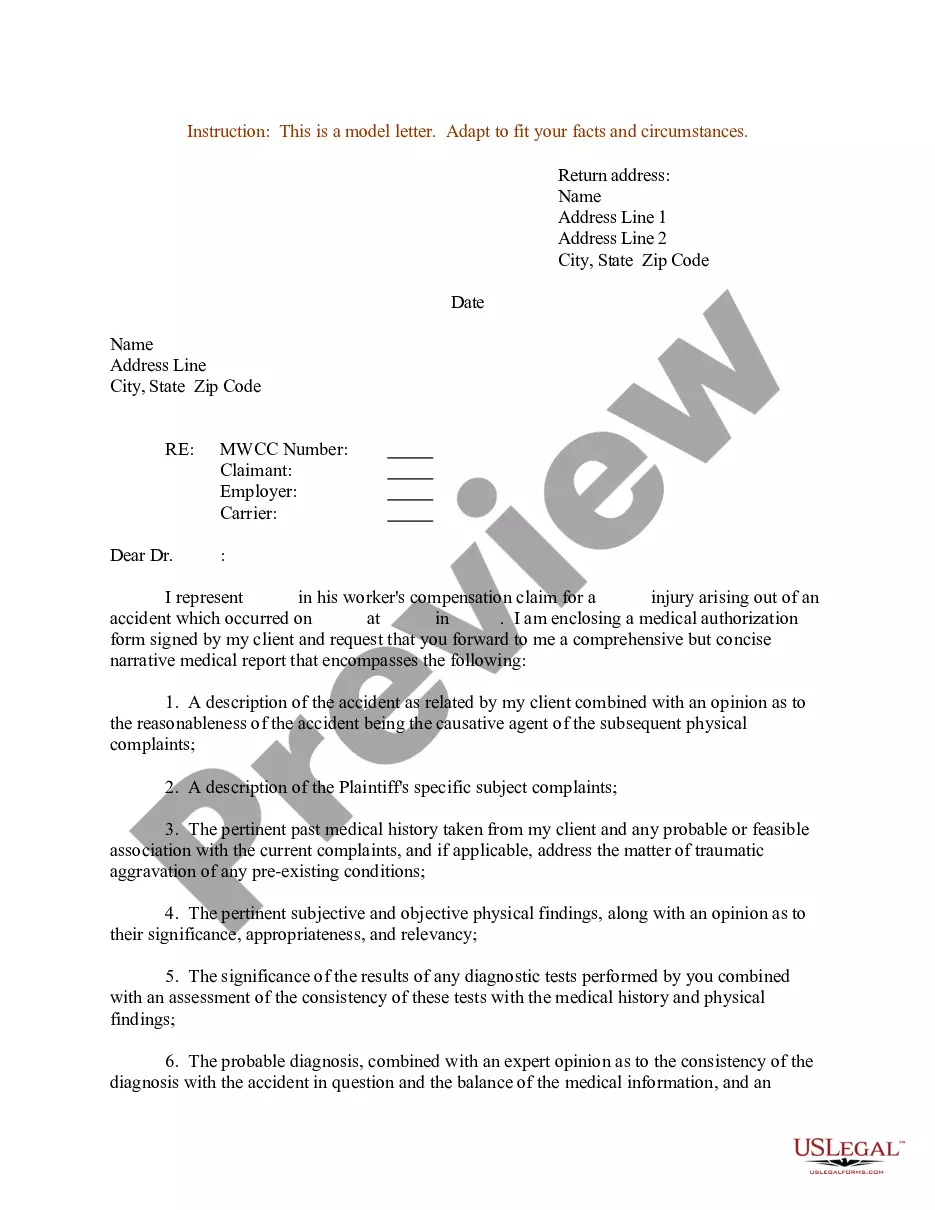
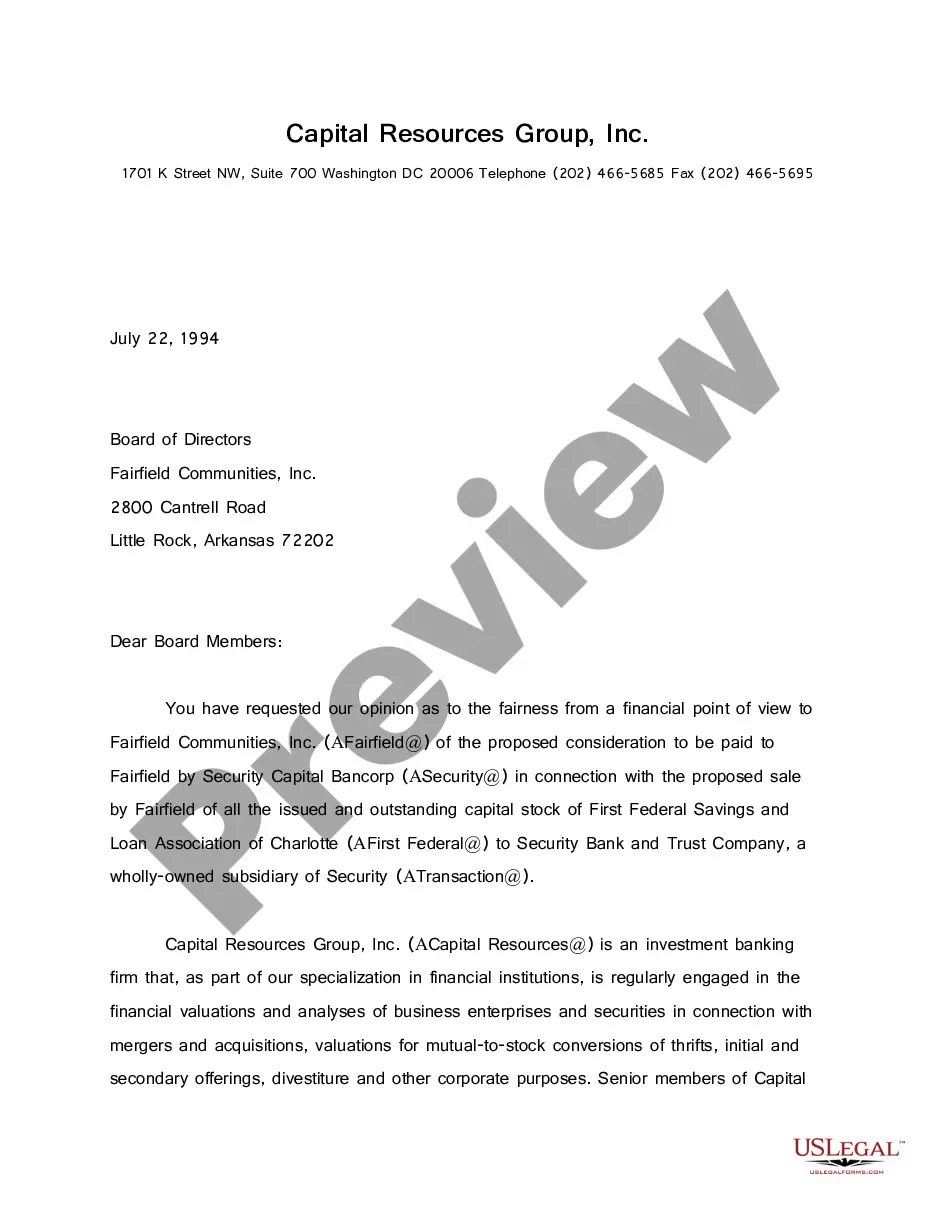

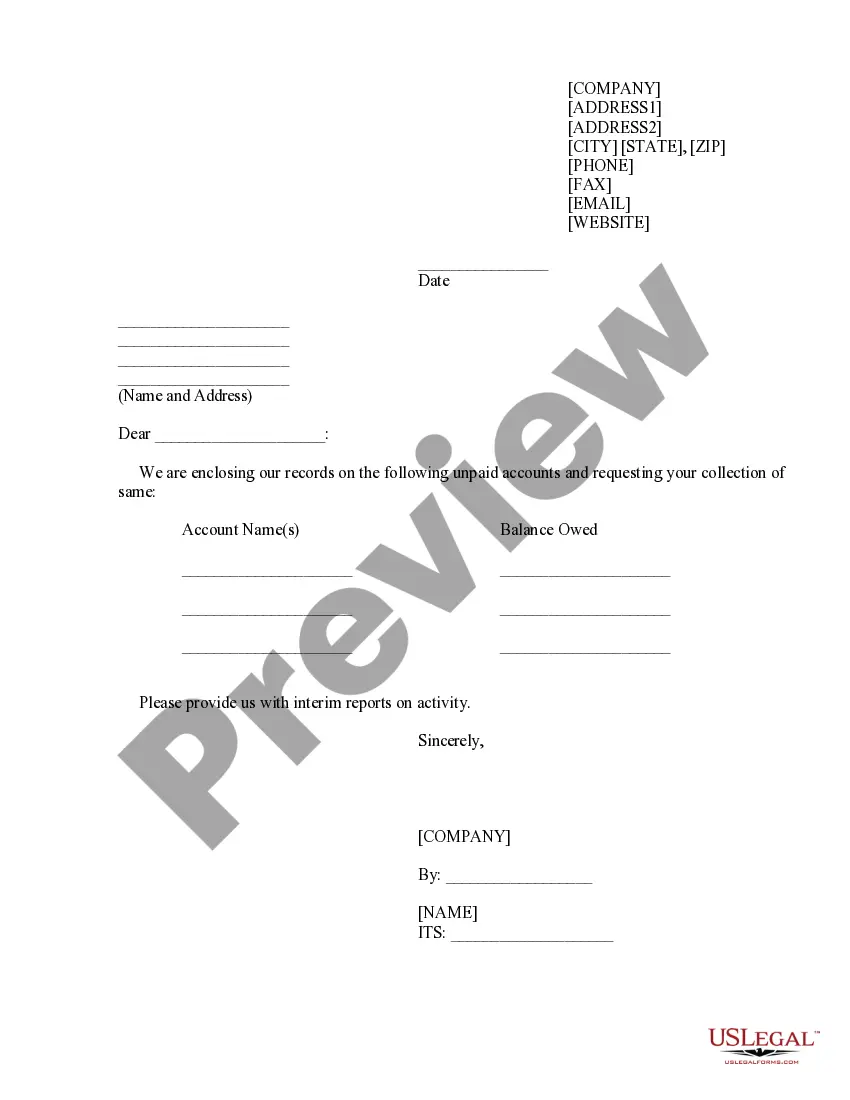
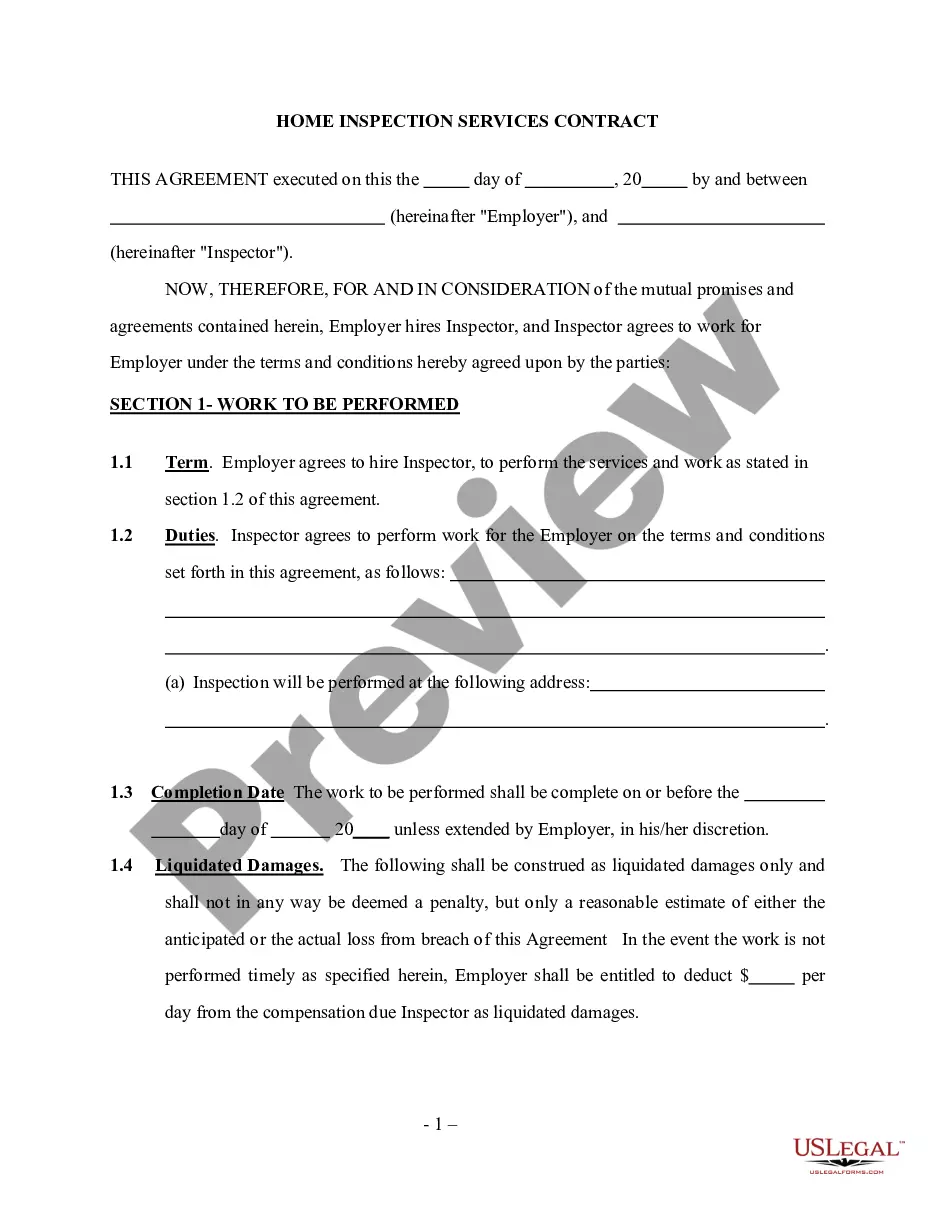

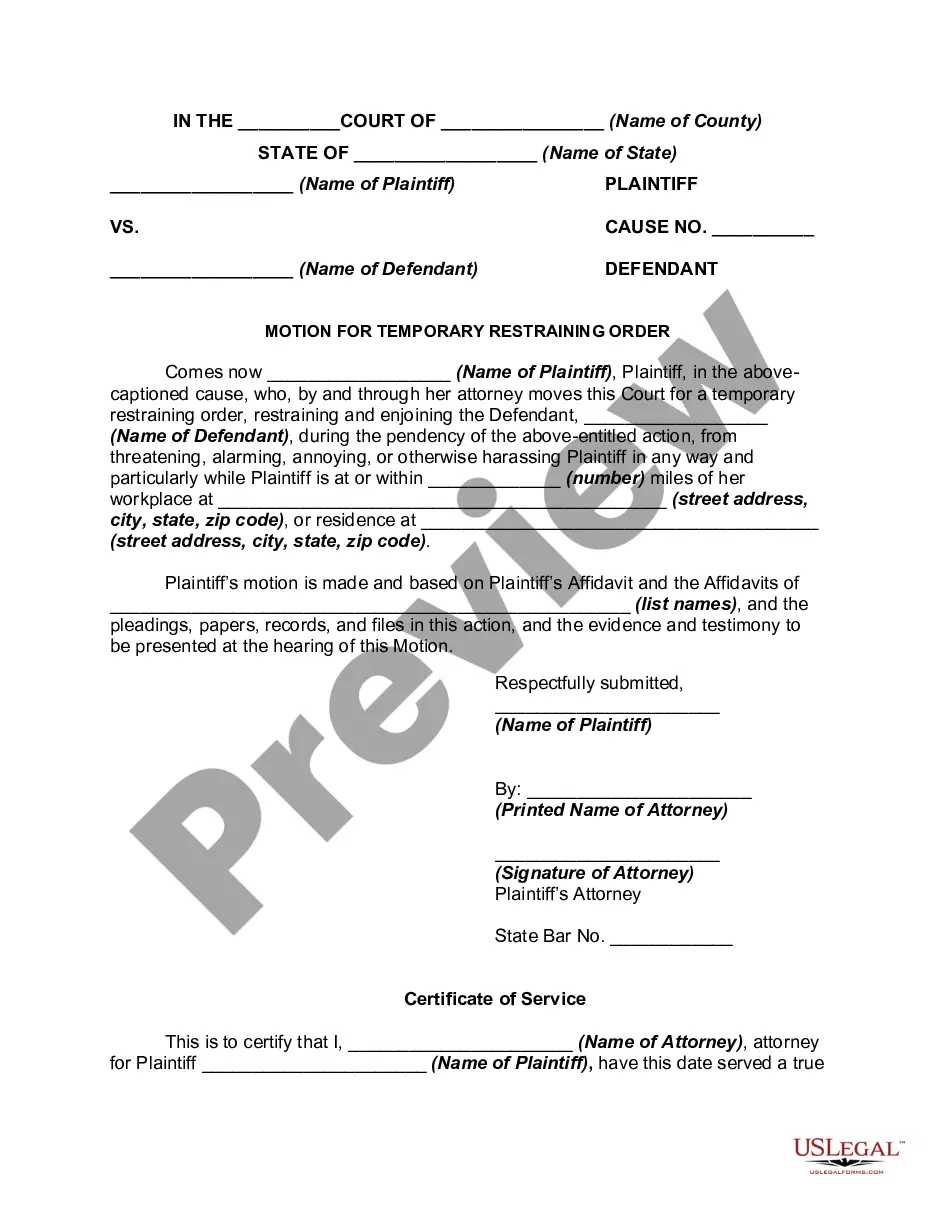
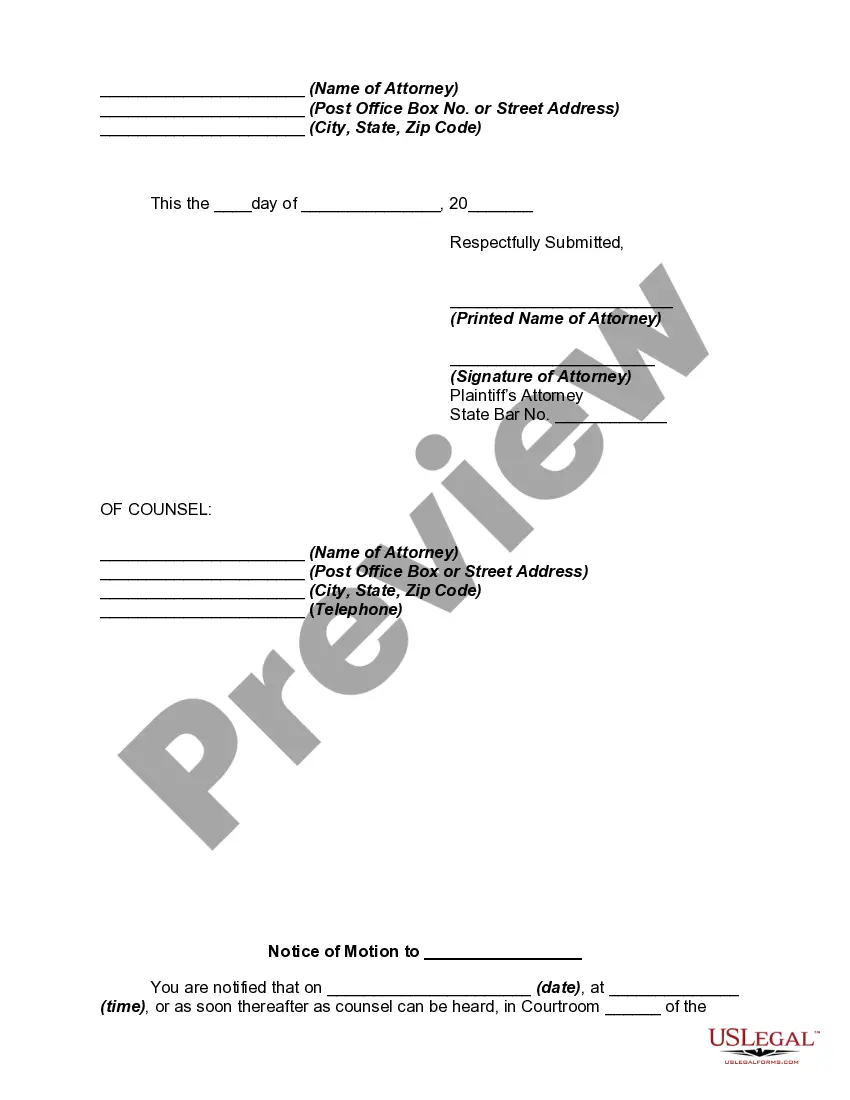
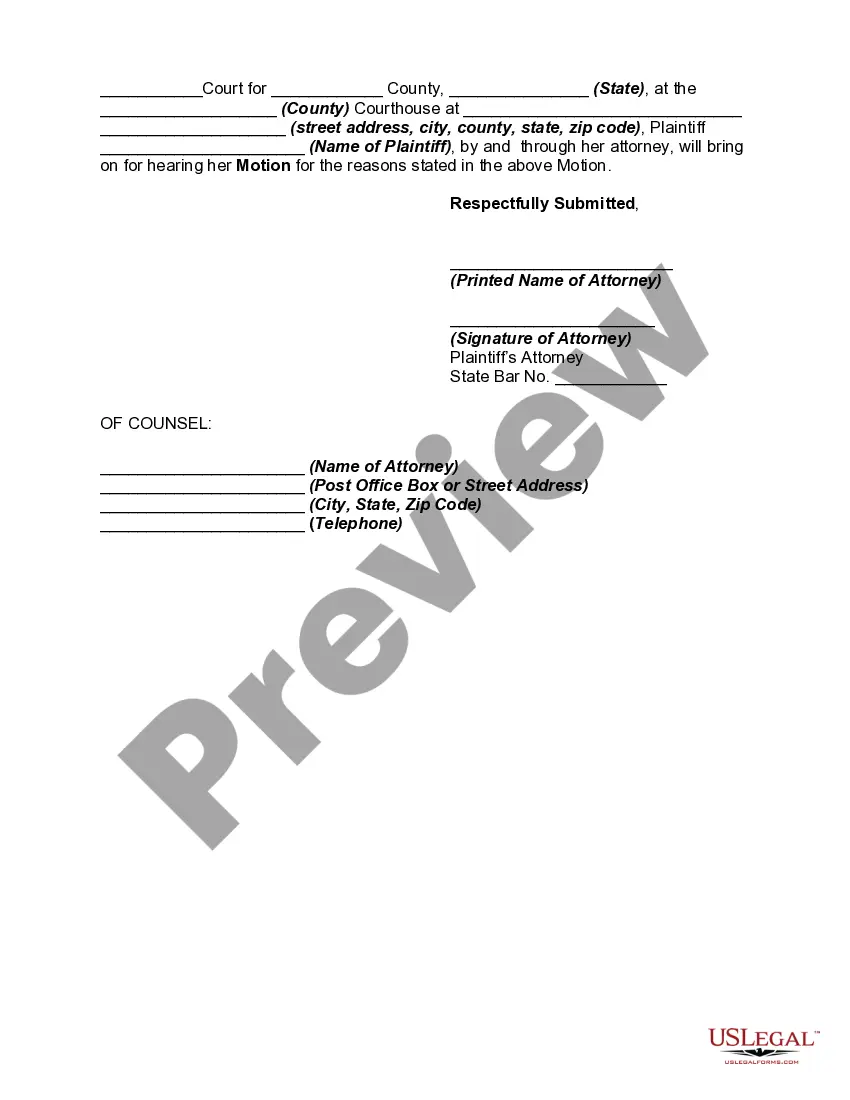
How to fill out Motion For Temporary Restraining Order To Restrain And Enjoin Harassment Of Employee?
Locating a dependable source to obtain the most up-to-date and pertinent legal templates is a significant part of navigating bureaucracy.
Selecting the appropriate legal documents requires accuracy and meticulousness, which is why it is crucial to obtain samples of the Harassment Employee Form For Esic solely from trusted providers, such as US Legal Forms. An incorrect template can squander your time and prolong your current situation. With US Legal Forms, you have minimal concerns. You can access and review all the details regarding the document’s applicability and significance for your situation and in your locality.
Eliminate the hassles associated with your legal documents. Discover the vast US Legal Forms library where you can find legal templates, assess their relevance to your situation, and download them instantly.
- Utilize the catalog navigation or search bar to locate your sample.
- Examine the form’s description to verify if it meets the criteria of your state and region.
- Check the form preview, if available, to ensure the template is indeed the one you are interested in.
- Continue the search and find the appropriate template if the Harassment Employee Form For Esic does not meet your needs.
- Once you are confident about the form’s applicability, download it.
- If you are a registered user, click Log in to verify and access your selected templates in My documents.
- If you do not possess an account yet, click Buy now to acquire the template.
- Select the pricing plan that matches your requirements.
- Proceed to the registration to complete your purchase.
- Conclude your purchase by selecting a payment method (credit card or PayPal).
- Choose the document format for downloading the Harassment Employee Form For Esic.
- Once you have the form on your device, you can edit it using the editor or print it and fill it out manually.
Form popularity
FAQ
Yes. All the employers who are covered under the ESI Act have to mandatory register themselves under the ESI scheme. The factories or establishments having more than 10 employees (in some states it is 20 employees) with a maximum wages of Rs.21,000 per month are covered under the ESI Act.
Employee State Insurance Forms The ESI scheme is administered by Employees State Insurance Corporation (ESIC), an autonomous body under the Central Government of India, and is governed by the Ministry of Labour and Employment, Government of India. There are several forms for employer and employee for several purposes.
How To Check Claim Status of ESI Online? Open the UMANG App or you can download it on your smartphone. Enter the IP number or the ESIC Insurance Number and click on 'Get OTP'. Enter the OTP that will be sent to the reference phone number and click on 'Submit'. Now select 'Claim Status' under the services section.
Go through the following steps to fill the ESIC Application Form: Step 1: ESIC 2023 Online Registration Process. Step 2: Upload Photo and Signature for ESIC Application Form. Step 3: Fill the details in the ESIC Application Form 2023. Step 4: Pay ESIC Application Fees 2023. Application Status for ESIC 2023.
Download Forms ESIC - 32 ? Wage contributory Record. ESIC - 142 ? Claim for Conveyance Allowance. Form - 11 Accident Book. Form - 12 Accident Report. Form - 14 Claim for PDB. Form - 15 Claim for DB. Form - 22 Funeral Expenses. Form - 23 Life Certificate PDB.