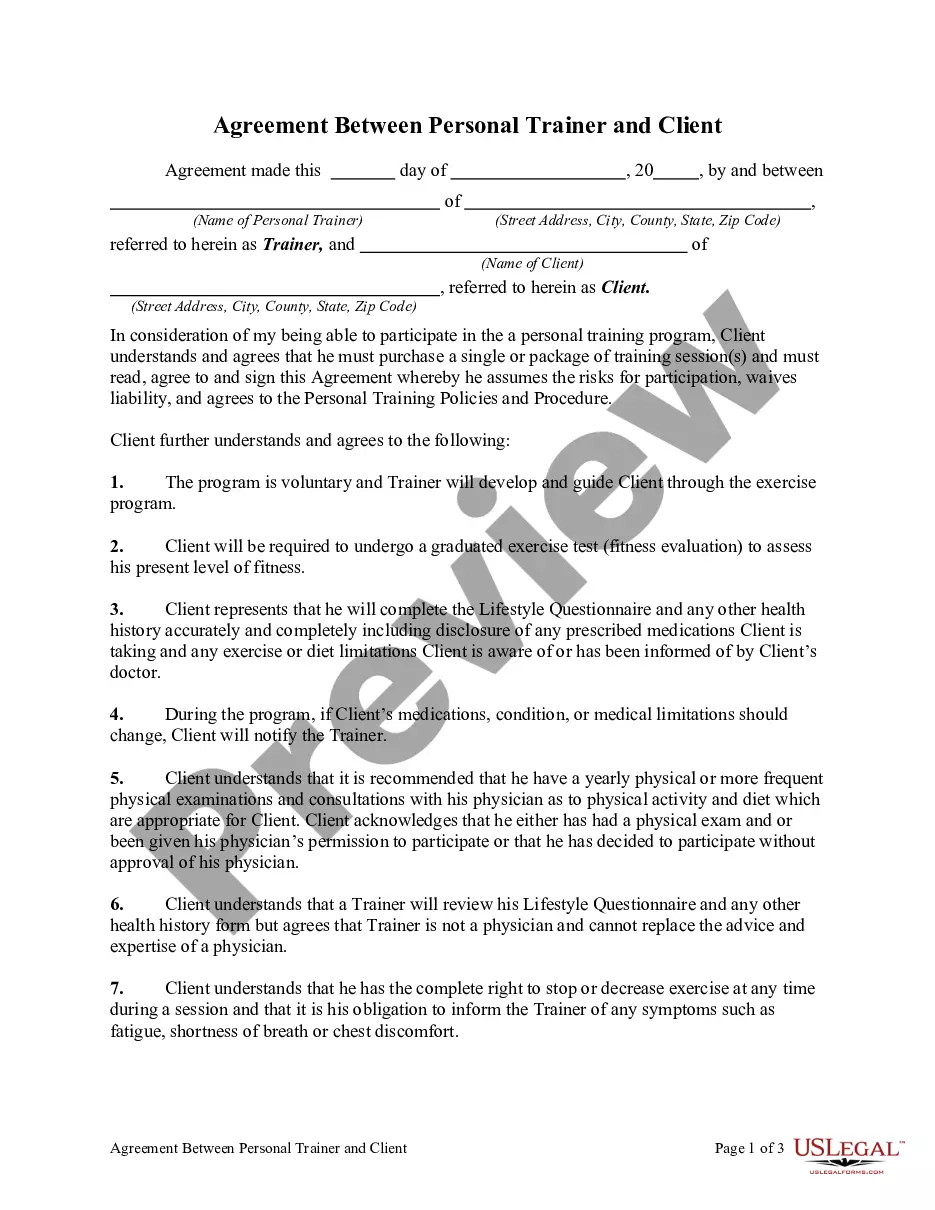
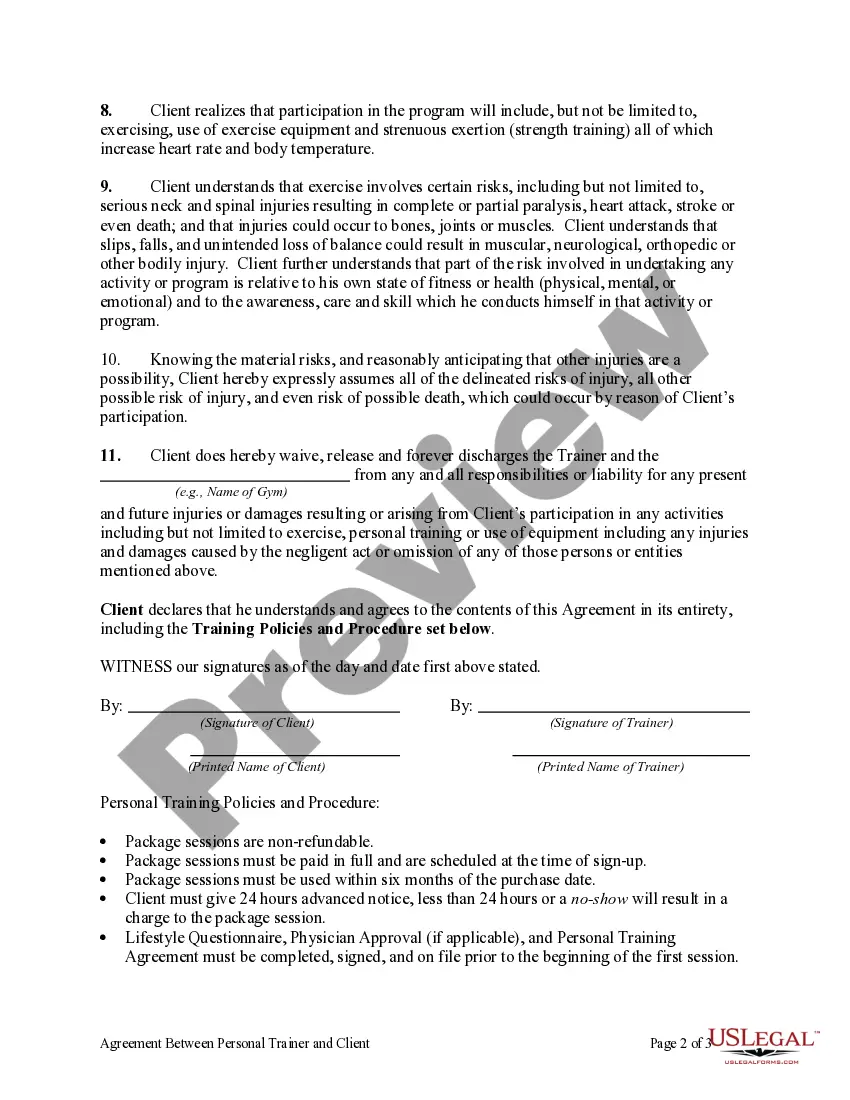
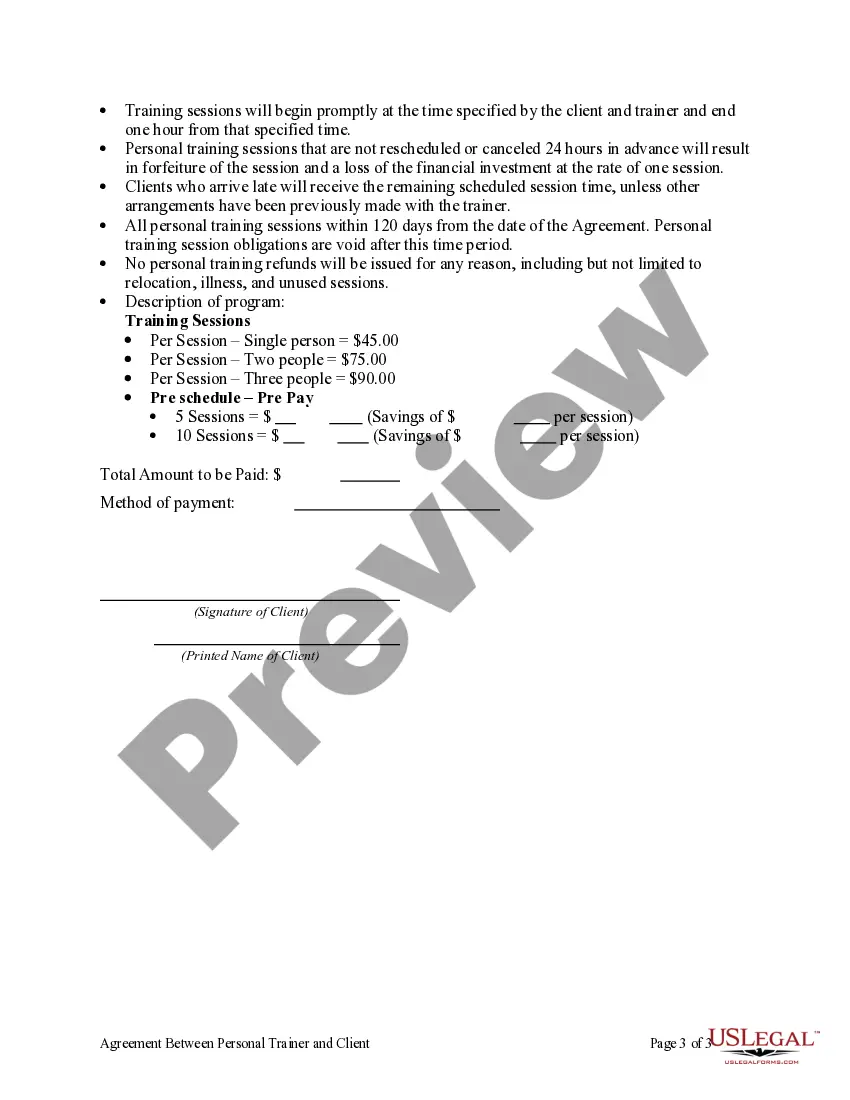
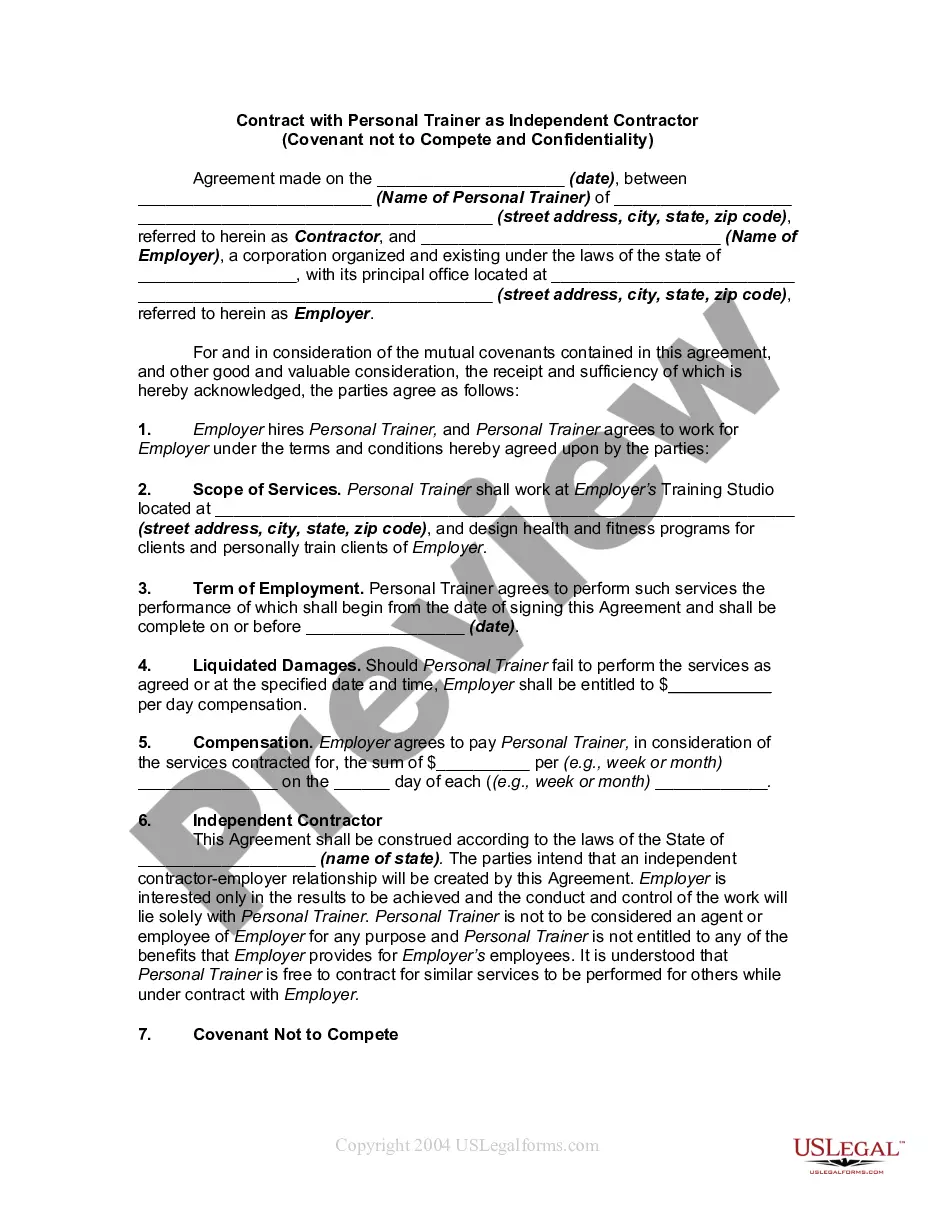
Agreement Personal Trainer Contract With Employee
Description
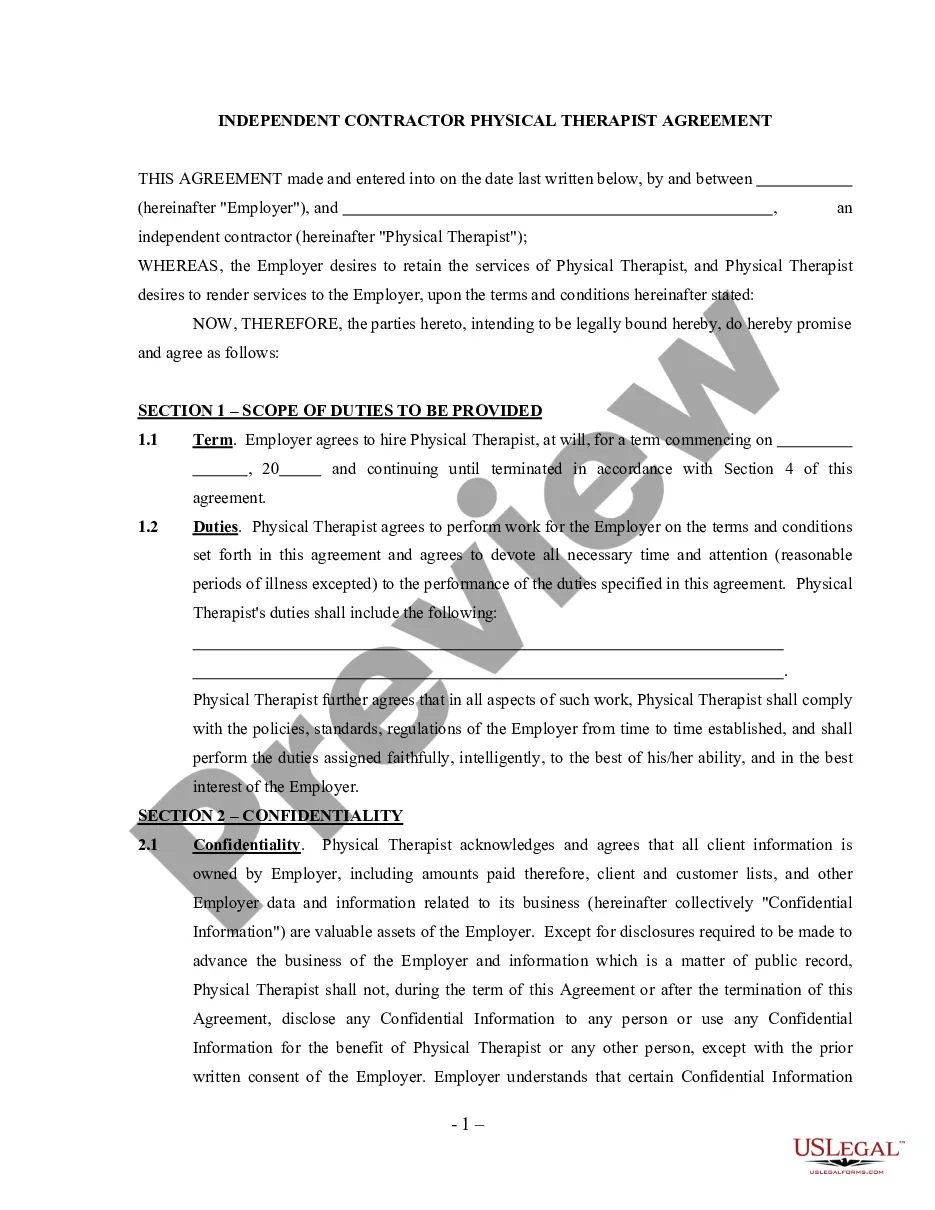
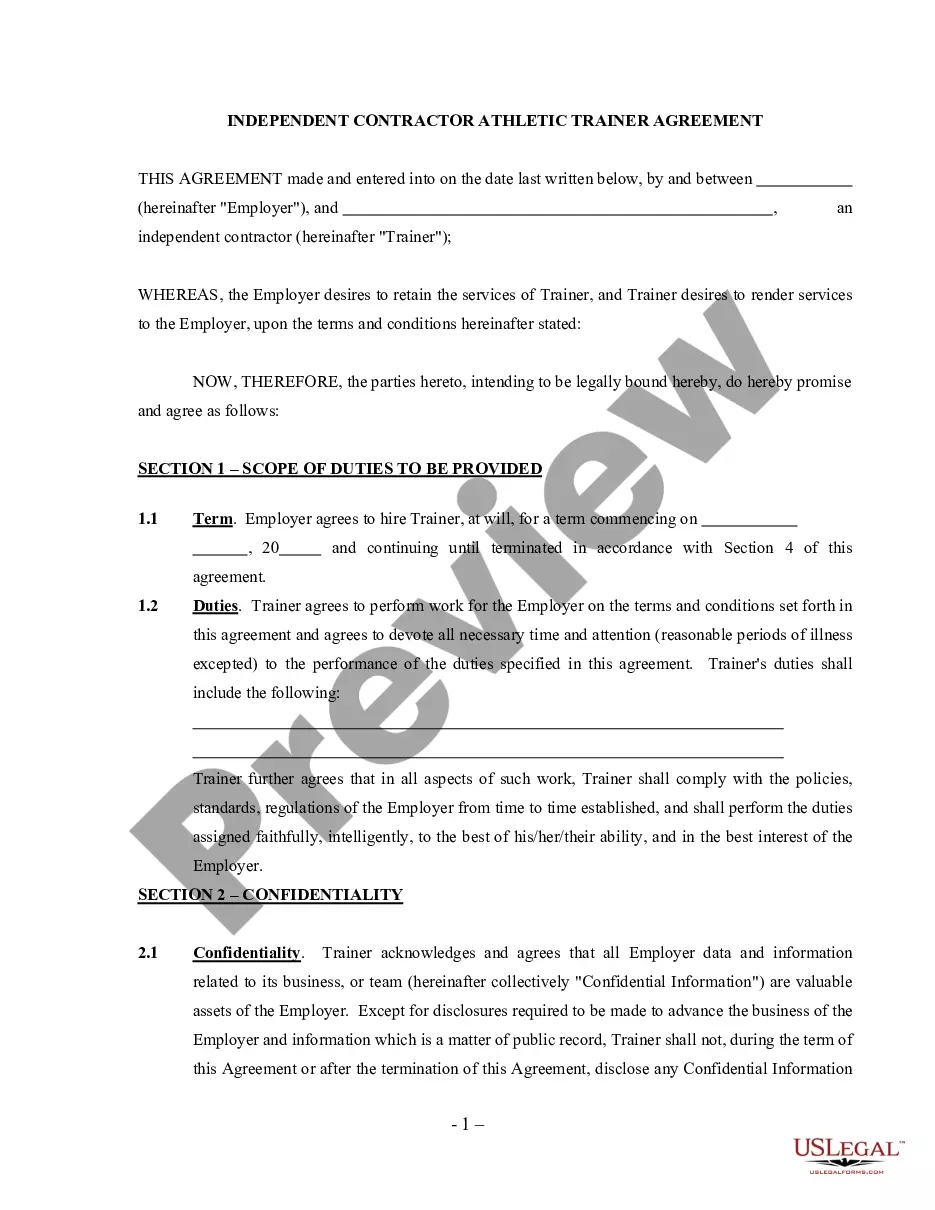
Get your form ready online
Our built-in tools help you complete, sign, share, and store your documents in one place.
Make edits, fill in missing information, and update formatting in US Legal Forms—just like you would in MS Word.
Download a copy, print it, send it by email, or mail it via USPS—whatever works best for your next step.
Sign and collect signatures with our SignNow integration. Send to multiple recipients, set reminders, and more. Go Premium to unlock E-Sign.
If this form requires notarization, complete it online through a secure video call—no need to meet a notary in person or wait for an appointment.
We protect your documents and personal data by following strict security and privacy standards.

Make edits, fill in missing information, and update formatting in US Legal Forms—just like you would in MS Word.

Download a copy, print it, send it by email, or mail it via USPS—whatever works best for your next step.

Sign and collect signatures with our SignNow integration. Send to multiple recipients, set reminders, and more. Go Premium to unlock E-Sign.

If this form requires notarization, complete it online through a secure video call—no need to meet a notary in person or wait for an appointment.

We protect your documents and personal data by following strict security and privacy standards.
Looking for another form?

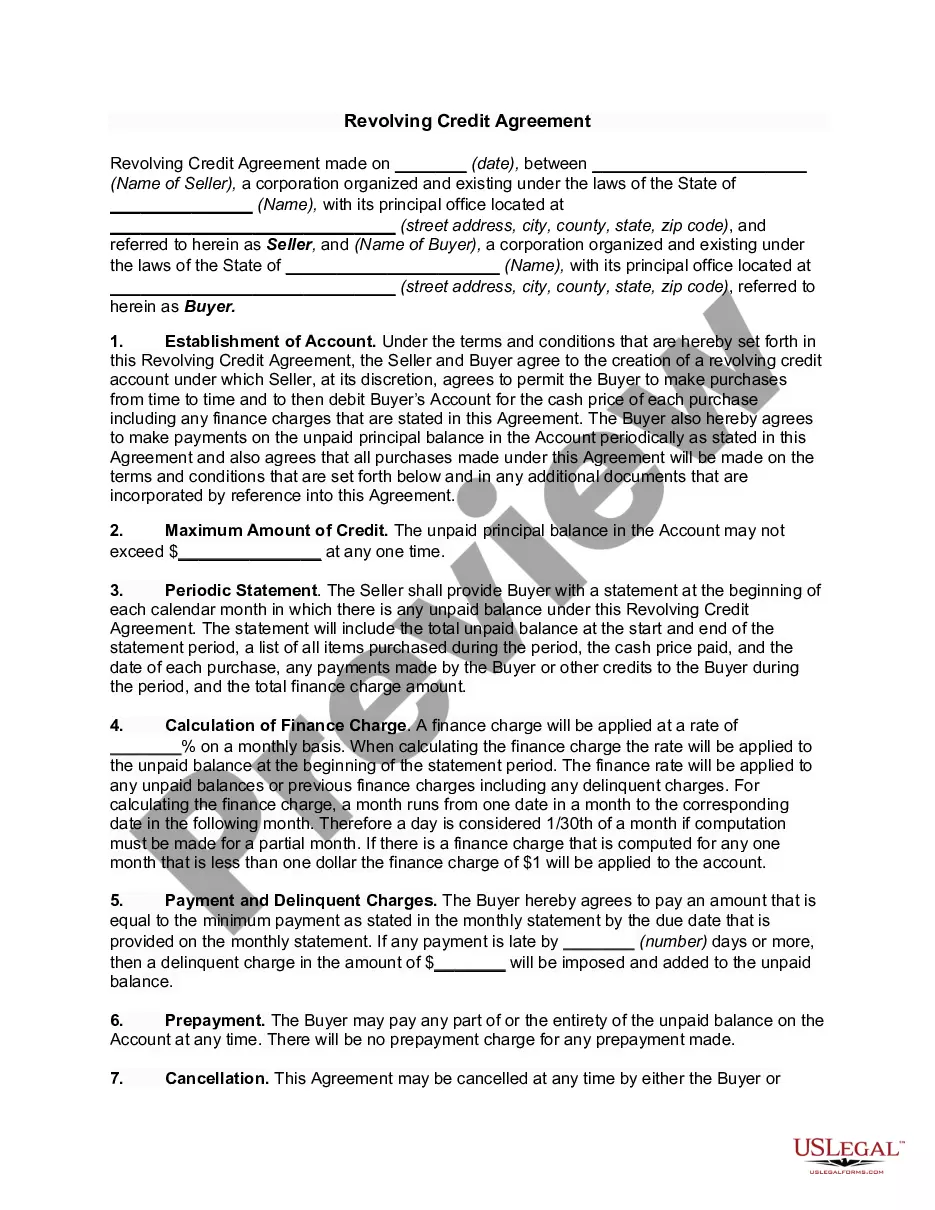
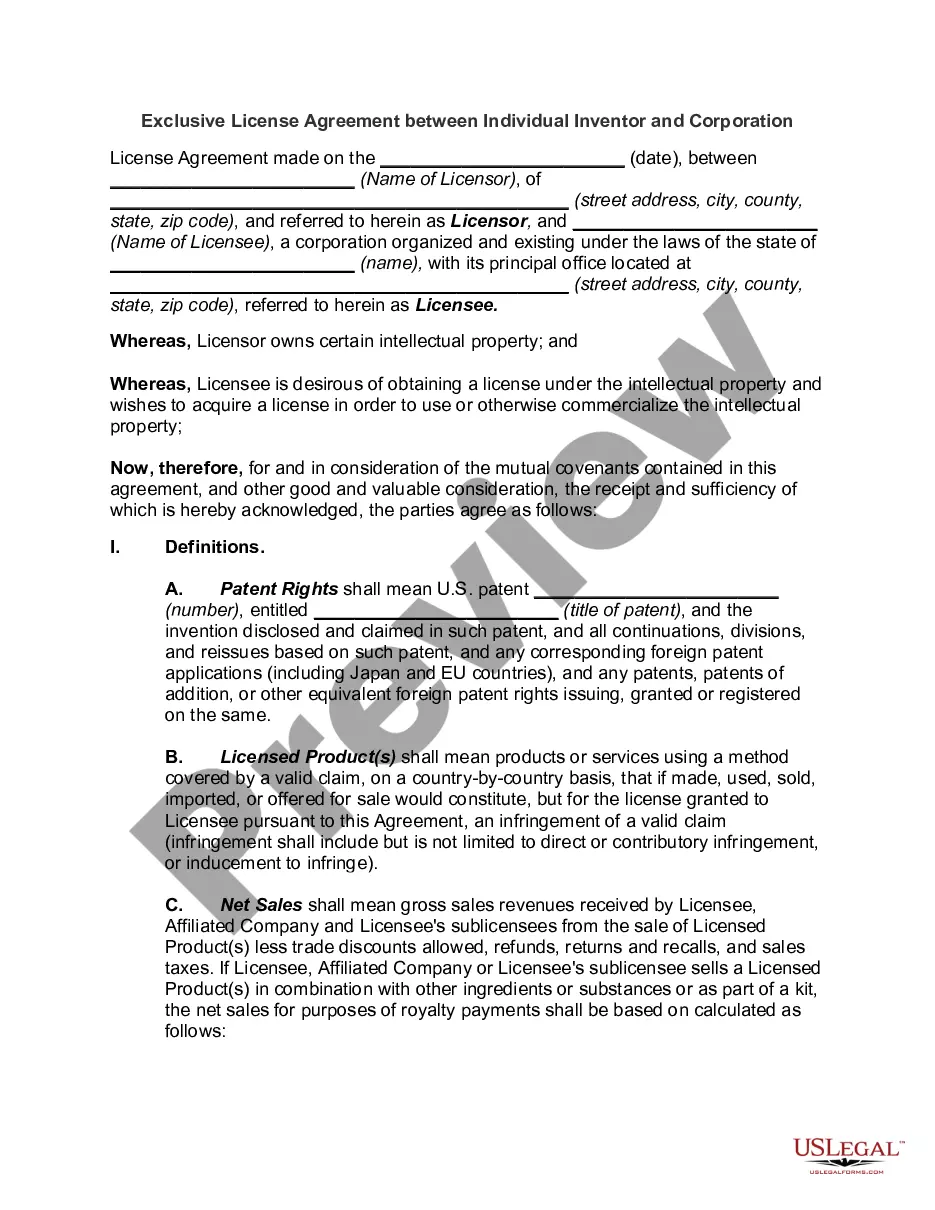
How to fill out Agreement Between Personal Trainer And Client?
Locating a reliable source to obtain the most up-to-date and pertinent legal templates is a significant part of dealing with bureaucratic processes.
Selecting the appropriate legal documents demands accuracy and meticulousness, which underscores the importance of obtaining samples of the Agreement Personal Trainer Contract With Employee solely from trustworthy sources, such as US Legal Forms. An incorrect template will consume your time and delay the matter at hand.
After receiving the form on your device, you can edit it with the editor or print it out and complete it manually. Eliminate the hassle associated with your legal documentation. Explore the comprehensive US Legal Forms library to discover legal templates, assess their suitability for your situation, and download them instantly.
- Utilize the library navigation or search function to find your template.
- Examine the form’s description to verify if it aligns with the requirements of your state and locality.
- Check the form preview, if available, to confirm that the form is the one you seek.
- Continue searching and find the suitable document if the Agreement Personal Trainer Contract With Employee does not fulfill your needs.
- Once you are certain of the form’s appropriateness, download it.
- If you are a registered user, click Log in to verify your identity and access your selected forms in My documents.
- If you do not have an account yet, click Buy now to obtain the form.
- Select the payment plan that suits your needs.
- Proceed to register to finalize your purchase.
- Complete your transaction by choosing a payment method (credit card or PayPal).
- Choose the file format for downloading the Agreement Personal Trainer Contract With Employee.
Form popularity
FAQ
What Should be Included? Services (training routine) The trainer agrees to provide a service. ... Training Schedule. A schedule should be defined that mentions the length of each session (commonly 30-90 min) and when it will occur during the week. ... Fees. ... Term. ... Trainer's Obligations. ... Disclosure. ... Release of Liability (addendum)
A personal trainer contract is a legally binding agreement between a personal trainer and their client. It details everything from the number of training sessions to cost, invoice dates, liabilities, and insurance obligations.
When creating an Employment Contract, you can include the following terms: The type and rate of compensation. The frequency of payment. Vacation time. Specified work hours. Specified work location. Employee responsibilities. Length of a probationary period. Confidentiality, non-solicitation, or non-competition clauses.
Write the contract in six steps Start with a contract template. ... Open with the basic information. ... Describe in detail what you have agreed to. ... Include a description of how the contract will be ended. ... Write into the contract which laws apply and how disputes will be resolved. ... Include space for signatures.
When you write a contract letter, you should include the following: the position title, company name, starting date, employee's status as full-time or part-time, their status as exempt or non-exempt (relating to overtime pay), salary amount, timing of payment, a summary of company benefits, details about paid time off, ...