Minutes Meeting Board Form Sample For Employees
Description
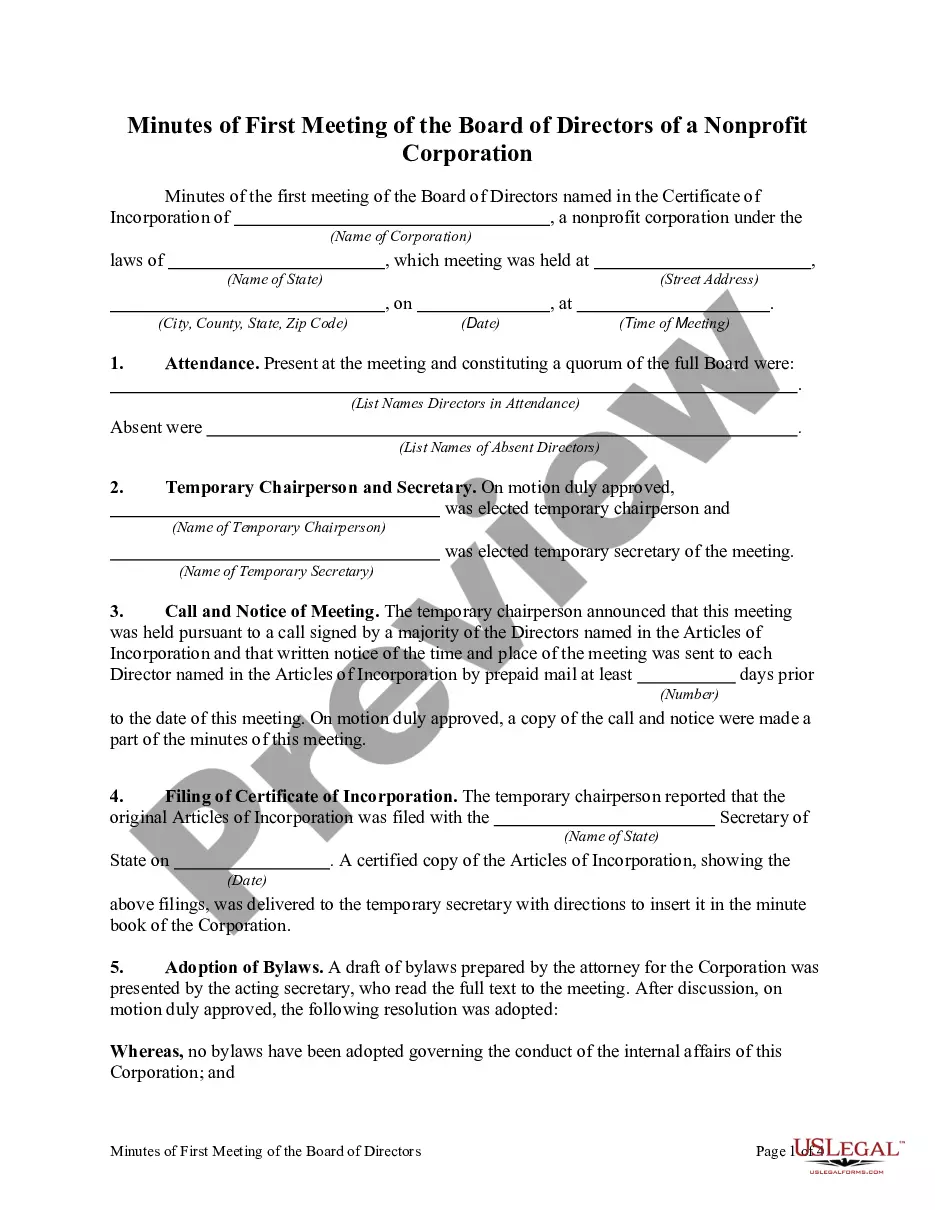
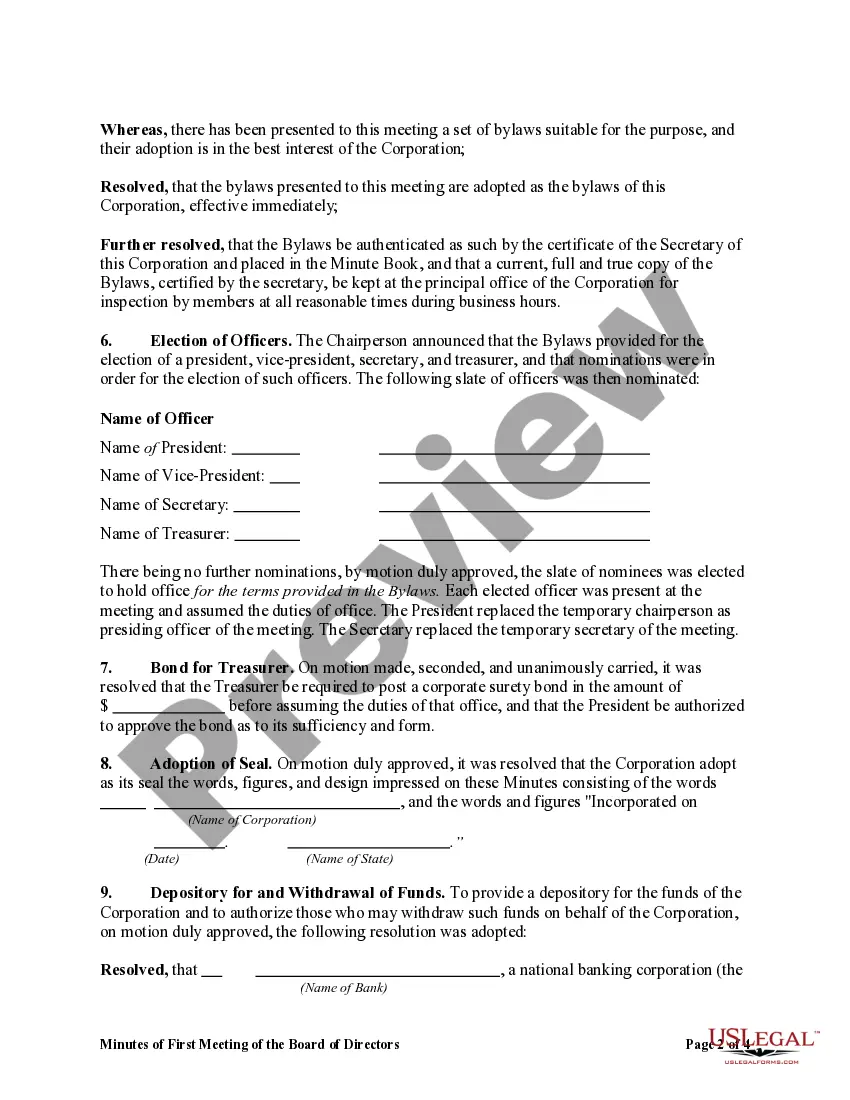
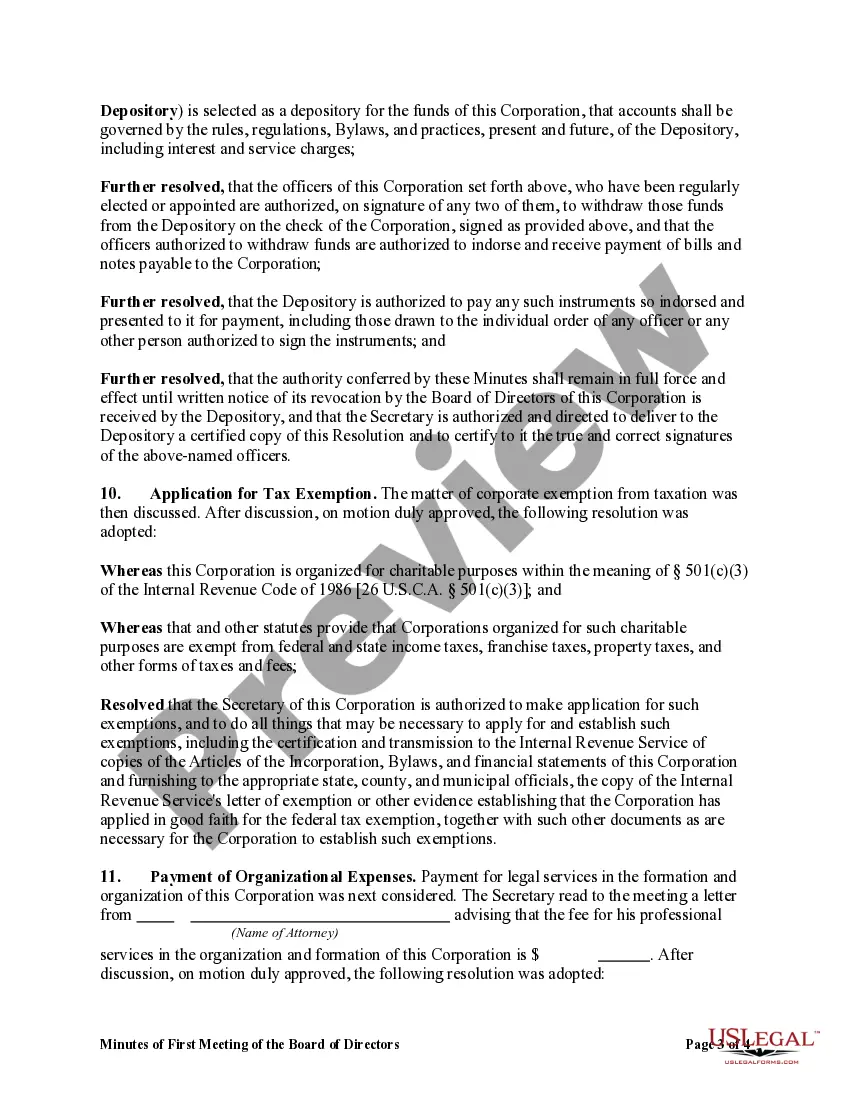
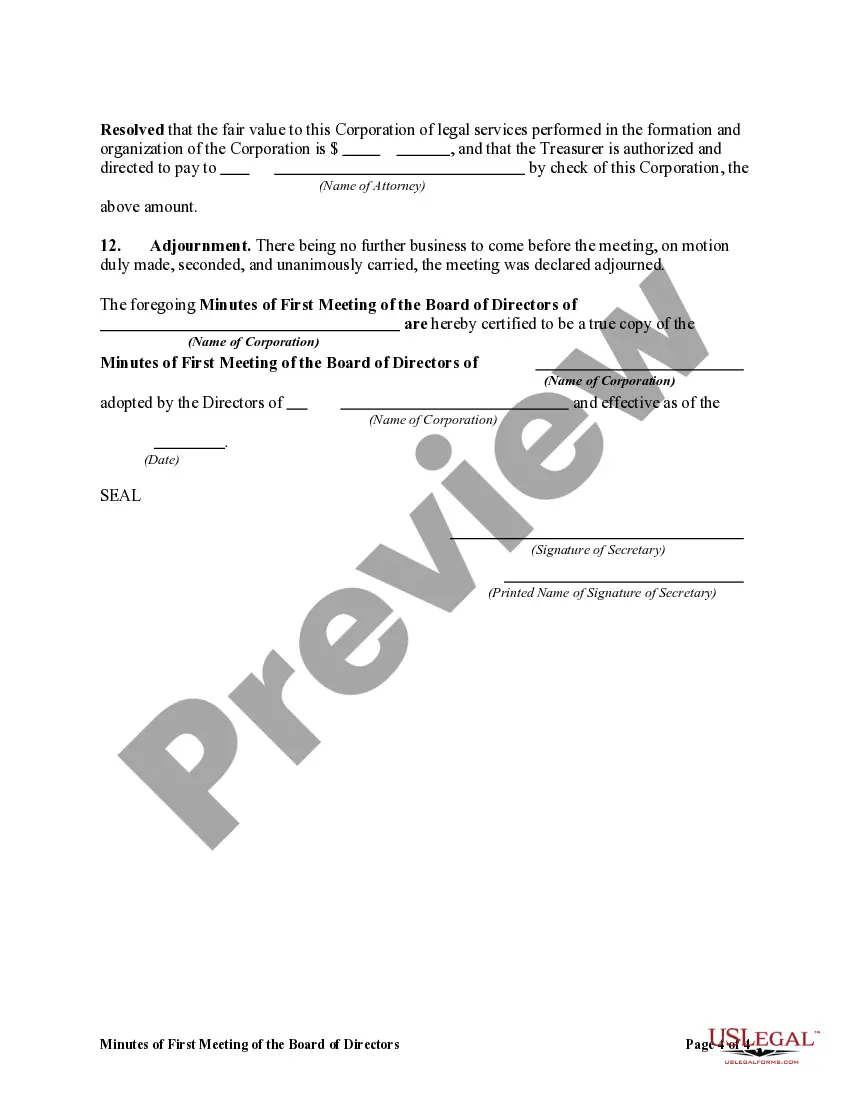


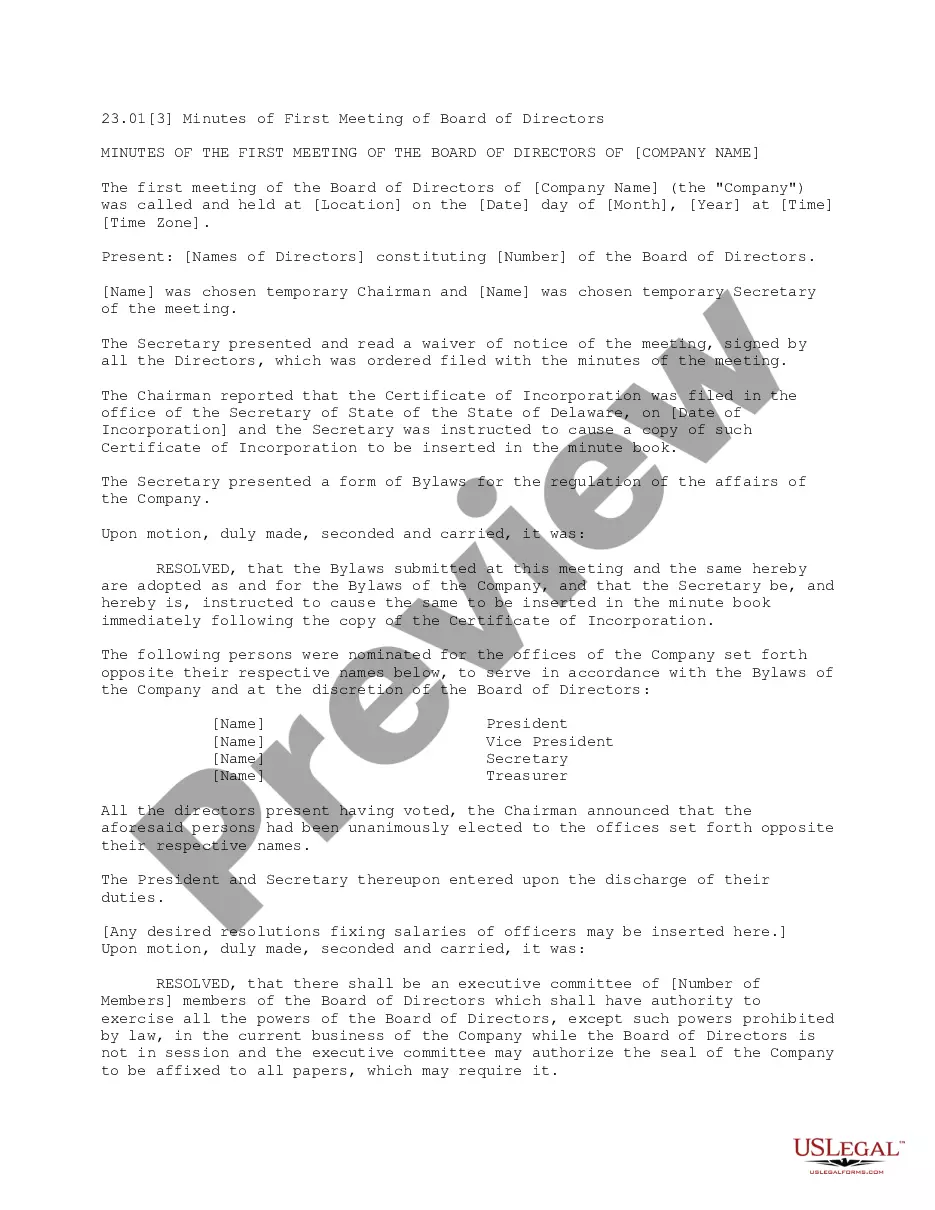
Get your form ready online
Our built-in tools help you complete, sign, share, and store your documents in one place.
Make edits, fill in missing information, and update formatting in US Legal Forms—just like you would in MS Word.
Download a copy, print it, send it by email, or mail it via USPS—whatever works best for your next step.
Sign and collect signatures with our SignNow integration. Send to multiple recipients, set reminders, and more. Go Premium to unlock E-Sign.
If this form requires notarization, complete it online through a secure video call—no need to meet a notary in person or wait for an appointment.
We protect your documents and personal data by following strict security and privacy standards.

Make edits, fill in missing information, and update formatting in US Legal Forms—just like you would in MS Word.

Download a copy, print it, send it by email, or mail it via USPS—whatever works best for your next step.

Sign and collect signatures with our SignNow integration. Send to multiple recipients, set reminders, and more. Go Premium to unlock E-Sign.

If this form requires notarization, complete it online through a secure video call—no need to meet a notary in person or wait for an appointment.

We protect your documents and personal data by following strict security and privacy standards.
Looking for another form?


How to fill out Minutes Of First Meeting Of The Board Of Directors Of A Nonprofit Corporation?
Creating legal documents from the beginning can occasionally be overwhelming.
Certain situations may require extensive research and significant financial investment.
If you’re seeking a more direct and economical method to produce Minutes Meeting Board Form Sample For Employees or any other paperwork without unnecessary complications, US Legal Forms is always available to you.
Our online repository of over 85,000 current legal forms encompasses nearly every facet of your financial, legal, and personal affairs.
Review the document preview and descriptions to confirm that you are on the correct document you are looking for. Ensure the template you choose complies with the rules and laws of your state and county. Select the appropriate subscription choice to purchase the Minutes Meeting Board Form Sample For Employees. Download the form, then complete, verify, and print it out. US Legal Forms boasts a strong reputation and over 25 years of expertise. Join us today and make form execution something straightforward and efficient!
- With just a few clicks, you can quickly access state- and county-specific templates meticulously crafted for you by our legal experts.
- Utilize our website whenever you require a dependable and trustworthy service to swiftly find and download the Minutes Meeting Board Form Sample For Employees.
- If you’re familiar with our services and have previously registered an account, simply Log In to your account, locate the template, and download it or re-download it at any moment in the My documents section.
- Don’t possess an account? No worries. It takes only a few minutes to sign up and browse the catalog.
- However, before proceeding to download Minutes Meeting Board Form Sample For Employees, consider these suggestions.
Form popularity
FAQ
When writing minutes of a staff meeting, start by recording the meeting's date, time, and location, along with a list of participants. Next, summarize each agenda item discussed, noting key points, decisions made, and action items. This structured approach ensures you capture vital information effectively. For consistency, consider using a minutes meeting board form sample for employees that can guide you in creating comprehensive meeting records.
To format minutes for a board meeting, begin with the name of the organization, date, time, and location. Follow this with a list of attendees and a brief summary of discussions per agenda item. It is also beneficial to highlight decisions made and any tasks assigned. Using a minutes meeting board form sample for employees can simplify this process and ensure important details are captured accurately.
The best meeting minutes format is one that is clear and organized. Start with the meeting's basic information, followed by a list of attendees. Then, summarize each agenda item and include decisions made and action items. For a streamlined approach, using a minutes meeting board form sample for employees can help standardize the format and enhance efficiency.
The minutes of a meeting should include the date, time, and location of the meeting. You should also note the attendees and absentees, along with a summary of discussions. Important decisions made and action items assigned need to be clearly documented. In addition, including a brief overview of each agenda item helps ensure clarity, making a minutes meeting board form sample for employees easy to reference.
To write effective minutes of a board meeting, start by preparing a template, such as a minutes meeting board form sample for employees. Begin by recording the date, time, and location of the meeting, followed by a list of attendees. Then, summarize each agenda item discussed, noting key decisions and action items. Finally, review your notes for clarity and accuracy, ensuring the minutes serve as a clear record for all participants.
A group may be using a specific format to record notes but, overall, the minutes of a meeting typically include the following details: Date and time the meeting happened. Names of attendees, as well as absent participants. Acceptance of, or amendments made to, the previous meeting's minutes.
What to include when writing meeting minutes? Meeting basics like name, place, date and time? ... List of meeting participants. ... Meeting purpose. ... Agenda items. ... Next meeting date and place. ... Documents to be included in the meeting report. ... Key action items.
Meeting minutes are the notes that capture what happened at a meeting! Different than a meeting agenda, it records the decisions made and actions requested by the group. Despite the team, they are not a minute-by-minute record but include the key details that the team will want to know.
The date, time, and location of the meeting. A list of attendees, including nonvoting participants with their names, titles, and reasons for attending. When the meeting was called to order and when it was adjourned. A record of motions, seconds, and whether or not the motion passed.
2. What Should Be Included in Meeting Minutes? Date and time of the meeting. Names of the meeting participants and those unable to attend (e.g., ?regrets?) Acceptance or corrections/amendments to previous meeting minutes. Decisions made about each agenda item, for example: Actions taken or agreed to be taken. Next steps.