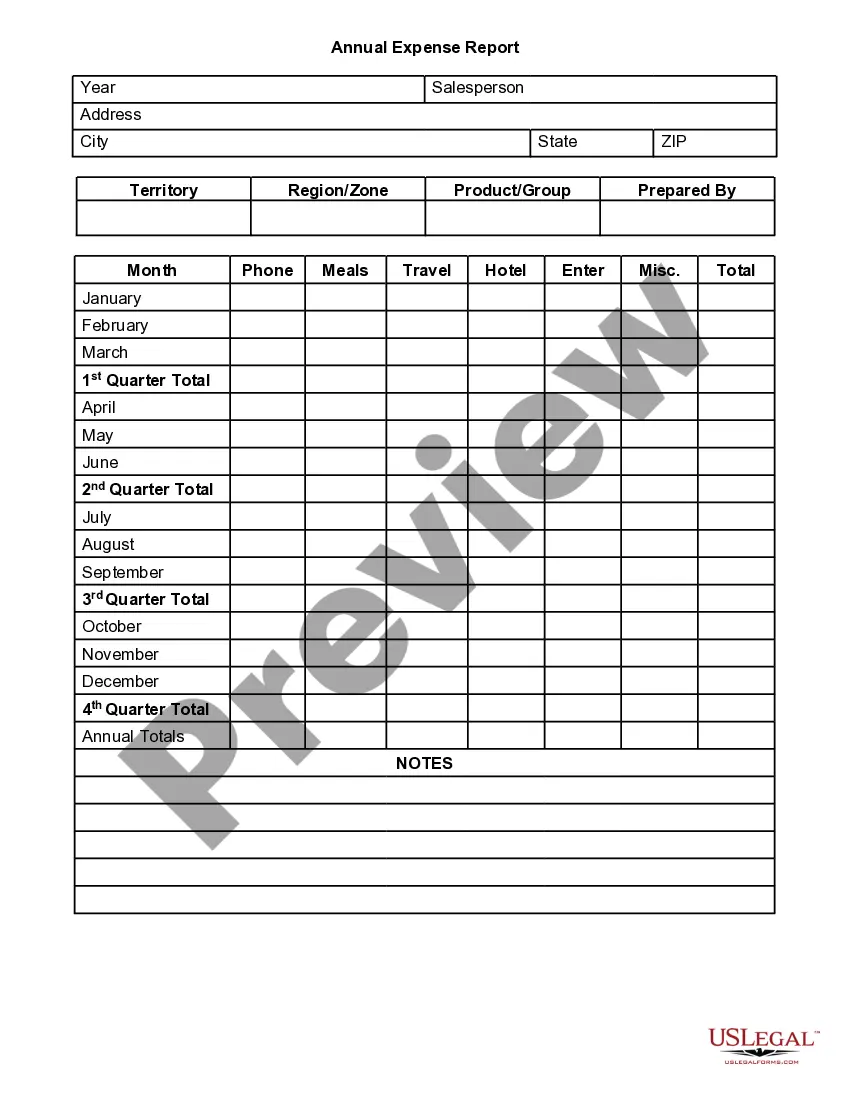
Annual Expense Report Template For Google Sheets
Description

Get your form ready online
Our built-in tools help you complete, sign, share, and store your documents in one place.
Make edits, fill in missing information, and update formatting in US Legal Forms—just like you would in MS Word.
Download a copy, print it, send it by email, or mail it via USPS—whatever works best for your next step.
Sign and collect signatures with our SignNow integration. Send to multiple recipients, set reminders, and more. Go Premium to unlock E-Sign.
If this form requires notarization, complete it online through a secure video call—no need to meet a notary in person or wait for an appointment.
We protect your documents and personal data by following strict security and privacy standards.

Make edits, fill in missing information, and update formatting in US Legal Forms—just like you would in MS Word.

Download a copy, print it, send it by email, or mail it via USPS—whatever works best for your next step.

Sign and collect signatures with our SignNow integration. Send to multiple recipients, set reminders, and more. Go Premium to unlock E-Sign.

If this form requires notarization, complete it online through a secure video call—no need to meet a notary in person or wait for an appointment.

We protect your documents and personal data by following strict security and privacy standards.
Looking for another form?


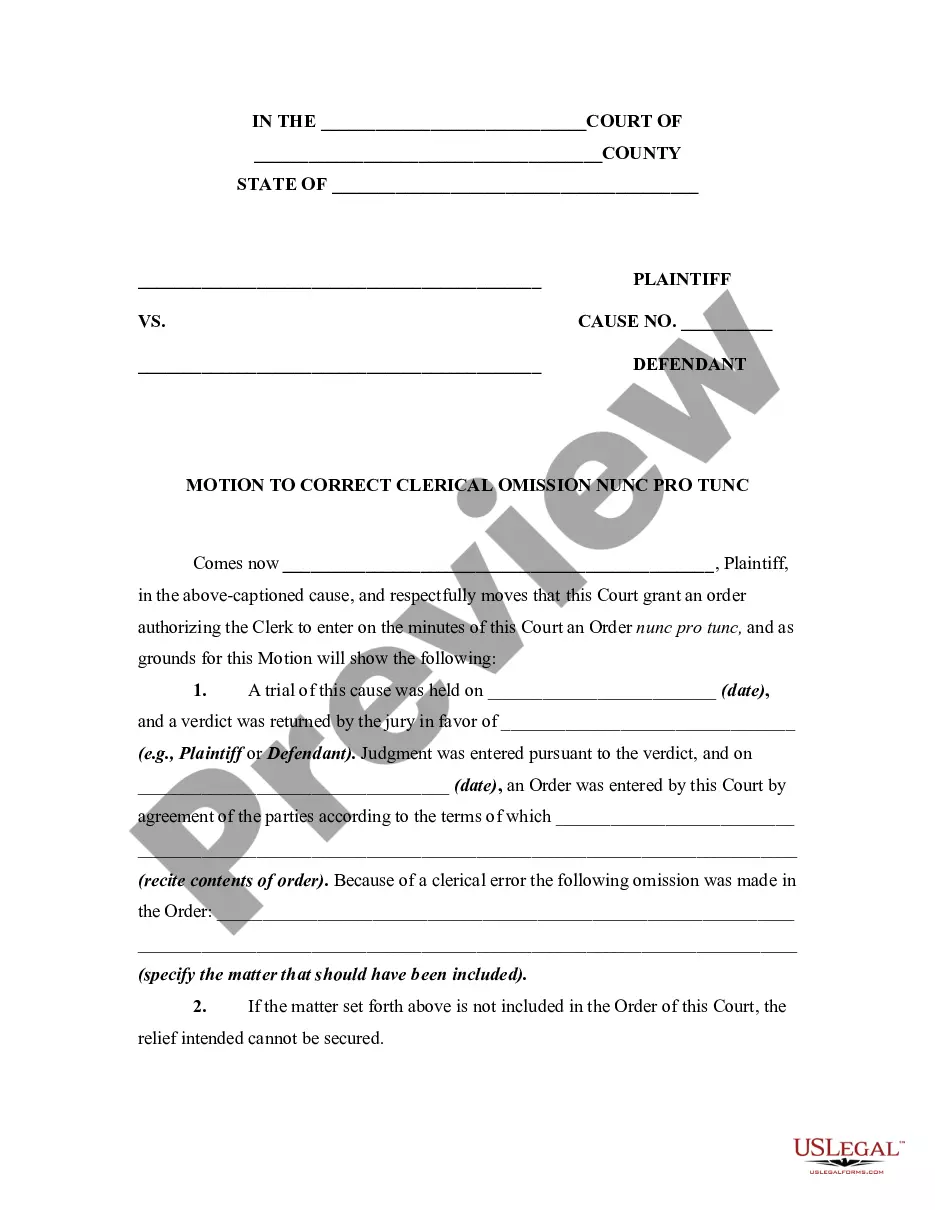







How to fill out Annual Expense Report?
Accessing legal templates that comply with federal and state regulations is essential, and the internet provides numerous alternatives to pick from.
However, what’s the purpose of expending time searching for the proper Annual Expense Report Template For Google Sheets example online when the US Legal Forms online repository has these templates gathered in one location.
US Legal Forms serves as the largest digital legal directory offering over 85,000 editable templates created by attorneys for any corporate and personal necessity.
Examine the template using the Preview feature or through the text outline to confirm it fulfills your needs.
- They are straightforward to navigate with all documents categorized by state and intended use.
- Our professionals keep pace with legal updates, ensuring that your form is always current and compliant when acquiring an Annual Expense Report Template For Google Sheets from our platform.
- Acquiring an Annual Expense Report Template For Google Sheets is quick and easy for both existing and new users.
- If you possess an account with an active subscription, Log In and retrieve the document sample you require in the suitable format.
- If you are visiting our site for the first time, follow the guidelines below.
Form popularity
FAQ
In short, the steps to create an expense sheet are: Choose a template or expense-tracking software. Edit the columns and categories (such as rent or mileage) as needed. Add itemized expenses with costs. Add up the total. Attach or save your corresponding receipts. Print or email the report.
6 Steps To Create An Expense Report: A Guide For Small Businesses Select a Template or Use an Accounting Software. ... Add or Delete Columns. ... Report Expenses as a Different Line Item. ... Calculate the Total. ... Attach Associated Receipts. ... Print or Send the Report.
Using the Expense Report Template in Excel: For each expense, enter the date and description. Use the dropdown menus to select payment type and category for each expense. For each expense, enter the total cost. Attach all necessary receipts to the document. Submit for review and approval!
How to create a Google Forms expense tracker Create the expense form. Select Google Forms. Add an appropriate name to your form. Modify the blank first question. Change the question type to Short paragraph. Click the three-dot icon and select Response validation. Select Number. Toggle the Required option on.
In short, the steps to create an expense sheet are: Choose a template or expense-tracking software. Edit the columns and categories (such as rent or mileage) as needed. Add itemized expenses with costs. Add up the total. Attach or save your corresponding receipts. Print or email the report.