One Series Notes Purchase For Mac
Description
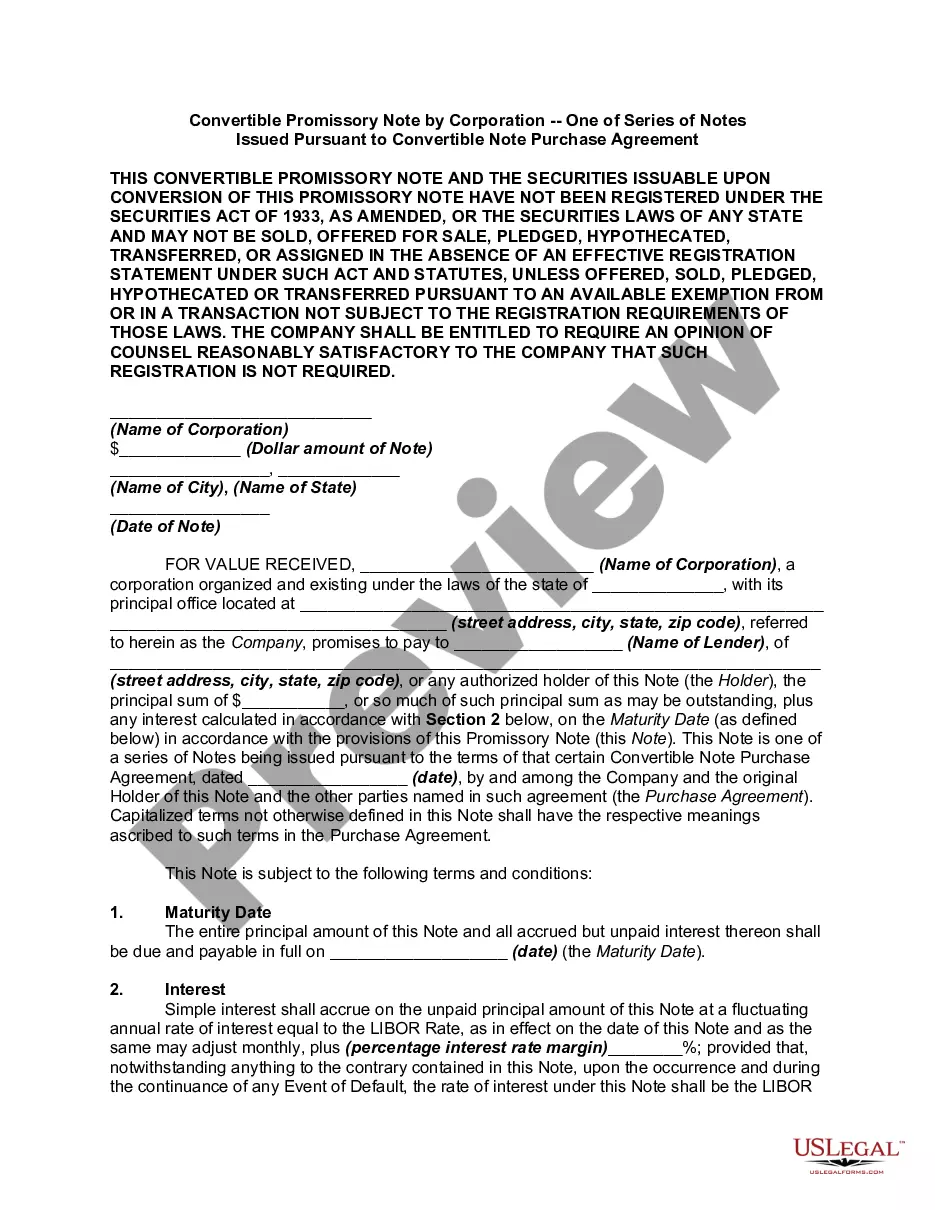
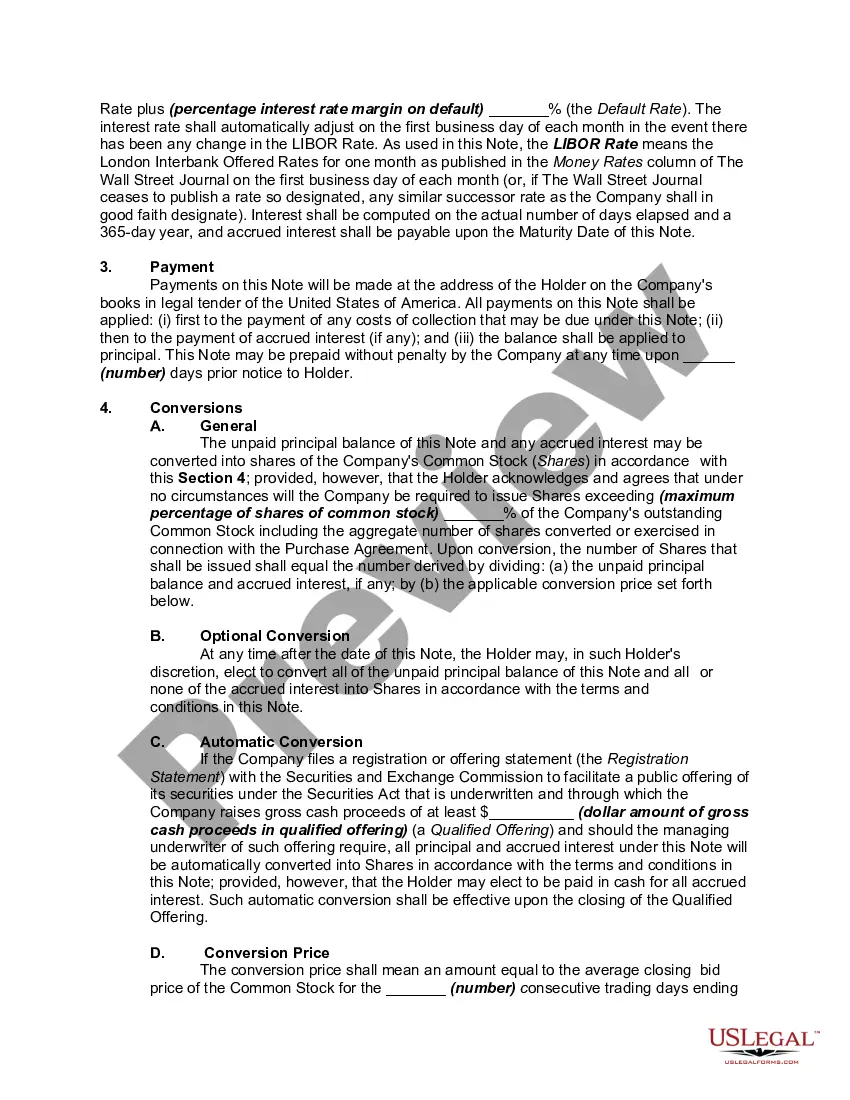
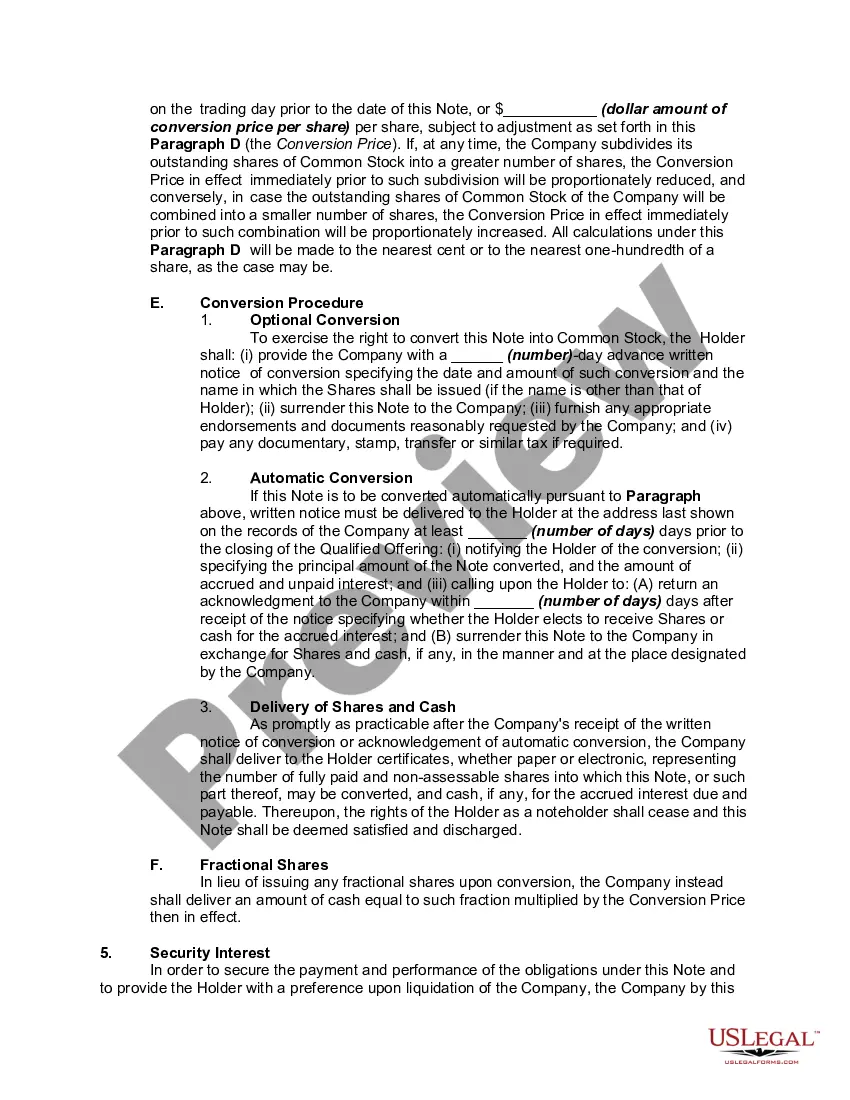
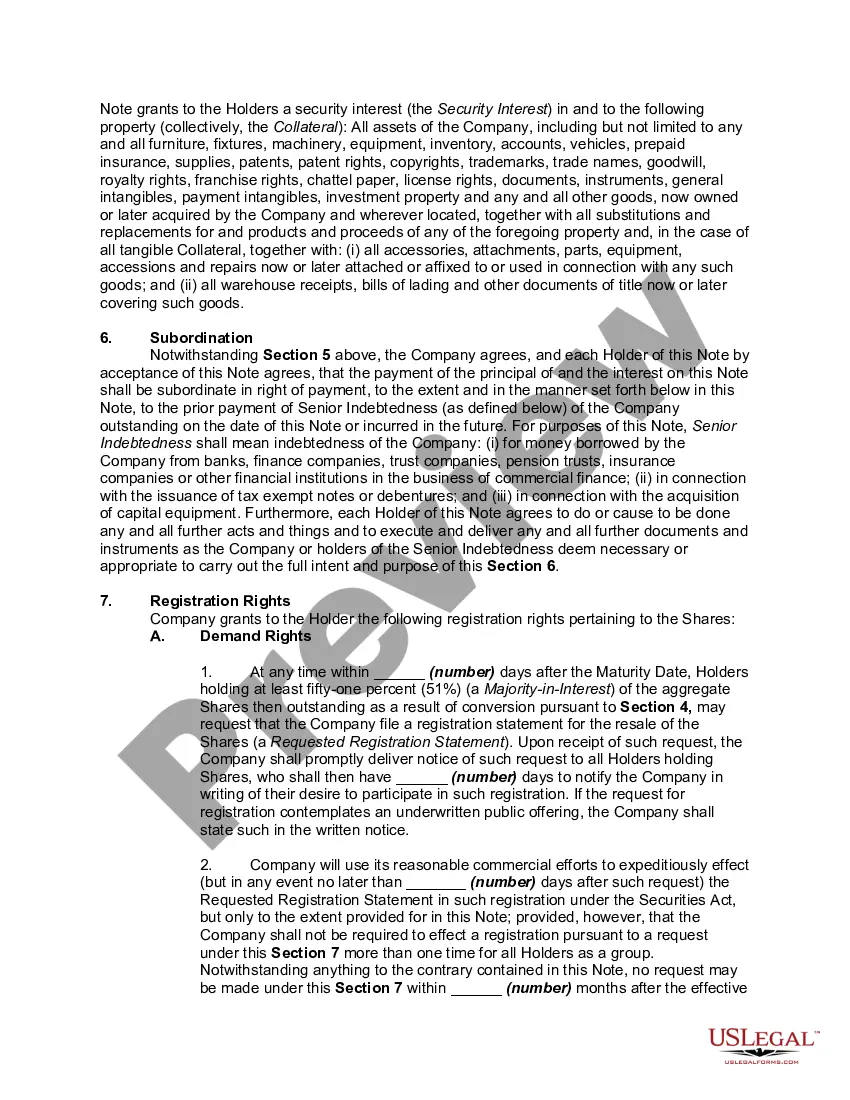
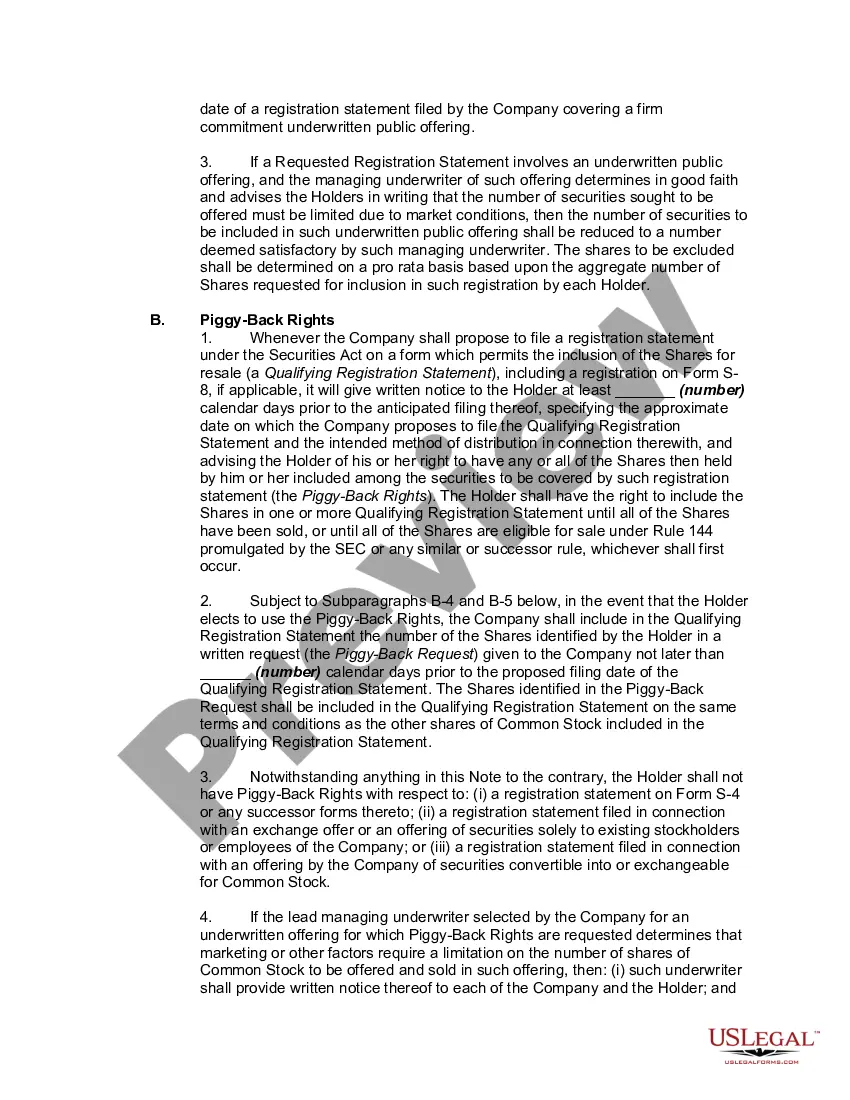
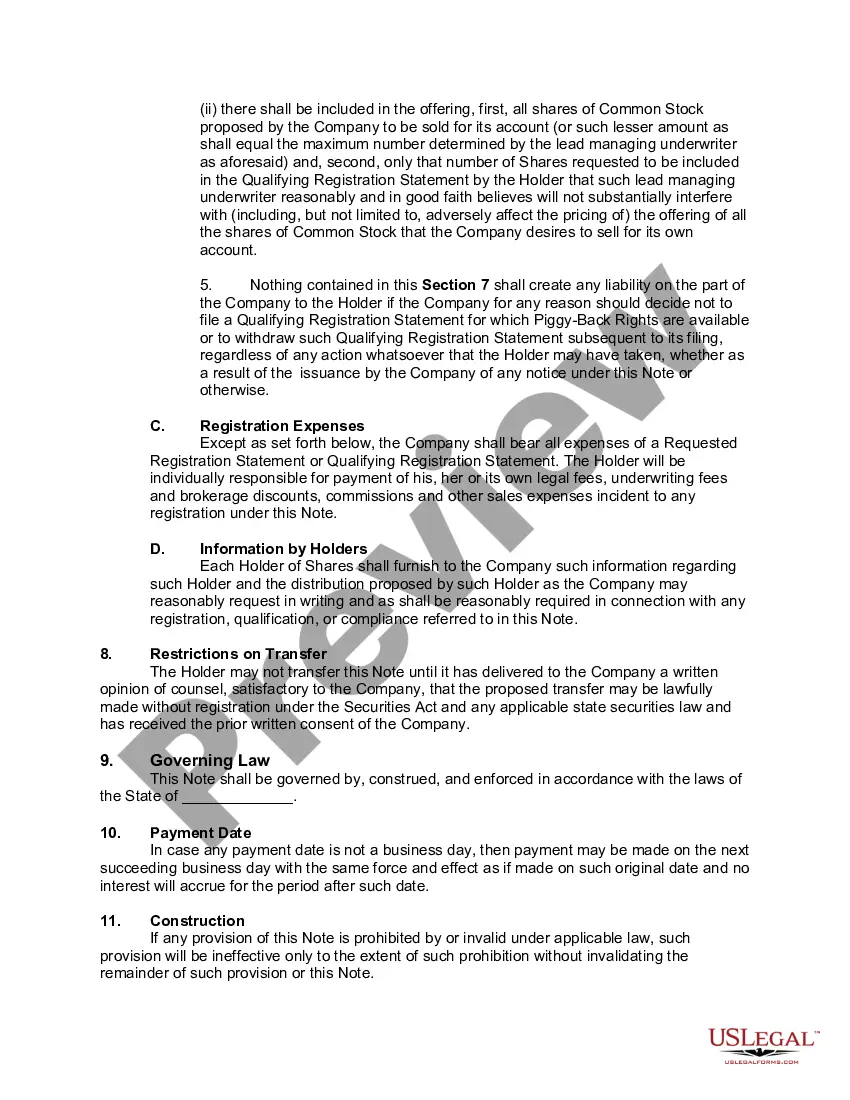
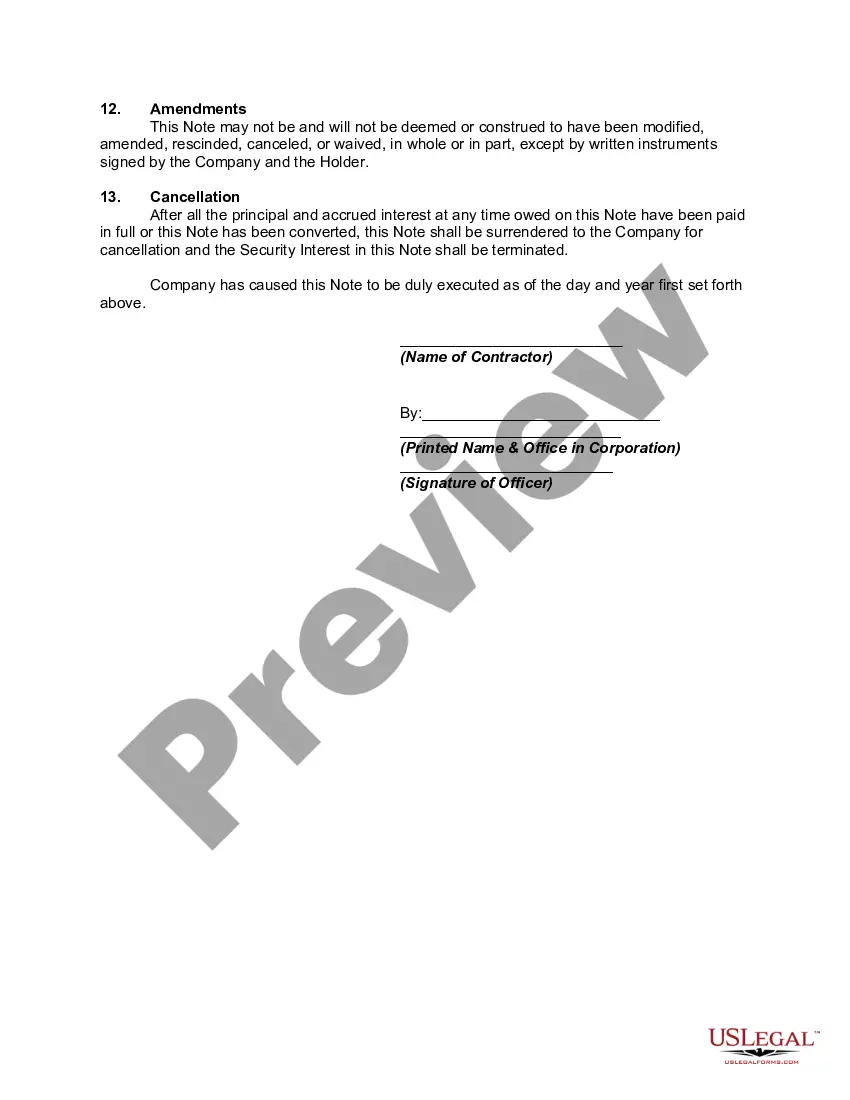
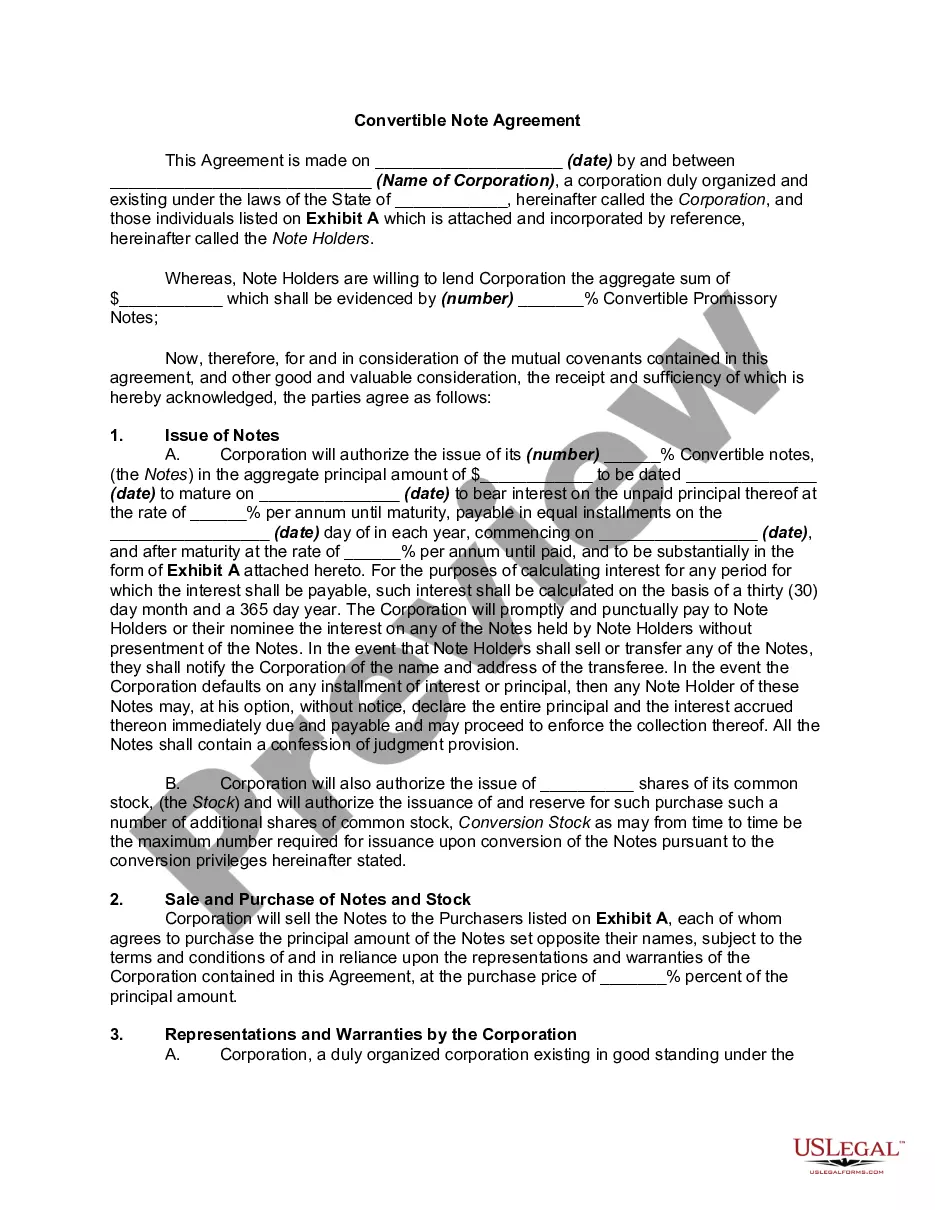
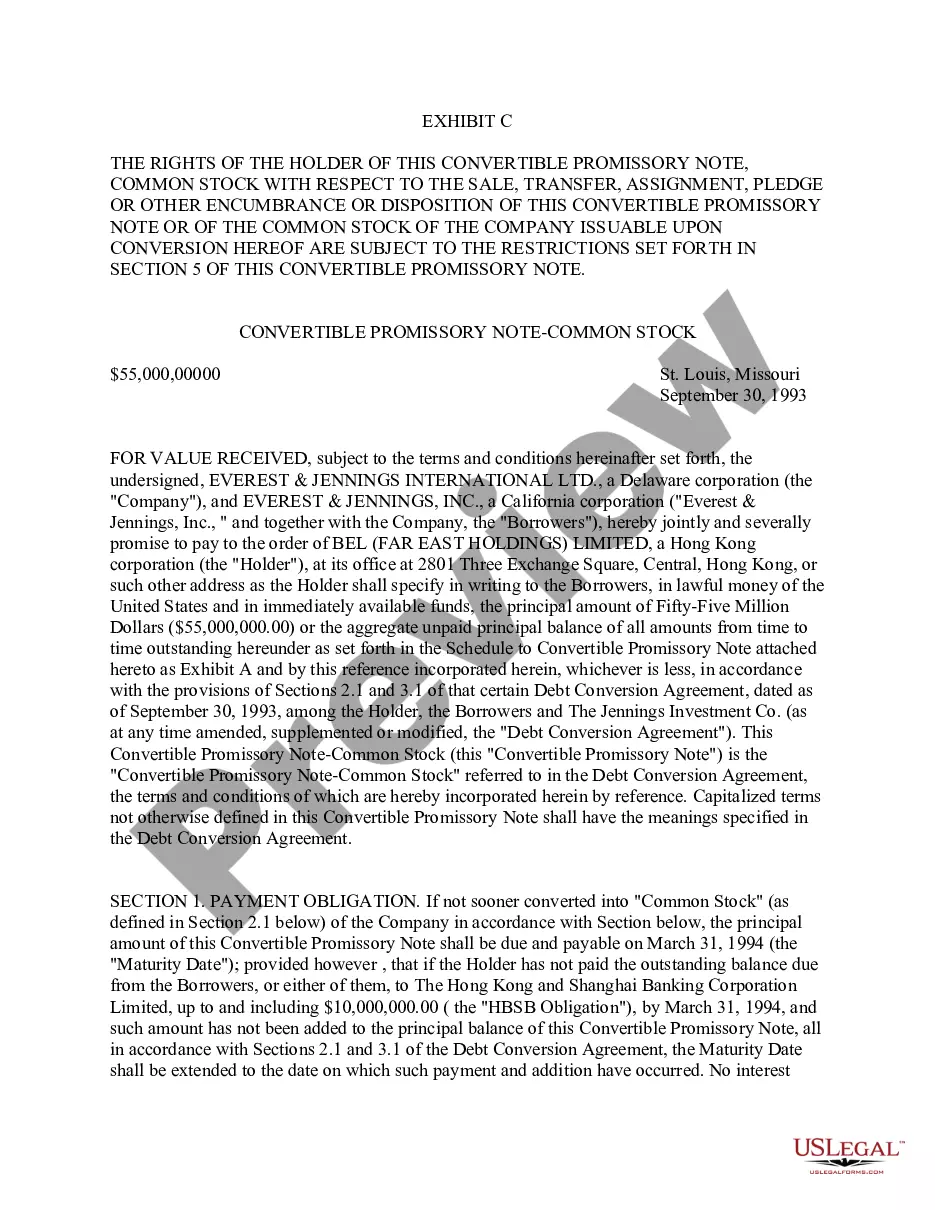
Get your form ready online
Our built-in tools help you complete, sign, share, and store your documents in one place.
Make edits, fill in missing information, and update formatting in US Legal Forms—just like you would in MS Word.
Download a copy, print it, send it by email, or mail it via USPS—whatever works best for your next step.
Sign and collect signatures with our SignNow integration. Send to multiple recipients, set reminders, and more. Go Premium to unlock E-Sign.
If this form requires notarization, complete it online through a secure video call—no need to meet a notary in person or wait for an appointment.
We protect your documents and personal data by following strict security and privacy standards.

Make edits, fill in missing information, and update formatting in US Legal Forms—just like you would in MS Word.

Download a copy, print it, send it by email, or mail it via USPS—whatever works best for your next step.

Sign and collect signatures with our SignNow integration. Send to multiple recipients, set reminders, and more. Go Premium to unlock E-Sign.

If this form requires notarization, complete it online through a secure video call—no need to meet a notary in person or wait for an appointment.

We protect your documents and personal data by following strict security and privacy standards.
Looking for another form?


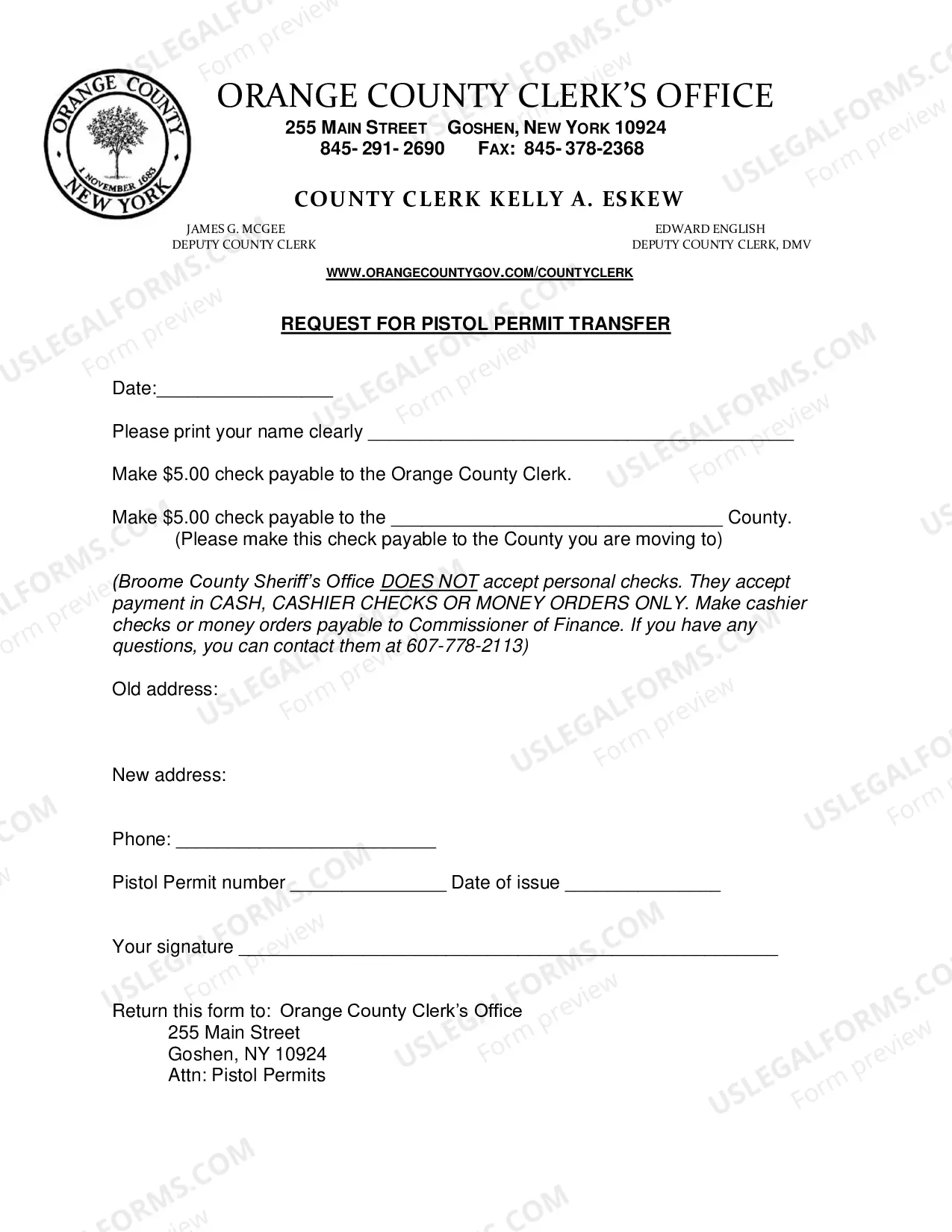




How to fill out Convertible Promissory Note By Corporation - One Of Series Of Notes Issued Pursuant To Convertible Note Purchase Agreement?
- Log into your US Legal Forms account if you're an existing user, and ensure your subscription is active. Click on the Download button to retrieve your required form.
- If you're a new user, start by checking the Preview mode of the desired form to ensure it meets your needs. Verify it aligns with local legal requirements.
- If the chosen form is not suitable, use the Search tab to locate other relevant templates.
- Once you find the right document, click the Buy Now button and pick a subscription plan that best fits your needs.
- Input your payment details, either via credit card or PayPal, to complete the purchase.
- Download your newly acquired form and save it to your device. You can also access it later in the My Forms section of your account.
Utilizing US Legal Forms not only saves time but also ensures access to a robust collection of legal documents that are both reliable and precise.
Get started with US Legal Forms today and simplify your legal document needs with ease!
Form popularity
FAQ
To import Notes in Mac, navigate to the Notes app, then select 'File' and choose 'Import.' You can choose various formats for importing, making it easy to integrate notes from other sources. For anyone looking to optimize their note management, incorporating solutions from US Legal Forms may provide the structure you desire when importing notes.
Transferring Notes on a Mac involves several methods, depending on your needs. You can use AirDrop if you're transferring to another Apple device, or you might prefer sharing via email for easy access. If you're looking for more organized transfers, especially for legal or formal notes, US Legal Forms offers resources to help you manage these processes seamlessly.
Yes, exporting all your Notes on a Mac is possible. You can do this by opening the Notes app, selecting the notes you wish to export, and then clicking on File followed by 'Export as PDF.' This feature allows you to share your notes easily, especially if you need to present them in a professional format. Additionally, consider utilizing platforms like US Legal Forms to streamline your export process.
To write Notes on your Mac, simply open the Notes app and click the 'New Note' button located at the top. You can type your text directly into the note field, and even format it using the toolbar options. For those who benefit from a structured approach, using templates from US Legal Forms can complement your writing process by providing guidelines tailored to your needs.
Importing Notes on your Mac is a straightforward process. Open the Notes app, select File, and then choose 'Import Notes.' This will allow you to bring in existing notes from various formats. If you're looking to manage your notes effectively, consider exploring US Legal Forms, which can help you organize your notes more efficiently after import.
To select a series of items on your Mac, start by clicking the first item you want. Then, press and hold the Shift key, and click the last item in the series you wish to select. This method allows you to select everything in between. For a more advanced selection, you can use the Command key to select multiple non-contiguous items, thus enhancing your productivity.
If you're unable to write Notes on your Mac, several factors could be involved. First, ensure that your operating system is updated, as outdated software can cause issues. Secondly, check the permissions for the Notes app; sometimes, apps may have restricted access due to settings. If problems persist, consider looking into solutions provided on platforms like US Legal Forms, which can guide you on managing app settings effectively.