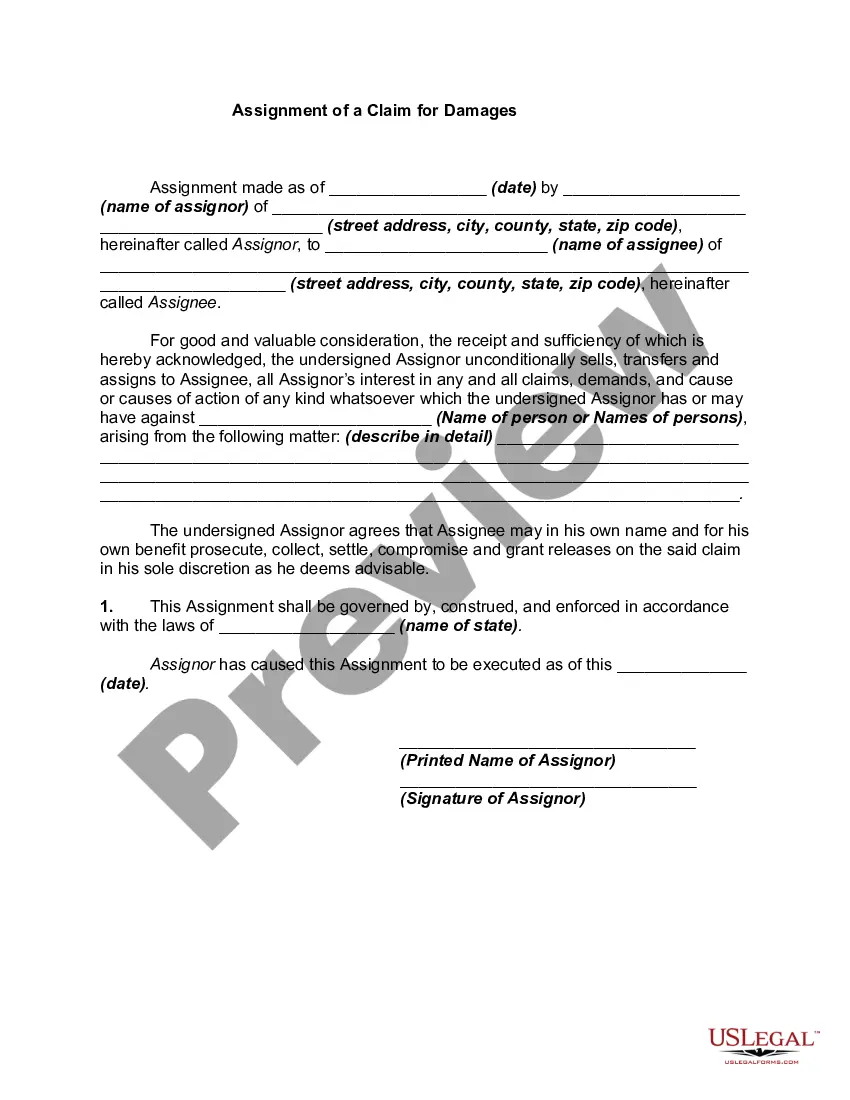
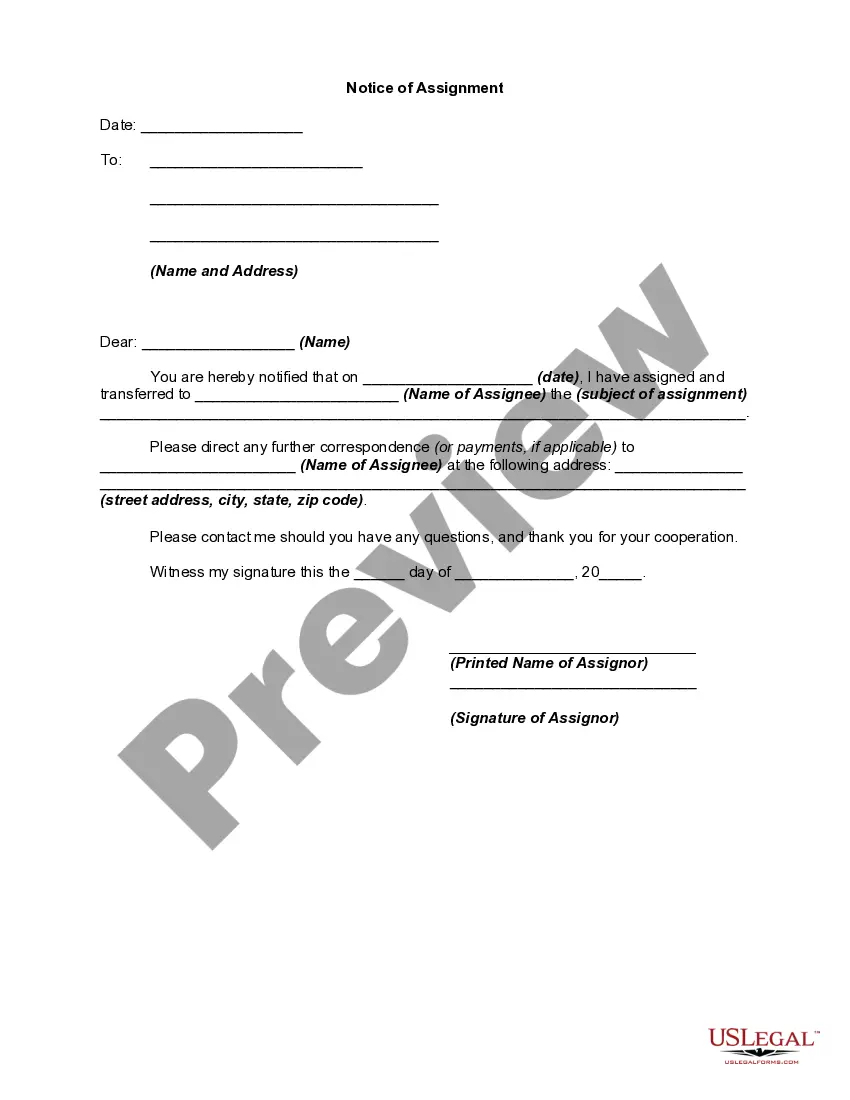
Claim Damages Filed With Dol
Description
Get your form ready online
Our built-in tools help you complete, sign, share, and store your documents in one place.
Make edits, fill in missing information, and update formatting in US Legal Forms—just like you would in MS Word.
Download a copy, print it, send it by email, or mail it via USPS—whatever works best for your next step.
Sign and collect signatures with our SignNow integration. Send to multiple recipients, set reminders, and more. Go Premium to unlock E-Sign.
If this form requires notarization, complete it online through a secure video call—no need to meet a notary in person or wait for an appointment.
We protect your documents and personal data by following strict security and privacy standards.

Make edits, fill in missing information, and update formatting in US Legal Forms—just like you would in MS Word.

Download a copy, print it, send it by email, or mail it via USPS—whatever works best for your next step.

Sign and collect signatures with our SignNow integration. Send to multiple recipients, set reminders, and more. Go Premium to unlock E-Sign.

If this form requires notarization, complete it online through a secure video call—no need to meet a notary in person or wait for an appointment.

We protect your documents and personal data by following strict security and privacy standards.
Looking for another form?


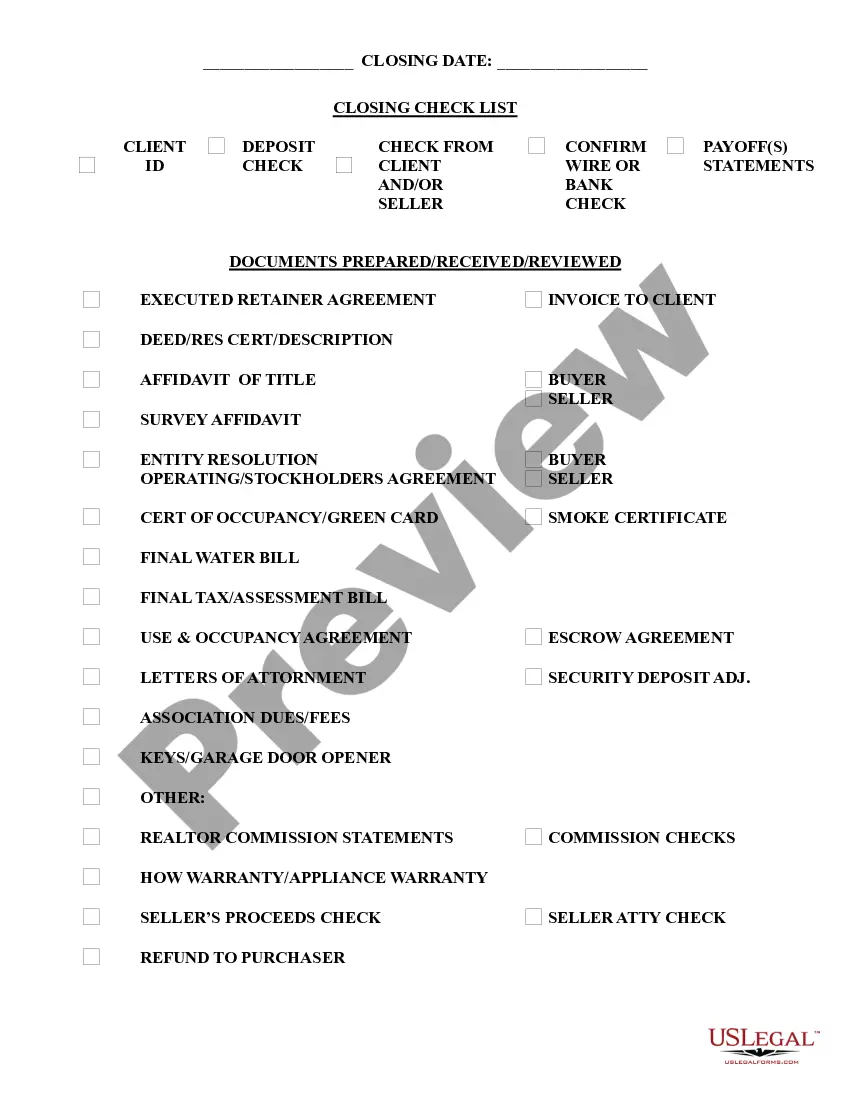
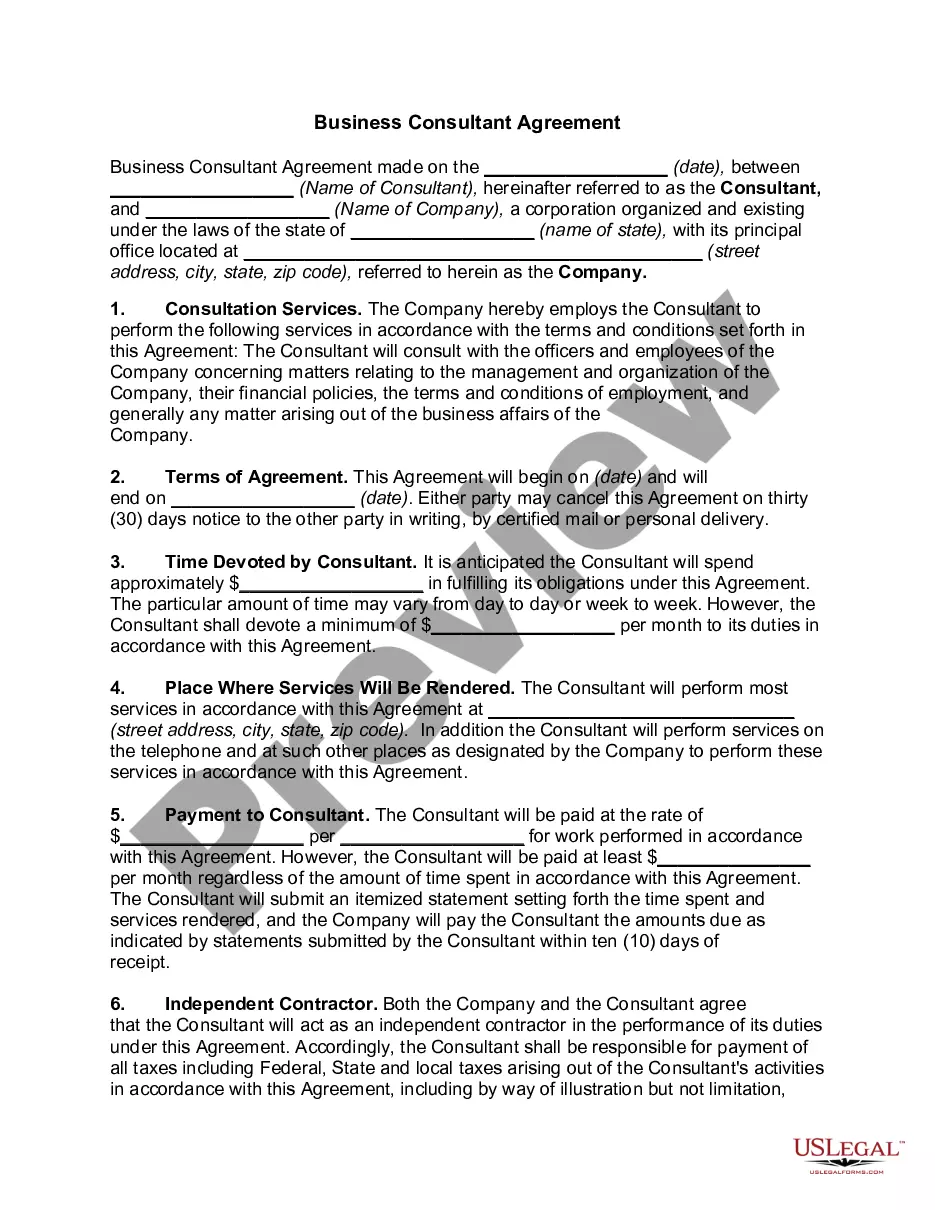


How to fill out Assignment Of A Claim For Damages?
The Damage Claim Submitted With Dol you observe on this page is a versatile legal template created by experienced attorneys in compliance with national and local regulations.
For over 25 years, US Legal Forms has supplied individuals, enterprises, and legal professionals with more than 85,000 validated, state-specific documents for any business and personal circumstance. It’s the fastest, simplest, and most dependable method to acquire the paperwork you require, as the service ensures the utmost level of data protection and anti-malware security.
Subscribe to US Legal Forms to have verified legal templates for all of life's situations readily available.
- Seek the document you require and examine it.
- Browse through the file you searched and preview it or review the form description to confirm it meets your requirements. If it doesn't, utilize the search feature to get the appropriate one. Click Buy Now once you have found the template you want.
- Register and Log In.
- Choose the pricing plan that fits you and create an account. Use PayPal or a credit card to make a swift payment. If you already possess an account, Log In and verify your subscription to proceed.
- Acquire the editable template.
- Select the format you prefer for your Damage Claim Submitted With Dol (PDF, DOCX, RTF) and download the example onto your device.
- Complete and sign the document.
- Print the template to finish it manually. Alternatively, use an online multi-functional PDF editor to swiftly and accurately complete and sign your form with a legally-binding electronic signature.
- Re-download your paperwork.
- Utilize the same document again whenever required. Access the My documents tab in your profile to re-download any previously acquired forms.
Form popularity
FAQ
'Claim damages' refers to the request made by an individual or an entity to receive financial compensation for losses suffered due to another party's actions. This may include physical damages, loss of property, or personal injuries. Understanding the concept is vital for effectively pursuing your rights, especially when you seek to claim damages filed with dol.
Public criminal conviction history maintained in the central repository can be disseminated upon request to anyone for a fee. Confidential Criminal History Information, including non-conviction data, can be disseminated only to Law enforcement personnel, or a person requesting his or her own record.
Police reports, photographs, and other related items are available to the public for a processing fee. Requests for incident reports, and other items can be made in person at the police station, through the U.S. Mail, or by emailing the Records Department .
Most documents in federal courts ? appellate, district, and bankruptcy ? are filed electronically, using a system called Case Management/Electronic Case Files (CM/ECF). The media and public may view most filings found in this system via the Public Access to Court Electronic Records service, better known as PACER.
You can obtain a PACER login on-line or by calling (800) 676-6856. If you have a PACER account, you may login to the court's electronic case files. You may also view the court's electronic case files free of charge at the public terminals in the clerk's office.
You can obtain a PACER login on-line or by calling (800) 676-6856. If you have a PACER account, you may login to the court's electronic case files. You may also view the court's electronic case files free of charge at the public terminals in the clerk's office.
A presumption exists that all court records are subject to public inspection. The public right of access to specific court records must be weighed and balanced against nondisclosure interests as established by the Federal and/or New Hampshire Constitution or by statutory provision granting or requiring confidentiality.
Probate Division | New Hampshire Judicial Branch.
To request forms, please email forms@dra.nh.gov or call the Forms Line at (603) 230-5001. If you have a substantive question or need assistance completing a form, please contact Taxpayer Services at (603) 230-5920.