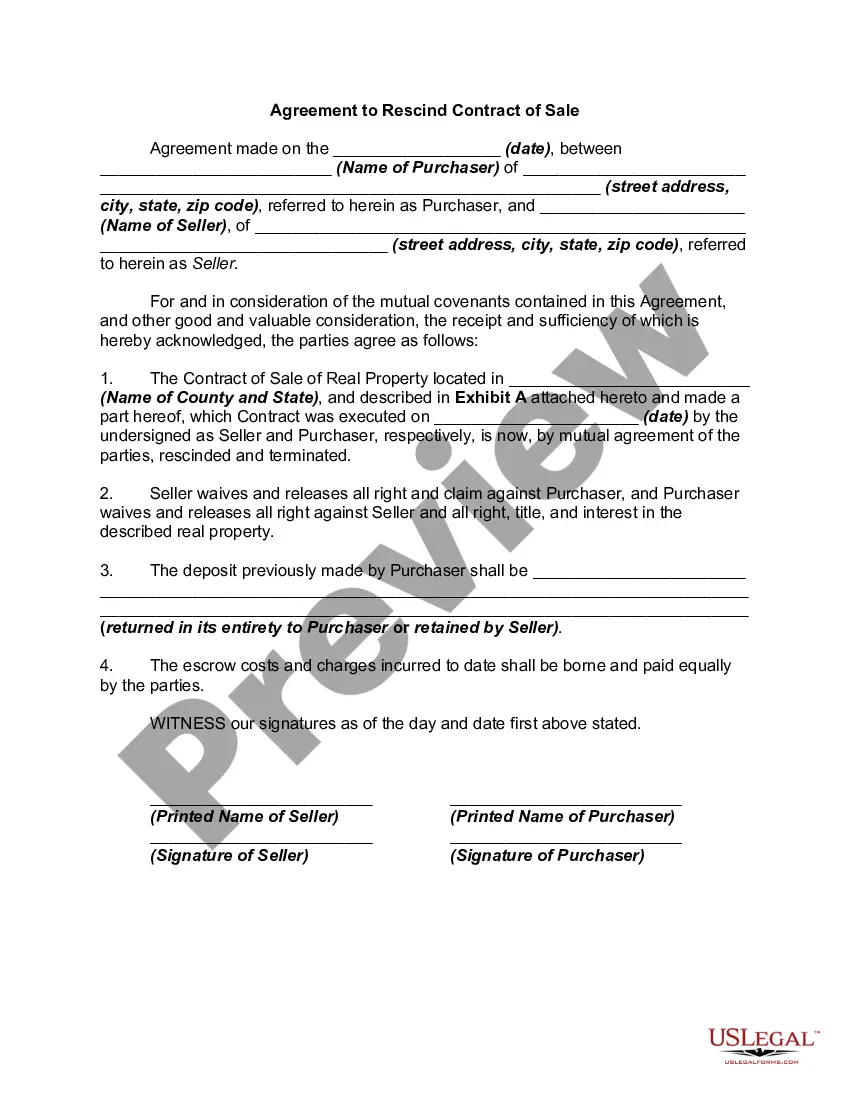
Retract For Sale
Description
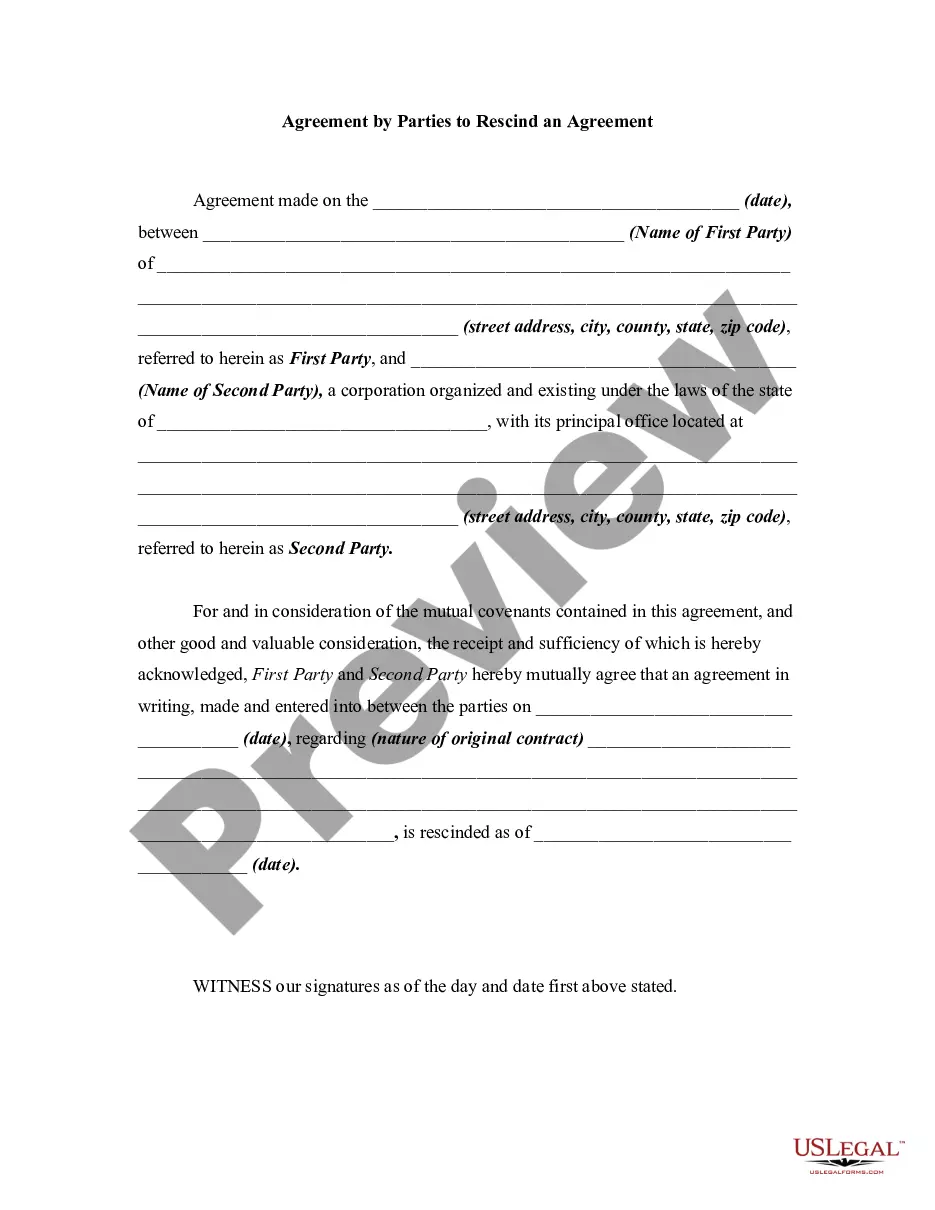
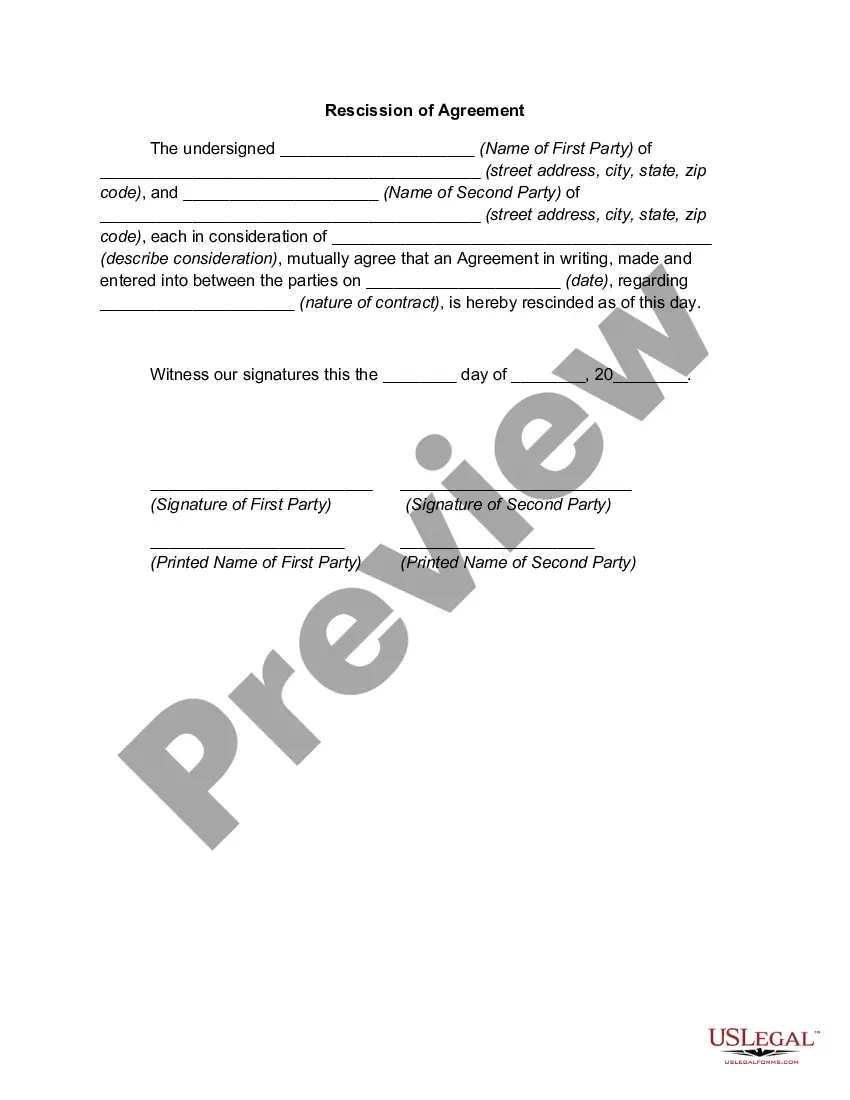
Get your form ready online
Our built-in tools help you complete, sign, share, and store your documents in one place.
Make edits, fill in missing information, and update formatting in US Legal Forms—just like you would in MS Word.
Download a copy, print it, send it by email, or mail it via USPS—whatever works best for your next step.
Sign and collect signatures with our SignNow integration. Send to multiple recipients, set reminders, and more. Go Premium to unlock E-Sign.
If this form requires notarization, complete it online through a secure video call—no need to meet a notary in person or wait for an appointment.
We protect your documents and personal data by following strict security and privacy standards.

Make edits, fill in missing information, and update formatting in US Legal Forms—just like you would in MS Word.

Download a copy, print it, send it by email, or mail it via USPS—whatever works best for your next step.

Sign and collect signatures with our SignNow integration. Send to multiple recipients, set reminders, and more. Go Premium to unlock E-Sign.

If this form requires notarization, complete it online through a secure video call—no need to meet a notary in person or wait for an appointment.

We protect your documents and personal data by following strict security and privacy standards.
Looking for another form?
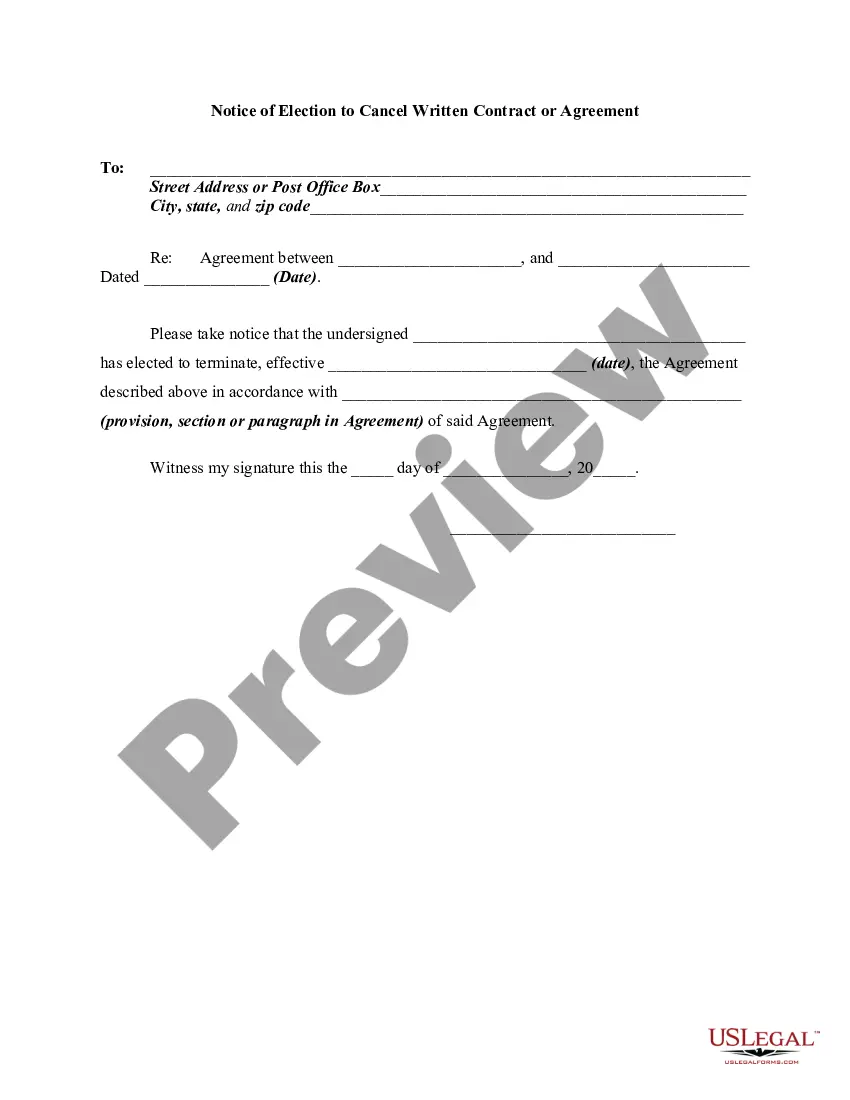
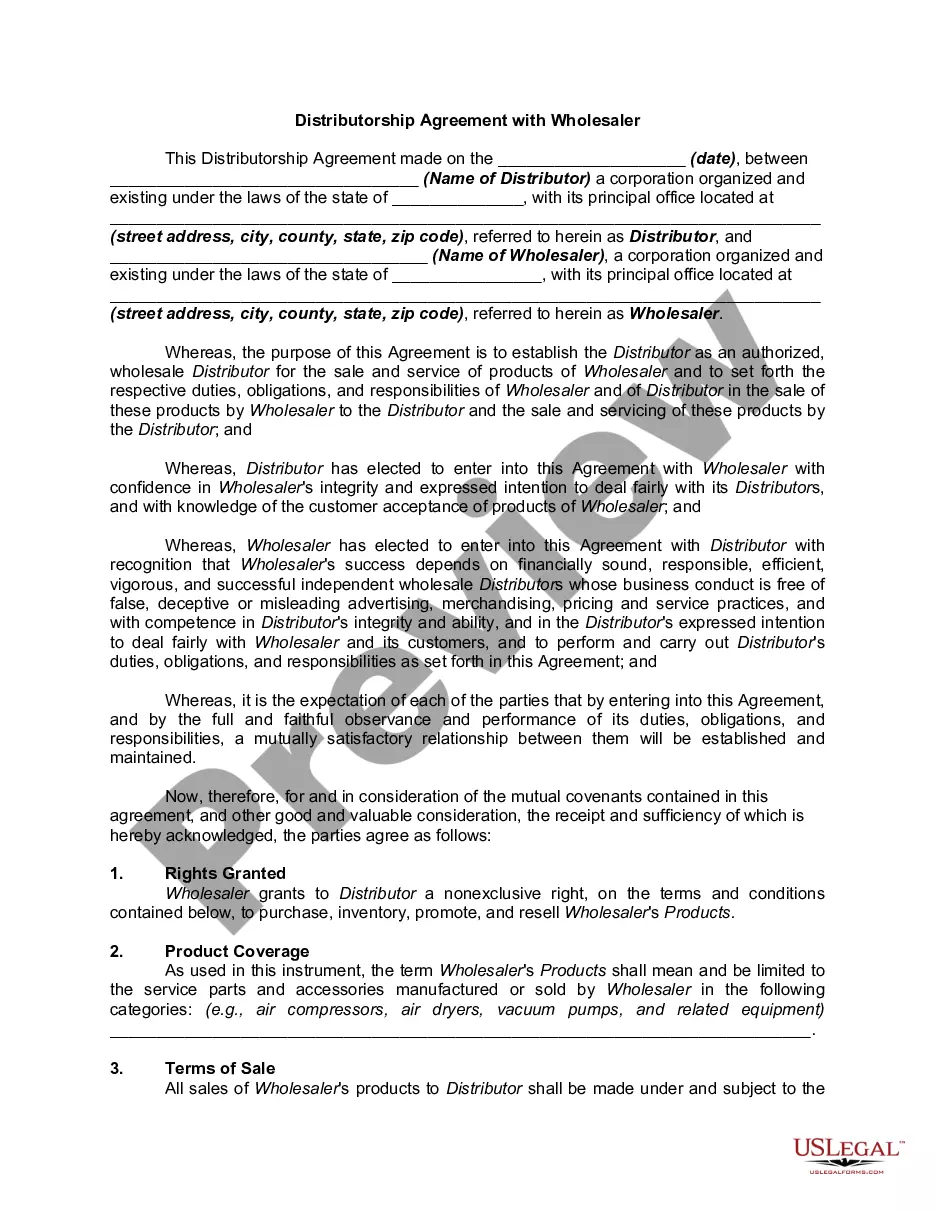
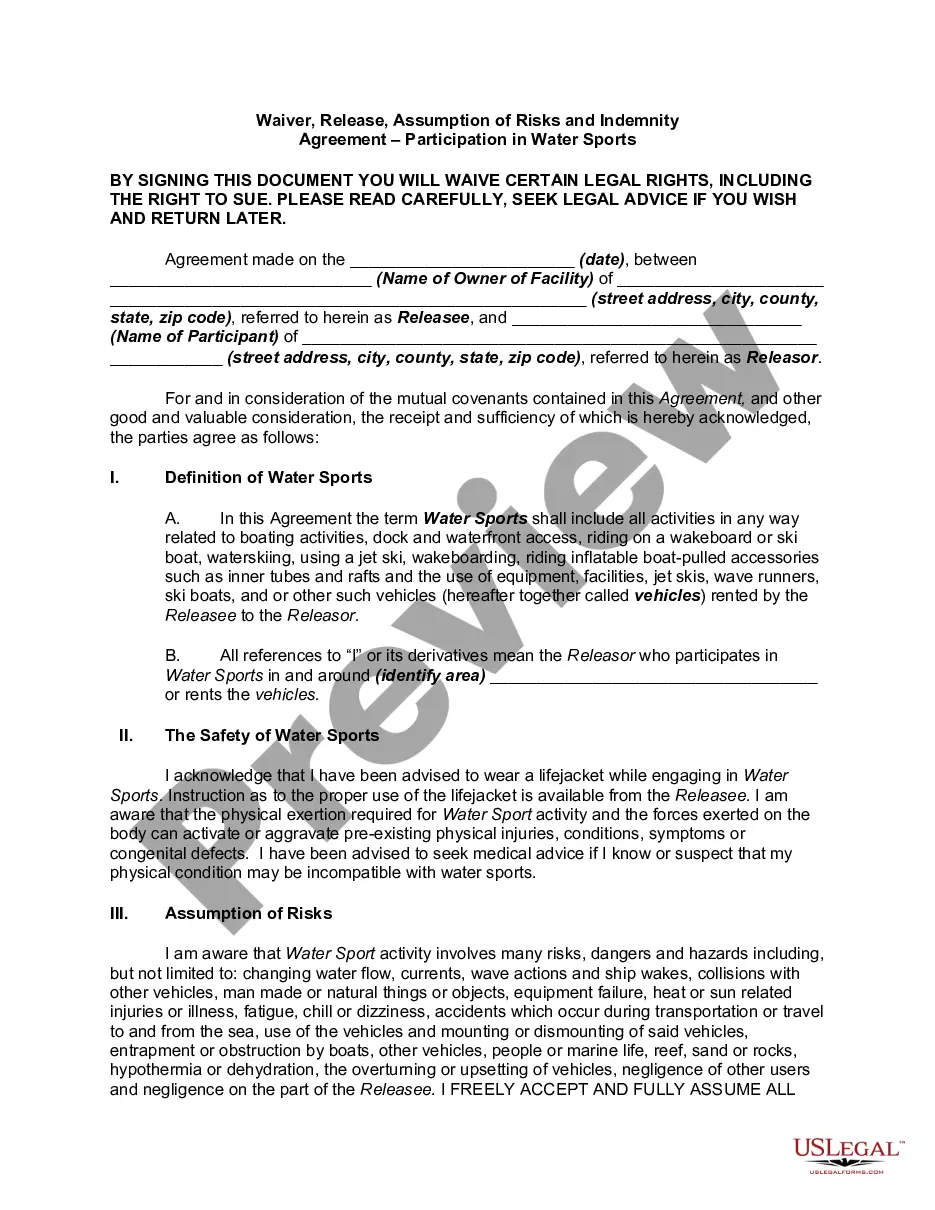
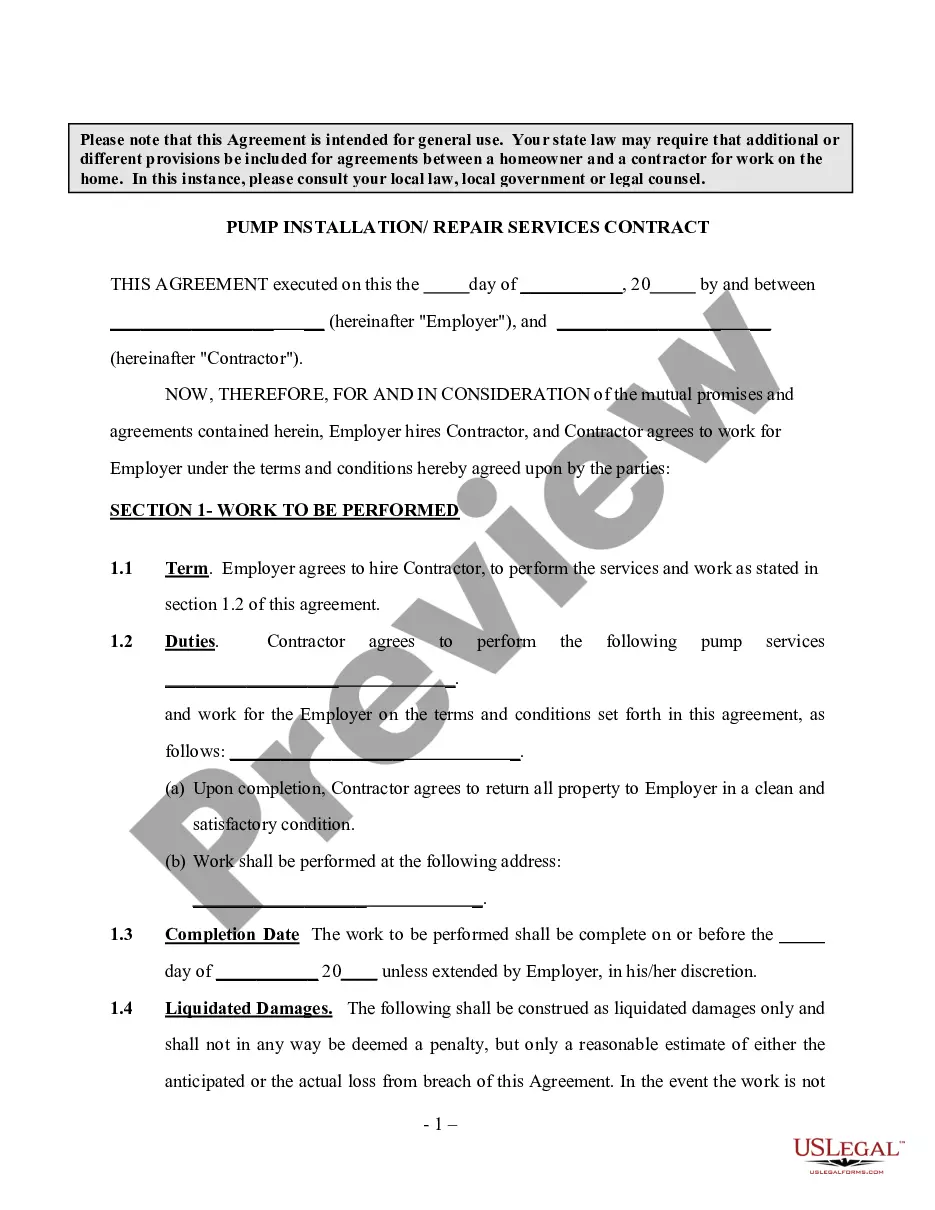
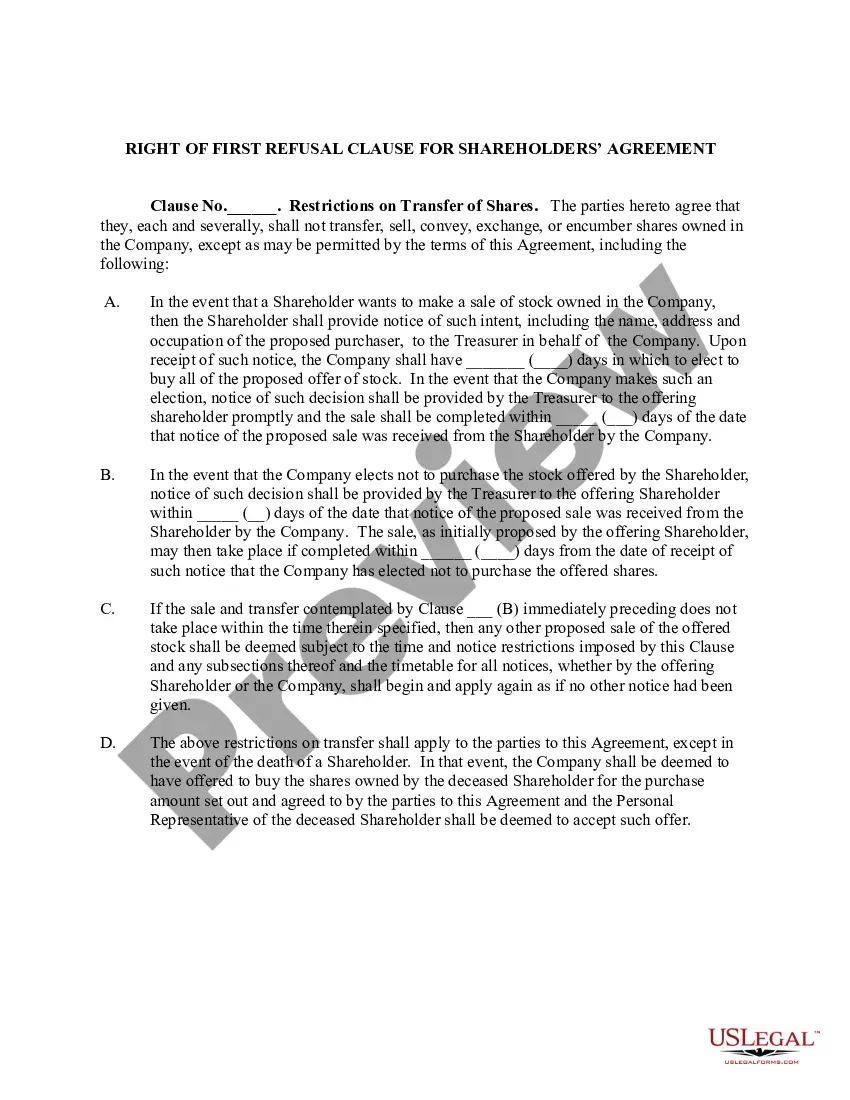
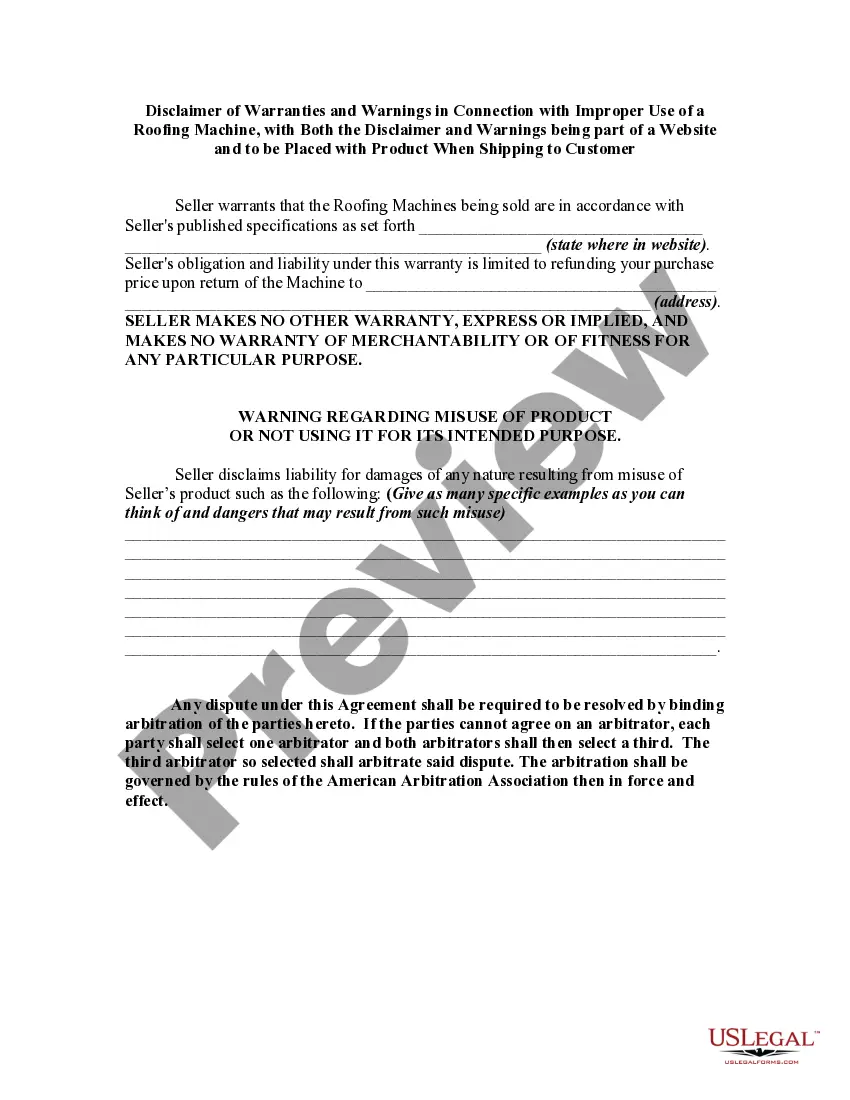
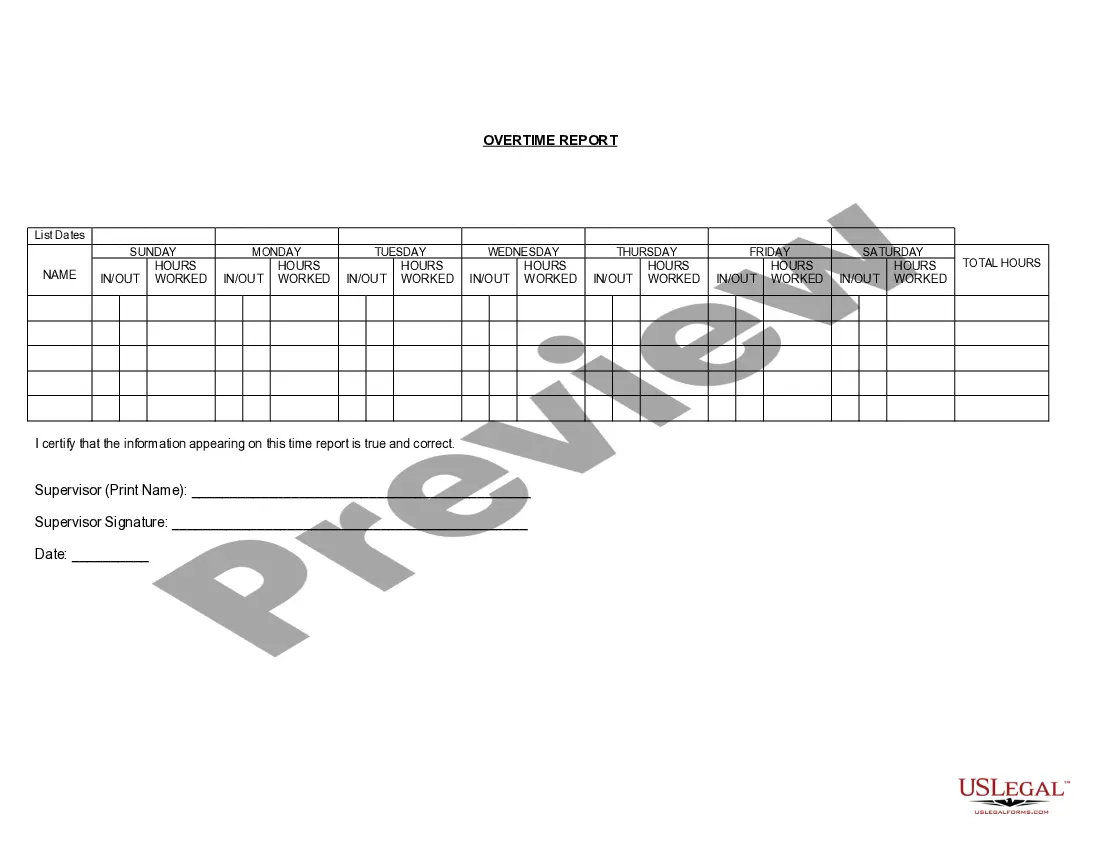

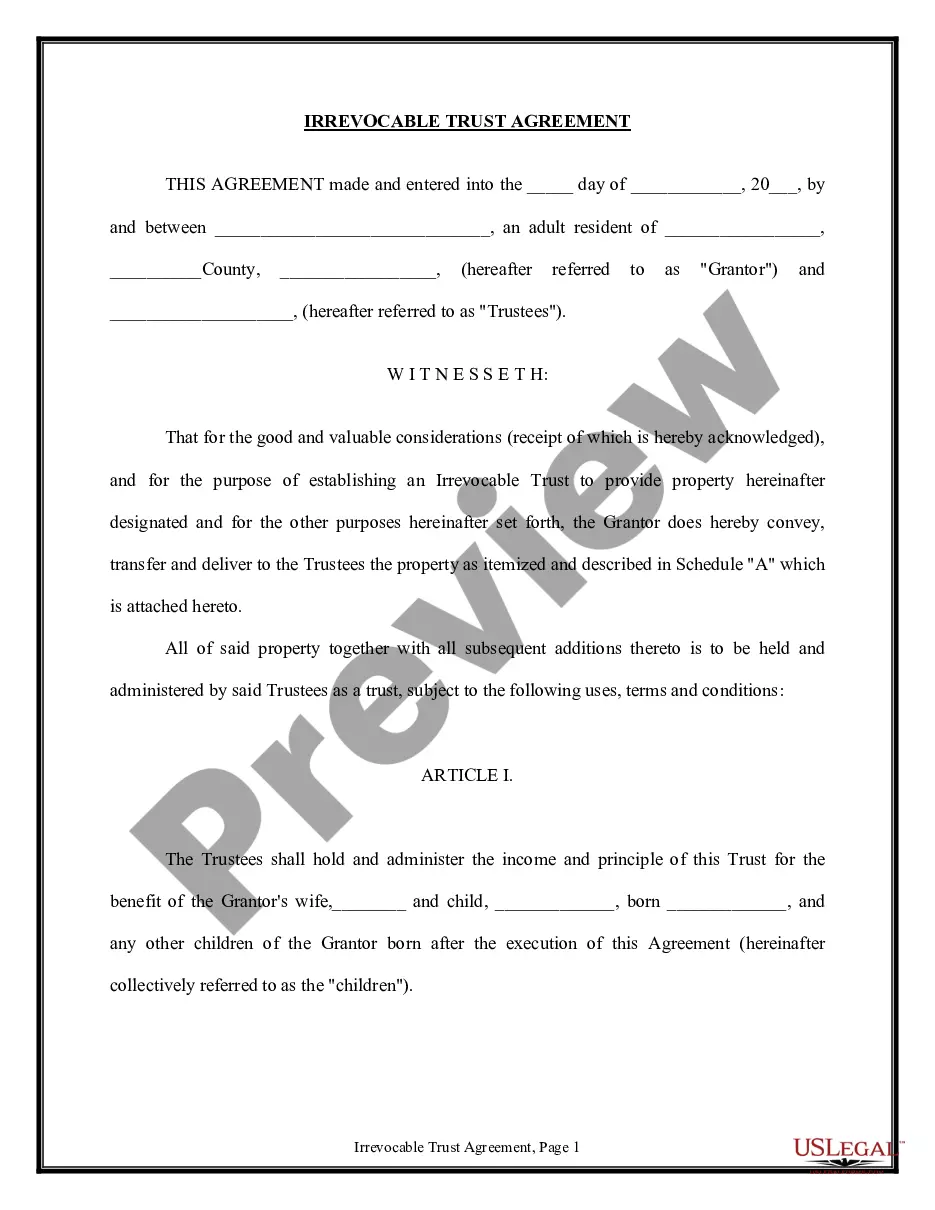
How to fill out Agreement To Rescind Contract Of Sale?
Whether for commercial reasons or personal matters, everyone must handle legal issues at some stage in their life. Filling out legal documents requires careful consideration, starting from choosing the appropriate form template.
For example, if you select an incorrect version of the Retract For Sale, it will be rejected upon submission. Thus, it's essential to have a trustworthy source of legal forms like US Legal Forms.
With an extensive US Legal Forms catalog available, you never have to waste time searching for the suitable template across the internet. Utilize the library’s user-friendly navigation to find the right form for any situation.
- Locate the template you require by utilizing the search bar or browsing through the catalog.
- Review the form’s description to ensure it aligns with your circumstances, state, and locality.
- Click on the form’s preview to view it.
- If it is the wrong document, return to the search feature to find the Retract For Sale example you need.
- Obtain the template if it satisfies your needs.
- If you already possess a US Legal Forms account, click Log in to access previously saved documents in My documents.
- If you don’t have an account yet, you can acquire the form by clicking Buy now.
- Choose the appropriate pricing option.
- Complete the account registration form.
- Select your payment method: you may use a credit card or PayPal account.
- Choose the document format you desire and download the Retract For Sale.
- Once it is downloaded, you can fill out the form using editing software or print it and complete it manually.
Form popularity
FAQ
How to cancel a bid How to cancel a bid. If you need to cancel a bid, follow these steps: ... Click SELL to quickly get to the correspondent section. Then select Cancel bids on your listing. Enter the item number, the username of the member whose bid you're canceling, and the reason you're canceling the bid. Select Submit.
Examples from the Collins Corpus He saw a long elegant paw flash out and retract, holding some tiny rodent. Barbara Erskine. ... For what he's done, he doesn't just retract his evidence and walk back to us like nothing's different. ... Lionel was made to retract his neck like a turtle and to extend his neck like a snake.
To retract means to withdraw a bid, offer, or statement before any relevant party acts on the information provided. For example, it's common practice in real estate transactions to provide a deposit showing the buyer's intention to complete the transaction.
Examples of retract in a Sentence The pilot retracted the plane's landing gear. The plane's landing gear failed to retract. Their college grants were retracted. They retracted the job offer.
A withdrawal is initiated before the article is published (before or after peer review, during peer review or just before publication). Occasionally, articles 'in press' or published 'ahead of print' may also be withdrawn. A retraction, on the other hand, is done only after the article has been published.