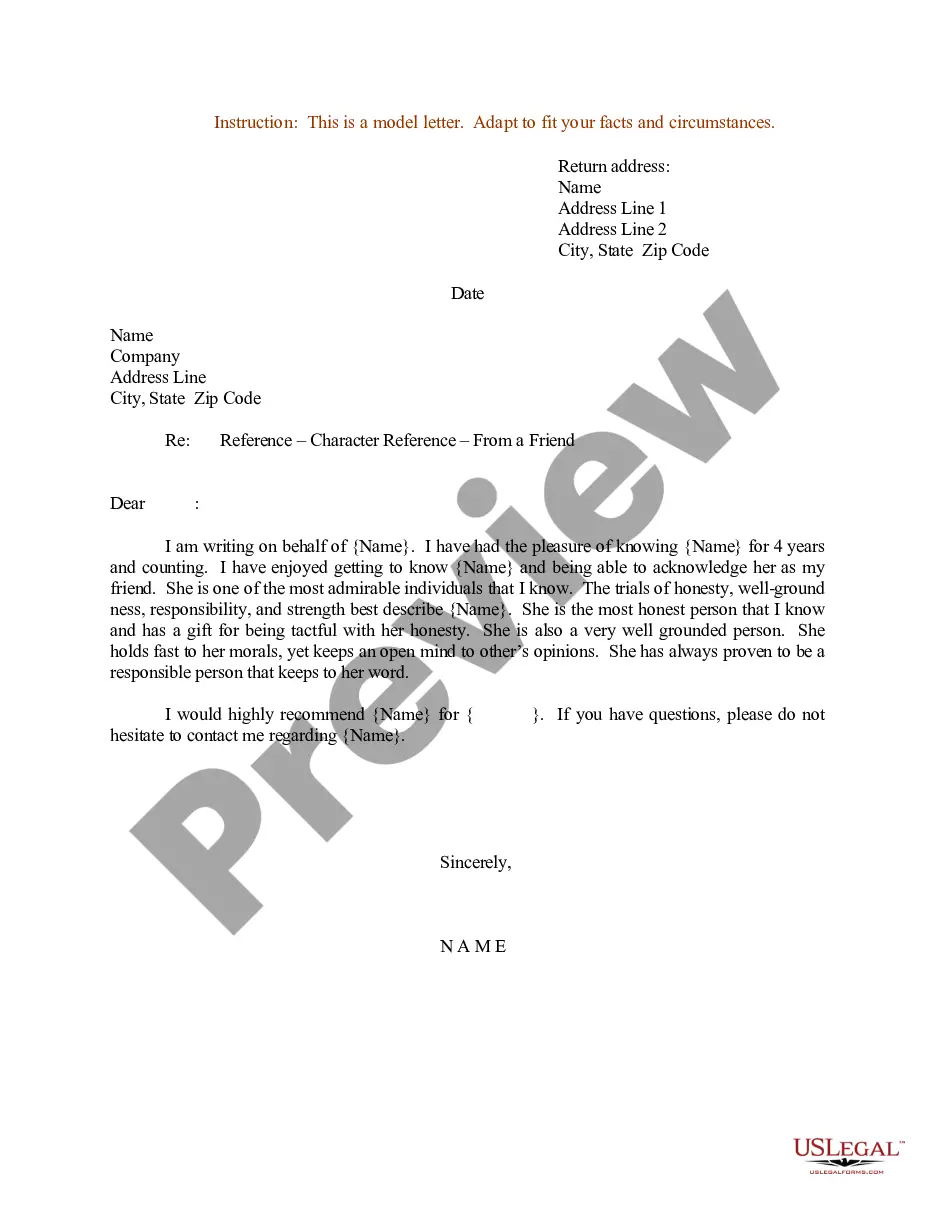
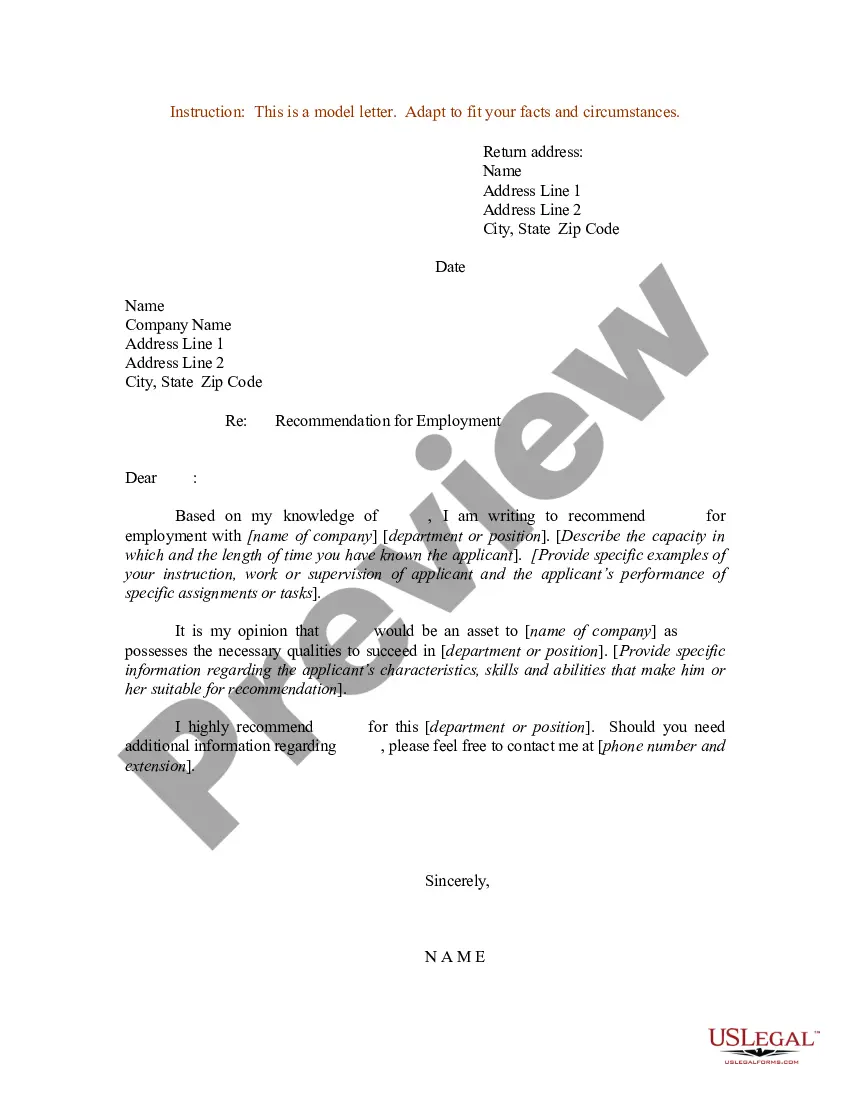
Sample Reference Form Template For It Professional
Description
Get your form ready online
Our built-in tools help you complete, sign, share, and store your documents in one place.
Make edits, fill in missing information, and update formatting in US Legal Forms—just like you would in MS Word.
Download a copy, print it, send it by email, or mail it via USPS—whatever works best for your next step.
Sign and collect signatures with our SignNow integration. Send to multiple recipients, set reminders, and more. Go Premium to unlock E-Sign.
If this form requires notarization, complete it online through a secure video call—no need to meet a notary in person or wait for an appointment.
We protect your documents and personal data by following strict security and privacy standards.

Make edits, fill in missing information, and update formatting in US Legal Forms—just like you would in MS Word.

Download a copy, print it, send it by email, or mail it via USPS—whatever works best for your next step.

Sign and collect signatures with our SignNow integration. Send to multiple recipients, set reminders, and more. Go Premium to unlock E-Sign.

If this form requires notarization, complete it online through a secure video call—no need to meet a notary in person or wait for an appointment.

We protect your documents and personal data by following strict security and privacy standards.
Looking for another form?


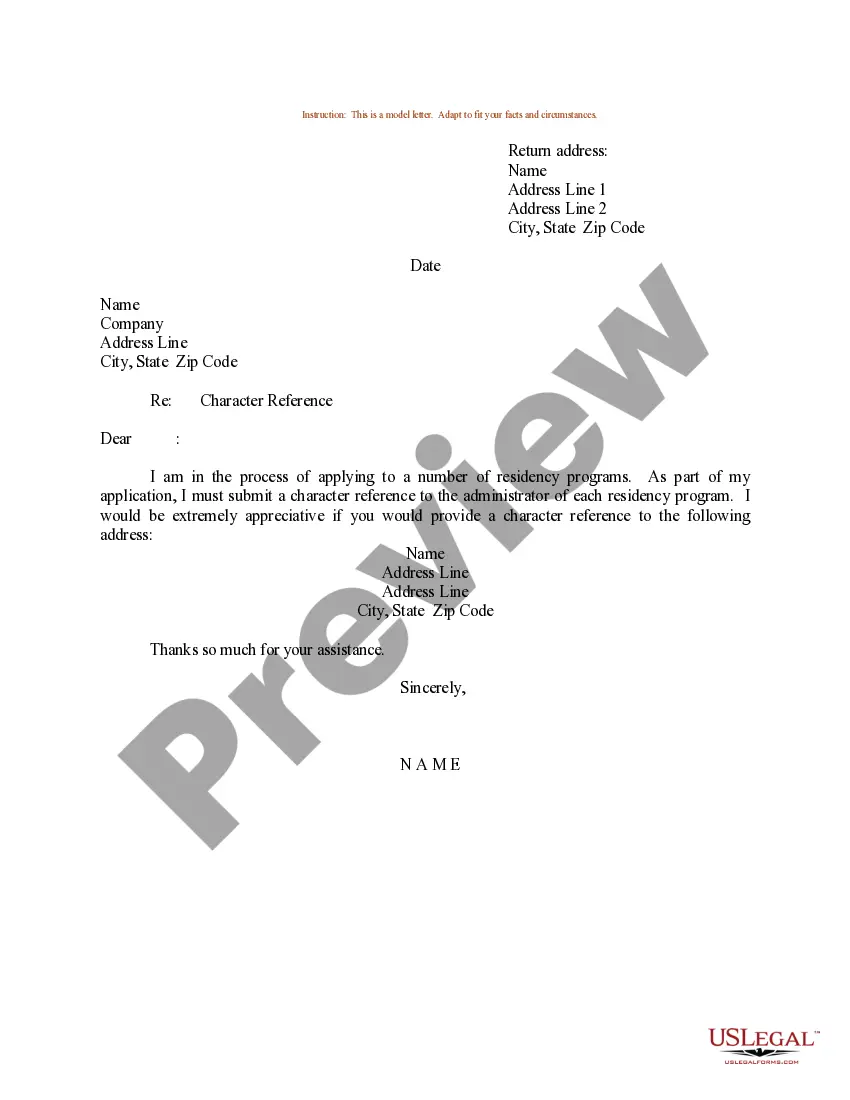
How to fill out Sample Letter For Character Reference From A Friend?
Whether for commercial reasons or for individual concerns, everyone must handle legal matters at some stage in their life.
Completing legal paperwork requires meticulous focus, starting from selecting the suitable form template.
With an extensive US Legal Forms catalog available, you do not have to waste time searching for the appropriate template online. Utilize the library’s user-friendly navigation to find the right form for any situation.
- Find the template you require by utilizing the search box or catalog browsing.
- Review the form’s details to ensure it fits your situation, region, and county.
- Click on the form’s preview to assess it.
- If it is the incorrect form, return to the search option to find the Sample Reference Form Template For IT Professional template you need.
- Obtain the document if it aligns with your requirements.
- If you already have a US Legal Forms account, click Log in to access previously stored templates in My documents.
- If you do not have an account yet, you can download the form by clicking Buy now.
- Select the appropriate pricing option.
- Fill out the profile registration form.
- Choose your payment method: you may utilize a credit card or PayPal account.
- Select the file format you desire and download the Sample Reference Form Template For IT Professional.
- Once it is saved, you can complete the form using editing software or print it out to fill it in manually.
Form popularity
FAQ
Writing a reference template requires you to outline essential elements such as the individual's skills, qualifications, and experiences. Start with a clear introduction, followed by specific examples of the person's work and achievements, using the sample reference form template for IT professionals as a guideline. Ensure you maintain a positive tone throughout the document and provide actionable insights that potential employers may value. Finally, keep the document structured and concise for easy comprehension.
To request a professional reference template, start by clearly communicating your needs. You can reach out to colleagues, mentors, or supervisors and explain that you are looking for a sample reference form template for IT professionals. It is helpful to mention specific areas you want the reference to cover, ensuring the template fits your industry expectations. This approach encourages others to provide you with a more tailored and effective reference.
Filling out a reference check form sample requires you to provide accurate details about the references you choose. Begin by entering their name, relationship to you, and contact information. Next, ensure you describe their position and relevance to your professional work. Utilizing a Sample reference form template for IT professionals simplifies this process and ensures you cover all necessary aspects.
To format a professional reference page, start by including your name and contact information at the top. Then, list each reference with their full name, job title, company, and contact details. Use a consistent font and spacing for clarity. Remember, the Sample reference form template for IT professionals can guide you in creating an organized and appealing reference page.
Formatting professional references involves clear and organized presentation. Start with a heading that states 'References,' followed by the reference names listed in a consistent format. Include details such as their job title, relationship to you, and contact information. Utilizing a sample reference form template for IT professionals can help ensure your references appear polished and professional.
Filling out a professional reference form is straightforward. Begin by including your complete name and contact information at the top. Next, list the references in the specified format, ensuring you include their relationship to you, their job title, and preferred contact methods. Using a sample reference form template for IT professionals can streamline this process, making it easier to present your qualifications.
Creating a professional reference document involves selecting appropriate references and drafting a concise summary that includes their contact information, relationship to the candidate, and key skills they can attest to. By relying on a sample reference form template for IT professionals, you can simplify the process and ensure all essential details are included, creating a polished and effective document.
A good professional reference is someone who can effectively speak to the skills and achievements of the candidate. For instance, a former supervisor who understands the candidate’s contributions to significant projects would make an excellent reference. A sample reference form template for IT professionals can help outline specific projects and skills, making it easier for the reference to provide relevant details.
Five types of professional references typically include a current or former manager, a colleague, a client, a mentor, and a professor or academic advisor. Each of these contacts can provide unique insights into a candidate’s abilities and character. Utilizing a sample reference form template for IT professionals can help guide these references on what information to emphasize, ensuring a comprehensive evaluation.
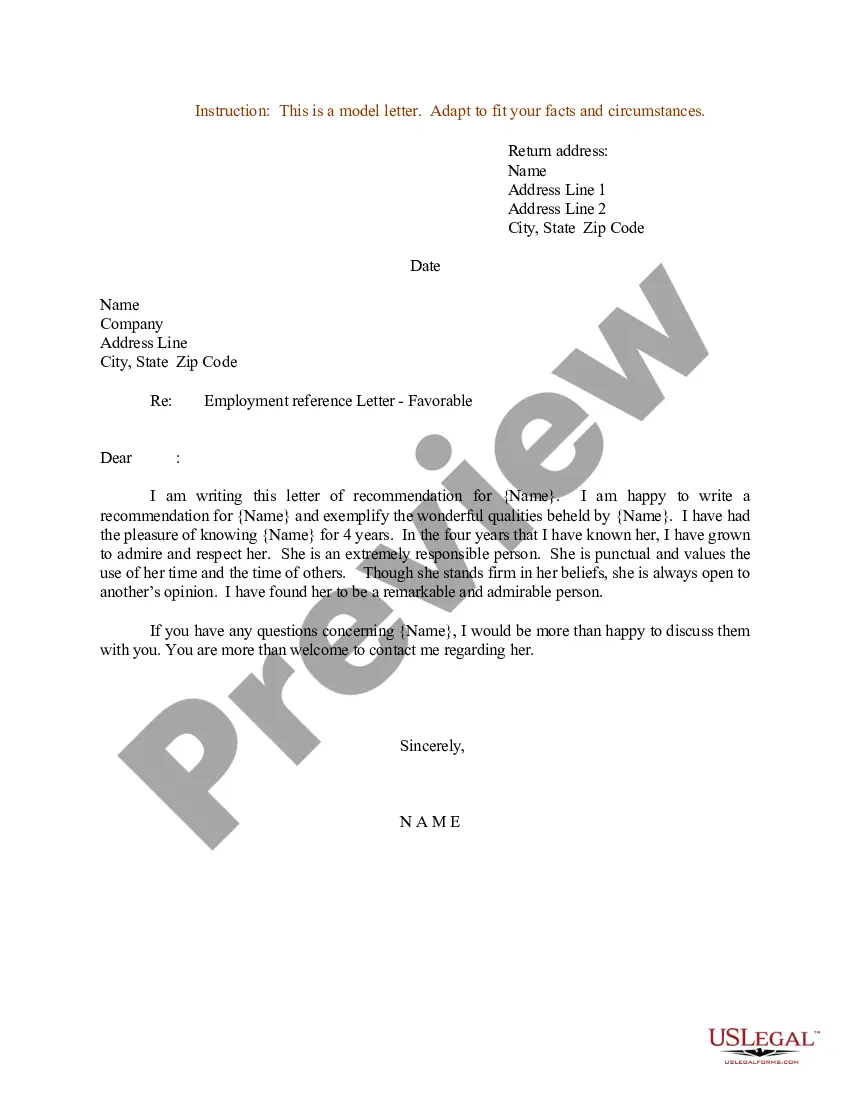
To write a professional reference document, begin by gathering relevant information about the individual you are referencing, including their skills, qualifications, and work experience. Next, clearly outline the relationship you have with this person and how you know their work. By using a sample reference form template for IT professionals, you can ensure that your document is organized and effective, highlighting the candidate's strengths.