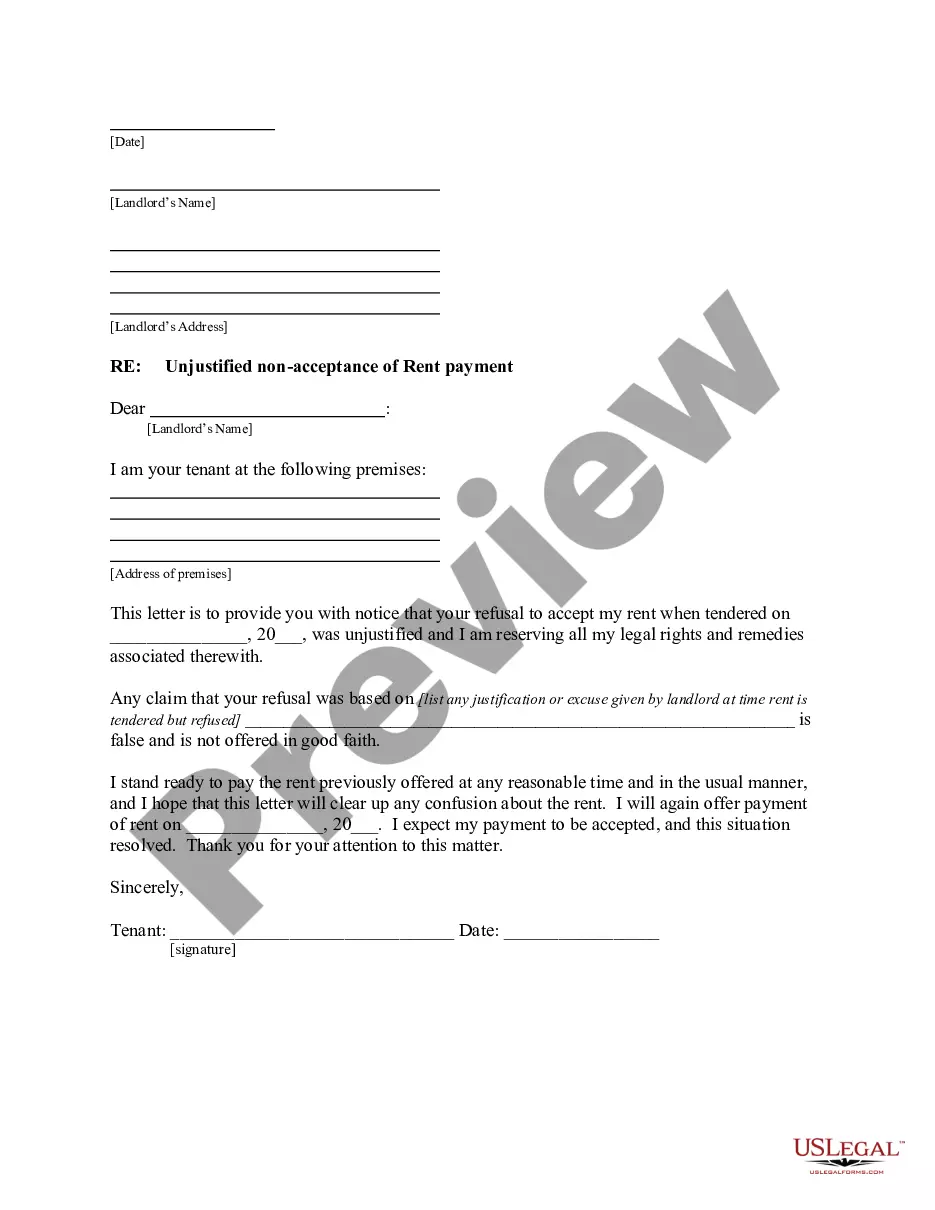
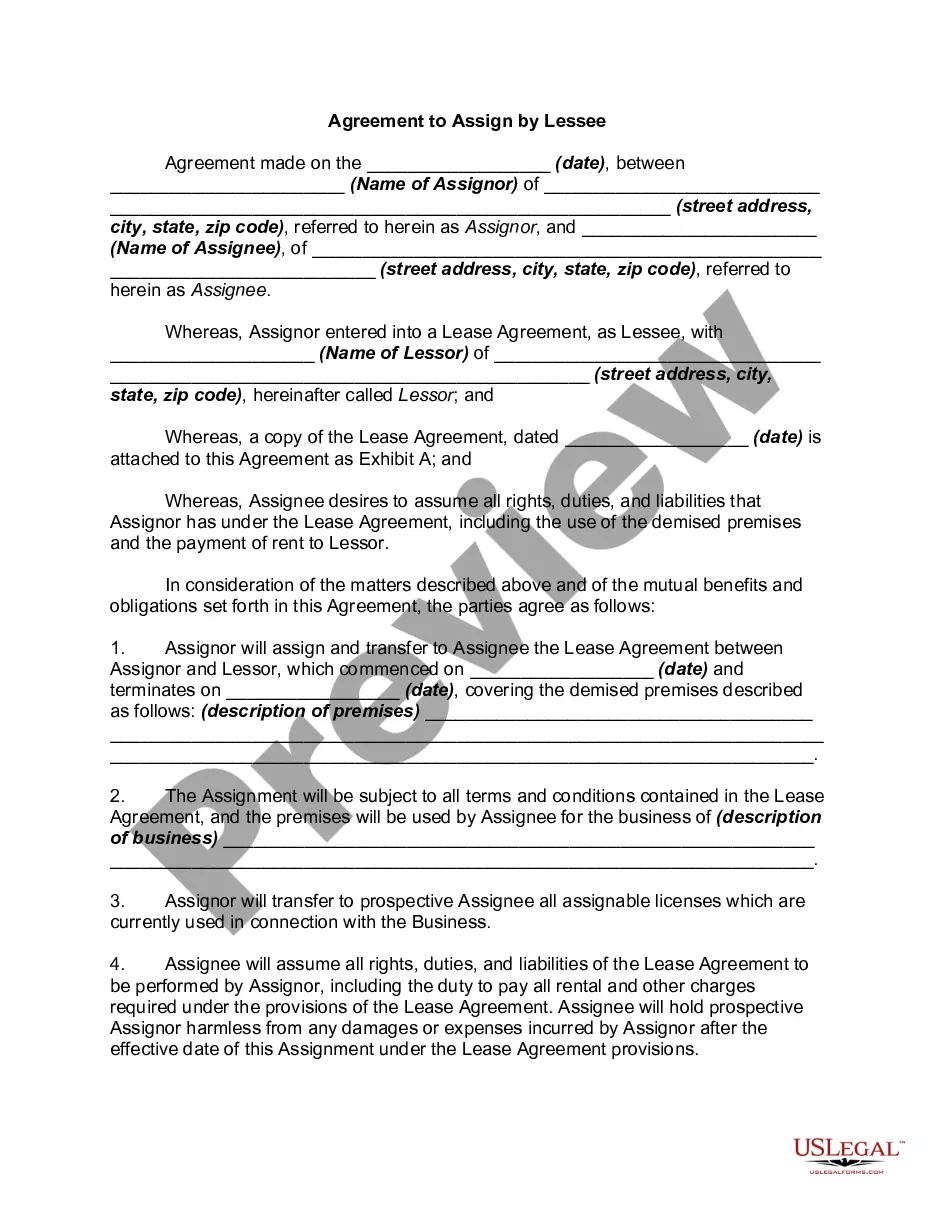
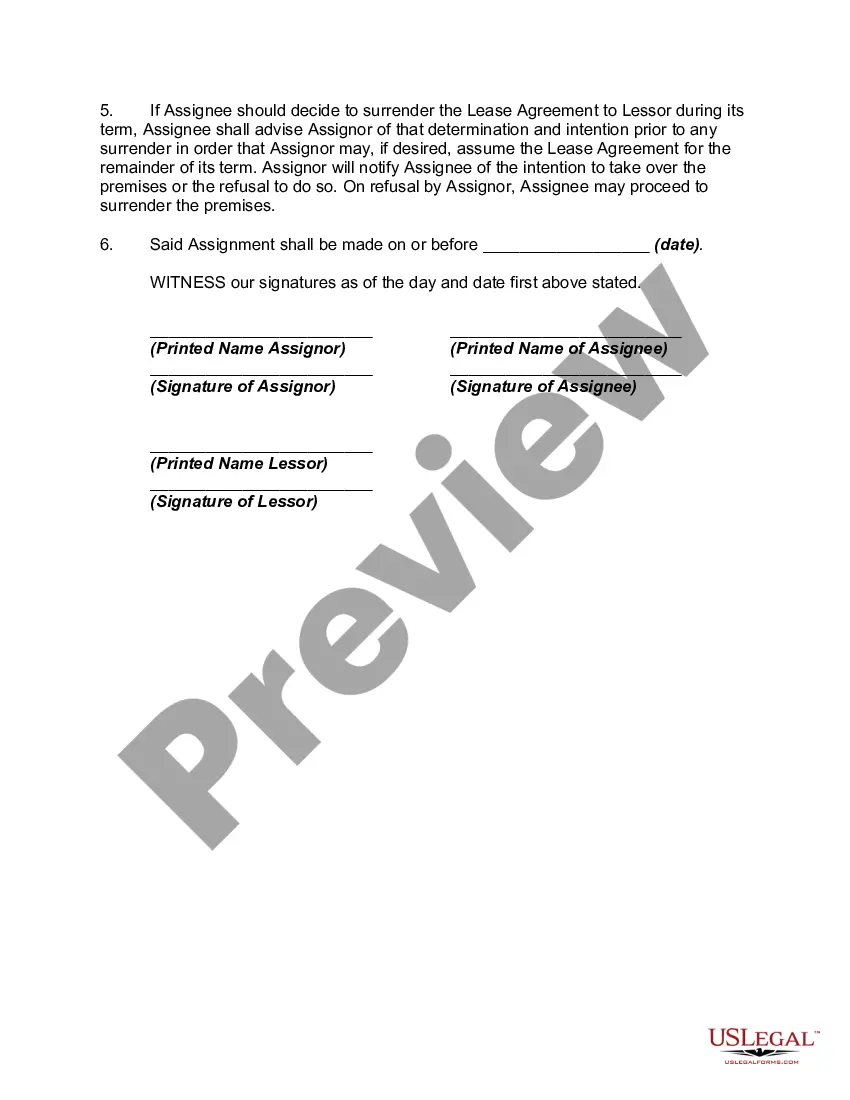
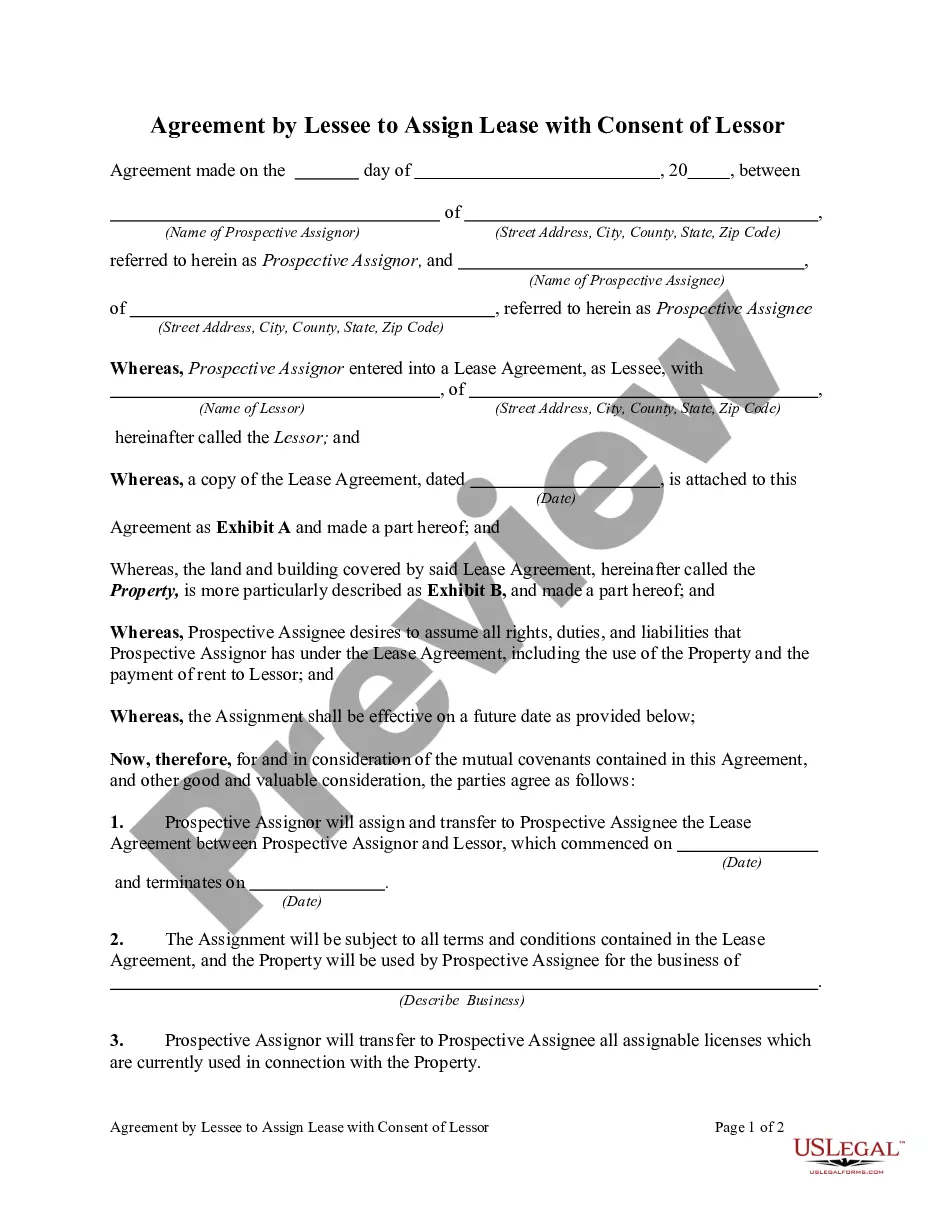
Agreement To Assign With Carl Bot
Description
Get your form ready online
Our built-in tools help you complete, sign, share, and store your documents in one place.
Make edits, fill in missing information, and update formatting in US Legal Forms—just like you would in MS Word.
Download a copy, print it, send it by email, or mail it via USPS—whatever works best for your next step.
Sign and collect signatures with our SignNow integration. Send to multiple recipients, set reminders, and more. Go Premium to unlock E-Sign.
If this form requires notarization, complete it online through a secure video call—no need to meet a notary in person or wait for an appointment.
We protect your documents and personal data by following strict security and privacy standards.

Make edits, fill in missing information, and update formatting in US Legal Forms—just like you would in MS Word.

Download a copy, print it, send it by email, or mail it via USPS—whatever works best for your next step.

Sign and collect signatures with our SignNow integration. Send to multiple recipients, set reminders, and more. Go Premium to unlock E-Sign.

If this form requires notarization, complete it online through a secure video call—no need to meet a notary in person or wait for an appointment.

We protect your documents and personal data by following strict security and privacy standards.
Looking for another form?


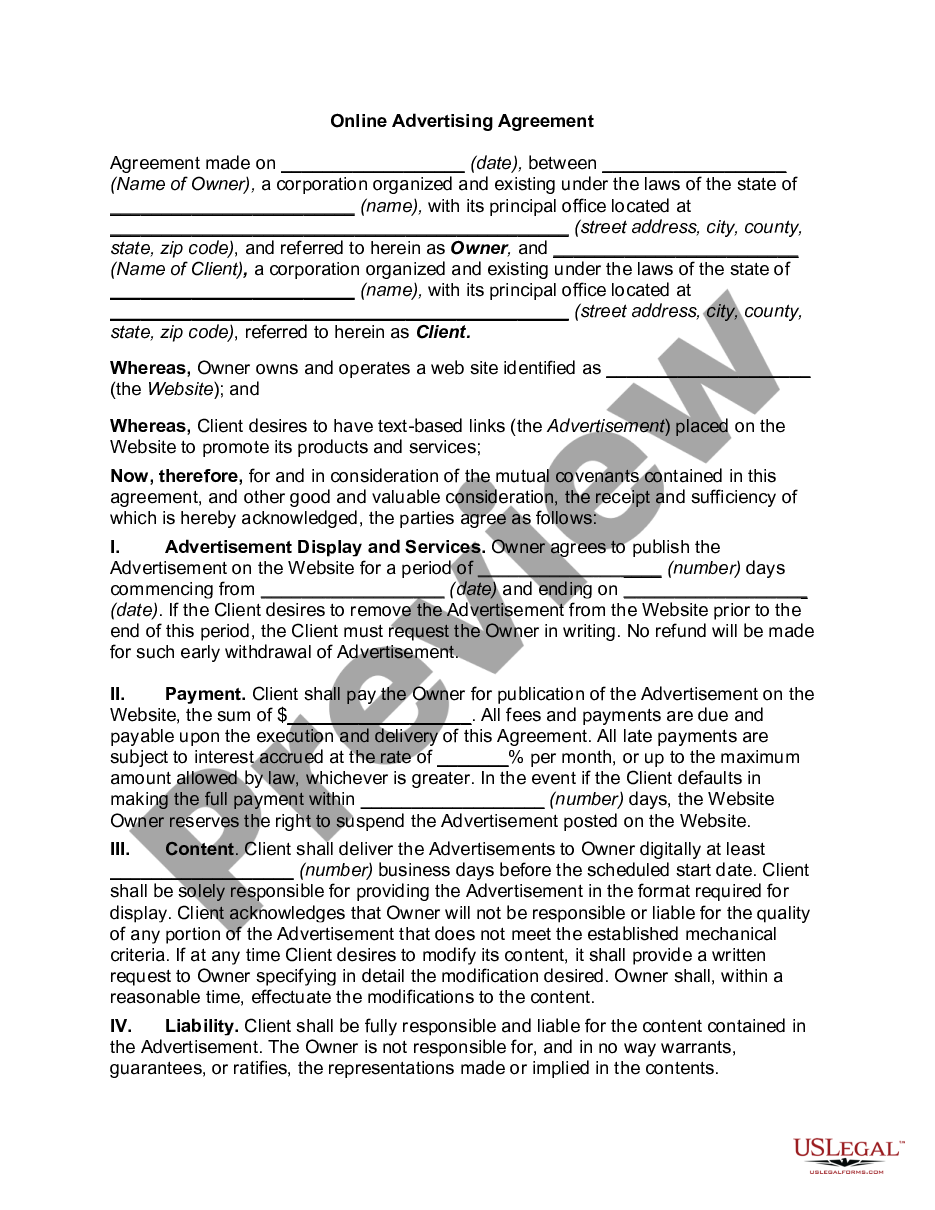

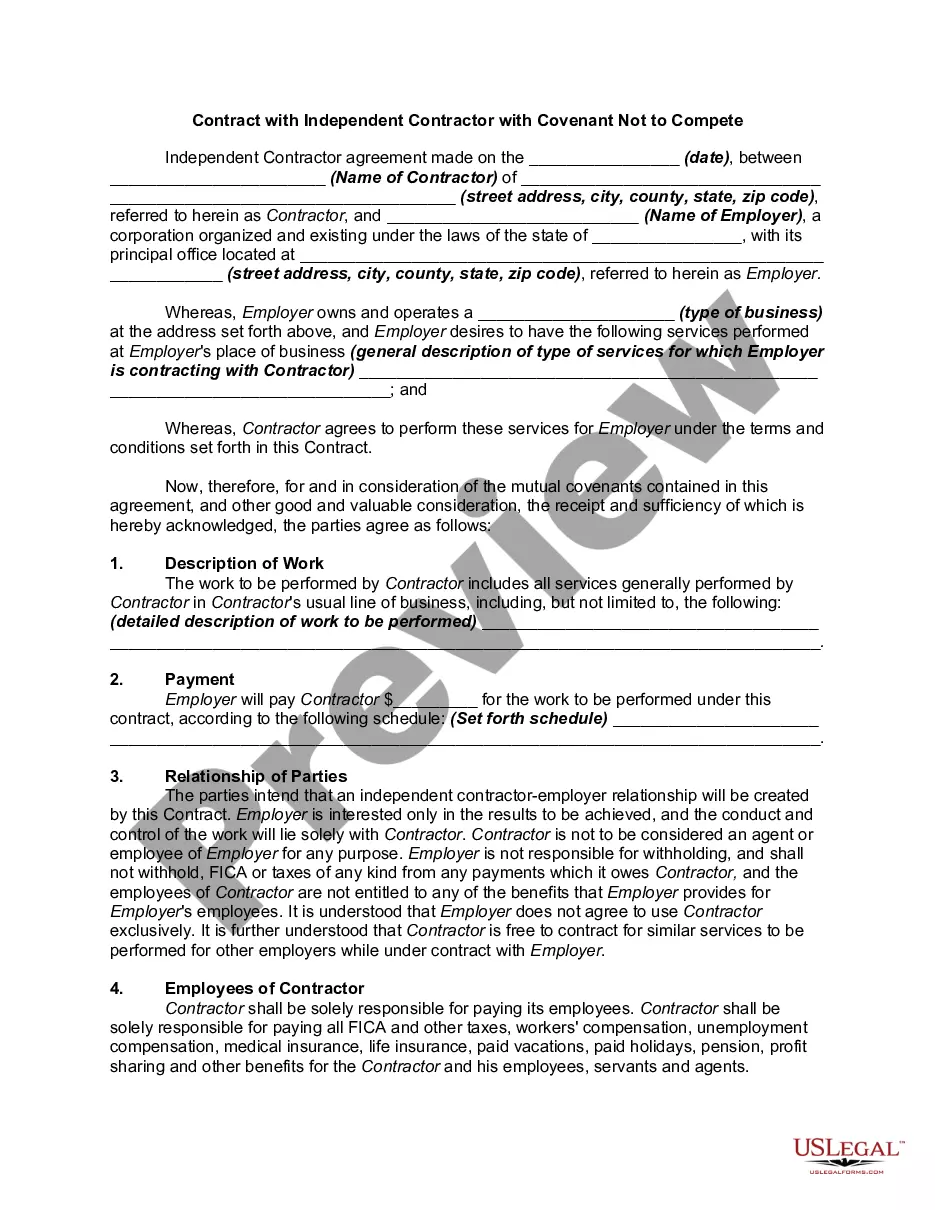
How to fill out Agreement To Assign By Lessee?
Properly formulated official documents are a critical assurance for preventing conflicts and legal disputes, but obtaining them without the assistance of an attorney may require some time.
Whether you are seeking to quickly acquire a current Agreement To Assign With Carl Bot or any other documents for work, family, or business purposes, US Legal Forms is always ready to assist.
The process is even more straightforward for current users of the US Legal Forms library. If your subscription is active, you just need to Log In to your account and click the Download button next to the chosen file. Furthermore, you can access the Agreement To Assign With Carl Bot at any point later, as all documents ever obtained on the platform are stored in the My documents section of your profile. Save time and money on preparing official documents. Explore US Legal Forms today!
- Ensure that the form aligns with your situation and locality by reviewing the description and preview.
- Search for additional examples (if necessary) using the Search bar located in the page header.
- Hit Buy Now once you find the correct template.
- Choose the pricing plan, Log In to your account or create a new one.
- Select your preferred payment method to buy the subscription plan (via credit card or PayPal).
- Choose between PDF or DOCX format for your Agreement To Assign With Carl Bot.
- Press Download, then print the template to complete it or upload it to an online editor.
Form popularity
FAQ
To set reaction roles on Carl bot:In the Carl bot dashboard, click on the Reaction roles option in the left sidebar.On the Reaction roles page, click on the Create new reaction role button at the top.In the pop-up window, you get the option to select the mode.More items...?
Carl-bot is a fully customizable and modular discord bot featuring reaction roles, auto mod, logging, custom commands, and much more. Carl-Bot can be customized for any needs you may have including role management, chat moderation, music control, or anything else you can think of!
Automod docsPunish bad links, spam, attachmentspam, mentionspam, bad words.Select your punishments per-rule being broken.Delete scary file formats.Mark channels as 'media-only' to delete any messages without a link or attachment.Whitelist certain roles and channels to ignore rules being broken in them.More items...
Head into the Autoroles tab from the Module Settings section just as you would for roles. This time click over to the Joinable Ranks tab located at the top of the main window. Click the Select Role drop-down and choose which role or roles you want to make joinable.
To set reaction roles on Carl bot:In the Carl bot dashboard, click on the Reaction roles option in the left sidebar.On the Reaction roles page, click on the Create new reaction role button at the top.In the pop-up window, you get the option to select the mode.More items...?