Vacate File Complaint With Attorney General
Description
Get your form ready online
Our built-in tools help you complete, sign, share, and store your documents in one place.
Make edits, fill in missing information, and update formatting in US Legal Forms—just like you would in MS Word.
Download a copy, print it, send it by email, or mail it via USPS—whatever works best for your next step.
Sign and collect signatures with our SignNow integration. Send to multiple recipients, set reminders, and more. Go Premium to unlock E-Sign.
If this form requires notarization, complete it online through a secure video call—no need to meet a notary in person or wait for an appointment.
We protect your documents and personal data by following strict security and privacy standards.

Make edits, fill in missing information, and update formatting in US Legal Forms—just like you would in MS Word.

Download a copy, print it, send it by email, or mail it via USPS—whatever works best for your next step.

Sign and collect signatures with our SignNow integration. Send to multiple recipients, set reminders, and more. Go Premium to unlock E-Sign.

If this form requires notarization, complete it online through a secure video call—no need to meet a notary in person or wait for an appointment.

We protect your documents and personal data by following strict security and privacy standards.
Looking for another form?


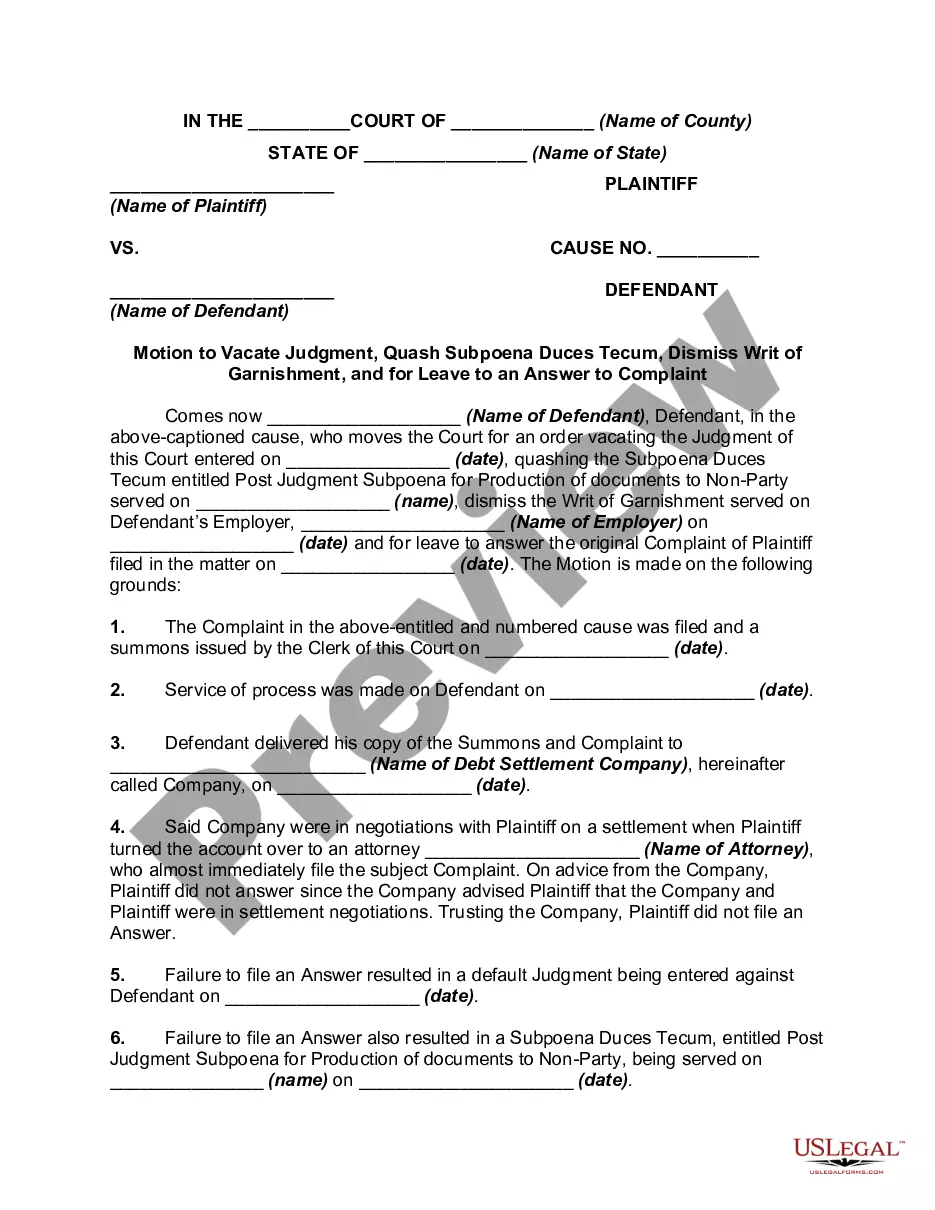
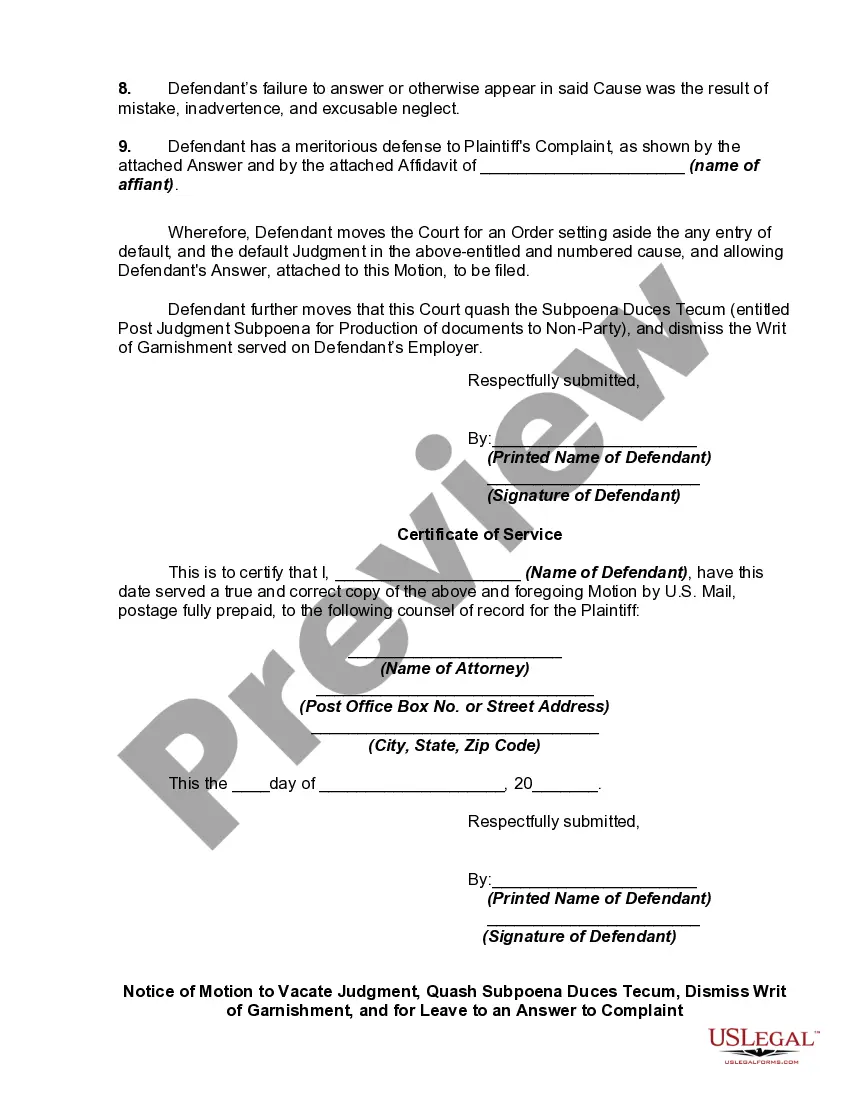
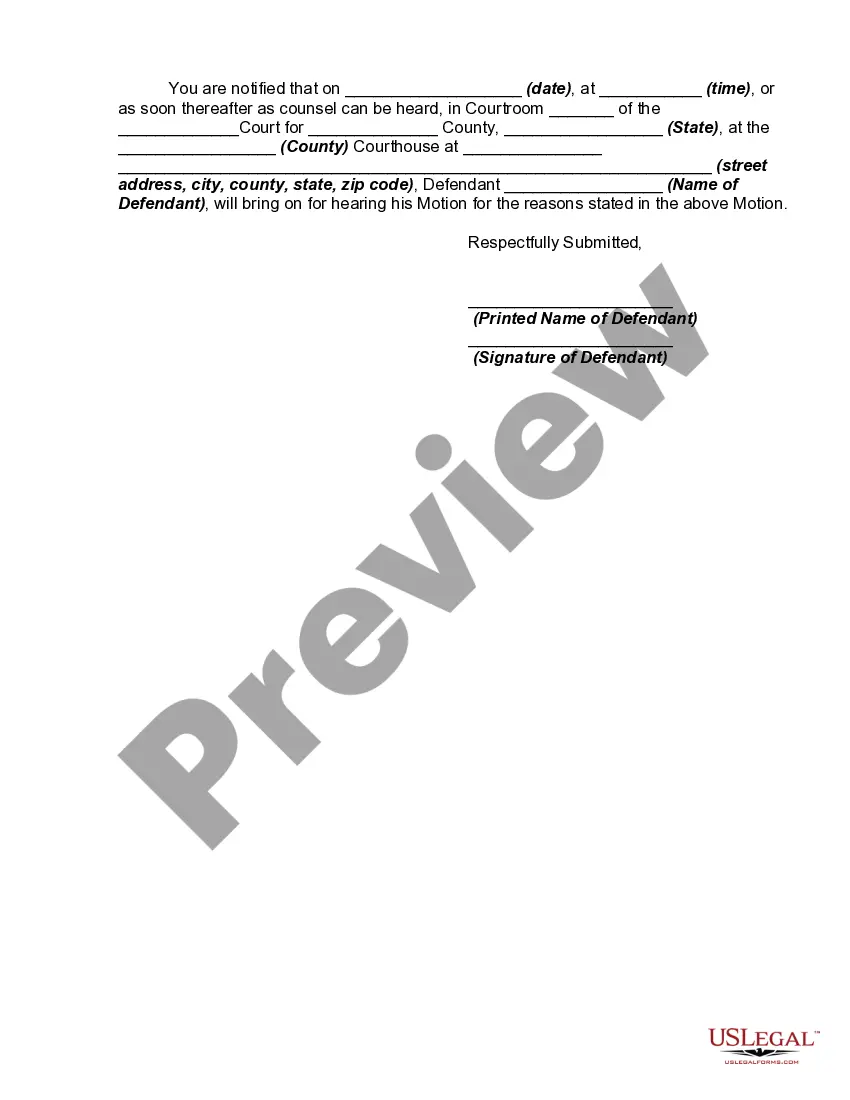
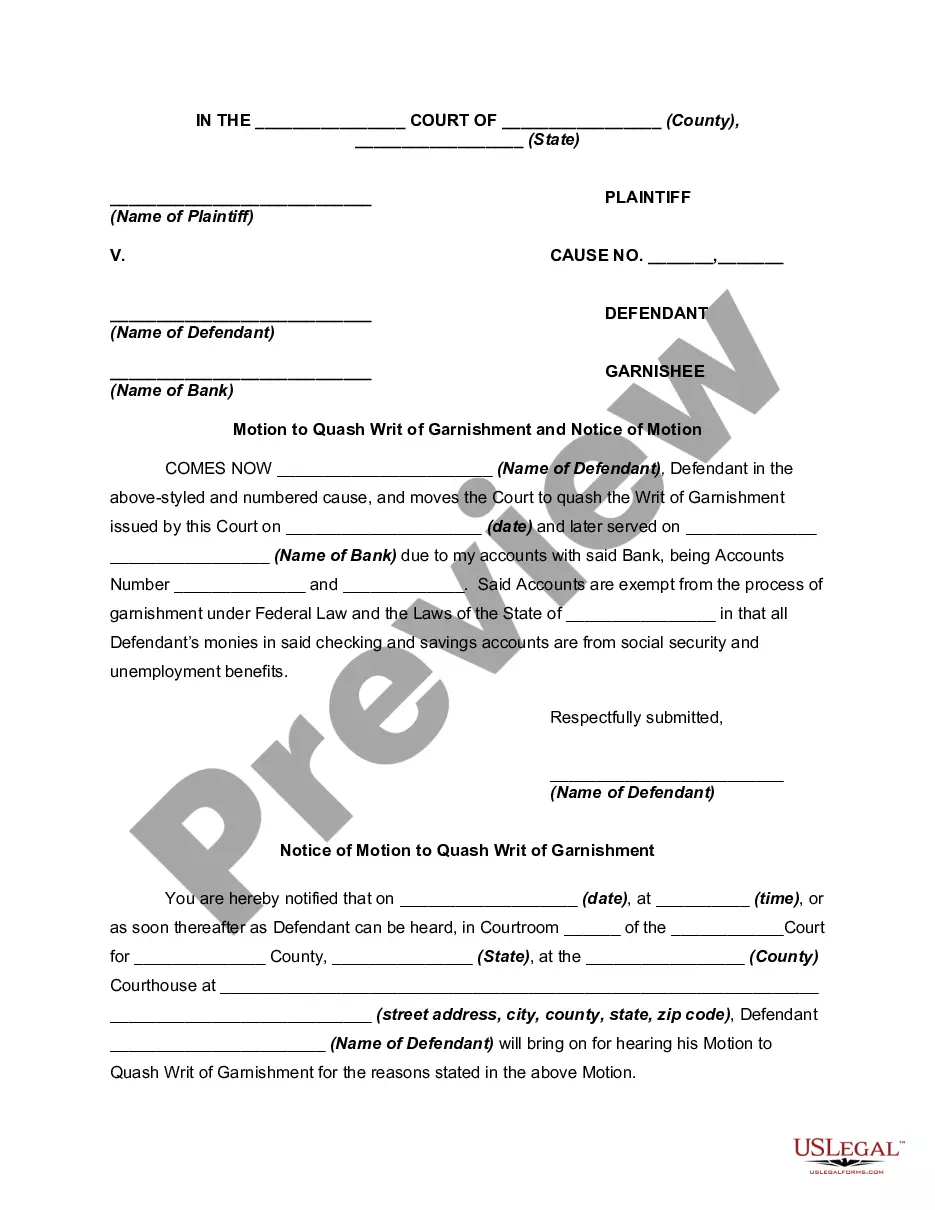
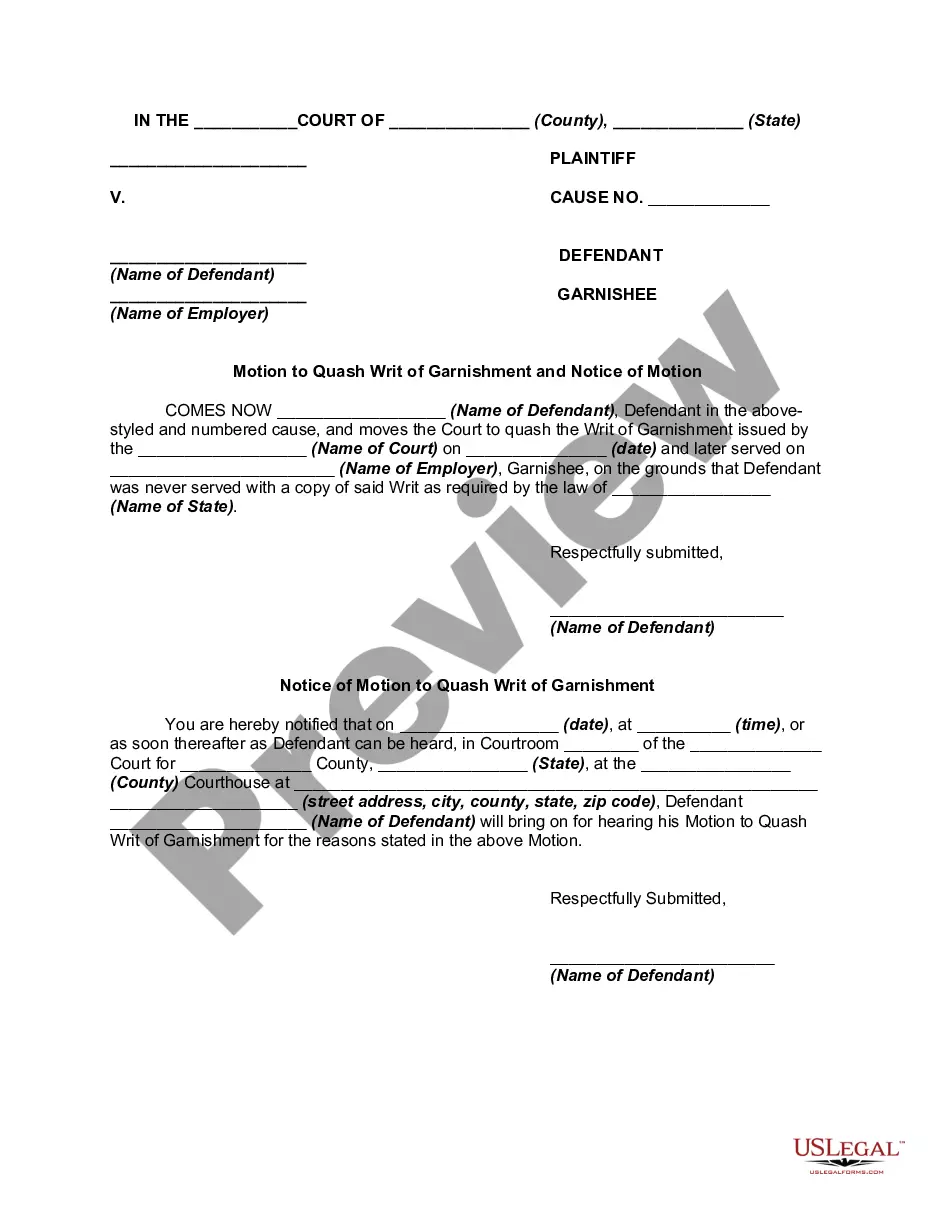
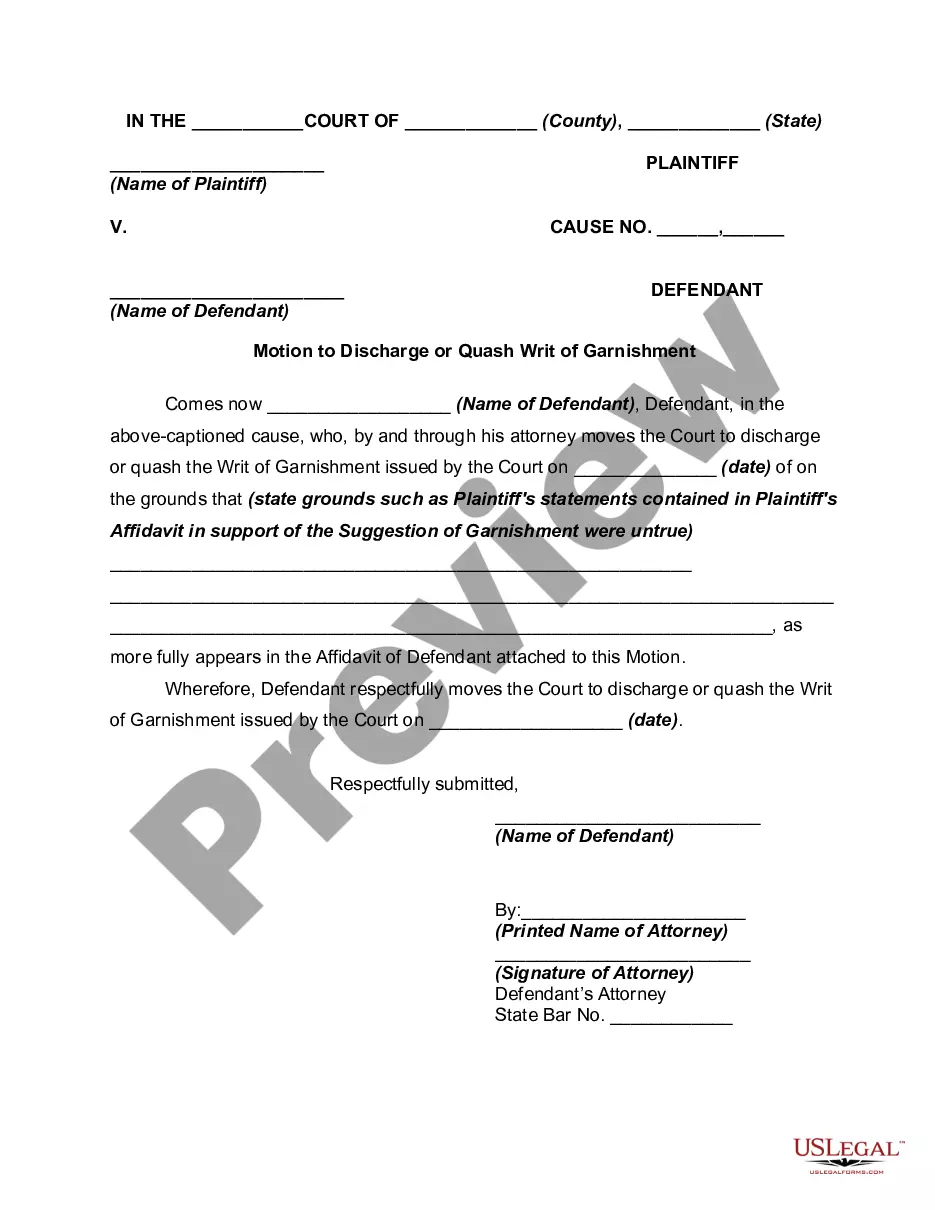
How to fill out Motion To Vacate Judgment, Quash Subpoena Duces Tecum, Dismiss Writ Of Garnishment, And For Leave To File An Answer To Complaint?
Handling legal documents and processes can be a tedious addition to your entire day.
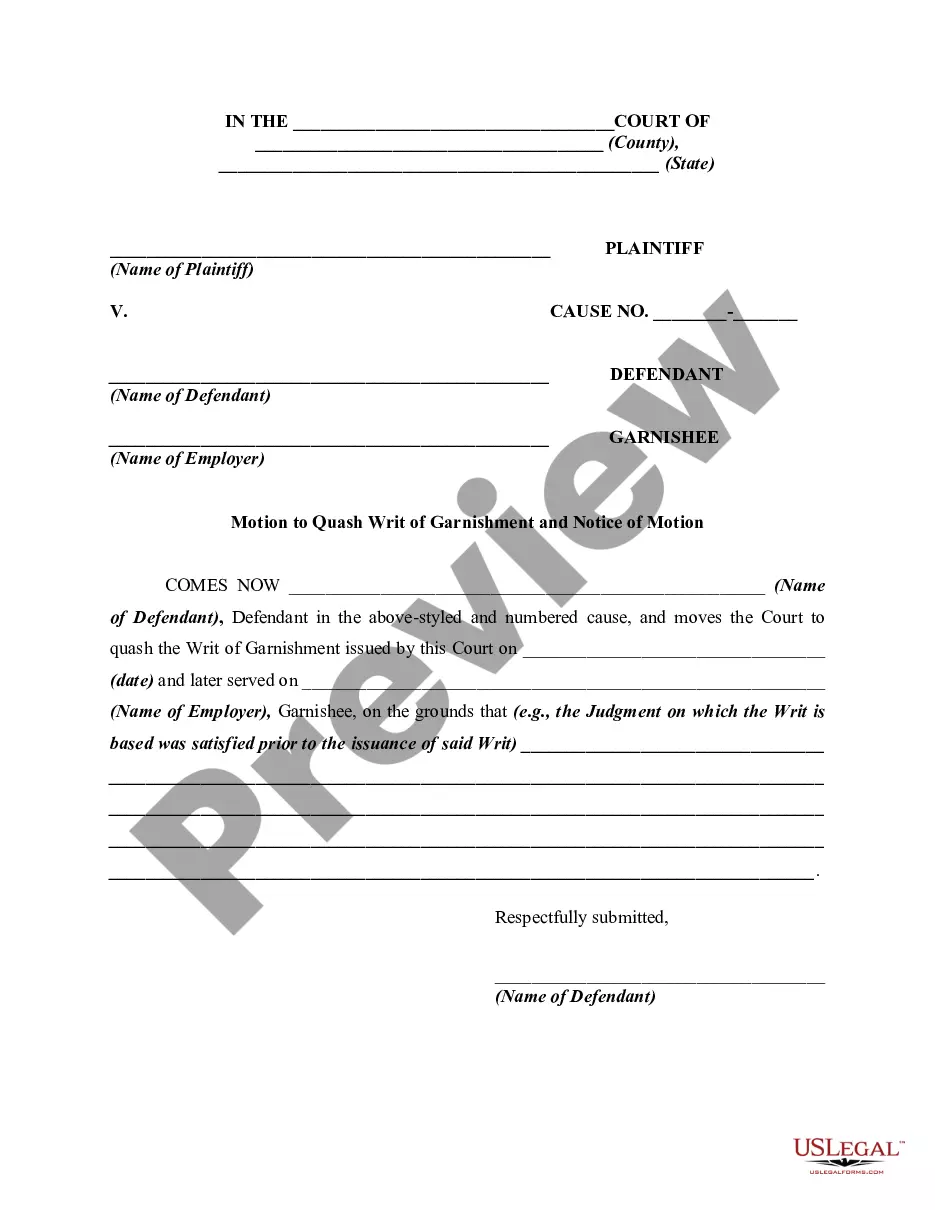
Vacate File Complaint With Attorney General and similar forms frequently require you to search for them and figure out how to fill them out proficiently.
Thus, if you are managing financial, legal, or personal issues, having a comprehensive and easy-to-use online library of forms readily available will be extremely beneficial.
US Legal Forms is the leading online provider of legal templates, featuring over 85,000 state-specific documents and a range of resources that can assist you in completing your paperwork with ease.
Is it your first time using US Legal Forms? Register and establish your account in a few moments, and you will gain access to the form library and Vacate File Complaint With Attorney General. Then, follow the steps outlined below to complete your form: Ensure you have located the correct document using the Review feature and examining the form details. Choose Buy Now when ready, and select the subscription plan that suits your requirements. Click Download then fill out, eSign, and print the document. US Legal Forms has 25 years of experience assisting clients in managing their legal documentation. Obtain the form you require today and simplify any process effortlessly.
- Explore the collection of relevant documents accessible with a single click.
- US Legal Forms provides state- and county-specific documents available for download anytime.
- Protect your document management process by utilizing a reliable service that enables you to prepare any form within minutes without any additional or concealed charges.
- Simply Log In to your account, search for Vacate File Complaint With Attorney General and download it directly from the My documents section.
- You can also retrieve previously downloaded documents.
Form popularity
FAQ
All complaints should be submitted using our Consumer Complaint form. Send by regular mail or fax as listed above. If you have any questions, please call the Consumer Protection Division Monday through Friday from AM to PM at 517-335-7599 or toll free 877-765-8388.
How to File a Complaint with the California Attorney General By Phone: 916-322-3360. Toll-Free Phone Number: 1-800-952-5225. By Mail: Download, fill out, and mail this form to P.O Box 944255, Sacramento 94244. By FAX: Download, fill out, and fax this form): (916) 323-5341. Online: Submit complaint using their Online Form.
To file a complaint, you can use our General Complaint Form: Click here to file a complaint online. Click here to print, complete, and send in the form. Call the Consumer Protection Division Hotline at (410) 528-8662 Mon.
To file a complaint from the home page, choose the category that best describes your issue: TV. Phone. Internet. Radio. Access for People with Disabilities. Emergency Communications.
Complaints may be shared among FCC bureaus and offices for further review and possible investigation. By filing a consumer complaint with the FCC, you contribute to federal enforcement and consumer protection efforts on a national scale and help us identify trends and track the issues that matter most.