Final Inventory For Estate
Description
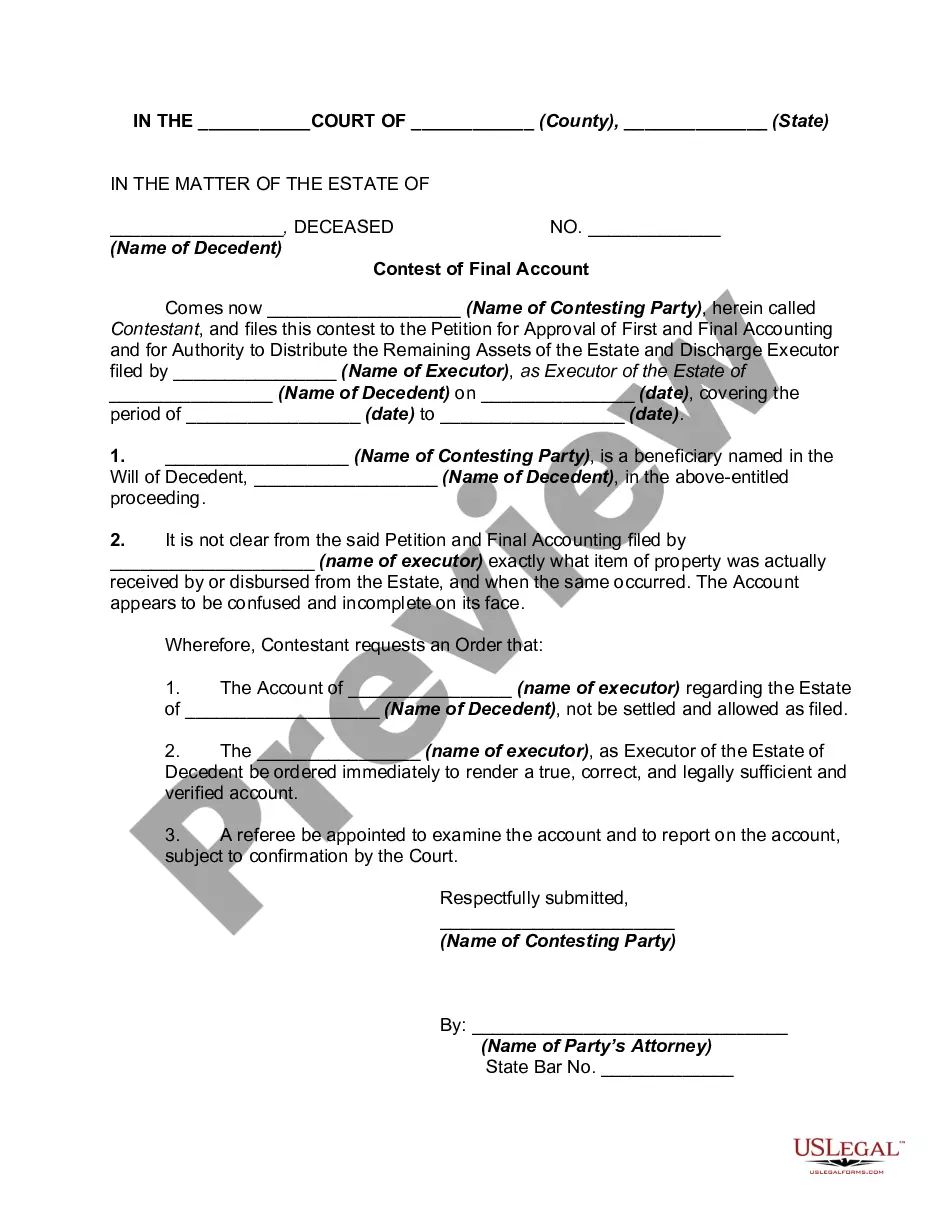
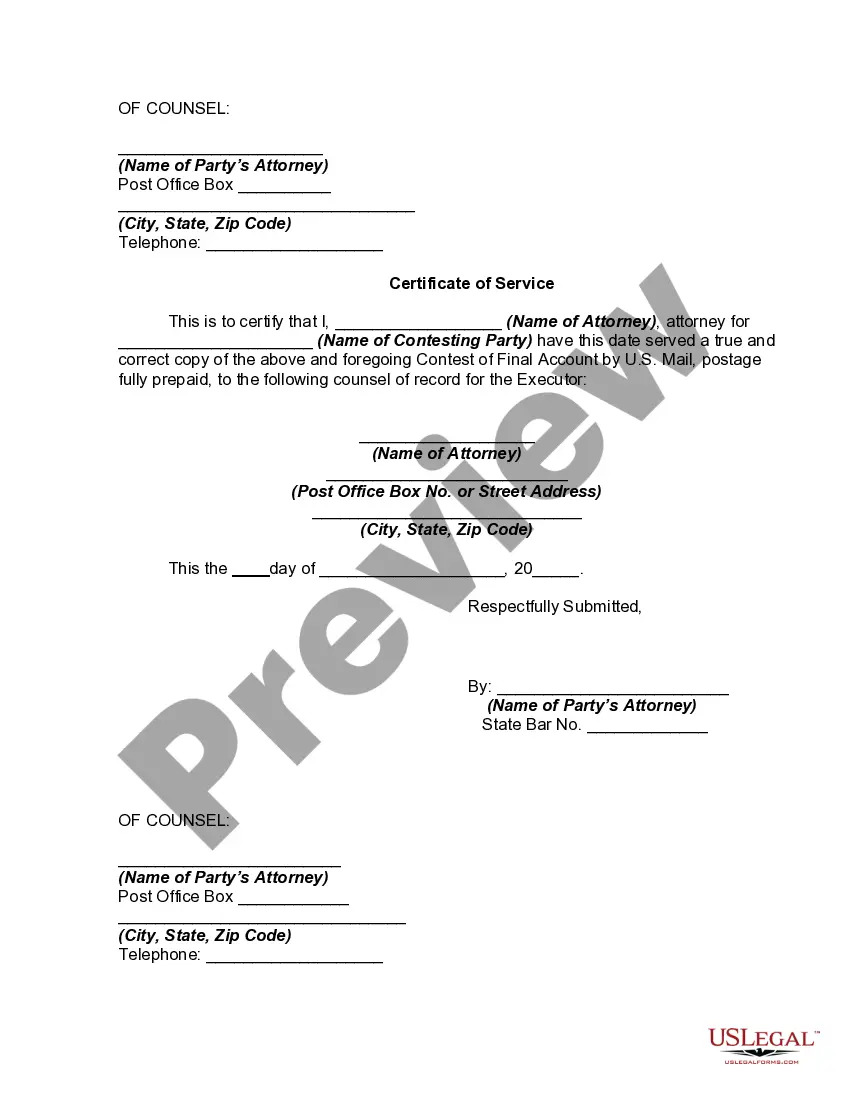
Get your form ready online
Our built-in tools help you complete, sign, share, and store your documents in one place.
Make edits, fill in missing information, and update formatting in US Legal Forms—just like you would in MS Word.
Download a copy, print it, send it by email, or mail it via USPS—whatever works best for your next step.
Sign and collect signatures with our SignNow integration. Send to multiple recipients, set reminders, and more. Go Premium to unlock E-Sign.
If this form requires notarization, complete it online through a secure video call—no need to meet a notary in person or wait for an appointment.
We protect your documents and personal data by following strict security and privacy standards.

Make edits, fill in missing information, and update formatting in US Legal Forms—just like you would in MS Word.

Download a copy, print it, send it by email, or mail it via USPS—whatever works best for your next step.

Sign and collect signatures with our SignNow integration. Send to multiple recipients, set reminders, and more. Go Premium to unlock E-Sign.

If this form requires notarization, complete it online through a secure video call—no need to meet a notary in person or wait for an appointment.

We protect your documents and personal data by following strict security and privacy standards.
Looking for another form?

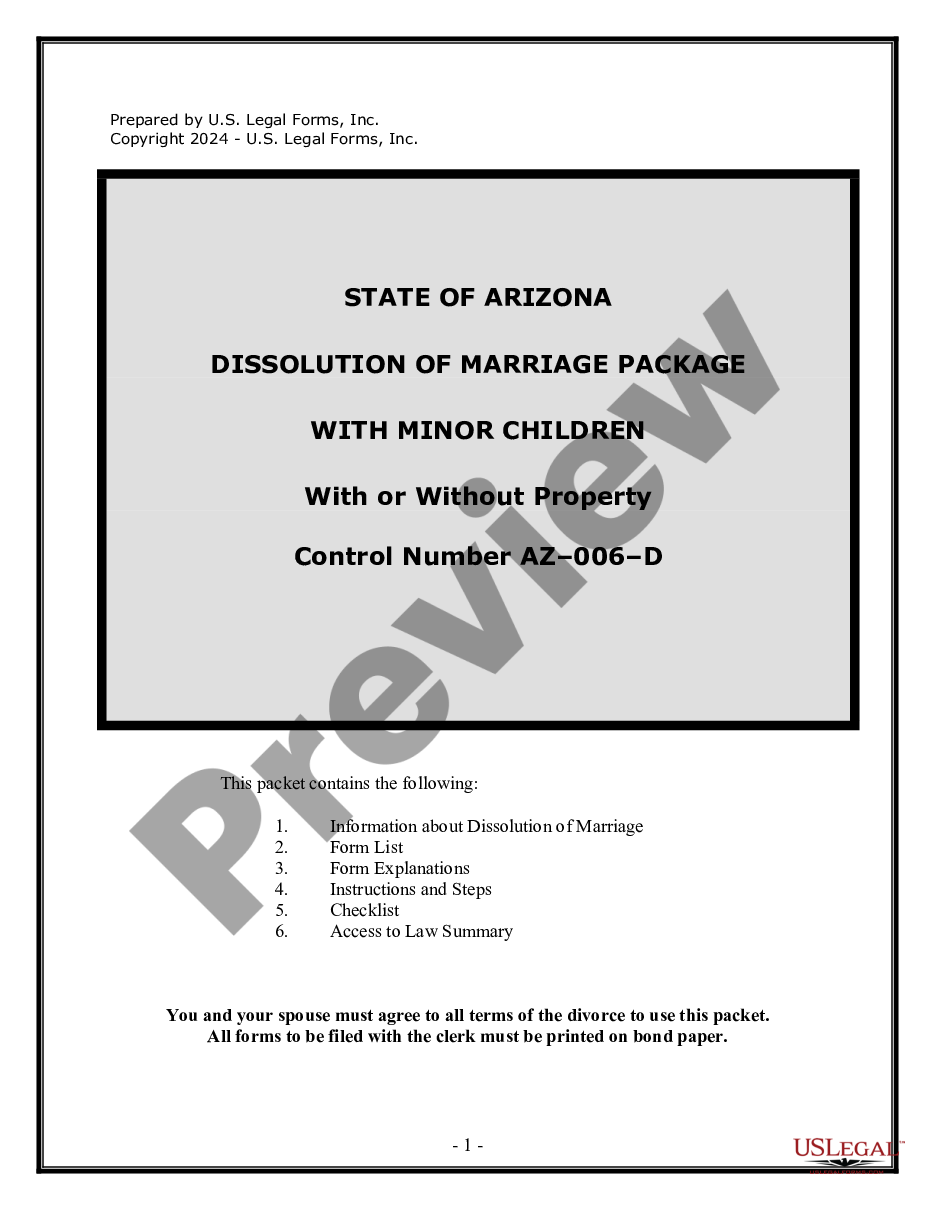

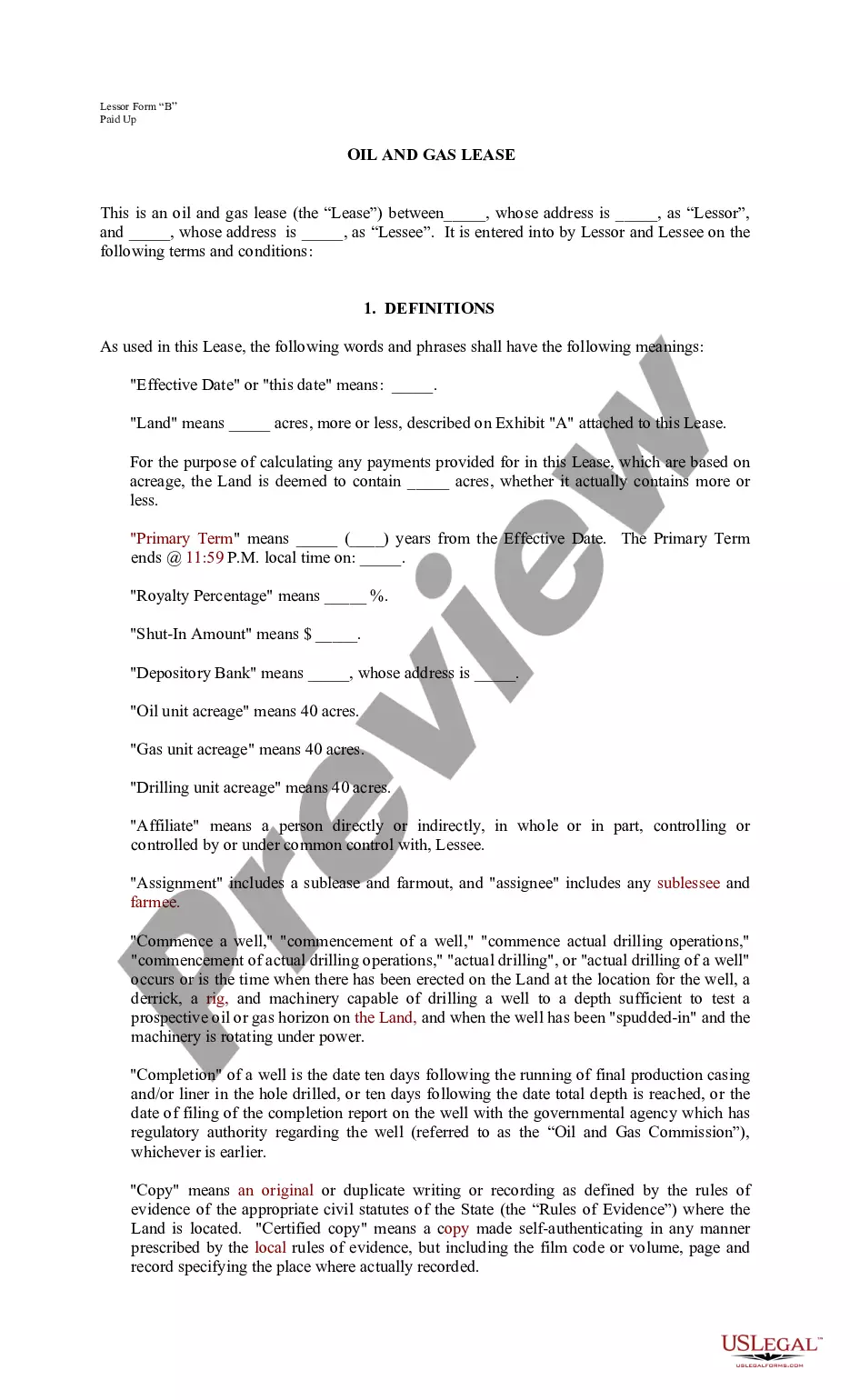


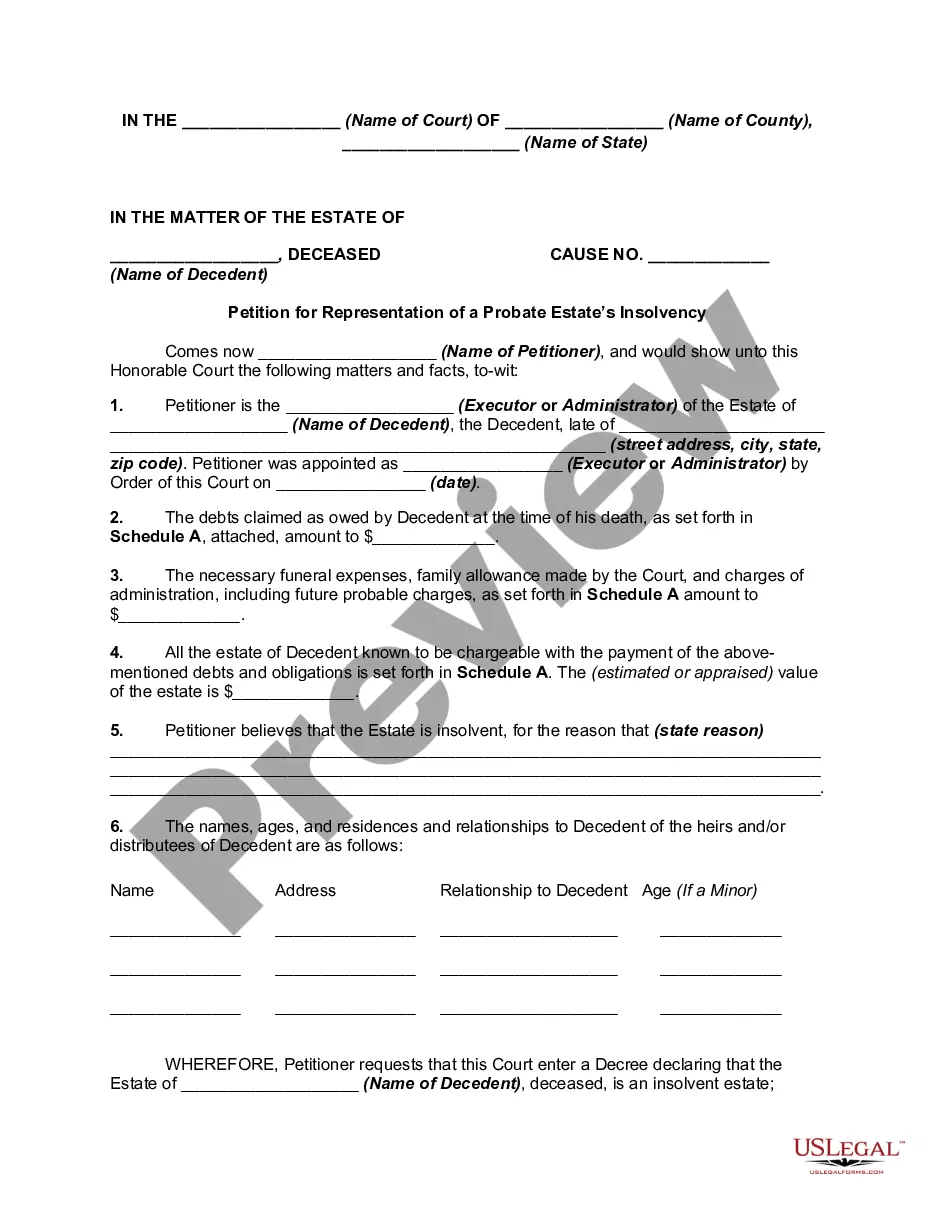
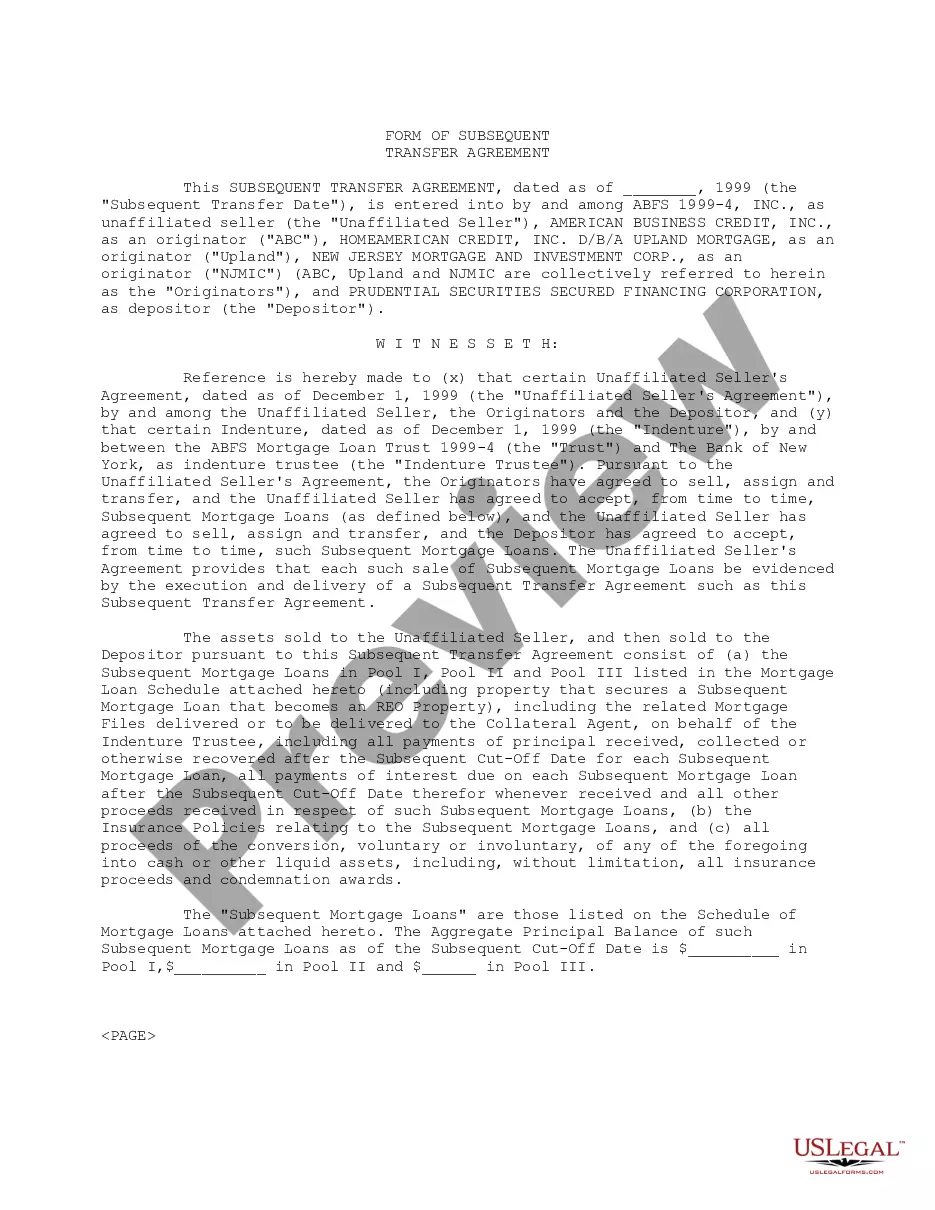
How to fill out Contest Of Final Account And Proposed Distributions In A Probate Estate?
Obtaining a reliable resource for acquiring the most up-to-date and pertinent legal templates is a significant part of navigating bureaucracy.
Locating the appropriate legal documents requires accuracy and meticulousness, which highlights the necessity of sourcing Final Inventory For Estate samples solely from trustworthy providers, such as US Legal Forms.
Once you have the document on your device, you can modify it using the editor or print it and complete it by hand. Eliminate the complications associated with your legal paperwork. Browse the extensive US Legal Forms library where you can locate legal templates, assess their applicability to your situation, and download them instantly.
- Utilize the library navigation or search function to locate your template.
- Access the form’s details to verify if it aligns with the regulations of your state and locale.
- View the form preview, if available, to ascertain that the template is the one you seek.
- Return to the search and identify the correct document if the Final Inventory For Estate does not meet your expectations.
- If you are certain about the document’s appropriateness, proceed to download it.
- When you are a registered user, click Log in to validate your credentials and access your selected templates in My documents.
- If you do not possess an account yet, click Buy now to acquire the template.
- Select the pricing option that aligns with your needs.
- Continue with the registration to complete your order.
- Finalize your purchase by choosing a payment method (credit card or PayPal).
- Select the file format for downloading Final Inventory For Estate.
Form popularity
FAQ
The difference between a site instruction vs. change order is found in the way they are communicated. Where change orders are written documents of the change signed by the general contractor and the subcontractor, a site instruction is purely given by the GC.
What is a change order? A change order is a written amendment to an existing contract after the effective date that alters the work, the contract sum, or the contract time. While contracts are intended to be the final word for projects, sometimes things need to change.
Classic examples of change orders include the owner's desire to move the location of a wall to accommodate some other design element, adding a window where there was none in the original plans, or changing the finish of the floors from tile to terrazzo.
CCDs are provisional instructions issued for immediate implementation, allowing work to proceed while final costs and details are determined. Change Orders, on the other hand, involve a formal process that includes evaluation, negotiation, and contractual modifications.
What Is a Change Order in Construction? In construction, a change order refers to the documentation of an agreement to add or subtract work, alter the design, revise the schedule, modify the price, or deviate from the original project in some other way.
A construction change directive (CCD) is effectively a command to a contractor to change their work on the project. When a contractor is given a change directive, it is essentially an order: The contractor must follow the changes without any input.
The purpose of a change order It acts as an extension of the contract and ensures that all parties understand their new duties and expectations. It codifies the specific changes the client wants, and provides legal notice of any adjustments to the price and timeline that the client should expect.
Construction Change Directives can be used to direct changes in the work which, if not promptly performed, may delay completion of the project. Failure to promptly undertake the changed work may result in a claim or dispute. Typically, a Construction Change Directive is signed by only the owner and architect.