Contract Closeout Checklist Dd Form 1597
Description
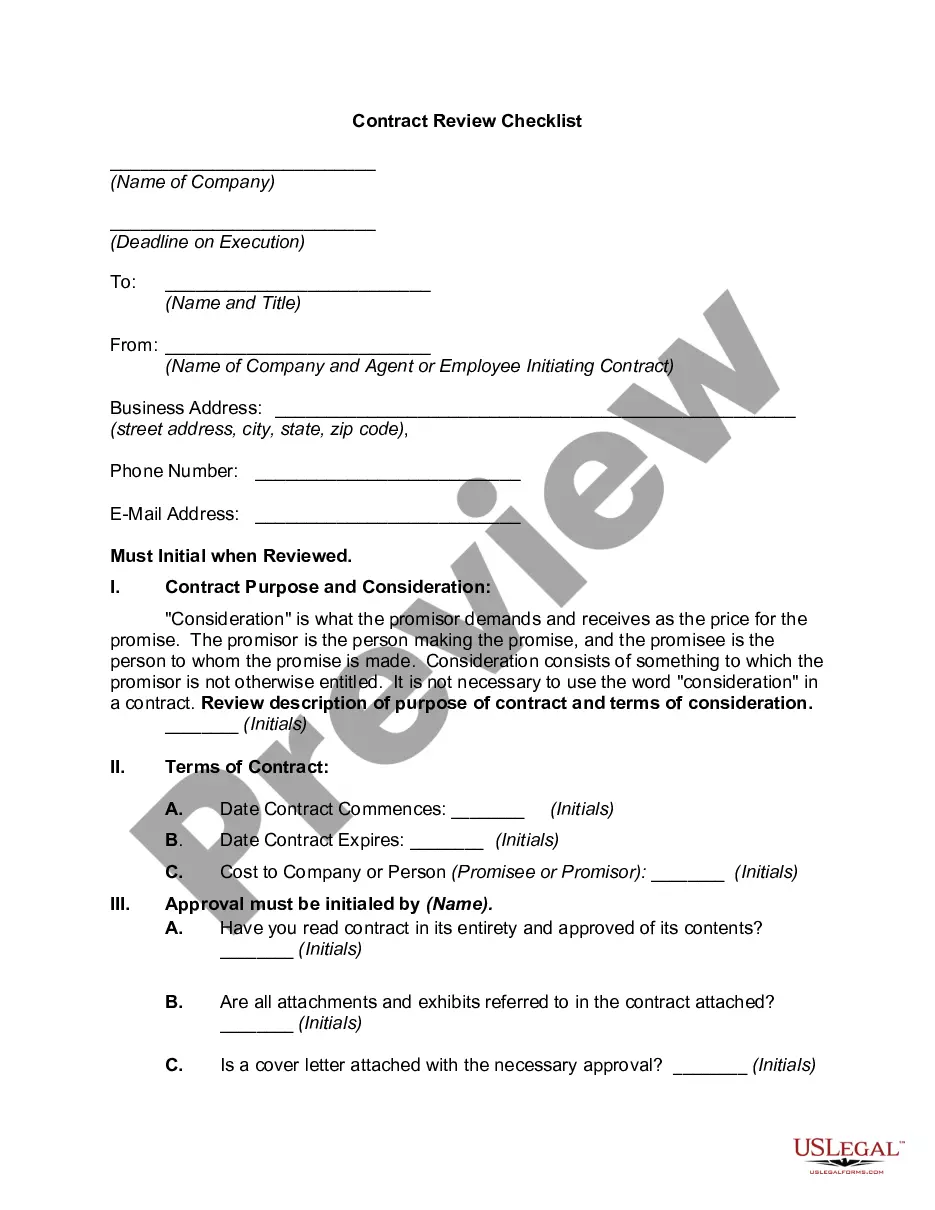
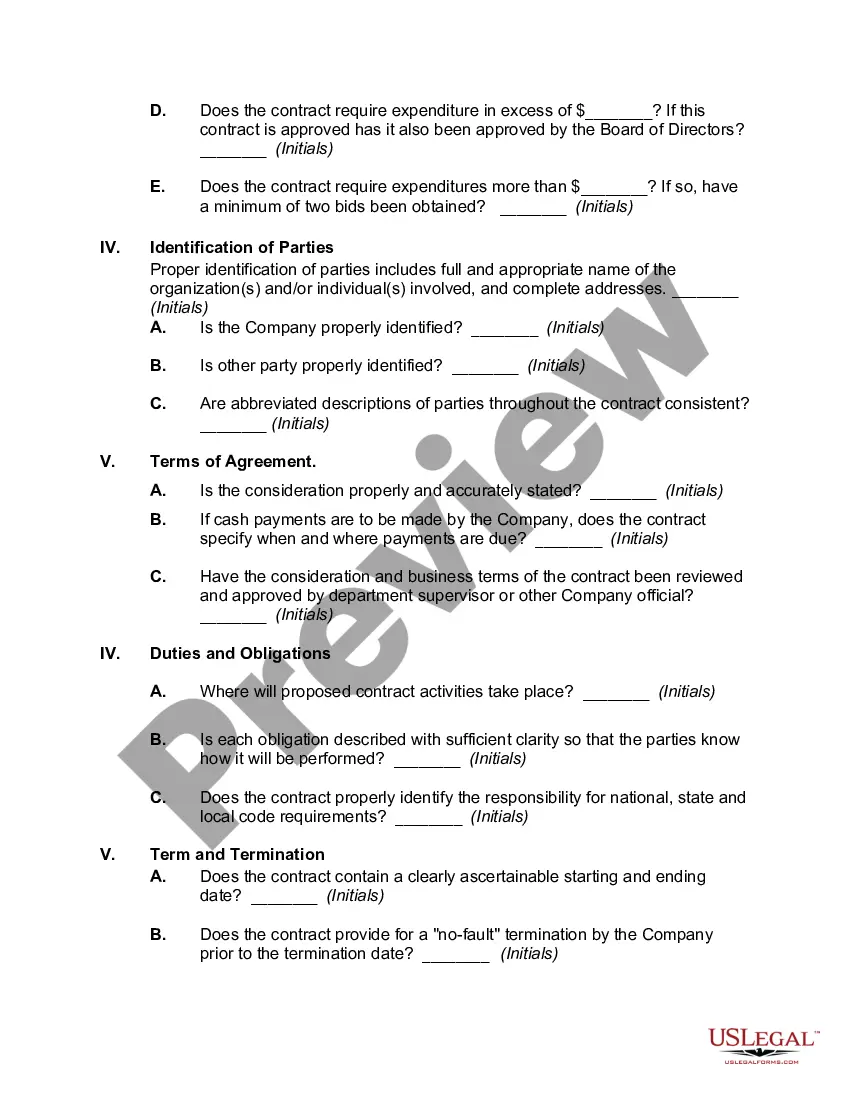
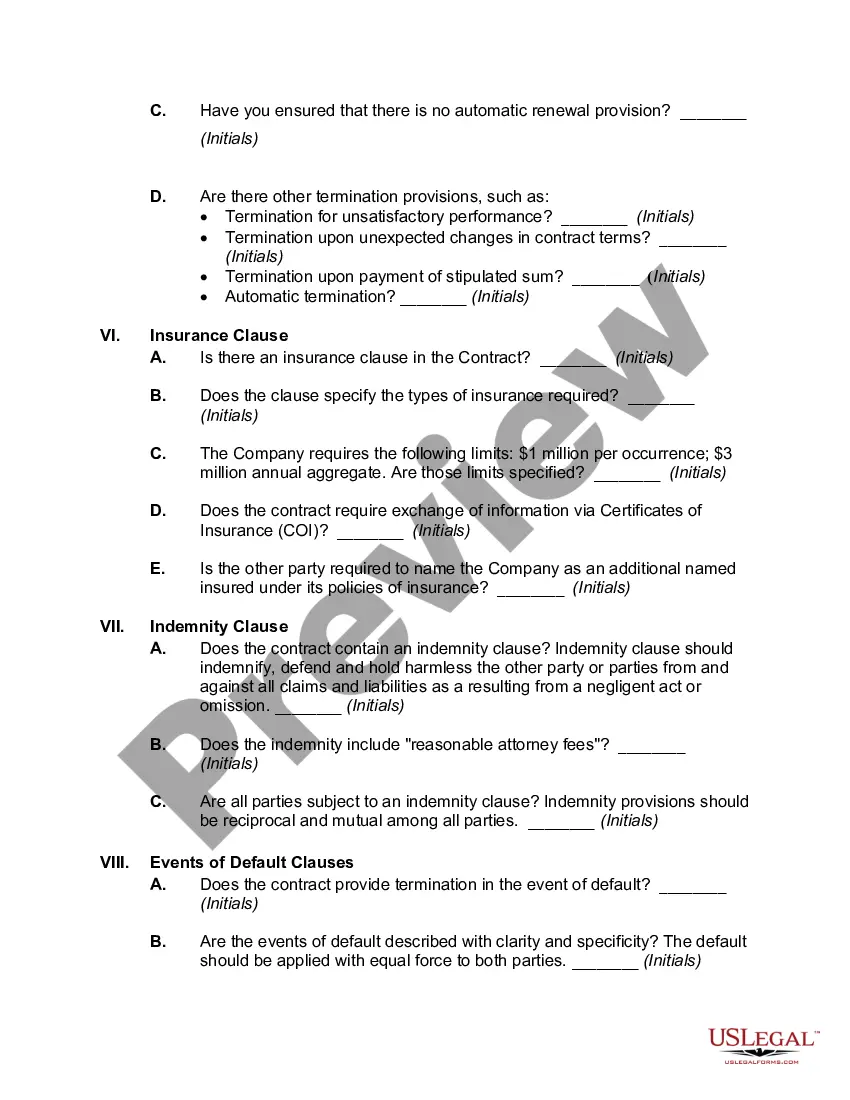
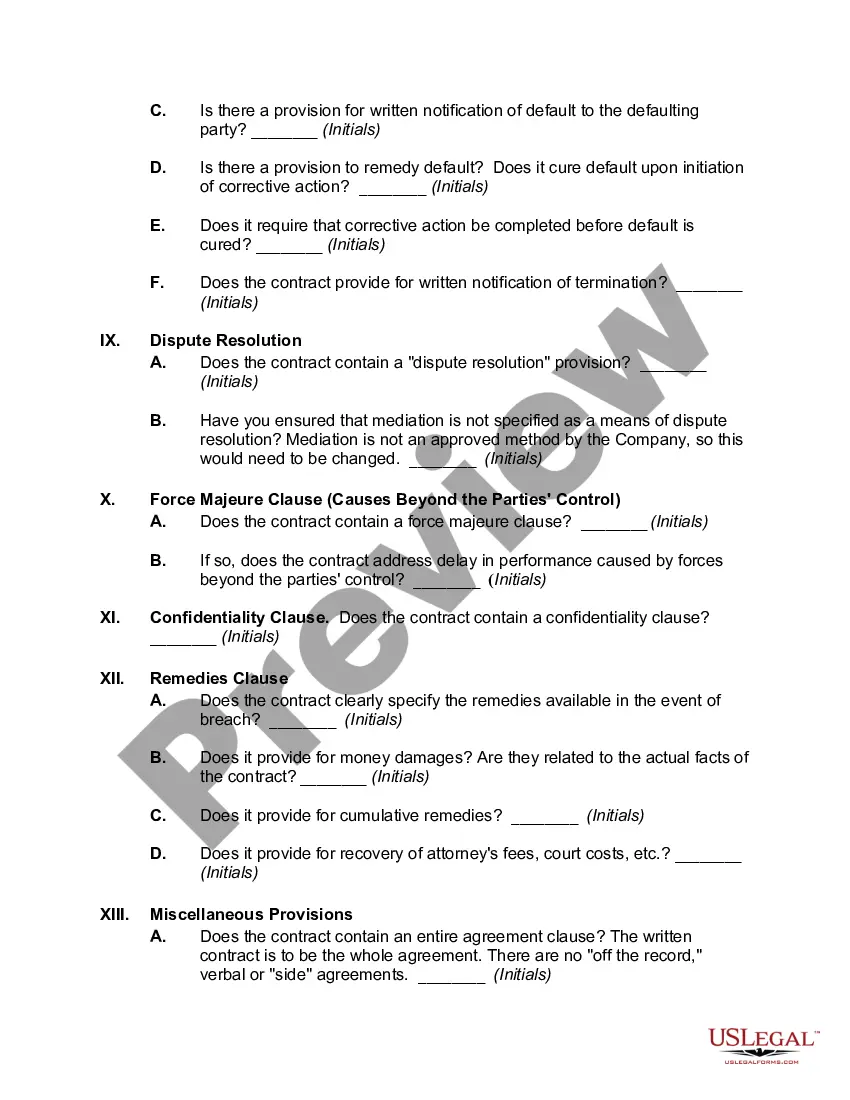
Get your form ready online
Our built-in tools help you complete, sign, share, and store your documents in one place.
Make edits, fill in missing information, and update formatting in US Legal Forms—just like you would in MS Word.
Download a copy, print it, send it by email, or mail it via USPS—whatever works best for your next step.
Sign and collect signatures with our SignNow integration. Send to multiple recipients, set reminders, and more. Go Premium to unlock E-Sign.
If this form requires notarization, complete it online through a secure video call—no need to meet a notary in person or wait for an appointment.
We protect your documents and personal data by following strict security and privacy standards.

Make edits, fill in missing information, and update formatting in US Legal Forms—just like you would in MS Word.

Download a copy, print it, send it by email, or mail it via USPS—whatever works best for your next step.

Sign and collect signatures with our SignNow integration. Send to multiple recipients, set reminders, and more. Go Premium to unlock E-Sign.

If this form requires notarization, complete it online through a secure video call—no need to meet a notary in person or wait for an appointment.

We protect your documents and personal data by following strict security and privacy standards.
Looking for another form?






How to fill out Contract Review Checklist?
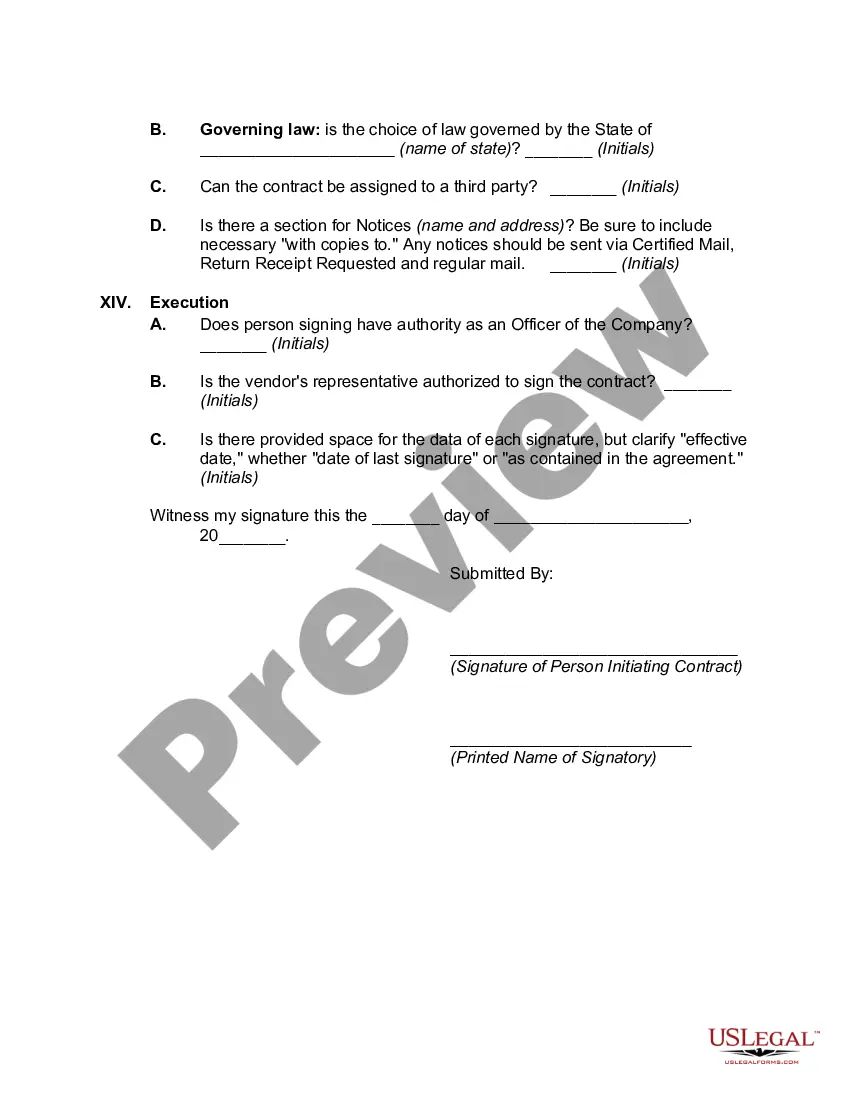
The Contract Closeout Checklist Dd Form 1597 displayed on this page is a reusable official template crafted by qualified attorneys in compliance with federal and local statutes and regulations.
For over 25 years, US Legal Forms has supplied individuals, businesses, and lawyers with more than 85,000 authenticated, state-specific documents for any professional and personal need. It’s the quickest, easiest, and most reliable method to acquire the documentation you require, as the service ensures bank-level data protection and anti-malware safeguards.
Select the format you prefer for your Contract Closeout Checklist Dd Form 1597 (PDF, DOCX, RTF) and download the sample to your device.
- Search for the document you require and verify it.
- Review the file you searched and preview it or examine the form description to confirm it meets your needs. If it doesn’t, utilize the search feature to find the correct one. Click Buy Now once you find the template you seek.
- Register and Log In.
- Choose the pricing option that best suits you and create an account. Use PayPal or a credit card for a swift payment. If you already possess an account, Log In and check your subscription to continue.
- Obtain the editable template.
Form popularity
FAQ
These steps are summarized in the Contract Closeout Checklist, which shall be completed by the contracting officer and included in the contract file. The contracting officer shall indicate any items that are not applicable (e.g., patent reports, royalty reports, etc.).
(2) For contracts valued above the simplified acquisition threshold, pre- pare a DD Form 1597, Contract Close- out Check List, (or agency equivalent) to ensure that all required contract ac- tions have been satisfactorily accom- plished.
Once the contracting officer verifies all closeout actions have been accomplished, he/she fills out a contract completion statement (DD Form 1594 or equivalent) and places it in the contract file. Some closeout actions are completed in the Mechanization of Contract Administration Services (MOCAS) database.
Disposition of classified material is completed. Final patent report is cleared. Final royalty report is cleared.
The EDI 567C is the electronic equivalent of the Contract Completion Statement, also known as the DD Form 1594. The Procuring Office will close out their file as soon as practicable after receiving notification from the office administering the contract that all closeout actions are complete (DD 1594 or EDI 567C.)