Information Employee Contact With Customer
Description

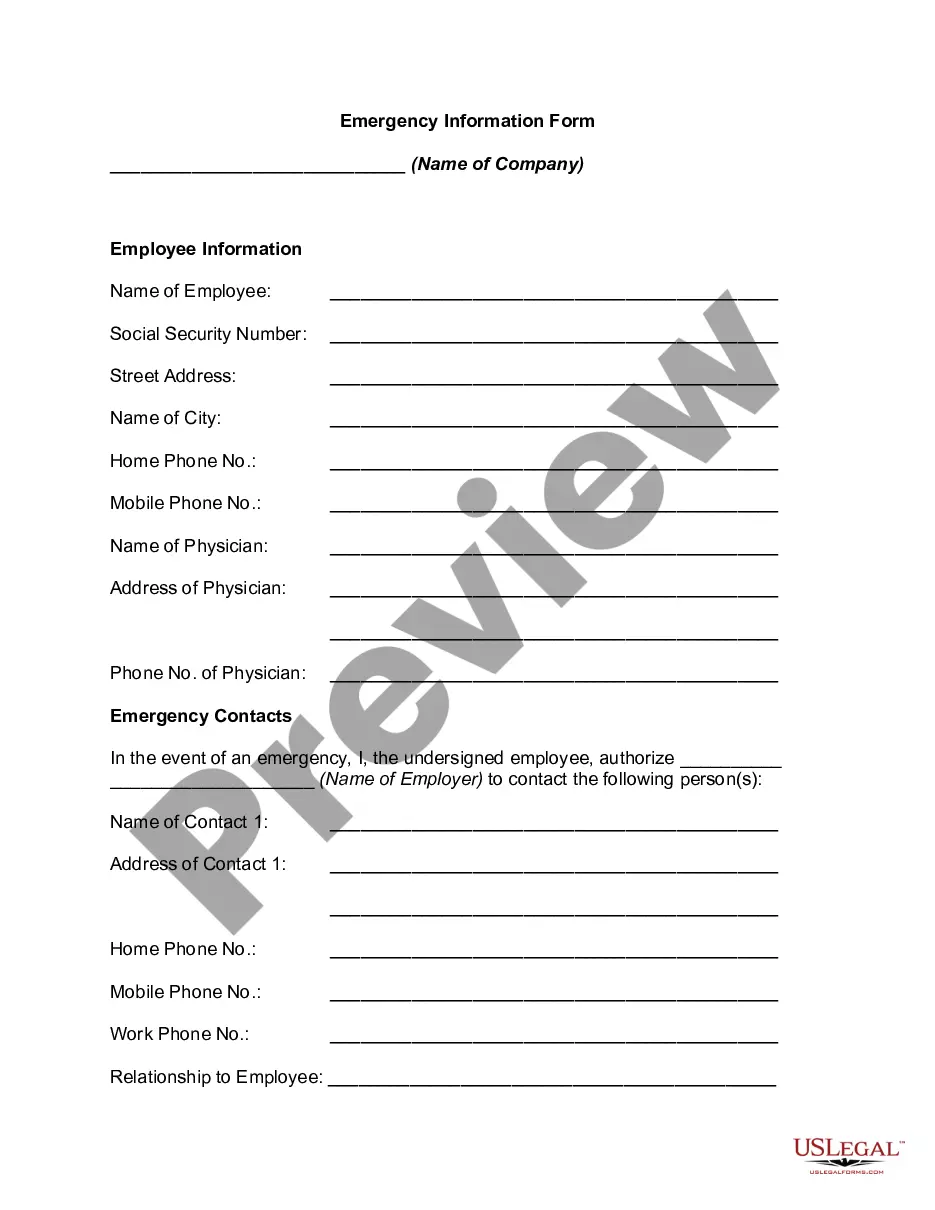
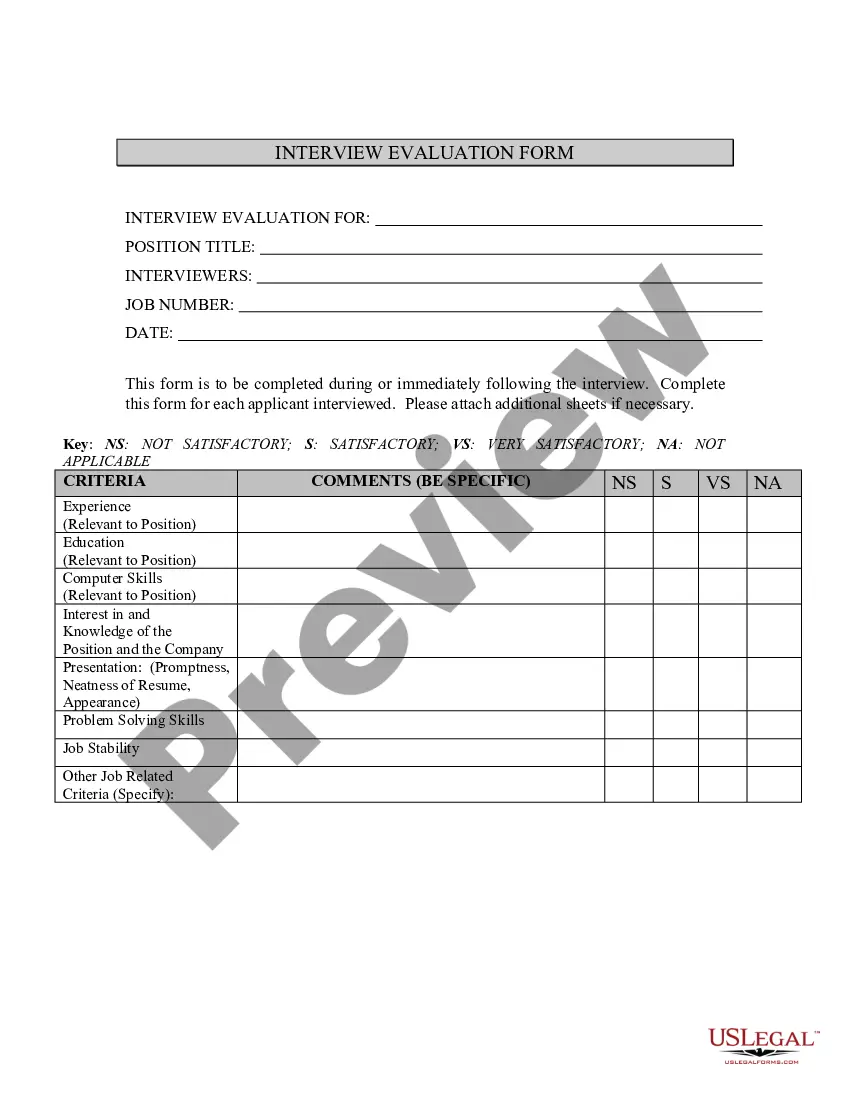


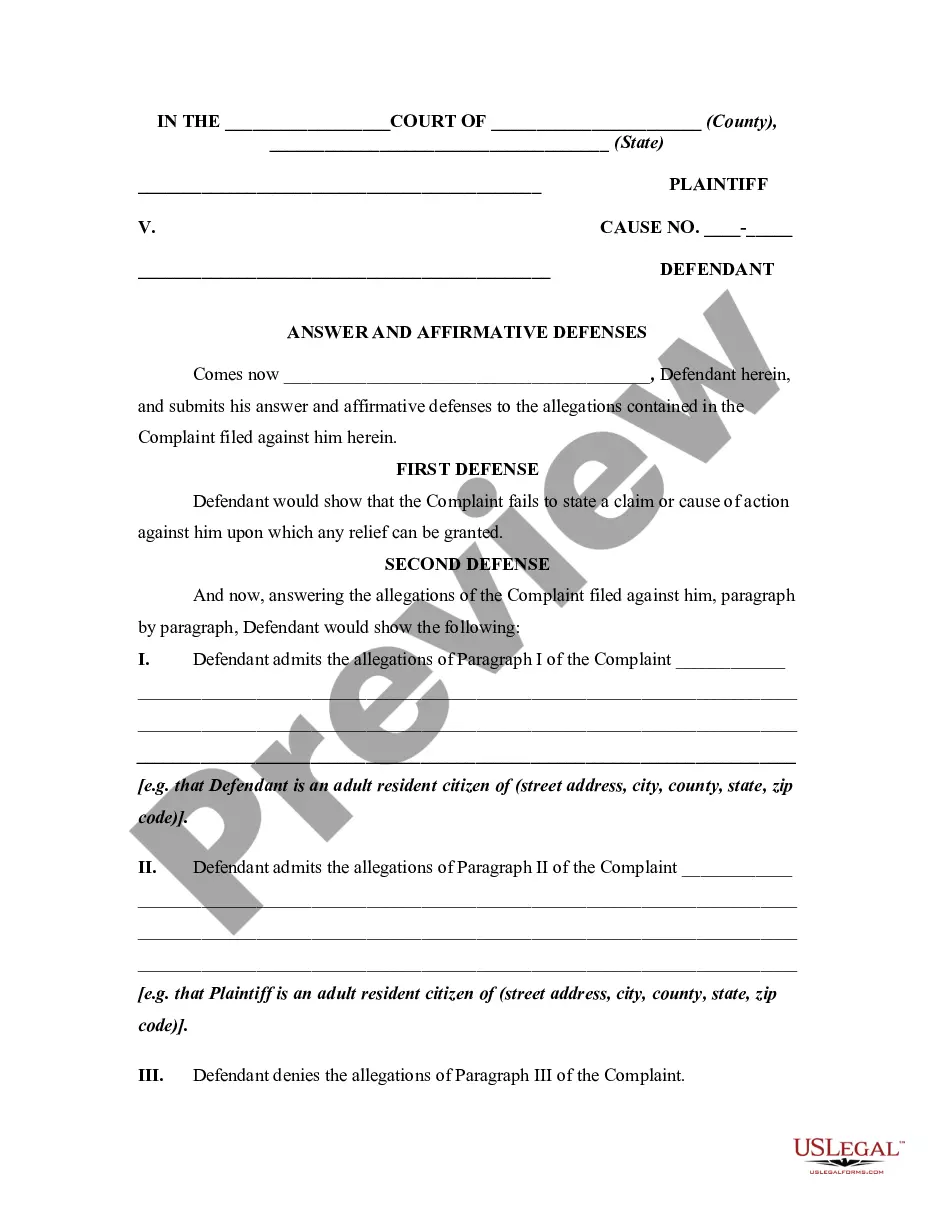

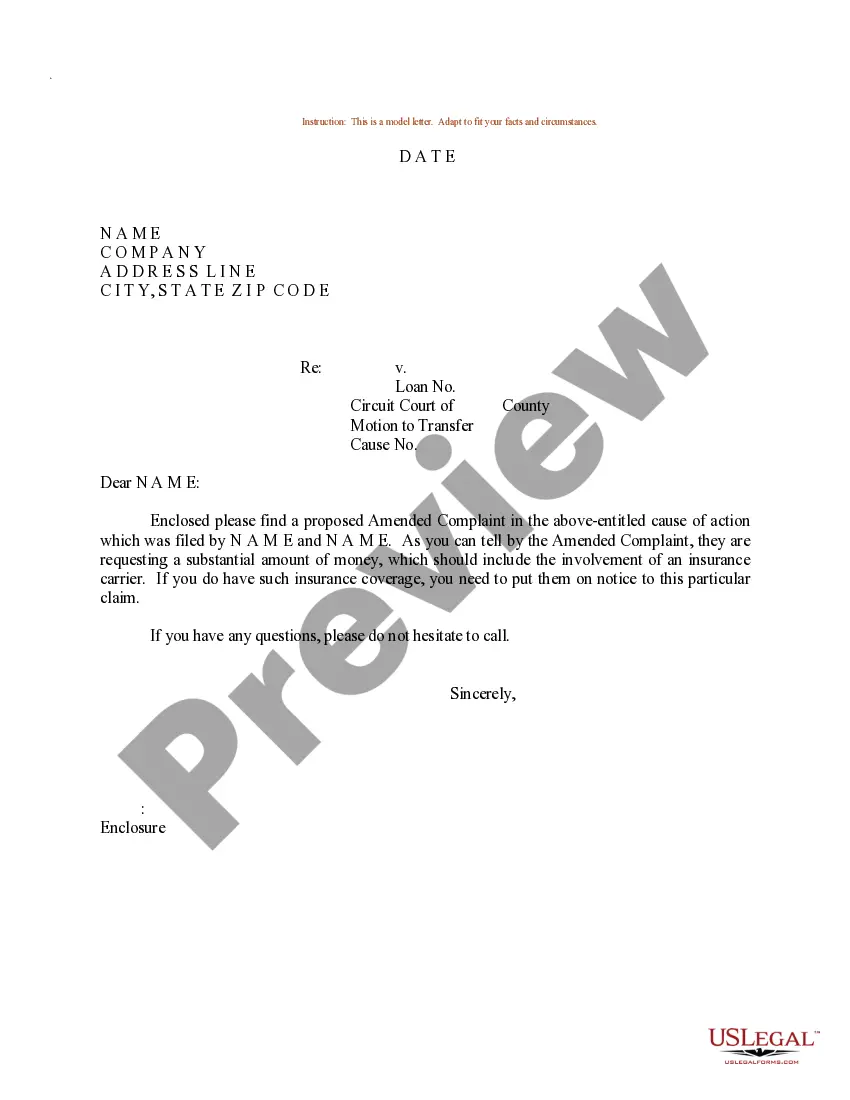
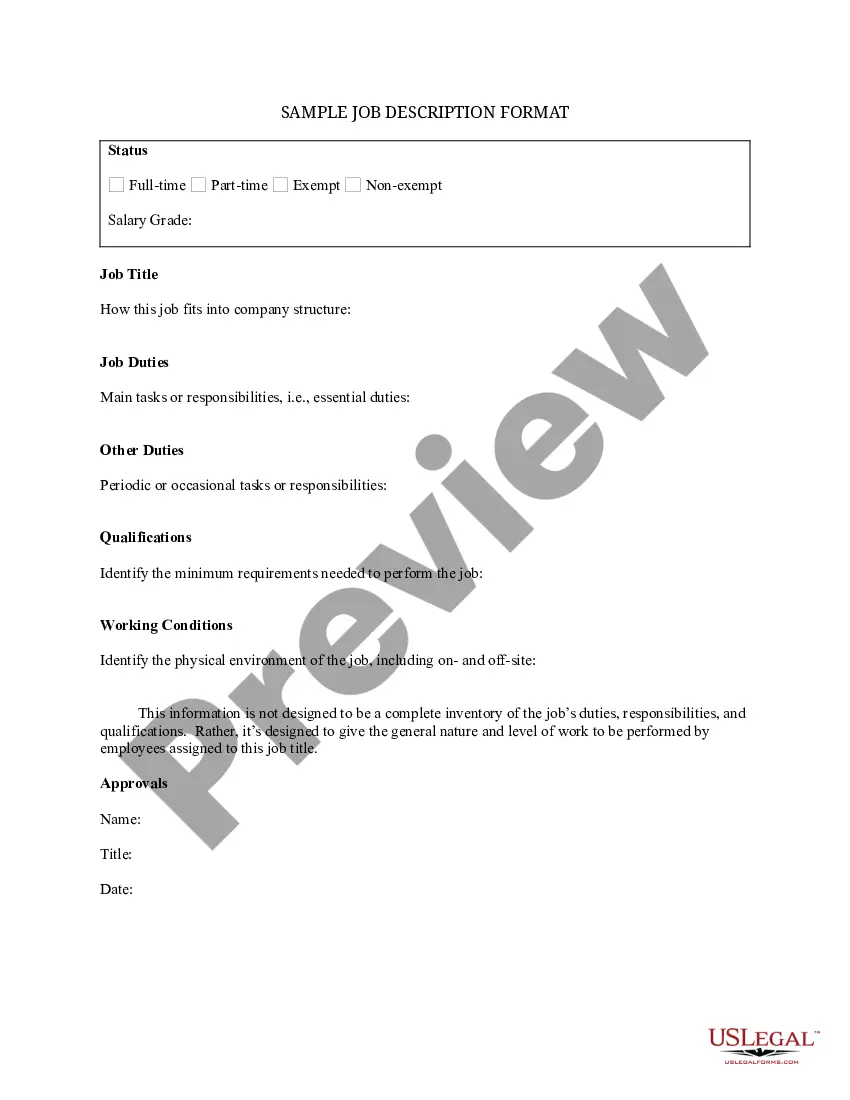
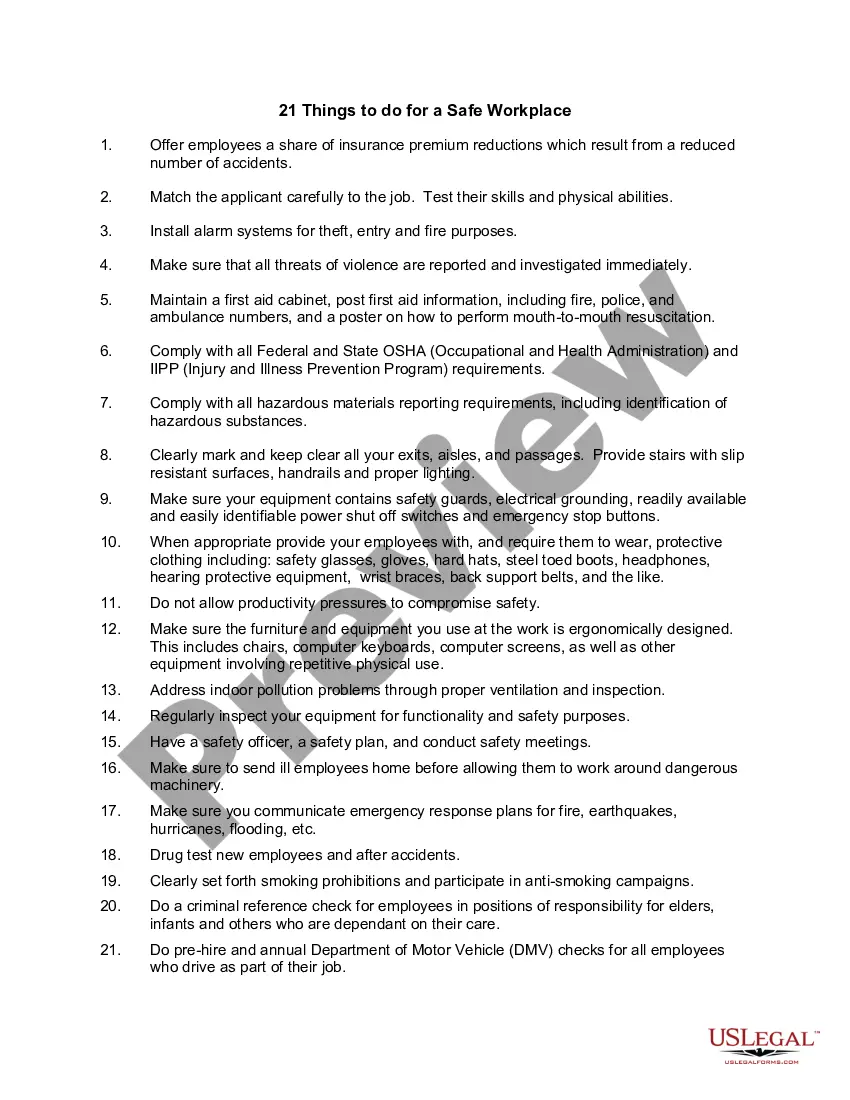
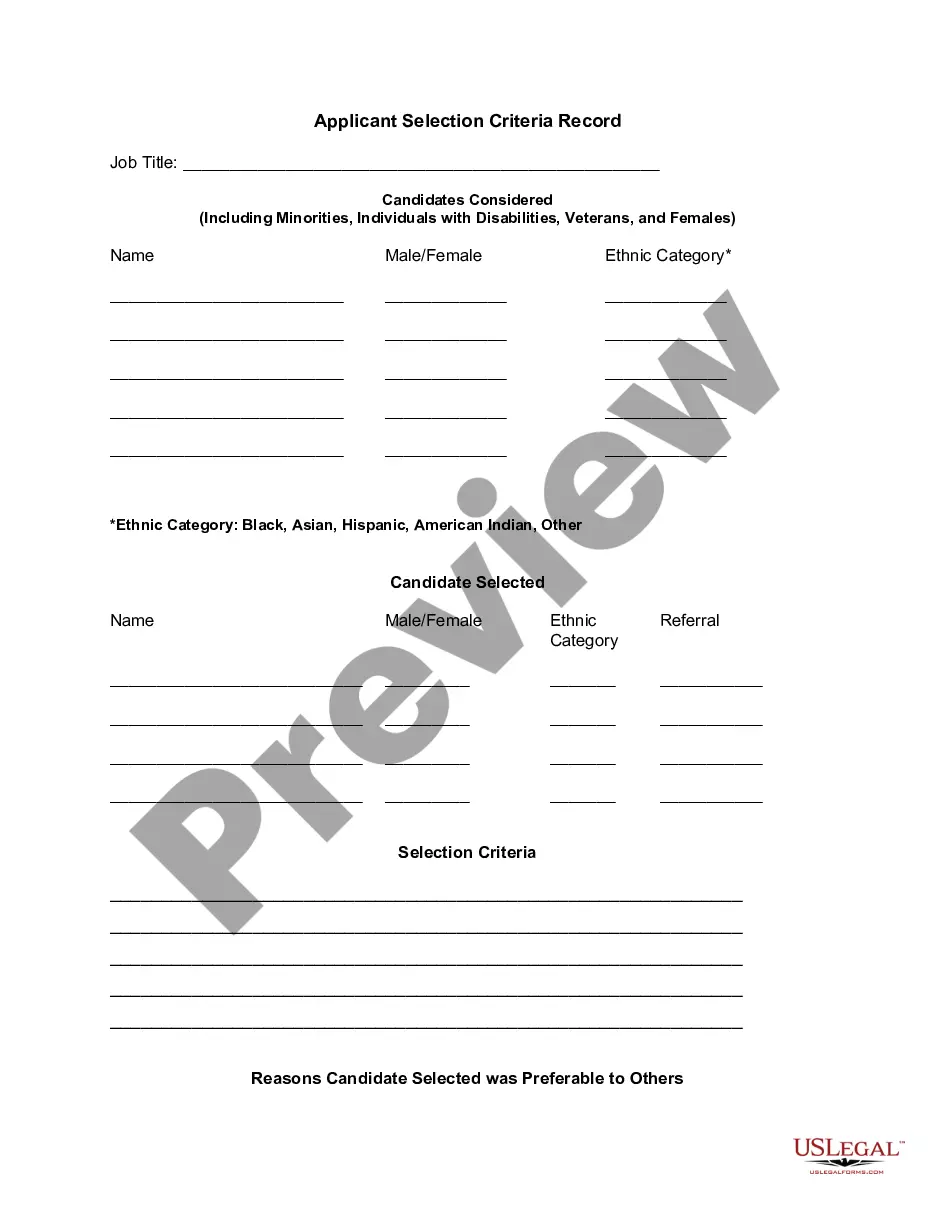
How to fill out Employee Information Form?
Regardless of whether it is for commercial reasons or personal affairs, everyone must confront legal issues at some point in their lives. Filling out legal documents requires meticulous care, beginning with selecting the appropriate form template. For example, if you choose an incorrect version of the Information Employee Contact With Customer, it will be rejected once submitted. Thus, it is vital to have a reliable source of legal documents such as US Legal Forms.
If you wish to acquire a sample of the Information Employee Contact With Customer, follow these straightforward steps.
- Utilize the search bar or browse the catalog to find the template you require.
- Review the details of the form to ensure it aligns with your case, state, and locality.
- Click on the form's preview to inspect it.
- If it is not the correct form, return to the search function to find the sample of the Information Employee Contact With Customer that you need.
- Download the file if it suits your requirements.
- If you already possess a US Legal Forms account, simply click Log in to access previously saved documents in My documents.
- If you do not have an account yet, you can obtain the form by clicking Buy now.
- Select the appropriate pricing option.
- Complete the profile registration form.
- Choose your payment method: use a credit card or PayPal account.
- Select the file format you desire and download the Information Employee Contact With Customer.
- Once saved, you can fill out the form using editing software or print it and complete it manually.
- With an extensive US Legal Forms catalog available, you do not need to waste time searching for the correct template online. Utilize the library's simple navigation to locate the appropriate form for any situation.
Form popularity
FAQ
You should: keep the email brief and to the point ? after all, it's only an introduction. include the new employee's name, title, and contact information. mention when the transition will take place ? if it's not a sudden change, give your clients a heads up.
Here are some best practices and customer service email templates to help you nail the art of writing better customer emails: Be human. ... Solutions first, resources later. ... Avoid imperatives ? be positive with your writing. ... Keep it simple. ... Leave no room for confusion. ... Make reading easy. ... Know when to upsell.
Tips on how to write customer service emails Use the customer's name. Beginning your email with the customer's name can make it more personal and sincere. Read the message carefully. ... Be conversational. ... Use employees' names. ... Represent the brand. ... Keep it professional. ... Empathize with the customer.
9 Tips & Examples to Write Effective Customer Service Emails Respond Promptly. Personalize Your Responses. Use Clear & Concise Language. Show Empathy & Understanding. Provide Detailed & Relevant Information. Proofread & Edit. Offer Additional Assistance. Follow Up & Close the Loop.
How to create effective service emails? Be human. ... Solutions first, resources later. ... Avoid imperatives ? be positive with your writing. ... Keep it simple. ... Leave no room for confusion. ... Make reading easy. ... Know when to upsell. ... Answer all customer questions.