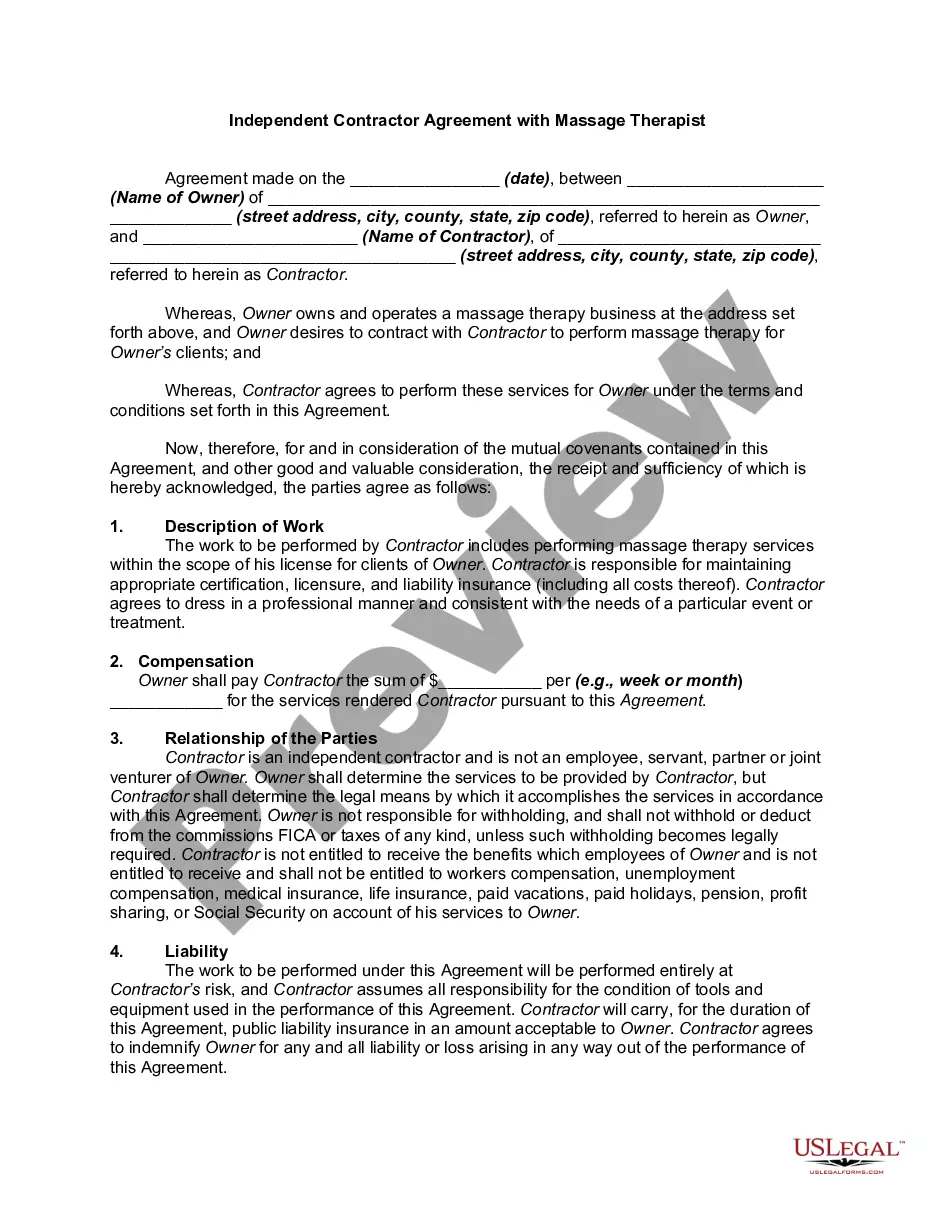
Massage Consent Form For Minors
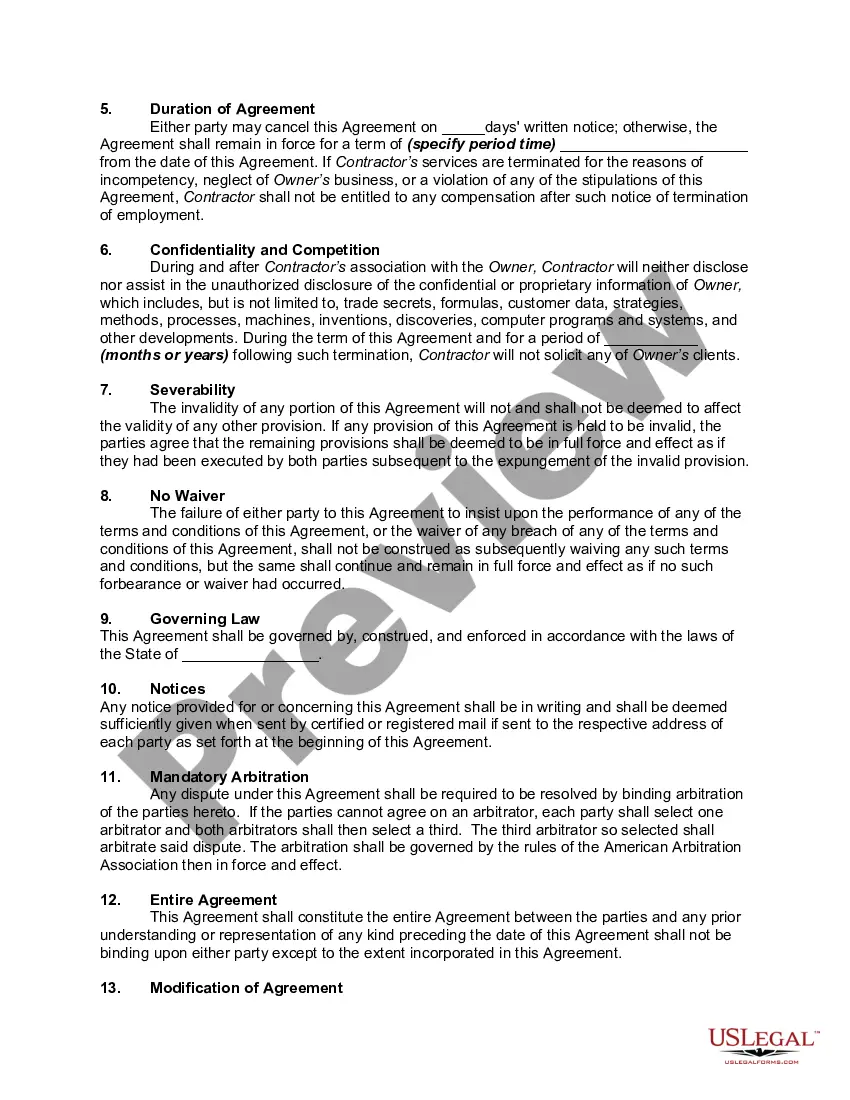
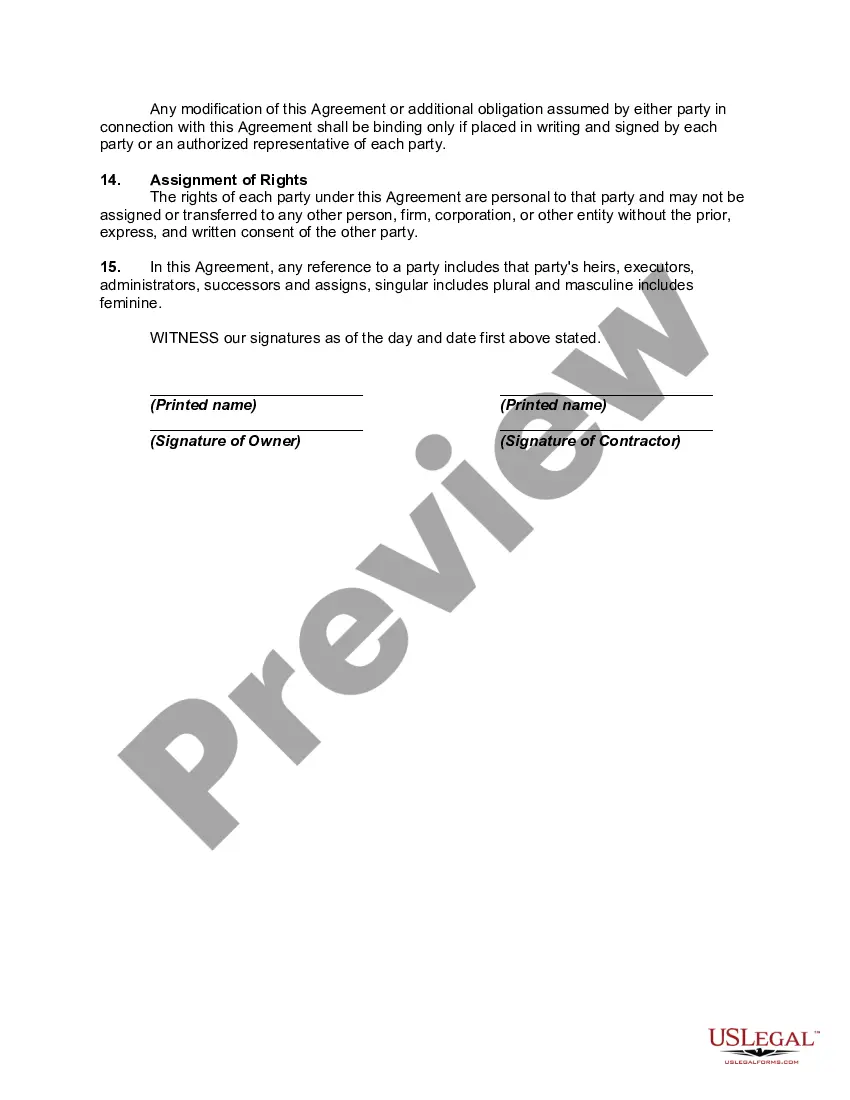
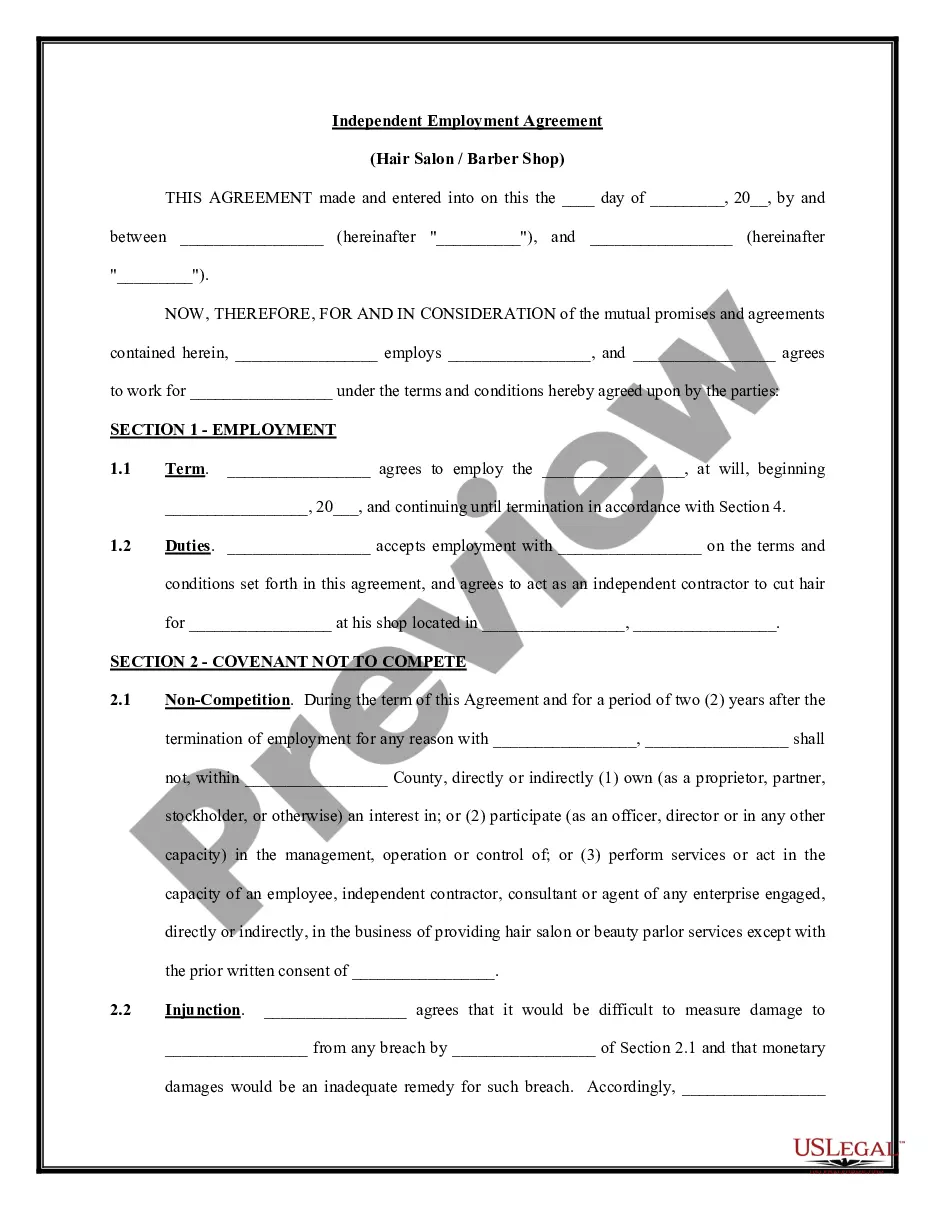
Description
Get your form ready online
Our built-in tools help you complete, sign, share, and store your documents in one place.
Make edits, fill in missing information, and update formatting in US Legal Forms—just like you would in MS Word.
Download a copy, print it, send it by email, or mail it via USPS—whatever works best for your next step.
Sign and collect signatures with our SignNow integration. Send to multiple recipients, set reminders, and more. Go Premium to unlock E-Sign.
If this form requires notarization, complete it online through a secure video call—no need to meet a notary in person or wait for an appointment.
We protect your documents and personal data by following strict security and privacy standards.

Make edits, fill in missing information, and update formatting in US Legal Forms—just like you would in MS Word.

Download a copy, print it, send it by email, or mail it via USPS—whatever works best for your next step.

Sign and collect signatures with our SignNow integration. Send to multiple recipients, set reminders, and more. Go Premium to unlock E-Sign.

If this form requires notarization, complete it online through a secure video call—no need to meet a notary in person or wait for an appointment.

We protect your documents and personal data by following strict security and privacy standards.
Looking for another form?
How to fill out Independent Contractor Agreement With Massage Therapist?
The Minor Massage Consent Document displayed on this page is a reusable official template created by experienced attorneys following federal and local laws.
For over 25 years, US Legal Forms has supplied individuals, entities, and lawyers with more than 85,000 authenticated, state-specific forms for every business and personal requirement. It’s the fastest, easiest, and most trustworthy method to obtain the documents you require, as the service ensures bank-grade data protection and anti-malware safeguards.
Select the format you prefer for your Minor Massage Consent Document (PDF, Word, RTF) and download the sample onto your device.
- Search for the document you need and examine it.
- Browse the sample you searched and view it or review the description of the form to verify it meets your needs. If it doesn’t, use the search feature to locate the correct one. Click Buy Now once you find the template you need.
- Register and Log In.
- Choose the pricing package that fits you and create an account. Use PayPal or a credit card to make a swift payment. If you already possess an account, Log In and check your subscription to proceed.
- Acquire the editable template.
Form popularity
FAQ
* Not required during the Special Split Youth, Class Q/QQ and Class XS antlerless deer season. Hunting, trapping and fishing Licenses are good for the calendar year. You must purchase new licenses at the beginning of each year. All licensed hunters must carry a valid form of identification while hunting/trapping.
If you have an account in the WVDNR online Licensing and Game Check System, log in using your username and password. If you have never purchased a license from WVDNR before, click the button labeled Enroll Today and follow the instructions. Once logged in, click on the tile labeled Purchase a license, tag, or permit.
Lifetime Licenses can be purchased for Hunting, Fishing, Hunting and Fishing, Trout Fishing Privilege, Small Arms Use, and a Senior Lifetime License for West Virginia residents age 65 and older.
Yes. The license you print at your printer is a valid, official license and no other license will be mailed to you. You must carry the license whenever you go hunting/fishing/trapping.
Log in to the WVDNR online Licensing and Game Check System using your username and password. Once logged in, click on Manage Licenses in the tile labeled license, permits, tags, and applications. ... Click the button labeled Print Documents. ... Click the bubble to indicate the documents to print.
Please mail with check or money order payable to WV DNR License Unit, 324 4th Avenue, South Charleston, WV 25303. If paying by personal check, license will be held for 5 business days. 3. When applying for a duplicate lifetime license card, the attached application must be completed and a fee of $6.00 must be included.
Purchasing a hunting or fishing license is more convenient than ever before. Residents and non-residents can enroll, pay and print through the Electronic Licensing & Game Check System.