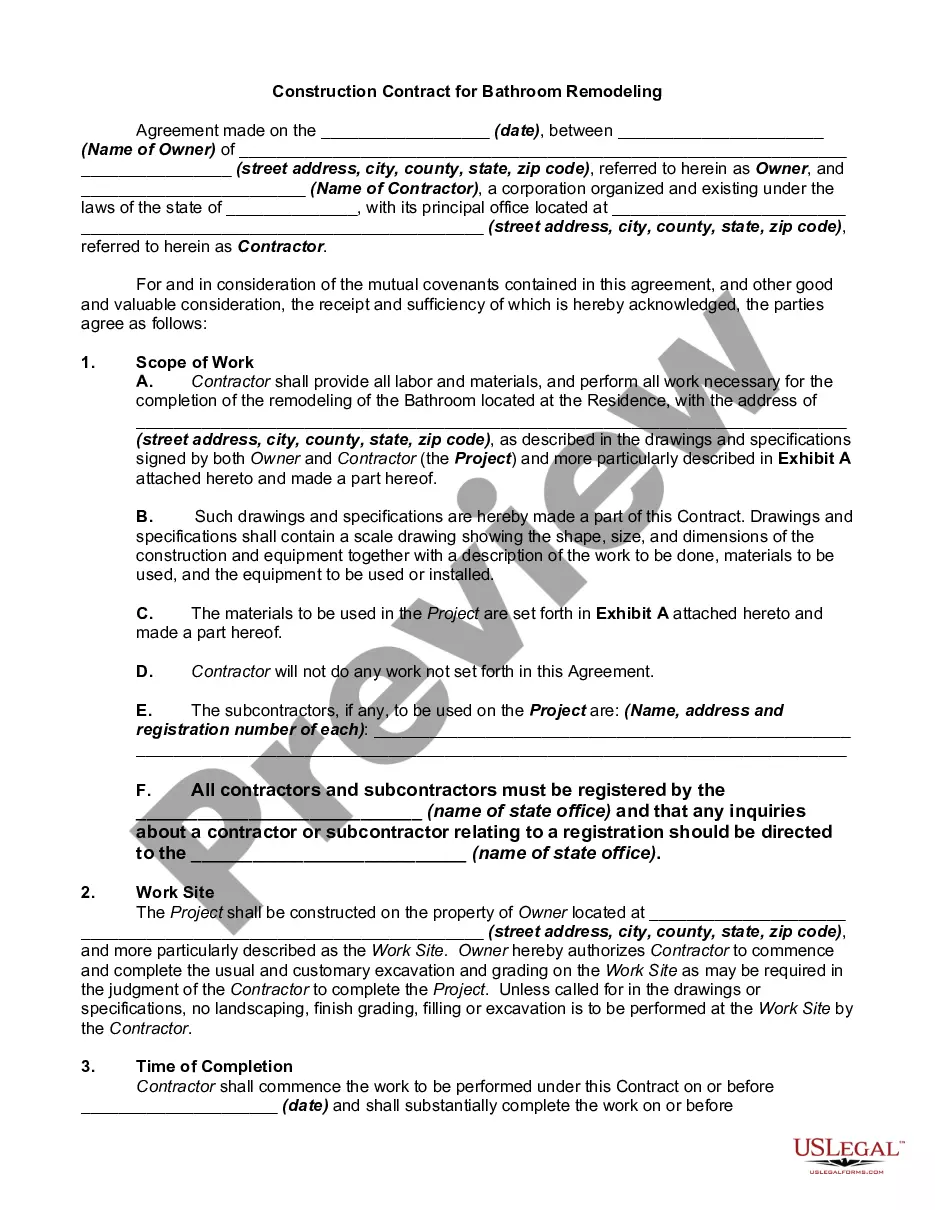
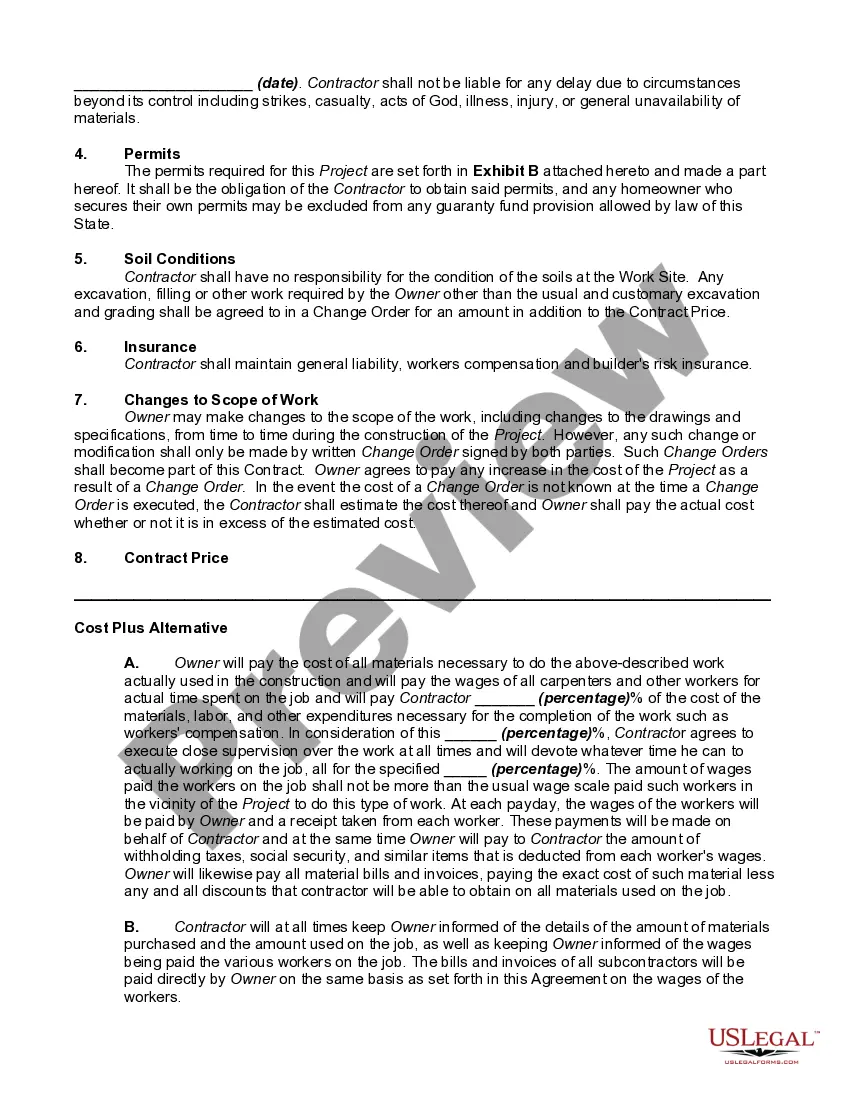
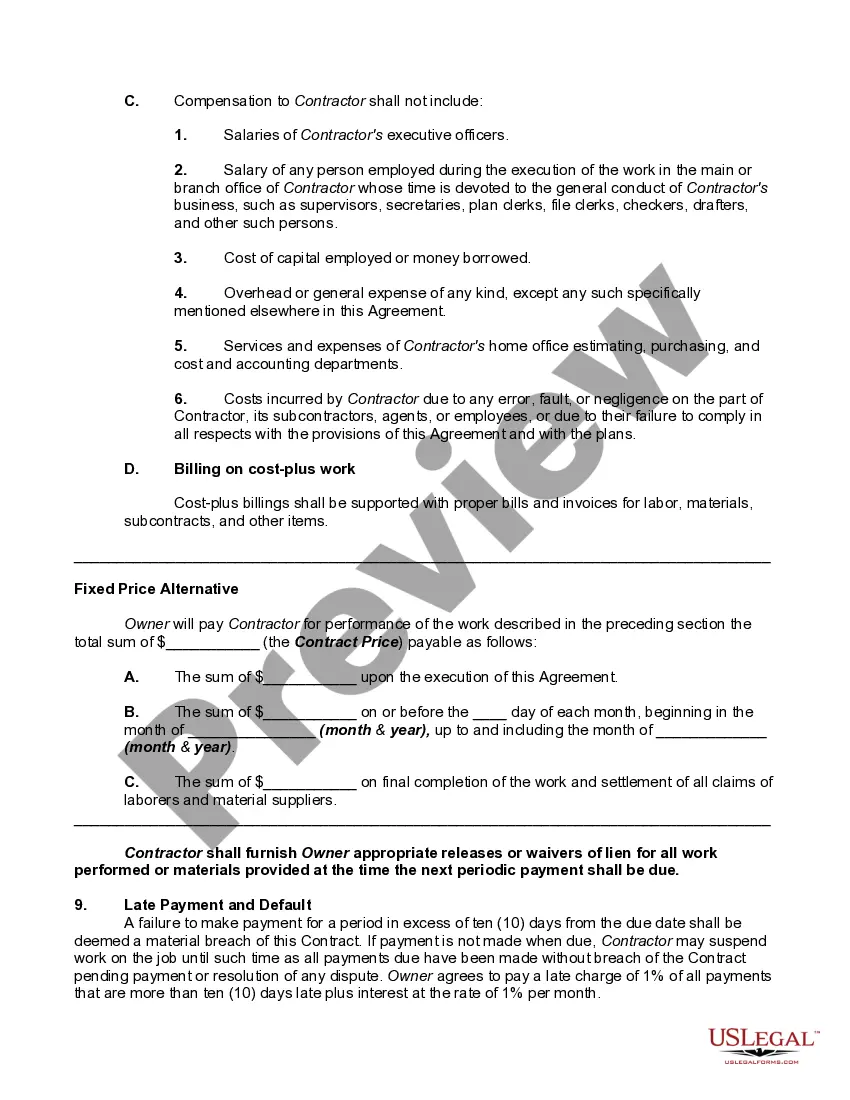
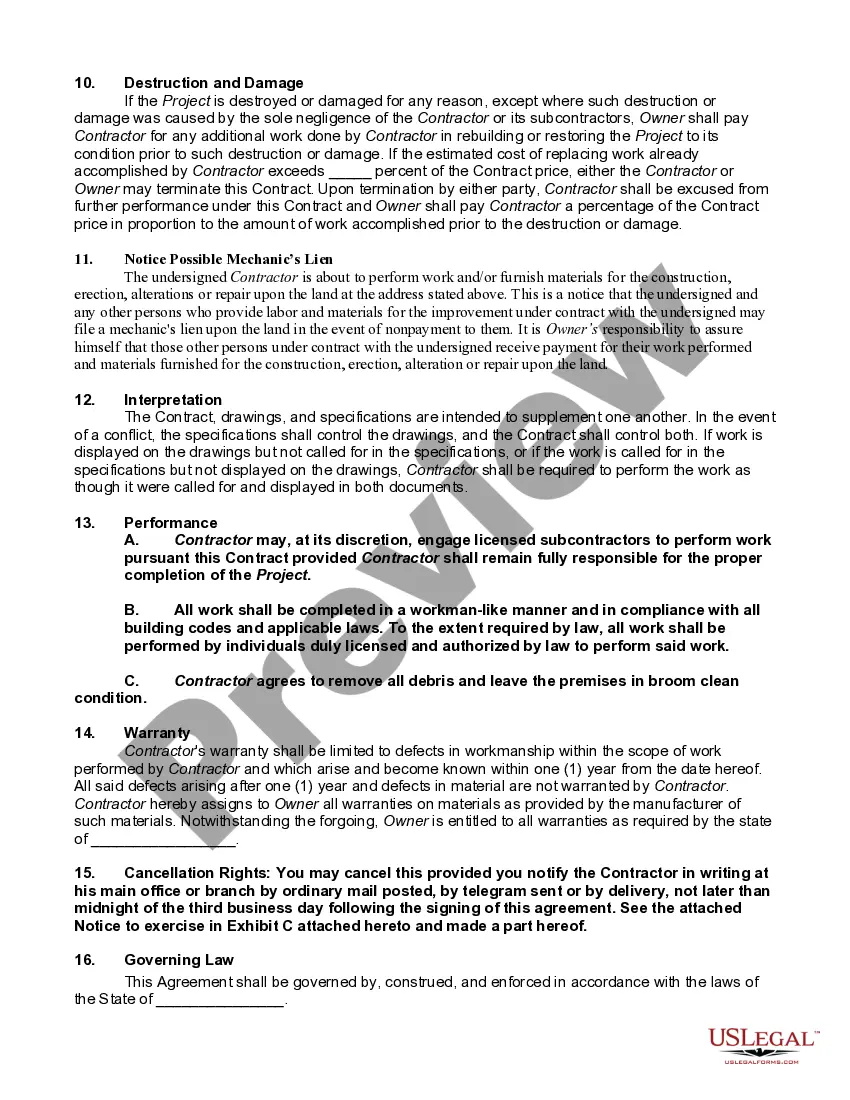
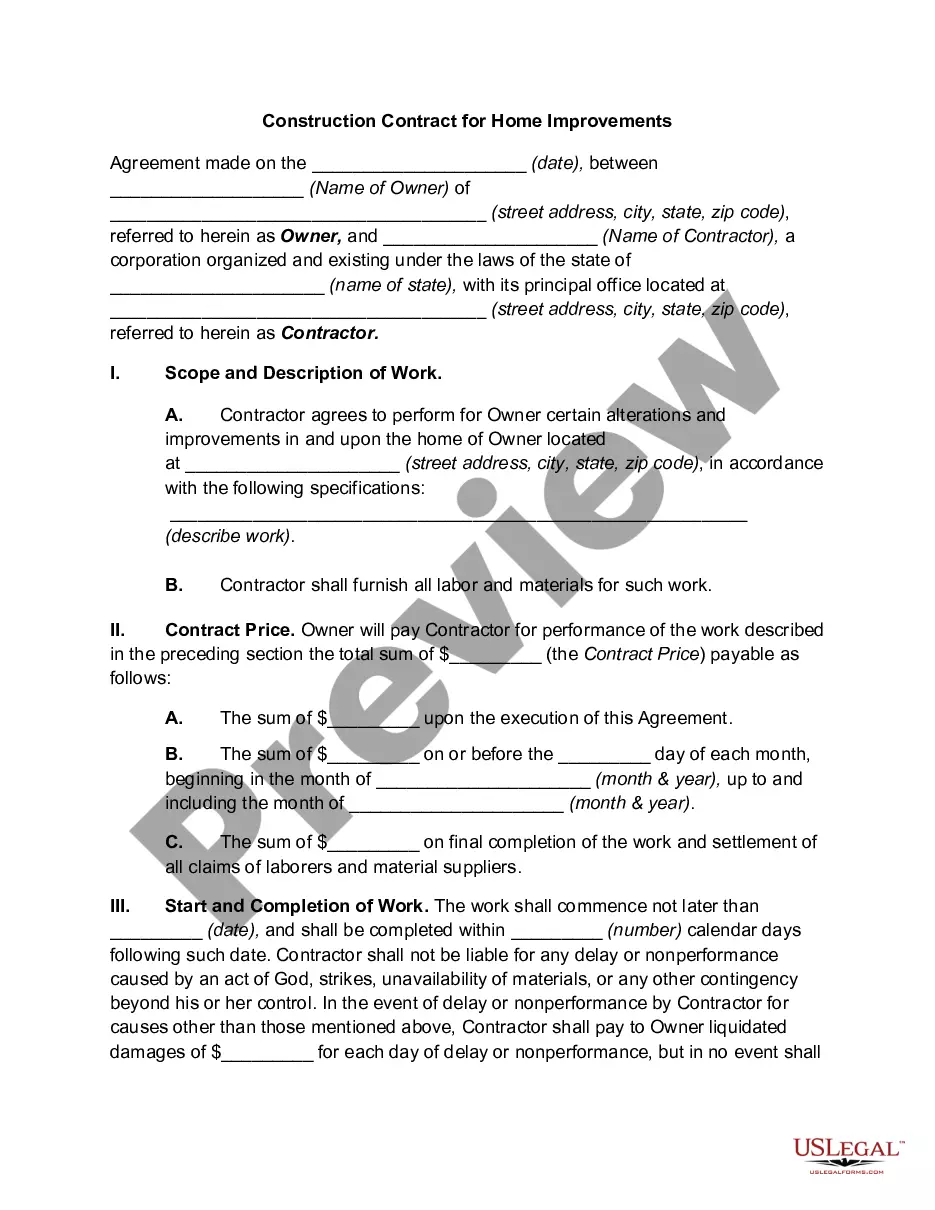
Remodeling Sample Contract With Employee
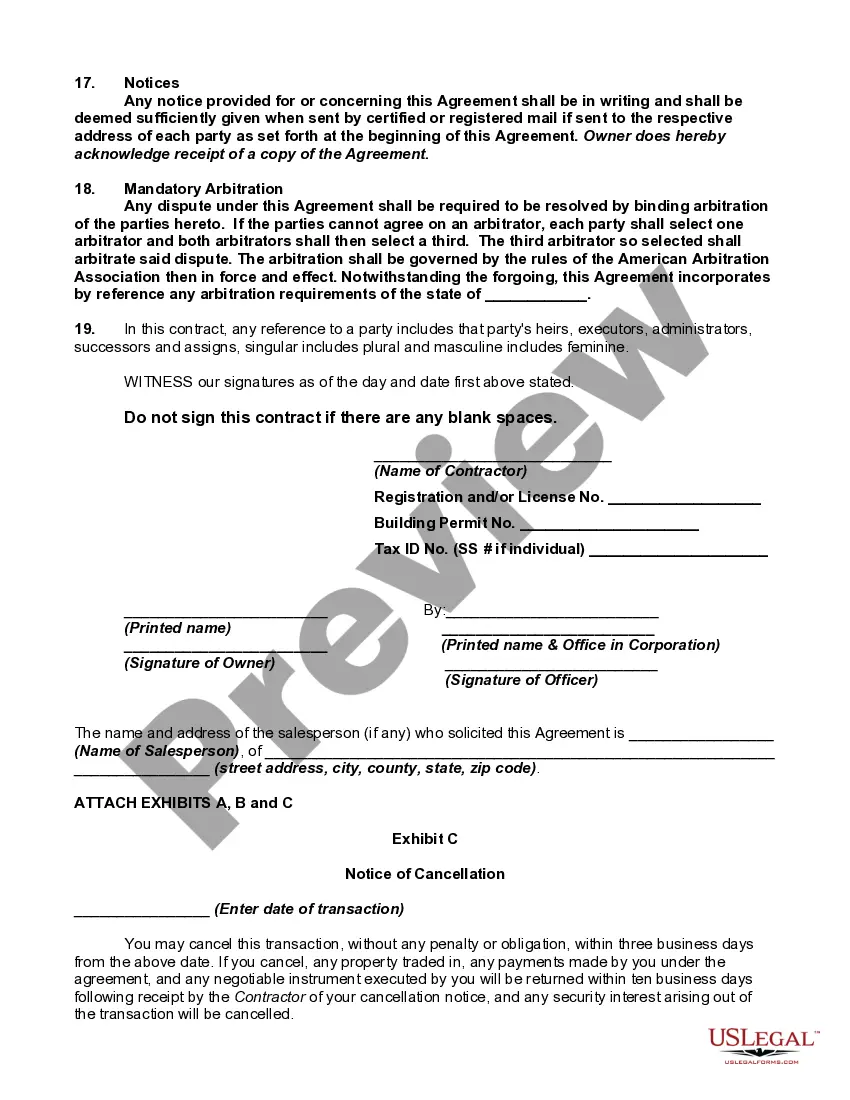
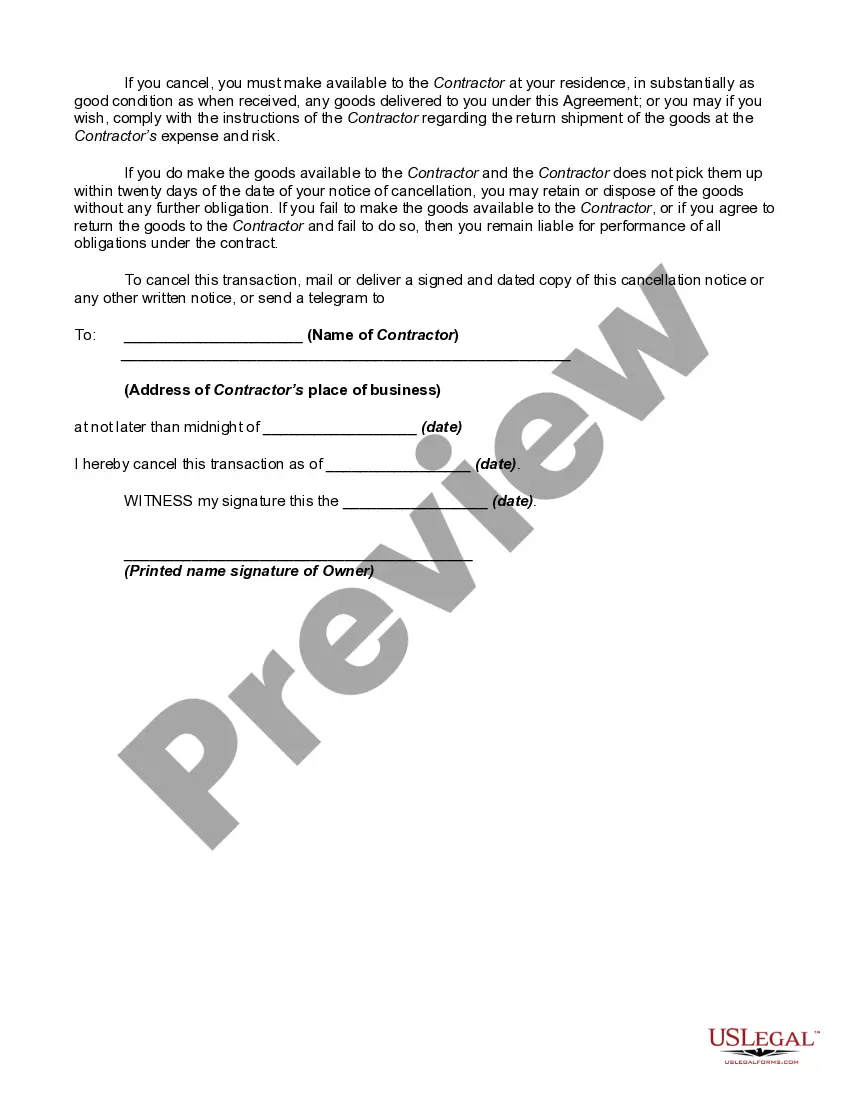
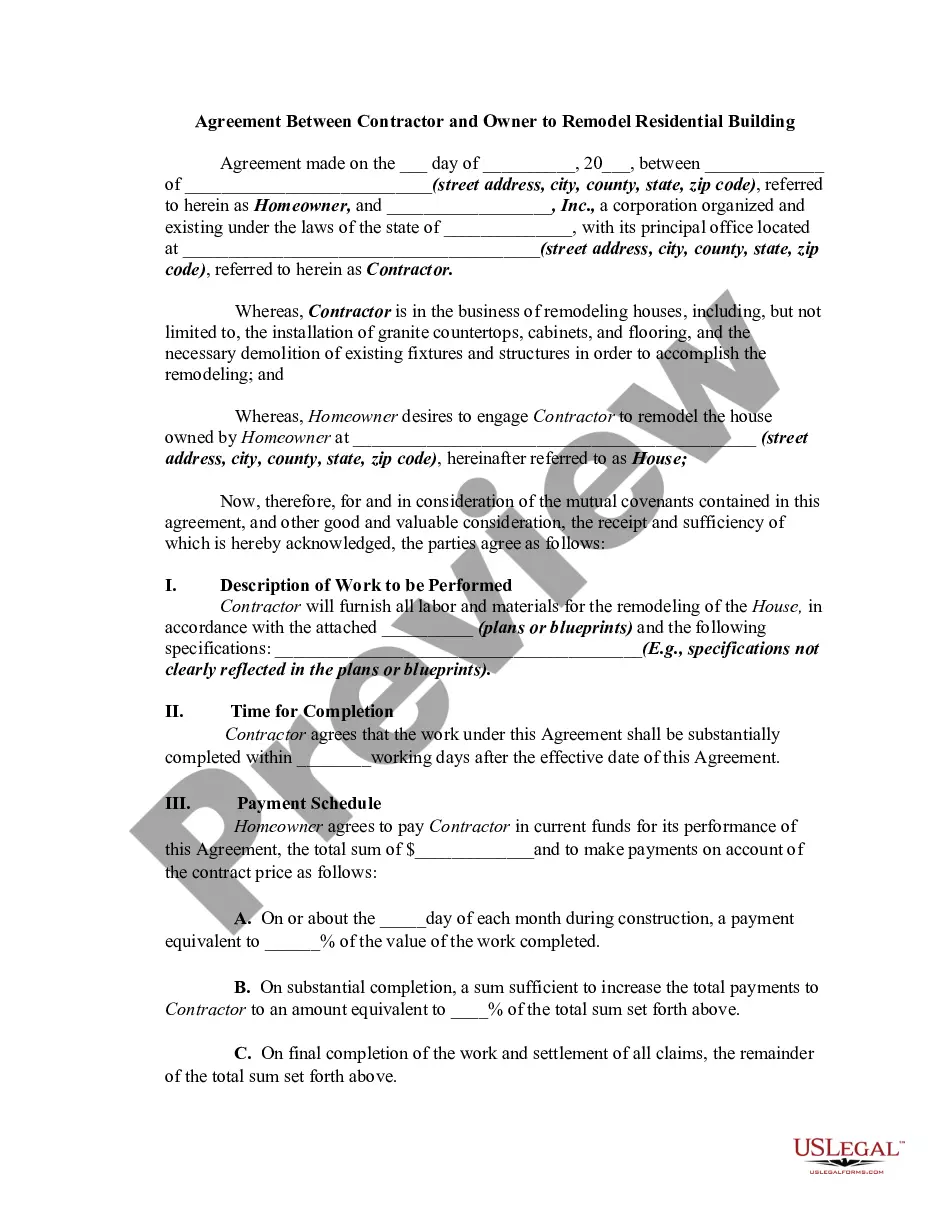
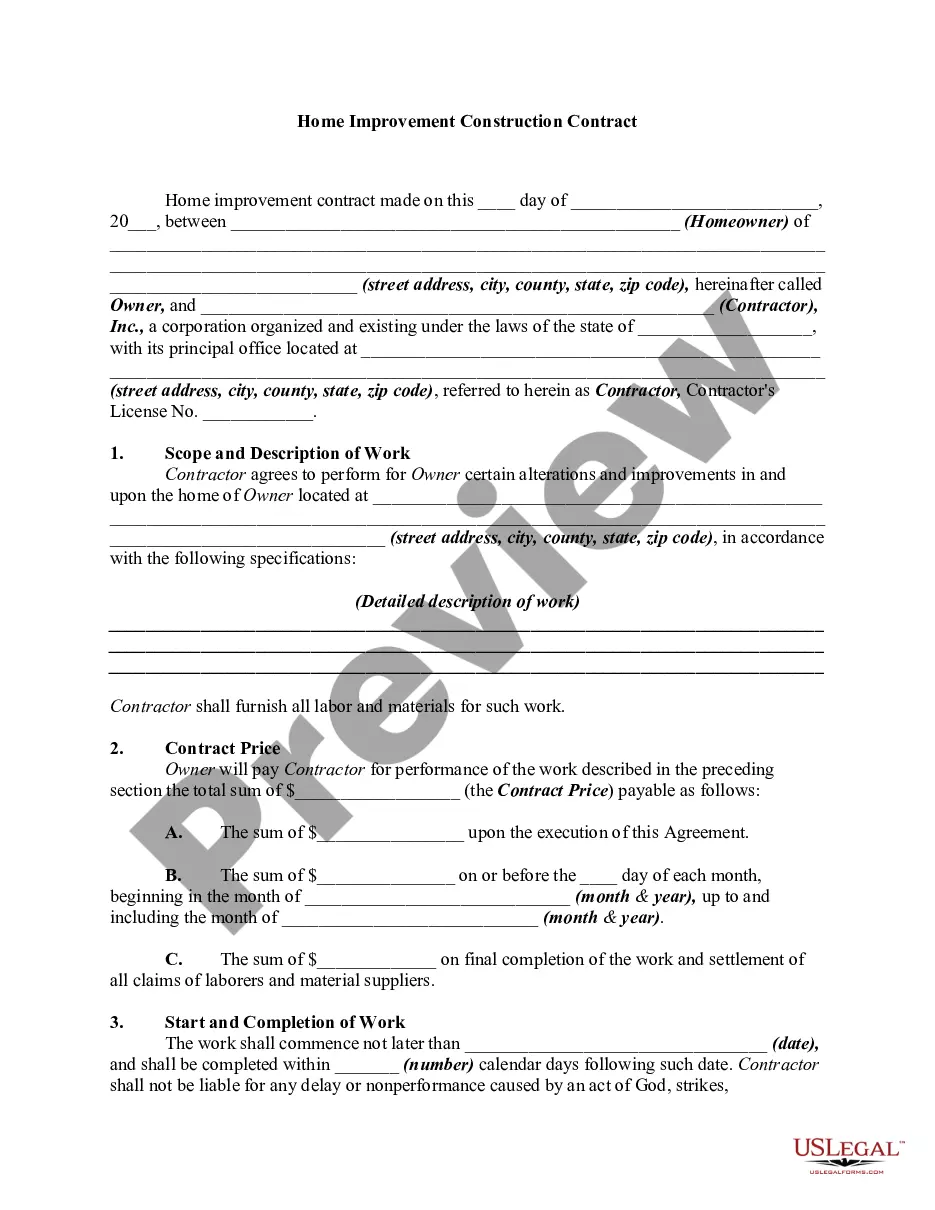
Description
Get your form ready online
Our built-in tools help you complete, sign, share, and store your documents in one place.
Make edits, fill in missing information, and update formatting in US Legal Forms—just like you would in MS Word.
Download a copy, print it, send it by email, or mail it via USPS—whatever works best for your next step.
Sign and collect signatures with our SignNow integration. Send to multiple recipients, set reminders, and more. Go Premium to unlock E-Sign.
If this form requires notarization, complete it online through a secure video call—no need to meet a notary in person or wait for an appointment.
We protect your documents and personal data by following strict security and privacy standards.

Make edits, fill in missing information, and update formatting in US Legal Forms—just like you would in MS Word.

Download a copy, print it, send it by email, or mail it via USPS—whatever works best for your next step.

Sign and collect signatures with our SignNow integration. Send to multiple recipients, set reminders, and more. Go Premium to unlock E-Sign.

If this form requires notarization, complete it online through a secure video call—no need to meet a notary in person or wait for an appointment.

We protect your documents and personal data by following strict security and privacy standards.
Looking for another form?
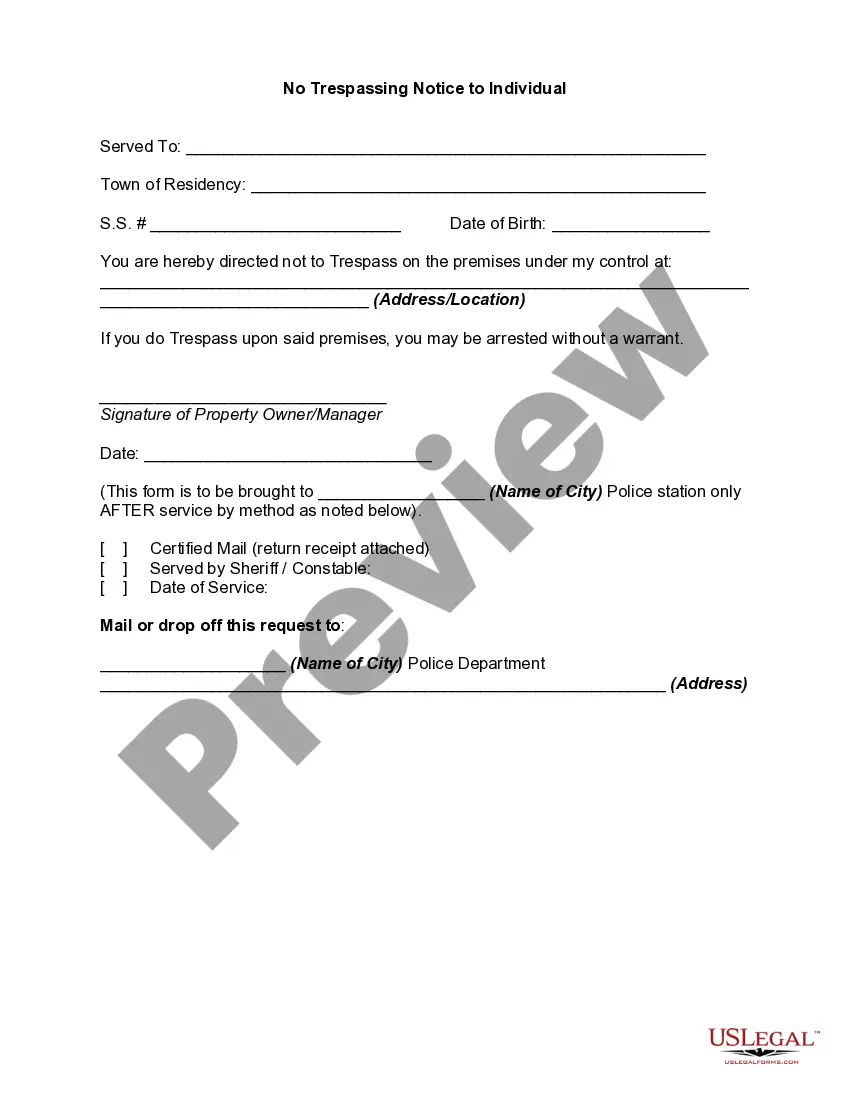


How to fill out Construction Contract For Bathroom Remodeling?
It’s clear that you cannot become a legal authority instantly, nor can you learn to swiftly craft a Remodeling Sample Contract With Employee without possessing a specialized skill set.
Drafting legal documents is a labor-intensive task that necessitates specific training and expertise.
So why not entrust the formulation of the Remodeling Sample Contract With Employee to the professionals.
You can regain access to your documents from the My documents section at any moment.
If you’re an existing client, simply Log In, and retrieve and download the template from the same section.
- Locate the document you need using the search bar at the top of the website.
- Preview it (if this feature is available) and review the accompanying description to ascertain whether Remodeling Sample Contract With Employee is what you’re looking for.
- Start your search anew if you require a different template.
- Sign up for a free account and select a subscription plan to purchase the form.
- Click Buy now. Once the payment is processed, you can obtain the Remodeling Sample Contract With Employee, fill it out, print it, and send it to the required individuals or organizations.
Form popularity
FAQ
Write the contract in six steps Start with a contract template. ... Open with the basic information. ... Describe in detail what you have agreed to. ... Include a description of how the contract will be ended. ... Write into the contract which laws apply and how disputes will be resolved. ... Include space for signatures.
How do I create an Independent Contractor Agreement? State the location. ... Describe the type of service required. ... Provide the contractor's and client's details. ... Outline compensation details. ... State the agreement's terms. ... Include any additional clauses. ... State the signing details.
How to Write a Contractor Agreement Outline Services Provided. The contractor agreement should list all services the contractor will provide. ... Document Duration of the Work. Specify the duration of the working relationship. ... Outline Payment Terms. ... Outline Confidentiality Agreement. ... Consult with a Lawyer.
Elements of a construction contract Name of contractor and contact information. ... Name of homeowner and contact information. ... Describe property in legal terms. ... List attachments to the contract. ... The cost. ... Failure of homeowner to obtain financing. ... Description of the work and the completion date. ... Right to stop the project.
An independent contractor agreement is a legally binding document signed by a 1099 employee and the company that hires them. It outlines the scope of work and the terms under which that work will be completed, which goes a long way to making sure both parties are on the same page about the project from the start.