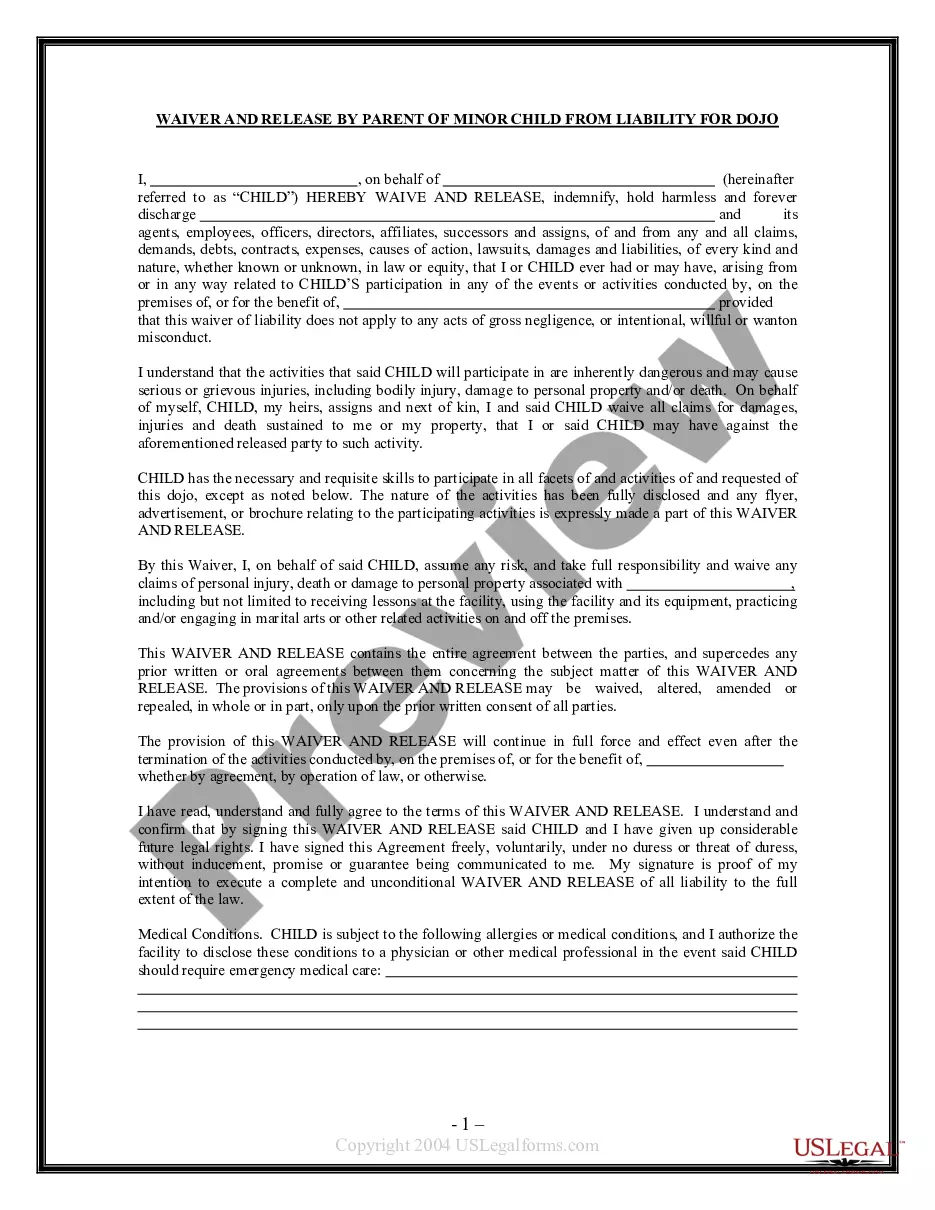
Parent Minor Form For Sports
Description
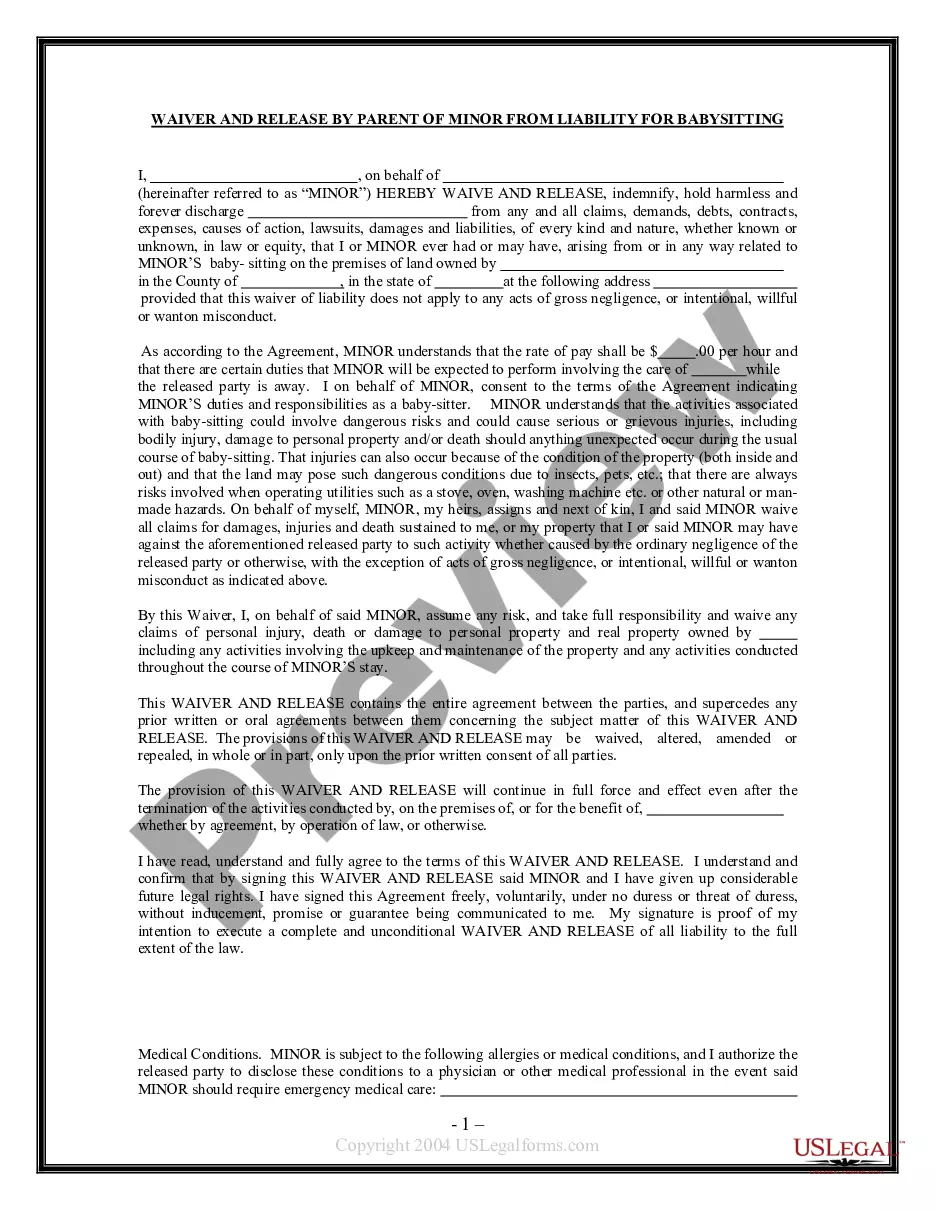
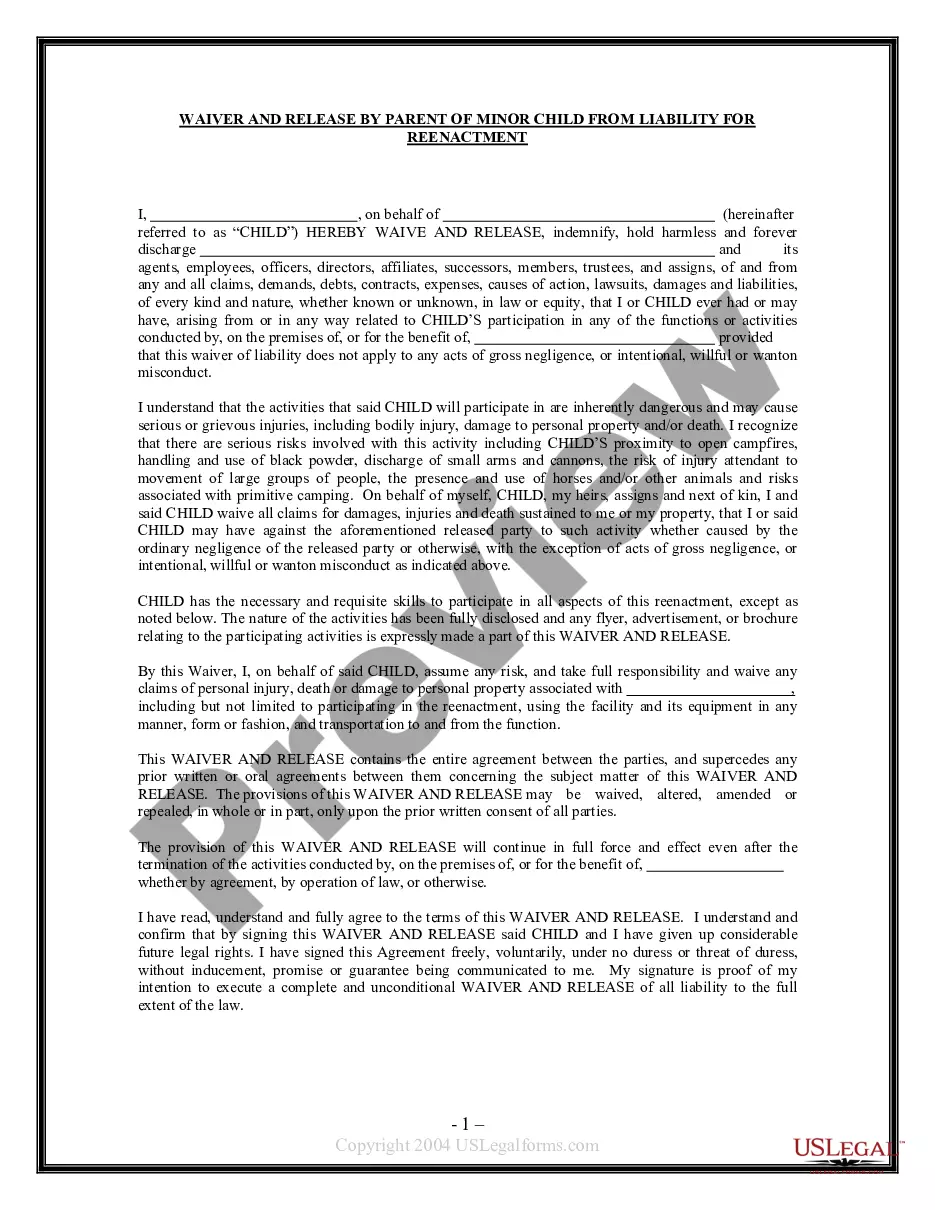
Get your form ready online
Our built-in tools help you complete, sign, share, and store your documents in one place.
Make edits, fill in missing information, and update formatting in US Legal Forms—just like you would in MS Word.
Download a copy, print it, send it by email, or mail it via USPS—whatever works best for your next step.
Sign and collect signatures with our SignNow integration. Send to multiple recipients, set reminders, and more. Go Premium to unlock E-Sign.
If this form requires notarization, complete it online through a secure video call—no need to meet a notary in person or wait for an appointment.
We protect your documents and personal data by following strict security and privacy standards.

Make edits, fill in missing information, and update formatting in US Legal Forms—just like you would in MS Word.

Download a copy, print it, send it by email, or mail it via USPS—whatever works best for your next step.

Sign and collect signatures with our SignNow integration. Send to multiple recipients, set reminders, and more. Go Premium to unlock E-Sign.

If this form requires notarization, complete it online through a secure video call—no need to meet a notary in person or wait for an appointment.

We protect your documents and personal data by following strict security and privacy standards.
Looking for another form?



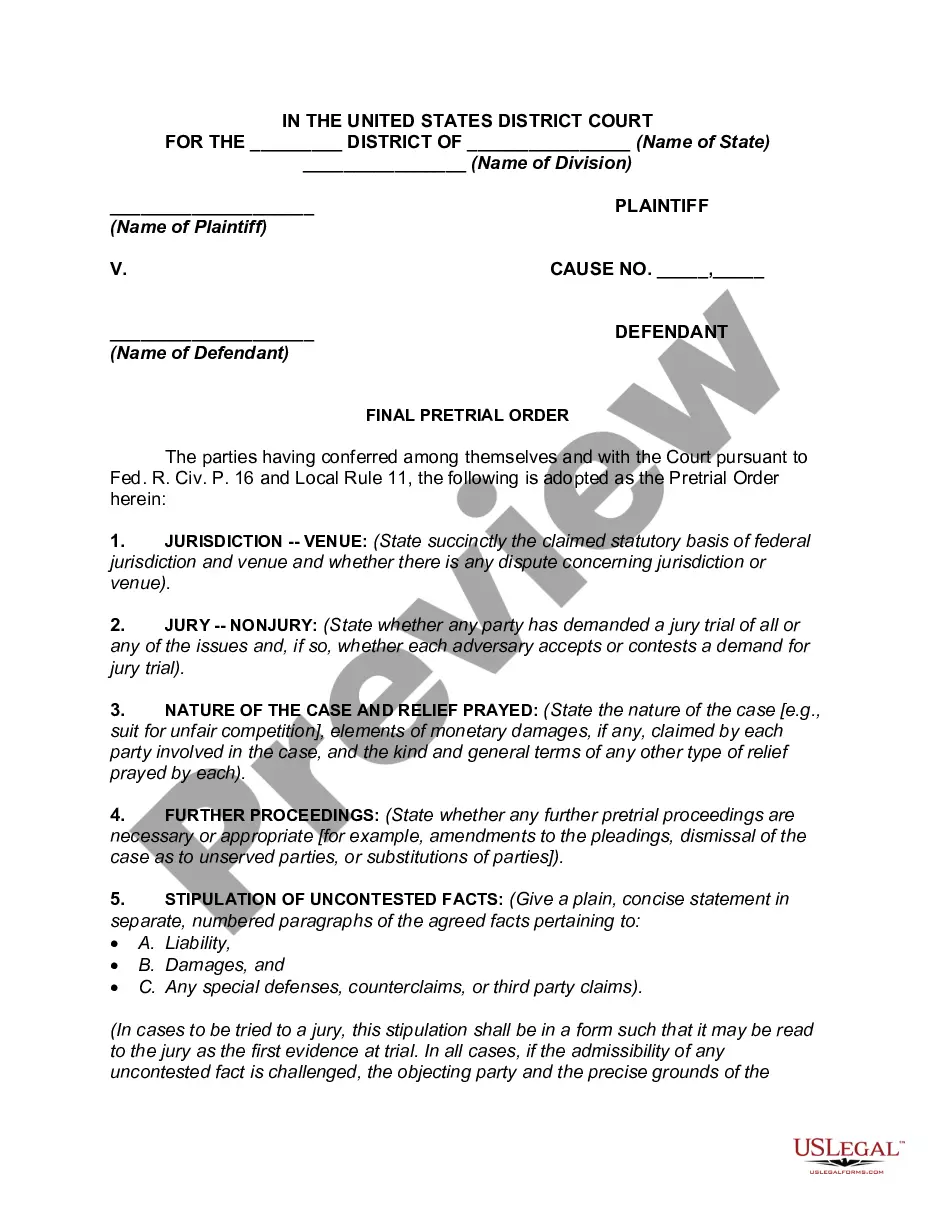
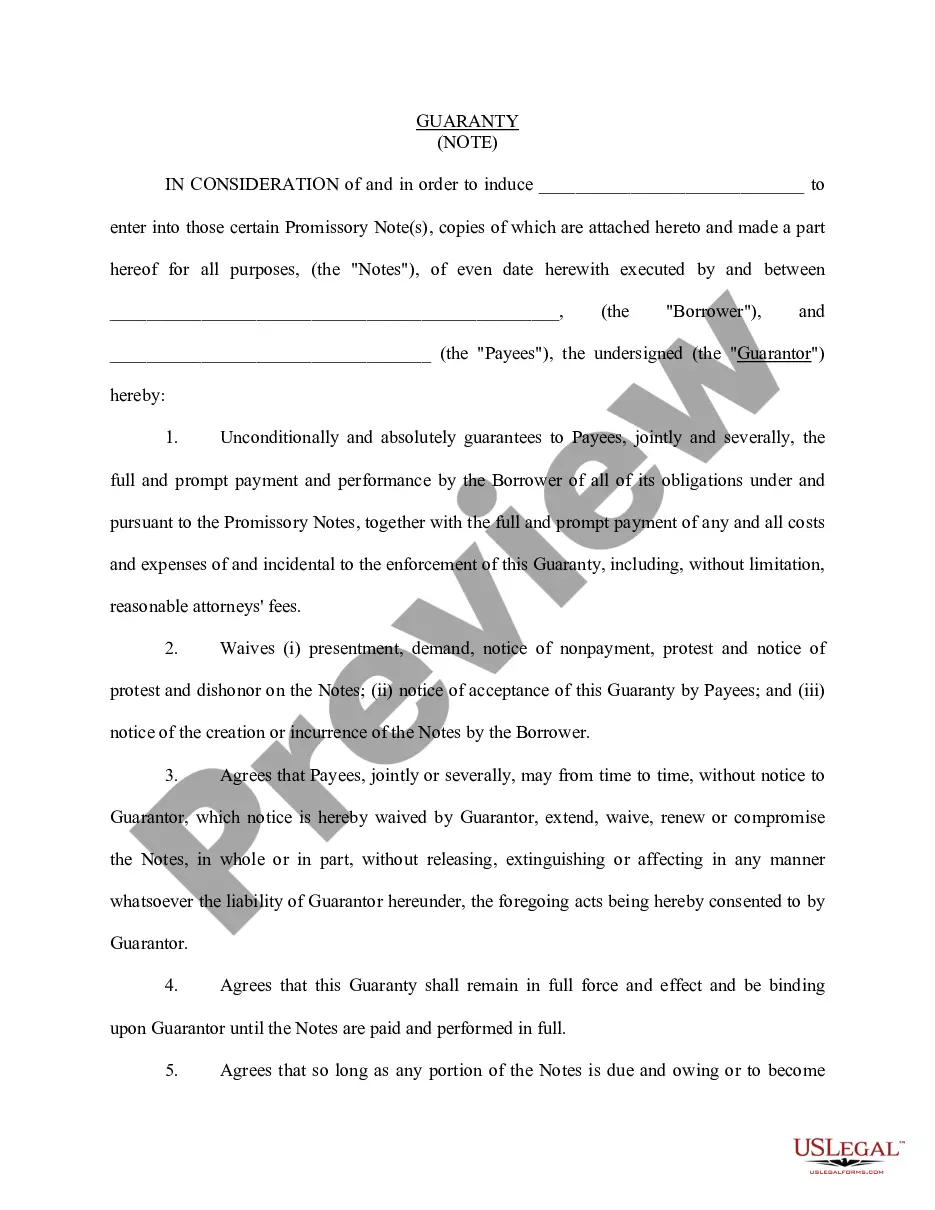
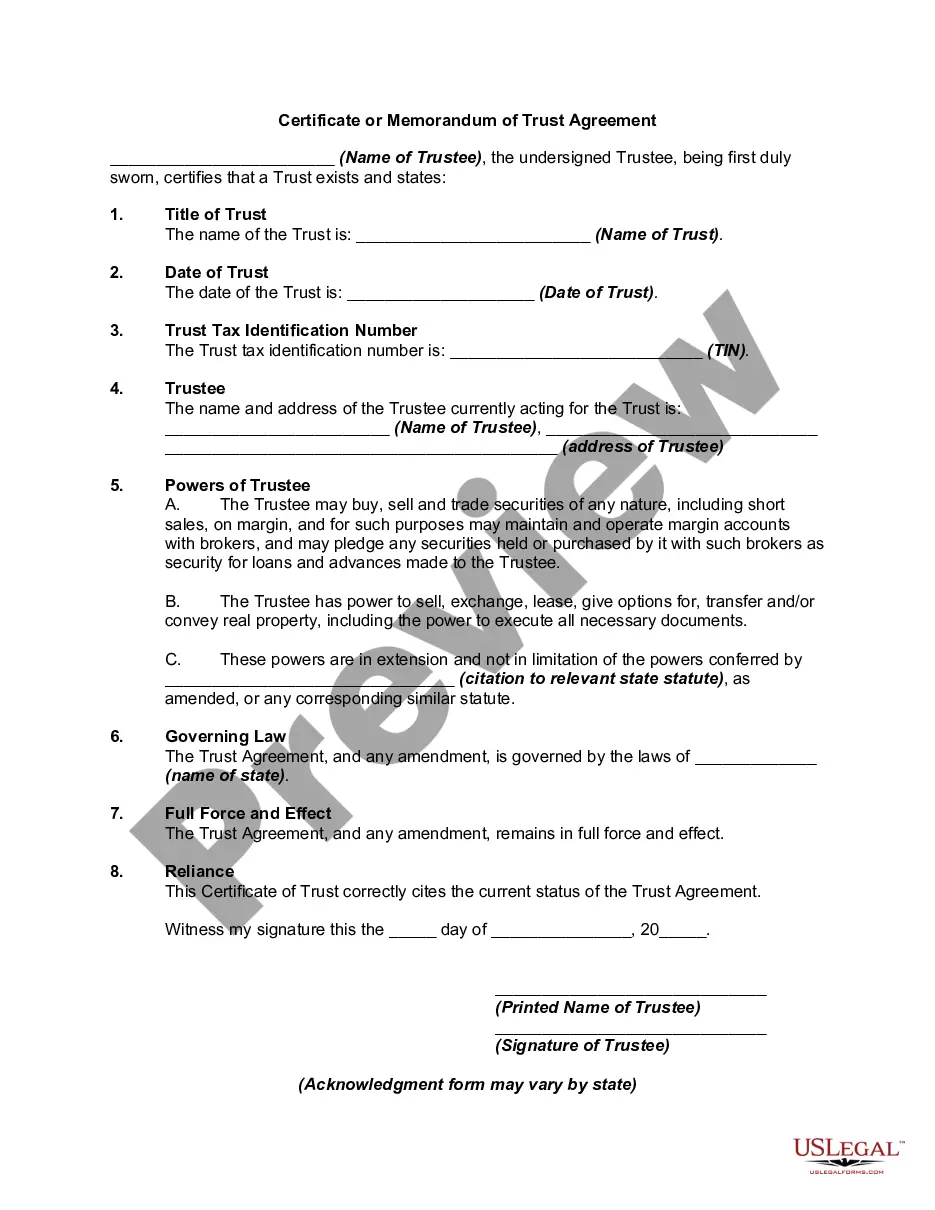


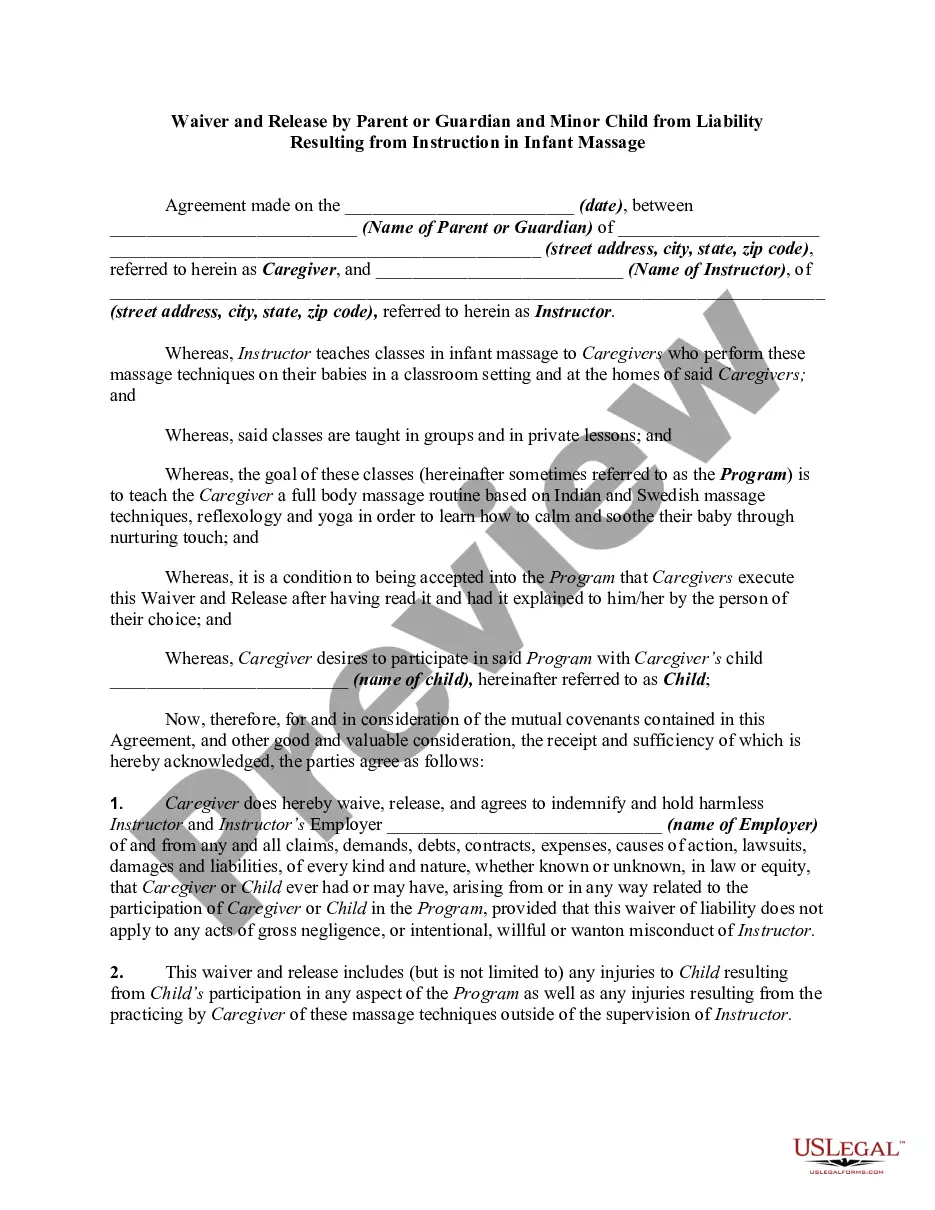
How to fill out Waiver And Release By Parent Or Guardian And Minor Child From Liability Resulting From Instruction In Infant Massage?
Securing a primary source for obtaining the latest and most suitable legal templates is a significant part of navigating bureaucracy.
Locating the correct legal documents requires precision and meticulousness, which is why it is crucial to acquire samples of the Parent Minor Form For Sports exclusively from trustworthy providers, such as US Legal Forms.
Once the form is on your device, you can modify it using the editor or print it to fill it out manually. Remove the hassle involved with your legal documentation. Explore the extensive US Legal Forms catalog where you can obtain legal templates, verify their suitability for your situation, and download them immediately.
- Utilize the directory navigation or search option to locate your template.
- Review the form's details to ensure it aligns with the requirements of your state and locality.
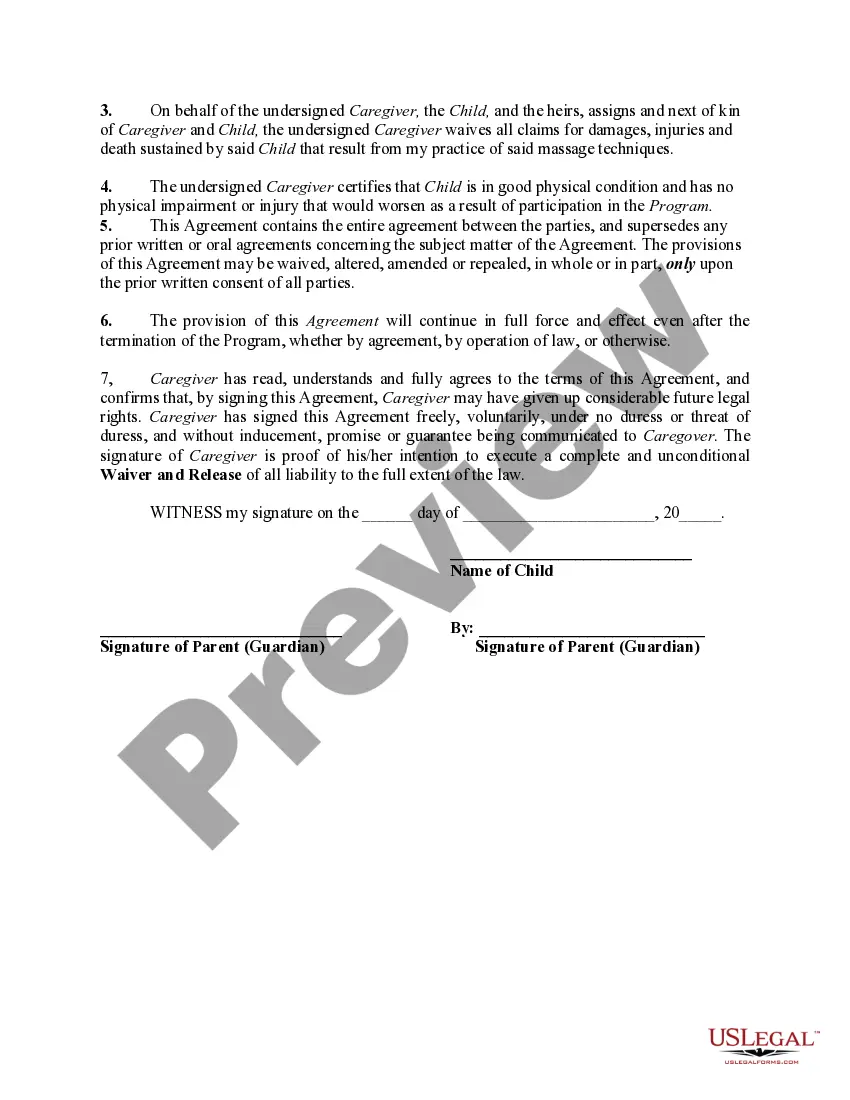
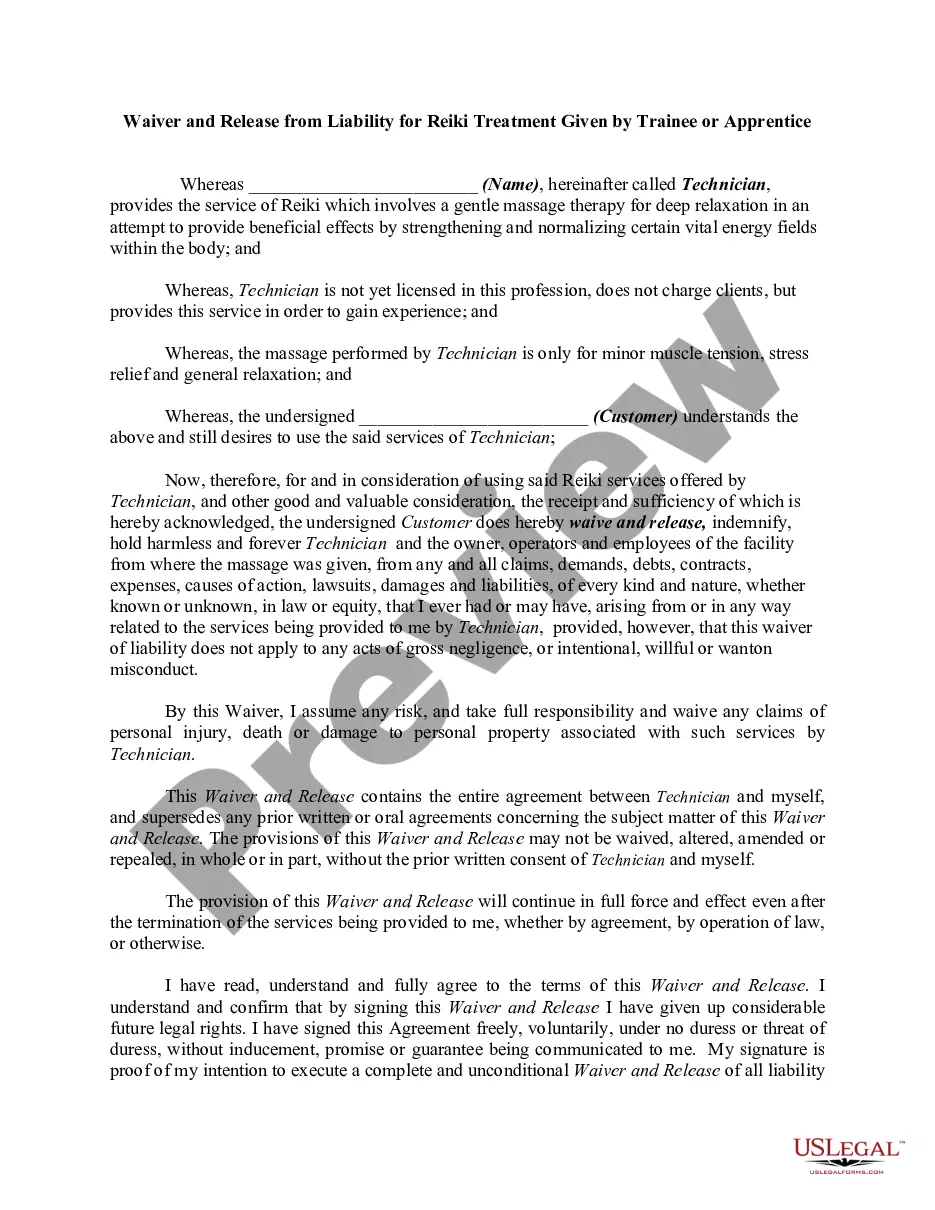
- Examine the form preview, if provided, to confirm it is the exact template you need.
- Continue searching for the appropriate document if the Parent Minor Form For Sports does not meet your requirements.
- Once you are certain about the form's applicability, download it.
- If you are a registered user, click Log in to verify your identity and access your chosen templates in My documents.
- If you do not have an account yet, click Buy now to purchase the form.
- Choose the pricing plan that accommodates your needs.
- Continue to the registration process to complete your purchase.
- Finalize your transaction by selecting a payment option (credit card or PayPal).
- Choose the file format for downloading the Parent Minor Form For Sports.
Form popularity
FAQ
LLC taxes and fees The following are taxation requirements and ongoing fees for South Carolina LLCs: Annual report. South Carolina does not require LLCs to file an annual report.
Yes! All businesses that are taxed as an S or C corporation must include an initial report (Form CL-1) along with their Articles of Formation, Articles of Organization, or Certificate of Authority to Transact Business in South Carolina.
A ?one-time showing agreement? or a Commission Agreement for Sale is a commission agreement between a for sale by owner (seller) and the real estate brokerage company. It is a written agreement in which the seller agrees to pay a commission to the Realtor connected to the buyer.
If the buyer and seller are not able to come to an agreement, the buyer is then able to cancel the contract with the appropriate paperwork and the buyer will only lose their due diligence money.
1 Form must be included with the Articles of Incorporation. You must submit a total payment of $135 which includes the $25 fee for the CL1 Form. $110.00. CL1 The Initial Annual Report of Corporations. This form is filed with the South Carolina Department of Revenue.
A form called the South Carolina Disclosure of Real Estate Brokerage Relationships replaces the Agency Disclosure Brochure. The potential buyer or seller must sign and date the form, providing informed consent of the contents and acknowledging receipt of the form.
To submit the CL-1 to the SCDOR while registering a new business, use our online tax portal, MyDORWAY.dor.sc.gov. Select Business Tax Application to get started. During the registration process, you'll be prompted to pay the $25 minimum License Fee.
Annual report fees in South Carolina are paid via licensing fees and income tax. Both S and C corporations must pay a licensing fee of $15 plus 0.1% of capital, and cannot be lower than $25.