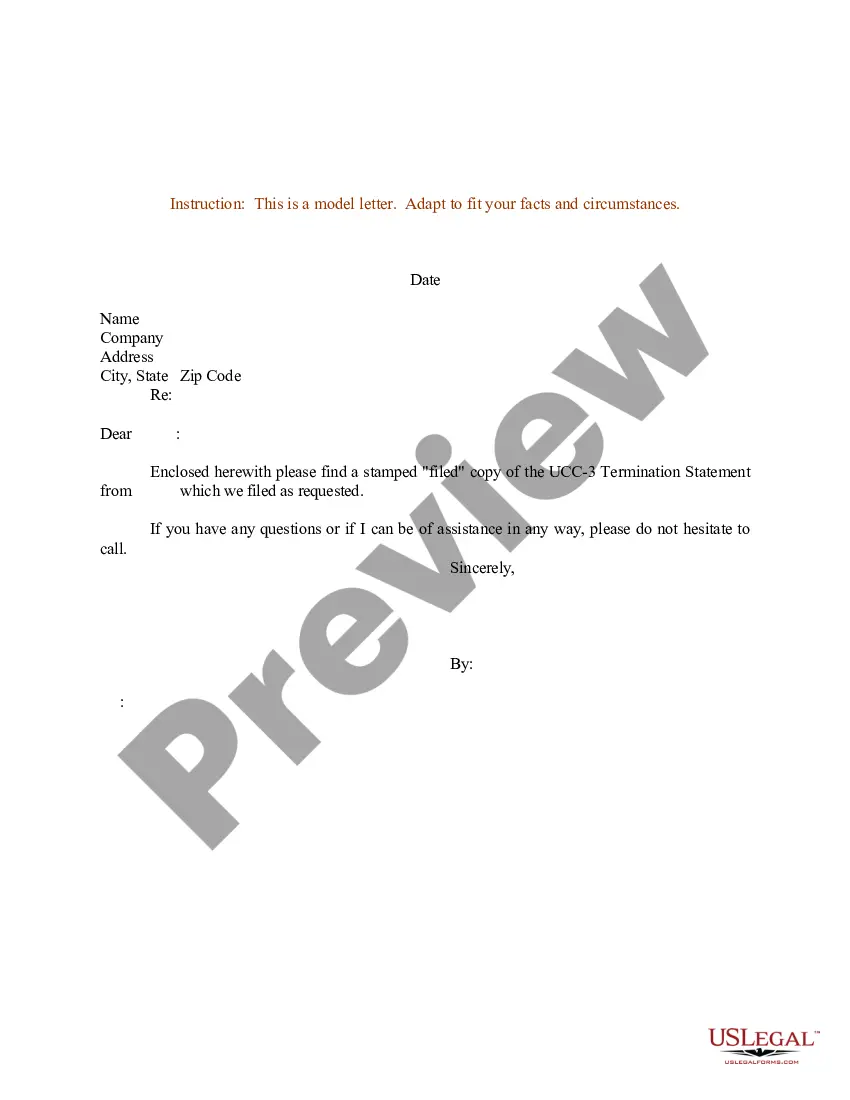
California Ucc 3 Termination Form For Business
Description

Get your form ready online
Our built-in tools help you complete, sign, share, and store your documents in one place.
Make edits, fill in missing information, and update formatting in US Legal Forms—just like you would in MS Word.
Download a copy, print it, send it by email, or mail it via USPS—whatever works best for your next step.
Sign and collect signatures with our SignNow integration. Send to multiple recipients, set reminders, and more. Go Premium to unlock E-Sign.
If this form requires notarization, complete it online through a secure video call—no need to meet a notary in person or wait for an appointment.
We protect your documents and personal data by following strict security and privacy standards.

Make edits, fill in missing information, and update formatting in US Legal Forms—just like you would in MS Word.

Download a copy, print it, send it by email, or mail it via USPS—whatever works best for your next step.

Sign and collect signatures with our SignNow integration. Send to multiple recipients, set reminders, and more. Go Premium to unlock E-Sign.

If this form requires notarization, complete it online through a secure video call—no need to meet a notary in person or wait for an appointment.

We protect your documents and personal data by following strict security and privacy standards.
Looking for another form?








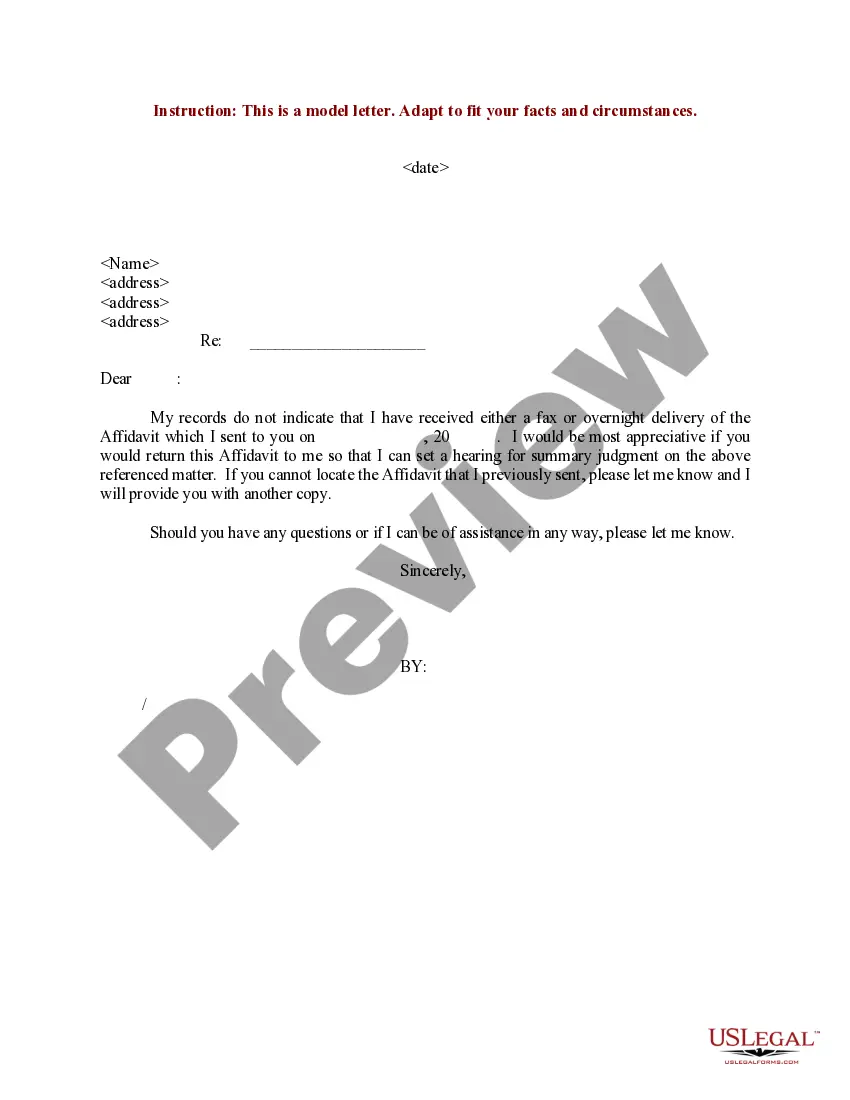
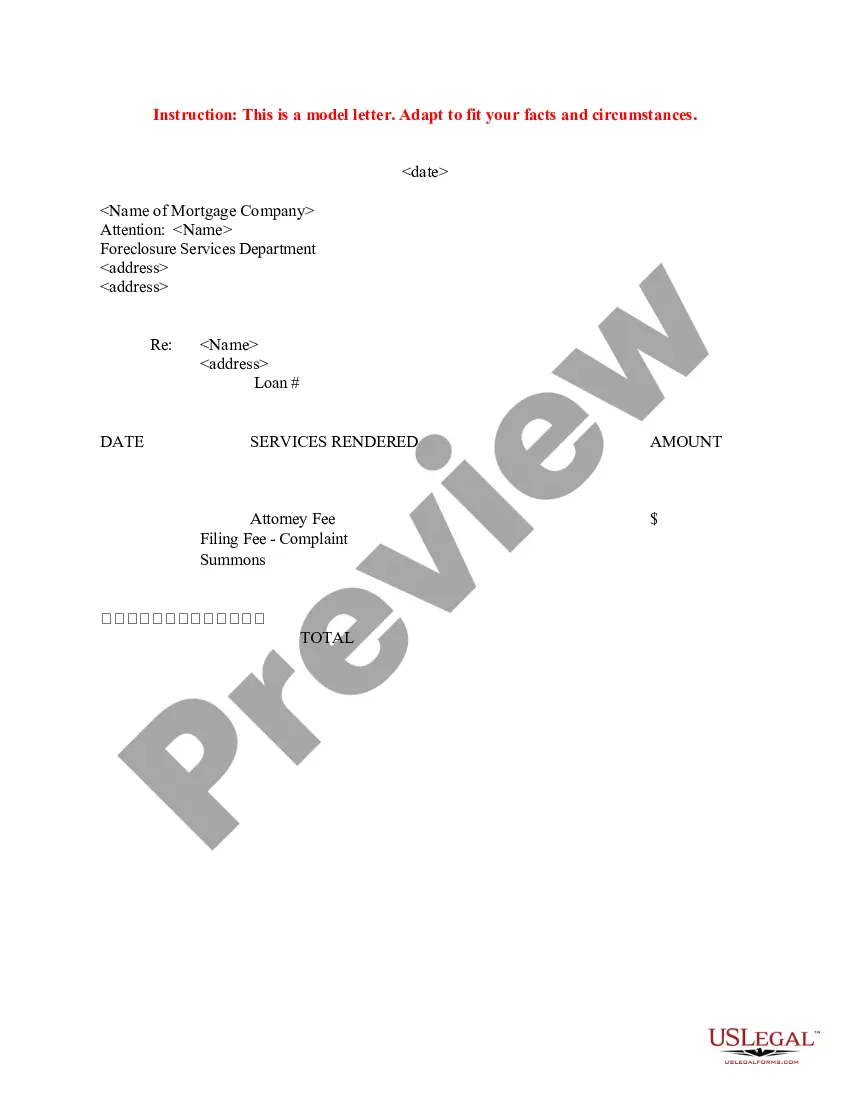
How to fill out Sample Letter For UCC-3 Termination Statement?
The California Ucc 3 Termination Document For Business that you observe on this webpage is a reusable official template created by experienced attorneys in accordance with federal and state laws and regulations.
For over 25 years, US Legal Forms has offered individuals, companies, and legal practitioners more than 85,000 verified, state-specific documents for any business and personal needs. It’s the quickest, easiest, and most reliable method to acquire the necessary paperwork, as the service ensures the utmost level of data security and anti-malware safeguards.
Subscribe to US Legal Forms to have confirmed legal templates for all of life’s circumstances available at your convenience.
- Search for the document you require and examine it.
- Browse through the file you sought and preview it or review the form description to ensure it meets your needs. If it does not, use the search feature to find the correct one. Click Buy Now when you've identified the template you need.
- Register and Log In.
- Pick the pricing option that fits you and create an account. Use PayPal or a credit card for a swift payment. If you already possess an account, Log In and verify your subscription to proceed.
- Access the editable template.
- Select the format you prefer for your California Ucc 3 Termination Document For Business (PDF, Word, RTF) and save the sample on your device.
- Complete and sign the document.
- Print the template to fill it out manually. Alternatively, use an online versatile PDF editor to swiftly and accurately fill out and sign your form with a valid signature.
- Redownload your paperwork as needed.
- Utilize the same document again whenever necessary. Access the My documents section in your account to redownload any forms you previously acquired.
Form popularity
FAQ
Filing a UCC 3 in California involves a few straightforward steps. First, you need to complete the California UCC 3 termination form for business, ensuring all necessary details are included. You can submit the form online or by mail to the California Secretary of State's office. Using platforms like US Legal Forms can simplify this process, providing you with the correct forms and guidance to ensure your filing is accurate and timely.
Yes, a UCC 3 form serves as a termination statement. It effectively cancels a previously filed UCC financing statement, indicating that the secured party no longer has a security interest in the collateral. This California UCC 3 termination form for business is essential for clearing up records and ensuring that your business's financial obligations are accurately represented. By using the correct form, you maintain transparency and protect your business's credit standing.
To cancel an UCC filing, you must utilize the California UCC 3 termination form for business. Start by collecting necessary details from the original filing, then accurately fill out the form. After submission, the Secretary of State will process your request and update the records. Using a platform like US Legal Forms can simplify this process by providing easy access to the correct forms and guidance.
Filing an UCC-3 termination requires completing the California UCC 3 termination form for business. You need to provide essential details, including the original UCC filing number. Once you have all the information, submit the completed form to the appropriate state office. This action effectively cancels the original filing and updates public records.
Terminating a UCC filing in California involves filling out the California UCC 3 termination form for business. It's important to gather necessary information such as the original UCC filing details and the debtor's name. After filling out the form, file it with the Secretary of State to ensure the termination is recorded. This step is crucial for clearing encumbrances on your assets.
To terminate a UCC filing in California, you must complete a California UCC 3 termination form for business. Ensure you provide accurate details about the original filing, including the file number and debtor information. Once completed, submit the form to the California Secretary of State’s office. This process will officially remove the UCC filing from public records.
Filling out a UCC-3 termination involves a few straightforward steps. First, obtain the California UCC 3 termination form for business, which can often be found on legal document websites or through a legal service provider. Complete the form with accurate details about the original UCC filing, including the names of the debtor and secured party, and any relevant filing numbers. Finally, review your entries for accuracy before submitting the form to ensure a smooth termination process.
To terminate your UCC filing, you must submit a UCC-3 termination form to the relevant state office. This document signals the end of any claims against the collateral listed in your original UCC-1 filing. Utilizing a California UCC 3 termination form for business simplifies the process, as it provides a clear template to follow. After filing, it’s advisable to verify that the termination has been processed to protect your business interests.
To complete a UCC-3 termination, start by obtaining the correct California UCC 3 termination form for business from a reliable source. You'll need to provide details such as the original filing information, the secured party's name, and the debtor's name. It is important to ensure all information is accurate and complete to avoid delays. Once finished, you can file it with the appropriate state office to officially terminate your UCC filing.
3 termination filing is a legal document that officially cancels a previously filed UCC1 financing statement. By submitting a California UCC 3 termination form for business, you inform creditors and the public that the secured interest in your collateral no longer exists. This process is essential for clearing up any confusion regarding your business's financial obligations. Understanding this step is crucial for maintaining a clear and accurate financial record.