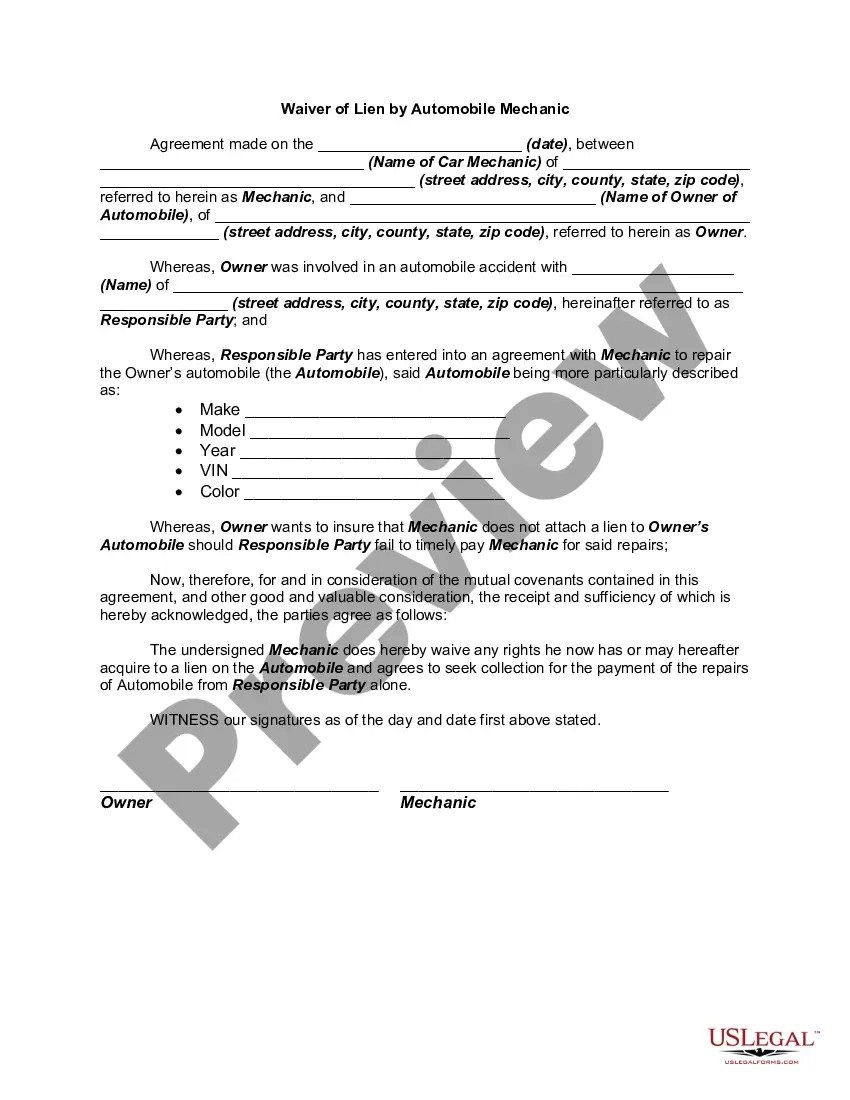
Vehicle Owner Details With Address
Description
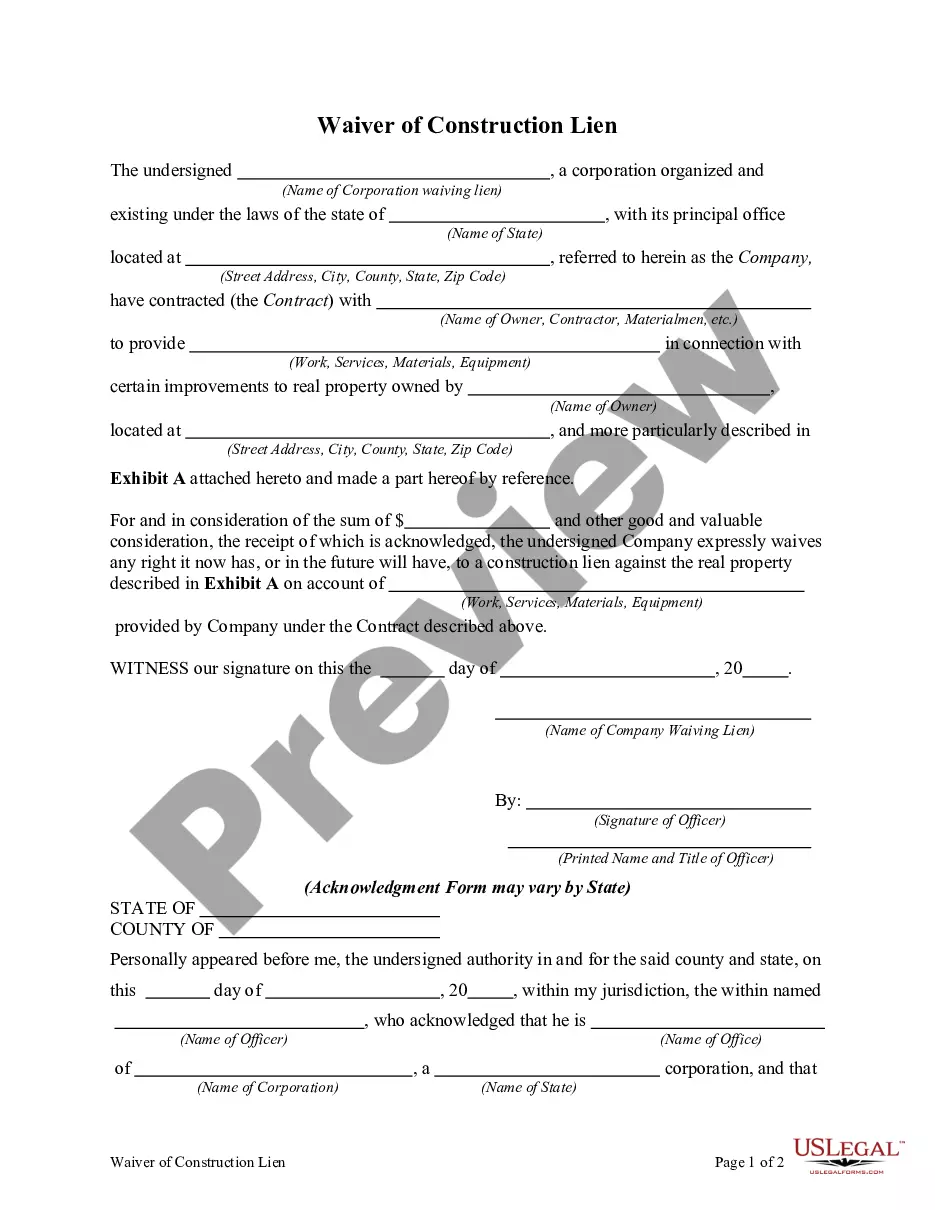
Get your form ready online
Our built-in tools help you complete, sign, share, and store your documents in one place.
Make edits, fill in missing information, and update formatting in US Legal Forms—just like you would in MS Word.
Download a copy, print it, send it by email, or mail it via USPS—whatever works best for your next step.
Sign and collect signatures with our SignNow integration. Send to multiple recipients, set reminders, and more. Go Premium to unlock E-Sign.
If this form requires notarization, complete it online through a secure video call—no need to meet a notary in person or wait for an appointment.
We protect your documents and personal data by following strict security and privacy standards.

Make edits, fill in missing information, and update formatting in US Legal Forms—just like you would in MS Word.

Download a copy, print it, send it by email, or mail it via USPS—whatever works best for your next step.

Sign and collect signatures with our SignNow integration. Send to multiple recipients, set reminders, and more. Go Premium to unlock E-Sign.

If this form requires notarization, complete it online through a secure video call—no need to meet a notary in person or wait for an appointment.

We protect your documents and personal data by following strict security and privacy standards.
Looking for another form?




How to fill out Waiver Of Lien By Automobile Or Car Mechanic?
Managing legal documents and processes can be a lengthy task that takes up much of your day.
Vehicle Owner Information With Address and similar forms frequently necessitate searching for them and figuring out how to fill them out correctly.
Therefore, whether you are handling financial, legal, or personal issues, having a comprehensive and user-friendly online repository of forms readily available will be greatly beneficial.
US Legal Forms is the premier online resource for legal templates, boasting over 85,000 state-specific documents and various tools to help you finalize your paperwork with ease.
Is this your first experience with US Legal Forms? Sign up and create your account in just a few minutes, and you will gain access to the form library and Vehicle Owner Information With Address. Then, follow the steps below to fill out your form.
- Explore the collection of relevant documents accessible to you with just one click.
- US Legal Forms provides you with state- and county-specific documents available for download anytime.
- Protect your document management activities with excellent support that enables you to create any form in minutes without additional or hidden charges.
- Simply Log In to your account, locate Vehicle Owner Information With Address, and obtain it instantly from the My documents section.
- You can also access previously saved documents.
Form popularity
FAQ
Yes, they can. If the registration and title show two different names, the owner (the name on the title certificate) must authorize the other person to register the vehicle by completing box 3 on the Vehicle Registration/Title Application (PDF) (MV-82) form.
If the owner and the settlor are the same person, complete Part II of form DTF-802 for a gift. Complete the donor section and the recipient section. The person who is the owner of the vehicle must complete the seller sections on the back of the certificate. The owner must sign the title certificate as the seller.
How To Add A Name To A Car Title Provide The Existing Title. You need the already existing title to prove your ownership of the vehicle. ... Apply For A New Title. ... Submit Your Application To The DMV. ... Update Your Registration To Reflect The New Owners. ... Update Your Insurance To Cover The New Person.
Yes, they can. If the registration and title show two different names, the owner (the name on the title certificate) must authorize the other person to register the vehicle by completing box 3 on the Vehicle Registration/Title Application (PDF) (MV-82) form.
If the car is titled in only one of the partner's names, then legally they are the owner, and they get to keep the car after a cohabitation break up. Remember, marital property laws do not apply to non-married cohabitators! If the property is titled in someone's name, it belongs to them.