Sample Email With Bullet Points
Description
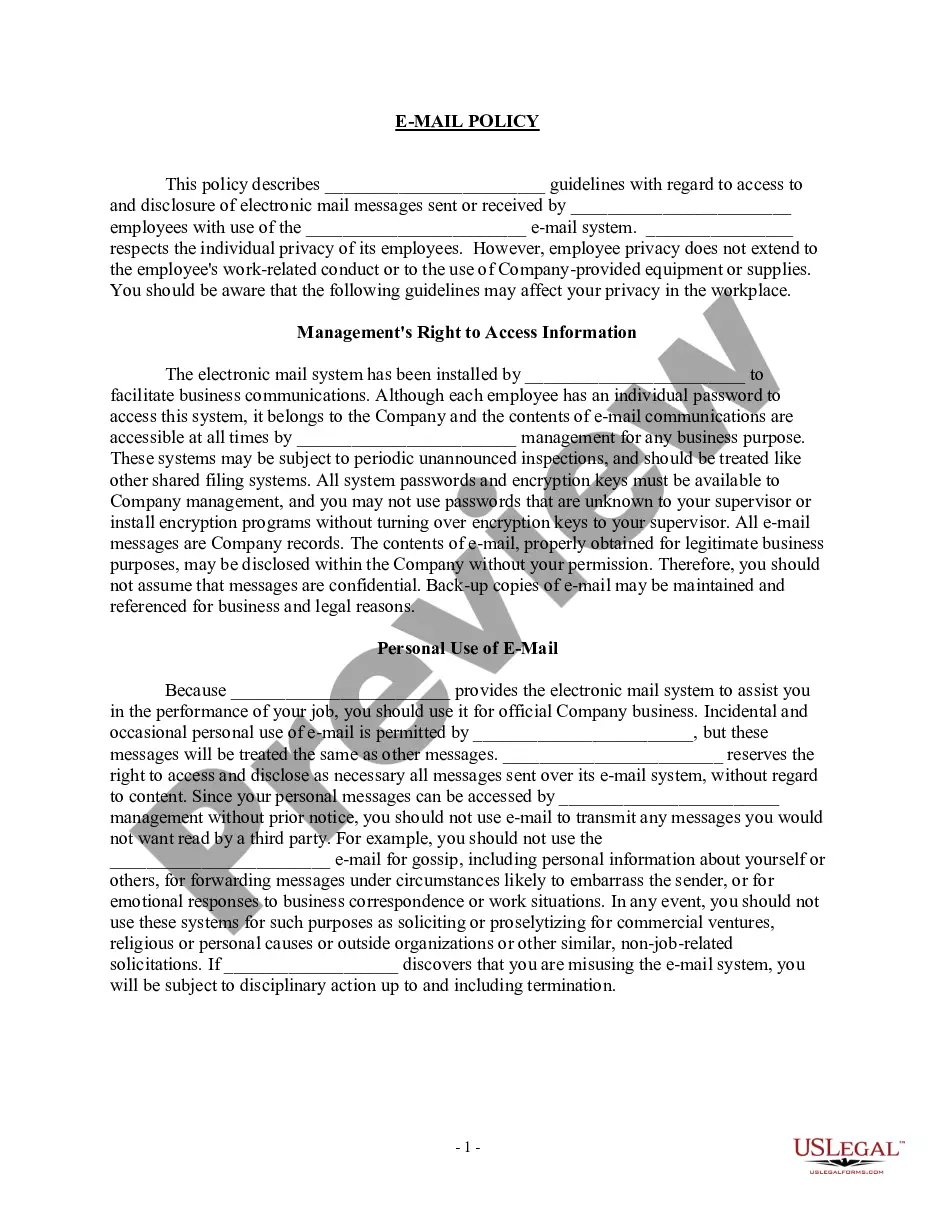
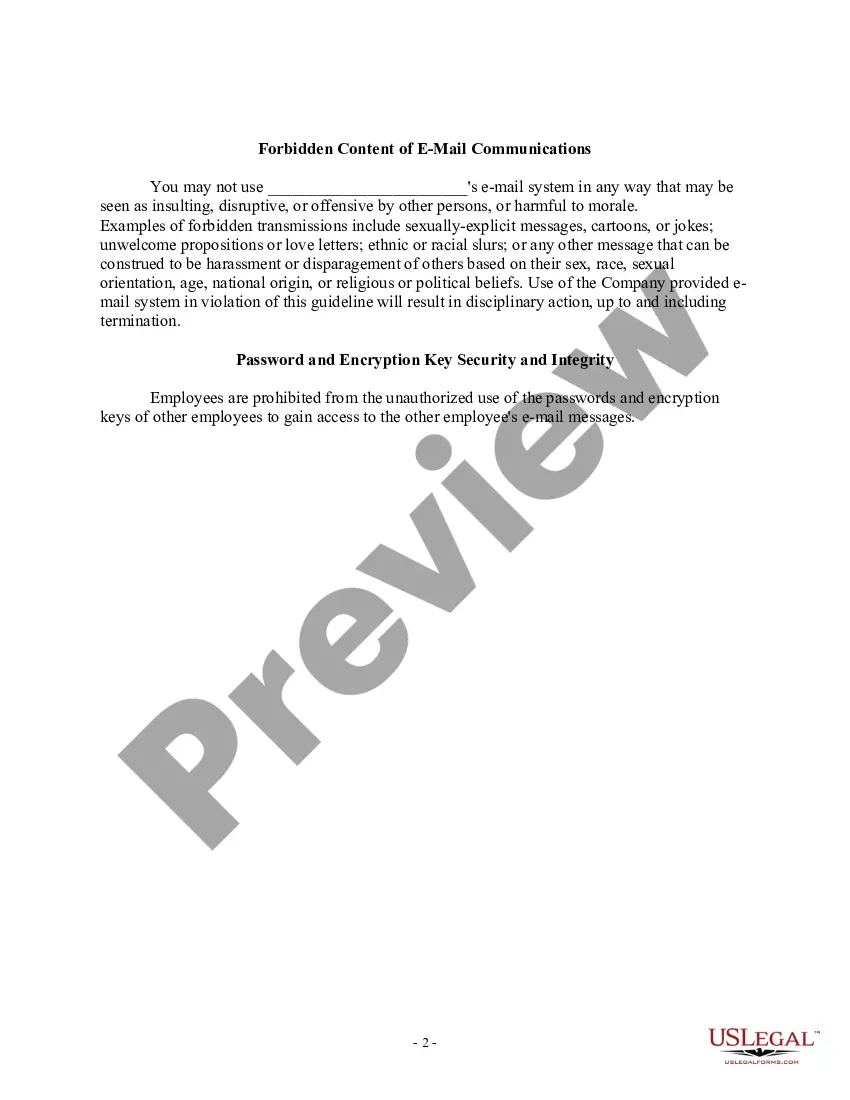
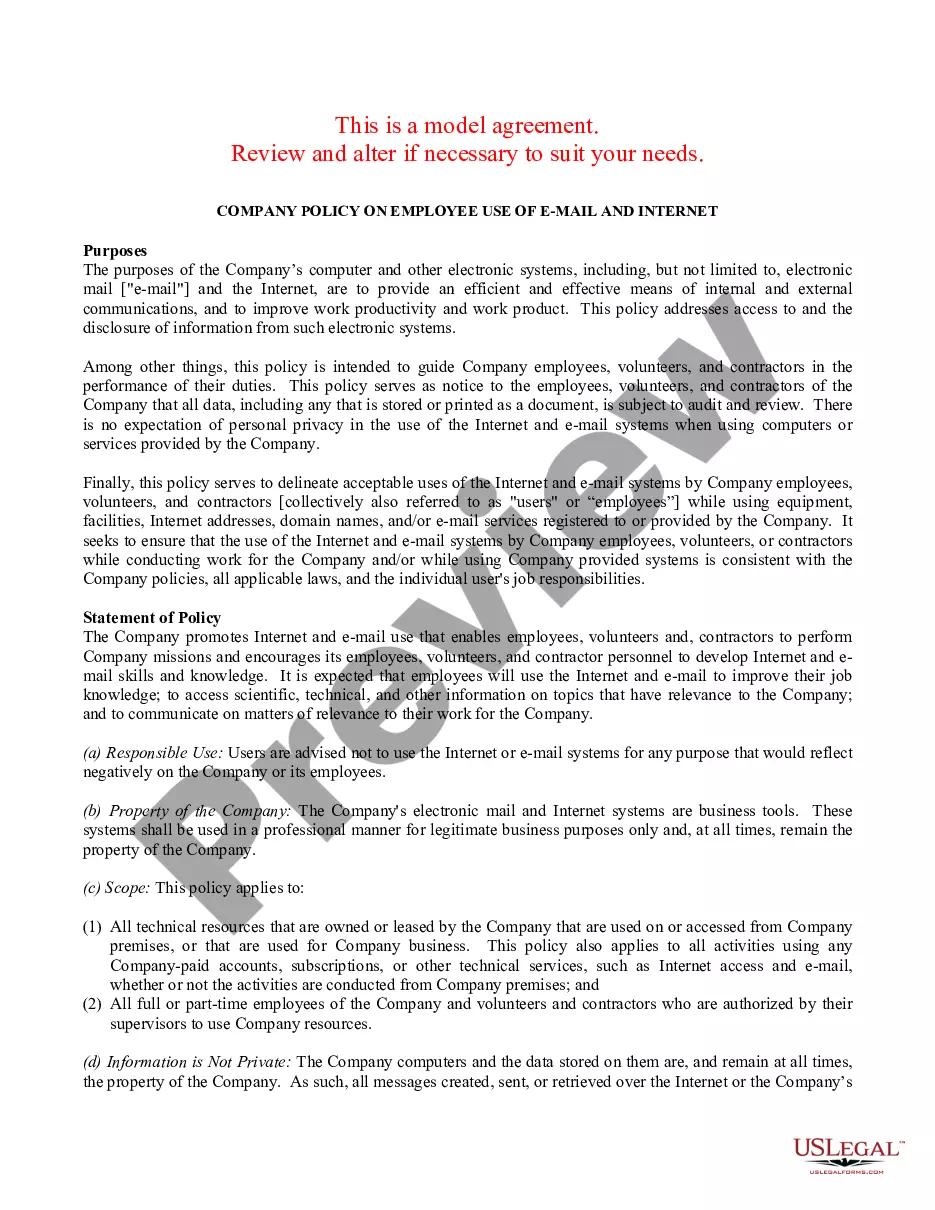
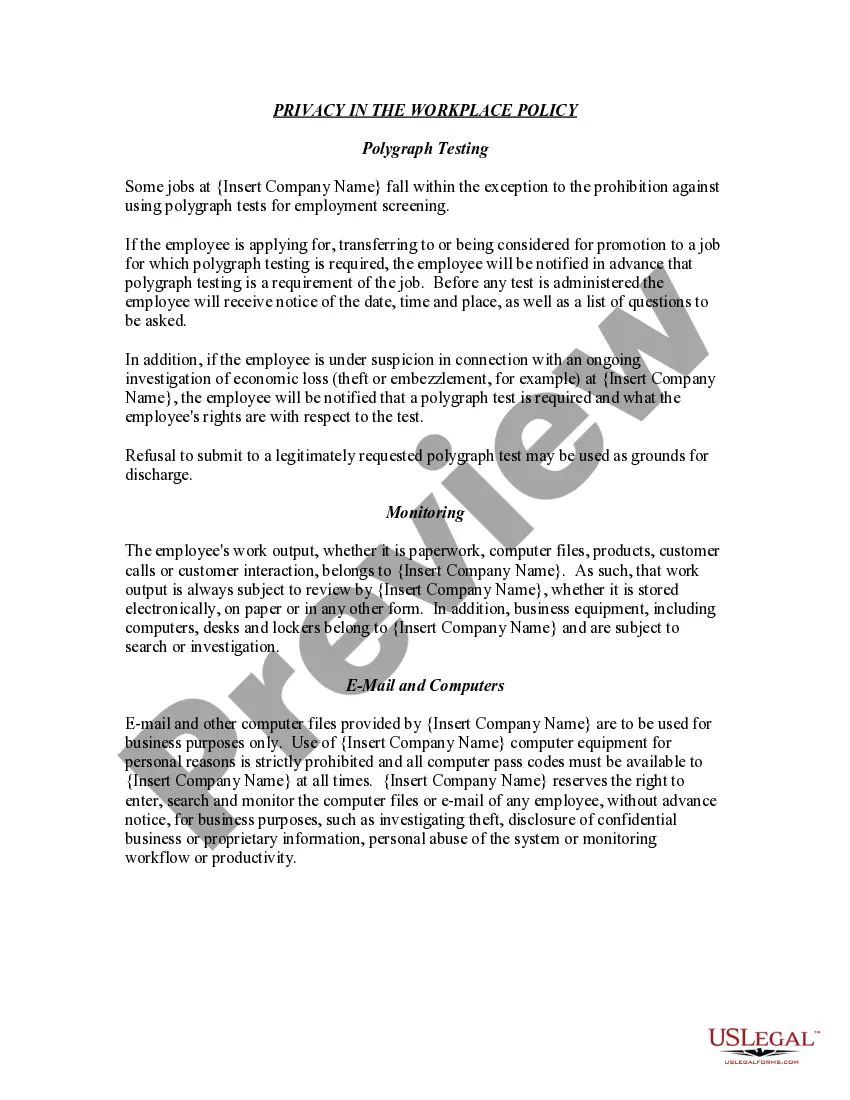
Get your form ready online
Our built-in tools help you complete, sign, share, and store your documents in one place.
Make edits, fill in missing information, and update formatting in US Legal Forms—just like you would in MS Word.
Download a copy, print it, send it by email, or mail it via USPS—whatever works best for your next step.
Sign and collect signatures with our SignNow integration. Send to multiple recipients, set reminders, and more. Go Premium to unlock E-Sign.
If this form requires notarization, complete it online through a secure video call—no need to meet a notary in person or wait for an appointment.
We protect your documents and personal data by following strict security and privacy standards.

Make edits, fill in missing information, and update formatting in US Legal Forms—just like you would in MS Word.

Download a copy, print it, send it by email, or mail it via USPS—whatever works best for your next step.

Sign and collect signatures with our SignNow integration. Send to multiple recipients, set reminders, and more. Go Premium to unlock E-Sign.

If this form requires notarization, complete it online through a secure video call—no need to meet a notary in person or wait for an appointment.

We protect your documents and personal data by following strict security and privacy standards.
Looking for another form?






How to fill out Sample EMail Policy?
The Sample Email With Bullet Points presented on this page is a versatile legal template crafted by expert attorneys in accordance with federal and state regulations.
For over 25 years, US Legal Forms has been supplying individuals, organizations, and legal practitioners with more than 85,000 authenticated, state-specific documents for any business and personal circumstance. It’s the fastest, easiest, and most reliable method to procure the forms you require, as the service ensures bank-level data protection and anti-malware safeguards.
Reuse the same document whenever necessary. Access the My documents tab in your profile to redownload any previously saved documents. Subscribe to US Legal Forms to have verified legal templates for all of life’s situations readily available.
- Search for the document you require and verify it.
- Examine the file you searched and view it or read the form description to ensure it meets your needs. If it doesn’t, use the search feature to find the correct one. Click Buy Now once you’ve found the template you need.
- Choose a pricing plan that fits you and register for an account. Use PayPal or a credit card for a quick payment. If you already possess an account, Log In and check your subscription to continue.
- Select the format you prefer for your Sample Email With Bullet Points (PDF, Word, RTF) and download the template on your device.
- Print the template to fill it out manually. Alternatively, use an online multi-functional PDF editor to quickly and accurately complete and sign your form with a legally-binding electronic signature.
Form popularity
FAQ
To make a bulleted list using plain text in an email: Start the list in a paragraph of its own, separated from the paragraph before it by an empty line. Use an asterisk followed by a space to denote a new point, and press Enter after each bullet point. To add a sub list, press Tab before entering the asterisk.
How to Insert Bullet Points in Plain Text Email. To make a bulleted list using plain text in an email: Start the list in a paragraph of its own, separated from the paragraph before it by an empty line. Use an asterisk followed by a space to denote a new point, and press Enter after each bullet point.
To ensure your content is presented correctly, start each bullet point or list item with a capital letter (unless it is a continuation of the previous sentence), end each with a period (unless it is a single word or short phrase that does not form a complete sentence), and use parallel structure (so that each bullet ...
The effective use of bullet points in business writing can help highlight important information, direct the reader to themed lists, and improve a document's overall readability.
How do you use a bullet list? Write a strong headline that groups associated items together. Format each bullet point the same way, including font and margin before the point. Use the same part of speech at the beginning of the bullet point. Keep the bullet points brief.