Blank Credit Card Payment Form With Two Points
Description
Get your form ready online
Our built-in tools help you complete, sign, share, and store your documents in one place.
Make edits, fill in missing information, and update formatting in US Legal Forms—just like you would in MS Word.
Download a copy, print it, send it by email, or mail it via USPS—whatever works best for your next step.
Sign and collect signatures with our SignNow integration. Send to multiple recipients, set reminders, and more. Go Premium to unlock E-Sign.
If this form requires notarization, complete it online through a secure video call—no need to meet a notary in person or wait for an appointment.
We protect your documents and personal data by following strict security and privacy standards.

Make edits, fill in missing information, and update formatting in US Legal Forms—just like you would in MS Word.

Download a copy, print it, send it by email, or mail it via USPS—whatever works best for your next step.

Sign and collect signatures with our SignNow integration. Send to multiple recipients, set reminders, and more. Go Premium to unlock E-Sign.

If this form requires notarization, complete it online through a secure video call—no need to meet a notary in person or wait for an appointment.

We protect your documents and personal data by following strict security and privacy standards.
Looking for another form?

How to fill out Credit Card Charge Authorization Form?
Legal documents handling can be daunting, even for the most seasoned professionals.
When you are looking for a Blank Credit Card Payment Form With Two Points and lack the time to search for the suitable and updated version, the process can be stressful.
Access a valuable resource center of articles, guides, and manuals relevant to your circumstances and requirements.
Save time and effort searching for the documents you need, and leverage US Legal Forms’ sophisticated search and Preview function to locate Blank Credit Card Payment Form With Two Points and download it.
Ensure that the template is accepted in your state or county.
- If you possess a subscription, Log In to your US Legal Forms account, find the form, and download it.
- Check your My documents section to view the documents you previously downloaded and to manage your files as needed.
- If this is your initial experience with US Legal Forms, create an account and enjoy unlimited access to all platform advantages.
- Here are the steps to follow after downloading the desired form.
- Confirm this is the correct form by previewing it and reviewing its details.
- Access state- or locality-specific legal and business documents.
- US Legal Forms addresses all requirements you may have, from personal to corporate paperwork, all in one location.
- Utilize advanced tools to complete and manage your Blank Credit Card Payment Form With Two Points.
Form popularity
FAQ
You can set up recurring payments with a credit card through your payment processor or bank. A blank credit card payment form with two points makes this process straightforward by collecting the essential information you need to initiate these recurring charges. This ensures that your payments are made on time, each time, with minimal effort.
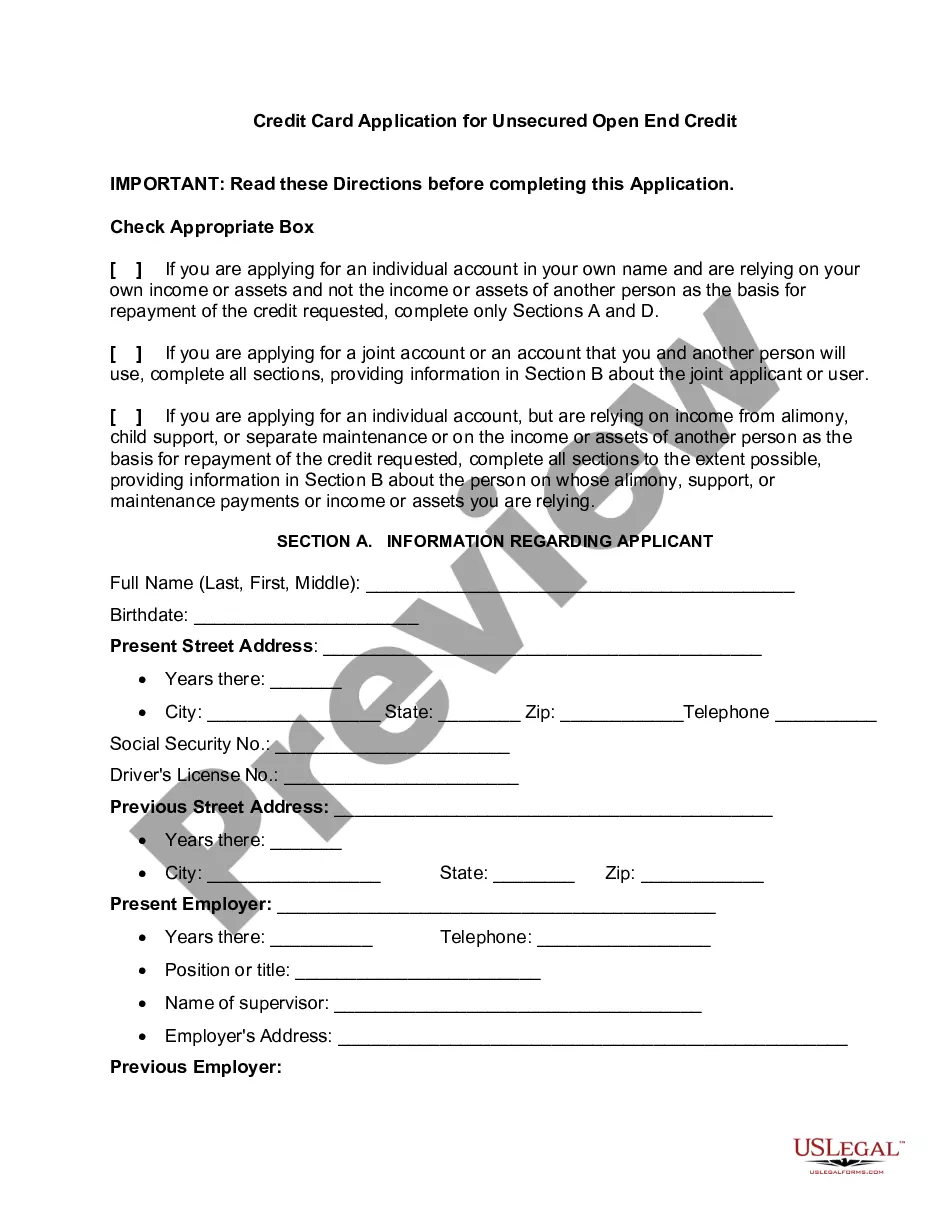
Once you're on the checkout page, you'll have to enter several pieces of information to complete the transaction. Enter Your Shipping Address. ... Choose 'Credit Card' as Your Payment Method. ... Enter Your Info as It Appears on Your Credit Card. ... Enter the Billing Address for Your Credit Card. ... Verify Your Information.
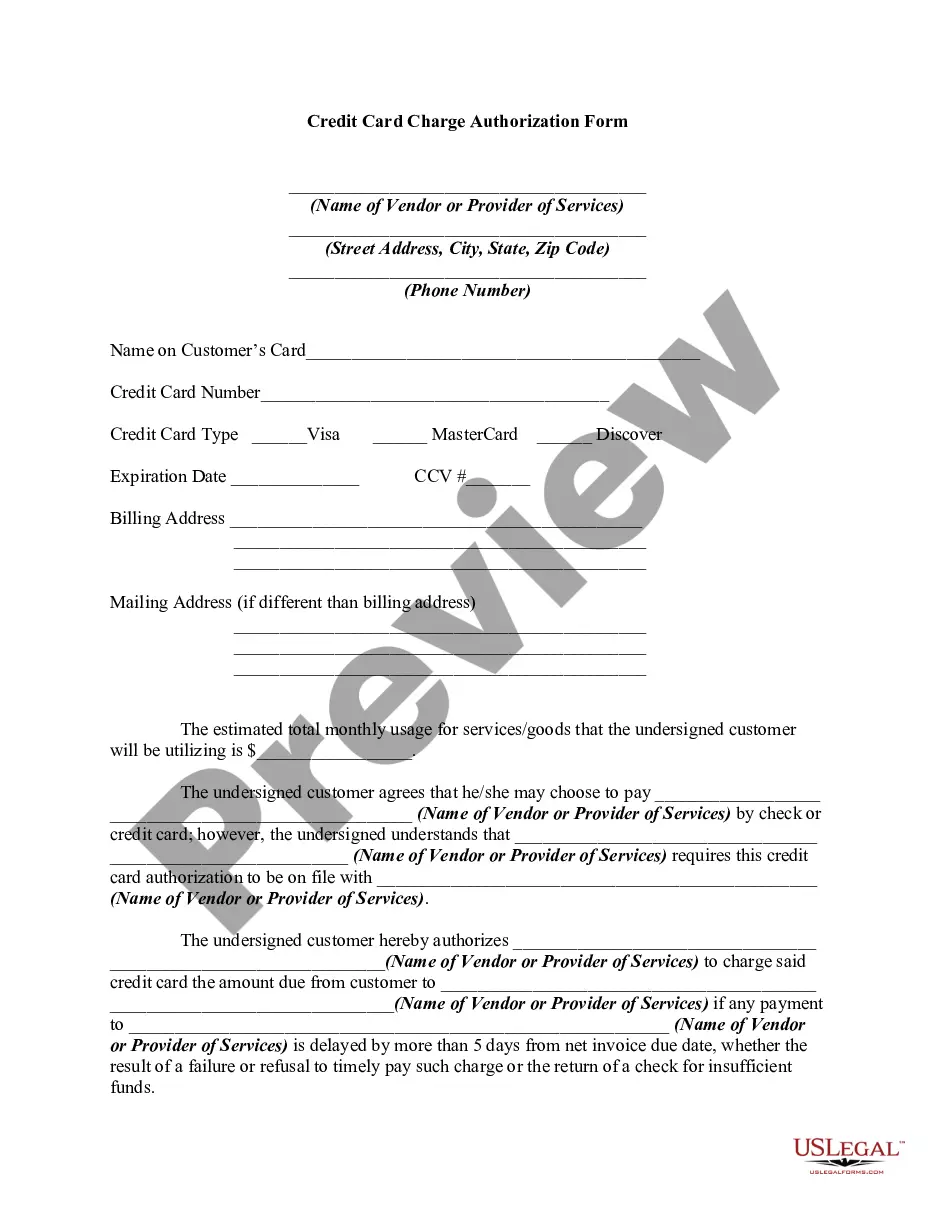
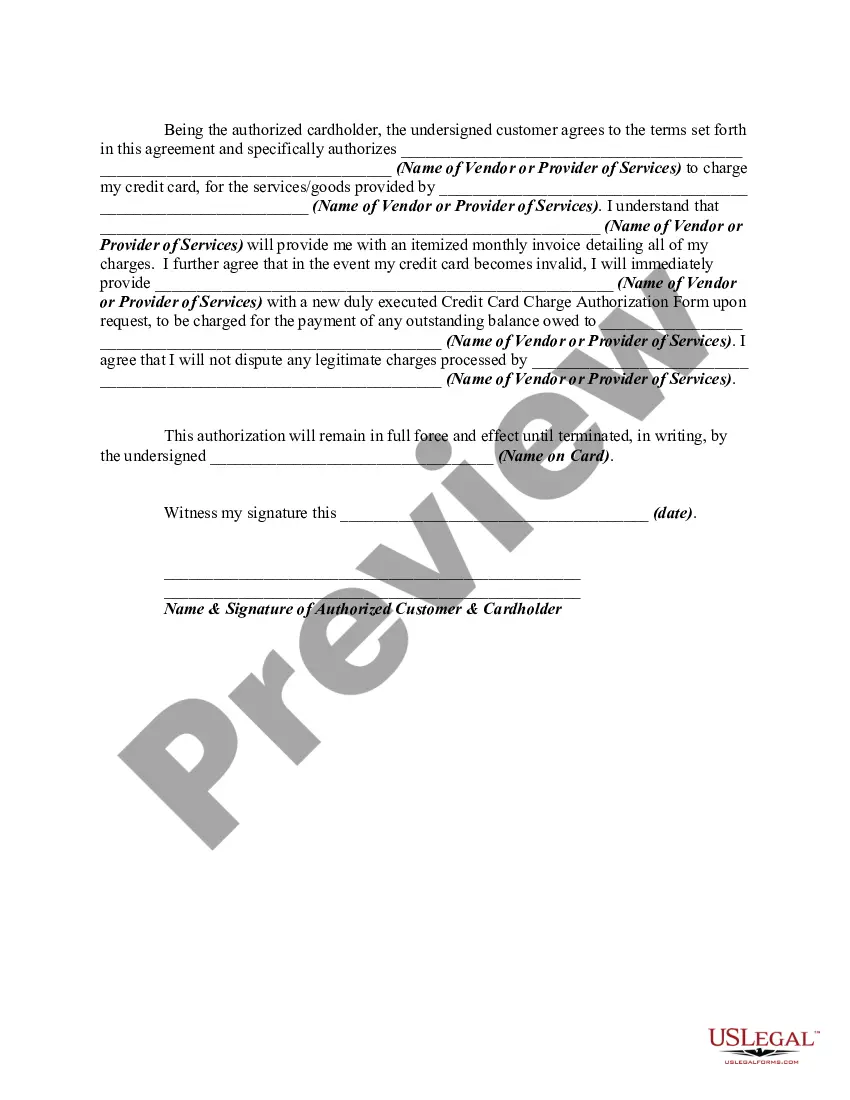
It's simple: A credit card authorization form typically includes the following general information to ensure a smooth transaction process: Cardholder's name. Card number. Card network. Credit card expiration date. Billing address. Contact information. Authorized amount. Cardholder's signature.
Your credit card authorization form ought to include the following details: The credit card information like card type, the cardholder's name, the card number, and the card expiry date. The merchant's business information ? like name, address and contact number/mail ID. A billing address for the cardholder.
Typically it contains: The cardholder's credit card information: Card type, Name on card, Card number, Expiration date. The merchant's business information. Cardholder's billing address. Language authorizing the merchant to charge the customer's card on file. Name and signature of the cardholder. Date.
How to take a card payment manually - YouTube YouTube Start of suggested clip End of suggested clip And then the cvv. Number finally ask your customer for their postcode. And first line of addressMoreAnd then the cvv. Number finally ask your customer for their postcode. And first line of address then just tap pay to take the payment.