Blank Credit Card Payment Form For Shopify
Description
Get your form ready online
Our built-in tools help you complete, sign, share, and store your documents in one place.
Make edits, fill in missing information, and update formatting in US Legal Forms—just like you would in MS Word.
Download a copy, print it, send it by email, or mail it via USPS—whatever works best for your next step.
Sign and collect signatures with our SignNow integration. Send to multiple recipients, set reminders, and more. Go Premium to unlock E-Sign.
If this form requires notarization, complete it online through a secure video call—no need to meet a notary in person or wait for an appointment.
We protect your documents and personal data by following strict security and privacy standards.

Make edits, fill in missing information, and update formatting in US Legal Forms—just like you would in MS Word.

Download a copy, print it, send it by email, or mail it via USPS—whatever works best for your next step.

Sign and collect signatures with our SignNow integration. Send to multiple recipients, set reminders, and more. Go Premium to unlock E-Sign.

If this form requires notarization, complete it online through a secure video call—no need to meet a notary in person or wait for an appointment.

We protect your documents and personal data by following strict security and privacy standards.
Looking for another form?
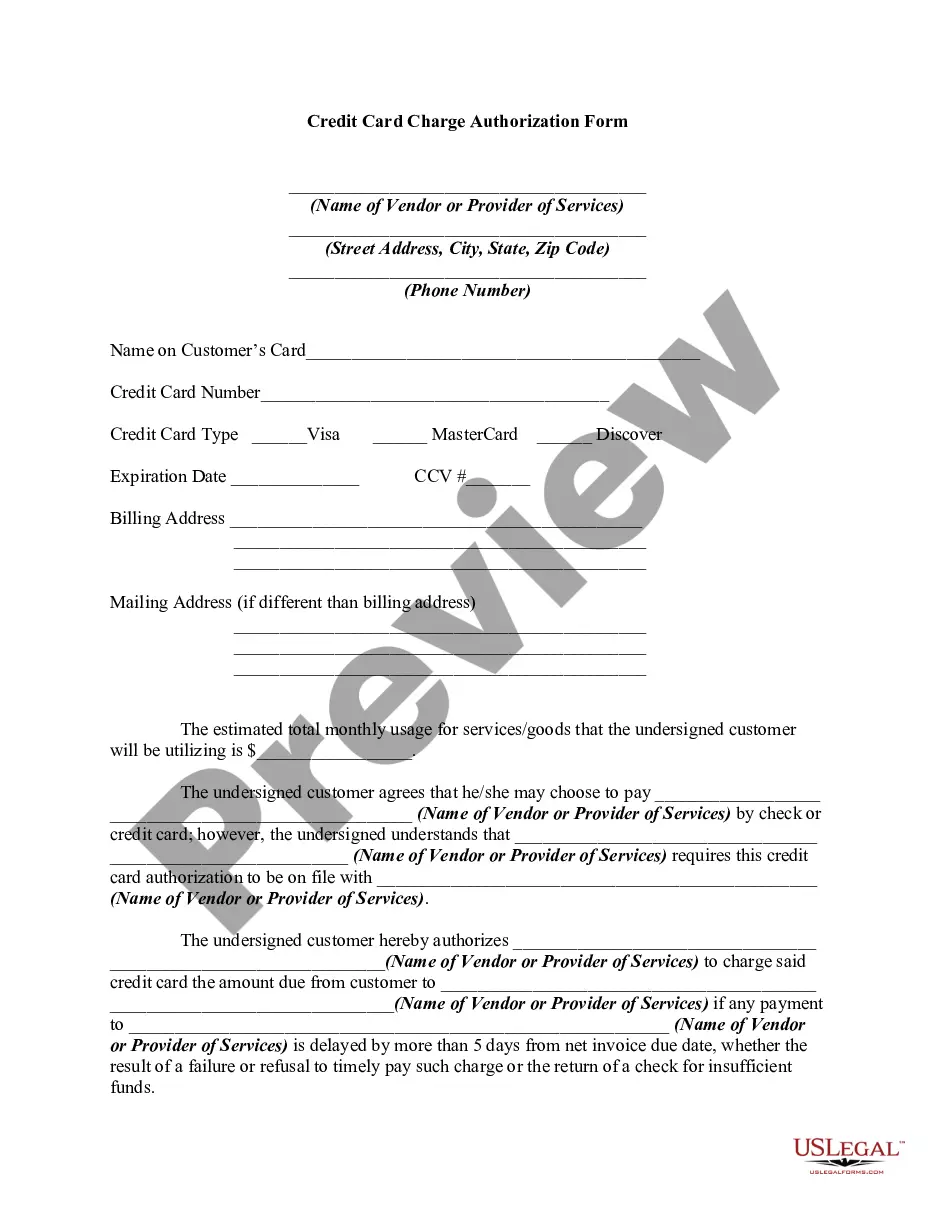
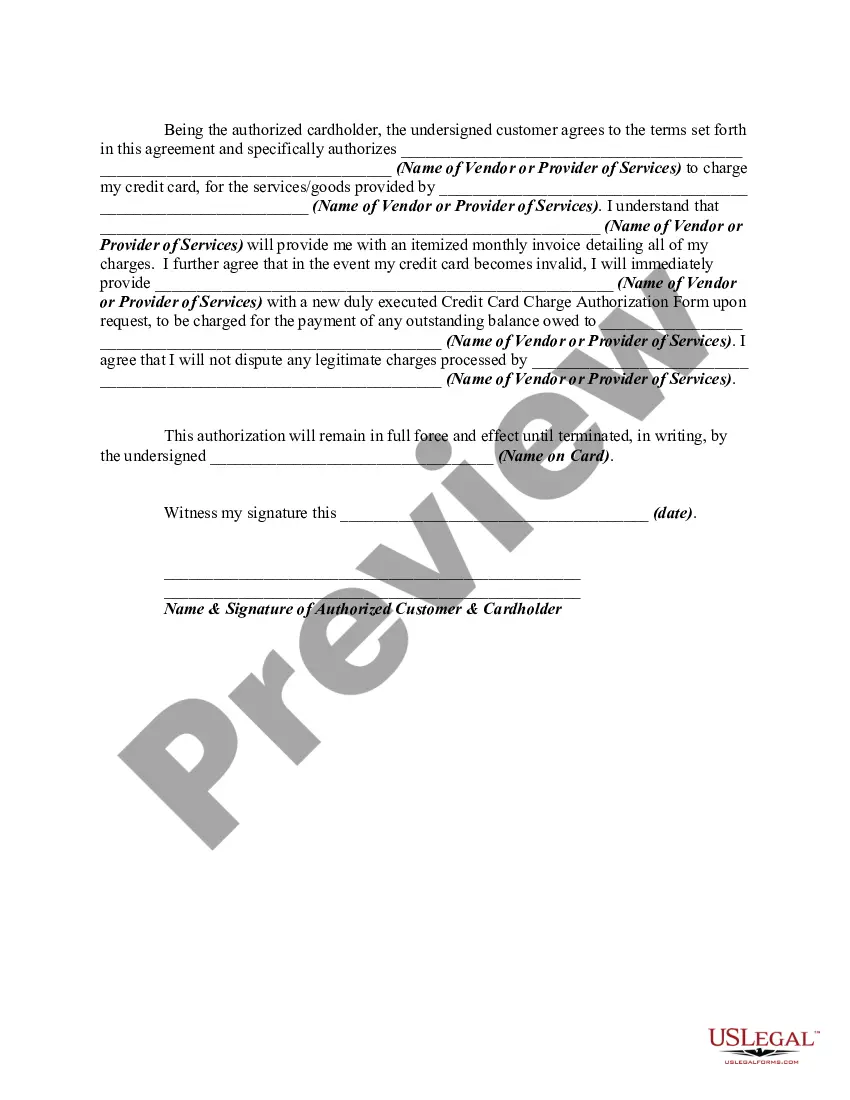
How to fill out Credit Card Charge Authorization Form?
Whether for commercial reasons or personal issues, everyone inevitably encounters legal circumstances throughout their lifetime.
Filling out legal paperwork requires meticulous care, beginning with selecting the appropriate form template.
Once downloaded, you can fill out the form using editing software or print it and complete it manually. With a vast catalog from US Legal Forms available, you do not need to waste time searching for the correct sample online. Utilize the easy navigation of the library to find the right template for any scenario.
- Obtain the required sample by utilizing the search bar or catalog browsing.
- Review the form’s details to ensure it aligns with your circumstances, jurisdiction, and location.
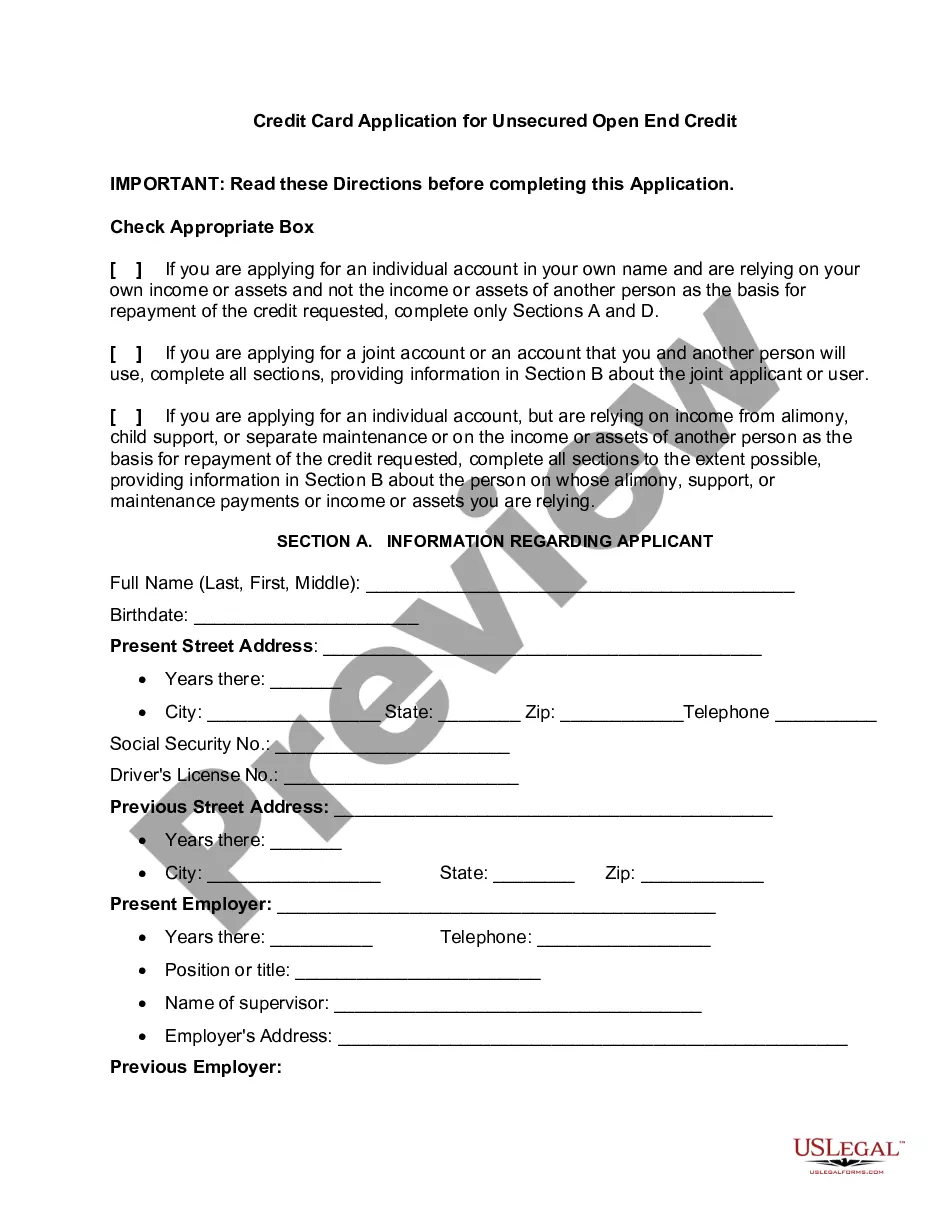
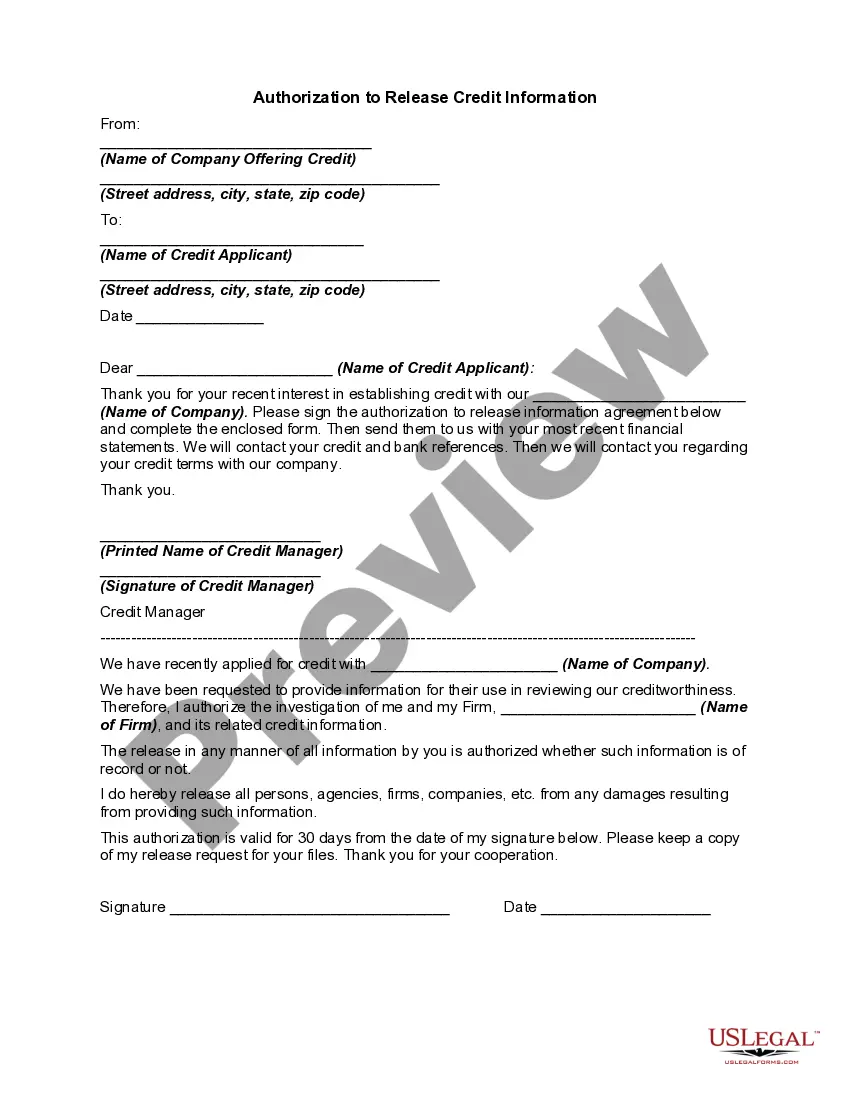
- Click on the form’s preview to inspect it.
- If it’s the incorrect form, revert to the search option to locate the Blank Credit Card Payment Form For Shopify template you need.
- Retrieve the document once it meets your requirements.
- If you possess a US Legal Forms account, click Log in to access previously stored forms in My documents.
- If you lack an account, you may acquire the form by clicking Buy now.
- Select the appropriate pricing plan.
- Complete the account registration form.
- Choose your payment method: utilize a credit card or PayPal account.
- Select the document format you prefer and download the Blank Credit Card Payment Form For Shopify.
Form popularity
FAQ
There are also several ways for customers to pay online without using a credit card, like PayPal, Meta Pay, Amazon Pay, and Apple Pay.
Tap and chip credit payments From the Cart screen, tap Checkout. If your card reader isn't connected, then follow the instructions on the Shopify POS screen to connect. ... Allow the customer to insert or tap their card. ... Optional: Tap Print receipt. Tap Done to return to the Shopify POS products screen.
You can pay for your Shopify bills (one-time or recurring) by using the following payment methods: a valid credit card from Mastercard, Visa, or American Express. a debit card that is co?branded with Mastercard, Visa, or American Express. Shopify Balance in some regions. PayPal in some regions.
From your Shopify admin, go to Settings > Payments. In the Shopify Payments section, click Manage. In the Shop Pay section, check Shop Pay Installments, and then click Save.
Steps: From your Shopify admin, go to Settings > Payments. In the Payment customizations section, click Manage. Add your customization: Click Add customization. ... Optional: If you want to add more customizations, then click Add customization. Select the customizations that you want to use. Click Activate.