Employee Work From Home Allowance
Description
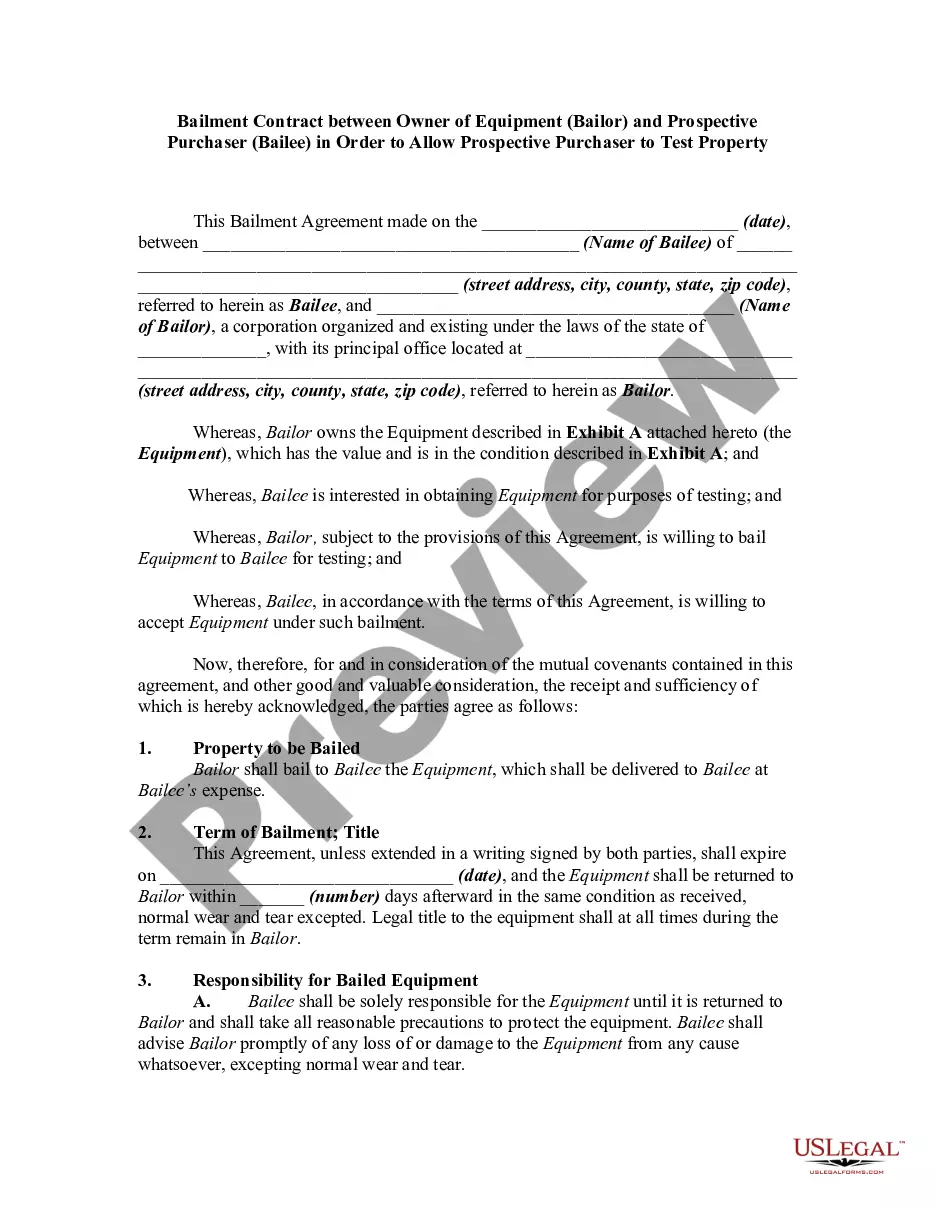
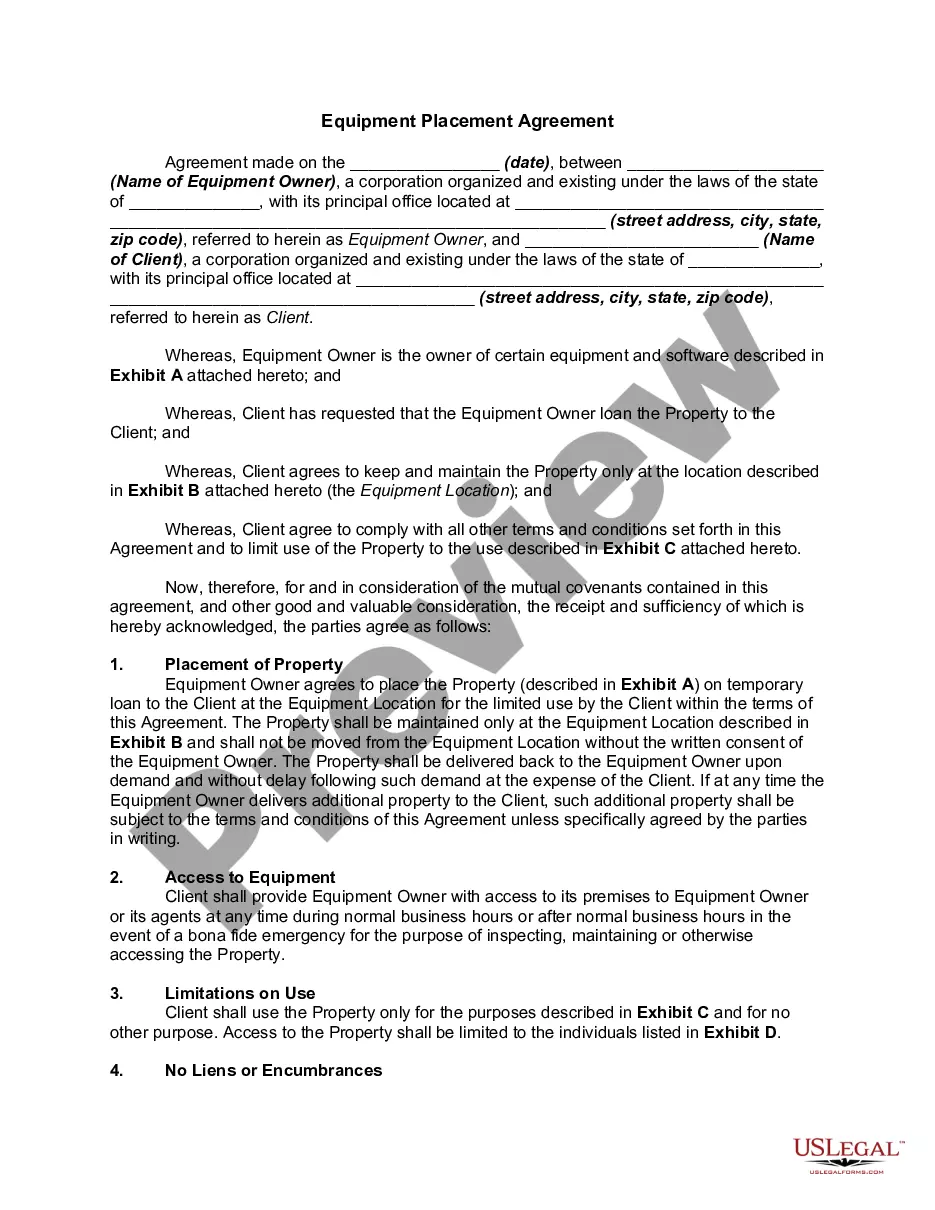

Get your form ready online
Our built-in tools help you complete, sign, share, and store your documents in one place.
Make edits, fill in missing information, and update formatting in US Legal Forms—just like you would in MS Word.
Download a copy, print it, send it by email, or mail it via USPS—whatever works best for your next step.
Sign and collect signatures with our SignNow integration. Send to multiple recipients, set reminders, and more. Go Premium to unlock E-Sign.
If this form requires notarization, complete it online through a secure video call—no need to meet a notary in person or wait for an appointment.
We protect your documents and personal data by following strict security and privacy standards.

Make edits, fill in missing information, and update formatting in US Legal Forms—just like you would in MS Word.

Download a copy, print it, send it by email, or mail it via USPS—whatever works best for your next step.

Sign and collect signatures with our SignNow integration. Send to multiple recipients, set reminders, and more. Go Premium to unlock E-Sign.

If this form requires notarization, complete it online through a secure video call—no need to meet a notary in person or wait for an appointment.

We protect your documents and personal data by following strict security and privacy standards.
Looking for another form?
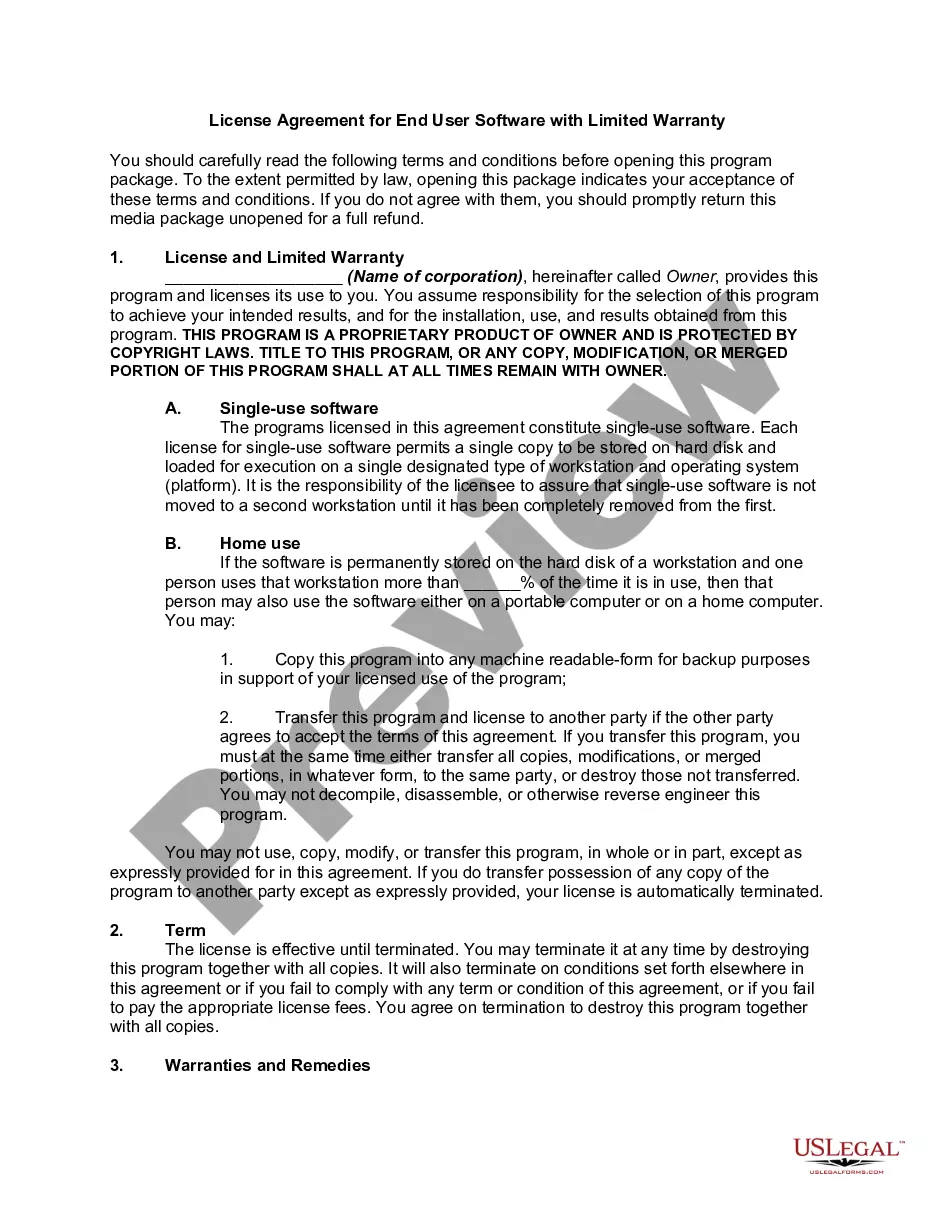



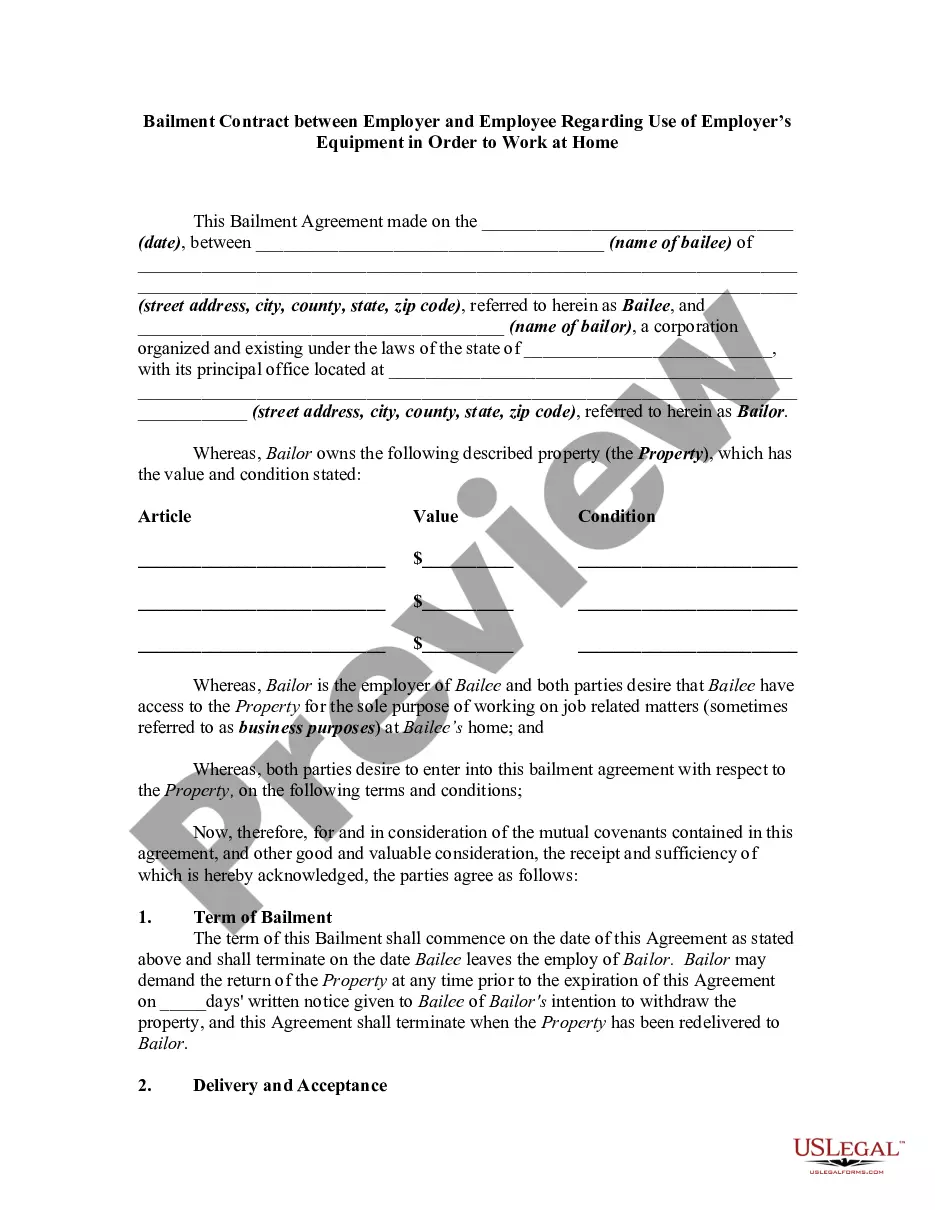
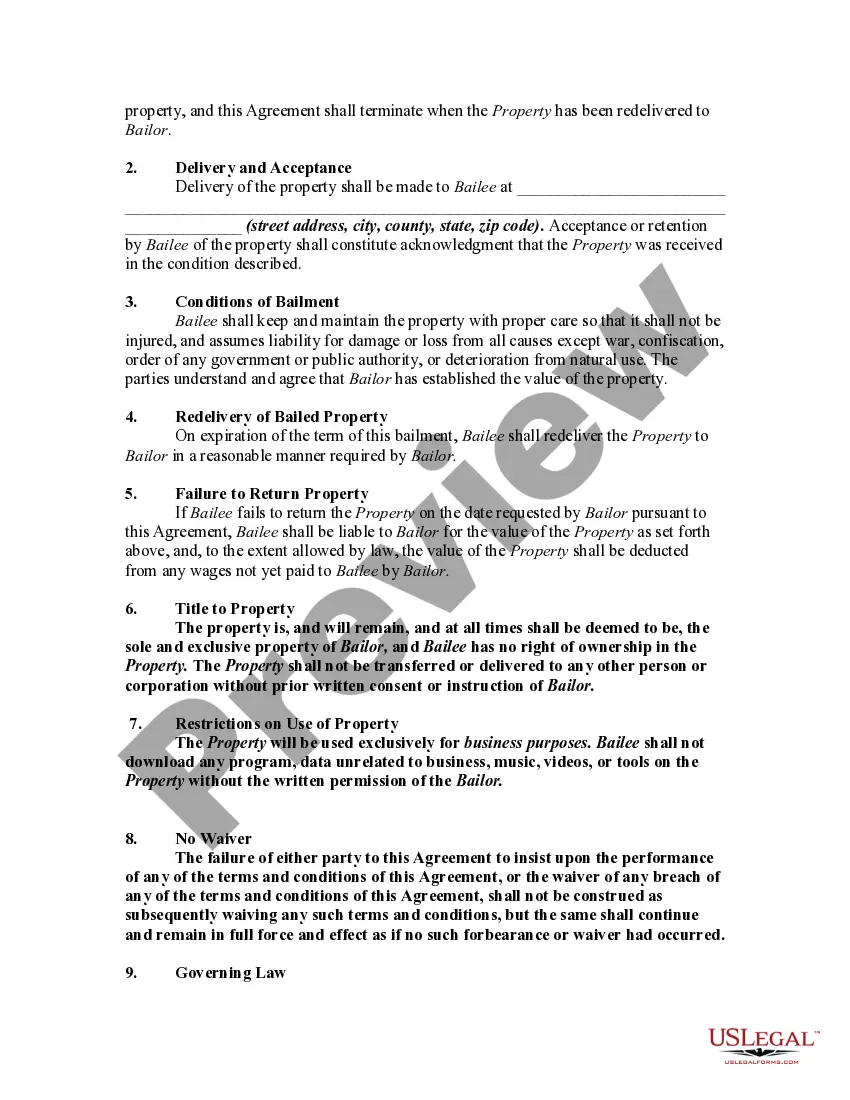
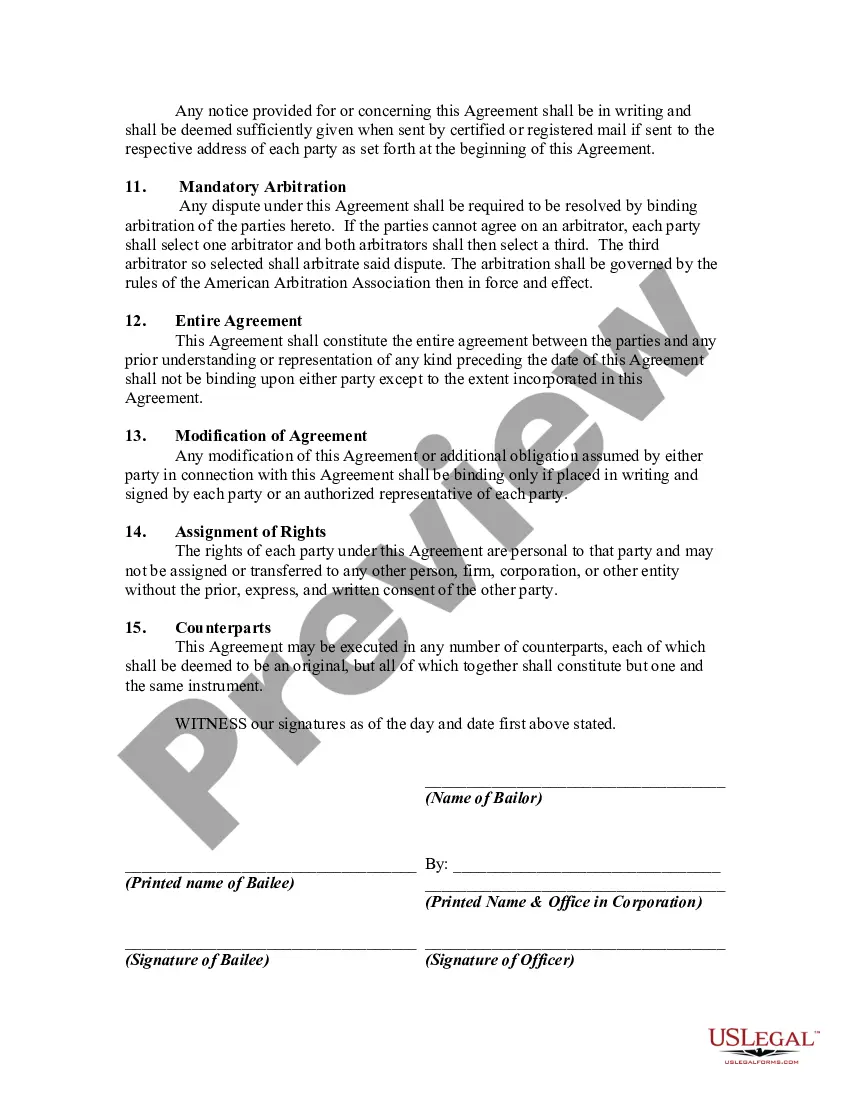
How to fill out Bailment Contract Between Employer And Employee Regarding Use Of Employer's Equipment In Order To Work At Home?
Identifying a reliable destination to obtain the latest and suitable legal documents is a significant portion of navigating administrative processes.
Selecting the appropriate legal forms requires precision and meticulousness, which is why it is crucial to obtain examples of Employee Work From Home Allowance exclusively from trustworthy sources, like US Legal Forms.
Eliminate the complications associated with your legal paperwork. Explore the vast US Legal Forms library to discover legal templates, assess their applicability to your case, and download them immediately.
- Use the catalog navigation or search option to find your document.
- Review the form’s description to confirm it meets the criteria of your state and locality.
- Access the form preview, if available, to ensure the template is indeed what you need.
- Return to the search and locate the appropriate document if the Employee Work From Home Allowance does not fulfill your needs.
- Once you are confident about the form’s suitability, download it.
- If you are a registered member, click Log in to verify your identity and access your chosen forms in My documents.
- If you don’t have an account yet, click Buy now to purchase the template.
- Choose the pricing option that suits your needs.
- Proceed with registration to complete your transaction.
- Finish your purchase by selecting a payment method (credit card or PayPal).
- Select the document format for downloading Employee Work From Home Allowance.
- Once you have the form on your device, you can modify it with the editor or print it to fill out manually.
Form popularity
FAQ
Select the agreement you want to modify. Click Modify Agreement to open a Send page in limited editing mode. You cannot make changes in the Recipients or Message sections. On the Send page, you can add, delete, replace (delete then add), and reorder documents.
Once a PDF has been digitally signed, it is usually impossible to edit without compromising the signature. And it's precisely the purpose of an electronic signature not to be able to tamper with a signed document! However, in some cases, it is possible to amend the file in a way that keeps the original signature valid.
Whether you need an independent contractor agreement, a standard service contract, or a non-disclosure agreement, PandaDoc's library of free business contracts has you covered. Our contract templates are free as downloadable PDFs and are fully customizable when using the PandaDoc document editor.
An online contract maker works like many electronic signature tools ? you create a contract document, either from scratch or by customizing a template, and then send it to the people who need to sign it.
Simplified home office deduction You can deduct $5 per square foot, up to $1,500 or 300 square feet, per year for your exclusive home office space if it's used for the full year. If you only use that space part of the time, then you prorate that amount, Tippie said.
To be eligible to claim a deduction for working from home expenses, you must: incur additional running expenses as a result of working from home. be working from home to fulfil your employment duties, not just completing minimal tasks. keep records at the time you work to prove you incur the cost.
If you work from home for part of the year, only include expenses incurred during that time. Under the "simplified" method, you deduct $5 for every square foot of space in your home used for a qualified business purpose. Again, you can only claim the deduction for the time you work from home.
If you're a freelancer, a small business owner, or otherwise self-employed, you can likely deduct at least part of your internet bill. If you're a W-2 employee who works remotely, you can't. (Sorry.) However, you might be able to get reimbursed by your employer.