Petition To Change Your Name For Facebook
Description
Get your form ready online
Our built-in tools help you complete, sign, share, and store your documents in one place.
Make edits, fill in missing information, and update formatting in US Legal Forms—just like you would in MS Word.
Download a copy, print it, send it by email, or mail it via USPS—whatever works best for your next step.
Sign and collect signatures with our SignNow integration. Send to multiple recipients, set reminders, and more. Go Premium to unlock E-Sign.
If this form requires notarization, complete it online through a secure video call—no need to meet a notary in person or wait for an appointment.
We protect your documents and personal data by following strict security and privacy standards.

Make edits, fill in missing information, and update formatting in US Legal Forms—just like you would in MS Word.

Download a copy, print it, send it by email, or mail it via USPS—whatever works best for your next step.

Sign and collect signatures with our SignNow integration. Send to multiple recipients, set reminders, and more. Go Premium to unlock E-Sign.

If this form requires notarization, complete it online through a secure video call—no need to meet a notary in person or wait for an appointment.

We protect your documents and personal data by following strict security and privacy standards.
Looking for another form?








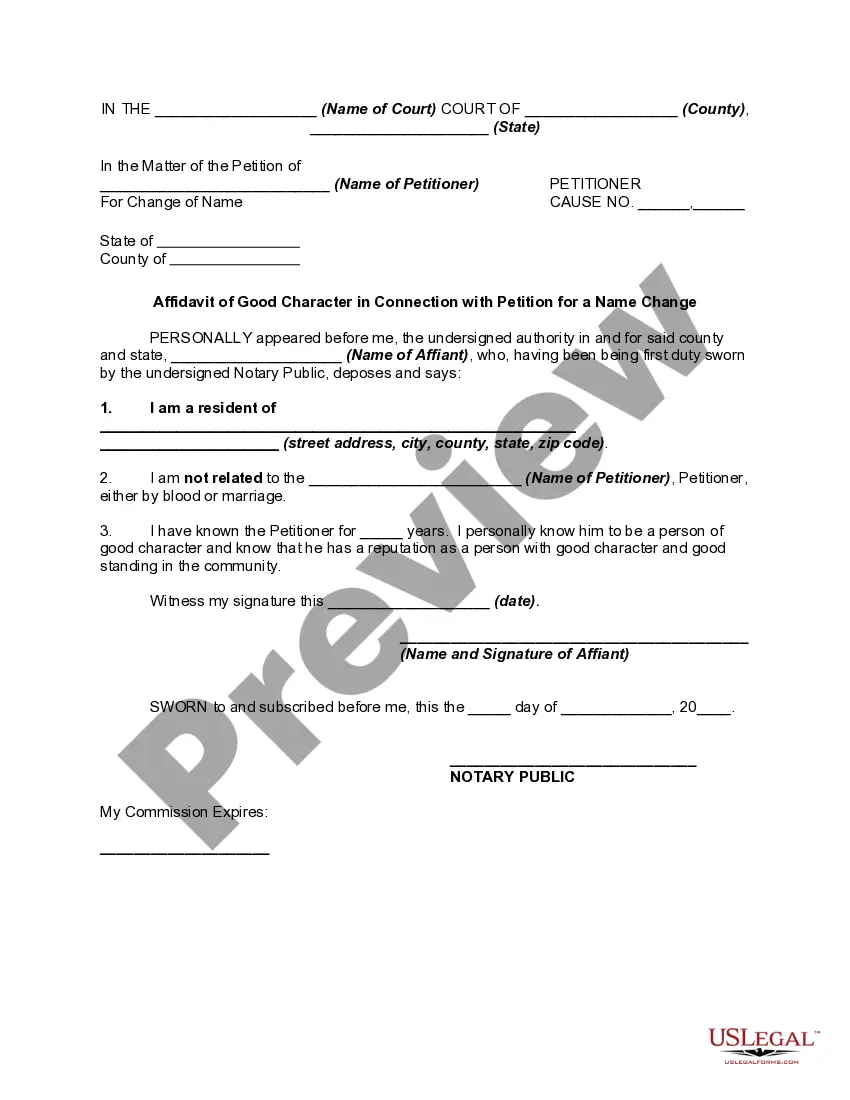
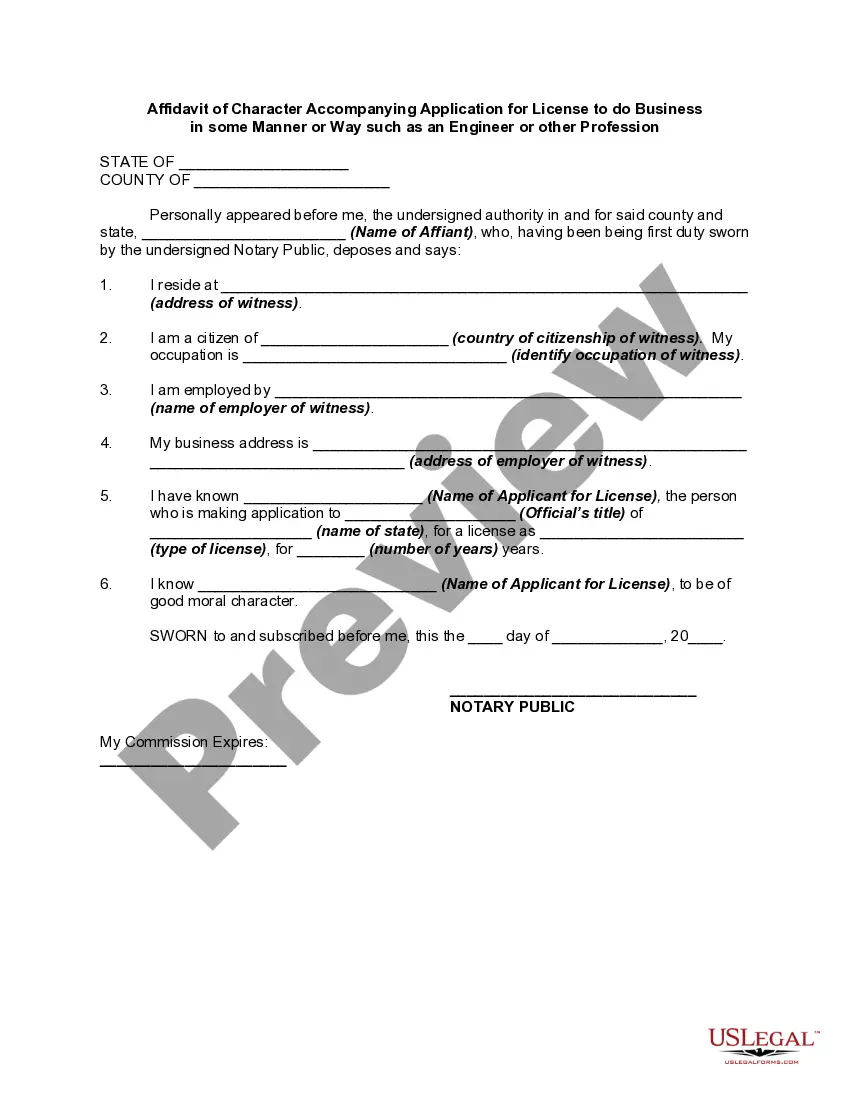
How to fill out Affidavit In Of Good Character In Connection With Petition For A Name Change?
Engaging with legal documentation and procedures can be a lengthy addition to your day.
Request To Alter Your Name For Facebook and similar forms typically necessitate that you search for them and find the best method to fill them out correctly.
For this reason, if you are managing financial, legal, or personal affairs, having a comprehensive and user-friendly online directory of forms readily available will greatly assist.
US Legal Forms is the leading online platform for legal templates, providing over 85,000 state-specific documents and various resources to help you complete your paperwork seamlessly.
Is this your first experience with US Legal Forms? Register and create your account in a few minutes to gain access to the form directory and Request To Alter Your Name For Facebook. Then, follow the steps below to complete your document: Ensure you have the correct form using the Review feature and examine the form details. Click Buy Now when ready, and select the subscription plan that suits your requirements. Click Download then fill out, sign, and print the document. US Legal Forms has 25 years of expertise helping users manage their legal documentation. Find the form you need today and simplify any procedure effortlessly.
- Explore the collection of relevant documents available to you with just one click.
- US Legal Forms provides you with state- and county-specific documents available for download at any time.
- Protect your document management processes with a premium service that allows you to prepare any form in minutes without any extra or concealed charges.
- Simply Log In to your account, find Request To Alter Your Name For Facebook and obtain it instantly from the My documents section.
- You can also retrieve previously saved documents.
Form popularity
FAQ
Hear this out loud PauseYour name doesn't follow our name policy. You changed your name in the last 60 days, or you tried to change it too frequently. You were previously asked to confirm your name on Facebook. Your name doesn't match the name that appears on an item from our ID list.
After similarly going to the Menu button, Settings and Privacy, then Settings, Android users should select Personal and Account information and tap on either Name or Username to make changes.
You can only change your name every 60 days. Your name doesn't follow our name policy. You changed your name in the last 60 days, or you tried to change it too frequently. You were previously asked to confirm your name on Facebook.
If you're using the Facebook app on a mobile device, do this: Tap the "Menu" icon located in the top-right corner of the screen (it looks like three horizontal lines). Scroll down and tap "Settings & Privacy". Tap "Settings". Tap "Personal Information". Tap "Name". Enter your name and then tap "Review Change".
Facebook will review the name change request. If it is approved, the name of your page will be updated.