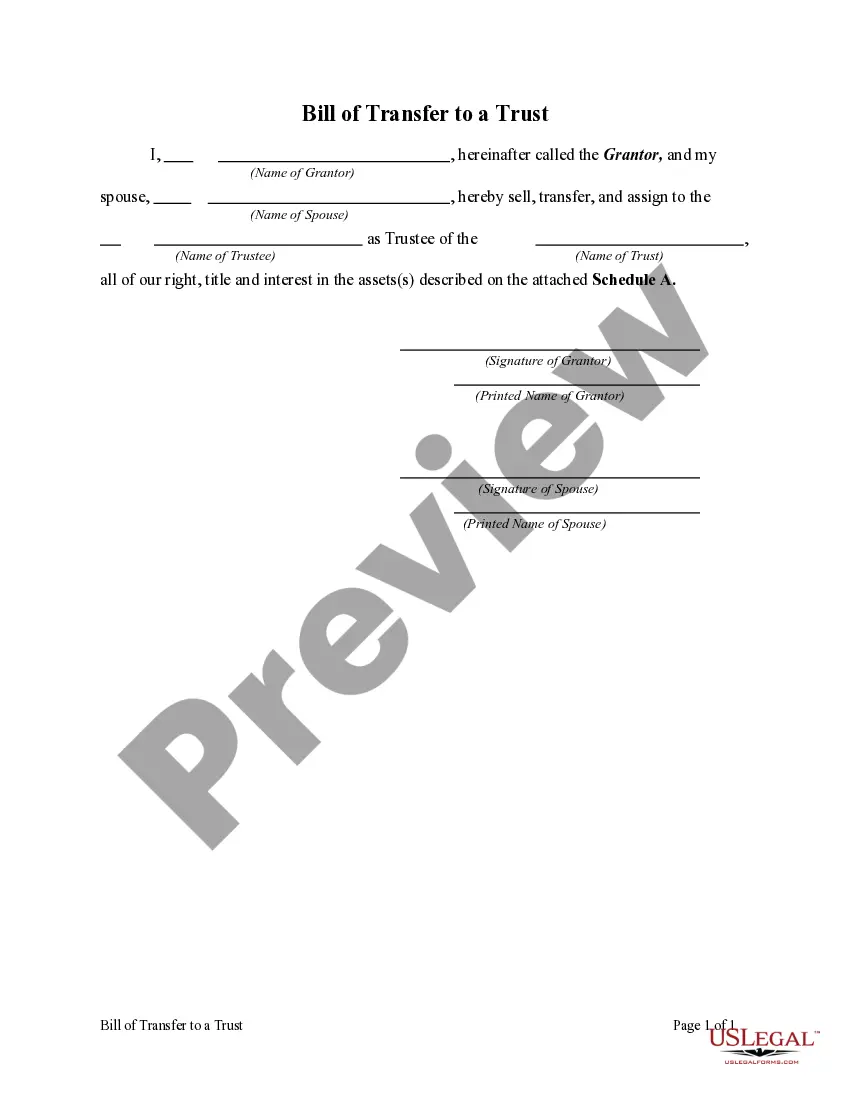
Called Transfer Title Without Registering
Description


Get your form ready online
Our built-in tools help you complete, sign, share, and store your documents in one place.
Make edits, fill in missing information, and update formatting in US Legal Forms—just like you would in MS Word.
Download a copy, print it, send it by email, or mail it via USPS—whatever works best for your next step.
Sign and collect signatures with our SignNow integration. Send to multiple recipients, set reminders, and more. Go Premium to unlock E-Sign.
If this form requires notarization, complete it online through a secure video call—no need to meet a notary in person or wait for an appointment.
We protect your documents and personal data by following strict security and privacy standards.

Make edits, fill in missing information, and update formatting in US Legal Forms—just like you would in MS Word.

Download a copy, print it, send it by email, or mail it via USPS—whatever works best for your next step.

Sign and collect signatures with our SignNow integration. Send to multiple recipients, set reminders, and more. Go Premium to unlock E-Sign.

If this form requires notarization, complete it online through a secure video call—no need to meet a notary in person or wait for an appointment.

We protect your documents and personal data by following strict security and privacy standards.
Looking for another form?



How to fill out Bill Of Transfer To A Trust?
Regardless of whether for commercial reasons or personal issues, everyone must handle legal matters at some point in their lives.
Completing legal documentation requires meticulous focus, beginning with the choice of the correct form template. For instance, if you select an incorrect version of the Called Transfer Title Without Registering, it will be rejected upon submission. Thus, it is crucial to have a reliable source of legal documents like US Legal Forms.
With a comprehensive US Legal Forms catalog available, you don’t have to waste time searching for the correct template online. Utilize the library’s user-friendly navigation to find the appropriate form for any circumstance.
- Obtain the template you require using the search bar or catalog browsing.
- Review the form’s description to confirm it aligns with your situation, state, and locality.
- Click on the form’s preview to inspect it.
- If it is the wrong form, return to the search feature to locate the Called Transfer Title Without Registering example you need.
- Download the template if it suits your requirements.
- If you already possess a US Legal Forms account, click Log in to access previously stored documents in My documents.
- If you do not have an account yet, you can download the form by clicking Buy now.
- Choose the suitable pricing option.
- Complete the account registration form.
- Select your payment method: you can use a credit card or PayPal account.
- Choose the file format you desire and download the Called Transfer Title Without Registering.
- Once downloaded, you can fill out the form using editing software or print it and complete it manually.
Form popularity
FAQ
The Title Transfer Process These documents include the title, the bill of sale, your identification, and proof of residence, such as an electric bill in your name. The rest of the process will be handled by our staff, and you will be able to take your documents home with the title in your name!
If the title is held electronically, the seller and buyer must visit a motor vehicle service center to complete a secure title reassignment (HSMV 82994 or 82092) and disclose the odometer reading. The buyer and seller must both be present and provide photo identification.
Present your FL driver's license. If the motor vehicle has multiple owners, they must all be present to show proof of identity.
On the back of the title you will fill out completely the upper block of information that says ASSIGNMENT OF TITLE in the left margin. Print the buyer(s) name and complete address on the first line. Fill in the odometer reading in the space provided. Enter your mileage EXACTLY AS IT APPEARS ON YOUR ODOMETER.
Purchase a ?bonded title? in states that allow it ? this provides title documentation while giving time for disputes. File a legal claim against the seller, especially if it was a dealership that engaged in title jumping. Report the issue to your local DMV and see if they can assist with obtaining a new title.