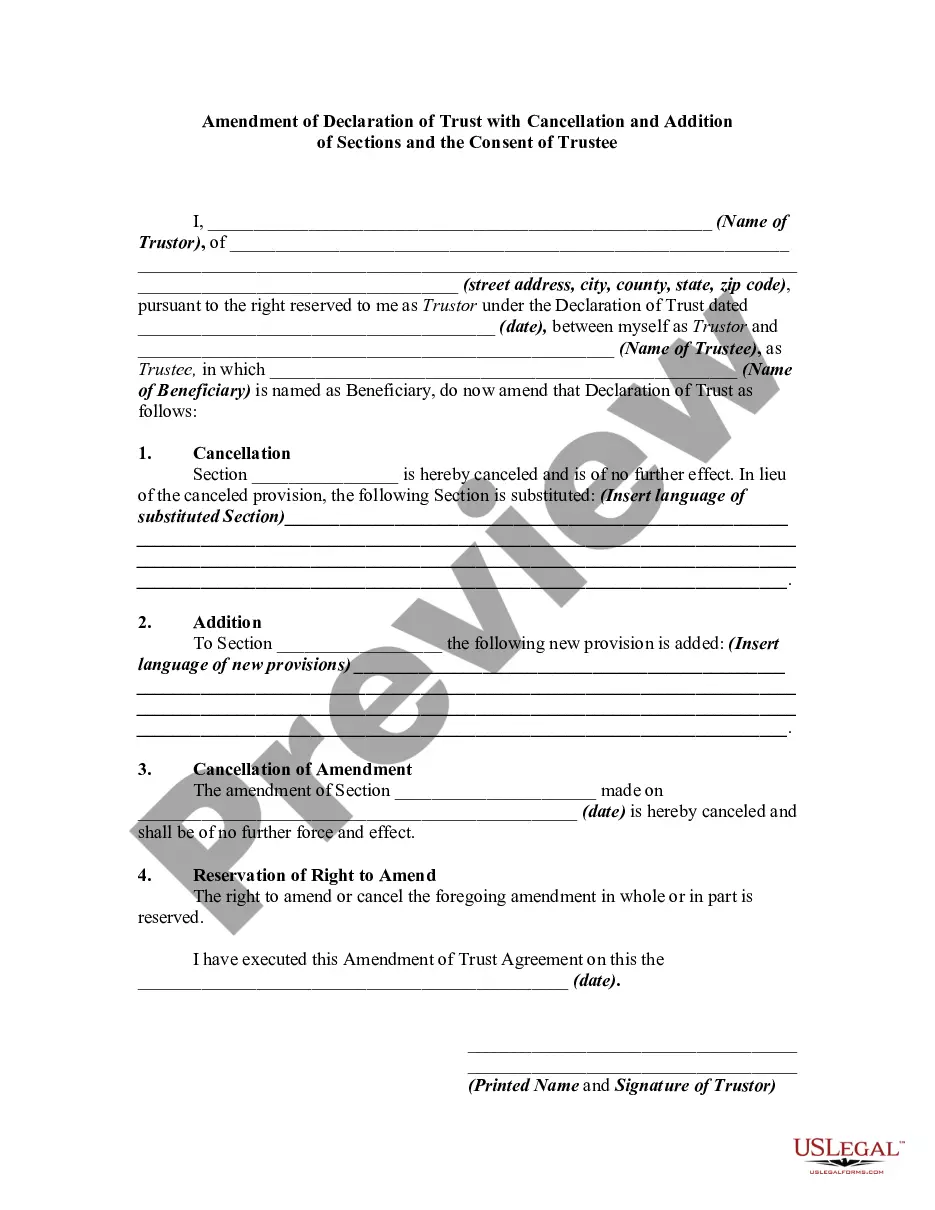
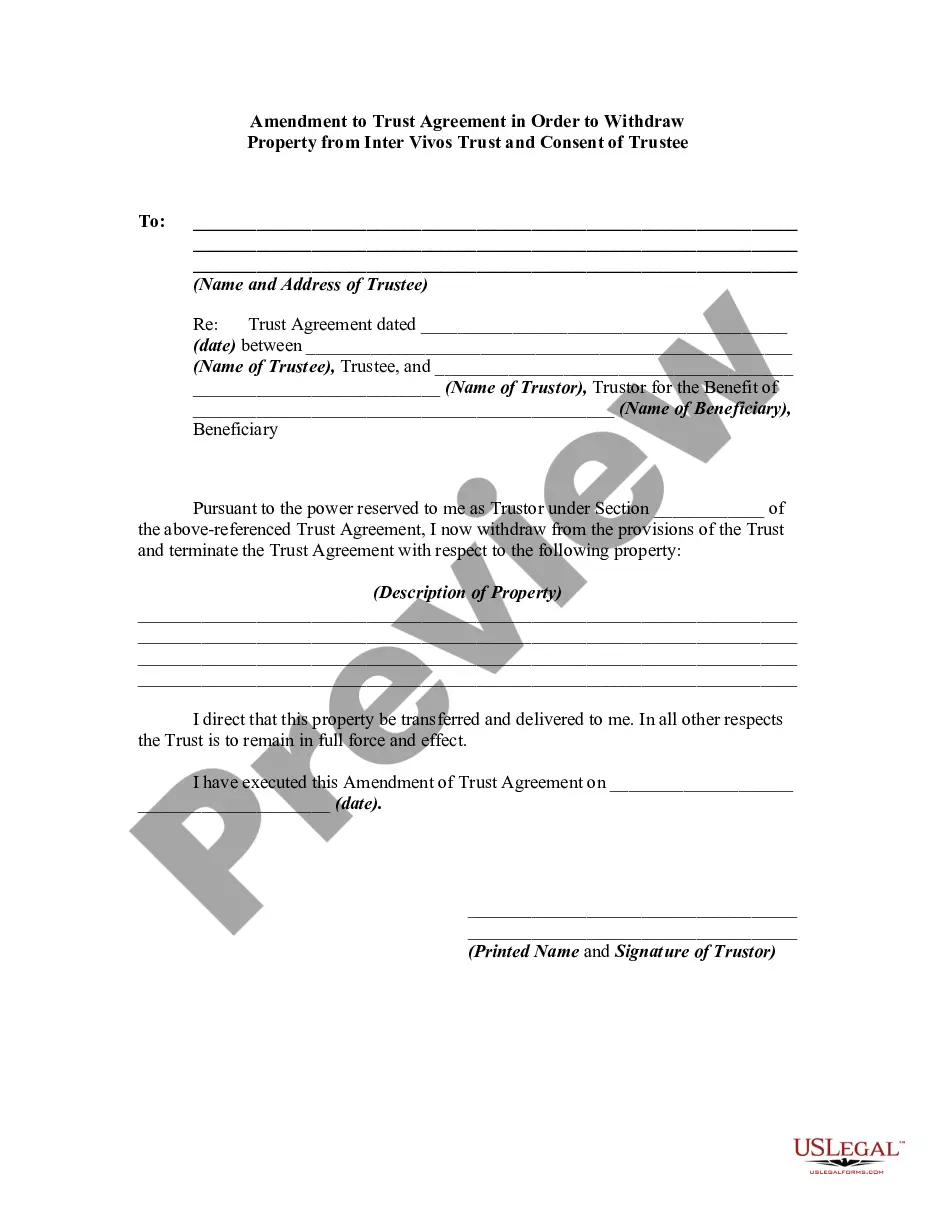
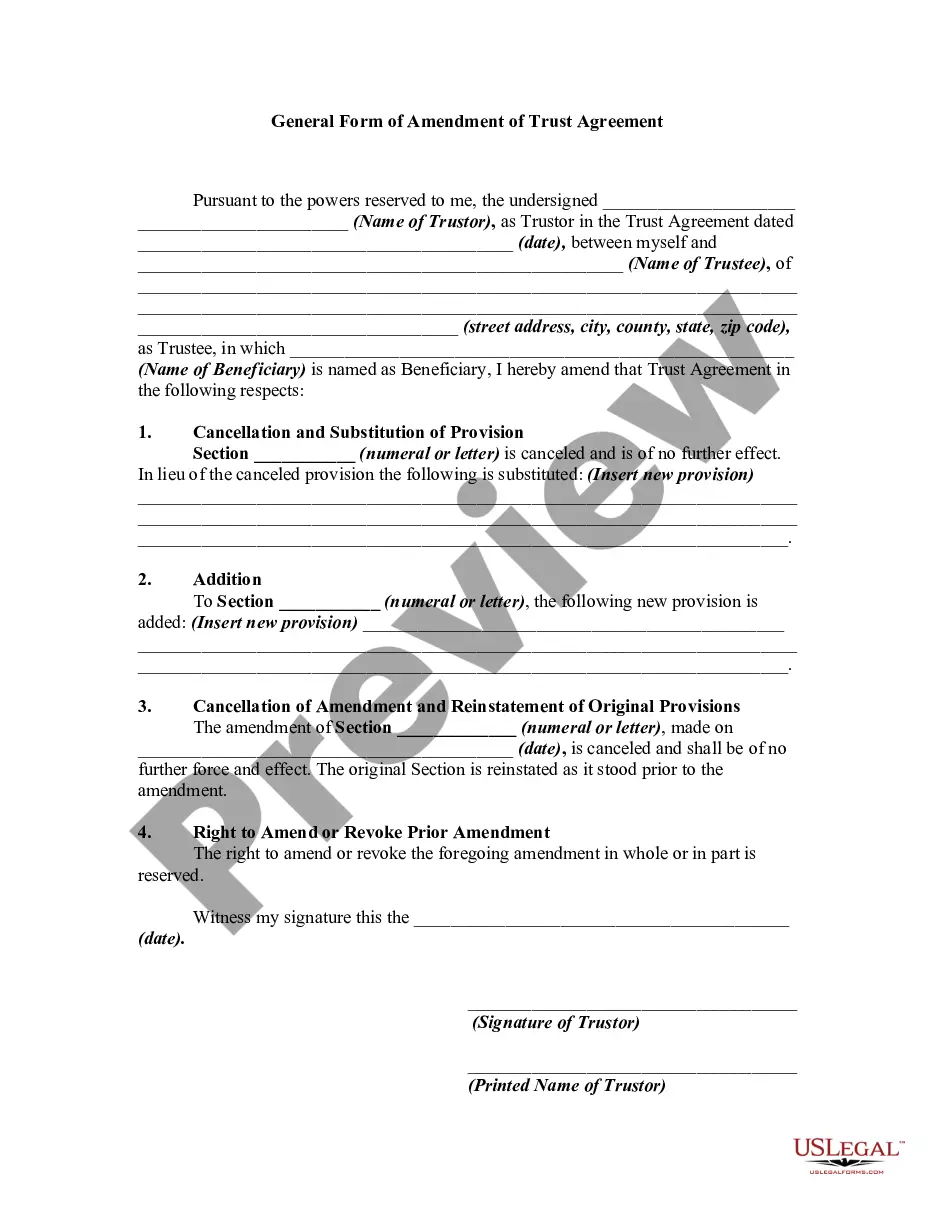
Trust Change Beneficiary With Corporate
Description



Get your form ready online
Our built-in tools help you complete, sign, share, and store your documents in one place.
Make edits, fill in missing information, and update formatting in US Legal Forms—just like you would in MS Word.
Download a copy, print it, send it by email, or mail it via USPS—whatever works best for your next step.
Sign and collect signatures with our SignNow integration. Send to multiple recipients, set reminders, and more. Go Premium to unlock E-Sign.
If this form requires notarization, complete it online through a secure video call—no need to meet a notary in person or wait for an appointment.
We protect your documents and personal data by following strict security and privacy standards.

Make edits, fill in missing information, and update formatting in US Legal Forms—just like you would in MS Word.

Download a copy, print it, send it by email, or mail it via USPS—whatever works best for your next step.

Sign and collect signatures with our SignNow integration. Send to multiple recipients, set reminders, and more. Go Premium to unlock E-Sign.

If this form requires notarization, complete it online through a secure video call—no need to meet a notary in person or wait for an appointment.

We protect your documents and personal data by following strict security and privacy standards.
Looking for another form?



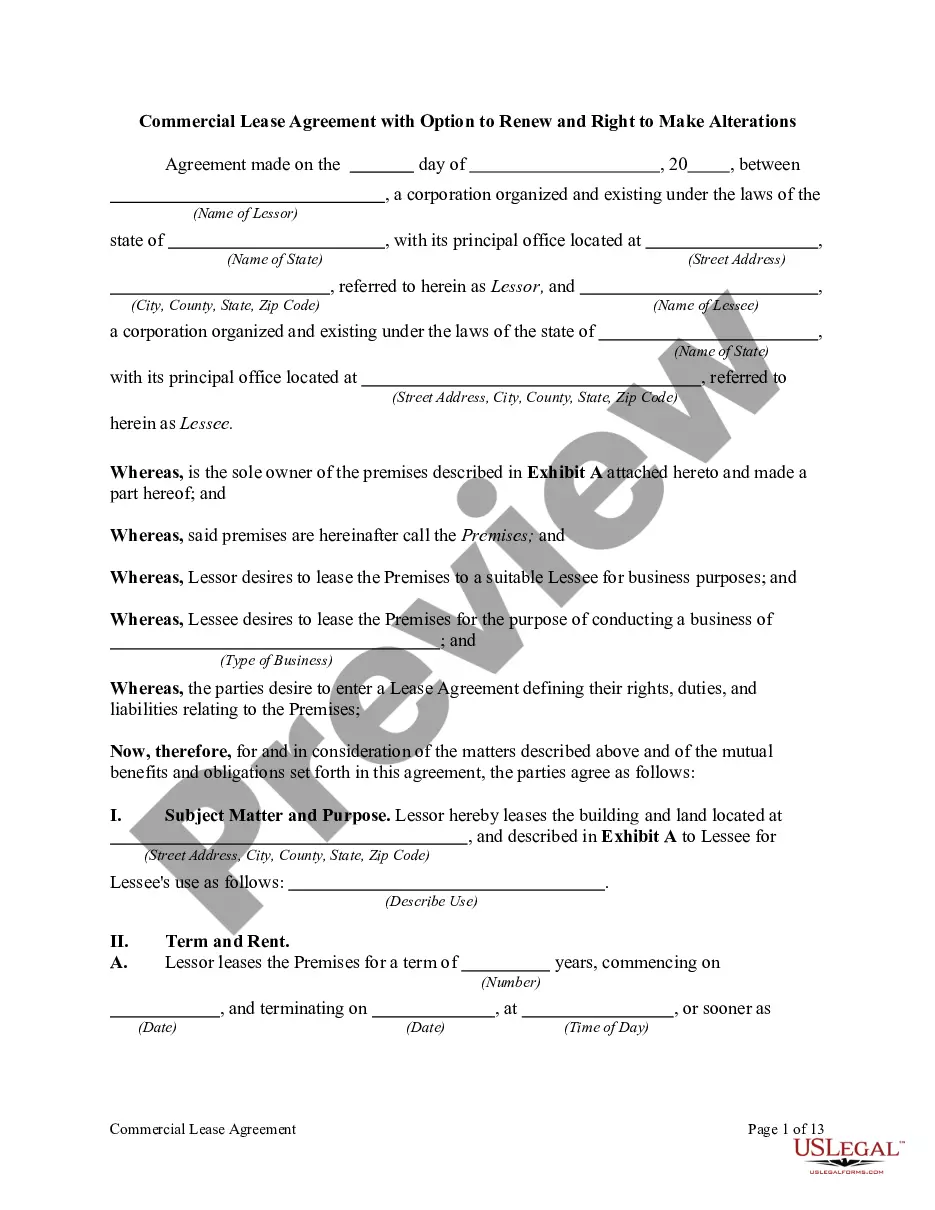

How to fill out Amendment To Trust Agreement In Order To Change Beneficiaries?
Handling legal documents and processes can be a lengthy addition to your schedule.
Count on Change Beneficiary With Corporate and similar forms typically necessitating you to look for them and navigate the path to finalize them efficiently.
Consequently, whether you are managing financial, legal, or personal issues, having a comprehensive and useful online directory of forms readily available will be highly beneficial.
US Legal Forms is the leading online platform for legal templates, providing over 85,000 state-specific forms along with various resources to help you complete your documents effortlessly.
Is it your first time using US Legal Forms? Register and set up your account in a few minutes to gain access to the form directory and Trust Change Beneficiary With Corporate. Then, follow the steps below to complete your form: Ensure you have located the correct form using the Review feature and examining the form details. Choose Buy Now when ready, and select the monthly subscription option that fits your requirements. Click Download, then complete, sign, and print the form. US Legal Forms boasts 25 years of experience helping clients manage their legal documents. Obtain the form you require now and streamline any process effortlessly.
- Explore the directory of relevant documents accessible to you with just one click.
- US Legal Forms offers state- and county-specific forms available at any time for download.
- Protect your document management processes with top-quality support enabling you to create any form in minutes without extra or hidden charges.
- Simply Log In to your account, find Trust Change Beneficiary With Corporate, and download it immediately in the My documents section.
- You can also access previously saved documents.
Form popularity
FAQ
Hear this out loud PauseWhat is a corporate beneficiary? A corporate beneficiary is a company that receives a distribution from a discretionary trust (a.k.a. family trust). The company is required to declare its share of trust income received and pay tax on that income at the corporate tax rate of 30%.
Provide the following information on the beneficiary designation: The full name of the trust as it shows on the trust document. The date the trust was created. The name of the trustee, followed by the word ?trustee?, or if you cannot provide a trustee, ETF may accept another contact person. The trustee's address.
Hear this out loud PauseIn most cases, a trust deed generally offers two processes for the removal of a beneficiary. Most commonly, the beneficiary can sign a document to renunciate all interests as a beneficiary. Otherwise, the trustee may have discretionary power to revoke the beneficiary.
Write only one beneficiary on each line. Make sure that you write the full names of all beneficiaries. For example, if you name you children as beneficiaries, DO NOT merely write ?children? on one of the lines; instead write the full names of each of your children on separate lines.
Hear this out loud Pausechange of name only. If the policy has joint ownership, all owners must sign any form submitted. Complete the Request for Change of Beneficiary form by listing the full given name for each person being named. Indicate their address, social security number, date of birth, and relationship to the insured person.