Trustee Trust Amendment For Living
Description

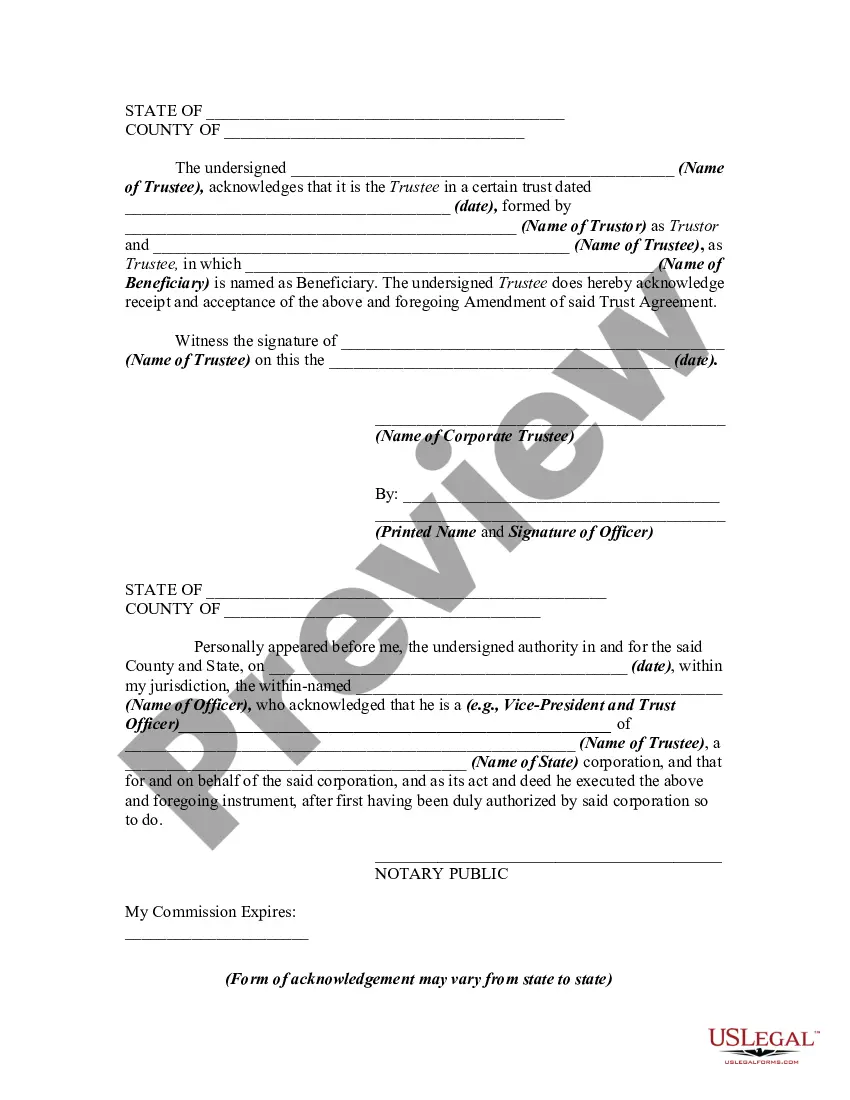


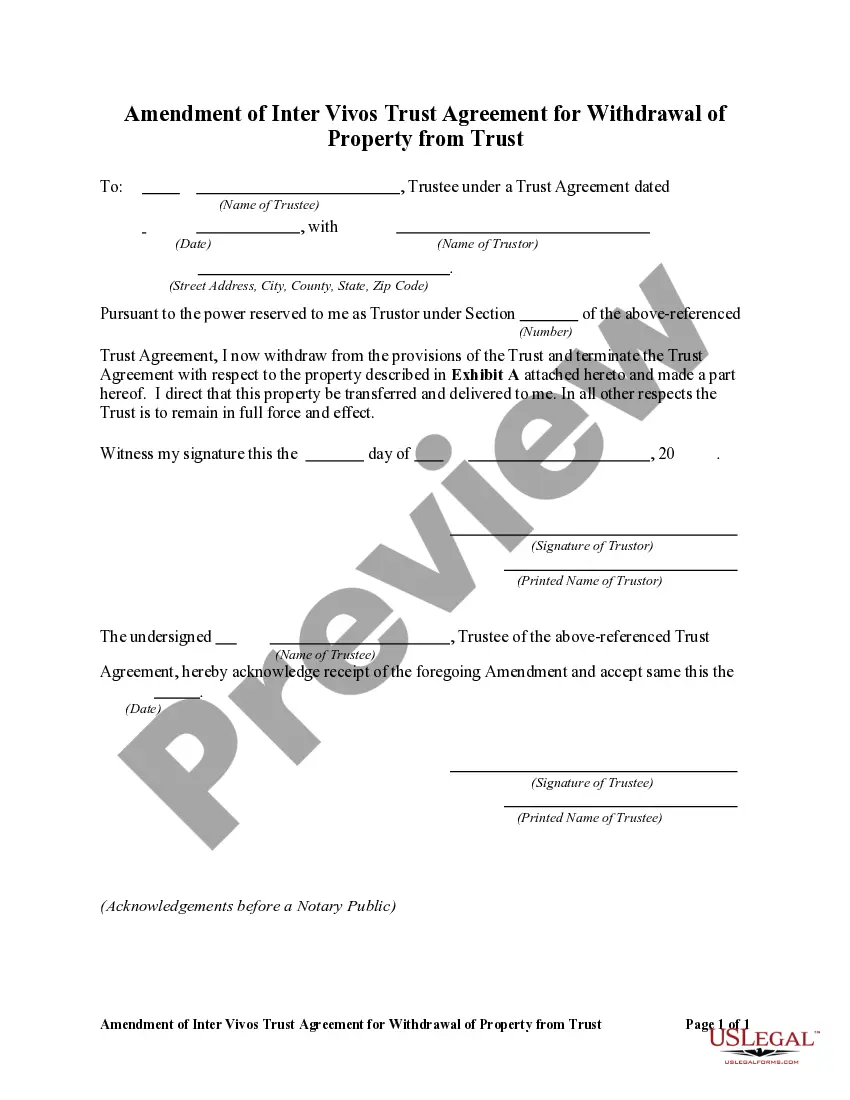
Get your form ready online
Our built-in tools help you complete, sign, share, and store your documents in one place.
Make edits, fill in missing information, and update formatting in US Legal Forms—just like you would in MS Word.
Download a copy, print it, send it by email, or mail it via USPS—whatever works best for your next step.
Sign and collect signatures with our SignNow integration. Send to multiple recipients, set reminders, and more. Go Premium to unlock E-Sign.
If this form requires notarization, complete it online through a secure video call—no need to meet a notary in person or wait for an appointment.
We protect your documents and personal data by following strict security and privacy standards.

Make edits, fill in missing information, and update formatting in US Legal Forms—just like you would in MS Word.

Download a copy, print it, send it by email, or mail it via USPS—whatever works best for your next step.

Sign and collect signatures with our SignNow integration. Send to multiple recipients, set reminders, and more. Go Premium to unlock E-Sign.

If this form requires notarization, complete it online through a secure video call—no need to meet a notary in person or wait for an appointment.

We protect your documents and personal data by following strict security and privacy standards.
Looking for another form?

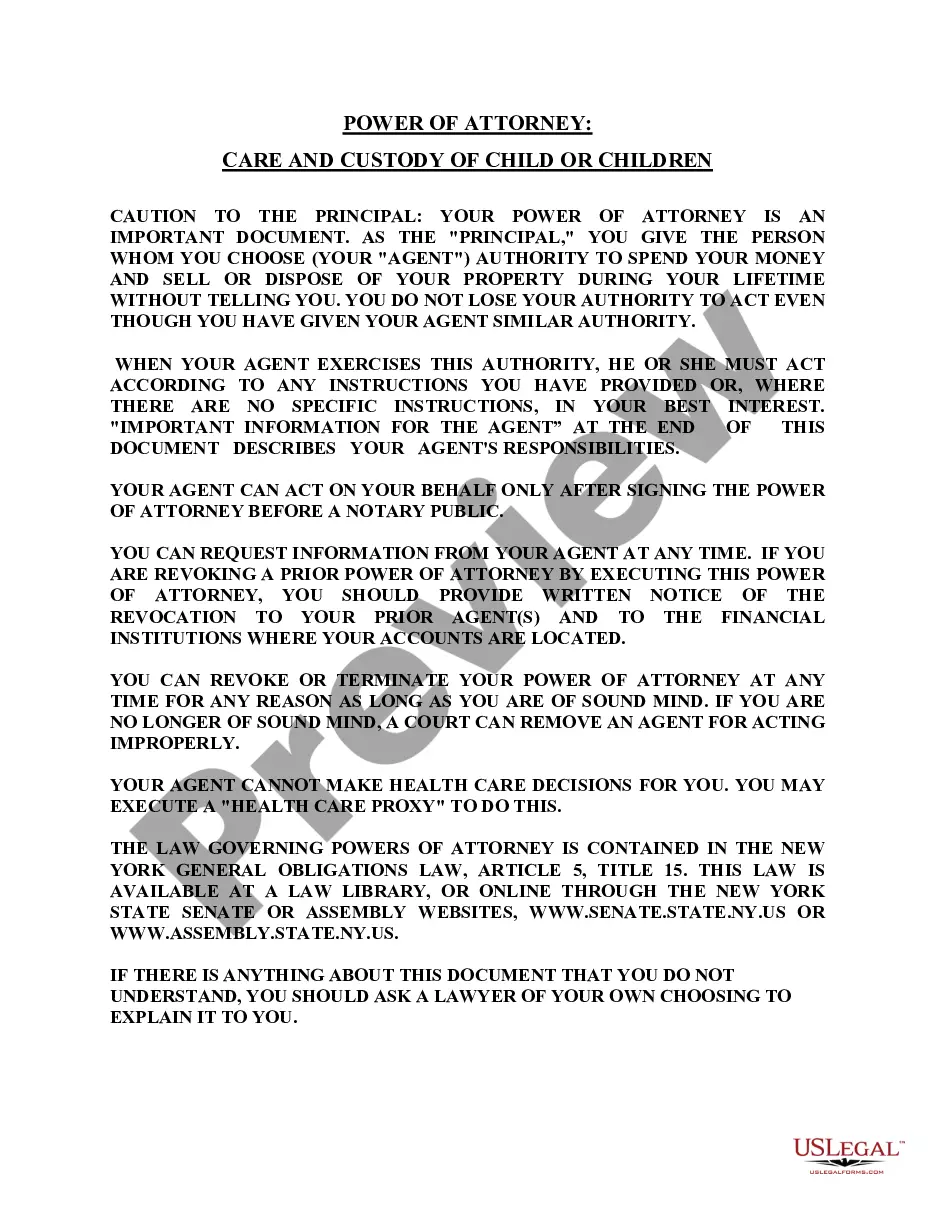



How to fill out Amendment Of Trust Agreement And Revocation Of Particular Provision?
Whether for business purposes or for individual matters, everybody has to deal with legal situations sooner or later in their life. Filling out legal papers needs careful attention, starting with selecting the proper form sample. For example, if you pick a wrong version of the Trustee Trust Amendment For Living, it will be declined when you submit it. It is therefore important to have a trustworthy source of legal documents like US Legal Forms.
If you have to get a Trustee Trust Amendment For Living sample, stick to these simple steps:
- Get the template you need by using the search field or catalog navigation.
- Examine the form’s information to make sure it fits your case, state, and region.
- Click on the form’s preview to view it.
- If it is the incorrect document, return to the search function to find the Trustee Trust Amendment For Living sample you require.
- Download the template when it meets your requirements.
- If you already have a US Legal Forms account, click Log in to gain access to previously saved documents in My Forms.
- If you do not have an account yet, you may obtain the form by clicking Buy now.
- Select the correct pricing option.
- Complete the account registration form.
- Select your transaction method: use a bank card or PayPal account.
- Select the file format you want and download the Trustee Trust Amendment For Living.
- When it is downloaded, you can complete the form with the help of editing software or print it and complete it manually.
With a vast US Legal Forms catalog at hand, you don’t have to spend time looking for the appropriate template across the internet. Take advantage of the library’s straightforward navigation to get the correct form for any situation.
Form popularity
FAQ
For example, you might use a trust amendment form to: Update your trustee or successor trustee: If your chosen trustee is no longer willing or able to manage the trust, or you'd like to designate someone else, you can use an amendment form to name another person or organization to manage your trust.
(California Probate Code §15401-15402). The only way to amend an irrevocable living trust is to have the consent of each and every beneficiary to the trust. Once they all agree upon the amendment(s) to the trust, they can compel modification of the trust with a petition to the court.
Amending a Living Trust in California Nearly all trust documents can be amended. However, some are easier to amend than others. In the case of a revocable living trust, amendments usually take on the form of additional documents written after the original trust document has been signed and notarized.
How do you amend or revoke a living trust? Revoking or amending a revocable living trust can be done with or without an attorney. You can amend a living trust without having to go to court. If you created the document through an online service, you should be able to amend it through them for a small fee.