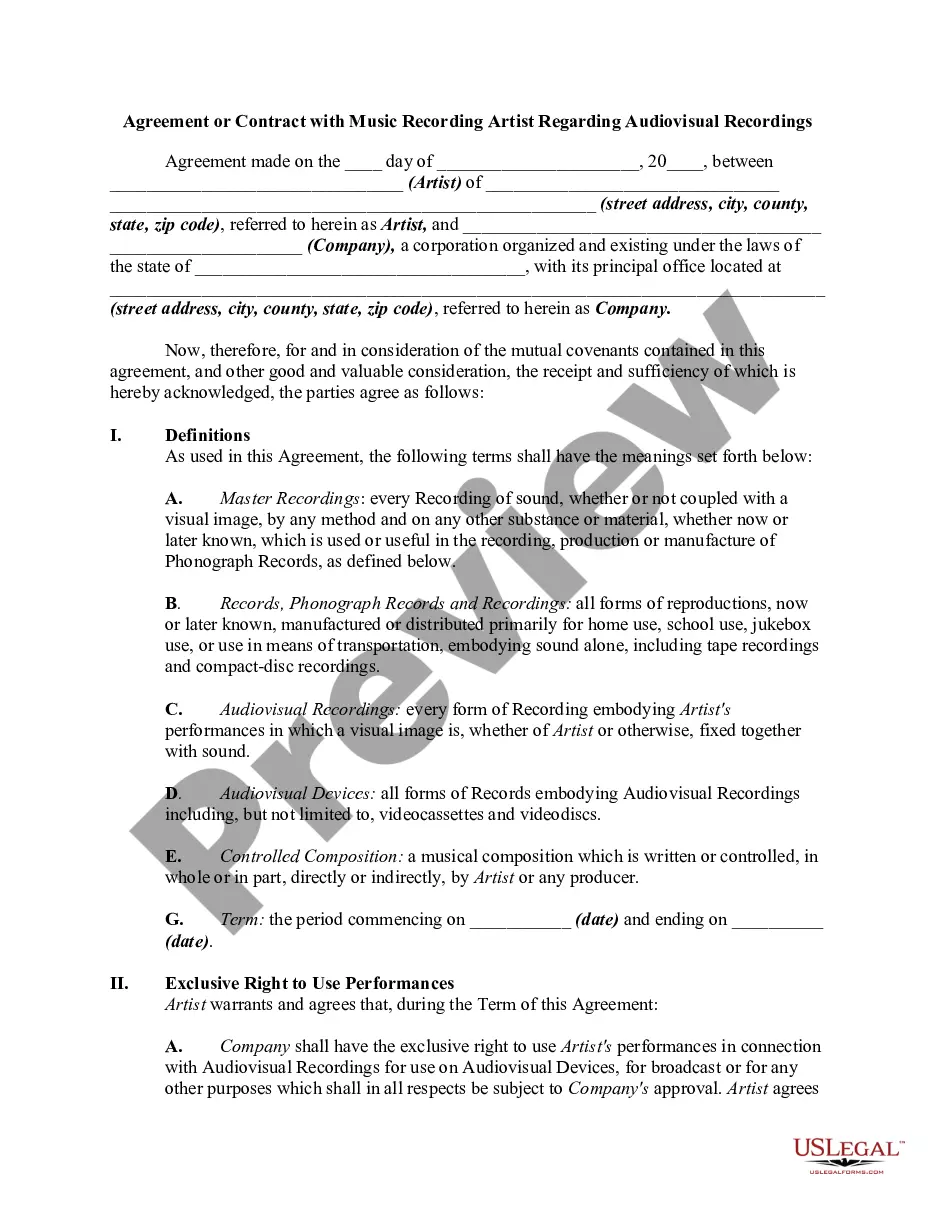
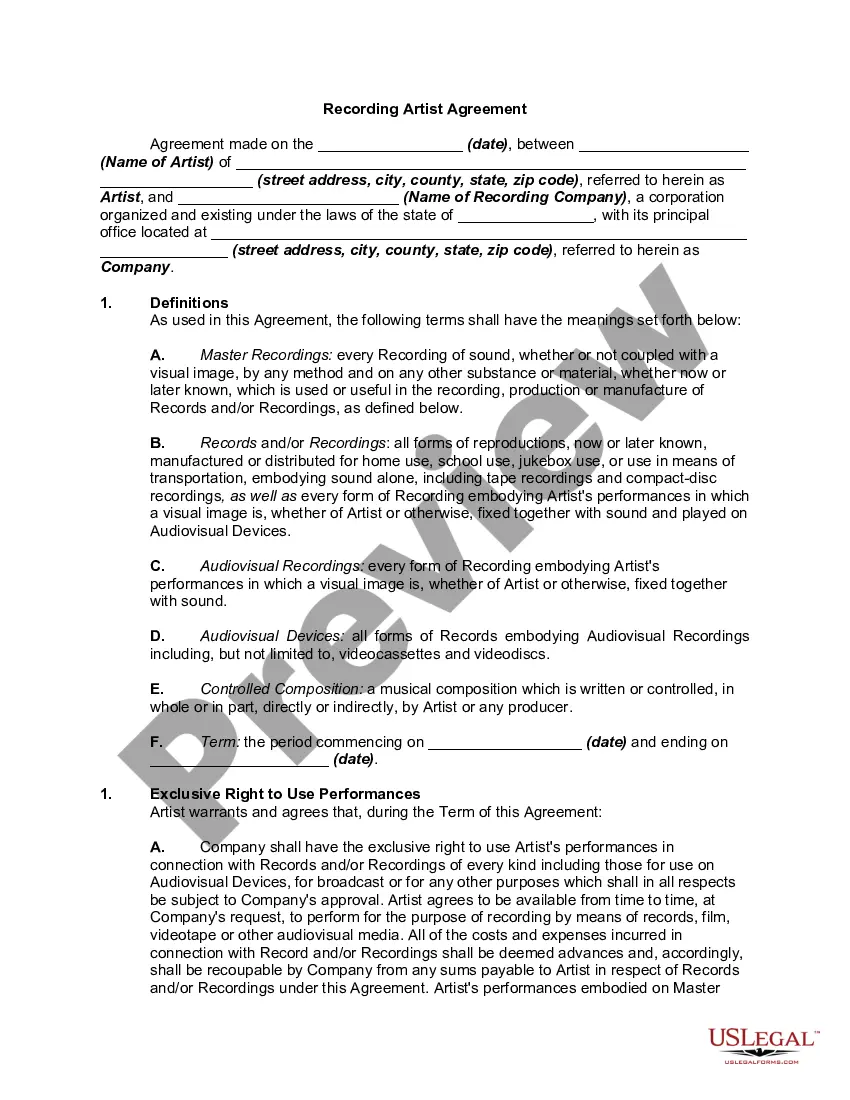
Record Label Contract With Artist
Description
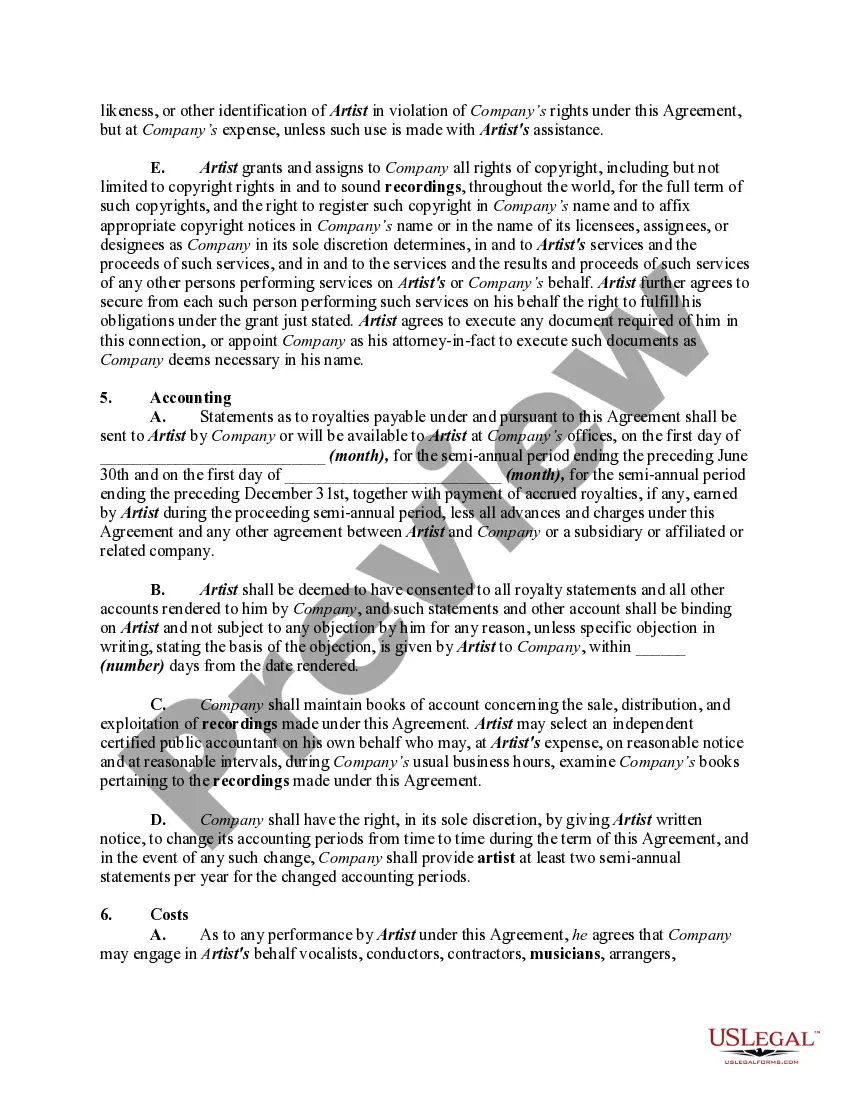
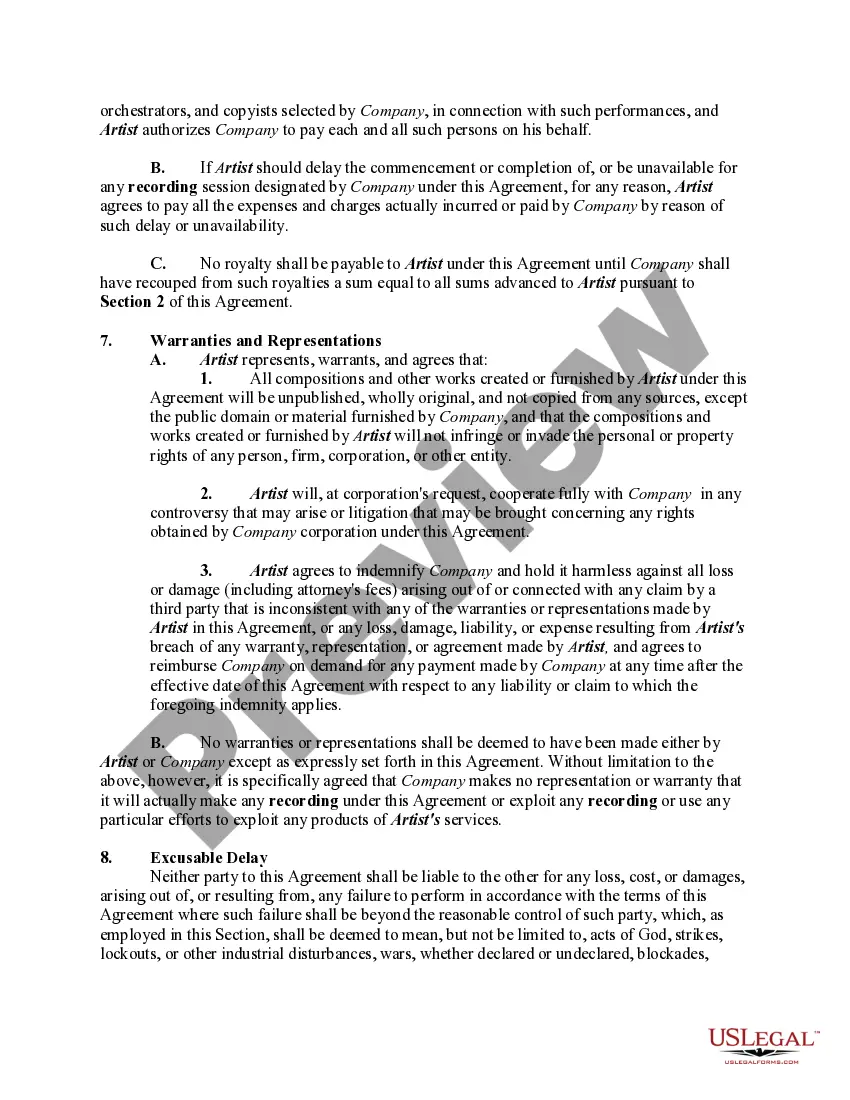
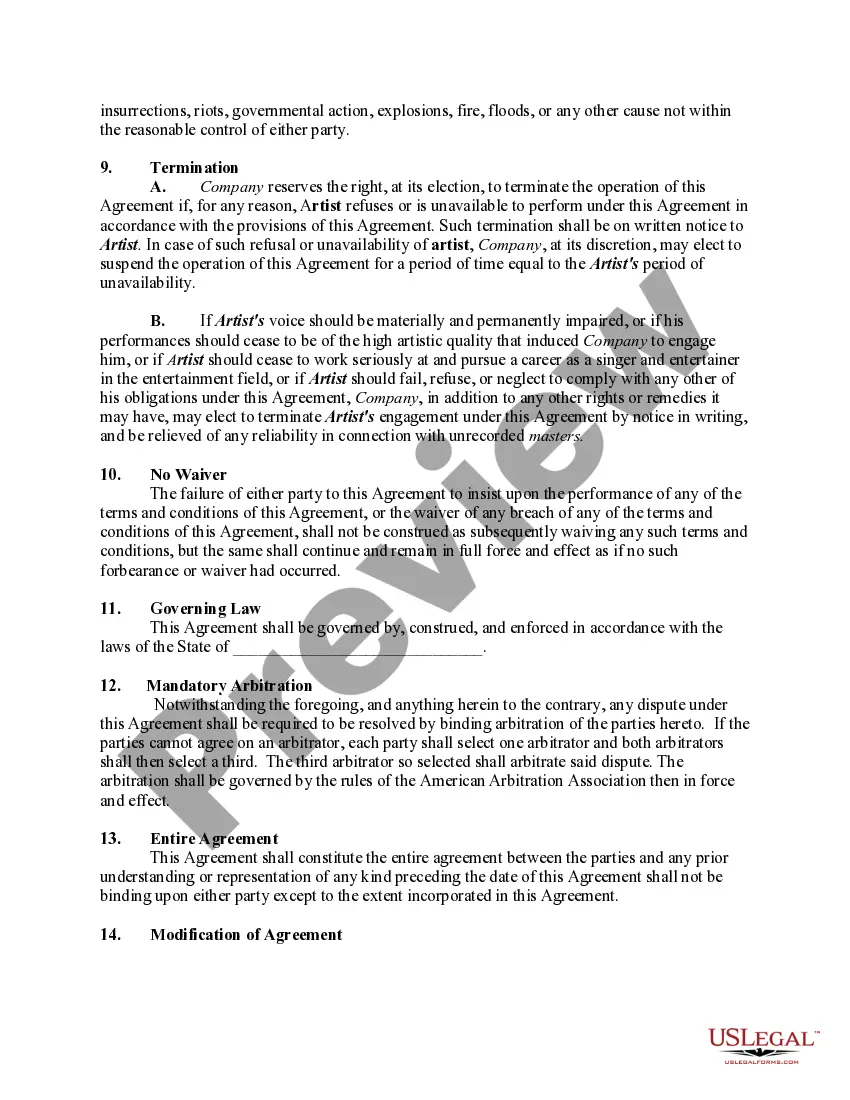
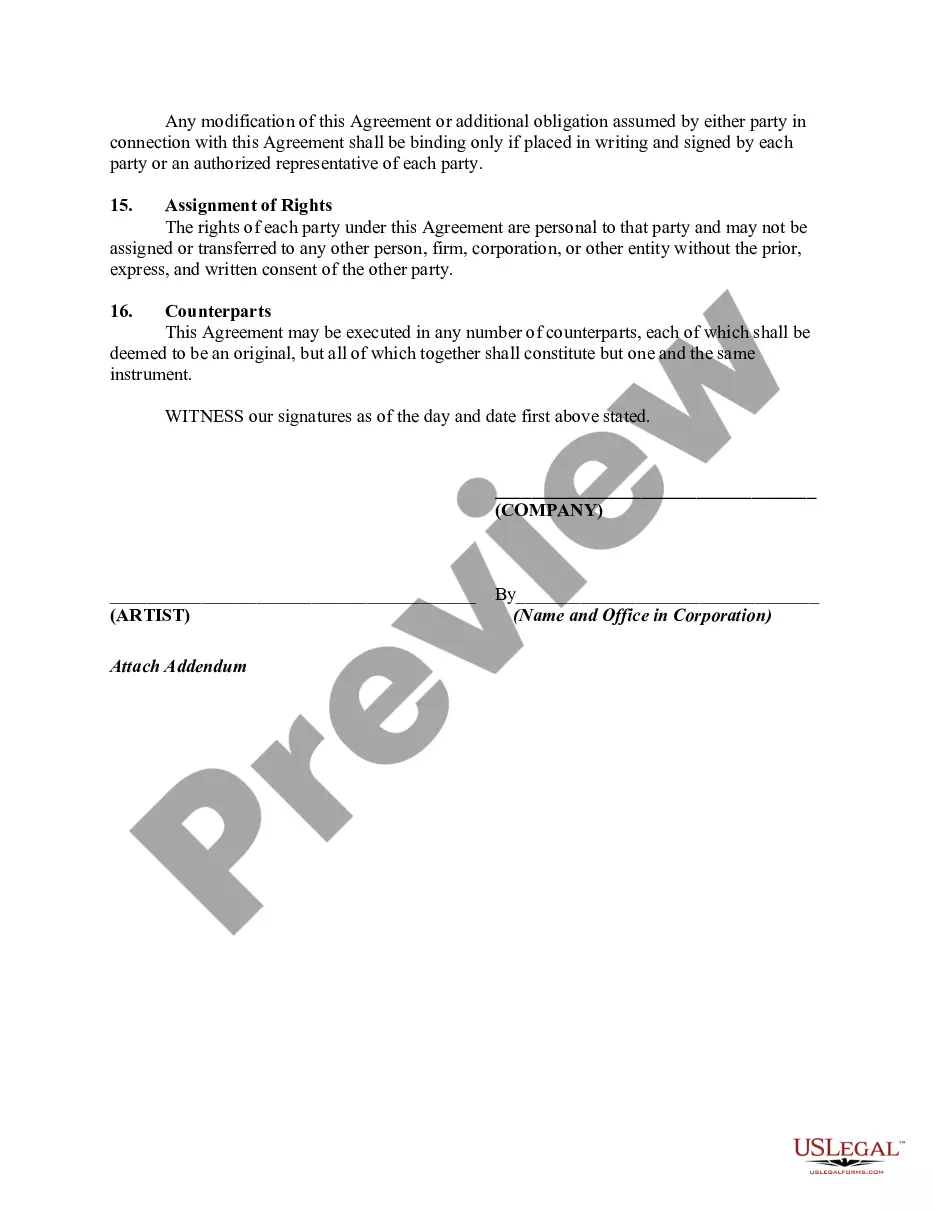
Get your form ready online
Our built-in tools help you complete, sign, share, and store your documents in one place.
Make edits, fill in missing information, and update formatting in US Legal Forms—just like you would in MS Word.
Download a copy, print it, send it by email, or mail it via USPS—whatever works best for your next step.
Sign and collect signatures with our SignNow integration. Send to multiple recipients, set reminders, and more. Go Premium to unlock E-Sign.
If this form requires notarization, complete it online through a secure video call—no need to meet a notary in person or wait for an appointment.
We protect your documents and personal data by following strict security and privacy standards.

Make edits, fill in missing information, and update formatting in US Legal Forms—just like you would in MS Word.

Download a copy, print it, send it by email, or mail it via USPS—whatever works best for your next step.

Sign and collect signatures with our SignNow integration. Send to multiple recipients, set reminders, and more. Go Premium to unlock E-Sign.

If this form requires notarization, complete it online through a secure video call—no need to meet a notary in person or wait for an appointment.

We protect your documents and personal data by following strict security and privacy standards.
Looking for another form?

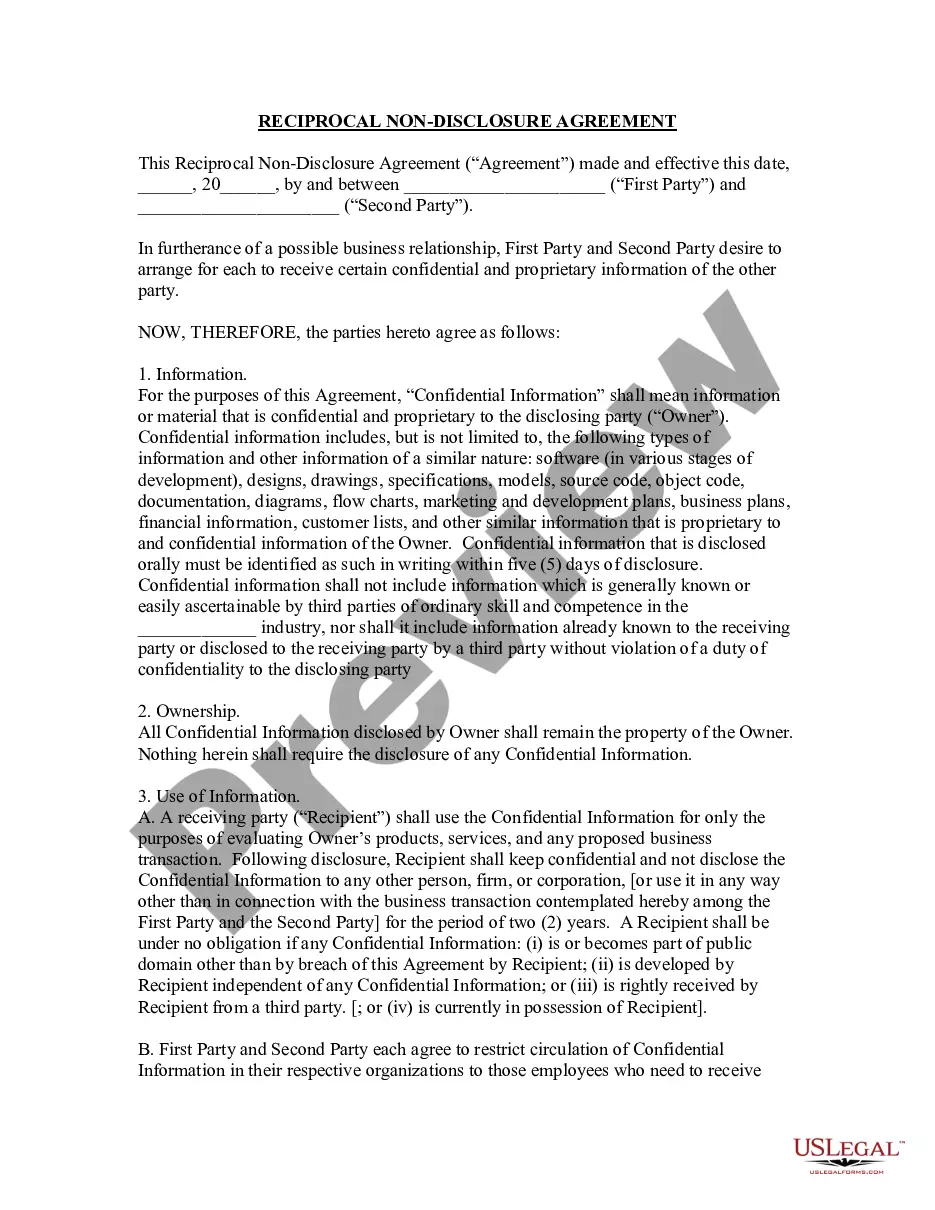
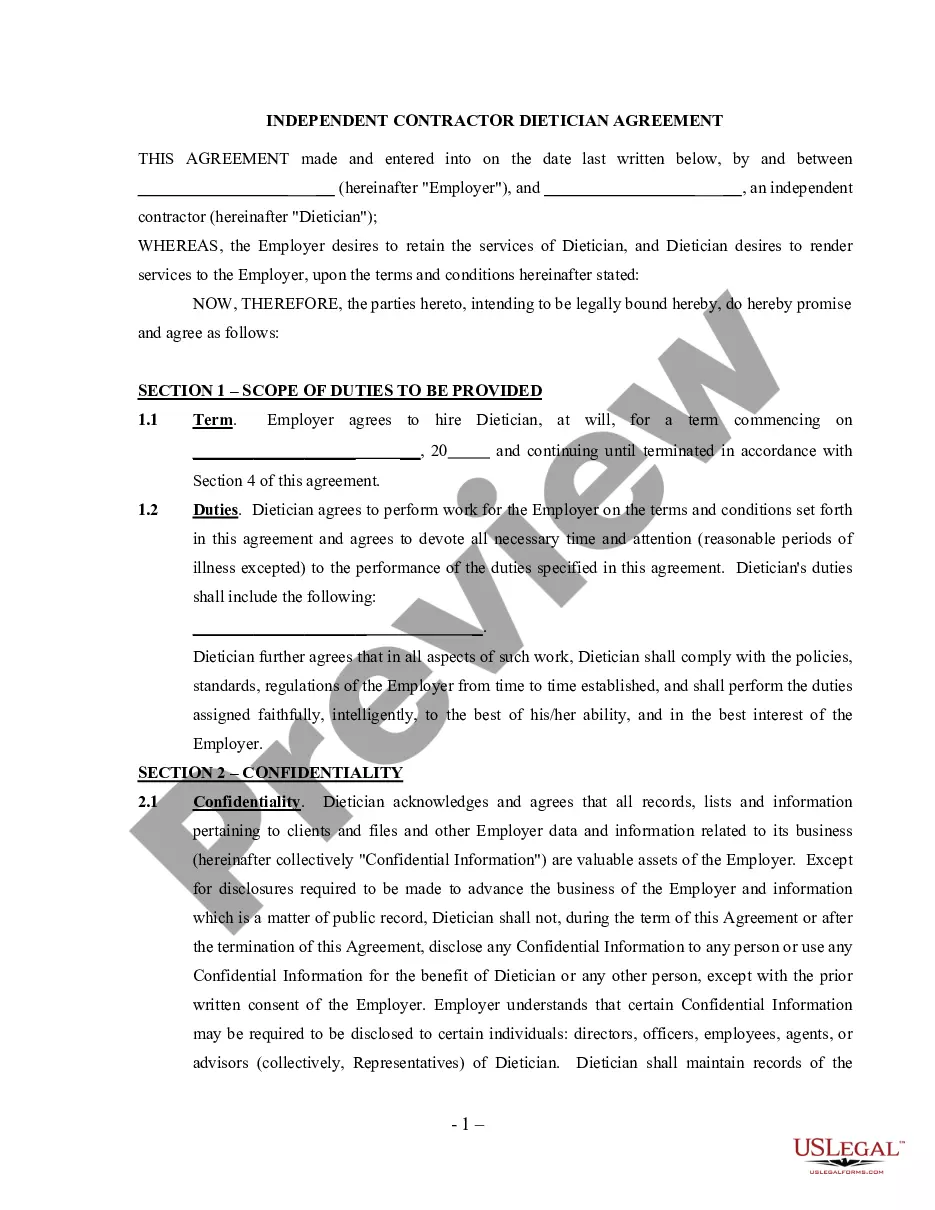
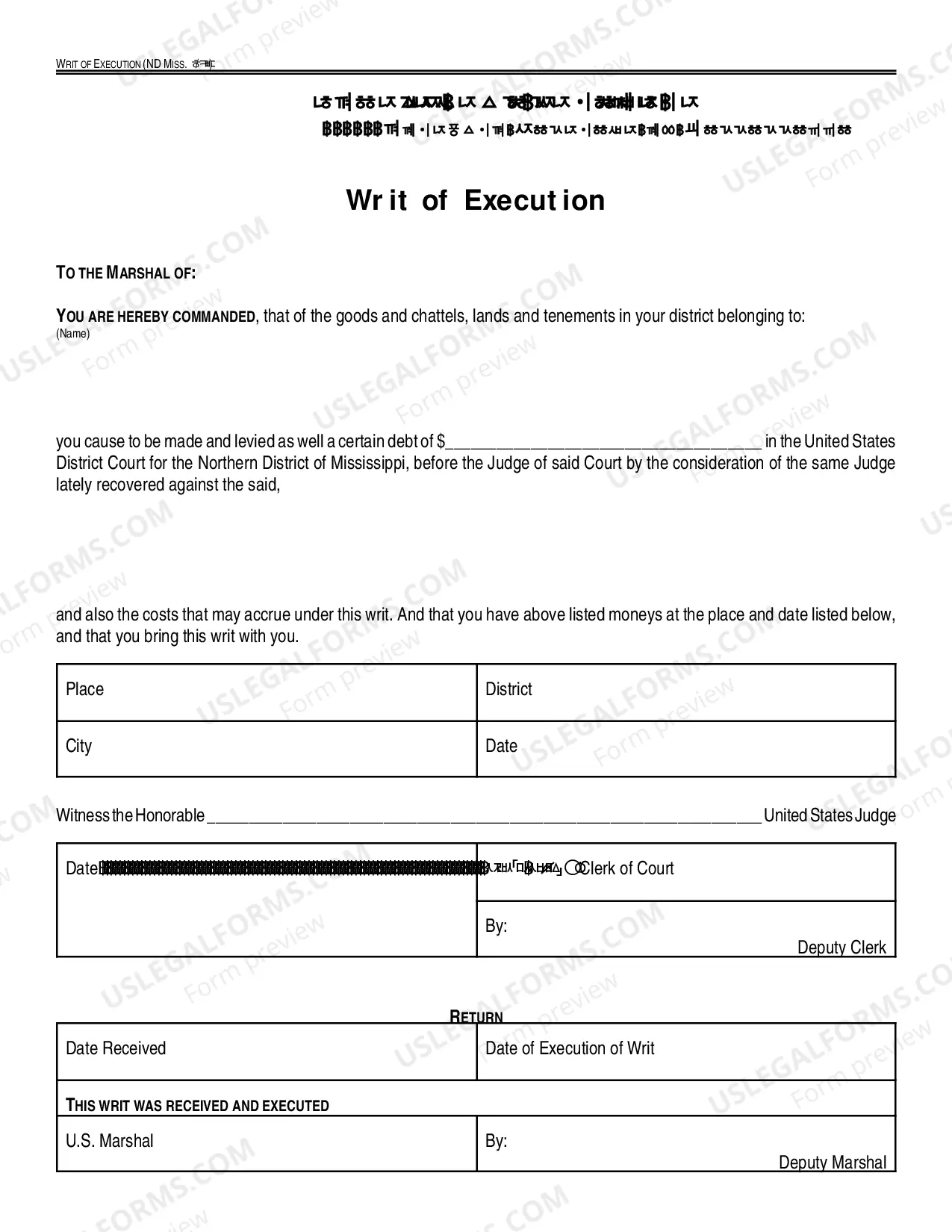
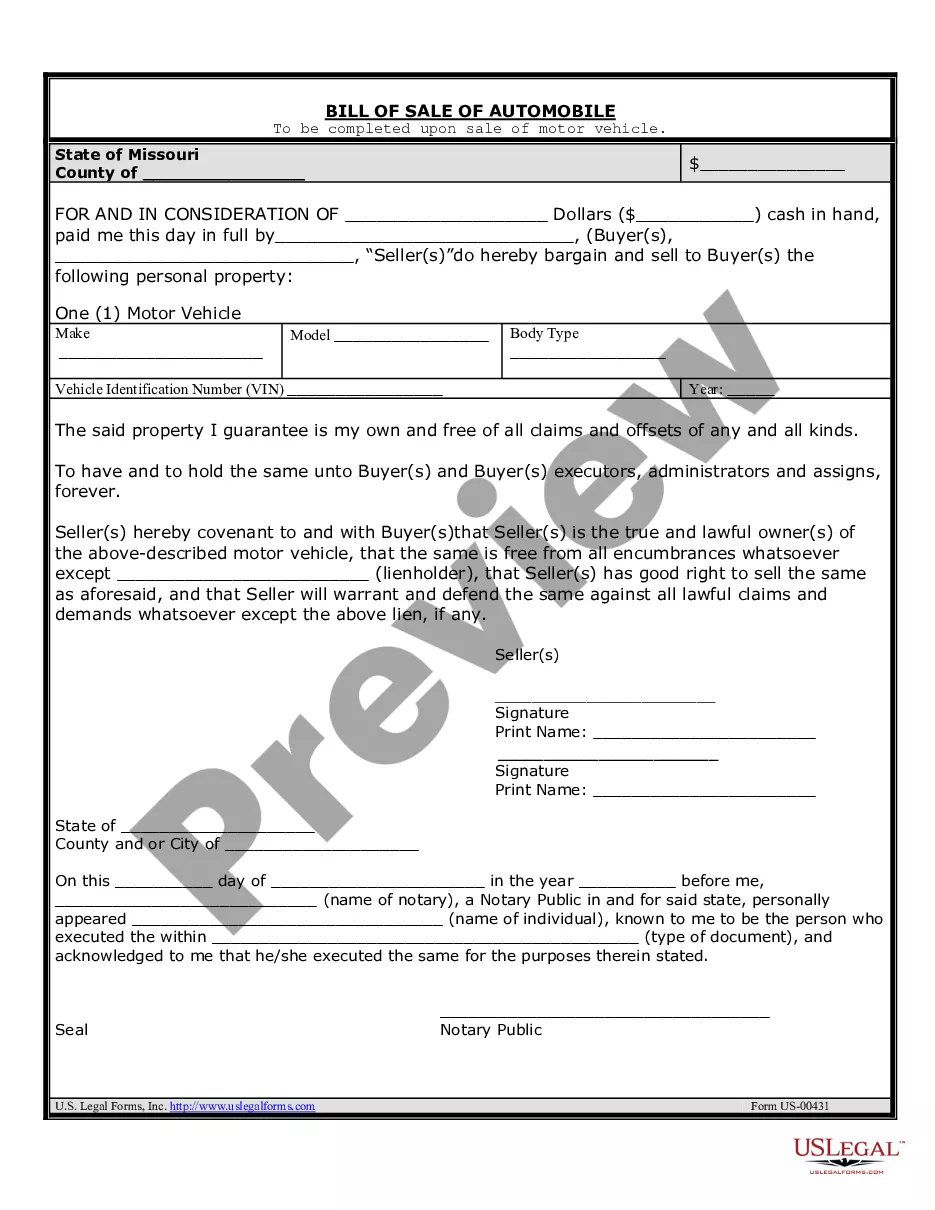

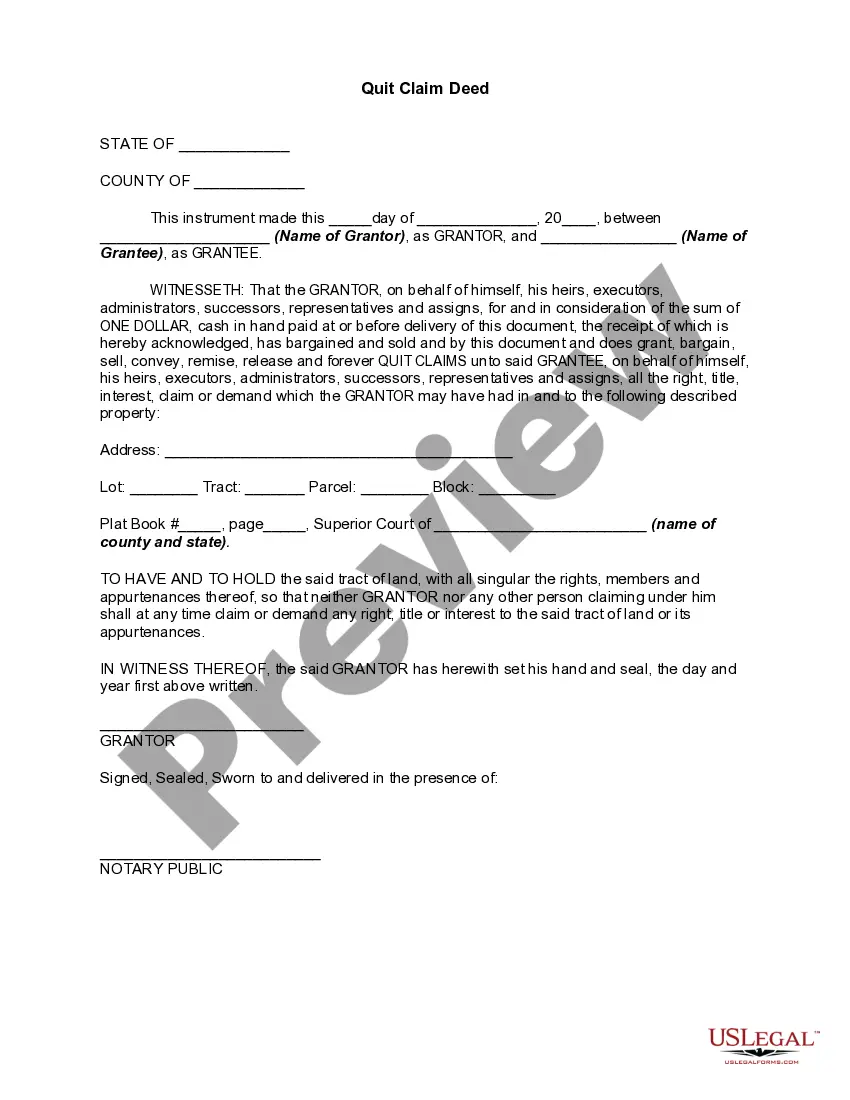
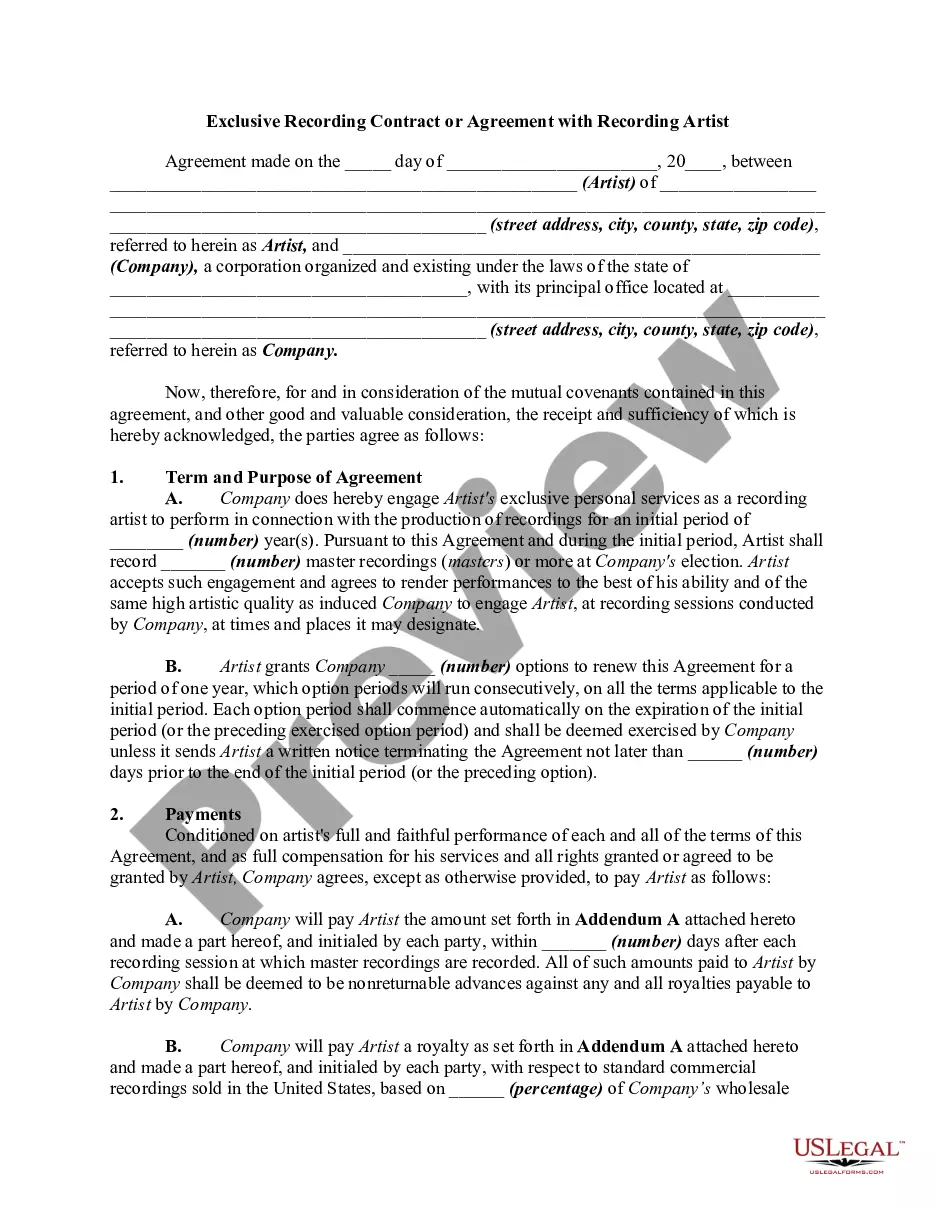
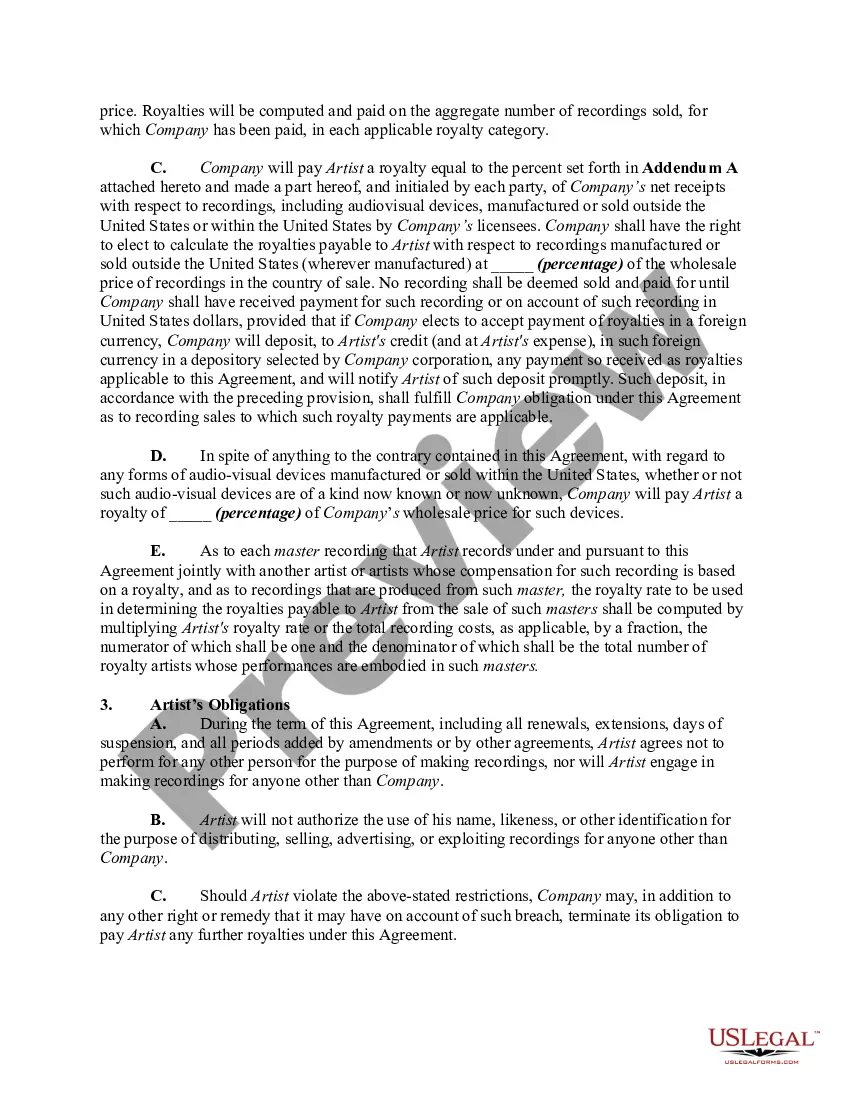
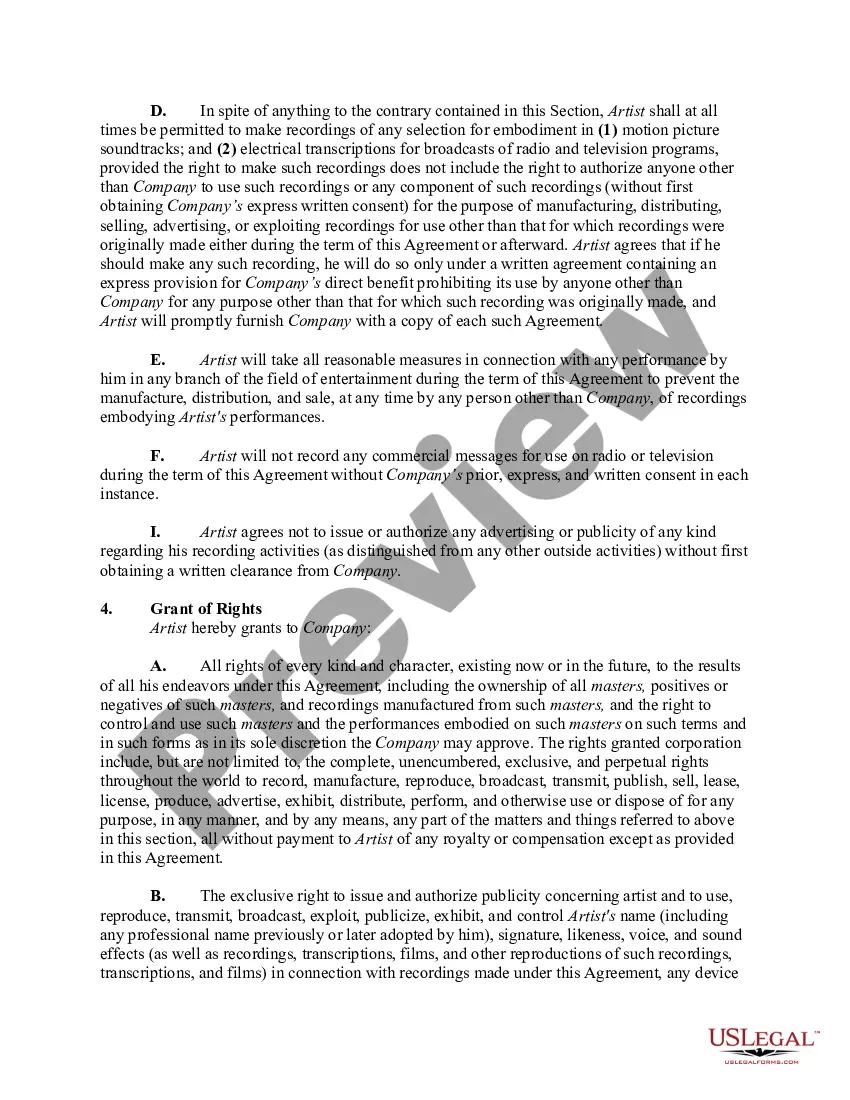
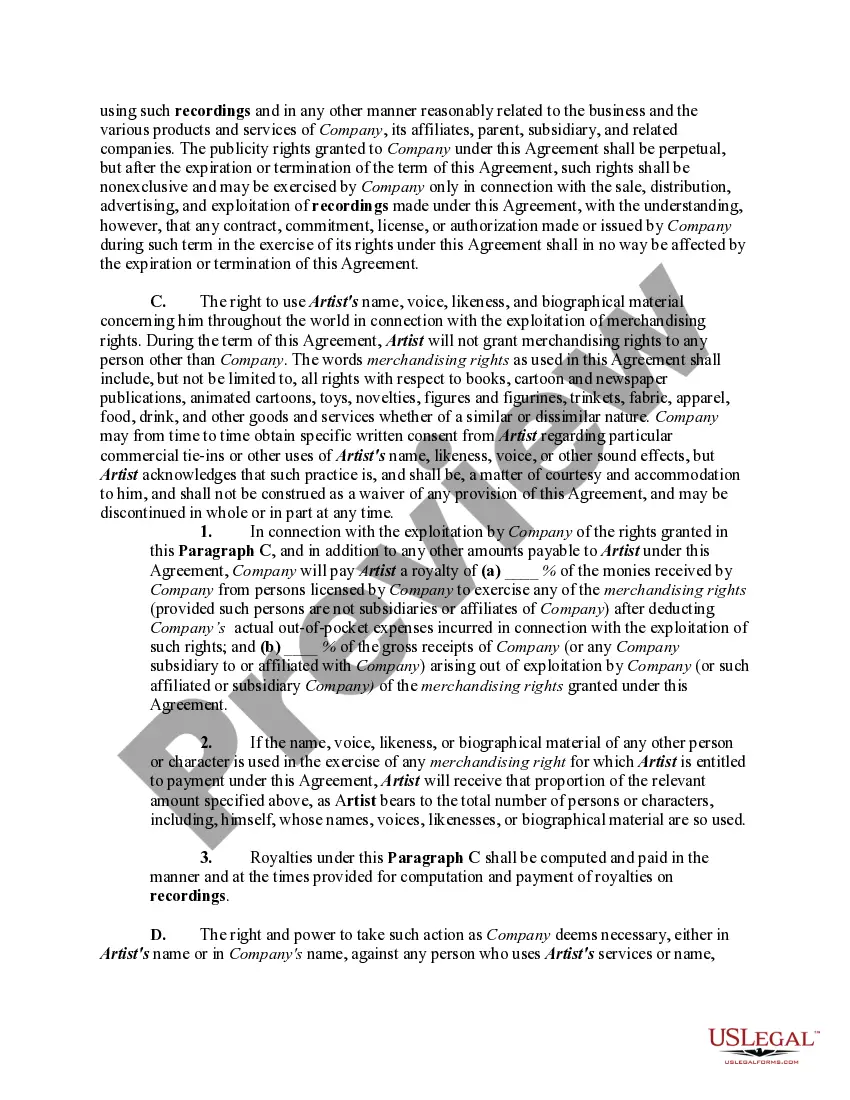
How to fill out Exclusive Recording Contract Or Agreement With Recording Artist?
Utilizing legal document examples that adhere to national and regional laws is crucial, and the web provides numerous alternatives to choose from.
However, what is the benefit of spending time searching for the properly drafted Record Label Agreement With Artist example online when the US Legal Forms digital library already houses such templates in one location.
US Legal Forms is the top online legal repository featuring over 85,000 fillable forms created by legal professionals for any business and personal situation. They are straightforward to navigate, as all documents are organized by state and intended use.
All templates you find through US Legal Forms are reuseable. To re-download and fill out previously saved forms, access the My documents section in your account. Take advantage of the most comprehensive and user-friendly legal document service!
- Our specialists stay updated with legal amendments, ensuring your documents are current and compliant when acquiring a Record Label Agreement With Artist from our site.
- Acquiring a Record Label Agreement With Artist is simple and quick for both existing and new users.
- If you already possess an account with a valid subscription, Log In and acquire the document example you need in the appropriate format.
- If you're new to our platform, adhere to the instructions below.
- Review the template using the Preview feature or through the text description to confirm it fulfills your requirements.
Form popularity
FAQ
In contrary as occurs with Google Documents, Sheets and Slides, Google Forms doesn't have the revision history feature. Unfortunately Google Drive doesn't keep revisions of Google Forms either.
Forms History lets you see if changes have been made to a Google Form, create back-up versions, and access previous copies. Use Forms History if: 1) You would like to see if someone has modified a Google Form. 2) You want to create and access back-up copies of Google Forms.
I'm afraid to inform you that version history feature for Microsoft Forms is not yet available but this feature is currently up for a vote for a possible future implementation. You may check on this link for more information: ...
Google Forms does not have version history like Google Docs or Sheets. When you delete responses in Google Forms, it will be deleted permanently. The deleted form responses cannot be restored later.
Microsoft Forms supports multiple levels of Undo and Redo commands. This means you can undo a series of actions, not just a single action. CTRL+Z is the shortcut key for Undo; CTRL+Y is the shortcut key for Redo. You cannot undo or redo layering commands, such as Send To Back or Bring To Front.
If you make changes to your form, it will not affect the form link used to collect responses. The link will remain the same. If you make changes to existing questions and answer choices in google forms, it might affect the submitted responses already recorded in google forms.
Once you've made your changes, click the Undo button at the top right of the page. This looks like a curved arrow pointing to the left. When you click this button, your changes will be undone.