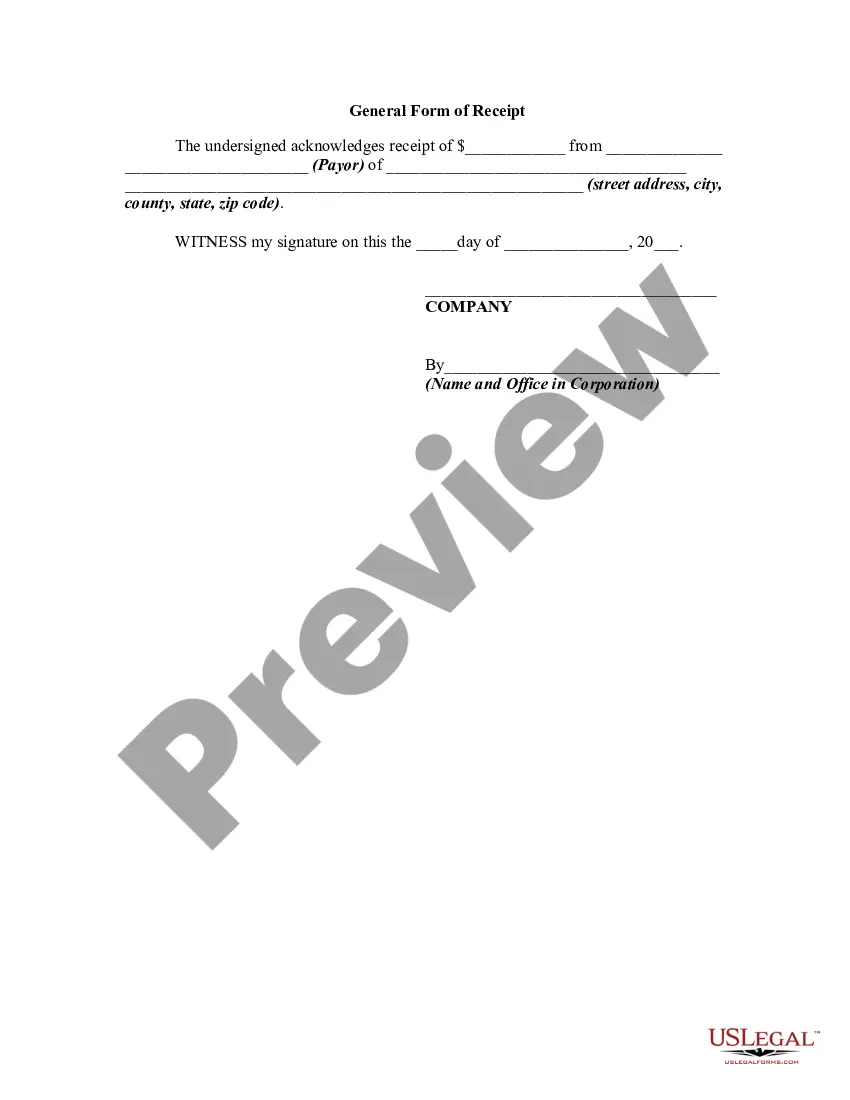
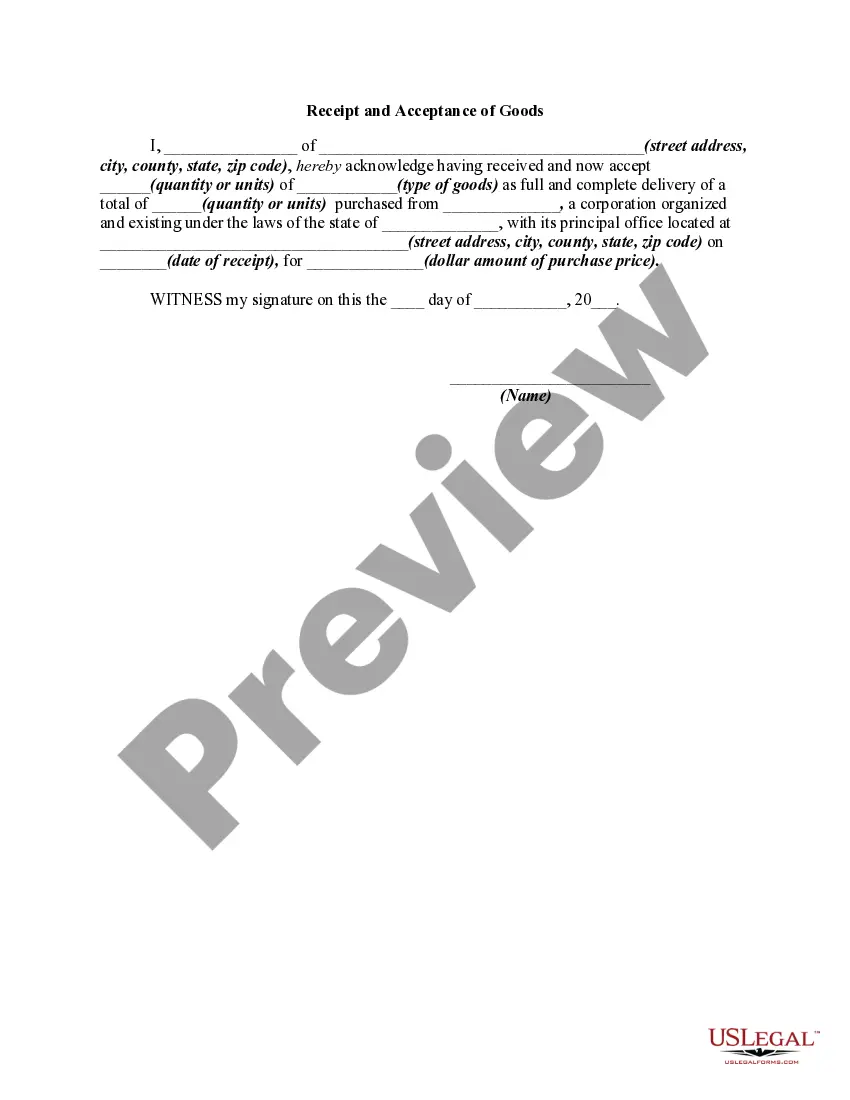
General Receipt Without
Description
Get your form ready online
Our built-in tools help you complete, sign, share, and store your documents in one place.
Make edits, fill in missing information, and update formatting in US Legal Forms—just like you would in MS Word.
Download a copy, print it, send it by email, or mail it via USPS—whatever works best for your next step.
Sign and collect signatures with our SignNow integration. Send to multiple recipients, set reminders, and more. Go Premium to unlock E-Sign.
If this form requires notarization, complete it online through a secure video call—no need to meet a notary in person or wait for an appointment.
We protect your documents and personal data by following strict security and privacy standards.

Make edits, fill in missing information, and update formatting in US Legal Forms—just like you would in MS Word.

Download a copy, print it, send it by email, or mail it via USPS—whatever works best for your next step.

Sign and collect signatures with our SignNow integration. Send to multiple recipients, set reminders, and more. Go Premium to unlock E-Sign.

If this form requires notarization, complete it online through a secure video call—no need to meet a notary in person or wait for an appointment.

We protect your documents and personal data by following strict security and privacy standards.
Looking for another form?
How to fill out General Form Of Receipt?
Obtaining legal document samples that meet the federal and state laws is crucial, and the internet offers many options to choose from. But what’s the point in wasting time searching for the correctly drafted General Receipt Without sample on the web if the US Legal Forms online library already has such templates accumulated in one place?
US Legal Forms is the biggest online legal library with over 85,000 fillable templates drafted by attorneys for any business and life situation. They are simple to browse with all papers collected by state and purpose of use. Our experts keep up with legislative updates, so you can always be confident your form is up to date and compliant when acquiring a General Receipt Without from our website.
Obtaining a General Receipt Without is fast and simple for both current and new users. If you already have an account with a valid subscription, log in and save the document sample you require in the preferred format. If you are new to our website, follow the instructions below:
- Analyze the template using the Preview option or through the text outline to make certain it meets your requirements.
- Browse for another sample using the search tool at the top of the page if needed.
- Click Buy Now when you’ve found the suitable form and select a subscription plan.
- Register for an account or log in and make a payment with PayPal or a credit card.
- Select the best format for your General Receipt Without and download it.
All templates you find through US Legal Forms are multi-usable. To re-download and fill out previously saved forms, open the My Forms tab in your profile. Take advantage of the most extensive and simple-to-use legal paperwork service!
Form popularity
FAQ
If you don't have a booklet on hand, you can simply handwrite receipts on a piece of paper and photocopy them. Make sure that the carbon paper is between the original and the copy before starting to write a receipt.
No matter how you're making your receipt, every receipt you issue should include: The number, date, and time of the purchase. Invoice number or receipt number. The number of items purchased and price totals. The name and location of the business the items have been bought from. Any tax charged. The method of payment.
Fill out the date and your business's contact information on the top lines. Write down the items or services the person purchased along with descriptions and prices. Add the prices together and calculate the total after taxes, fees, or discounts. Sign the bottom of the receipt on the signature line.
Important Details Included on a Receipt Business name and business address. Company phone number or email. Payment date and time. Transaction number. Additional fees or sales tax. Brief description of the product/s or service description. Payment method (cash, cheque, or credit/debit card)
How to write a receipt - YouTube YouTube Start of suggested clip End of suggested clip So i will write for lock rental. Here with the circles. Most often it will be cash or check. But ifMoreSo i will write for lock rental. Here with the circles. Most often it will be cash or check. But if the student is paying in cash.