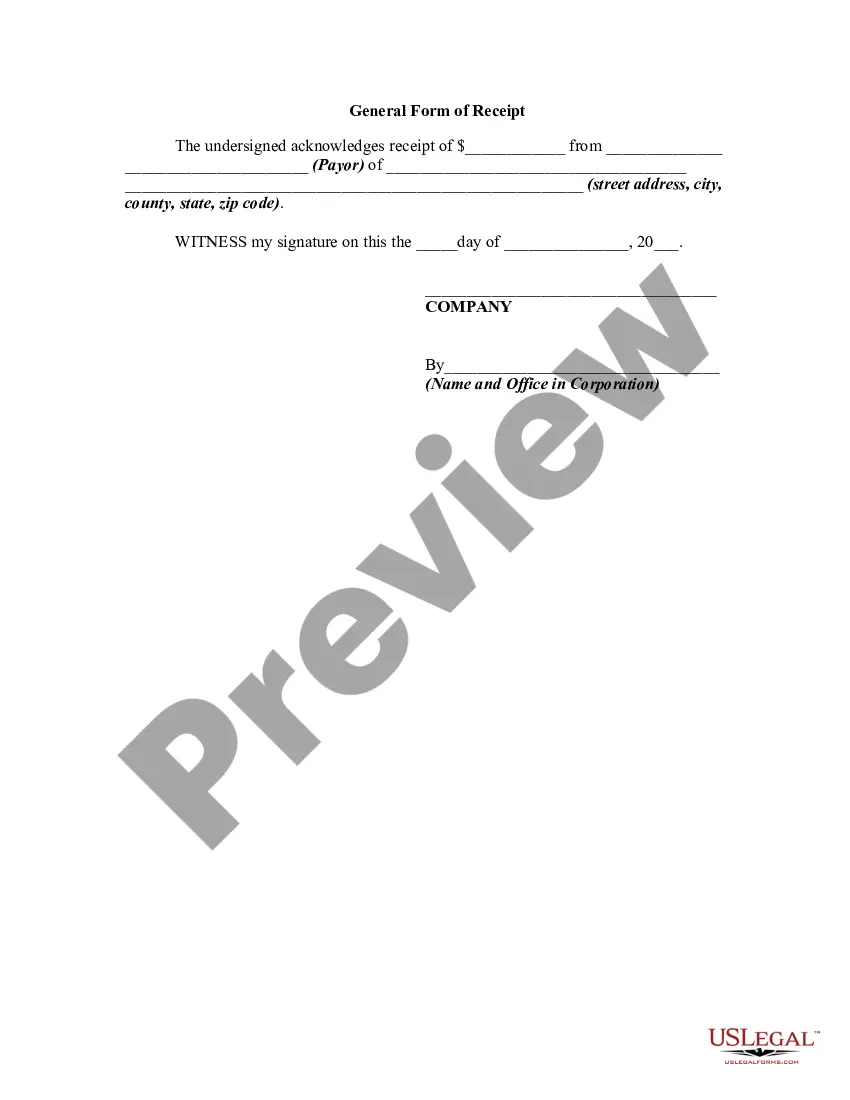
General Receipt Template For Google Docs
Description
Get your form ready online
Our built-in tools help you complete, sign, share, and store your documents in one place.
Make edits, fill in missing information, and update formatting in US Legal Forms—just like you would in MS Word.
Download a copy, print it, send it by email, or mail it via USPS—whatever works best for your next step.
Sign and collect signatures with our SignNow integration. Send to multiple recipients, set reminders, and more. Go Premium to unlock E-Sign.
If this form requires notarization, complete it online through a secure video call—no need to meet a notary in person or wait for an appointment.
We protect your documents and personal data by following strict security and privacy standards.

Make edits, fill in missing information, and update formatting in US Legal Forms—just like you would in MS Word.

Download a copy, print it, send it by email, or mail it via USPS—whatever works best for your next step.

Sign and collect signatures with our SignNow integration. Send to multiple recipients, set reminders, and more. Go Premium to unlock E-Sign.

If this form requires notarization, complete it online through a secure video call—no need to meet a notary in person or wait for an appointment.

We protect your documents and personal data by following strict security and privacy standards.
Looking for another form?


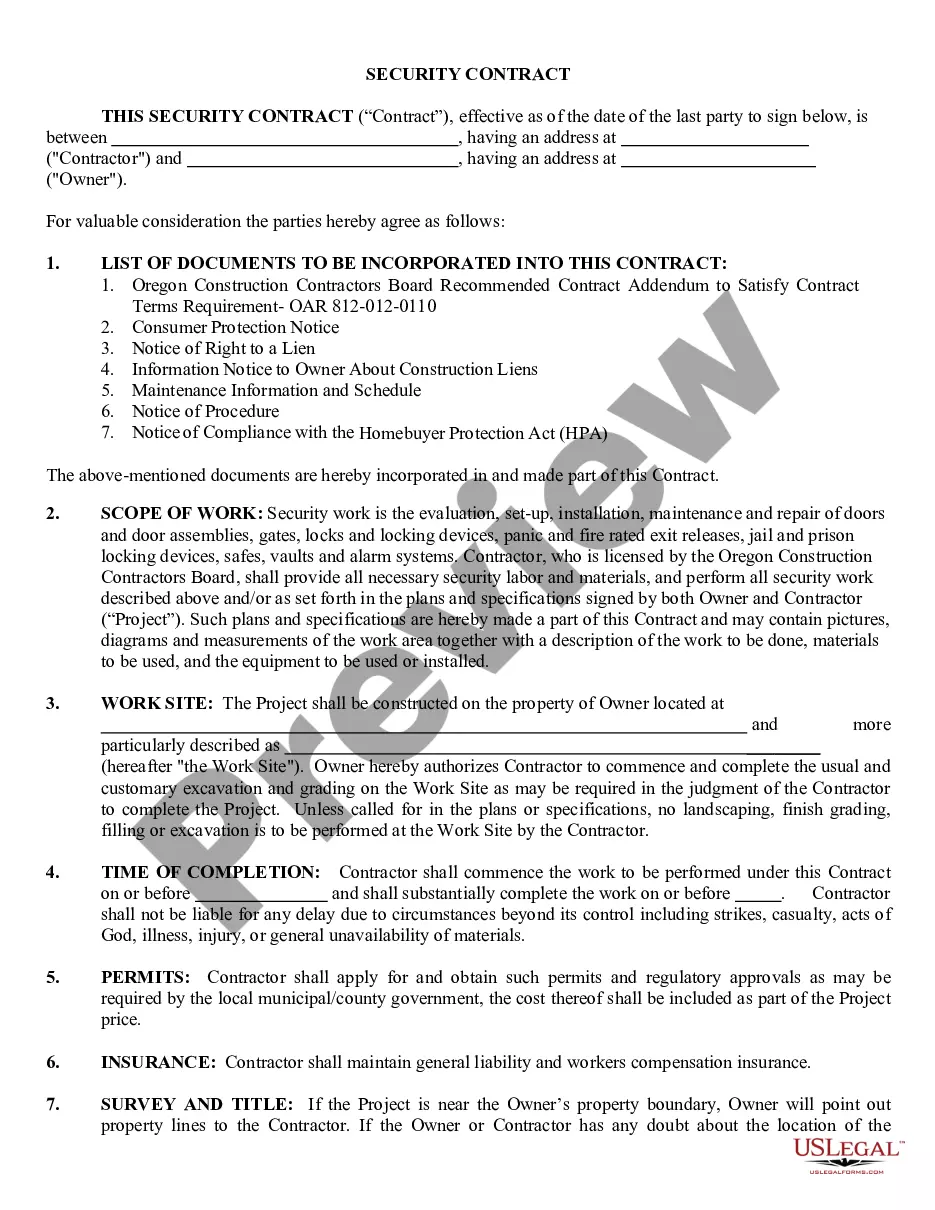
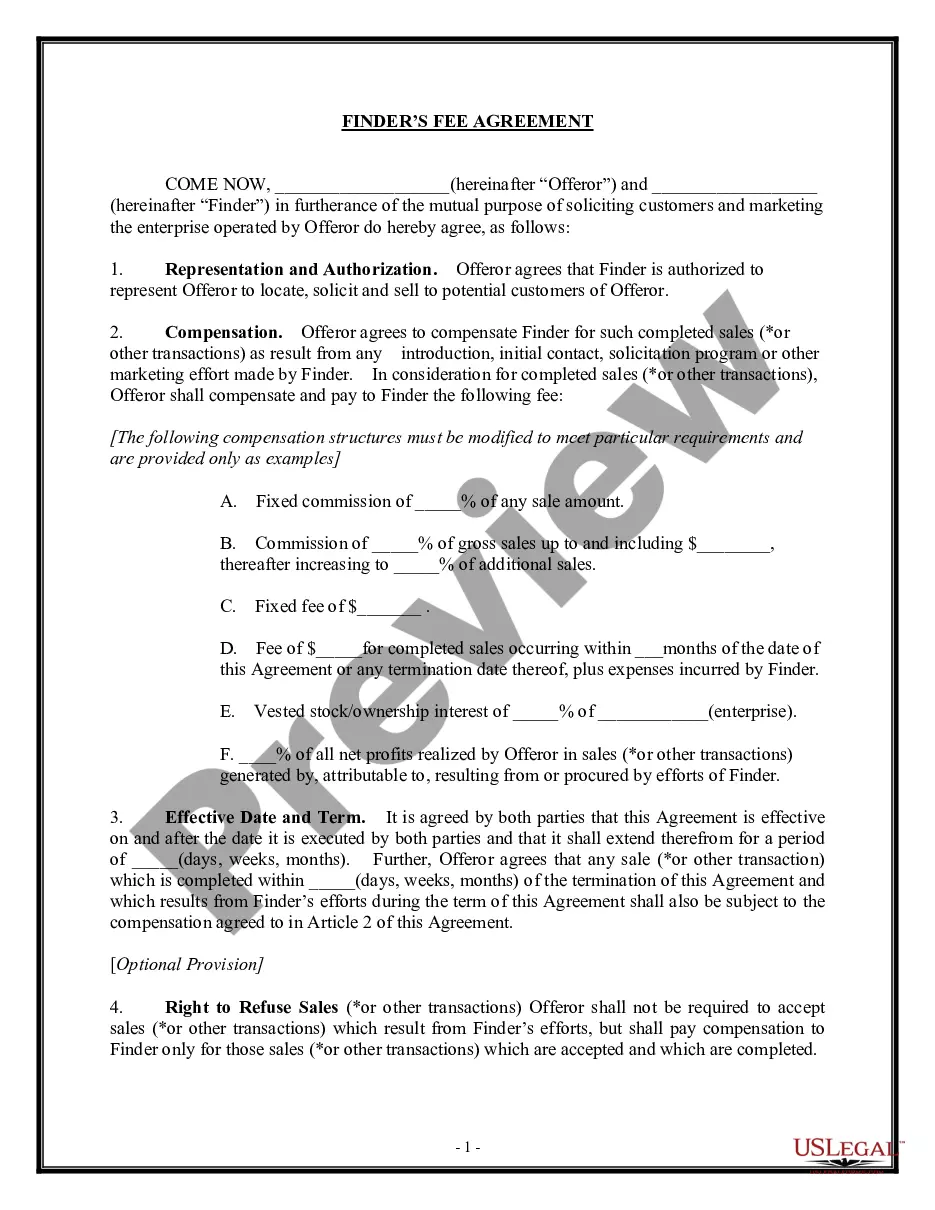
How to fill out General Form Of Receipt?
Acquiring legal document samples that comply with federal and state regulations is crucial, and the web provides numerous choices to select from.
However, what’s the purpose of spending time looking for the suitable General Receipt Template For Google Docs example online when the US Legal Forms digital library already houses such templates in one location.
US Legal Forms is the largest online legal repository with over 85,000 editable templates created by attorneys for any business and personal scenario.
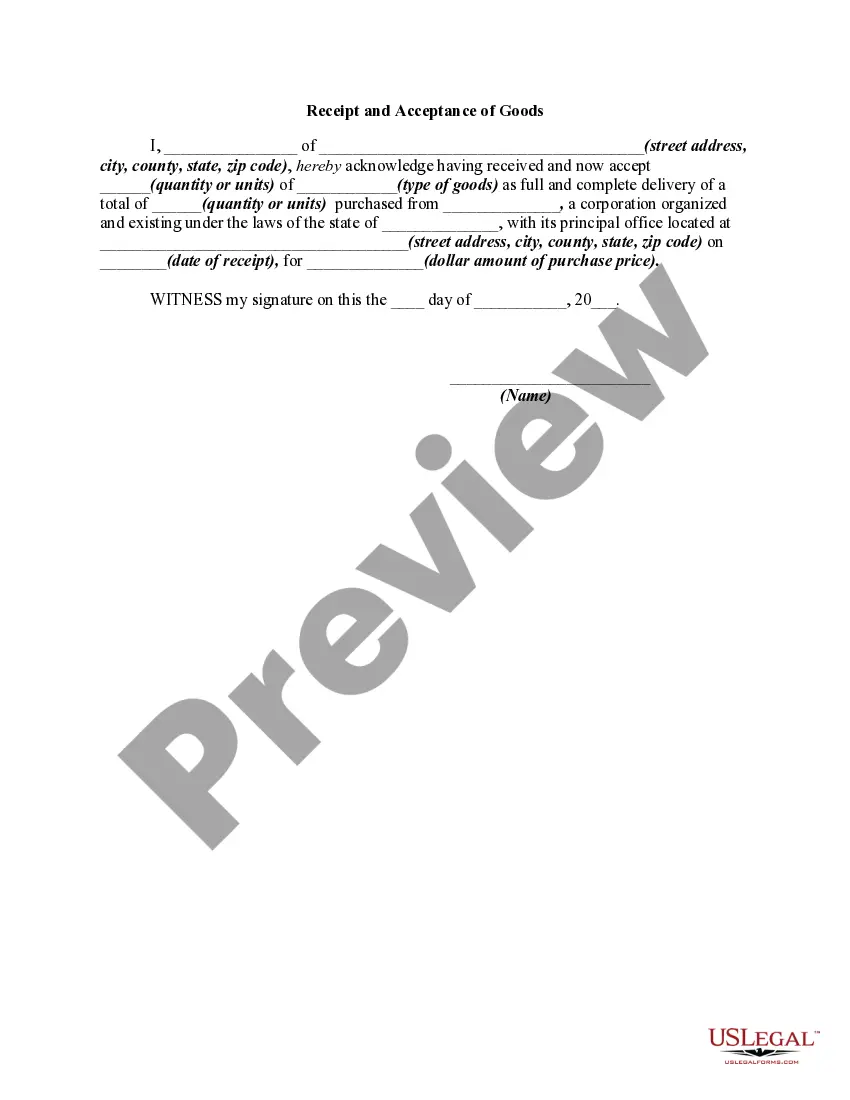
Examine the template using the Preview option or through the text outline to ensure it meets your requirements.
- They are simple to navigate with all documents categorized by state and intended use.
- Our experts keep abreast of legal changes, ensuring your form is always current and compliant when acquiring a General Receipt Template For Google Docs from our site.
- Getting a General Receipt Template For Google Docs is fast and straightforward for both existing and new users.
- If you already possess an account with an active subscription, Log In and save the document sample you need in your chosen format.
- If you are unfamiliar with our platform, follow the steps outlined below.
Form popularity
FAQ
Typically it will show: the date and time of the purchase. the number of items purchased and price totals. the name and location of the business the items have been bought from. Any VAT charged. method of payment. returns policy.
Create professional invoices in Google Docs by following this simple step-by-step guide: Log in to Your Google Account. ... Choose Your Google Docs Template. ... Save the Template to Your Google Drive Account. ... Edit the Invoice Template. ... Create a New Invoice. ... Edit the Invoice. ... Choose an Invoice Naming Convention.
How to Add a Fill in the Blank Line in Google Docs - YouTube YouTube Start of suggested clip End of suggested clip Then type in name. And then drag the cell in smaller for the name. And then for the blank you canMoreThen type in name. And then drag the cell in smaller for the name. And then for the blank you can drag it in as well we're in a table now and then we get rid of the outline.
Create your receipt in Google Docs Our free receipt templates for Google Docs are fully customizable, easy to use, and can be shared, saved and printed. Choose the template you like best, and add your business details, to create a professional receipt in no time at all.
How to create a fillable form in Google Docs Sign in. ... Click "New." Click on the "New" button in the upper left corner of your screen. ... Navigate to the drop-down menu. ... Click "Untitled form." Once a form template opens in a separate tab, click into the text box labeled "Untitled form" and give your form a name.