Reservation Rights Download For Mac
Description

Get your form ready online
Our built-in tools help you complete, sign, share, and store your documents in one place.
Make edits, fill in missing information, and update formatting in US Legal Forms—just like you would in MS Word.
Download a copy, print it, send it by email, or mail it via USPS—whatever works best for your next step.
Sign and collect signatures with our SignNow integration. Send to multiple recipients, set reminders, and more. Go Premium to unlock E-Sign.
If this form requires notarization, complete it online through a secure video call—no need to meet a notary in person or wait for an appointment.
We protect your documents and personal data by following strict security and privacy standards.

Make edits, fill in missing information, and update formatting in US Legal Forms—just like you would in MS Word.

Download a copy, print it, send it by email, or mail it via USPS—whatever works best for your next step.

Sign and collect signatures with our SignNow integration. Send to multiple recipients, set reminders, and more. Go Premium to unlock E-Sign.

If this form requires notarization, complete it online through a secure video call—no need to meet a notary in person or wait for an appointment.

We protect your documents and personal data by following strict security and privacy standards.
Looking for another form?
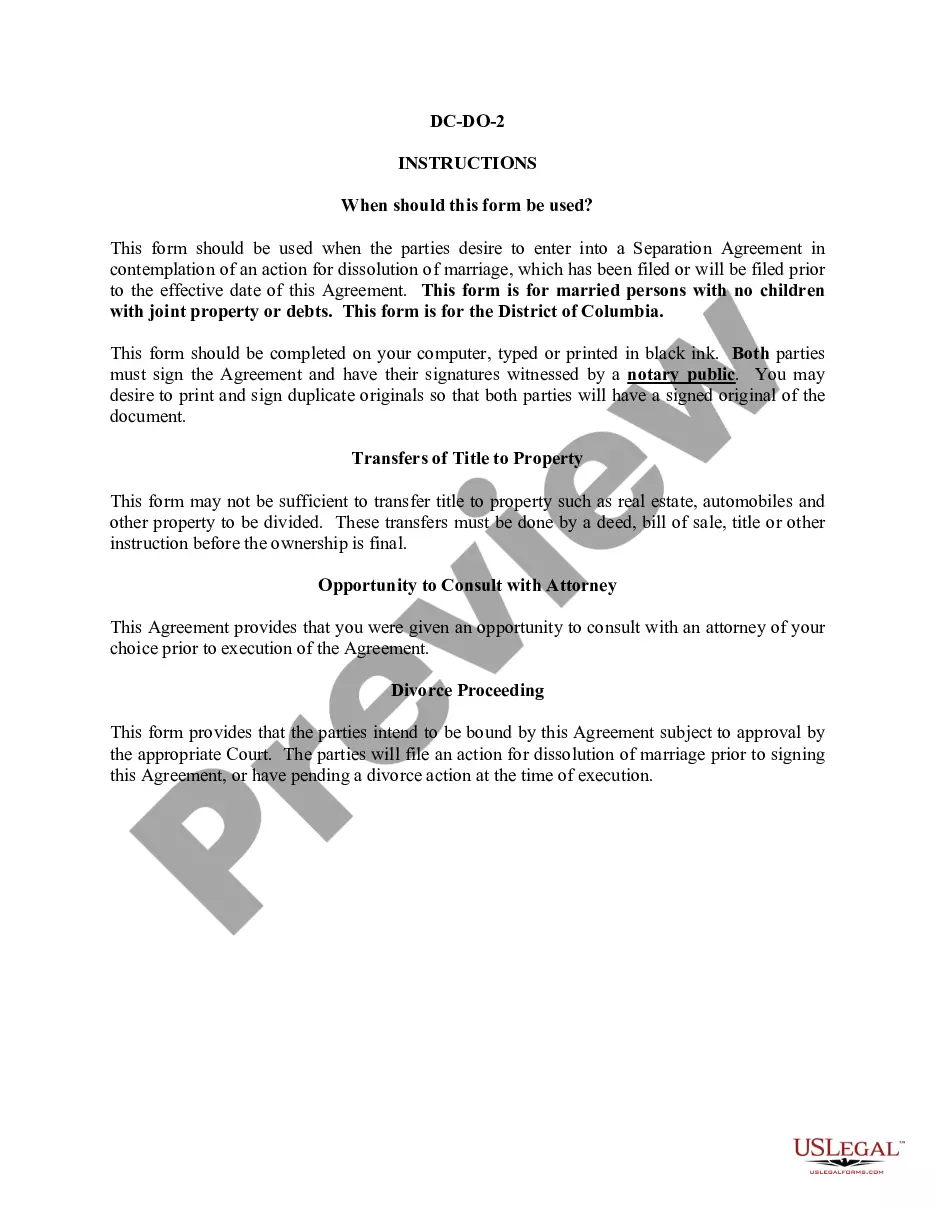
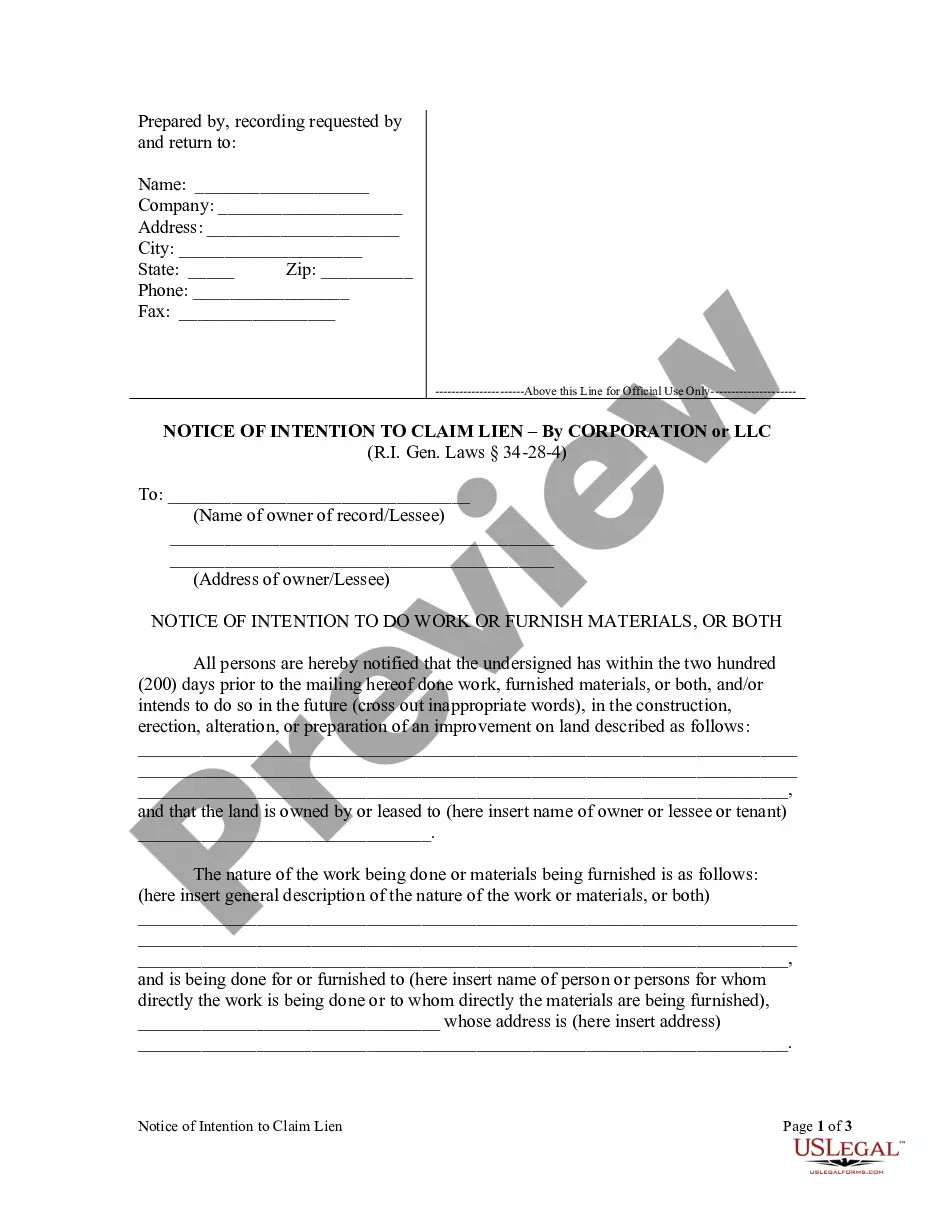
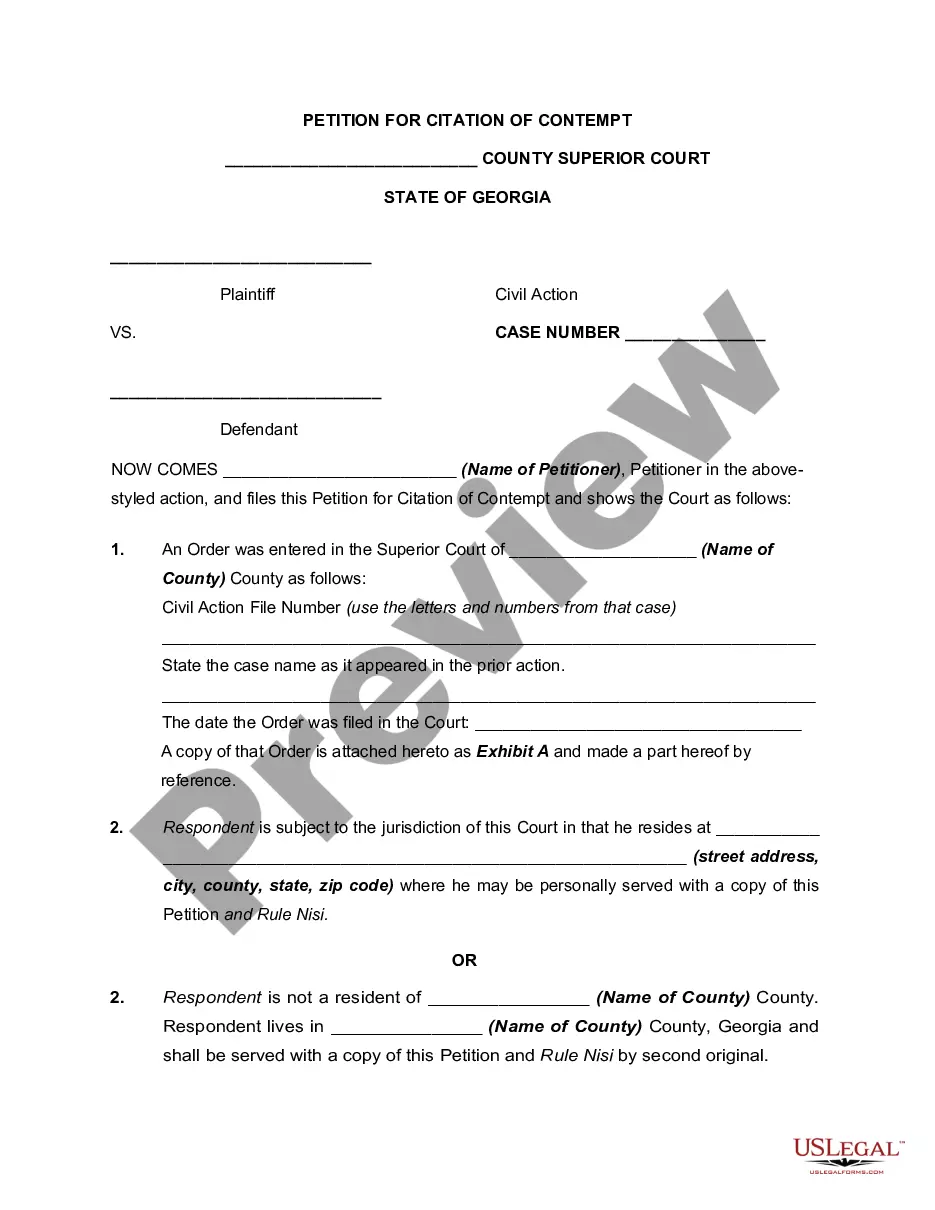
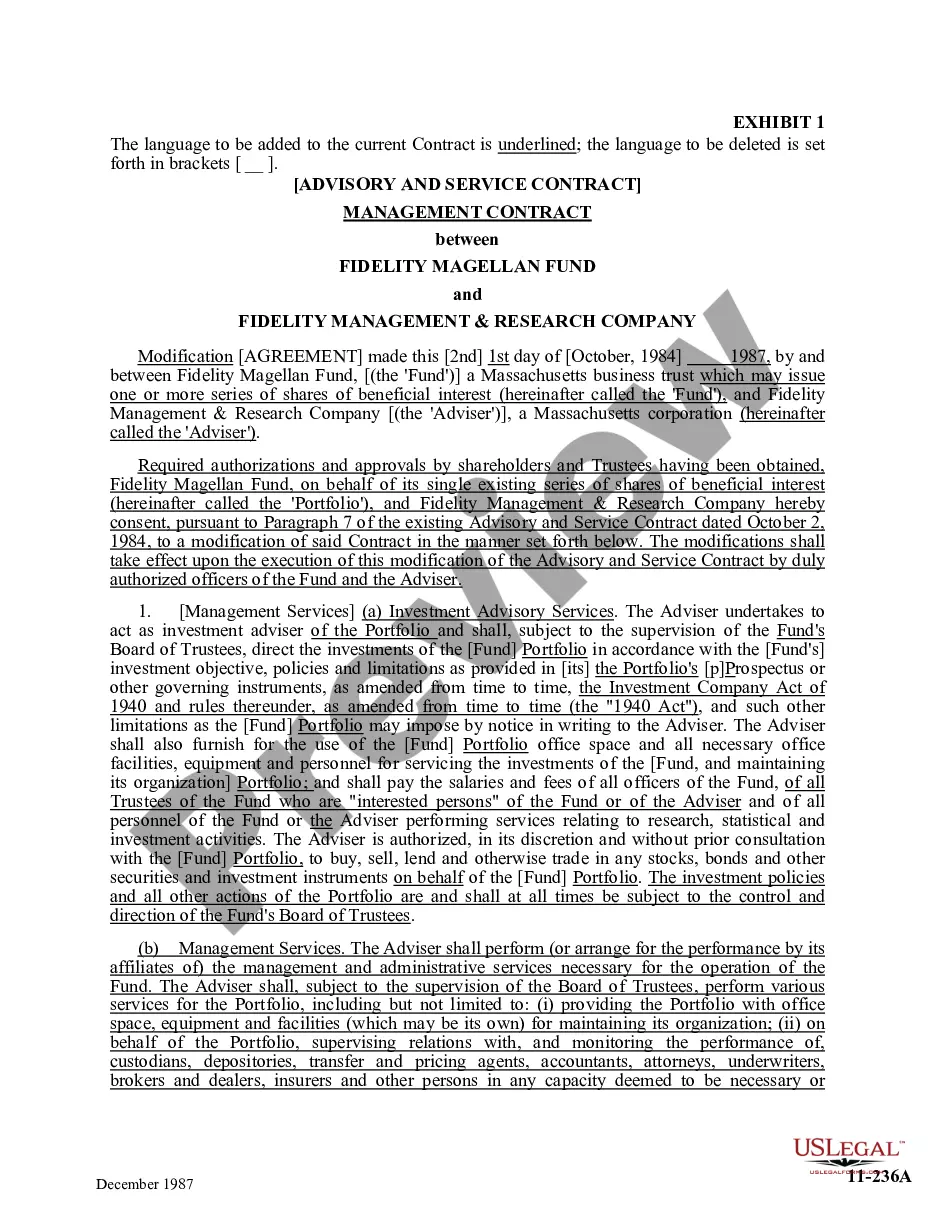

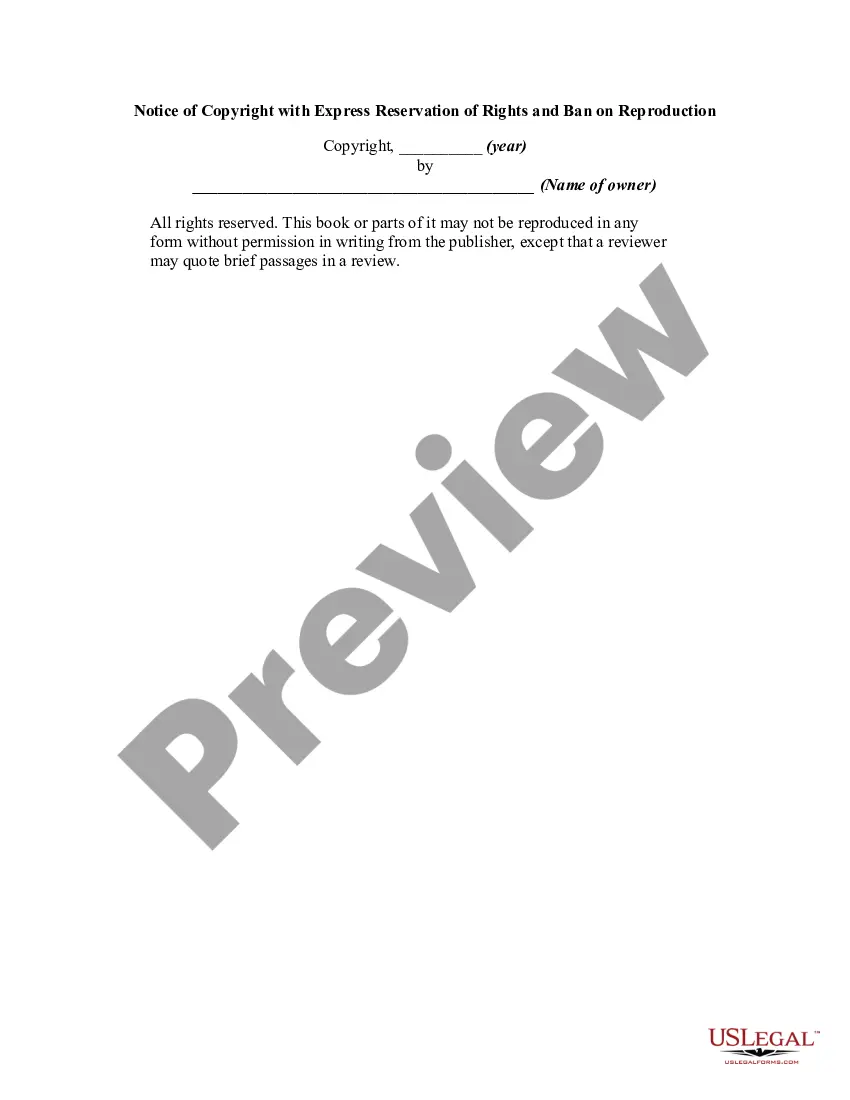
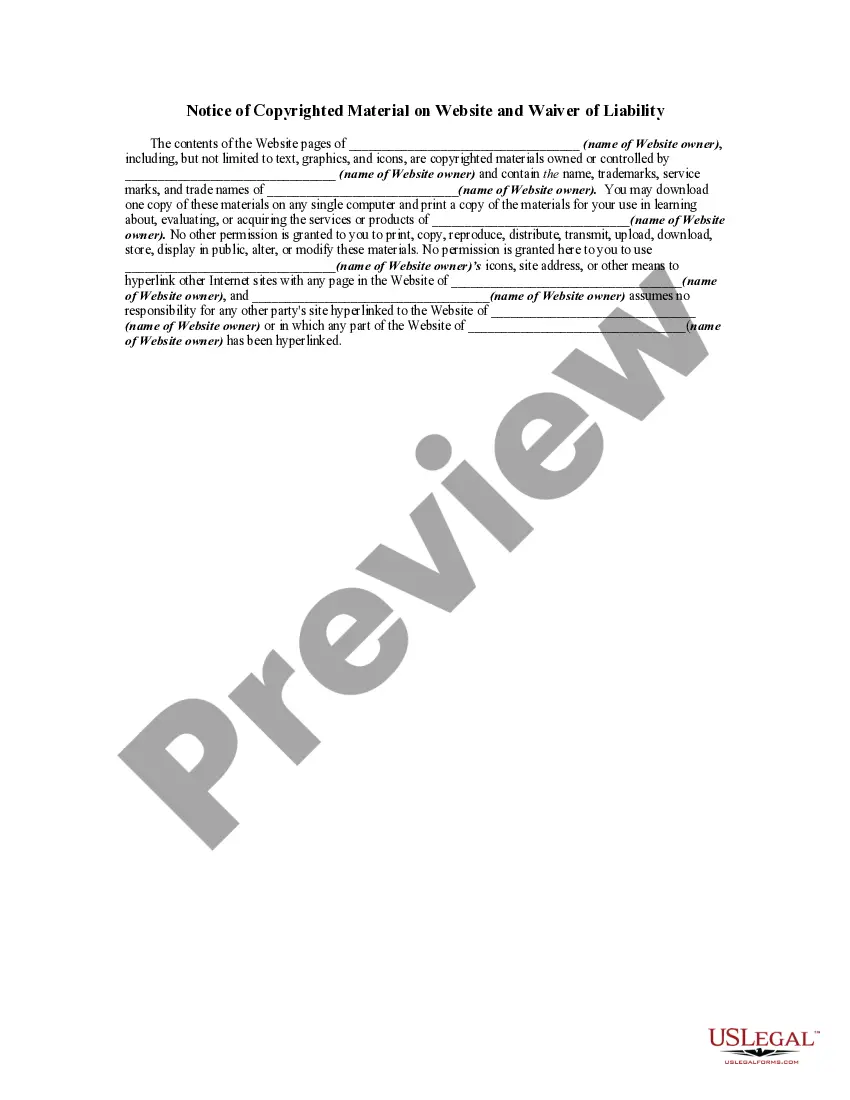
How to fill out Notice Of Copyright With Express Reservation Of Rights And Ban On Reproduction?
Handling legal documents and processes can be a lengthy addition to your whole day.
Reservation Rights Download For Mac and similar forms frequently necessitate that you look for them and navigate the ideal way to complete them accurately.
Consequently, regardless of whether you are managing financial, legal, or personal affairs, having a comprehensive and streamlined online collection of forms available will significantly help.
US Legal Forms is the premier online platform for legal templates, featuring over 85,000 state-specific forms and various tools to assist you in completing your documents effortlessly.
Is this your first time using US Legal Forms? Register and create a free account in just a few minutes and you'll gain access to the form library and Reservation Rights Download For Mac. Then, follow the steps outlined below to complete your form: Ensure you have found the right form using the Review function and examining the form details.
- Explore the collection of relevant documents accessible to you with just one click.
- US Legal Forms provides you with state- and county-specific forms available for download at any time.
- Safeguard your document management operations by utilizing a high-quality service that enables you to prepare any form in minutes without incurring extra or hidden charges.
- Simply Log In to your account, locate Reservation Rights Download For Mac, and obtain it immediately in the My documents section.
- You can also access forms that you have previously downloaded.
Form popularity
FAQ
To give permission to a file on a Mac, right-click the file and choose 'Get Info.' In the 'Sharing & Permissions' area, unlock it by clicking the padlock icon and entering the admin password. Adjust the settings for your user account or others to grant necessary permissions, facilitating processes like 'Reservation rights download for mac.'
To right-click download on a Mac, use either two fingers on your trackpad or press 'Control' while clicking the mouse. This action opens a context menu that may include a download option for files. By mastering these techniques, you can efficiently manage the downloads you need, including 'Reservation rights download for mac.'
You can obtain admin rights on your Mac by accessing 'System Preferences' and then 'Users & Groups.' Click the padlock icon, enter your password, and either create a new admin account or change your existing account to an admin account, which will enhance your ability to manage permissions, especially for 'Reservation rights download for mac.'
On your Mac, select a disk, folder, or file, then choose File > Get Info. If the information in Sharing & Permissions isn't visible, click the arrow . (You may also need to scroll down.) Select a user or group in the Name column, click the pop-up menu, then choose a privilege setting.
Download an item In the Safari app on your Mac, click anything identified as a download link, or Control-click an image or other object on the webpage. Choose Download Linked File.
Change the app security settings on your Mac In System Settings, click Privacy & Security. Then scroll down to Security. Under "Allow apps downloaded from," select an option:* App Store: Allow only apps that have been downloaded from the App Store.
Open Settings and tap Apps & notifications. Tap Permission manager to open the Android permission controller app. Click a specific permission from the app permissions list that you're interested in, like location.
Select "Security & Privacy" from the "System Preferences" window. Select the "General" tab, and select the lock in the lower left corner to allow changes. Enter your computer username and password, then select "Unlock." In the "Allow apps downloaded from:" section, select the radio button to the left of "Anywhere."