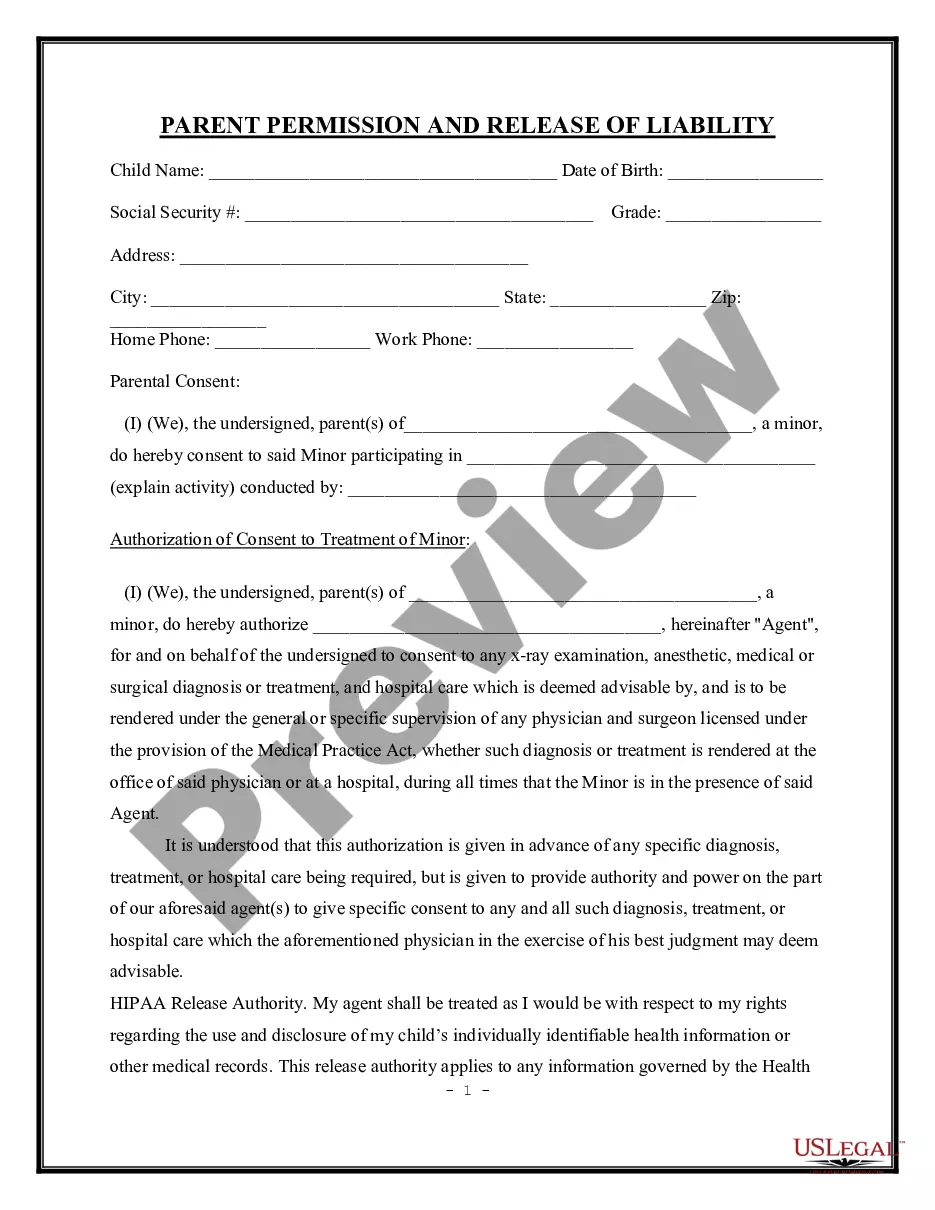
Medical Consent Form For Minor With Notary
Description
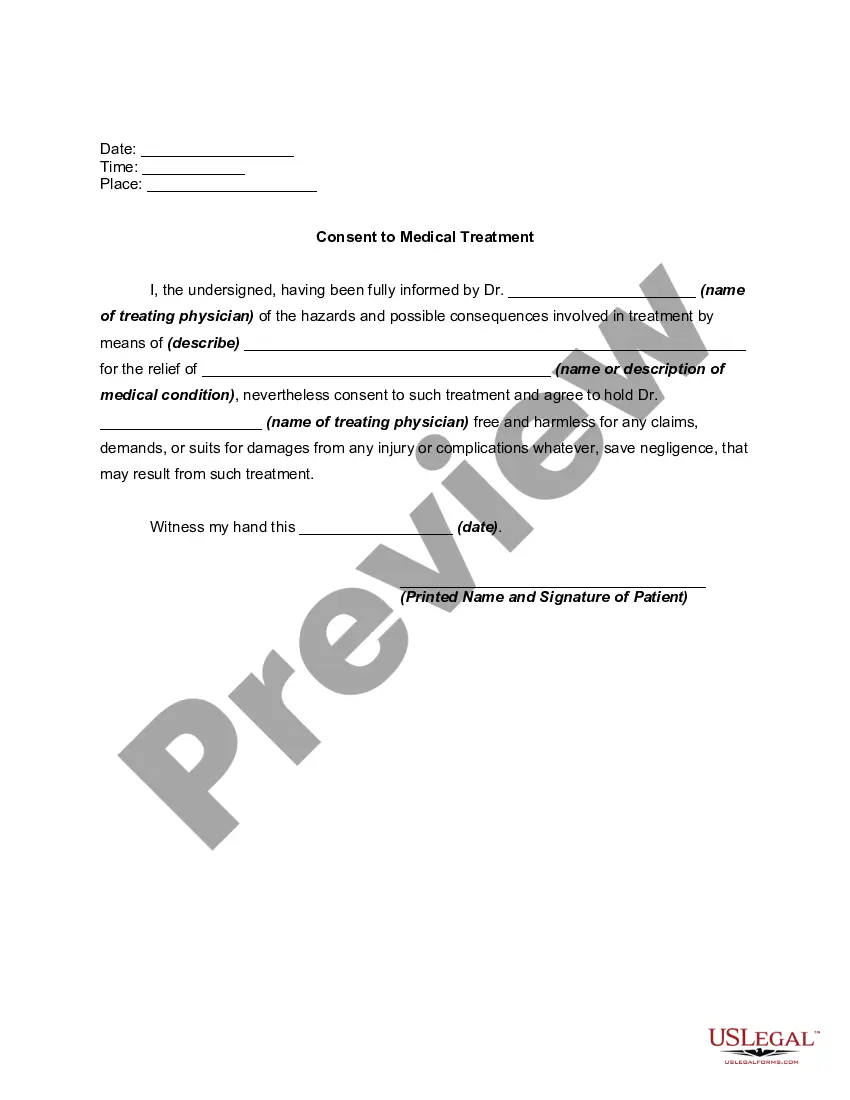
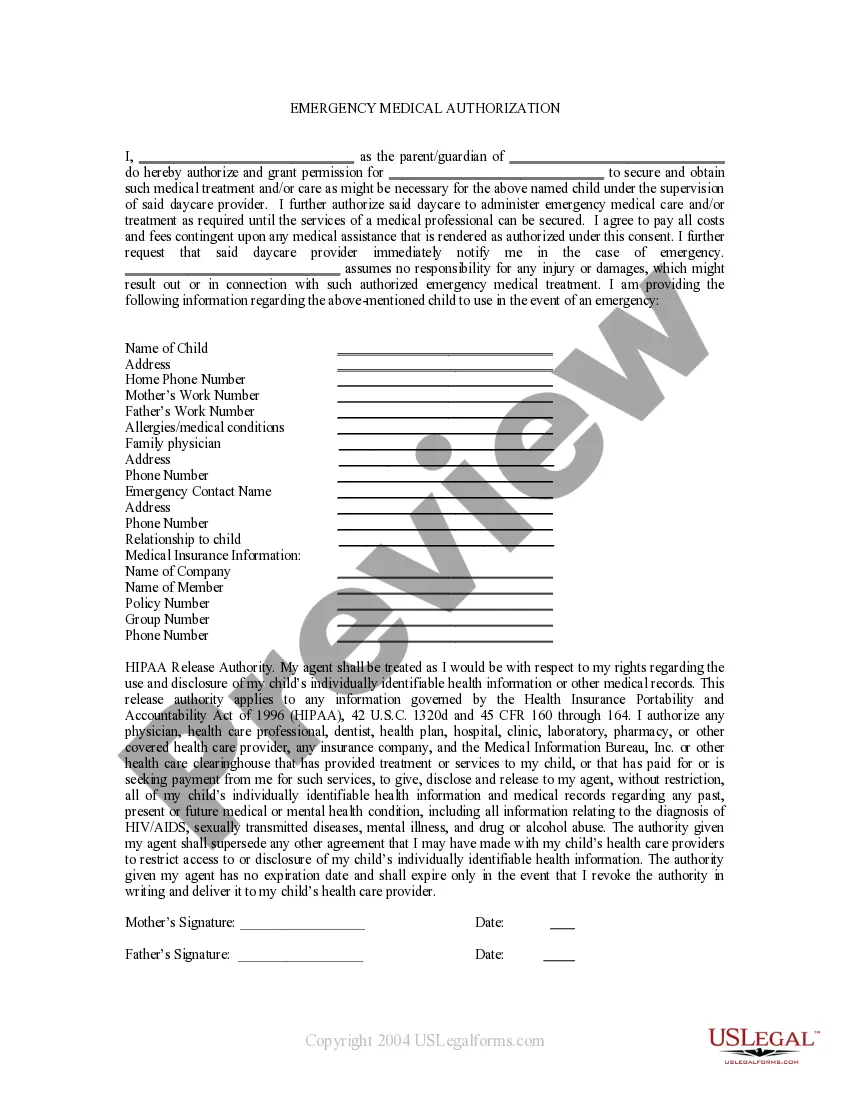
Get your form ready online
Our built-in tools help you complete, sign, share, and store your documents in one place.
Make edits, fill in missing information, and update formatting in US Legal Forms—just like you would in MS Word.
Download a copy, print it, send it by email, or mail it via USPS—whatever works best for your next step.
Sign and collect signatures with our SignNow integration. Send to multiple recipients, set reminders, and more. Go Premium to unlock E-Sign.
If this form requires notarization, complete it online through a secure video call—no need to meet a notary in person or wait for an appointment.
We protect your documents and personal data by following strict security and privacy standards.

Make edits, fill in missing information, and update formatting in US Legal Forms—just like you would in MS Word.

Download a copy, print it, send it by email, or mail it via USPS—whatever works best for your next step.

Sign and collect signatures with our SignNow integration. Send to multiple recipients, set reminders, and more. Go Premium to unlock E-Sign.

If this form requires notarization, complete it online through a secure video call—no need to meet a notary in person or wait for an appointment.

We protect your documents and personal data by following strict security and privacy standards.
Looking for another form?
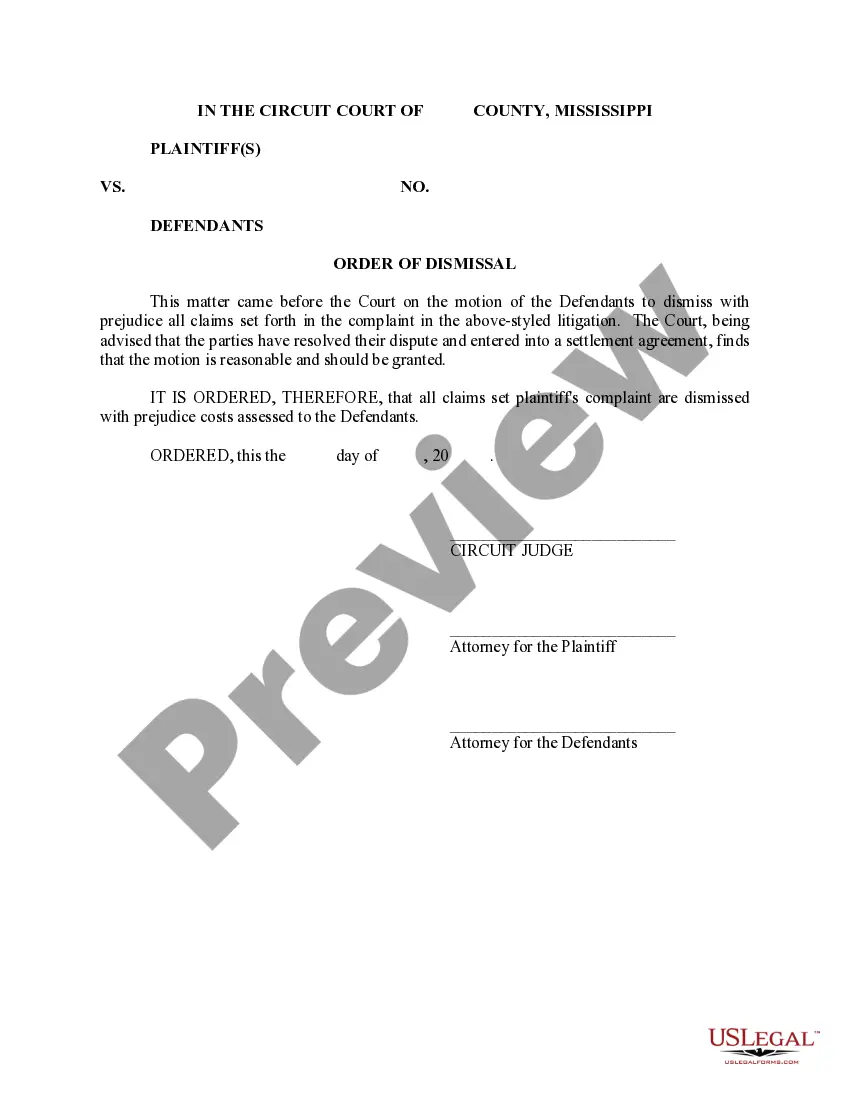
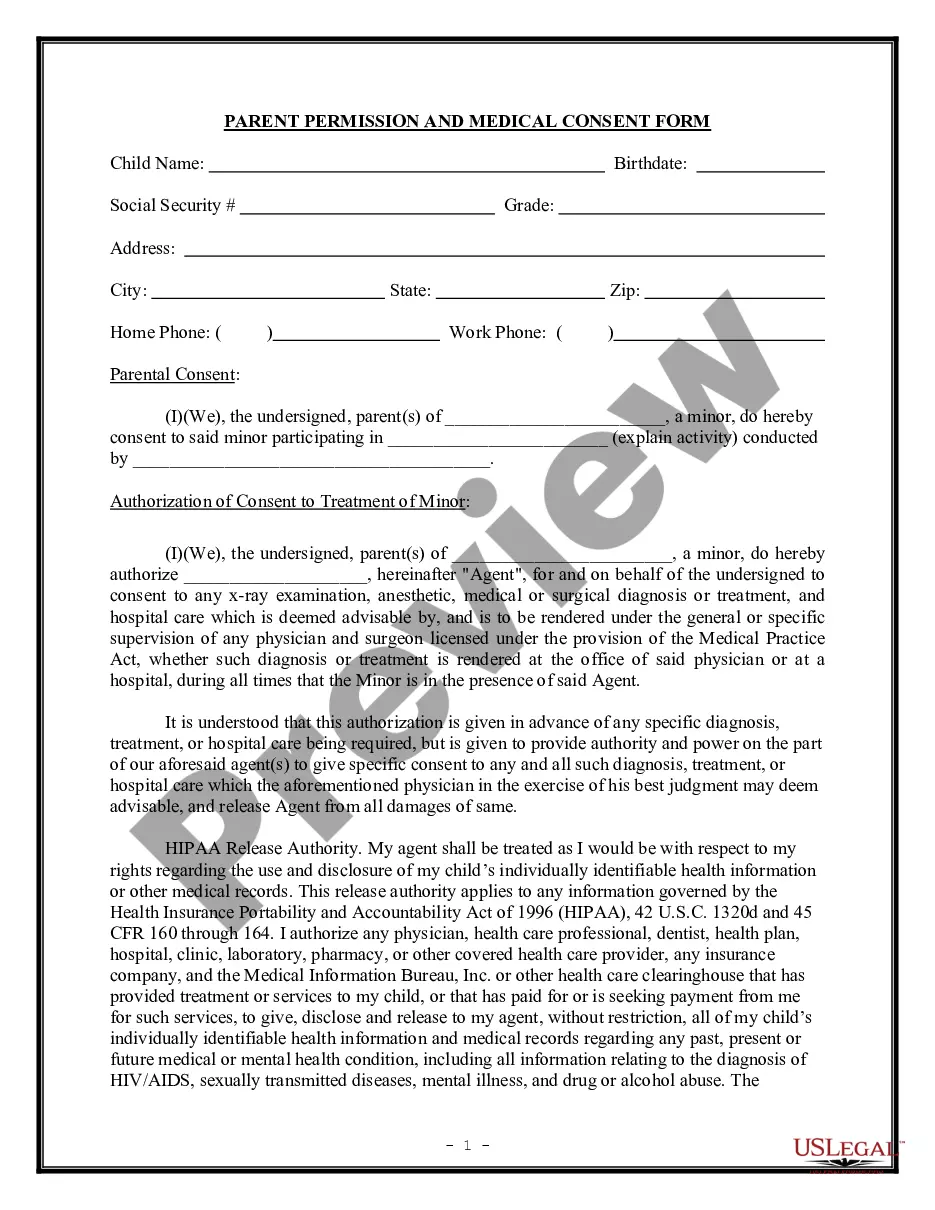
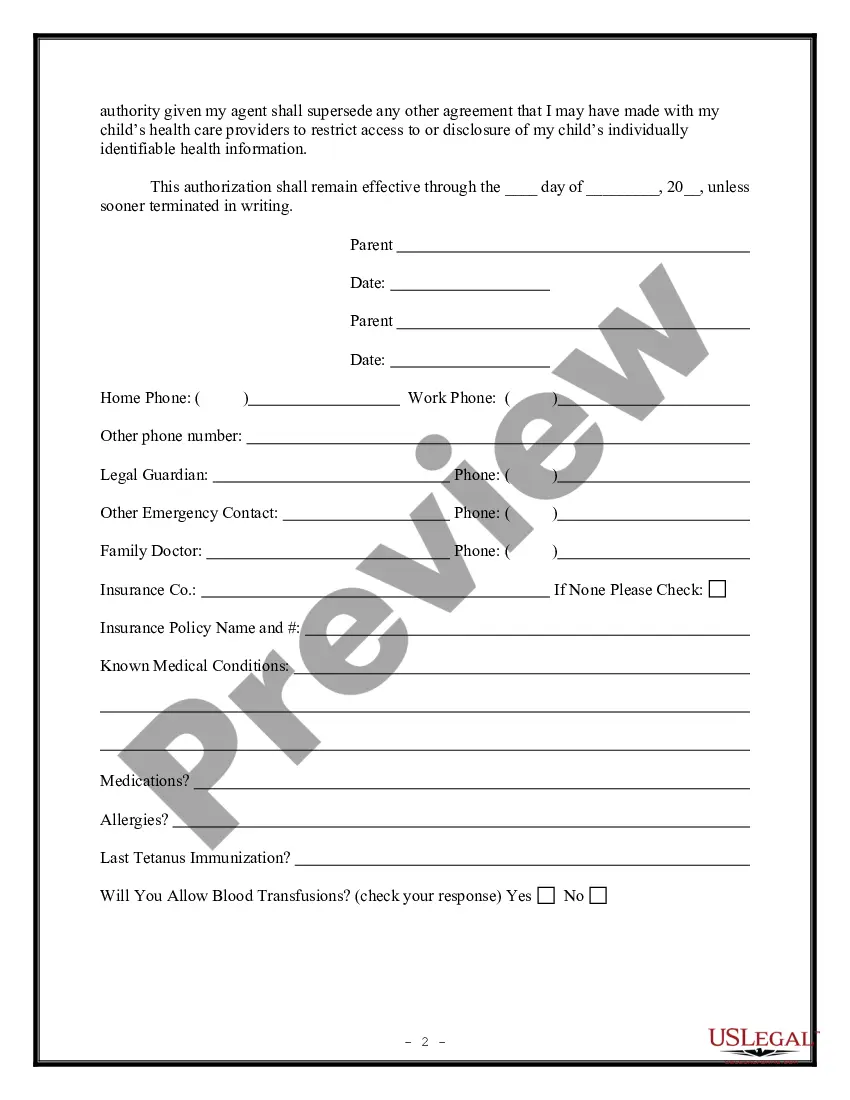
How to fill out Parental Permission And Medical Consent Form?
Finding a reliable source for the latest and suitable legal templates is a major part of navigating bureaucracy.
Selecting the appropriate legal documents requires accuracy and meticulousness, which is why it is essential to obtain samples of Medical Consent Form For Minor With Notary exclusively from credible providers, such as US Legal Forms. An incorrect template can squander your time and postpone your current situation. With US Legal Forms, you have minimal concerns. You can access and review all the details regarding the document’s application and significance for your case and in your jurisdiction.
Once you have the document on your device, you can modify it with the editor or print it out and fill it in by hand. Eliminate the stress associated with your legal paperwork. Discover the extensive US Legal Forms collection where you can find legal templates, assess their applicability to your circumstances, and download them instantly.
- Utilize the catalog navigation or search bar to find your template.
- Examine the form’s description to confirm it meets the regulations of your state and area.
- Check the form preview, if available, to verify it is the correct form you need.
- Return to the search and seek the appropriate document if the Medical Consent Form For Minor With Notary does not satisfy your needs.
- Once you are confident about the form’s applicability, download it.
- If you are a registered user, click Log in to verify and access your chosen forms in My documents.
- If you do not have an account yet, click Buy now to obtain the form.
- Choose the payment plan that suits your requirements.
- Proceed with the registration to complete your order.
- Conclude your purchase by selecting a payment method (credit card or PayPal).
- Choose the file format for downloading Medical Consent Form For Minor With Notary.
Form popularity
FAQ
I (patient name) give permission for [practice name] to give me medical treatment. I allow [practice name] to file for insurance benefits to pay for the care I receive. I understand that: [practice name] will have to send my medical record information to my insurance company.
I am writing on behalf of my patient, [Patient Name], to document the medical necessity to treat their [Diagnosis] with [Product Name]. This letter serves to document my patient's medical history and diagnosis and to summarize my treatment rationale. Please refer to the [List any Enclosures] enclosed with this letter.
In most states, age 18 is the age of majority and thus, before treating a patient under the age of 18, consent must be obtained from the patient's parent or legal guardian.
I, _____________________________________________, parent or legal guardian of _______________________________________________, born ________________________, do hereby consent to any medical care and the administration of anesthesia determined by a physician to be necessary for the welfare of my child while said child ...
What Is Notarization? When notarization occurs, a notary public certifies the authenticity of any signature appended to a document. Notaries act as government agents to witness the authenticity of signatures appended to legal attestations.