Special Needs Trust Form 1041 Withholding
Description

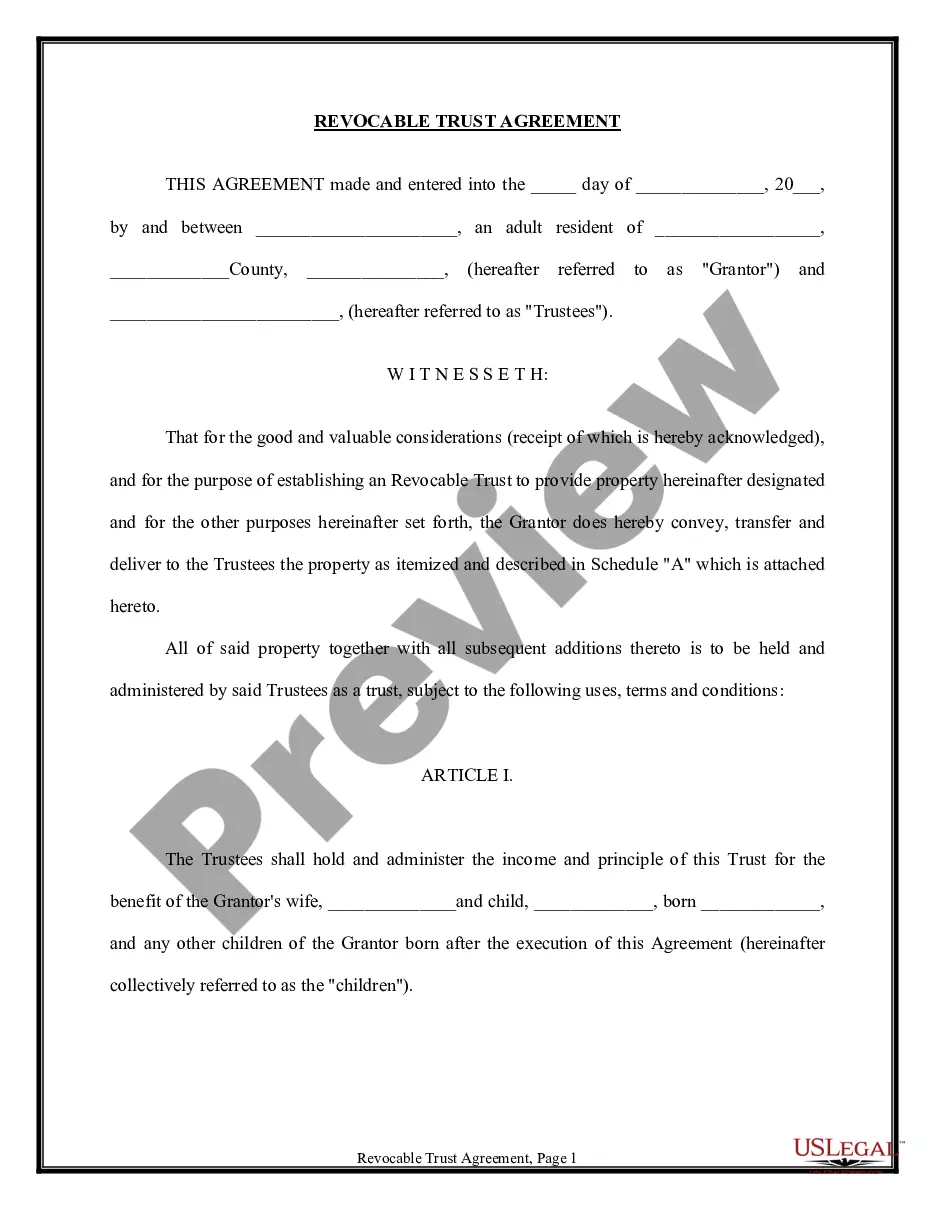


Get your form ready online
Our built-in tools help you complete, sign, share, and store your documents in one place.
Make edits, fill in missing information, and update formatting in US Legal Forms—just like you would in MS Word.
Download a copy, print it, send it by email, or mail it via USPS—whatever works best for your next step.
Sign and collect signatures with our SignNow integration. Send to multiple recipients, set reminders, and more. Go Premium to unlock E-Sign.
If this form requires notarization, complete it online through a secure video call—no need to meet a notary in person or wait for an appointment.
We protect your documents and personal data by following strict security and privacy standards.

Make edits, fill in missing information, and update formatting in US Legal Forms—just like you would in MS Word.

Download a copy, print it, send it by email, or mail it via USPS—whatever works best for your next step.

Sign and collect signatures with our SignNow integration. Send to multiple recipients, set reminders, and more. Go Premium to unlock E-Sign.

If this form requires notarization, complete it online through a secure video call—no need to meet a notary in person or wait for an appointment.

We protect your documents and personal data by following strict security and privacy standards.
Looking for another form?









How to fill out Trust Agreement - Family Special Needs?
Whether for commercial purposes or personal matters, everyone must handle legal issues at some point in their life.
Filling out legal documents requires meticulous attention, starting from selecting the correct form template.
With an extensive US Legal Forms catalog available, you don’t have to waste time searching for the appropriate template online. Utilize the library’s simple navigation to find the correct form for any occasion.
- For example, if you select an incorrect version of a Special Needs Trust Form 1041 Withholding, it will be rejected once you submit it.
- Therefore, it is crucial to obtain a reliable source of legal documents like US Legal Forms.
- If you need to acquire a Special Needs Trust Form 1041 Withholding template, follow these straightforward steps.
- Locate the template you require by utilizing the search bar or catalog navigation.
- Review the form’s description to confirm it meets your circumstance, state, and county.
- Click on the form’s preview to view it.
- If it is the incorrect document, return to the search option to find the Special Needs Trust Form 1041 Withholding template you require.
- Download the file if it aligns with your needs.
- If you possess a US Legal Forms account, click Log in to access previously saved templates in My documents.
- If you do not have an account yet, you can download the form by clicking Buy now.
- Select the suitable pricing option.
- Fill out the account registration form.
- Choose your payment method: you can utilize a credit card or PayPal account.
- Select the document format you prefer and download the Special Needs Trust Form 1041 Withholding.
- Once it is downloaded, you can complete the form with the assistance of editing software or print it out and fill it in manually.
Form popularity
FAQ
Income retained by the trust will be taxed to the trust. Practically, with most smaller trusts, there's no real difference in the tax treatment of the two types of trusts, since they use all their annual income for the benefit of the individual with special needs.
In the case of third party special needs trusts, if the trust is considered a grantor trust, all items of income, deduction and credit are generally taxed to the individual(s) who created and funded the trust (typically parents or other relatives of the individual with a disability).
State, local, and real property taxes. Expenses of the estate. Administrative expenses, such as trustee fees. Other miscellaneous itemized deductions subject to a 2% limitation of adjusted gross income.
A qualified disability trust (QDisT) is a special needs trust that qualifies for a federal tax exemption. Most special needs trusts meet the requirements to be treated as qualified disability trusts, and can be reported as such at tax time.
Trust beneficiaries must pay taxes on income and other distributions from a trust. Trust beneficiaries don't have to pay taxes on returned principal from the trust's assets. IRS forms K-1 and 1041 are required for filing tax returns that receive trust disbursements.