Confidentiality Agreements Noncompetition Agreement With Clients
Description

Get your form ready online
Our built-in tools help you complete, sign, share, and store your documents in one place.
Make edits, fill in missing information, and update formatting in US Legal Forms—just like you would in MS Word.
Download a copy, print it, send it by email, or mail it via USPS—whatever works best for your next step.
Sign and collect signatures with our SignNow integration. Send to multiple recipients, set reminders, and more. Go Premium to unlock E-Sign.
If this form requires notarization, complete it online through a secure video call—no need to meet a notary in person or wait for an appointment.
We protect your documents and personal data by following strict security and privacy standards.

Make edits, fill in missing information, and update formatting in US Legal Forms—just like you would in MS Word.

Download a copy, print it, send it by email, or mail it via USPS—whatever works best for your next step.

Sign and collect signatures with our SignNow integration. Send to multiple recipients, set reminders, and more. Go Premium to unlock E-Sign.

If this form requires notarization, complete it online through a secure video call—no need to meet a notary in person or wait for an appointment.

We protect your documents and personal data by following strict security and privacy standards.
Looking for another form?






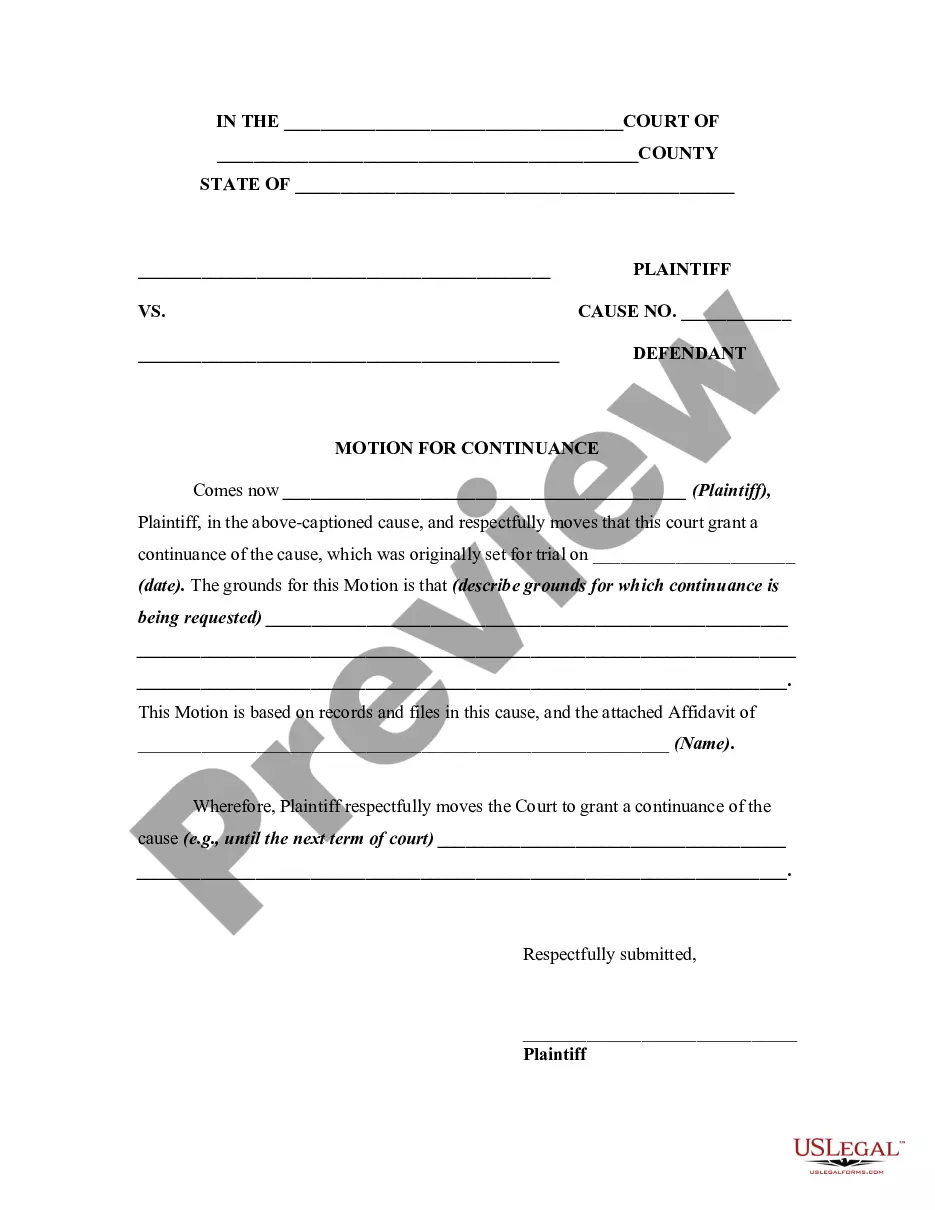

How to fill out Confidentiality Agreements - Noncompetition In Employment?
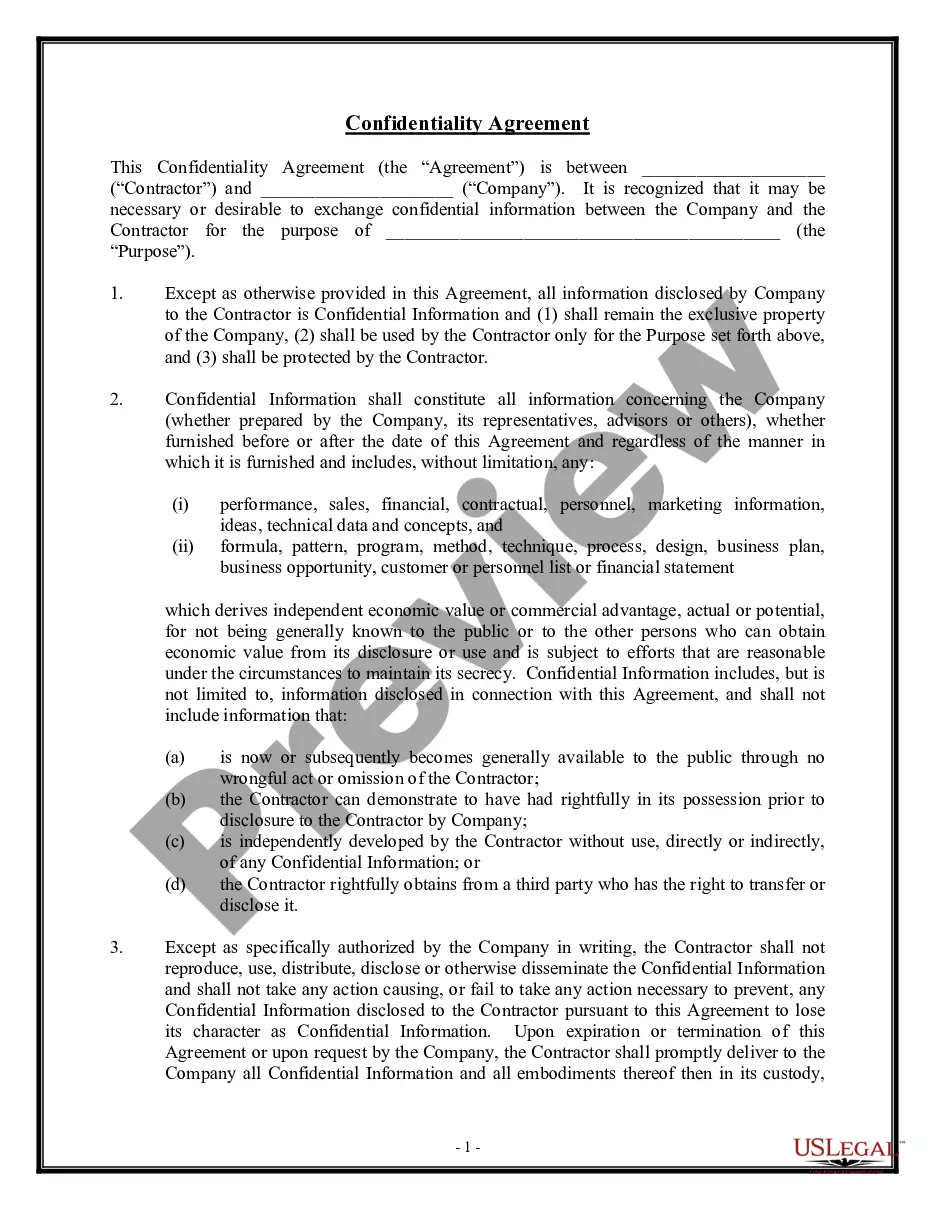
Legal document managing might be overpowering, even for skilled professionals. When you are interested in a Confidentiality Agreements Noncompetition Agreement With Clients and do not have the time to commit searching for the right and updated version, the procedures can be stress filled. A robust web form catalogue might be a gamechanger for anybody who wants to deal with these situations effectively. US Legal Forms is a market leader in web legal forms, with more than 85,000 state-specific legal forms available anytime.
With US Legal Forms, you are able to:
- Access state- or county-specific legal and business forms. US Legal Forms handles any demands you might have, from personal to organization paperwork, in one spot.
- Utilize advanced resources to complete and handle your Confidentiality Agreements Noncompetition Agreement With Clients
- Access a useful resource base of articles, tutorials and handbooks and materials related to your situation and requirements
Save time and effort searching for the paperwork you need, and use US Legal Forms’ advanced search and Review feature to discover Confidentiality Agreements Noncompetition Agreement With Clients and acquire it. If you have a subscription, log in in your US Legal Forms account, search for the form, and acquire it. Review your My Forms tab to find out the paperwork you previously saved as well as to handle your folders as you can see fit.
If it is the first time with US Legal Forms, make an account and get unlimited usage of all advantages of the platform. Here are the steps for taking after downloading the form you want:
- Verify this is the right form by previewing it and reading through its information.
- Be sure that the sample is approved in your state or county.
- Choose Buy Now once you are all set.
- Select a monthly subscription plan.
- Pick the formatting you want, and Download, complete, sign, print out and send out your papers.
Enjoy the US Legal Forms web catalogue, backed with 25 years of expertise and trustworthiness. Change your everyday papers managing in to a easy and easy-to-use process right now.
Form popularity
FAQ
A typical confidentiality clause might say, "The phrases and circumstances of this Agreement are completely confidential between the parties and shall not be disclosed to anybody else. Any disclosure in violation shall be deemed a breach of this Agreement."
How to Write an NDA (6 steps) Choose Your NDA Template. Select a Type of NDA: Unilateral or Mutual. Define ?Confidential Information? Enter the Consequences of a Breach. Sign the Non-Disclosure Agreement. Disclose the Information.
You may be able to inform others that you have signed an agreement but not tell them the circumstances of the agreement itself. Make sure you closely read the terms of your NDA to ensure that you can disclose the existence of the agreement if you need to.
Since NDAs are civil contracts, breaking one isn't technically a crime. However, it could come with severe financial penalties. Violating an NDA leaves you open to lawsuits from your employer, and you could be required to pay financial damages and possibly associated legal costs.
A confidentiality agreement should include a clear definition of the confidential information, scope of the agreement, obligations of the receiving party, the duration of the contract, any exceptions to confidentiality, and the consequences of a breach of the contract.