Property Use Of Format
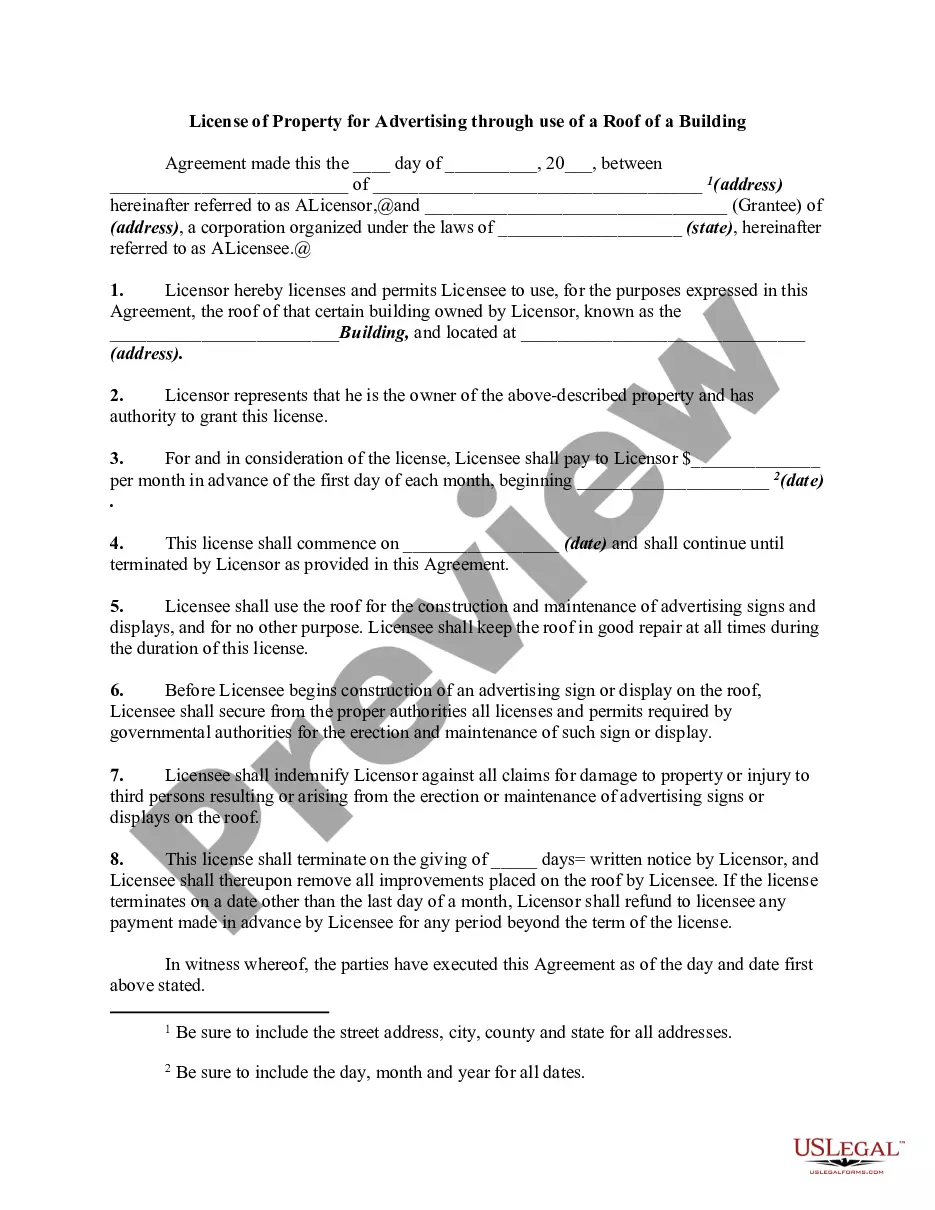
Description
Get your form ready online
Our built-in tools help you complete, sign, share, and store your documents in one place.
Make edits, fill in missing information, and update formatting in US Legal Forms—just like you would in MS Word.
Download a copy, print it, send it by email, or mail it via USPS—whatever works best for your next step.
Sign and collect signatures with our SignNow integration. Send to multiple recipients, set reminders, and more. Go Premium to unlock E-Sign.
If this form requires notarization, complete it online through a secure video call—no need to meet a notary in person or wait for an appointment.
We protect your documents and personal data by following strict security and privacy standards.

Make edits, fill in missing information, and update formatting in US Legal Forms—just like you would in MS Word.

Download a copy, print it, send it by email, or mail it via USPS—whatever works best for your next step.

Sign and collect signatures with our SignNow integration. Send to multiple recipients, set reminders, and more. Go Premium to unlock E-Sign.

If this form requires notarization, complete it online through a secure video call—no need to meet a notary in person or wait for an appointment.

We protect your documents and personal data by following strict security and privacy standards.
Looking for another form?
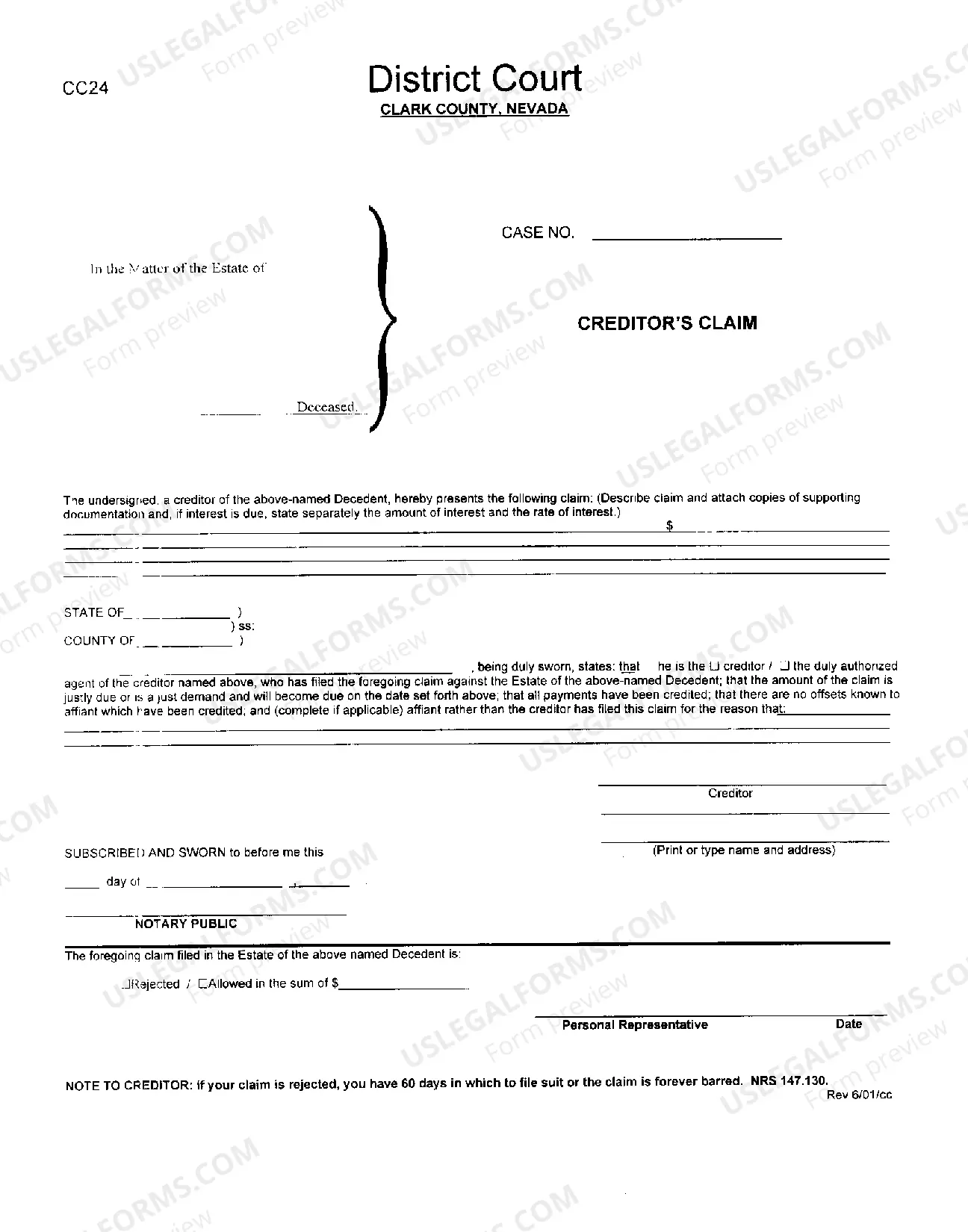
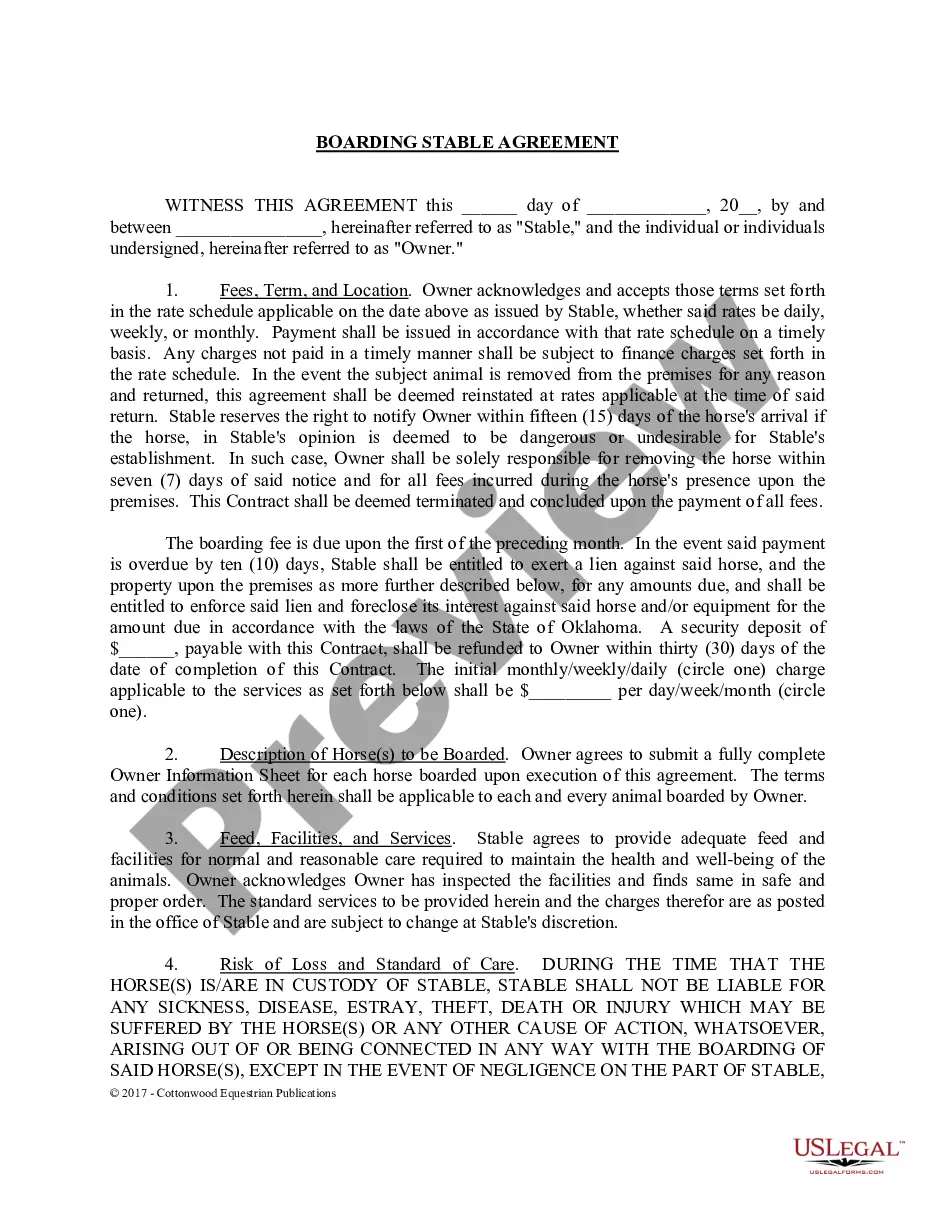

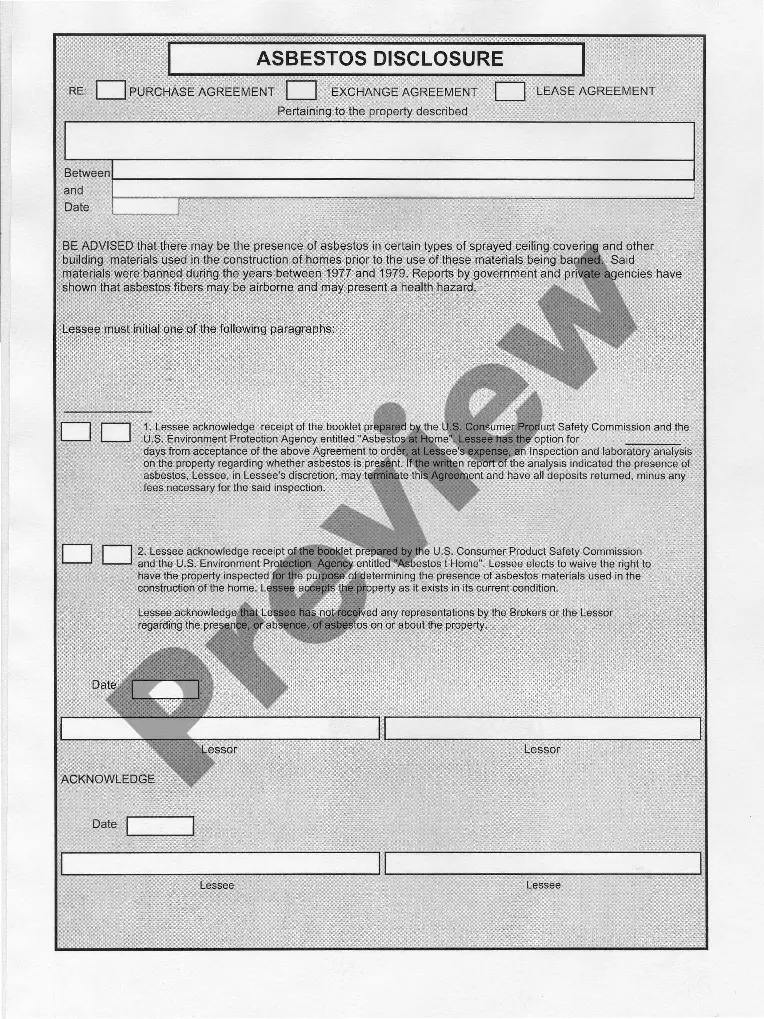
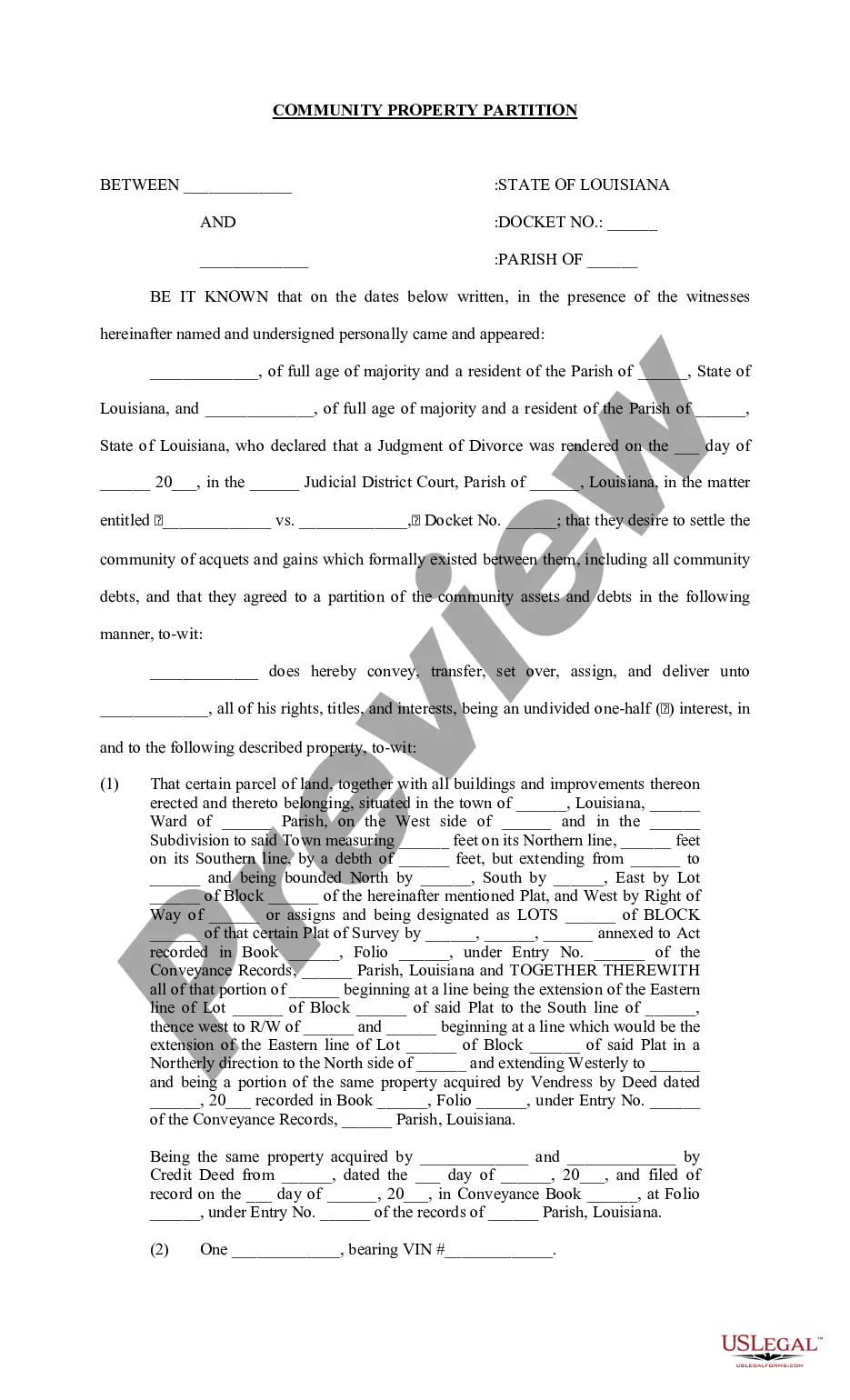
How to fill out License Of Property For Advertising Through Use Of A Roof Of A Building?
Obtaining legal document examples that satisfy federal and state guidelines is essential, and the internet provides numerous alternatives to select from.
However, what’s the benefit of squandering time hunting for the accurately prepared Property Use Of Format example online when the US Legal Forms digital library already consolidates such templates in one location.
US Legal Forms is the largest online legal repository with over 85,000 editable templates created by attorneys for any business and personal situation. They are straightforward to navigate with all documents categorized by state and intended use.
Find another example using the search function at the top of the page if needed. Click Buy Now when you’ve identified the correct form and choose a subscription plan. Establish an account or Log In and make a payment with PayPal or a credit card. Choose the optimal format for your Property Use Of Format and download it. All documents you discover through US Legal Forms are reusable. To re-download and fill out previously saved forms, access the My documents tab in your profile. Take advantage of the most comprehensive and user-friendly legal paperwork service!
- Our specialists keep abreast of legislative changes, ensuring your form is always current and compliant when obtaining a Property Use Of Format from our site.
- Acquiring a Property Use Of Format is quick and easy for both existing and new users.
- If you already possess an account with an active subscription, Log In and download the document example you need in the desired format.
- If you are new to our site, follow the steps below.
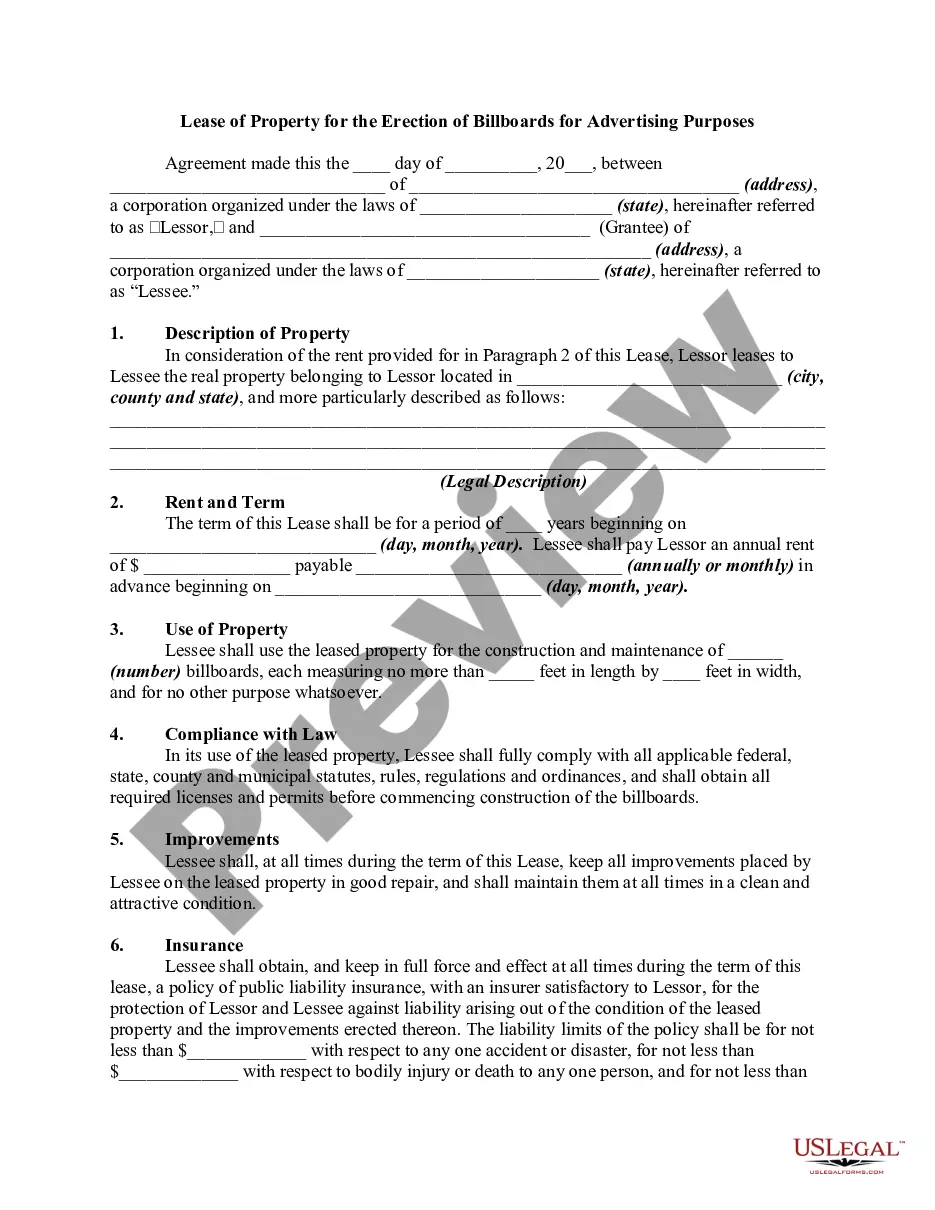
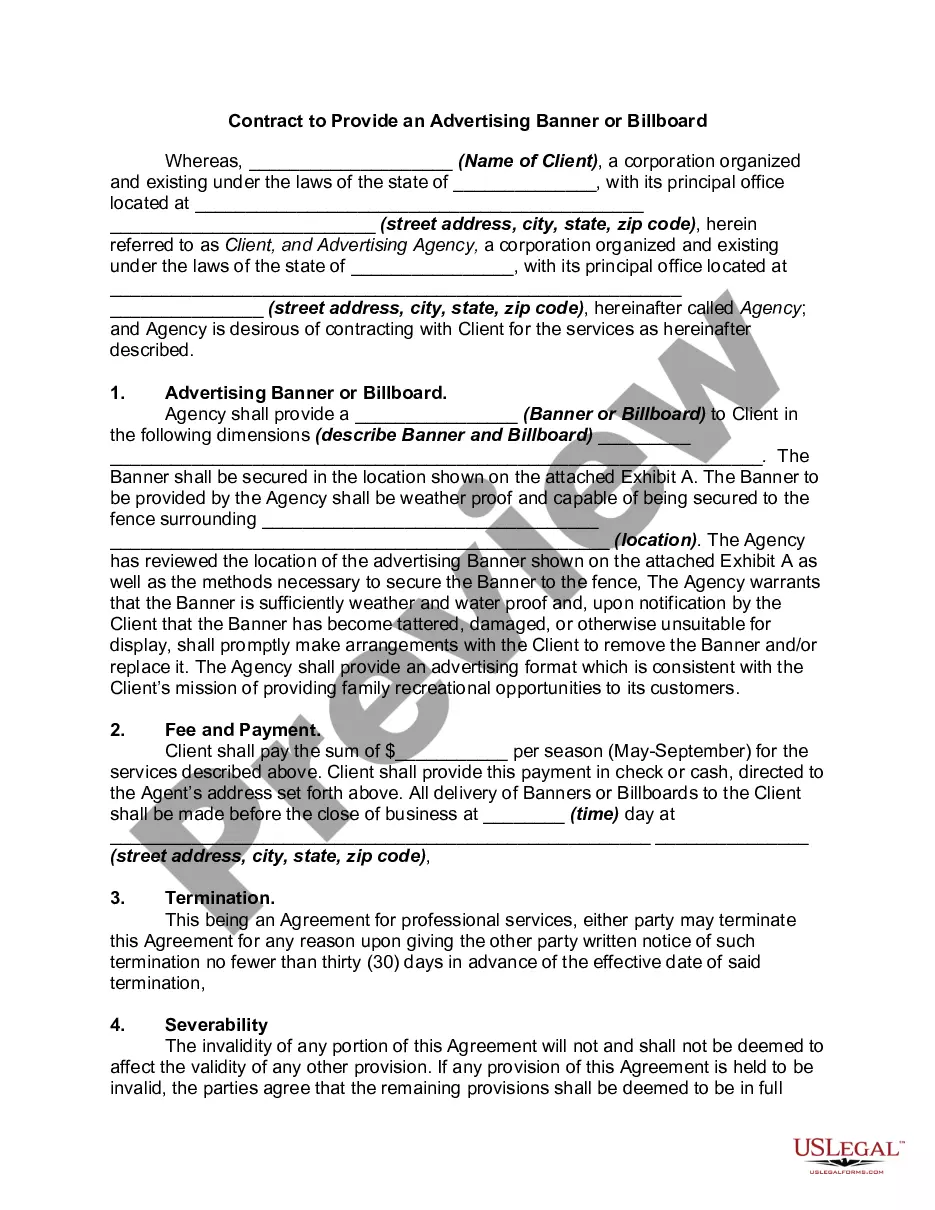
- Review the template using the Preview feature or via the text outline to confirm it satisfies your needs.
Form popularity
FAQ
Apply a custom format Open the table in Design View. In the upper section of the design grid, select the Date/Time field you want to format. In the Field Properties section, select the General tab, click the cell next to the Format box and enter the specific characters based on your formatting needs.
You can use the Format property to customize the way numbers, dates, times, and text are displayed and printed. Read/write String. expression Required. An expression that returns one of the objects in the Applies To list.
In the ?Field Properties? section at the bottom of the window, select the ?General? tab. Click into the ?Format? field property box and click the drop-down arrow that appears. Select one of the logical formatting options for the field from the list of available formats.
The Format property uses different settings for different data types. For a control, you can set this property in the control's property sheet. For a field, you can set this property in table Design view (in the Field Properties section) or in Design view of the Query window (in the Field Properties property sheet).
You can use the Format property to customize the way numbers, dates, times, and text are displayed and printed. Read/write String.