Attorney Law Firm Format In Washington
Description

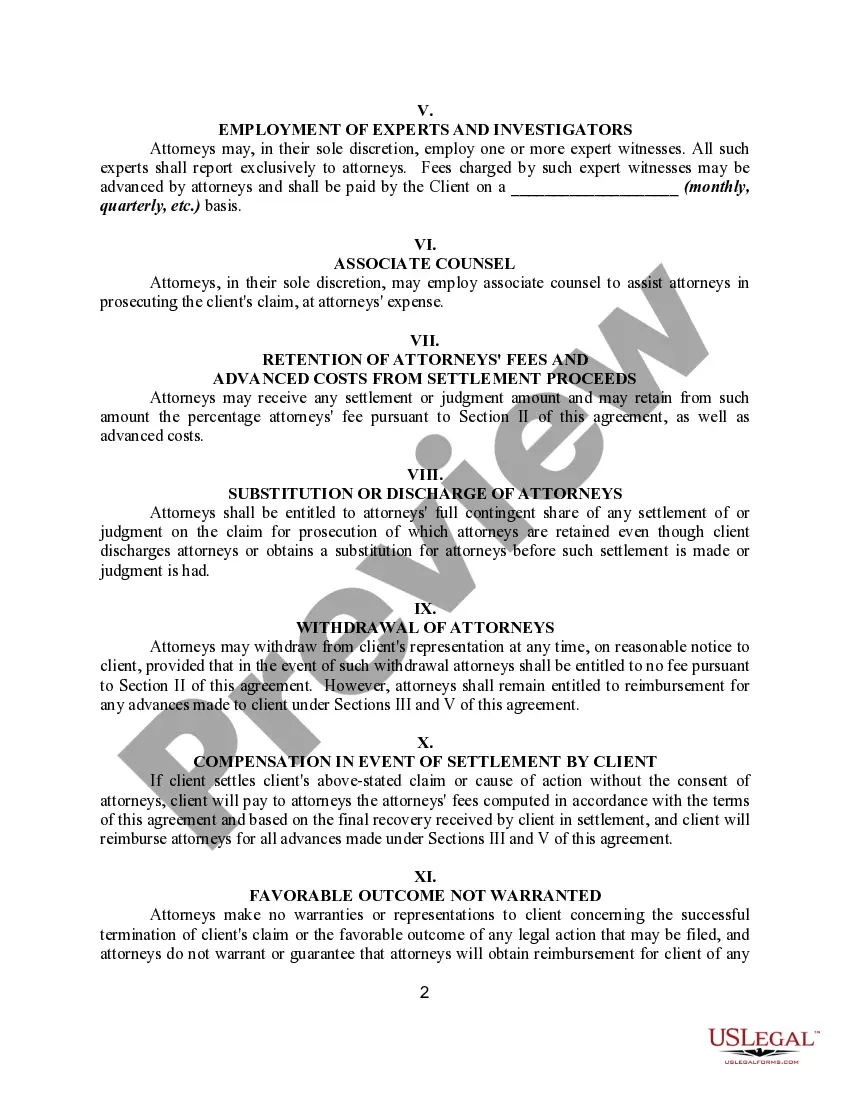
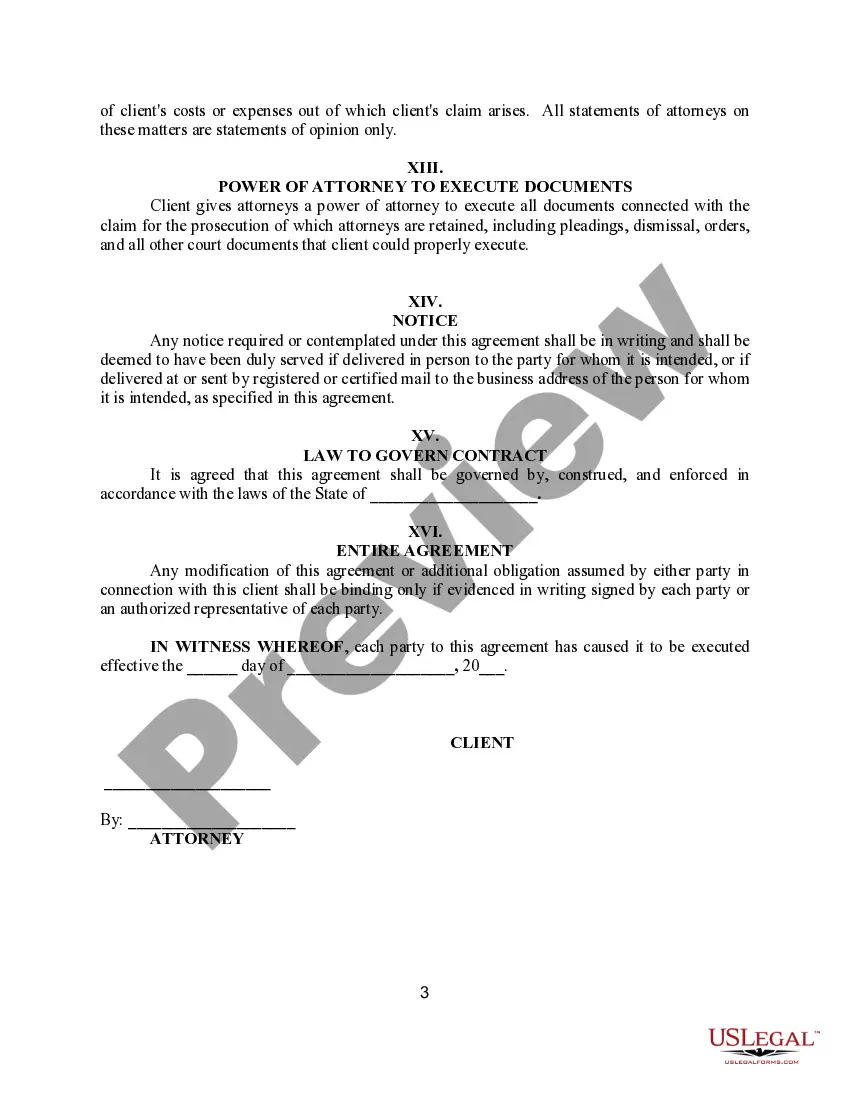
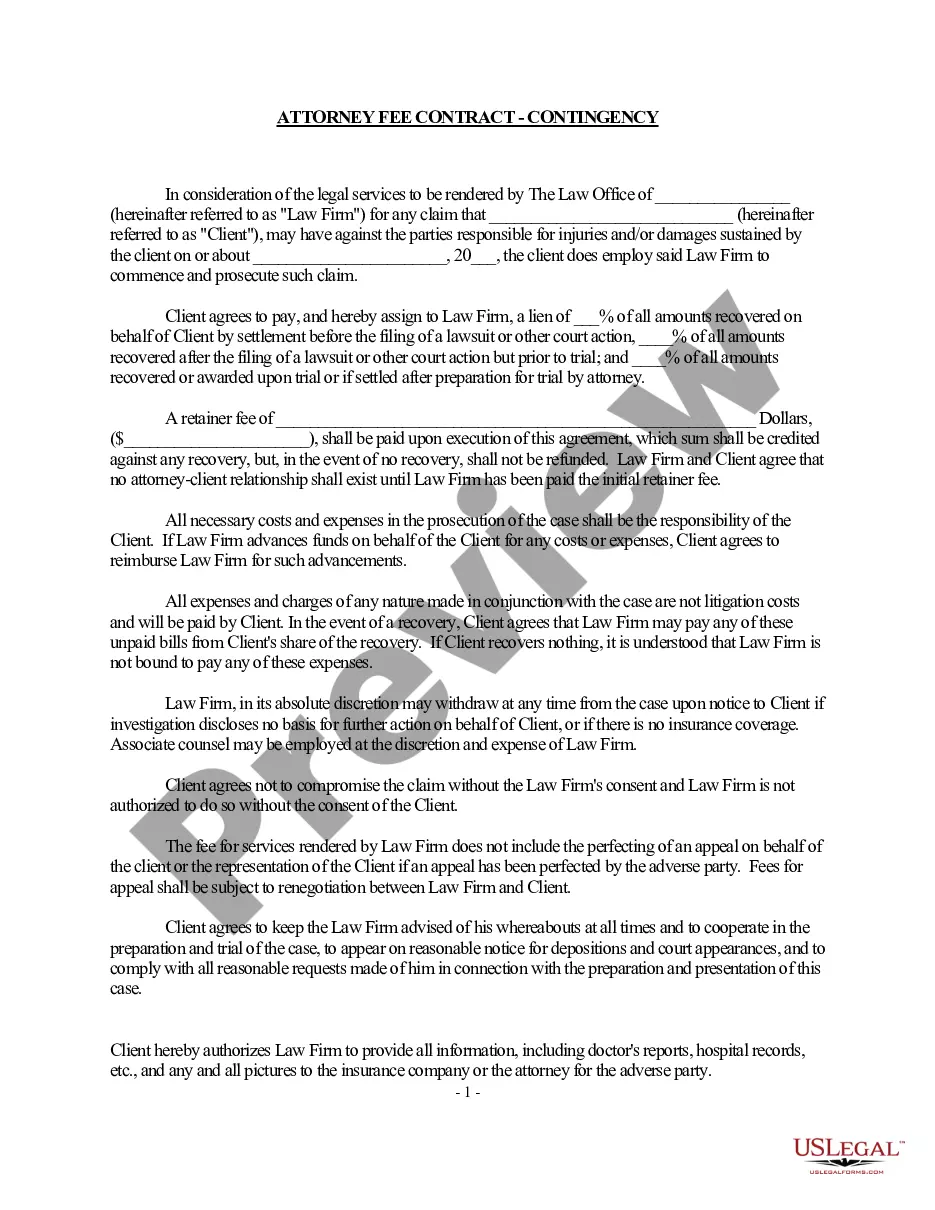
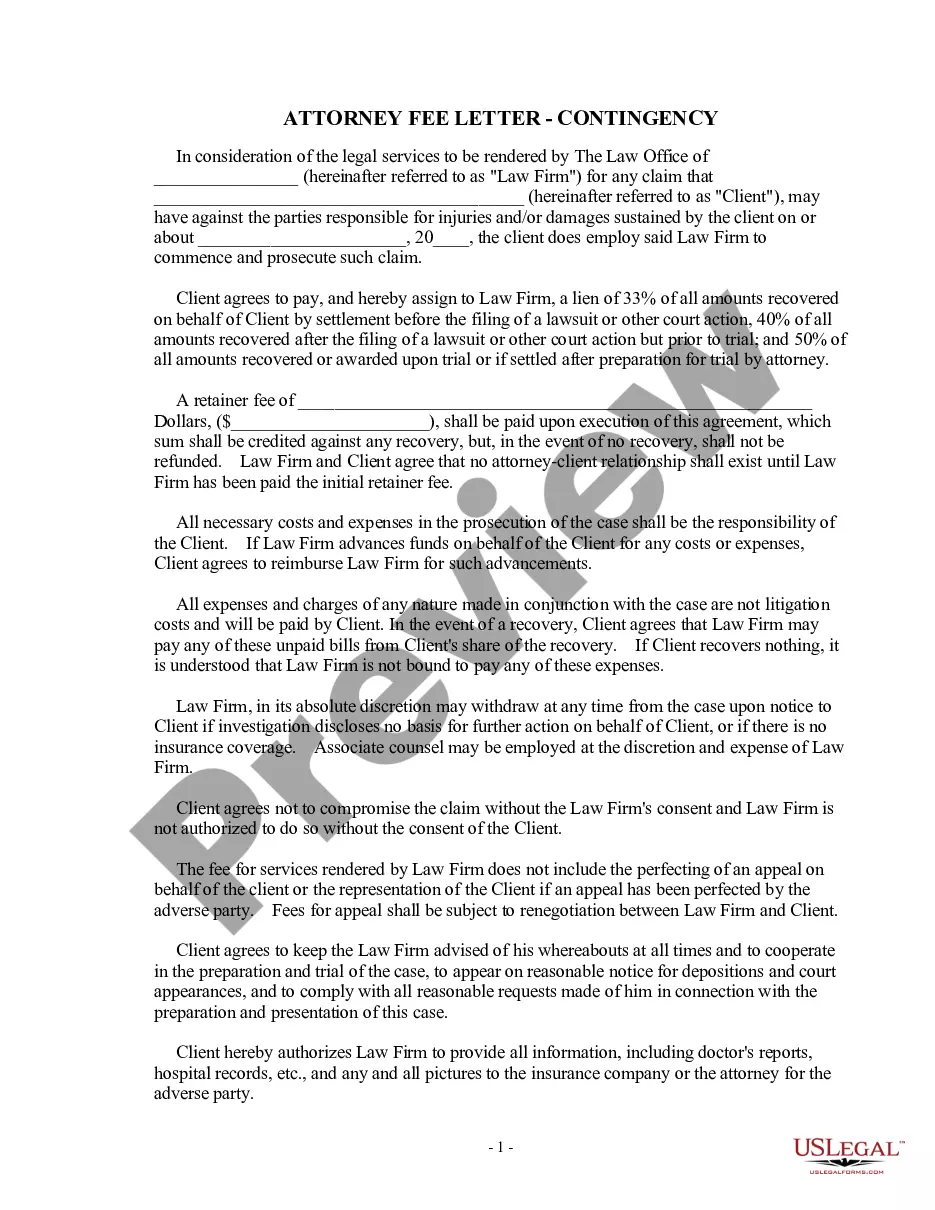
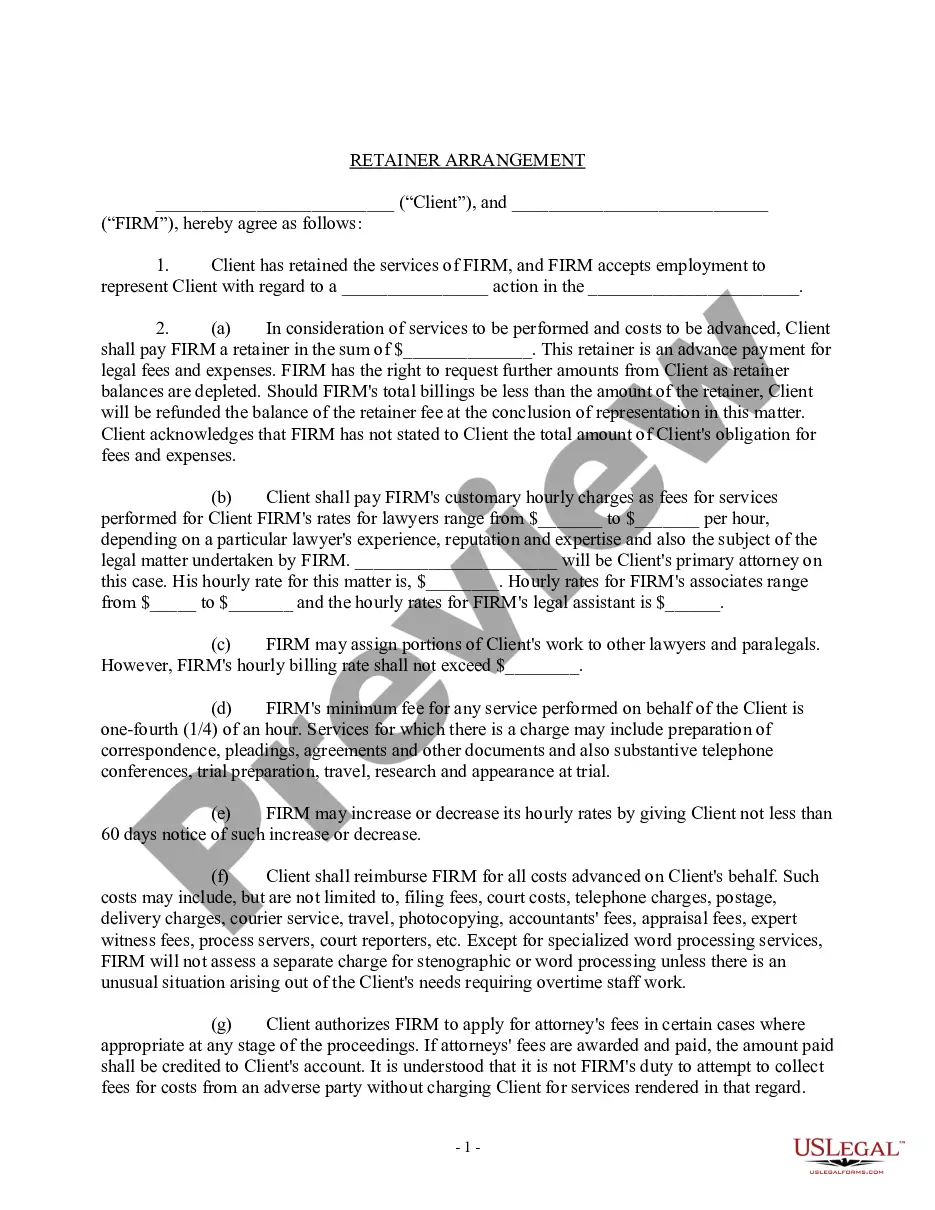
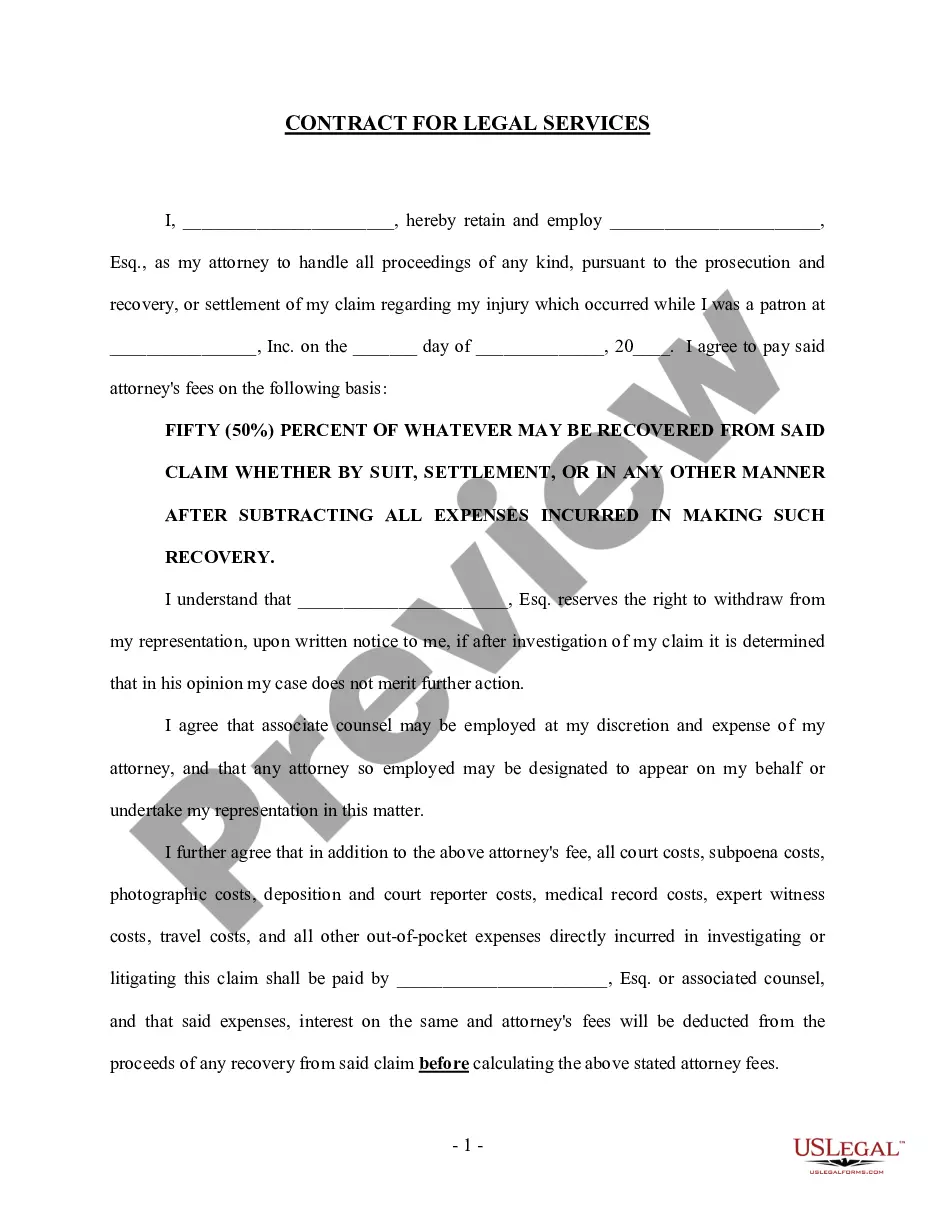
Get your form ready online
Our built-in tools help you complete, sign, share, and store your documents in one place.
Make edits, fill in missing information, and update formatting in US Legal Forms—just like you would in MS Word.
Download a copy, print it, send it by email, or mail it via USPS—whatever works best for your next step.
Sign and collect signatures with our SignNow integration. Send to multiple recipients, set reminders, and more. Go Premium to unlock E-Sign.
If this form requires notarization, complete it online through a secure video call—no need to meet a notary in person or wait for an appointment.
We protect your documents and personal data by following strict security and privacy standards.

Make edits, fill in missing information, and update formatting in US Legal Forms—just like you would in MS Word.

Download a copy, print it, send it by email, or mail it via USPS—whatever works best for your next step.

Sign and collect signatures with our SignNow integration. Send to multiple recipients, set reminders, and more. Go Premium to unlock E-Sign.

If this form requires notarization, complete it online through a secure video call—no need to meet a notary in person or wait for an appointment.

We protect your documents and personal data by following strict security and privacy standards.
Looking for another form?


Form popularity
FAQ
How to Format a Legal Document in Word Resize Your Document. Pick Your Fonts. Set the Line Spacing. Format Your Columns. Set Up Your Table of Contents. Create Your Table of Authorities. Automating Your Formatting. Creating a Style. Setting Up Autoformatting as You Type. A Note on Different Documents. Pleadings. Briefs. Manuscripts.
Reading and writing legal documents Read the documents that relate to your case. Plan what you are going to write. Use a standard format. Make the layout easy to read. Check your grammar and spelling. Avoid slang. Use plain English. Make sense.
Finding a Legal Template through Word Open Word, click More Templates → on the right side of the screen. In the search bar, type in "legal" and click search.
You'll want to start with a standard page size (8.5 x 11 inches) with 1-inch margins. Keep the font simple, such as Times New Roman, and avoid the use of color. Remember to break up text with headers and paragraphs for readability.
Office of Disciplinary Counsel at Washington State Bar... 1325 4th Avenue, Suite 600, Seattle, WA 98101. 1325 4TH AVE, SUITE 600, SEATTLE, WA 98101. M-F, 8am-5pm. 800-945-9722. . questions@wsba.
Write the contract in six steps Start with a contract template. Open with the basic information. Describe in detail what you have agreed to. Include a description of how the contract will be ended. Write into the contract which laws apply and how disputes will be resolved. Include space for signatures.
(1) A power of attorney must be signed and dated by the principal, and the signature must be either acknowledged before a notary public or other individual authorized by law to take acknowledgments, or attested by two or more competent witnesses who are neither home care providers for the principal nor care providers ...
Frequently Asked Questions (FAQ) You must use letter-sized (8½ x 11 inches) white paper. You must write or type on only one side of the page. All handwriting must be printed, readable, and in black or dark blue ink. The 1st page must have a margin of at least 3 inches from the top and 1 inch from the other 3 sides.
Form Not Notarized: Washington law says your power of attorney form is valid when you sign it in front of a notary or in front of two disinterested witnesses.
How to make a lasting power of attorney Choose your attorney (you can have more than one). Fill in the forms to appoint them as an attorney. Register your LPA with the Office of the Public Guardian (this will take 8 to 10 weeks if there are no mistakes in the application).