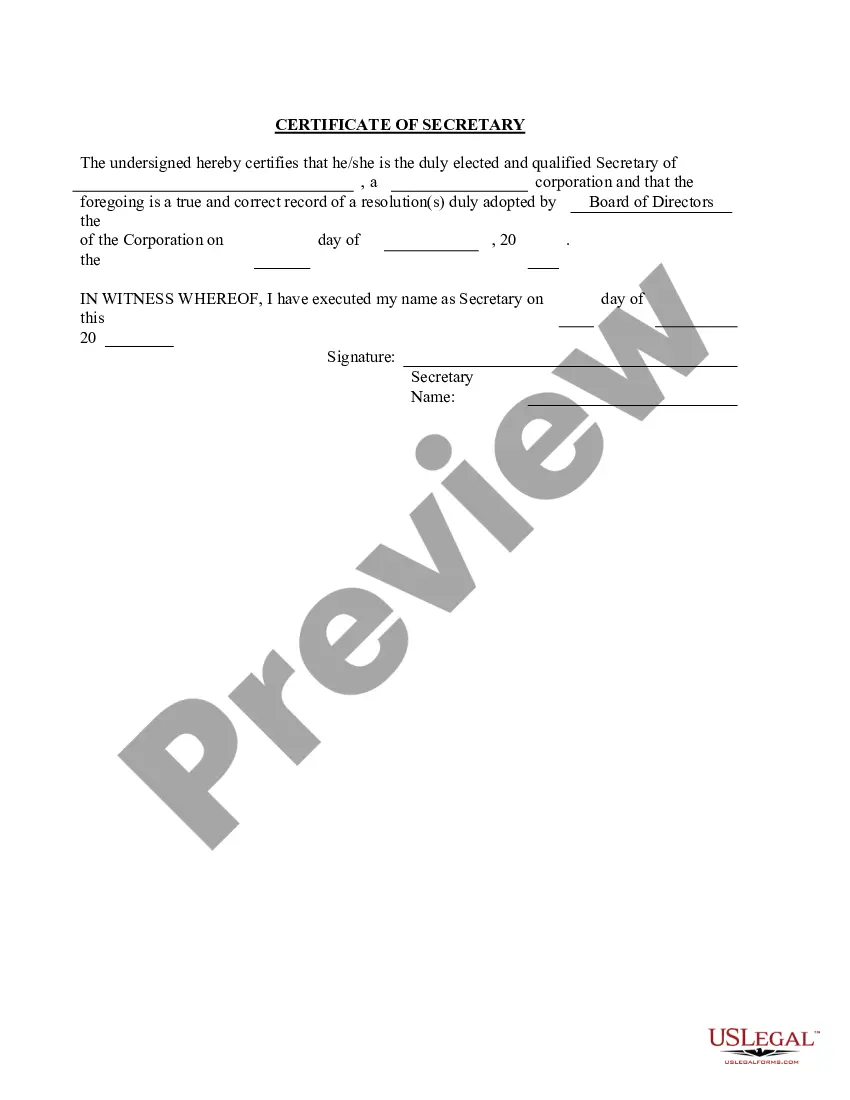
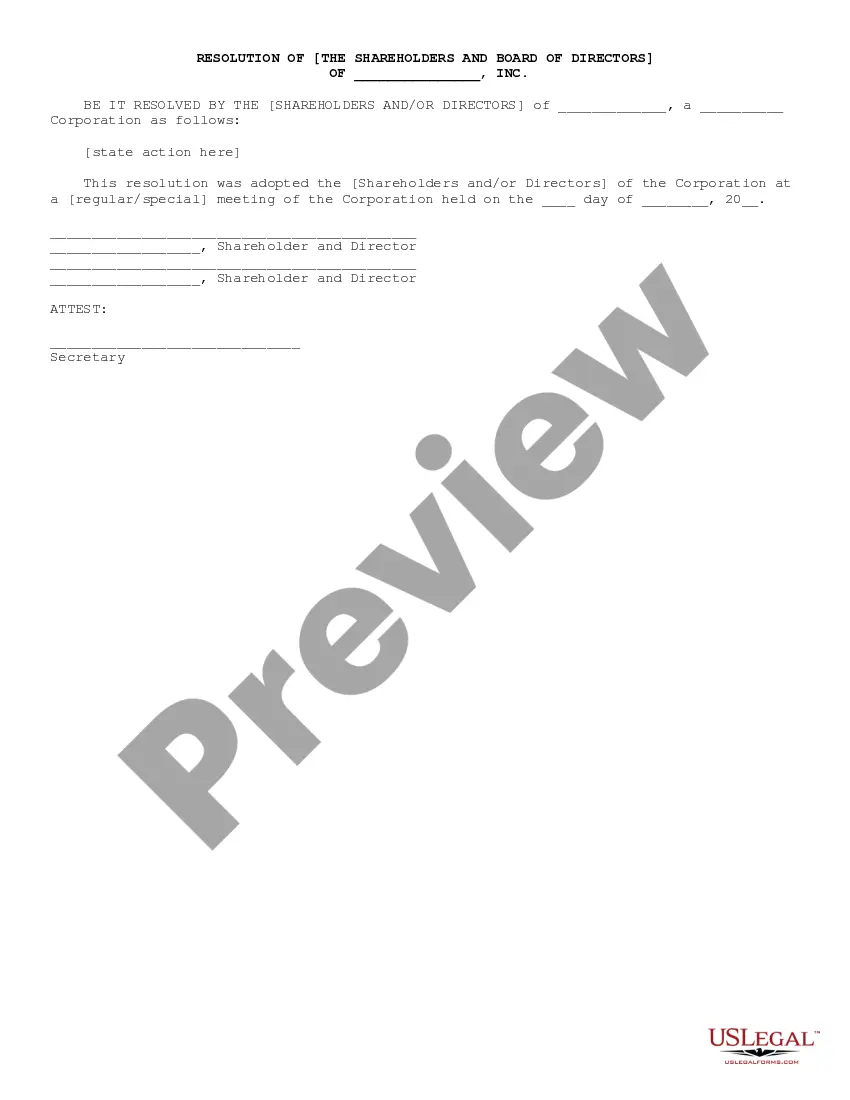
Corporate Resolution Example In Contra Costa
Description



Get your form ready online
Our built-in tools help you complete, sign, share, and store your documents in one place.
Make edits, fill in missing information, and update formatting in US Legal Forms—just like you would in MS Word.
Download a copy, print it, send it by email, or mail it via USPS—whatever works best for your next step.
Sign and collect signatures with our SignNow integration. Send to multiple recipients, set reminders, and more. Go Premium to unlock E-Sign.
If this form requires notarization, complete it online through a secure video call—no need to meet a notary in person or wait for an appointment.
We protect your documents and personal data by following strict security and privacy standards.

Make edits, fill in missing information, and update formatting in US Legal Forms—just like you would in MS Word.

Download a copy, print it, send it by email, or mail it via USPS—whatever works best for your next step.

Sign and collect signatures with our SignNow integration. Send to multiple recipients, set reminders, and more. Go Premium to unlock E-Sign.

If this form requires notarization, complete it online through a secure video call—no need to meet a notary in person or wait for an appointment.

We protect your documents and personal data by following strict security and privacy standards.
Looking for another form?


Form popularity
FAQ
Please email Contra Costa County Communications Director Kristi Jourdan at Kristi.Jourdan@contracostatv or call 925-313-1180 if you need assistance finding the right department or person.
Contra Costa County is broadly divided into three sub-areas: West County, including of the cities of El Cerrito, Richmond, San Pablo, Pinole, and Hercules, as well as the unincorporated communities of Kensington, El Sobrante, North Richmond, Rodeo, Crockett, and Port Costa.
Because corporate resolutions are subject to state laws, it's vital that they are legally compliant. You can get started creating your corporate resolution with the help of a qualified attorney. A legal professional can ensure that you include all the necessary components and let you know if you need to make revisions.
HOA Resolutions and Your Board To put it simply, a resolution is a separate document created by board members constituting an official statement in writing that supports or adds weight to any decision or action made by your board. Resolutions are necessary to legitimize the operations of your board.
How to write a corporate resolution Hold a board meeting. Board members typically create corporate resolutions at their board meetings to summarize what they discussed. Include introductory elements. Write a statement of consent. List the resolutions. Conclude with a statement of resolution. Proofread the document.
What is corporate resolution form california? A corporate resolution form is a document used to record major decisions made by a corporation's board of directors. In California, this document is required by law to be filed with the California Secretary of State.
A corporate resolution document does not need to be notarized, although if it involves other transactions then those might have to be notarized. Once the document has been signed off and dated by the chairperson, vice-chairperson, corporate treasurer, and secretary, it becomes a binding document.
