Contract Design Agreement With Signed
Description


Get your form ready online
Our built-in tools help you complete, sign, share, and store your documents in one place.
Make edits, fill in missing information, and update formatting in US Legal Forms—just like you would in MS Word.
Download a copy, print it, send it by email, or mail it via USPS—whatever works best for your next step.
Sign and collect signatures with our SignNow integration. Send to multiple recipients, set reminders, and more. Go Premium to unlock E-Sign.
If this form requires notarization, complete it online through a secure video call—no need to meet a notary in person or wait for an appointment.
We protect your documents and personal data by following strict security and privacy standards.

Make edits, fill in missing information, and update formatting in US Legal Forms—just like you would in MS Word.

Download a copy, print it, send it by email, or mail it via USPS—whatever works best for your next step.

Sign and collect signatures with our SignNow integration. Send to multiple recipients, set reminders, and more. Go Premium to unlock E-Sign.

If this form requires notarization, complete it online through a secure video call—no need to meet a notary in person or wait for an appointment.

We protect your documents and personal data by following strict security and privacy standards.
Looking for another form?
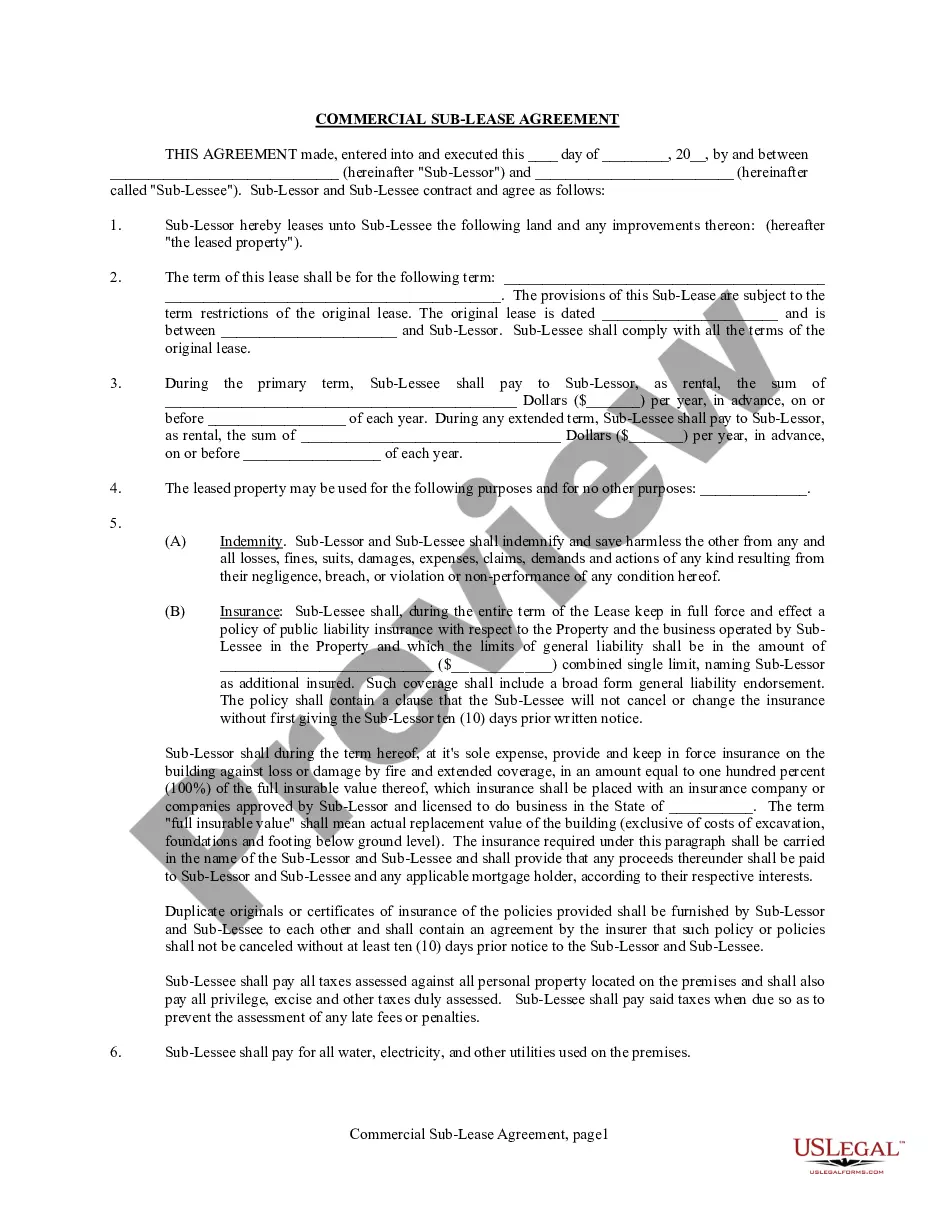
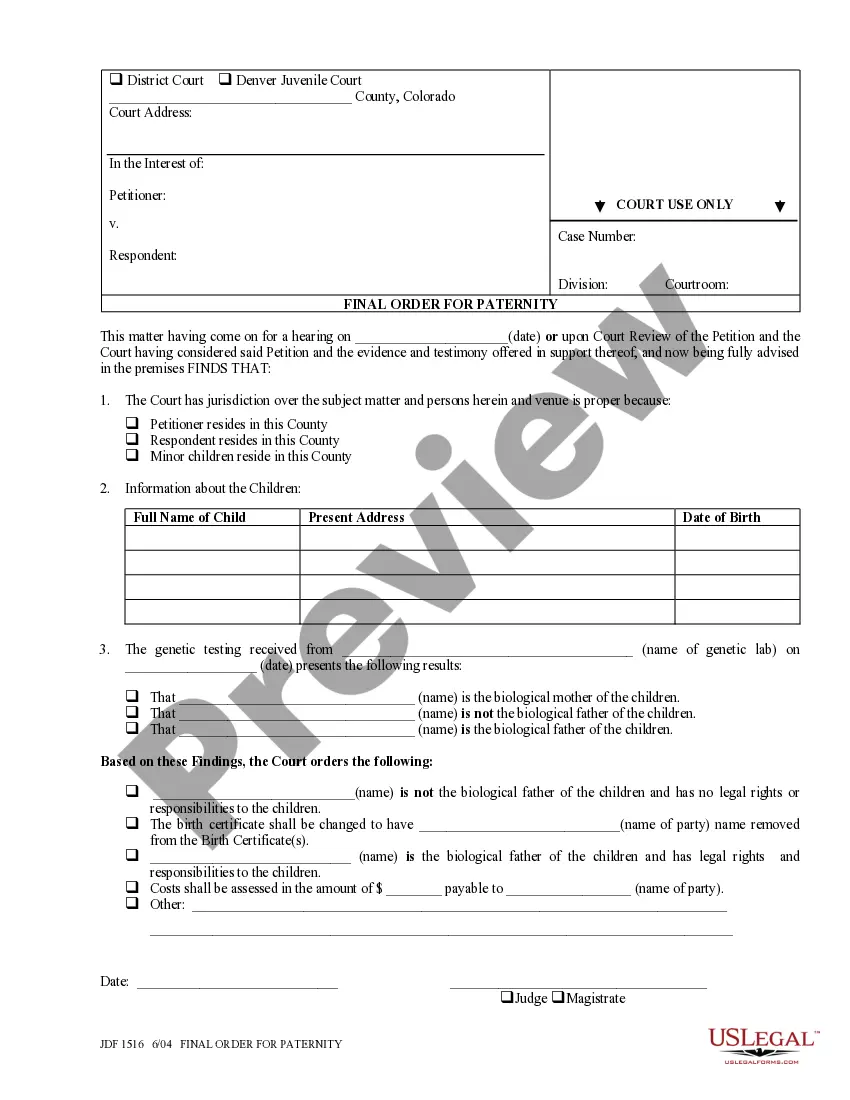
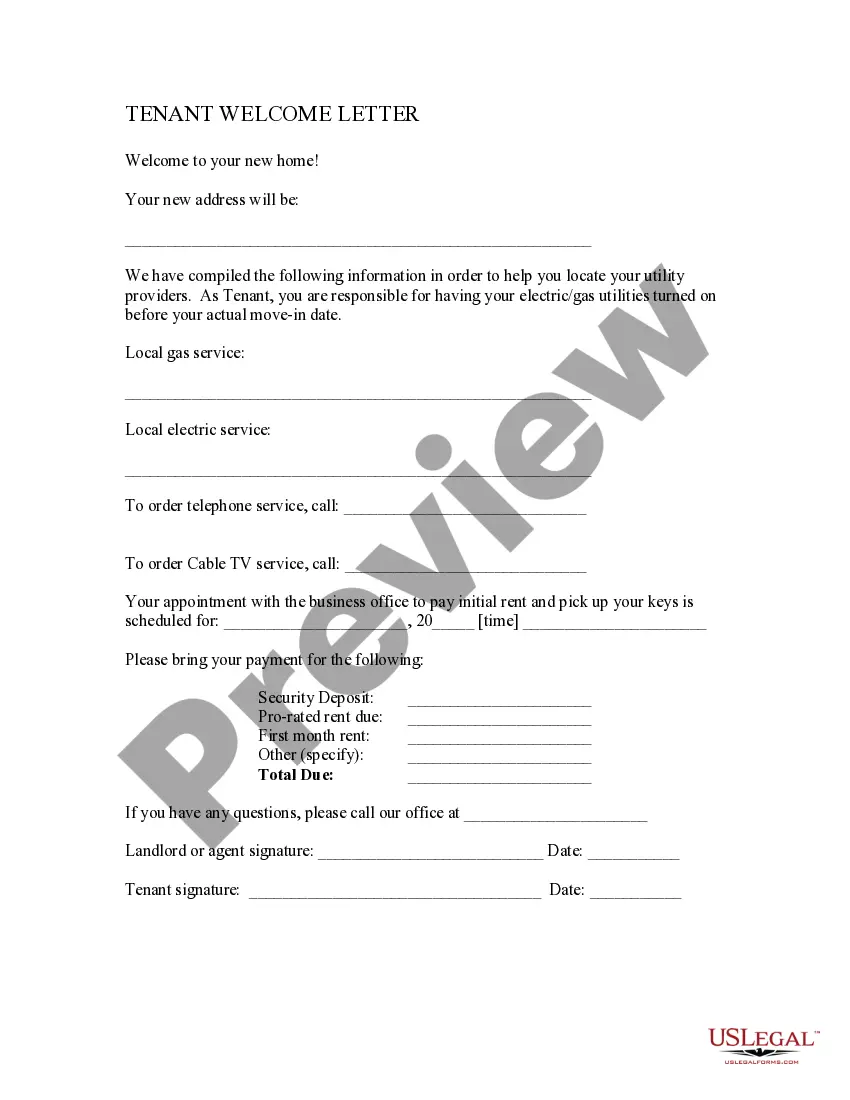
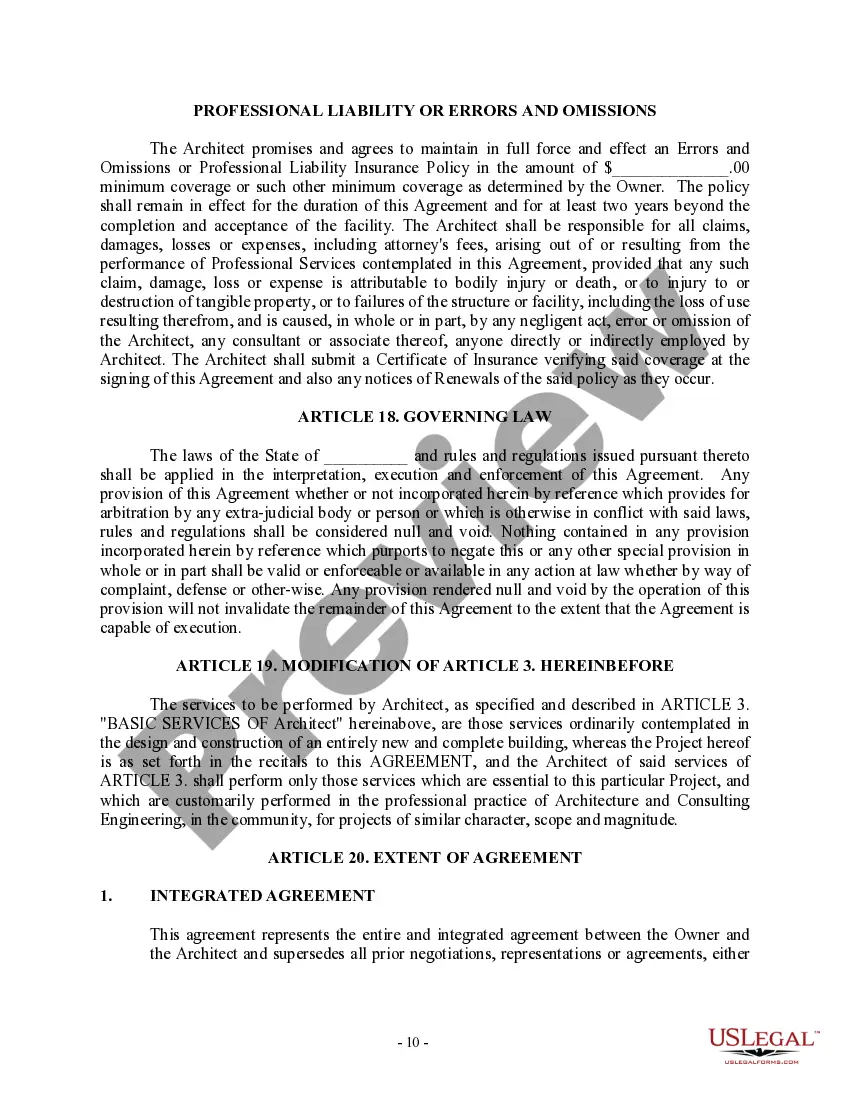
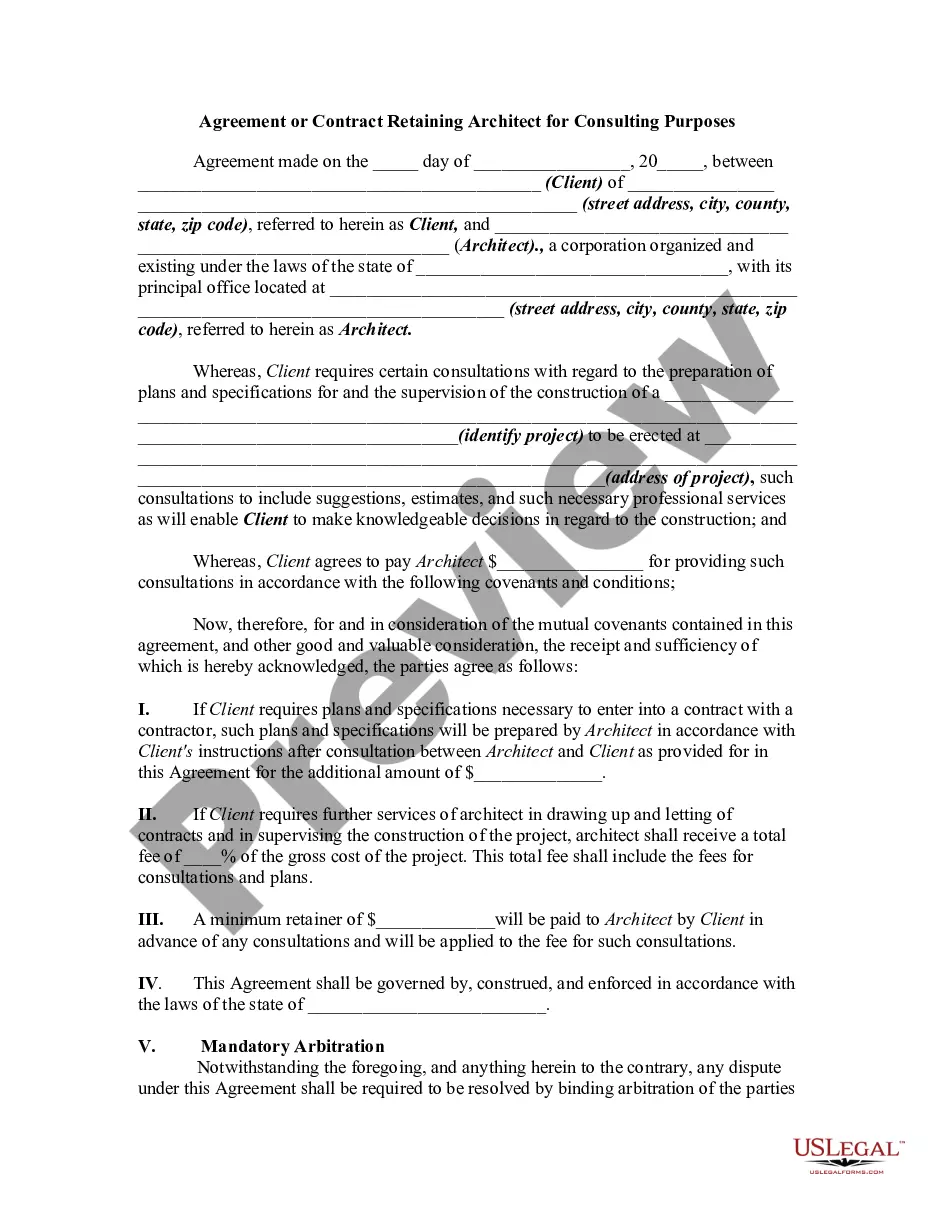
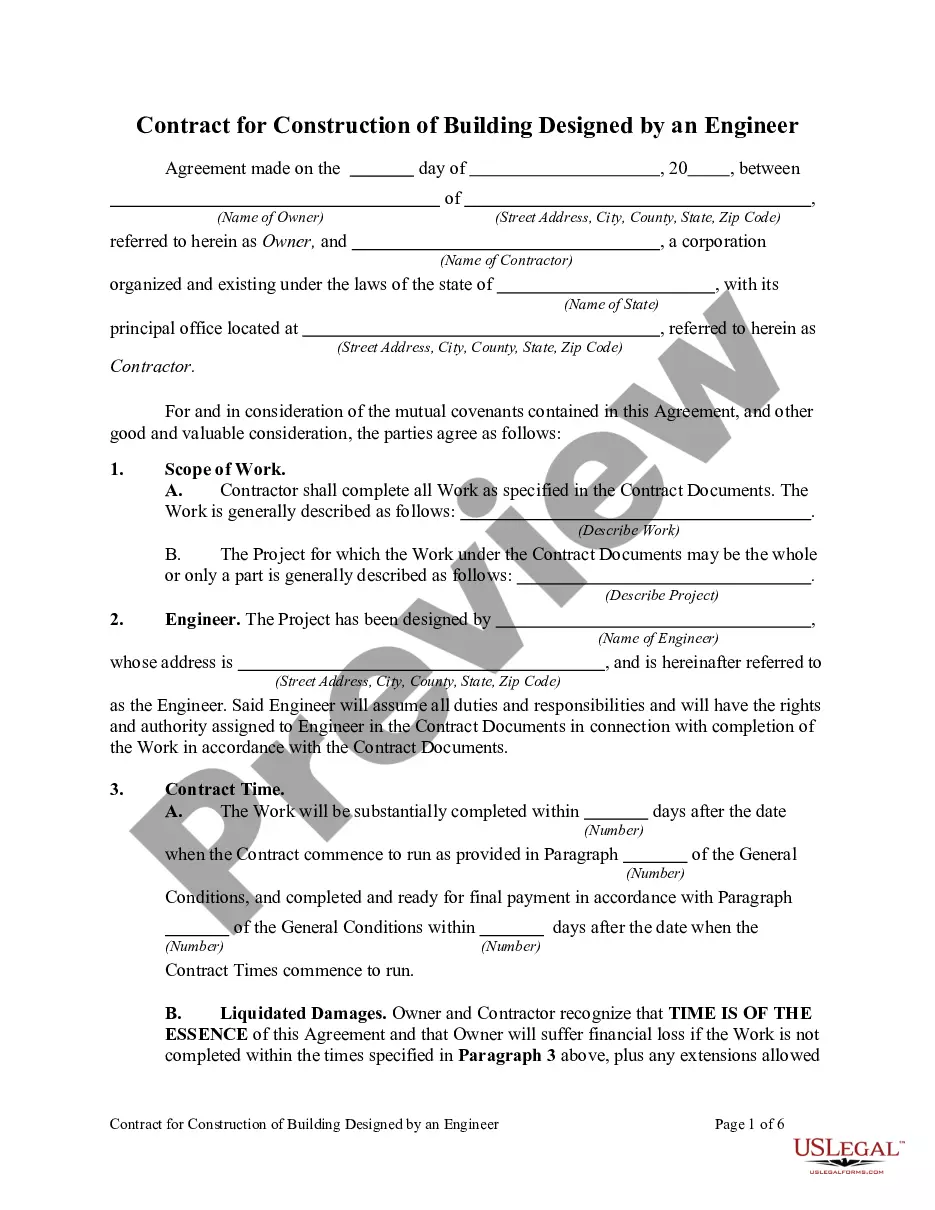
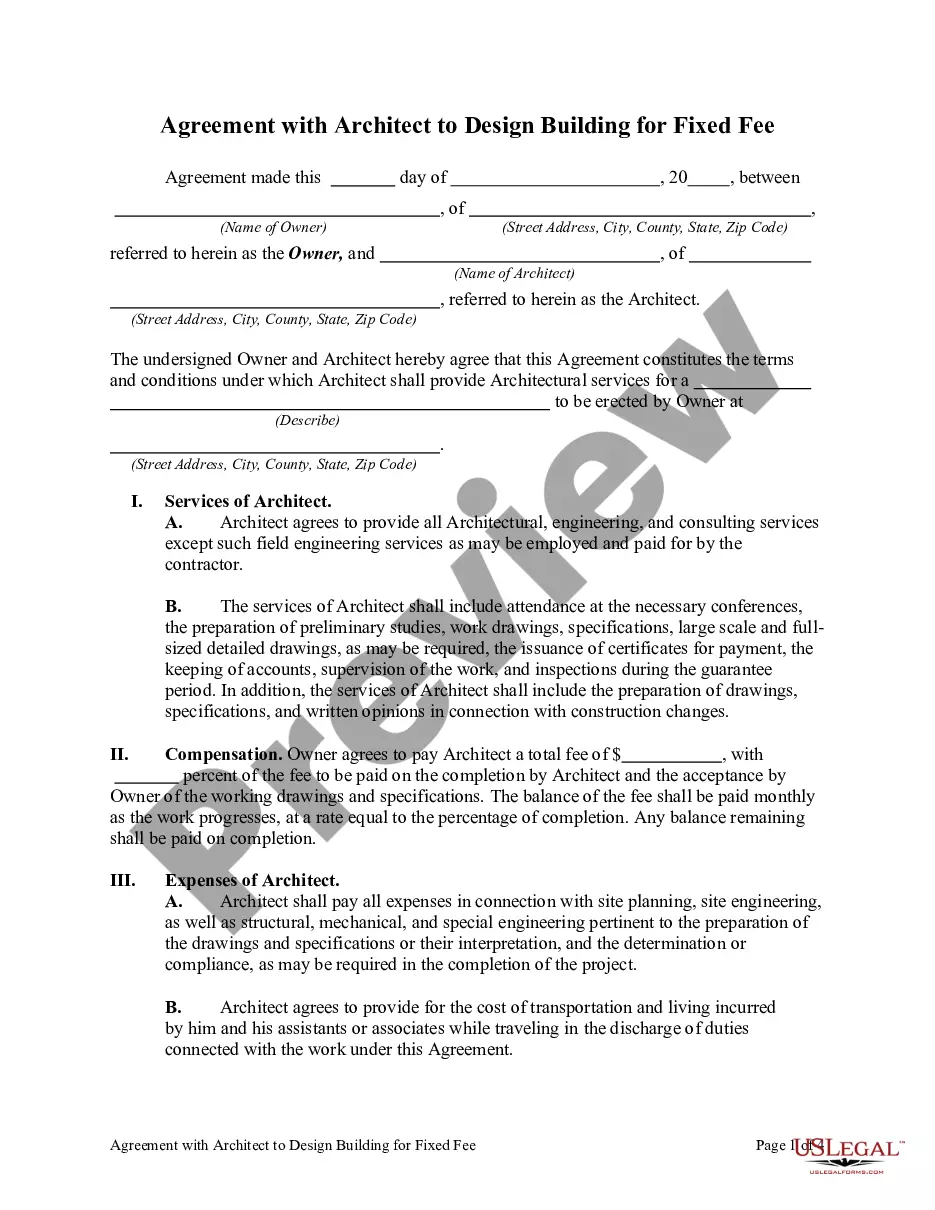
How to fill out Architect Contract For Design?
Finding a dependable source for the latest and pertinent legal templates is a significant part of navigating red tape.
Identifying the appropriate legal forms requires precision and meticulousness, which is why it is crucial to obtain samples of Contract Design Agreement With Signed exclusively from trustworthy sources, such as US Legal Forms. An incorrect template can squander your time and prolong your current situation.
Once you have the form on your device, you can modify it using an editor or print it to fill out manually. Eliminate the complications that come with your legal documents. Dive into the vast US Legal Forms collection to uncover legal samples, verify their suitability for your situation, and download them immediately.
- Employ the library navigation or search feature to locate your template.
- Access the form’s details to verify if it complies with the regulations of your state and locality.
- Preview the form, if possible, to ensure it is the correct document.
- If the Contract Design Agreement With Signed does not fulfill your criteria, continue your search for the appropriate template.
- Once you are certain of the form’s applicability, download it.
- If you are a registered client, click Log in to verify and access your chosen templates in My documents.
- If you haven't yet created an account, click Buy now to purchase the form.
- Select the pricing option that best fits your requirements.
- Continue with the registration to complete your transaction.
- Conclude your purchase by choosing a payment method (credit card or PayPal).
- Select the file format for downloading the Contract Design Agreement With Signed.
Form popularity
FAQ
Identify what you are sending and why you are sending it. Explain what the reader needs to do with the document. If the document is lengthy or in several parts, or if your instructions are complex, carefully itemize the steps. Express appreciation, and state a deadline for returning the contract, if appropriate.
Write explicitly what one party is promising to deliver and what the other agrees to pay or do in exchange. If services are part of the deal, state what services will be performed. Specify who will perform the services, for whom, where, when, for how long and for what consideration.
How To Write a Business Contract Get It in Writing. ... Use Language You Can Understand. ... Be Detailed. ... Include Payment Details. ... Consider Confidentiality. ... Include Language on How to End the Contract. ... Consider State Laws Governing the Contract. ... Include Indemnification, Remedies, and Attorneys' Fees.
The signature blocks are not much more than a white space surrounded by the company name and signatory's names, function and (not always) signing date and place. The signature is above a line.
However, the location of where the document was signed can be important in determining the validity of the contract. When a contract includes the phrase « signed at, » it typically means that the parties involved signed the document in a specific location.