Sample Request Letter For Form 16 From Current Employer
Description





Get your form ready online
Our built-in tools help you complete, sign, share, and store your documents in one place.
Make edits, fill in missing information, and update formatting in US Legal Forms—just like you would in MS Word.
Download a copy, print it, send it by email, or mail it via USPS—whatever works best for your next step.
Sign and collect signatures with our SignNow integration. Send to multiple recipients, set reminders, and more. Go Premium to unlock E-Sign.
If this form requires notarization, complete it online through a secure video call—no need to meet a notary in person or wait for an appointment.
We protect your documents and personal data by following strict security and privacy standards.

Make edits, fill in missing information, and update formatting in US Legal Forms—just like you would in MS Word.

Download a copy, print it, send it by email, or mail it via USPS—whatever works best for your next step.

Sign and collect signatures with our SignNow integration. Send to multiple recipients, set reminders, and more. Go Premium to unlock E-Sign.

If this form requires notarization, complete it online through a secure video call—no need to meet a notary in person or wait for an appointment.

We protect your documents and personal data by following strict security and privacy standards.
Looking for another form?

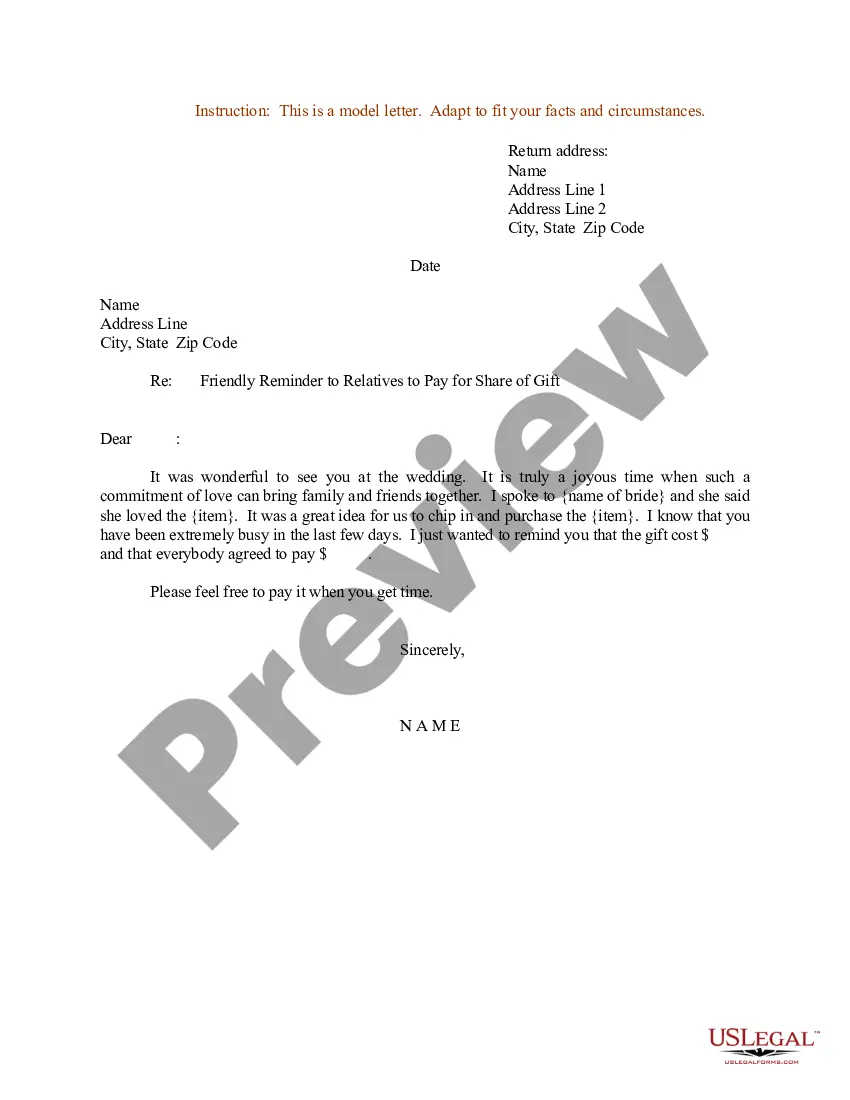

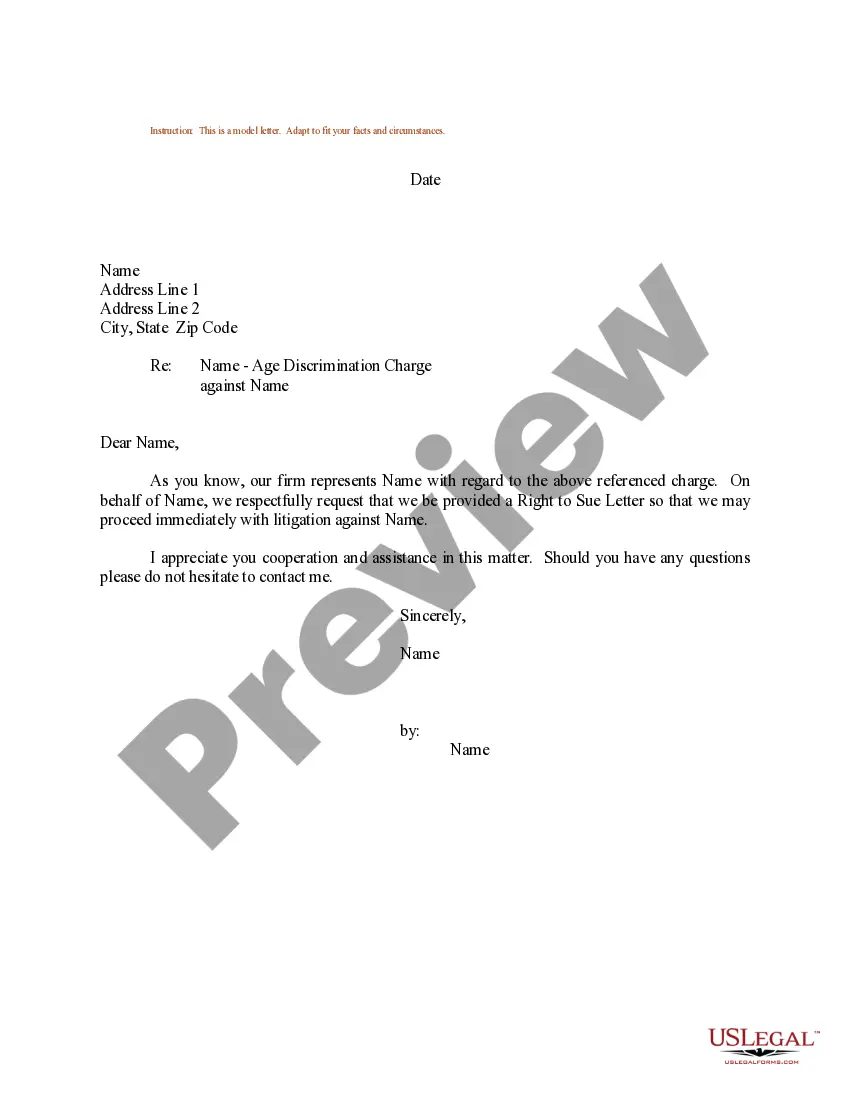
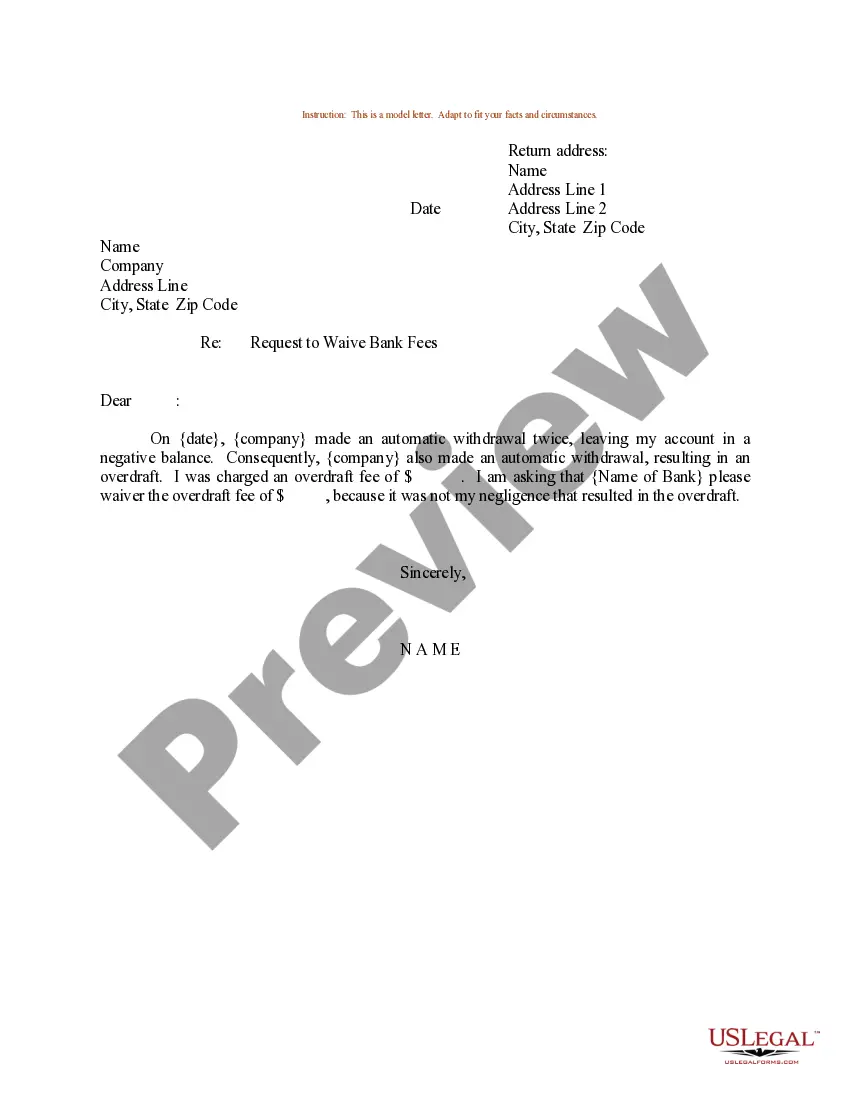
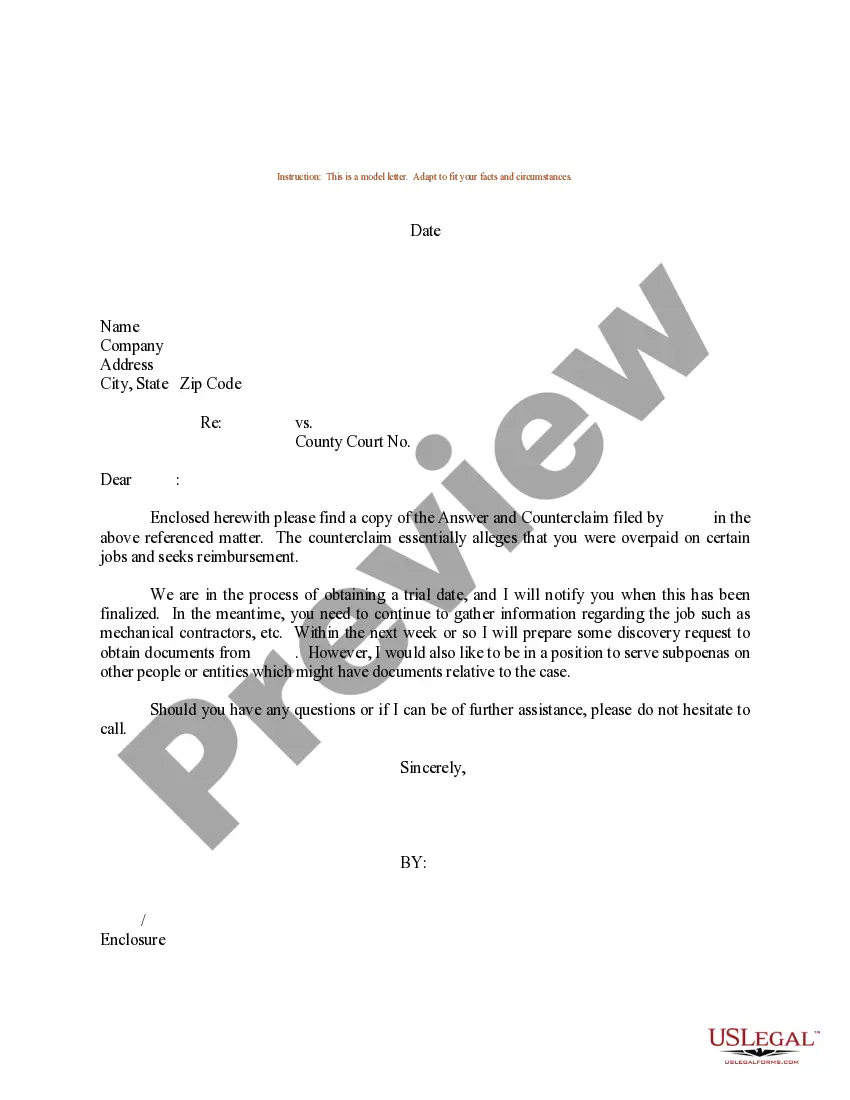
How to fill out Sample Letter Regarding Motion For Additional Time?
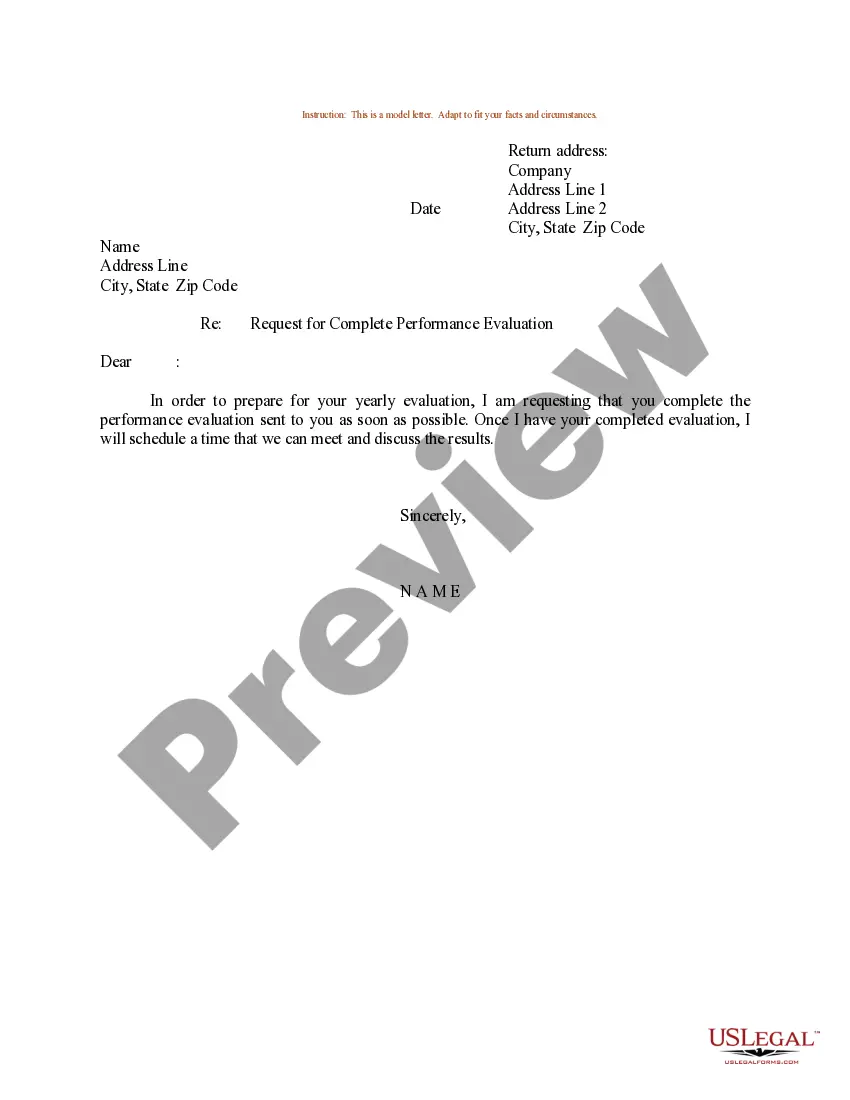
- Begin with your details: Include your name, address, and contact information at the top of the letter.
- Date your letter: Write the date when you are sending the letter.
- Address your employer: Use a formal salutation, addressing your supervisor or HR.
- State your request: Clearly ask for Form 16, mentioning its significance for your tax filing.
- Provide any necessary details: Include your employment details and any relevant information needed for processing your request.
- Close formally: Thank them for their prompt attention and offer to provide any further information if needed.
Once your letter is complete, carefully review it for any errors, and then send it via your preferred communication method—email or postal mail. Ensuring professionalism in your request increases the likelihood of a swift response.
Utilizing the US Legal Forms platform can enhance your document preparation experience significantly. With a vast library of more than 85,000 editable forms and access to premium experts, you can be confident in creating legally sound documents. Start leveraging these resources today for seamless legal document management.
Form popularity
FAQ
Writing a good request form involves being clear and concise about your needs. Start by stating what you need directly, and provide any relevant details that can help expedite the process. For instance, using a sample request letter for form 16 from current employer can help ensure you include all necessary elements in your request.
If you find errors on Form 16, the first step is to inform your employer about the discrepancies. They can issue a revised Form 16 with the necessary corrections. To ensure accuracy in your request, consider using a sample request letter for form 16 from current employer to frame your communication effectively.
Form 16 is generally valid for a financial year, as it summarizes the income earned and TDS deducted by your employer. It serves as a crucial document for filing income tax returns. To ensure compliance, keep your Form 16 safe and accessible, as you might need to refer to it when preparing tax documents.
When formatting a letter of request, begin with your address and the date at the top. Follow this with the employer's address, then include a formal greeting. Ensure to structure your letter with clear paragraphs, and maintain a professional tone throughout, especially when requesting something like a sample request letter for form 16 from current employer.
A simple letter of request should include a straightforward introduction that states your need. Be polite and brief, mentioning what you’re requesting, such as a sample request letter for form 16 from current employer. Don’t forget to express your appreciation for their assistance in your closing.
To obtain form 16A, you generally need to contact your employer or the organization that processed your TDS (Tax Deducted at Source). Ensure you provide necessary details like your employment period and PAN. If you’re unsure how to phrase your request, consider using a sample request letter for form 16 from current employer for guidance.
An example of a formal request could be a letter asking your employer for a specific document. For instance, you might write a formal letter requesting a sample request letter for form 16 from current employer. This request should be clear, polite, and provide context on why you need the document.
To write a letter of request form, start by clearly stating the purpose of your request. Include relevant details, such as your name, contact information, and any necessary identification numbers. It’s also essential to politely ask for the specific information you need, like a sample request letter for form 16 from current employer.
Writing Form 16 involves accurately documenting the income details and tax deductions applicable to you. You must include your employer's information, your income sources, and the precise amounts of tax deducted. If you find yourself needing guidance on how to request this information, consider using a sample request letter for Form 16 from your current employer. This will help ensure you include all necessary information and format it correctly.
To generate Form 16A, you need to gather the necessary details about your income and the tax deducted at source. You can then either request it directly from your employer or use online tools that facilitate this process. If you are unsure how to approach your employer, a sample request letter for Form 16 from the current employer can be very helpful. Remember, having this form is essential for filing your income tax returns accurately.
