Exhibition Contract Template With Word In Ohio
Description


Get your form ready online
Our built-in tools help you complete, sign, share, and store your documents in one place.
Make edits, fill in missing information, and update formatting in US Legal Forms—just like you would in MS Word.
Download a copy, print it, send it by email, or mail it via USPS—whatever works best for your next step.
Sign and collect signatures with our SignNow integration. Send to multiple recipients, set reminders, and more. Go Premium to unlock E-Sign.
If this form requires notarization, complete it online through a secure video call—no need to meet a notary in person or wait for an appointment.
We protect your documents and personal data by following strict security and privacy standards.

Make edits, fill in missing information, and update formatting in US Legal Forms—just like you would in MS Word.

Download a copy, print it, send it by email, or mail it via USPS—whatever works best for your next step.

Sign and collect signatures with our SignNow integration. Send to multiple recipients, set reminders, and more. Go Premium to unlock E-Sign.

If this form requires notarization, complete it online through a secure video call—no need to meet a notary in person or wait for an appointment.

We protect your documents and personal data by following strict security and privacy standards.
Looking for another form?





Form popularity
FAQ
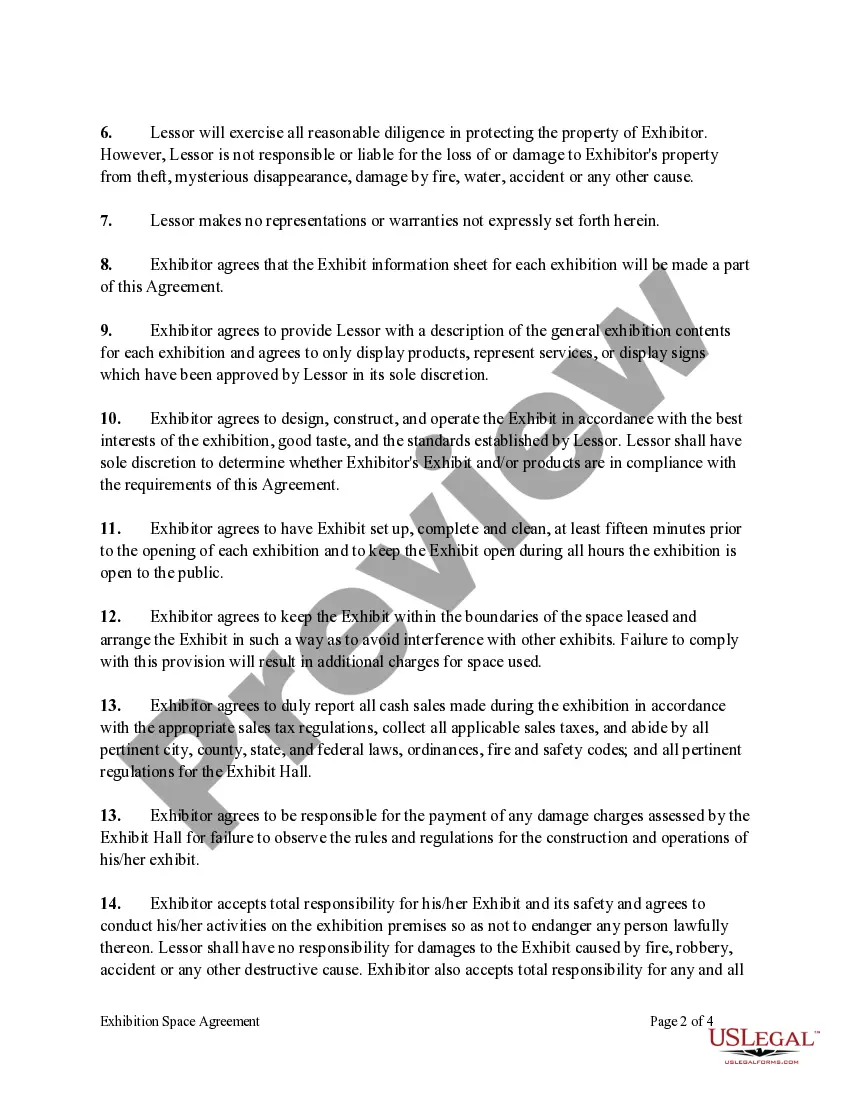
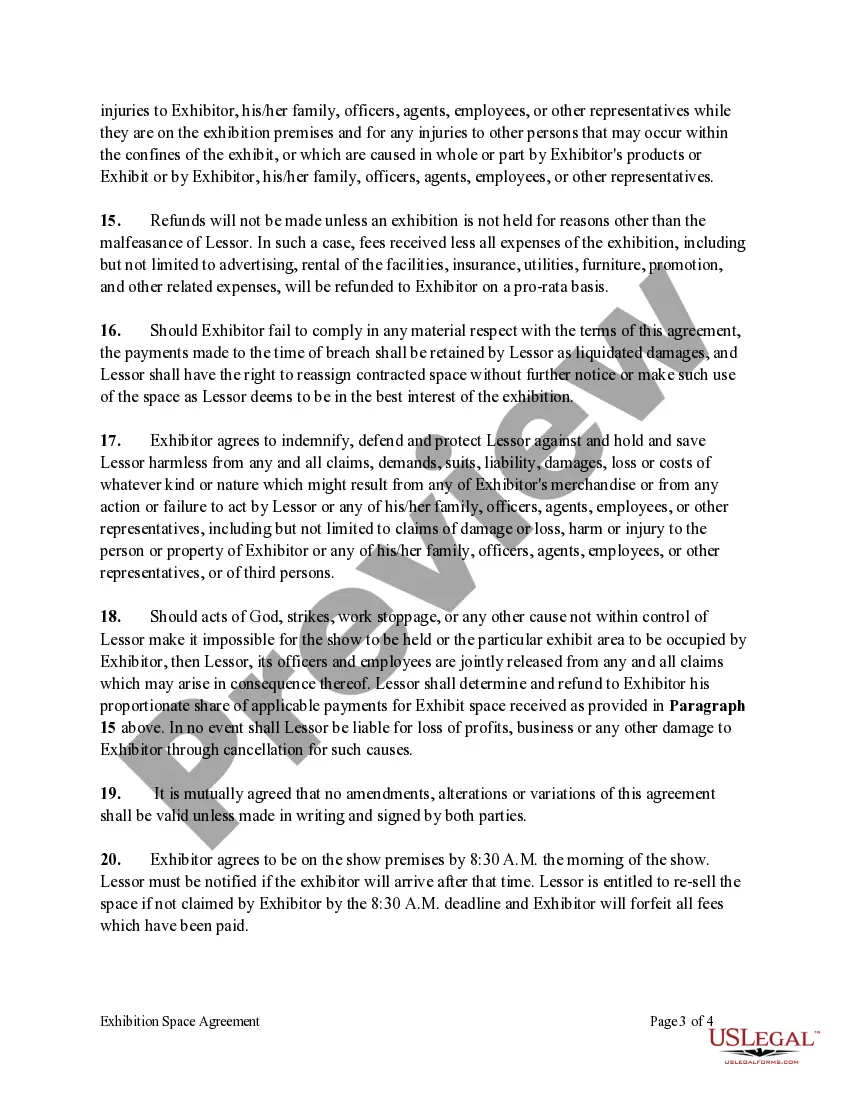
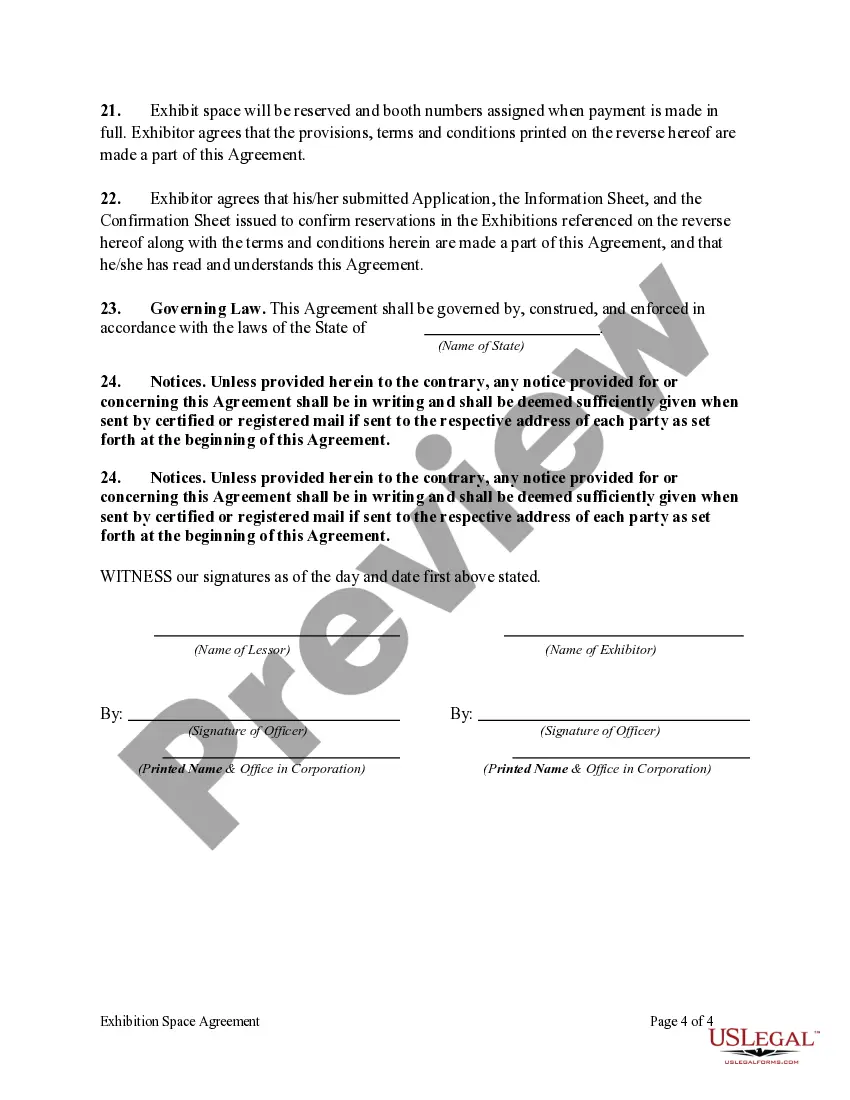
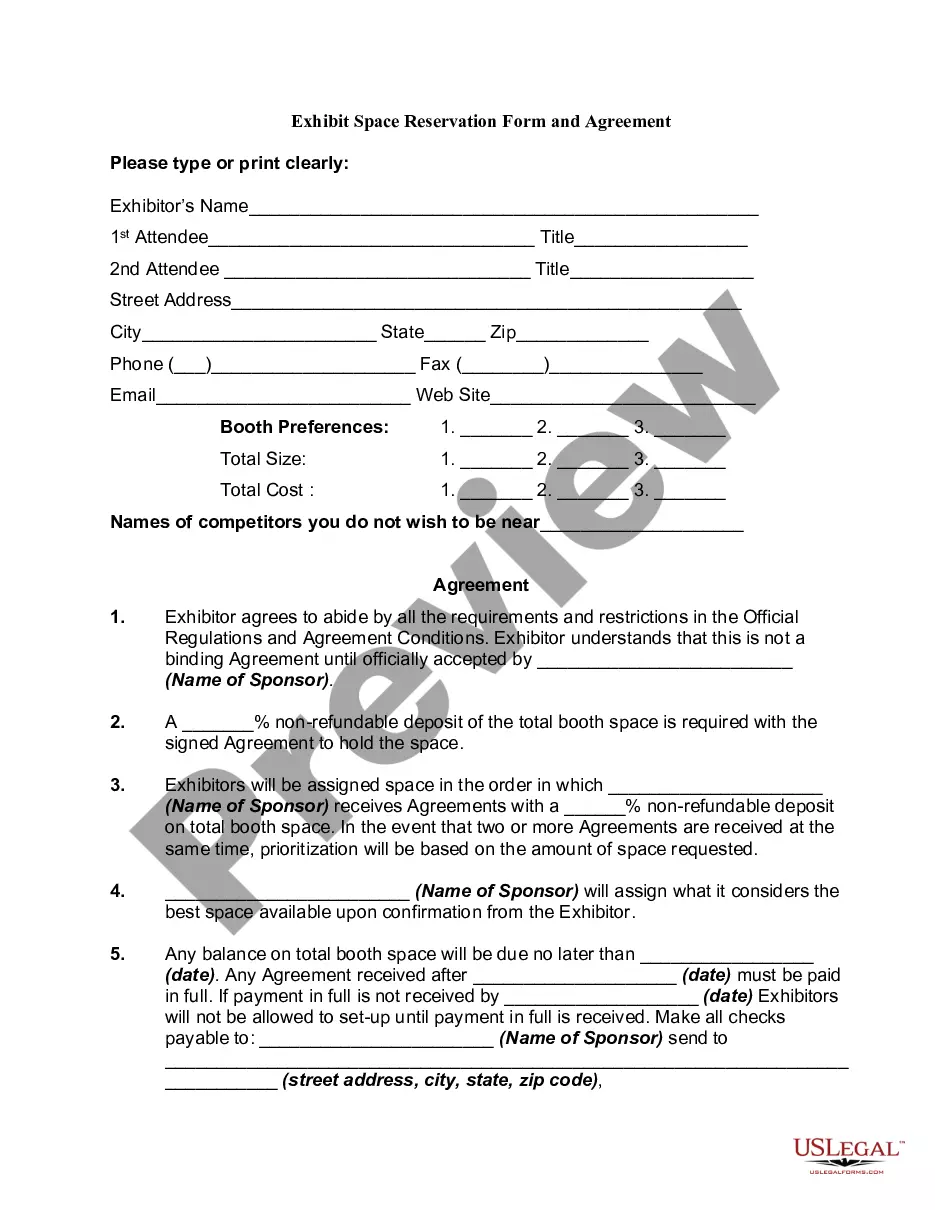
An exhibition agreement is a contract between an exhibition institution and an artist that allows the institution to display art temporarily. The contract identifies the institution and the artist and mentions which works of art are applicable to the contract.
Exhibits should be finalized when a contract is signed but exhibits generally should not be signed when the contract is signed. A schedule is also an attachment to the end of the contract. However, schedules usually consist of information important to the contract terms.
An exhibition, in the most general sense, is an organized presentation and display of a selection of items. In practice, exhibitions usually occur within a cultural or educational setting such as a museum, art gallery, park, library, exhibition hall, or World's fairs.
Contract templates in Microsoft Word serve as pre-designed frameworks for creating agreements. They include important sections like terms, conditions, and signature lines, allowing users to fill in specific details.
As an annex, the exhibit is both a stand-alone source of information, and an important elaboration that contributes to overall understanding regarding the contract or case at hand. An appendix is an addition made to a contract, prior to legalization via signoff, that contributes to larger understanding therein.
Final roster but because of his E10. Deal he joined the Oola magic with whom he won League MVP. InMoreFinal roster but because of his E10. Deal he joined the Oola magic with whom he won League MVP. In his second straight AT&T slam dunk contest. With that said there are exceptions to this rule.
How to draft a contract between two parties: A step-by-step checklist Know your parties. Agree on the terms. Set clear boundaries. Spell out the consequences. Specify how you will resolve disputes. Cover confidentiality. Check the legality of the contract. Open it up to negotiation.
Create an Agreement in Microsoft Word – Step-by-Step Guide Step 1: Select an Agreement Template. Choose the Agreement Template so you won't have to draft an agreement document from scratch. Step 3: Personalize the Cover Page. Step 5: Customize the Sections on the Second Page.
Include a typed notation within the body of the legal document where the exhibit should be referenced. Thereafter, assign the exhibit with an identifying number or letter. For instance, this notation can state either "See Exhibit A" or "See Exhibit 1". Label the exhibit with the assigned identifying number or letter.
The template library in Word includes a wide selection of contract templates for various needs. Users access industry-specific options, ensuring relevance and legal appropriateness. Each template offers a comprehensive structure, including essential clauses and standard legal language.
