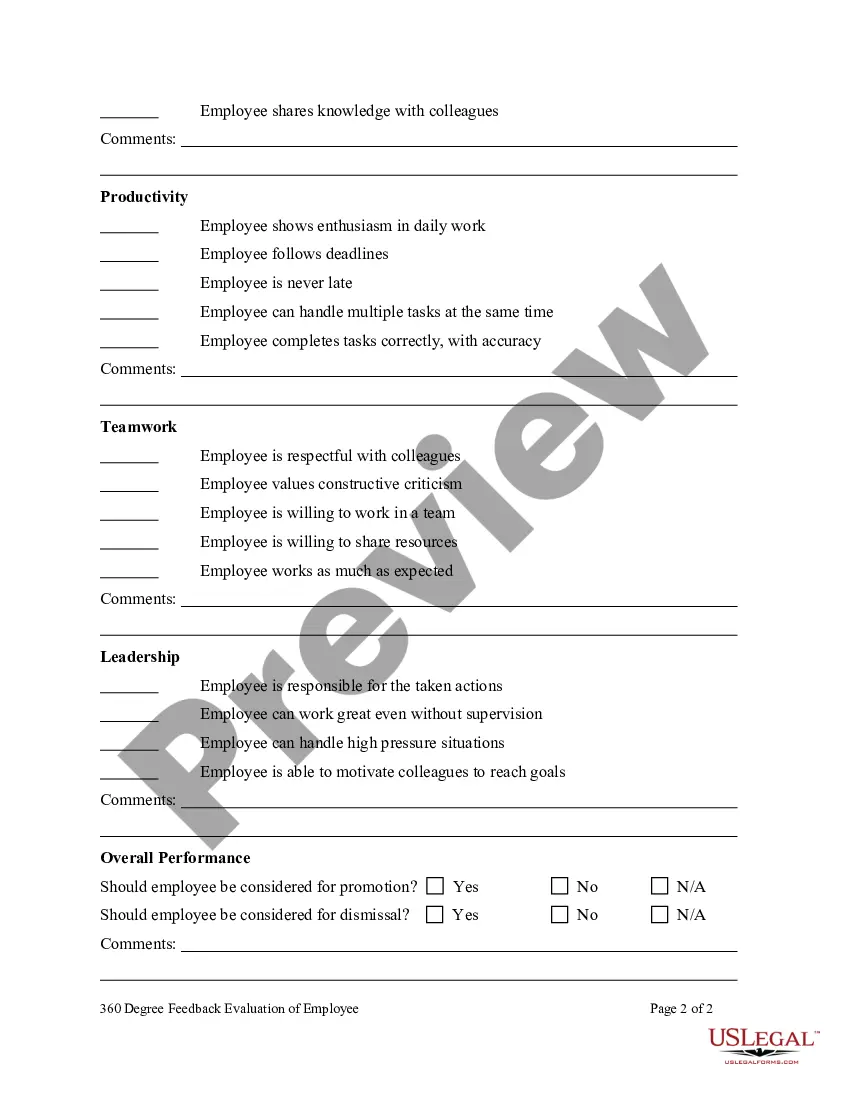
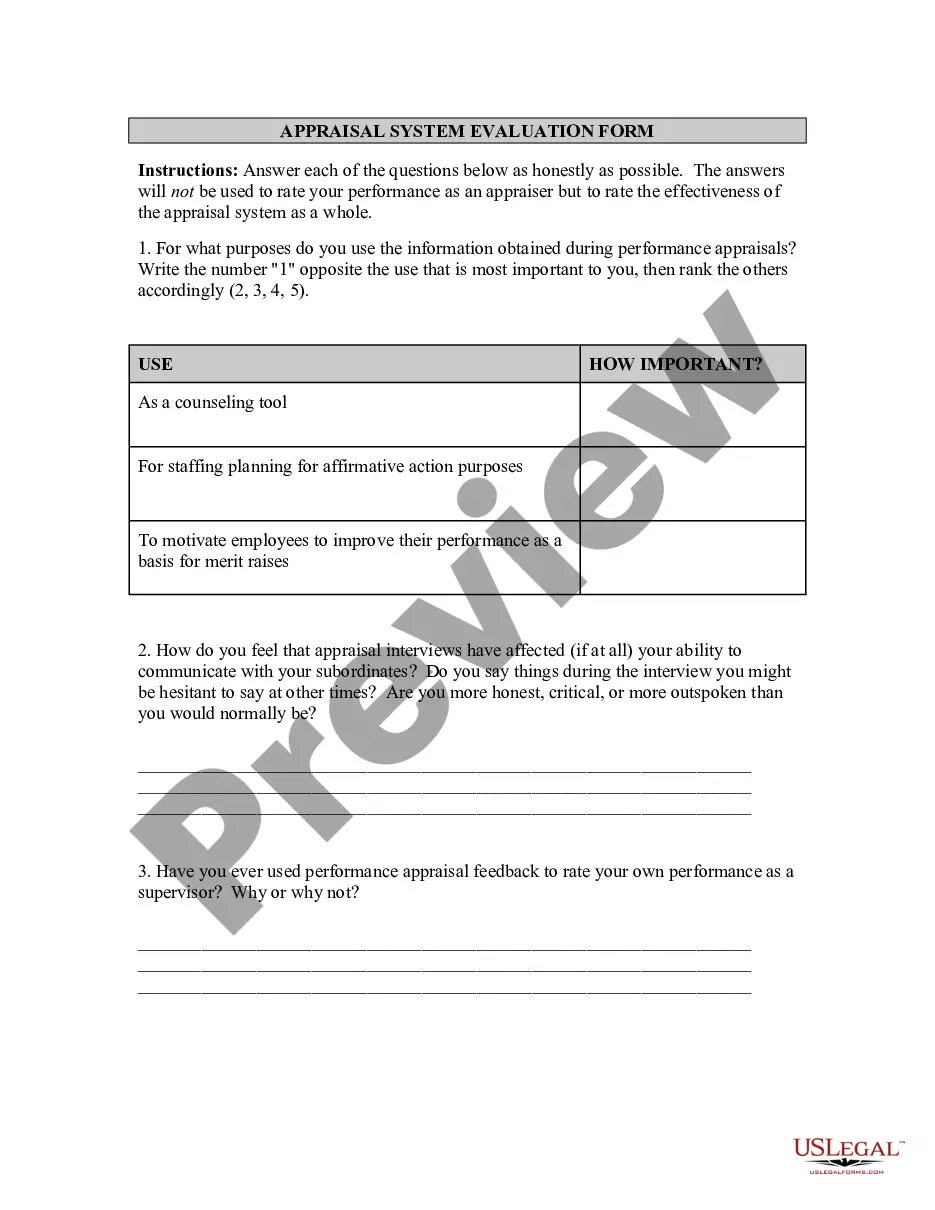
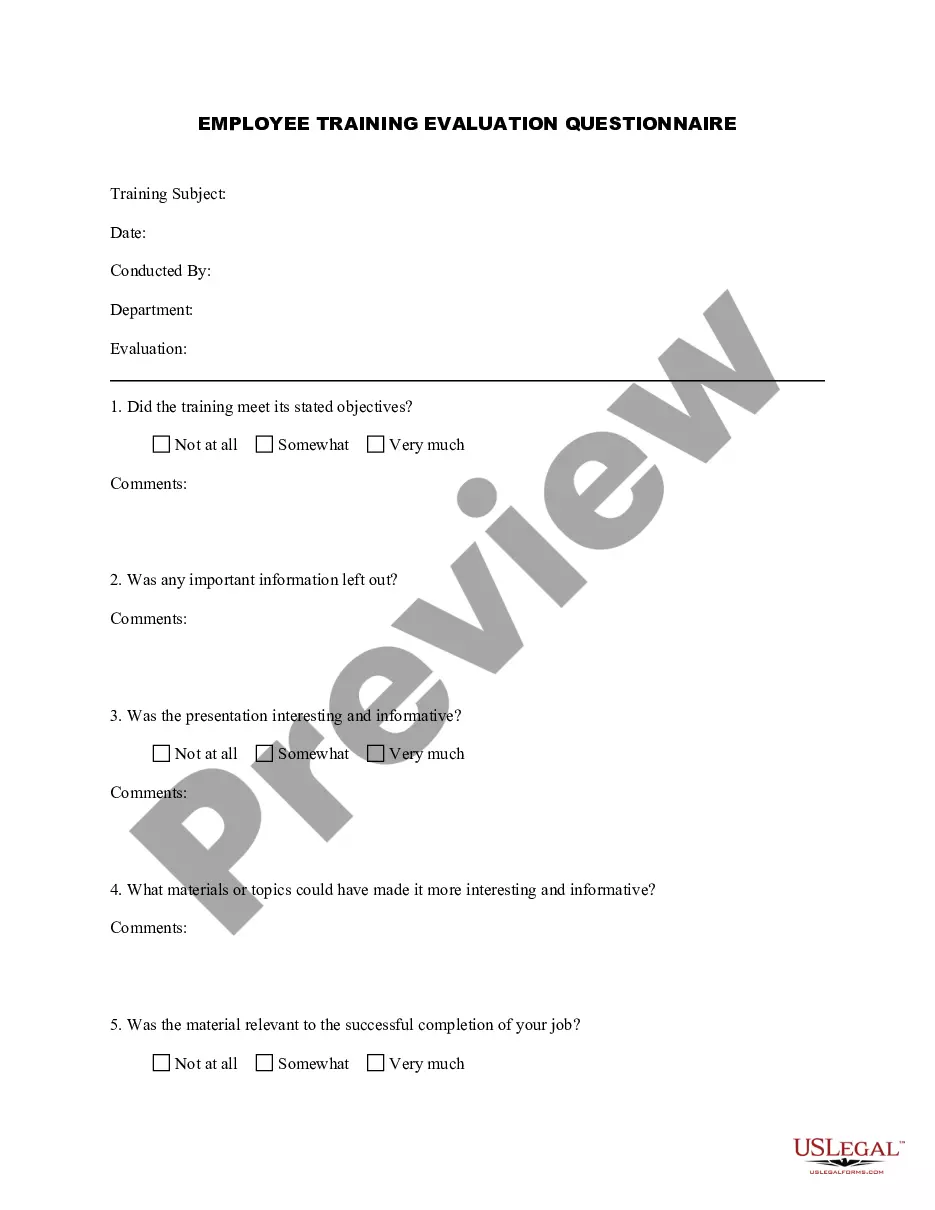
360 Degree Feedback Form For Employees In Queens
Description


Get your form ready online
Our built-in tools help you complete, sign, share, and store your documents in one place.
Make edits, fill in missing information, and update formatting in US Legal Forms—just like you would in MS Word.
Download a copy, print it, send it by email, or mail it via USPS—whatever works best for your next step.
Sign and collect signatures with our SignNow integration. Send to multiple recipients, set reminders, and more. Go Premium to unlock E-Sign.
If this form requires notarization, complete it online through a secure video call—no need to meet a notary in person or wait for an appointment.
We protect your documents and personal data by following strict security and privacy standards.

Make edits, fill in missing information, and update formatting in US Legal Forms—just like you would in MS Word.

Download a copy, print it, send it by email, or mail it via USPS—whatever works best for your next step.

Sign and collect signatures with our SignNow integration. Send to multiple recipients, set reminders, and more. Go Premium to unlock E-Sign.

If this form requires notarization, complete it online through a secure video call—no need to meet a notary in person or wait for an appointment.

We protect your documents and personal data by following strict security and privacy standards.
Looking for another form?




Form popularity
FAQ
How to design an effective 360 degree feedback questionnaire Identify the themes you want to measure. Create specific 360 questions based on your themes. Example 360 degree feedback questionnaire questions. Define your 360 degree feedback questionnaire rating scale. In conclusion.
Tips for Successfully Implementing a 360 Feedback Initiative at Your Organization Clarify the goals for the 360 feedback initiative. Address individual and organization readiness. Design the process. Select or design the tool. Identify and prepare participants. Prepare the organization. Administer the assessment.
How to write a feedback form Think about what you want to ask. Use formatting and design that's consistent with the brand. Gather responders' information. Break the form into relevant categories. Employ a mix of question types. Consider the future. Remain unbiased. Proofread and distribute.
The key areas to cover in an employee satisfaction feedback form are: Job satisfaction ratings. Compensation and benefits satisfaction ratings. Relationship with coworkers and managers. Company purpose ratings. Open-ended comments.
How to use Google Forms to collect Customer Feedback Step 1: Create a Form. You can create a Google Form by logging into your Google Workspace and clicking on Forms. Step 2: Add Questions (with examples) As mentioned, there are different question types that you can use. Step 3: Share the Form. Step 4: Manage the Feedback.
A feedback form template is a way to get people's thoughts on how well your company is doing its job. The goal is to get a better sense of the overall customer experience so you can figure out where things could be better. How do you find out what your customers think? There are a lot of ways.
One of the key steps to report 360-degree feedback results is to communicate the purpose and benefits of the process to your clients and their employees. You should explain why they received 360-degree feedback, how it aligns with their goals and values, and how it can help them grow and succeed.
Who can give an employee 360 degree feedback? 360 feedback is multi rater feedback. This means it should be given by those colleagues who work directly with the person who's receiving the feedback. This can include supervisors, colleagues, direct reports, customers, and vendors.
