New York Subcontractor Withdrawal
Description



Get your form ready online
Our built-in tools help you complete, sign, share, and store your documents in one place.
Make edits, fill in missing information, and update formatting in US Legal Forms—just like you would in MS Word.
Download a copy, print it, send it by email, or mail it via USPS—whatever works best for your next step.
Sign and collect signatures with our SignNow integration. Send to multiple recipients, set reminders, and more. Go Premium to unlock E-Sign.
If this form requires notarization, complete it online through a secure video call—no need to meet a notary in person or wait for an appointment.
We protect your documents and personal data by following strict security and privacy standards.

Make edits, fill in missing information, and update formatting in US Legal Forms—just like you would in MS Word.

Download a copy, print it, send it by email, or mail it via USPS—whatever works best for your next step.

Sign and collect signatures with our SignNow integration. Send to multiple recipients, set reminders, and more. Go Premium to unlock E-Sign.

If this form requires notarization, complete it online through a secure video call—no need to meet a notary in person or wait for an appointment.

We protect your documents and personal data by following strict security and privacy standards.
Looking for another form?
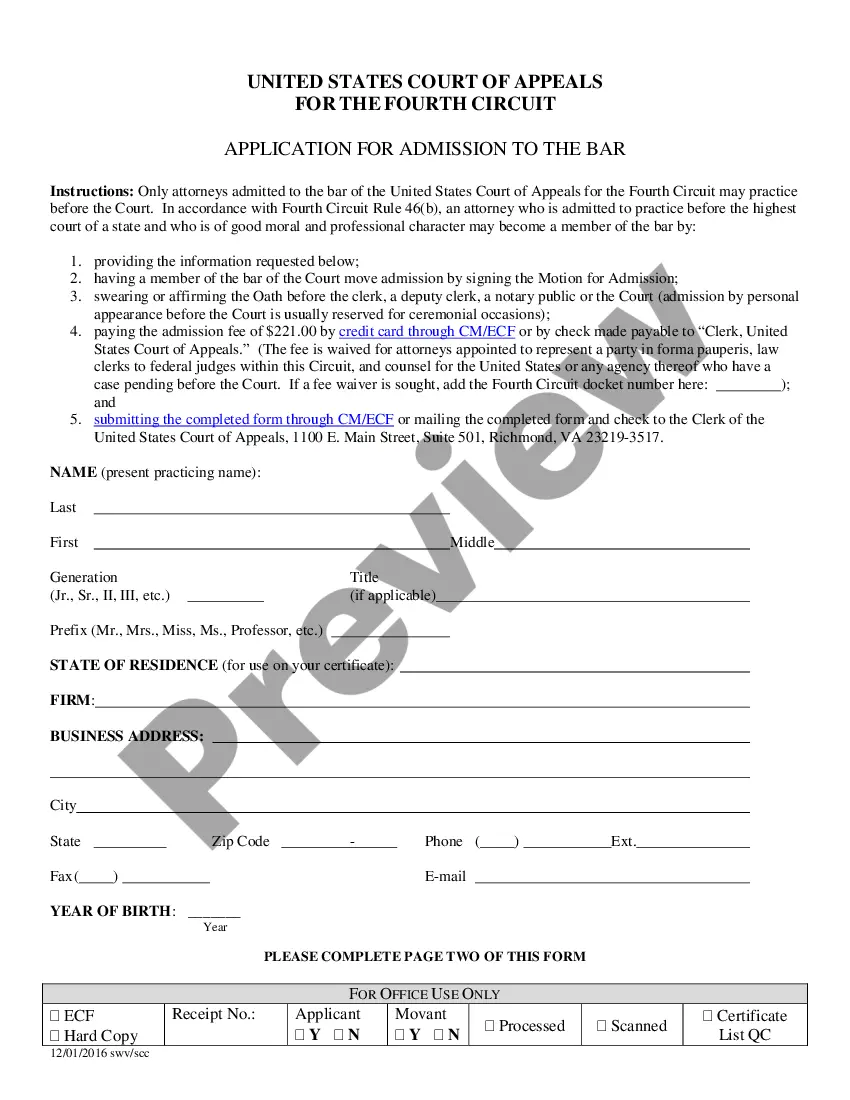
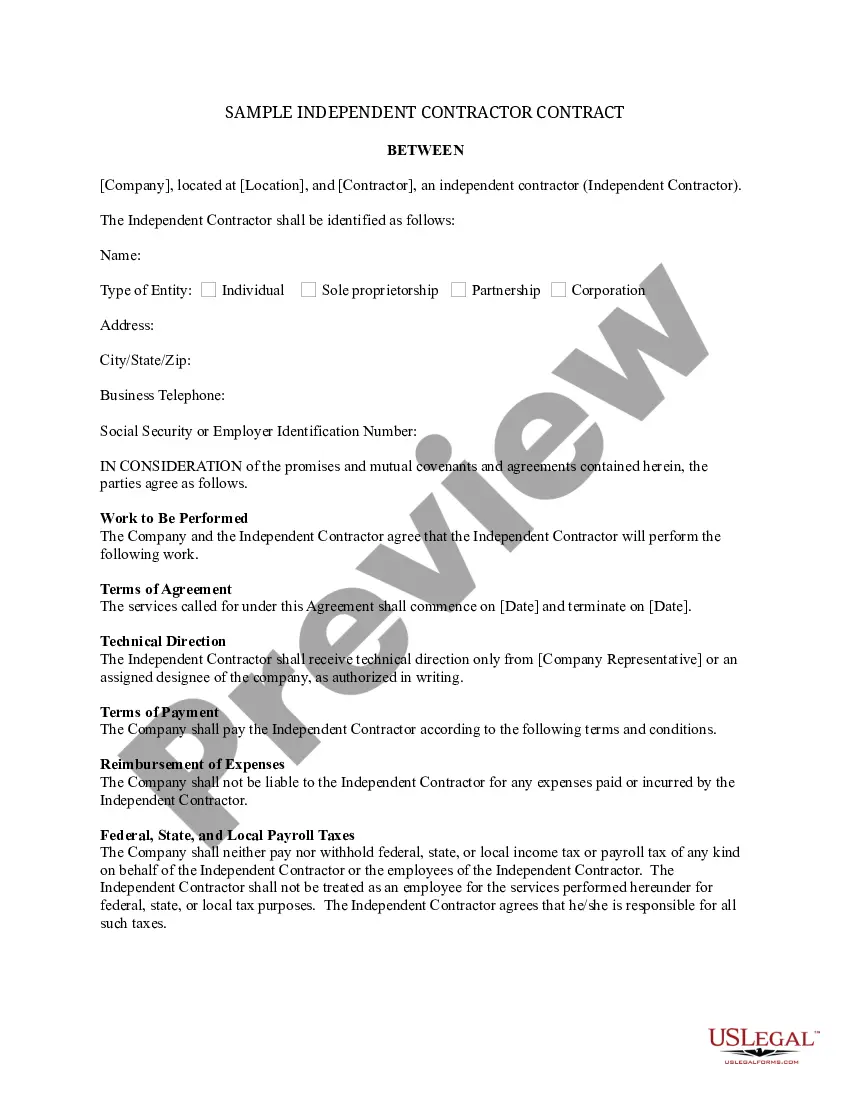
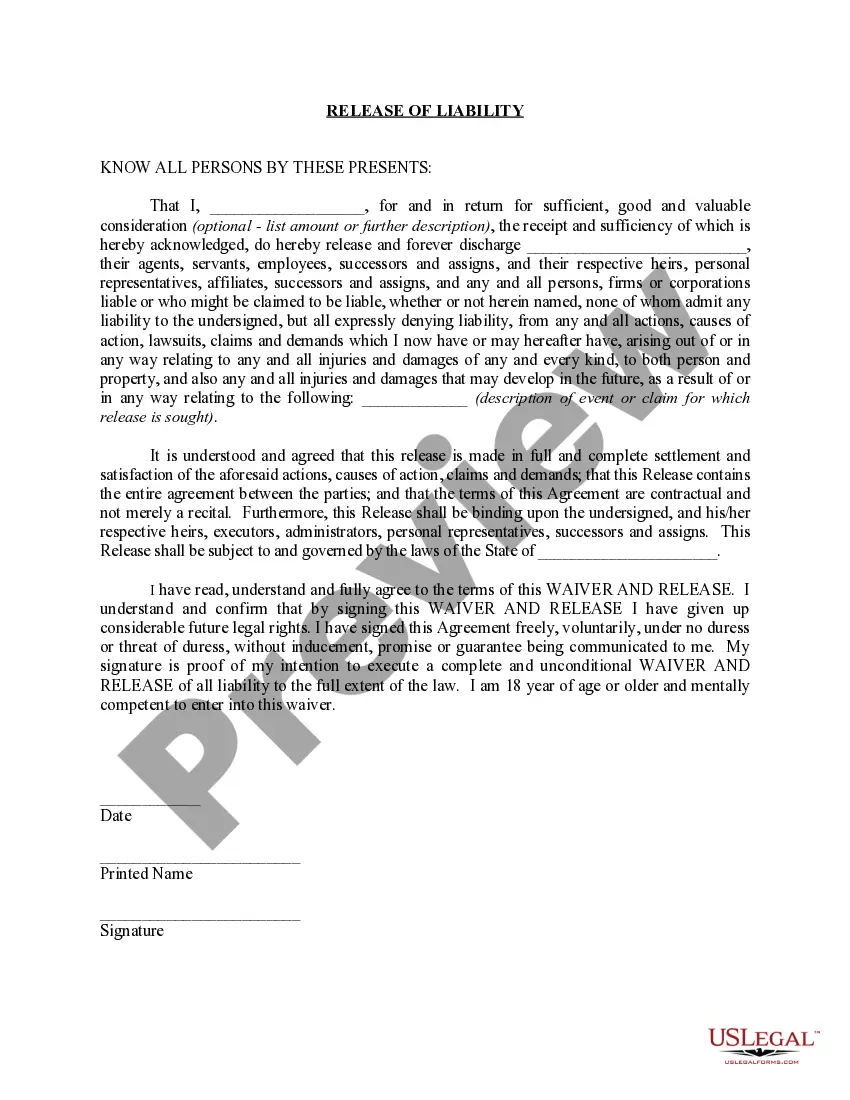
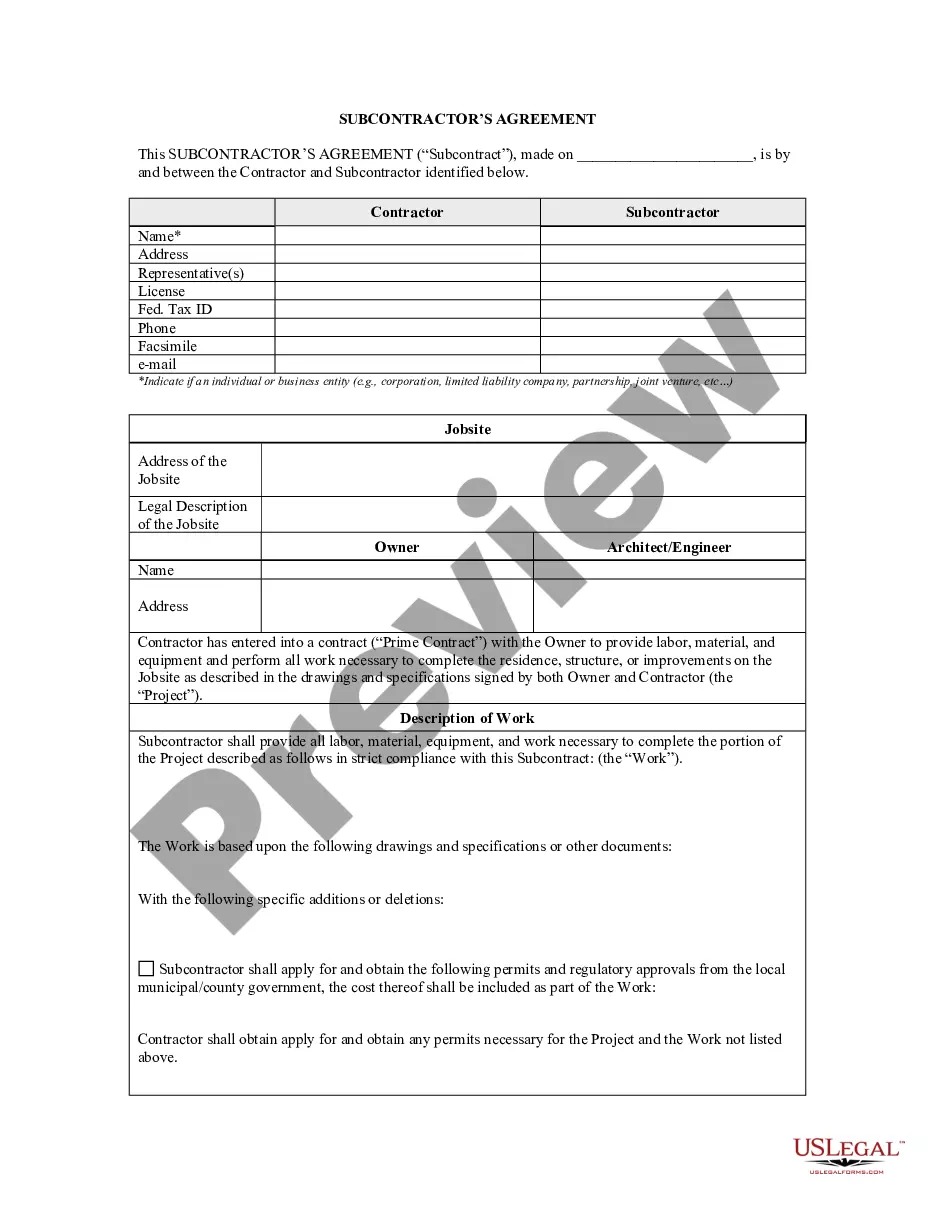
How to fill out New York Subcontractor's Agreement?
What is the most trustworthy service to obtain the New York Subcontractor Withdrawal and other latest editions of legal documents? US Legal Forms is the answer! It's the premier collection of legal templates for any situation. Every example is meticulously crafted and verified for adherence to federal and local laws. They are categorized by area and state of application, ensuring that locating what you require is effortless.
Experienced users of the website simply need to Log In to the system, verify if their subscription is active, and click the Download button next to the New York Subcontractor Withdrawal to retrieve it. Once saved, the template remains accessible for future use within the My documents section of your profile. If you do not yet have an account with our library, here are the steps you need to follow to create one.
US Legal Forms is an ideal solution for anyone requiring legal documentation. Premium users can gain even more as they complete and approve previously saved files electronically at any time using the integrated PDF editing feature. Try it out now!
- Form compliance review. Before you acquire any template, you must verify whether it suits your usage requirements and complies with your state or county's regulations. Read the form summary and utilize the Preview if it is available.
- Alternative form search. If there are any discrepancies, use the search bar in the page header to find another template. Press Buy Now to select the correct one.
- Registration and subscription purchase. Choose the most appropriate pricing option, Log In or register for your account, and pay for your subscription through PayPal or credit card.
- Downloading the document. Select the format you wish to save the New York Subcontractor Withdrawal (PDF or DOCX) and press Download to retrieve it.
Form popularity
FAQ
Request Withdrawal in DOB NOW: Build For PW1 Applicant of Record, go to Job Filings Dashboard and select 'Withdrawal' under Filing Action. For PW2 Applicant, go to Work Permits Dashboard and select 'Withdrawal' under Filing Action.
Applicants/Contractors withdrawing from a permitted application must: submit a letter of request to withdraw to the Borough Commissioner's office; list corresponding permits; and provide the status of work completed.
Request Withdrawal in DOB NOW: Build For PW1 Applicant of Record, go to Job Filings Dashboard and select 'Withdrawal' under Filing Action. For PW2 Applicant, go to Work Permits Dashboard and select 'Withdrawal' under Filing Action.
On average, most project approvals take between 2 and 4 weeks once the board receives the package and assuming no permits are required. If permits are required, final approval is issued after permits are obtained.
The Request Supersede option will be available if the permit is issued on the Job Filing and LOC not issued. To initiate the Supersede Request on a Job Filing, use the Search option from the Dashboard. A Supersede Request cannot be submitted if another Withdrawal/Supersede Request is pending on the filing.