Discovery Plan Template For Product
Description
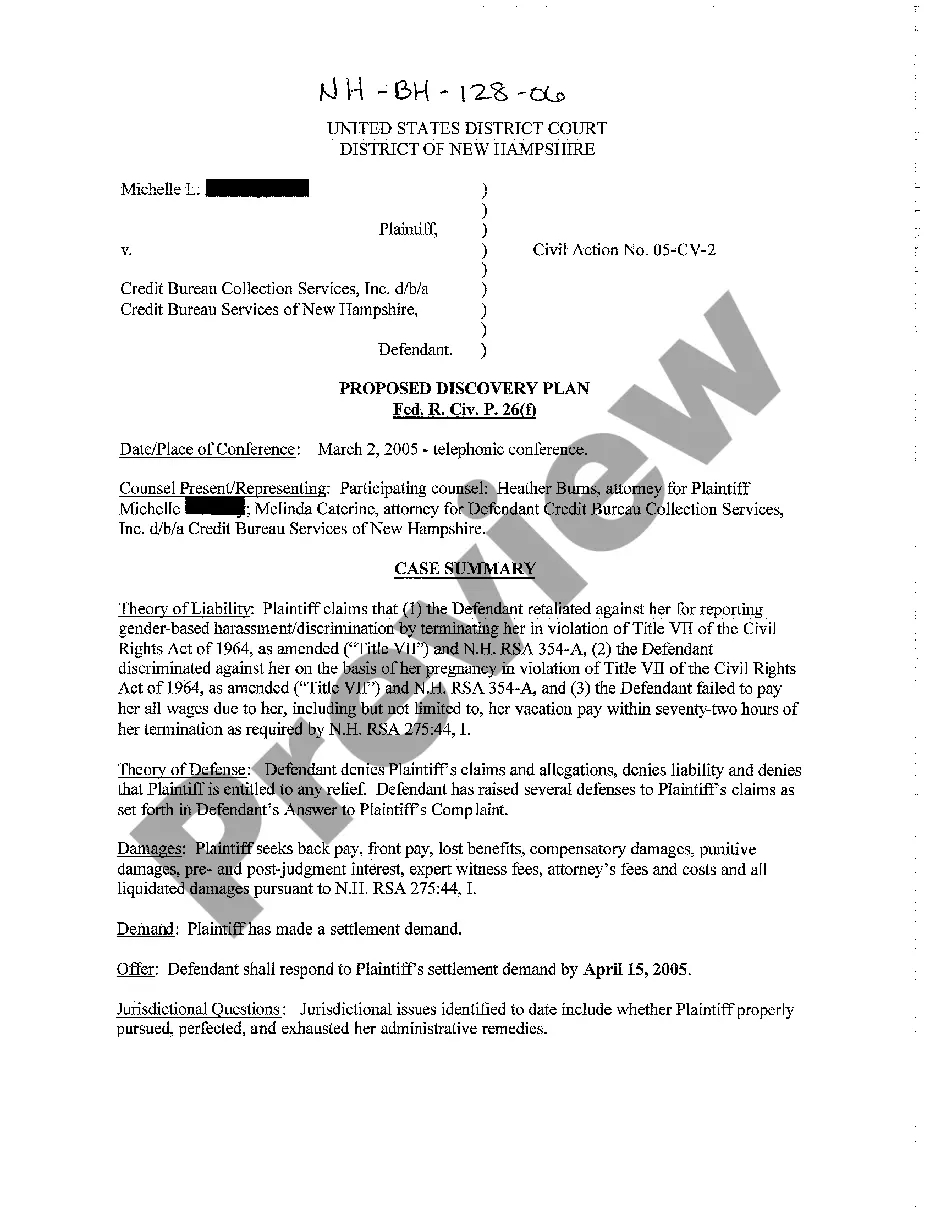
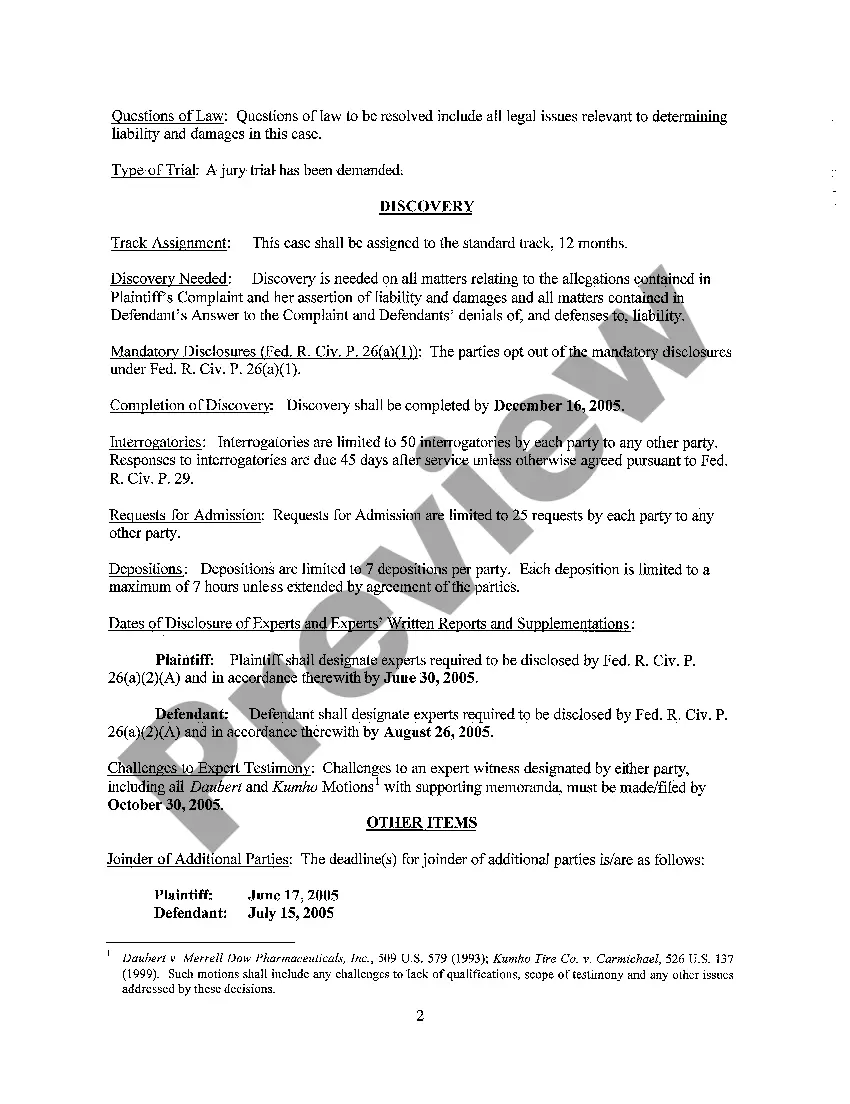
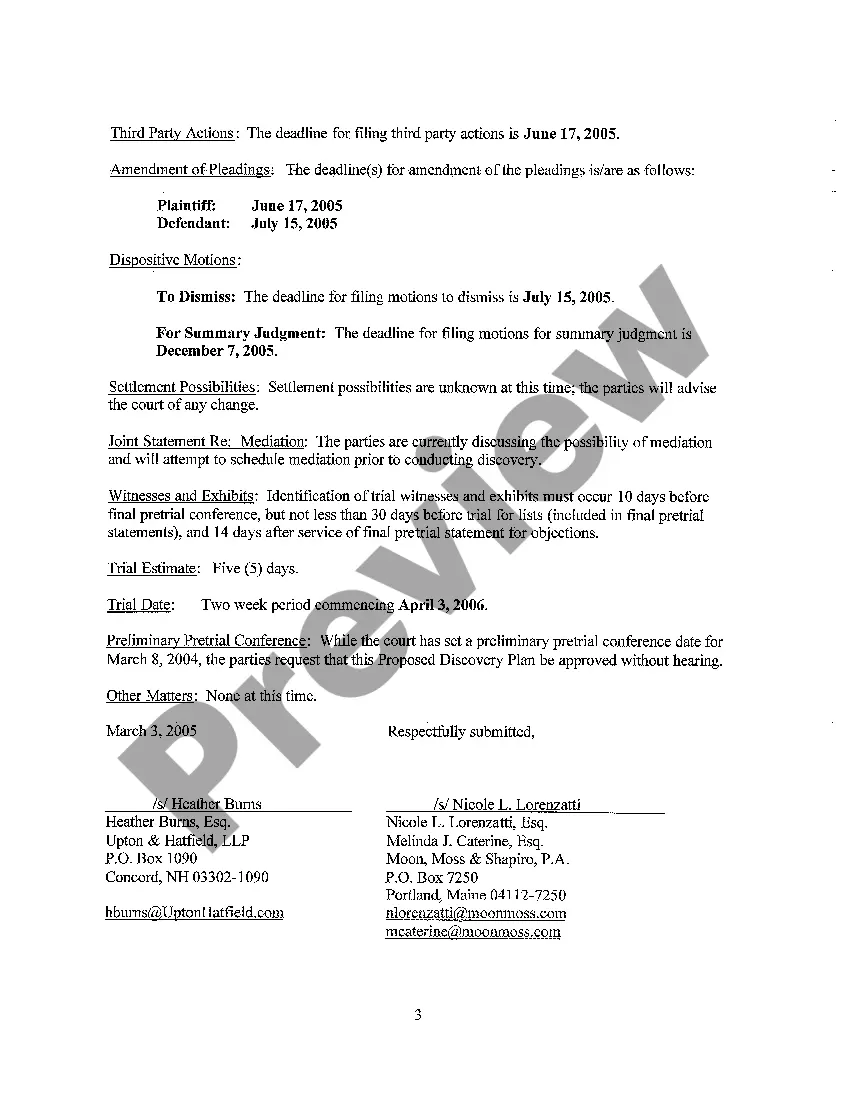
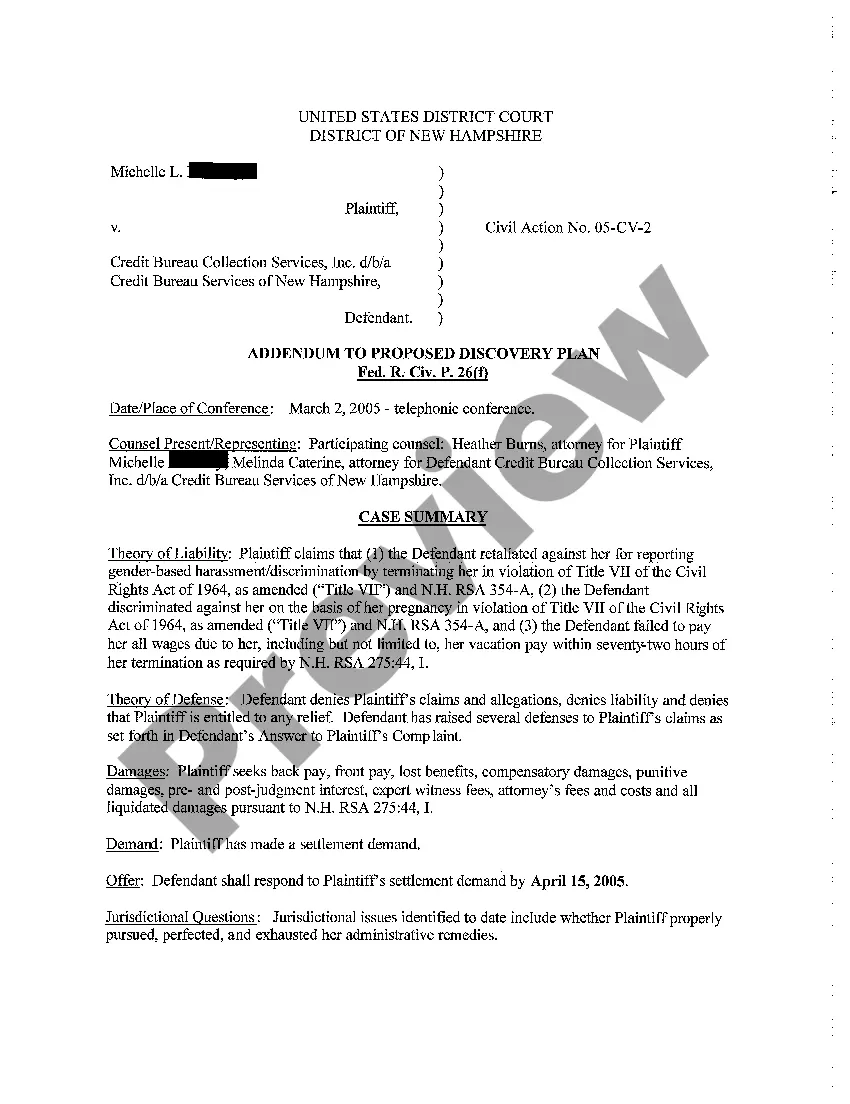
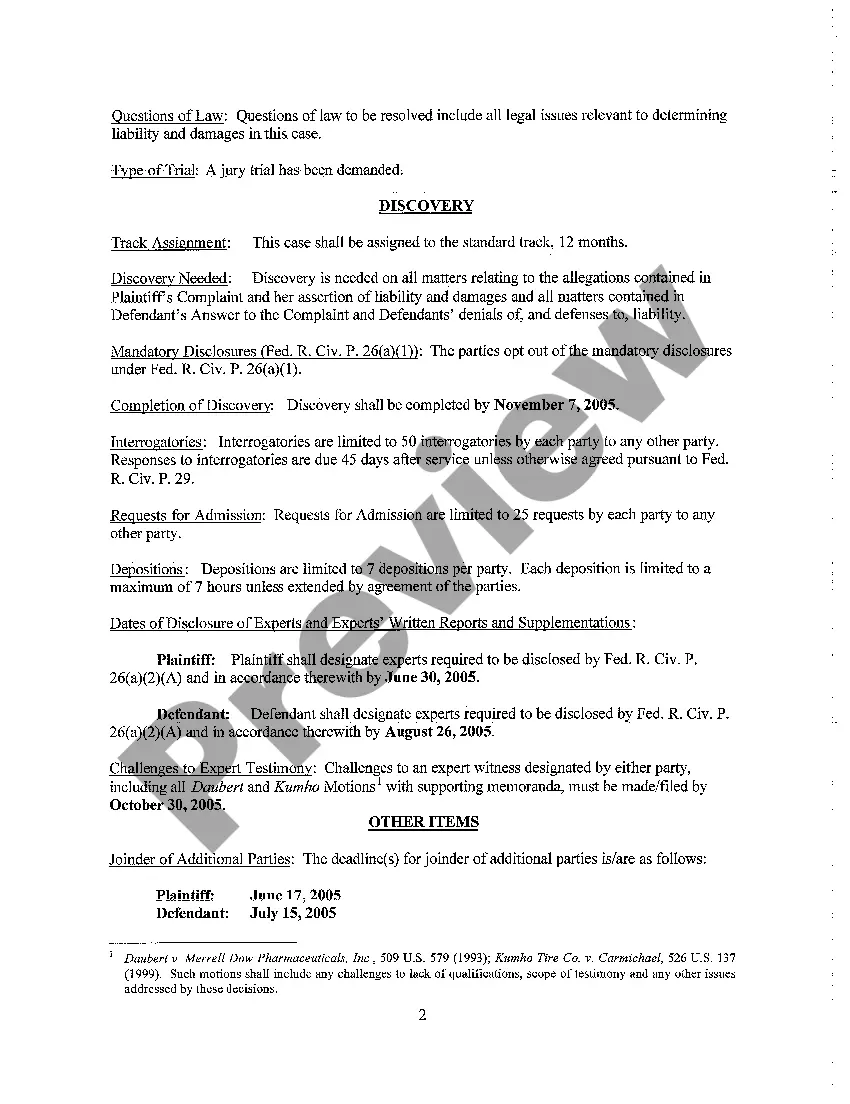
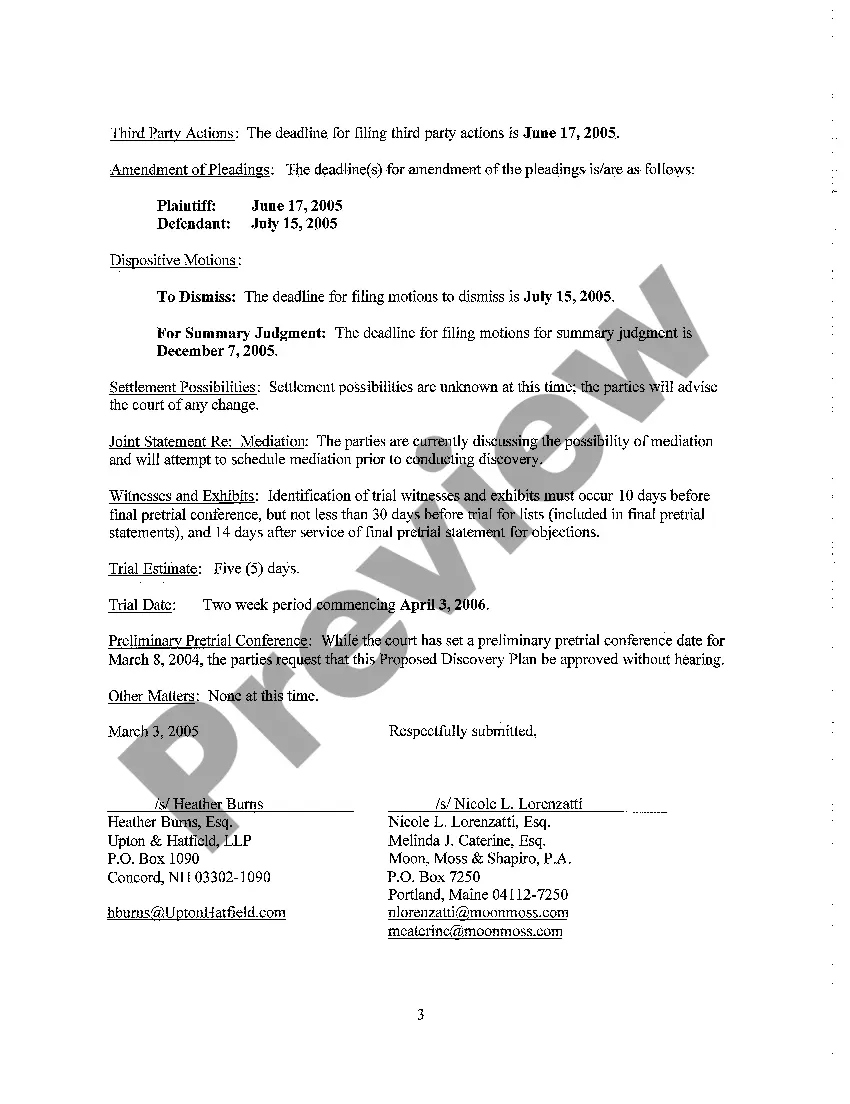






How to fill out New Hampshire Proposed Discovery Plan?
Whether for commercial reasons or personal issues, everyone must confront legal matters at some stage in their life.
Completing legal documents requires meticulous care, beginning with selecting the correct form example.
With a vast US Legal Forms catalog accessible, you don't have to waste time searching for the right template across the web. Utilize the library’s straightforward navigation to find the suitable template for any circumstance.
- Obtain the template you require by utilizing the search bar or browsing the catalog.
- Review the description of the form to confirm it aligns with your circumstances, region, and county.
- Click on the preview of the form to examine it.
- If it is the incorrect form, return to the search feature to locate the Discovery Plan Template For Product example you need.
- Download the template if it meets your specifications.
- If you possess a US Legal Forms account, simply click Log in to reach your previously saved templates in My documents.
- If you do not have an account yet, you can acquire the form by clicking Buy now.
- Choose the appropriate pricing option.
- Fill out the profile registration form.
- Select your payment method: you can use a credit card or PayPal.
- Choose the file format you desire and download the Discovery Plan Template For Product.
- Once saved, you can fill out the form using editing software or print it and complete it by hand.
Form popularity
FAQ
To create a template in Jira product discovery, navigate to your project and select the 'Create' button. Choose the template option and customize it with relevant fields that correspond to your discovery plan template for product. This tailored approach will help your team maintain focus and clarity throughout the product discovery process.
A discovery plan is a structured approach used to gather insights and information about a product before development. It outlines objectives, key stakeholders, and methodologies to be used during the discovery phase. Using a discovery plan template for product helps ensure that all vital aspects are considered, leading to a more informed development process.
To create a template step by step, begin by accessing your project in Jira. Click on ‘Create’ and choose the relevant template type. Add the essential fields and details that you need for your discovery plan template for product, and customize it to fit your team’s workflow. Finally, save the template for future use, ensuring a streamlined process.
Creating a template in Jira involves selecting the project you want to work in and choosing the 'Create' option. From there, you can define the template by adding custom fields and workflows that suit your needs. Incorporating a discovery plan template for product will enhance your team's collaboration and ensure important aspects are covered during product discovery.
Documenting product discovery involves capturing insights, feedback, and key decisions made during the process. Use a structured format, such as a discovery plan template for product, to organize this information clearly. This documentation serves as a reference point for future phases and helps align your team on objectives and findings.
Jira templates are pre-configured structures that help you manage and organize your projects efficiently. They allow you to standardize processes, ensuring consistency across your teams. Utilizing a discovery plan template for product will streamline your product discovery phase and make it easier to track progress and gather insights.
To create an idea template in Jira product discovery, start by navigating to the project where you want to implement the template. Next, click on ‘Create’ and choose the template option. You can customize the fields to include details relevant to your discovery plan template for product, ensuring that all necessary information is captured for effective planning.
To structure product discovery, start by defining clear objectives and aligning your team on the goals. Next, outline the research methods, scheduling interviews, and gathering data efficiently. Incorporating a Discovery plan template for product will provide the framework needed to stay organized and focused, helping you to capture insights that drive your product's success.
The steps in product discovery include understanding user needs, conducting market research, ideating solutions, prototyping, and gathering feedback. This iterative process allows teams to refine their concepts based on real user input. A Discovery plan template for product can greatly enhance your ability to track these steps and facilitate collaboration among team members.
The 4 D's of product development are Discover, Define, Develop, and Deliver. Each step is essential for transforming an idea into a market-ready product. When you apply a Discovery plan template for product, you can effectively navigate these stages, ensuring that each phase receives the attention it deserves for optimal results.