South Carolina Corporation Formation
Description

Get your form ready online
Our built-in tools help you complete, sign, share, and store your documents in one place.
Make edits, fill in missing information, and update formatting in US Legal Forms—just like you would in MS Word.
Download a copy, print it, send it by email, or mail it via USPS—whatever works best for your next step.
Sign and collect signatures with our SignNow integration. Send to multiple recipients, set reminders, and more. Go Premium to unlock E-Sign.
If this form requires notarization, complete it online through a secure video call—no need to meet a notary in person or wait for an appointment.
We protect your documents and personal data by following strict security and privacy standards.

Make edits, fill in missing information, and update formatting in US Legal Forms—just like you would in MS Word.

Download a copy, print it, send it by email, or mail it via USPS—whatever works best for your next step.

Sign and collect signatures with our SignNow integration. Send to multiple recipients, set reminders, and more. Go Premium to unlock E-Sign.

If this form requires notarization, complete it online through a secure video call—no need to meet a notary in person or wait for an appointment.

We protect your documents and personal data by following strict security and privacy standards.
Looking for another form?




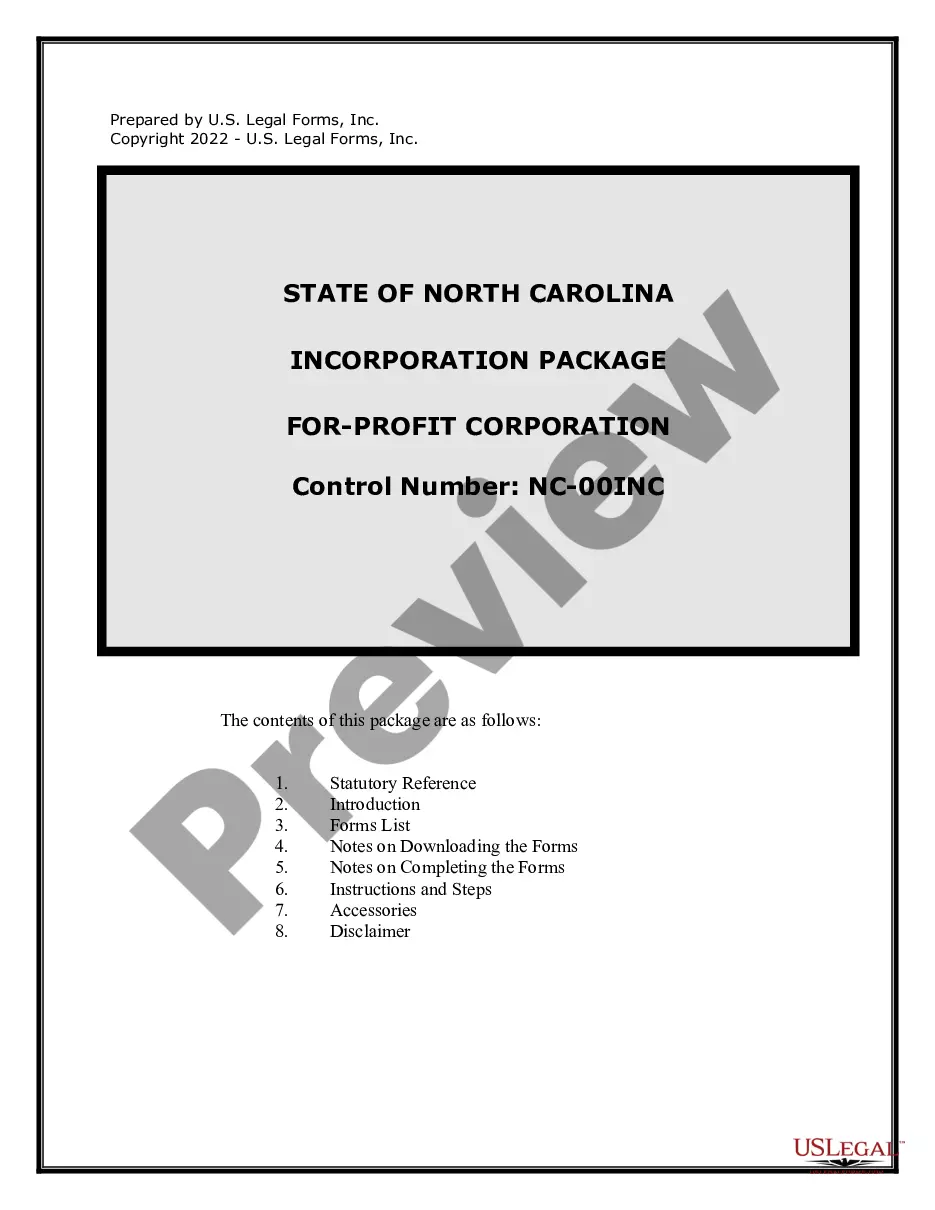
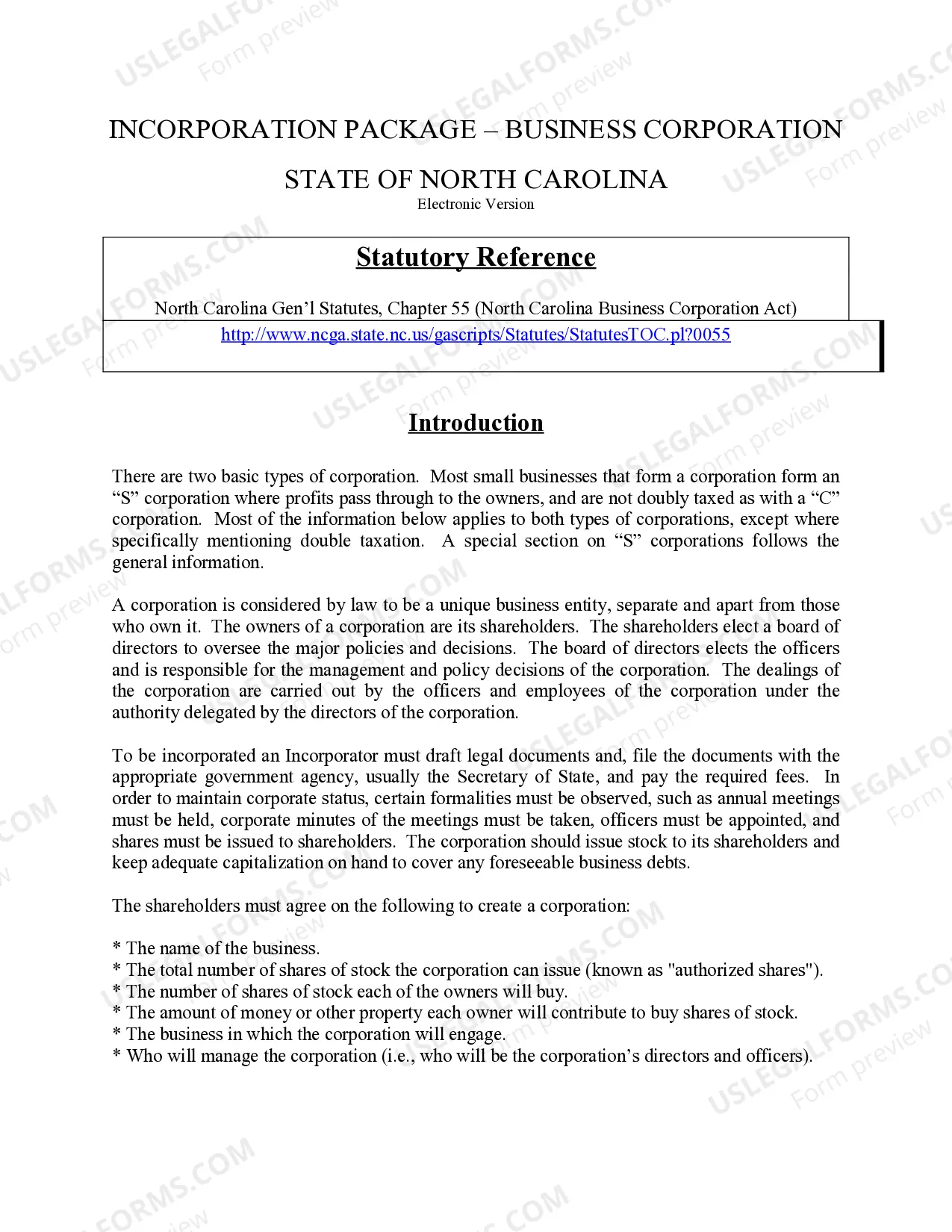
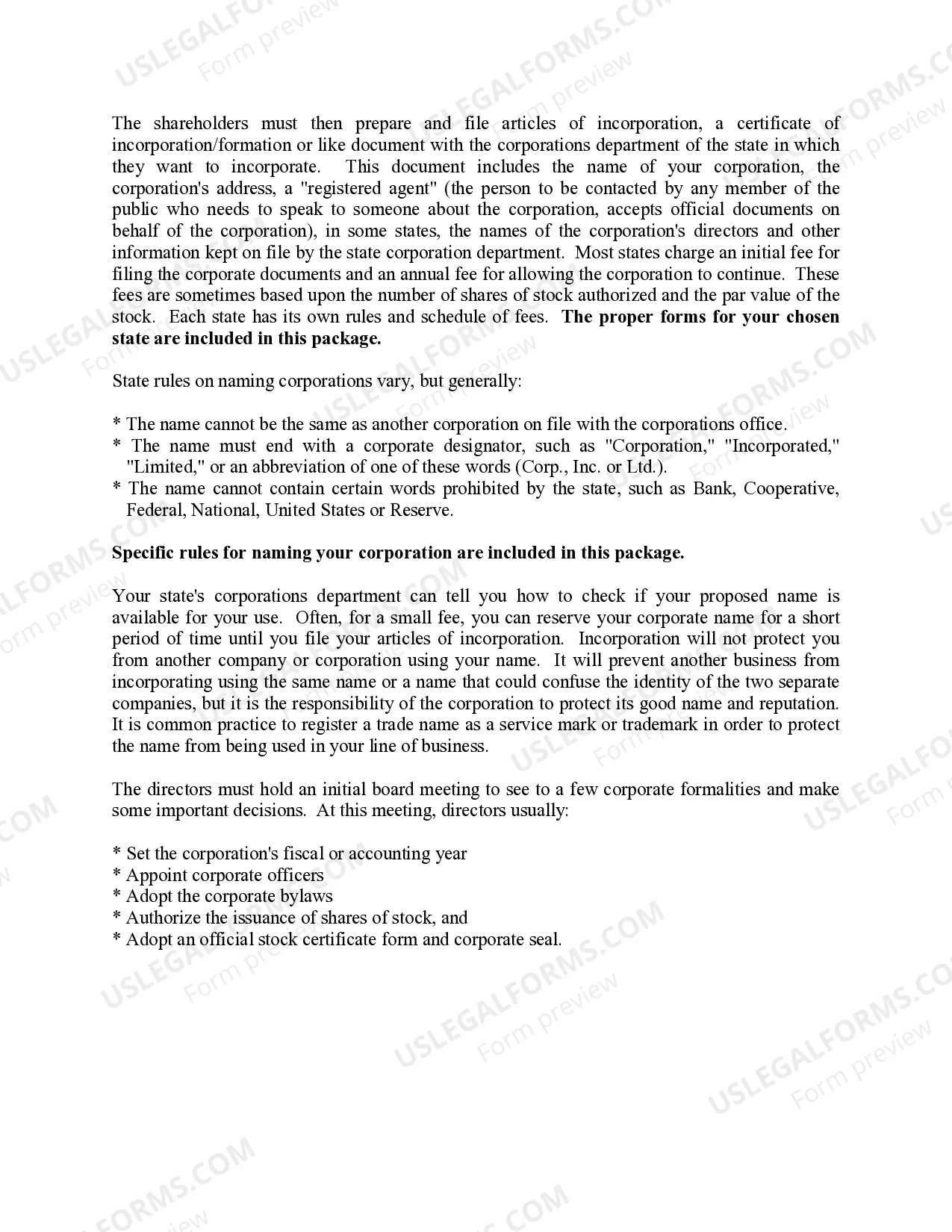
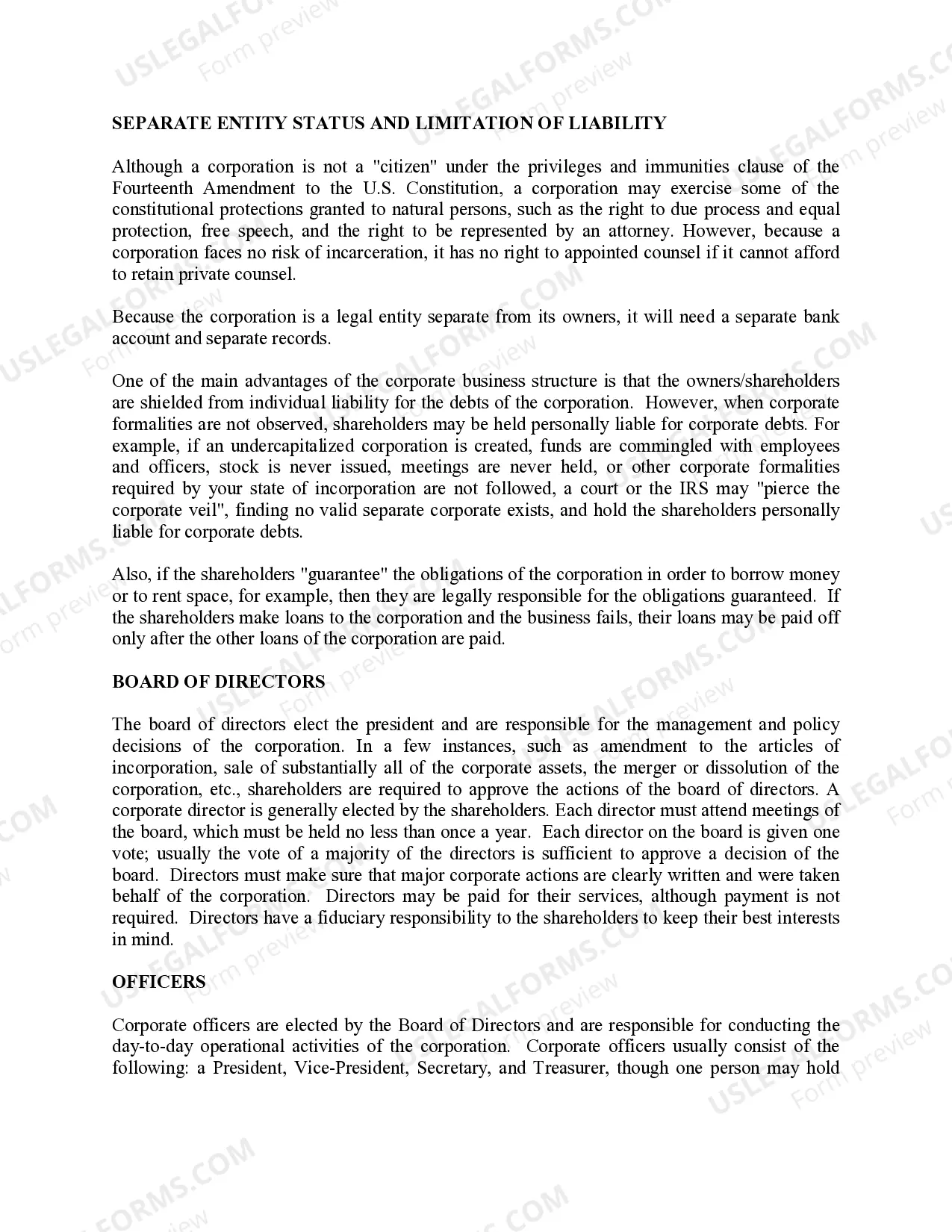
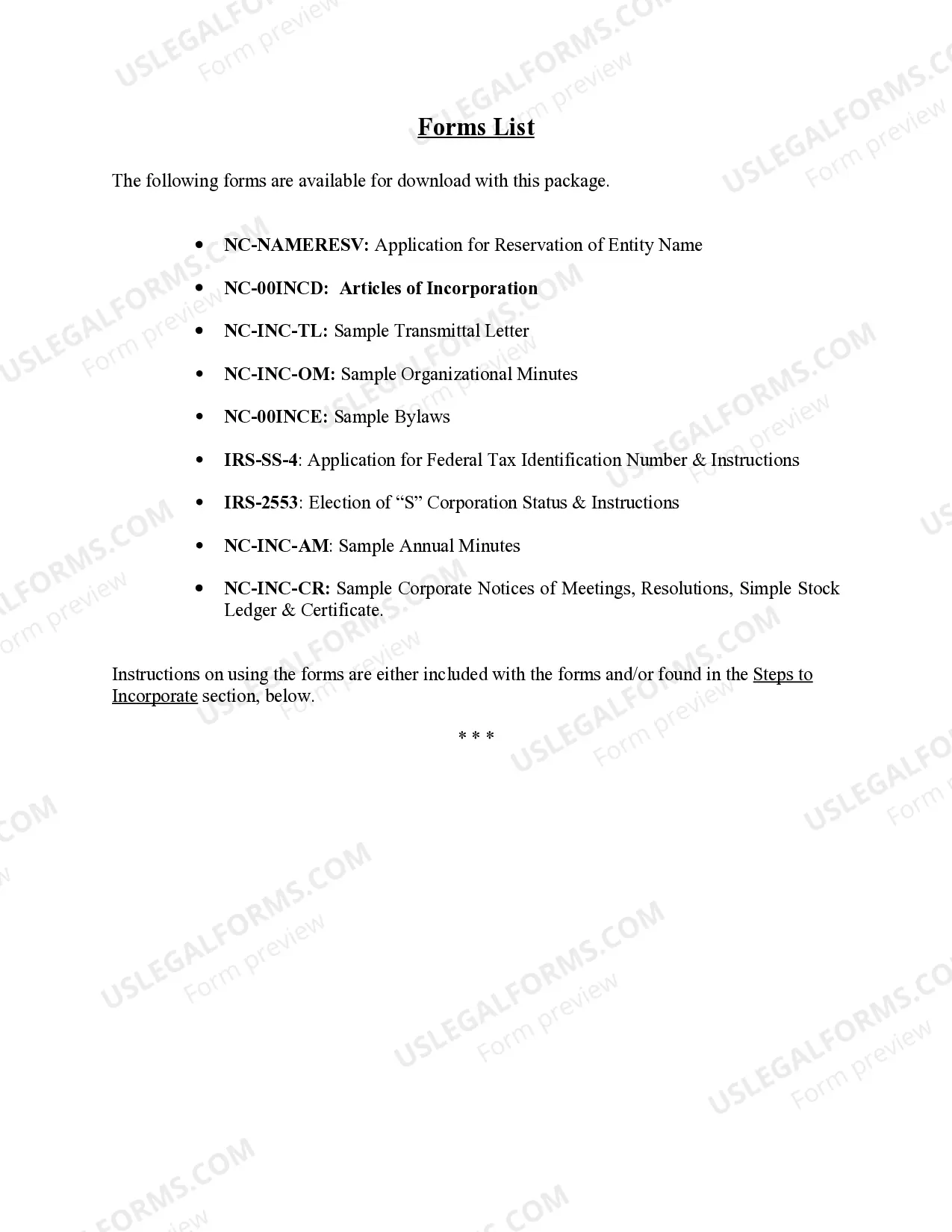
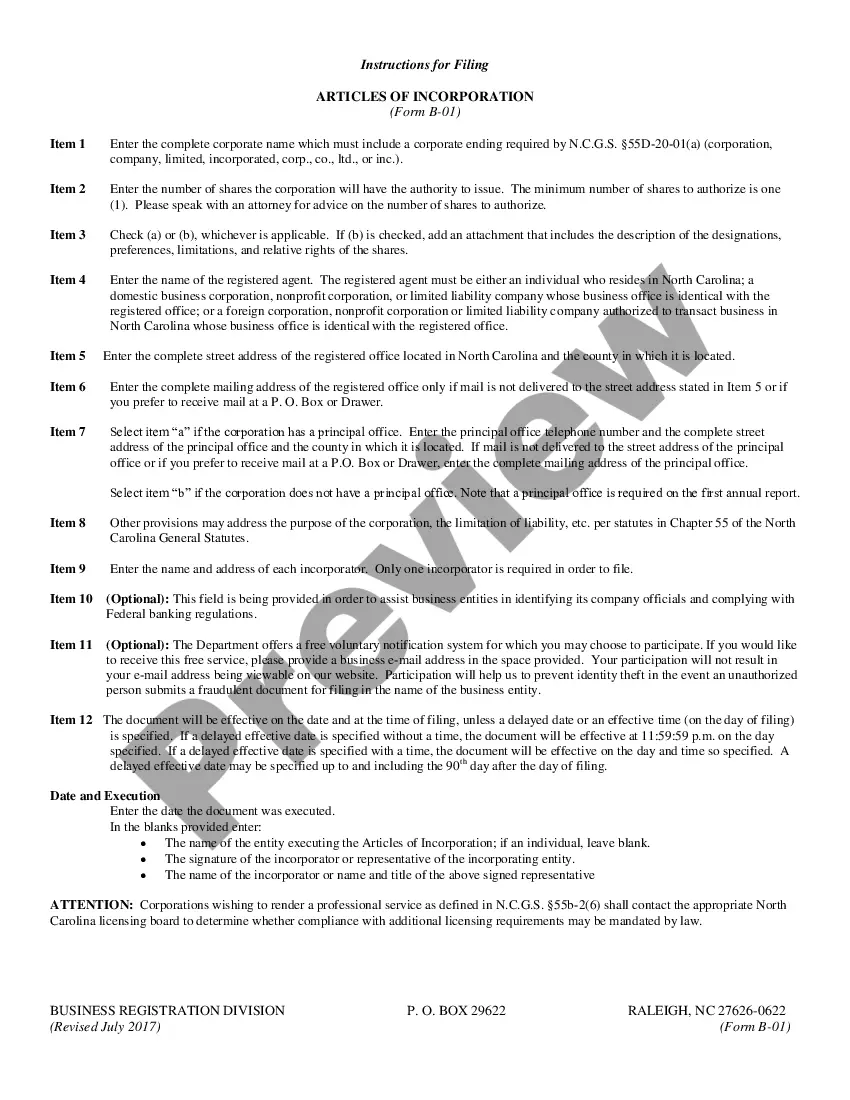
How to fill out North Carolina Business Incorporation Package To Incorporate Corporation?
Creating legal documents from the beginning can occasionally be daunting.
Certain situations may require extensive research and significant financial investment.
If you are looking for an easier and more economical method to generate South Carolina Corporation Formation or various other forms without unnecessary hurdles, US Legal Forms is always accessible.
Our digital library of over 85,000 current legal forms covers nearly every dimension of your financial, legal, and personal affairs. With just a handful of clicks, you can swiftly obtain state- and county-specific forms painstakingly prepared for you by our legal experts.
Examine the form preview and descriptions to confirm that you have located the document you need. Ensure the template you select complies with your state and county requirements. Choose the appropriate subscription plan to acquire the South Carolina Corporation Formation. Download the document, then complete, sign, and print it. US Legal Forms has an unblemished reputation and over 25 years of experience. Join us today and make document execution simple and efficient!
- Utilize our service whenever you need dependable and trustworthy assistance to quickly find and download the South Carolina Corporation Formation.
- If you’re a returning visitor and have set up an account previously, just Log In to your account, choose the form, and download it immediately or retrieve it later in the My documents section.
- Don’t possess an account? No worries. It requires minimal time to register and discover the library.
- However, before proceeding to download South Carolina Corporation Formation, adhere to these suggestions.
Form popularity
FAQ
CL-1 The Initial Annual Report of Corporations. This form is filed with the South Carolina Department of Revenue. $25.00.
To start a corporation in South Carolina, you'll need to do three things: appoint a registered agent, choose a name for your business, and file Articles of Incorporation (along with an Initial Report) with the Secretary of State. You can file this document online or by mail.
It will cost $110 ($125 online) to file formation paperwork to start your South Carolina LLC. Luckily, your business won't be on the hook for any annual report fees in South Carolina. However, you'll still have other expenses to consider while establishing your LLC.
An attorney licensed to practice law in South Carolina must sign articles of incorporation for a business corporation.
How to Form an S Corporation in South Carolina Step 1: Choose a name. ... Step 2: Appoint a registered agent. ... Step 3: Elect directors or managers. ... Step 4: File Articles of Incorporation/Organization with the South Carolina Secretary of State. ... Step 5: File Form 2553 to turn business into an S Corporation.