Certificate Insurance Form For Submission
Description
Get your form ready online
Our built-in tools help you complete, sign, share, and store your documents in one place.
Make edits, fill in missing information, and update formatting in US Legal Forms—just like you would in MS Word.
Download a copy, print it, send it by email, or mail it via USPS—whatever works best for your next step.
Sign and collect signatures with our SignNow integration. Send to multiple recipients, set reminders, and more. Go Premium to unlock E-Sign.
If this form requires notarization, complete it online through a secure video call—no need to meet a notary in person or wait for an appointment.
We protect your documents and personal data by following strict security and privacy standards.

Make edits, fill in missing information, and update formatting in US Legal Forms—just like you would in MS Word.

Download a copy, print it, send it by email, or mail it via USPS—whatever works best for your next step.

Sign and collect signatures with our SignNow integration. Send to multiple recipients, set reminders, and more. Go Premium to unlock E-Sign.

If this form requires notarization, complete it online through a secure video call—no need to meet a notary in person or wait for an appointment.

We protect your documents and personal data by following strict security and privacy standards.
Looking for another form?

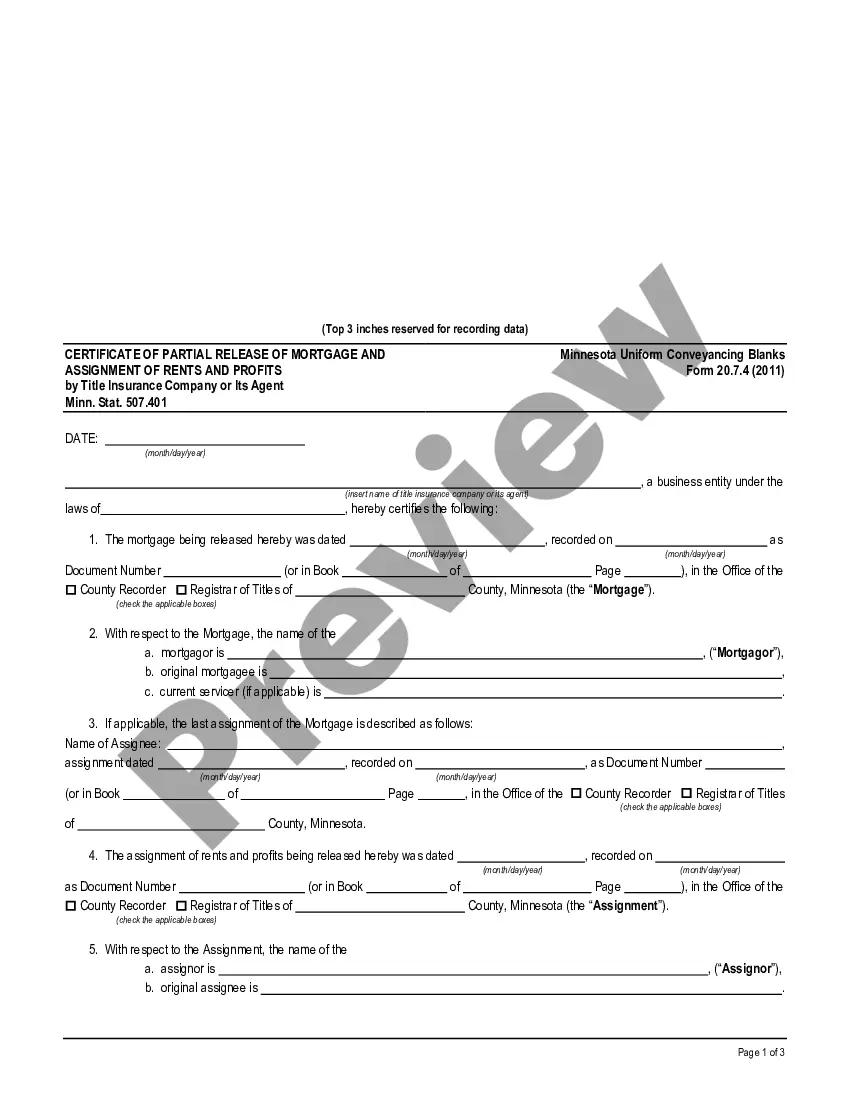
How to fill out Minnesota Certificate Of Full Release Of Mortgage By Title Insurance Company Or Its Agent - Minn. Stat. 507.401 - UCBC Form 20.7.1?
Locating a reliable source for the latest and suitable legal templates is a significant part of navigating bureaucracy.
Identifying the correct legal documents requires precision and carefulness, which is why it's crucial to obtain samples of Certificate Insurance Form For Submission solely from credible providers, such as US Legal Forms. An incorrect template can squander your time and delay the matter at hand. With US Legal Forms, your concerns are minimized. You can review and verify all details concerning the document's applicability and significance for your circumstances and within your jurisdiction.
Once you have the form on your device, you can modify it using the editor or print it for manual completion. Eliminate the hassle associated with your legal paperwork. Explore the comprehensive US Legal Forms library to locate legal templates, assess their relevance to your circumstances, and download them instantly.
- Utilize the library navigation or search feature to find your sample.
- Examine the form's details to ensure it meets the specifications of your state and locality.
- Preview the form, if an option is available, to confirm it is the desired template.
- Return to the search to find the suitable document if the Certificate Insurance Form For Submission does not satisfy your needs.
- Once you are certain of the form's applicability, proceed to download it.
- If you are a registered user, click Log in to verify and access your chosen forms in My documents.
- If you haven’t created an account, click Buy now to acquire the form.
- Choose the pricing option that aligns with your needs.
- Continue to the registration to finalize your order.
- Conclude your transaction by selecting a payment method (credit card or PayPal).
- Choose the file format for downloading the Certificate Insurance Form For Submission.
Form popularity
FAQ
A certificate of insurance (COI) form is a document that establishes proof of insurance, most often for a general liability policy. It lists you or your business as the policyholder or named insured.
The most common type of COI is provided in a document called 25. This document comes in a standardized template to represent each type of insurance policy. The 25 form lists the name of the policyholder and any additional insured. There are 3 main types of COIs.
A certificate holder is an entity that receives the certificate of insurance from a contractor, vendor, or another provider. If you receive certificates, that's you. If you provide them to companies that hire you, that's the company hiring you.
Elements of a COI Company Name and Address: legal name and address of the insured entity. Producer/Agent name and address: the insurance Agent/Broker who issues certificates. Carrier names: name of the company that holds your insurance policy. ... Policy type: the types of insurance required by the contract.
The COI verifies the existence of an insurance policy and summarizes the key aspects and conditions of the policy. For example, a standard COI lists the policyholder's name, the policy's effective date, the type of coverage, policy limits, and other important details of the policy.