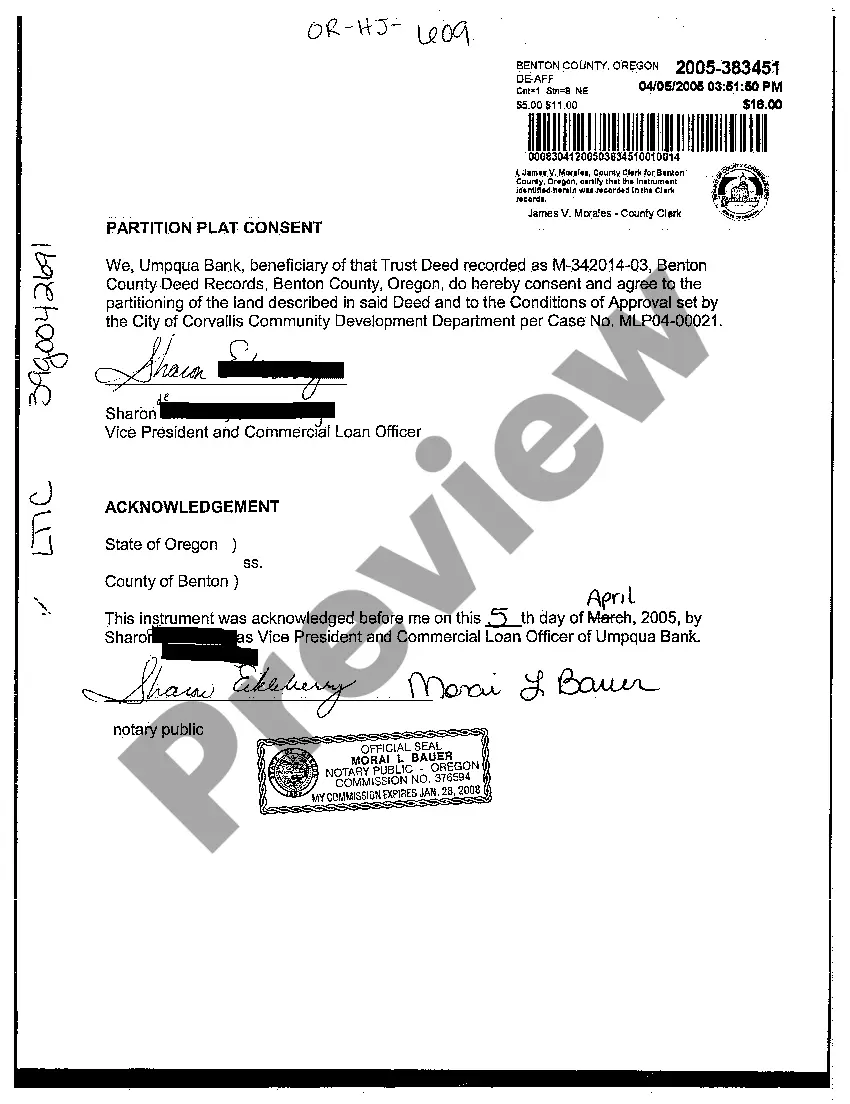
District of Columbia Correction Statement and Agreement
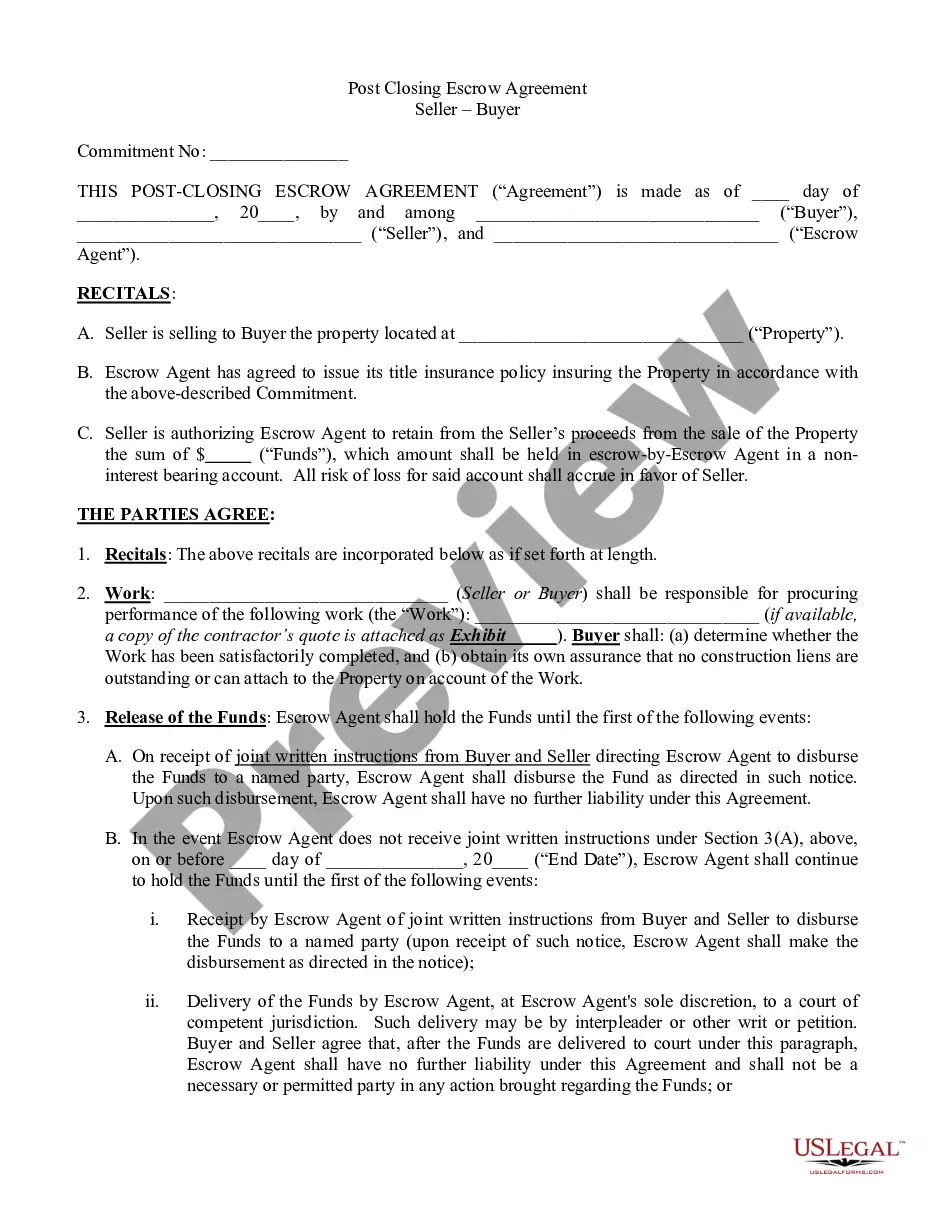
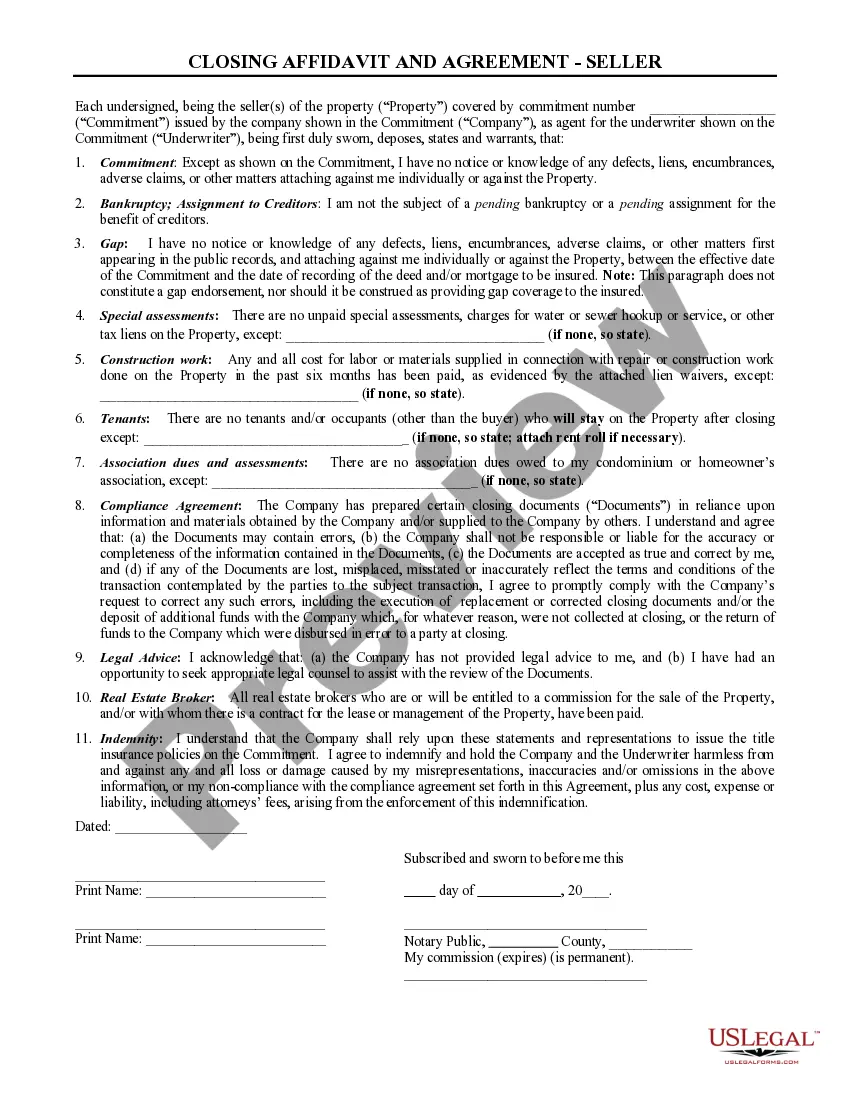
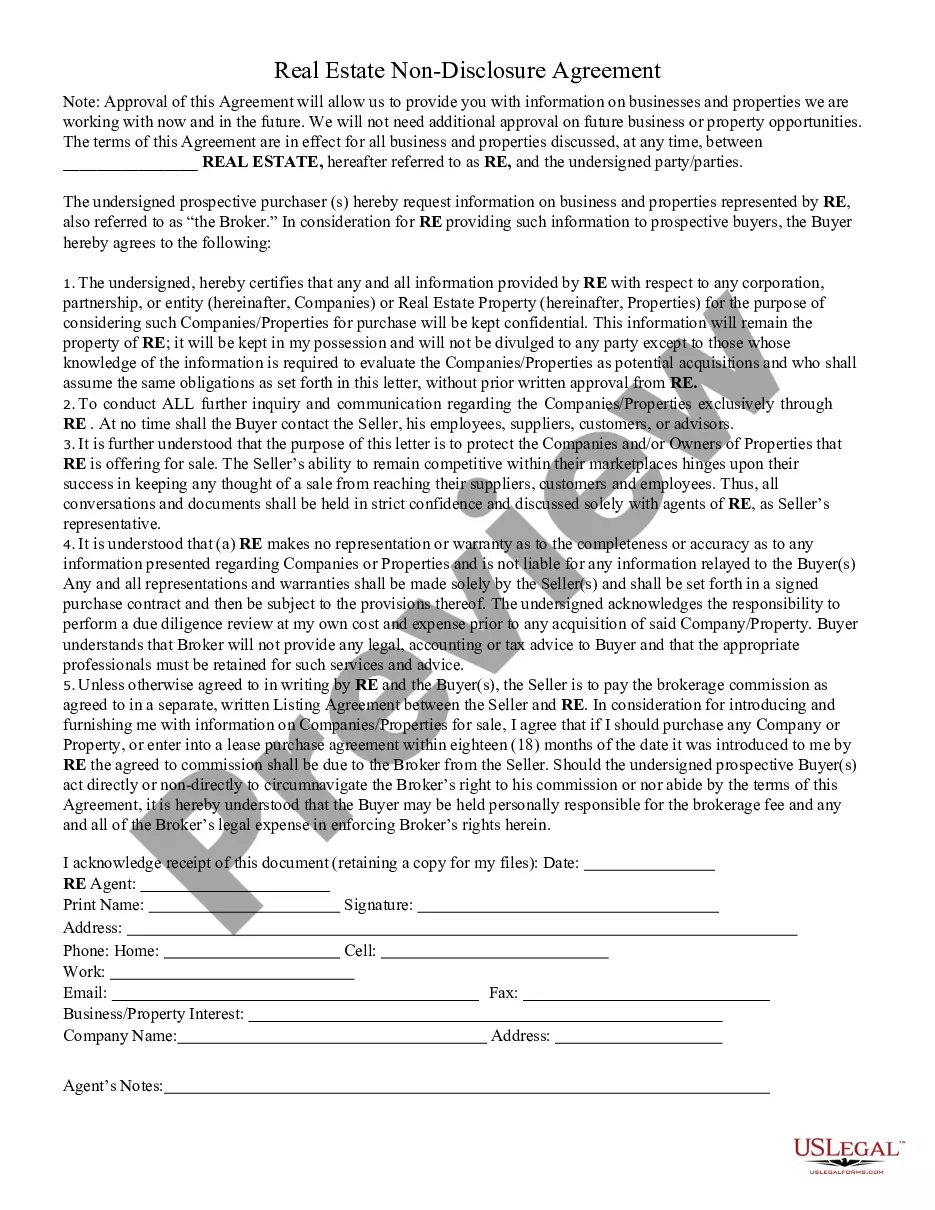
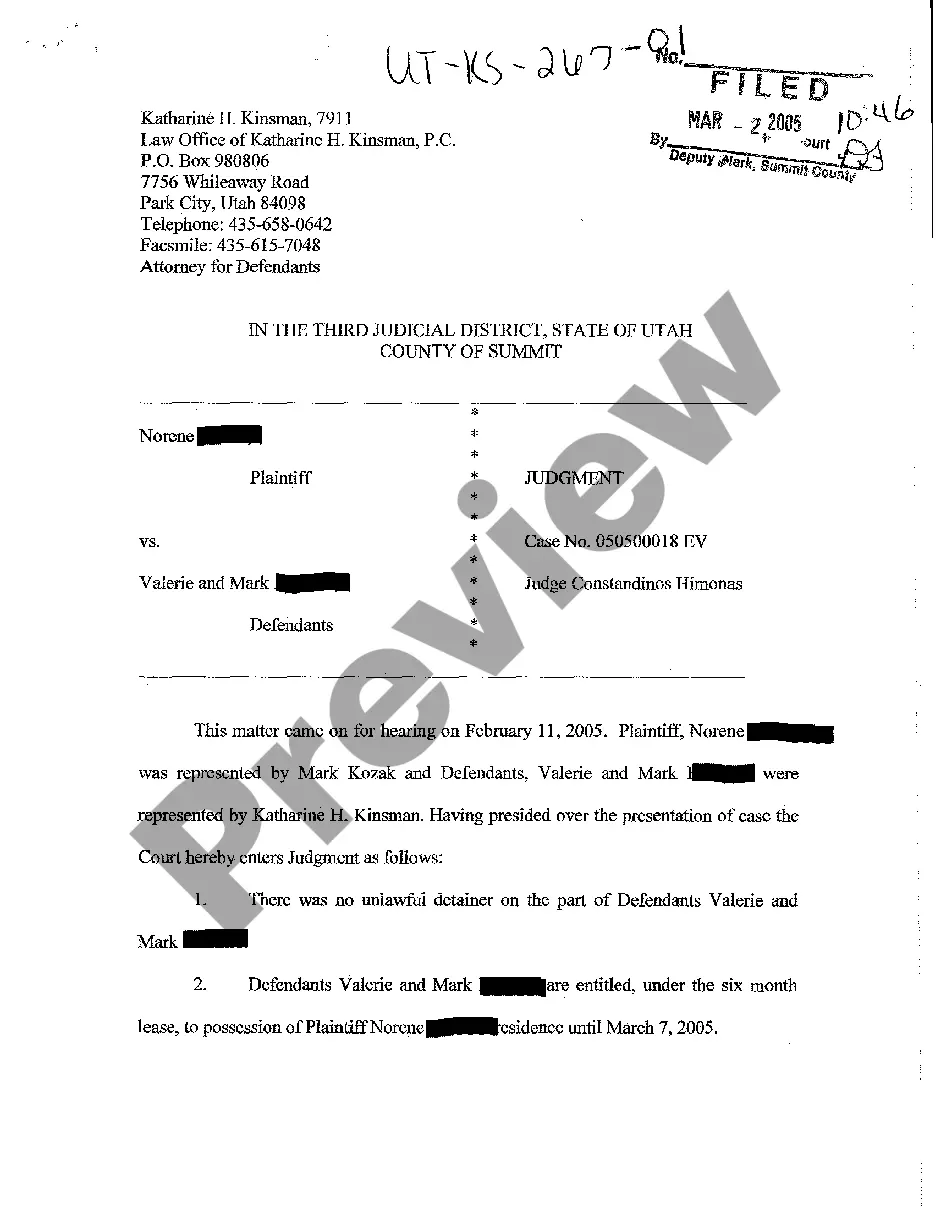
What is this form?
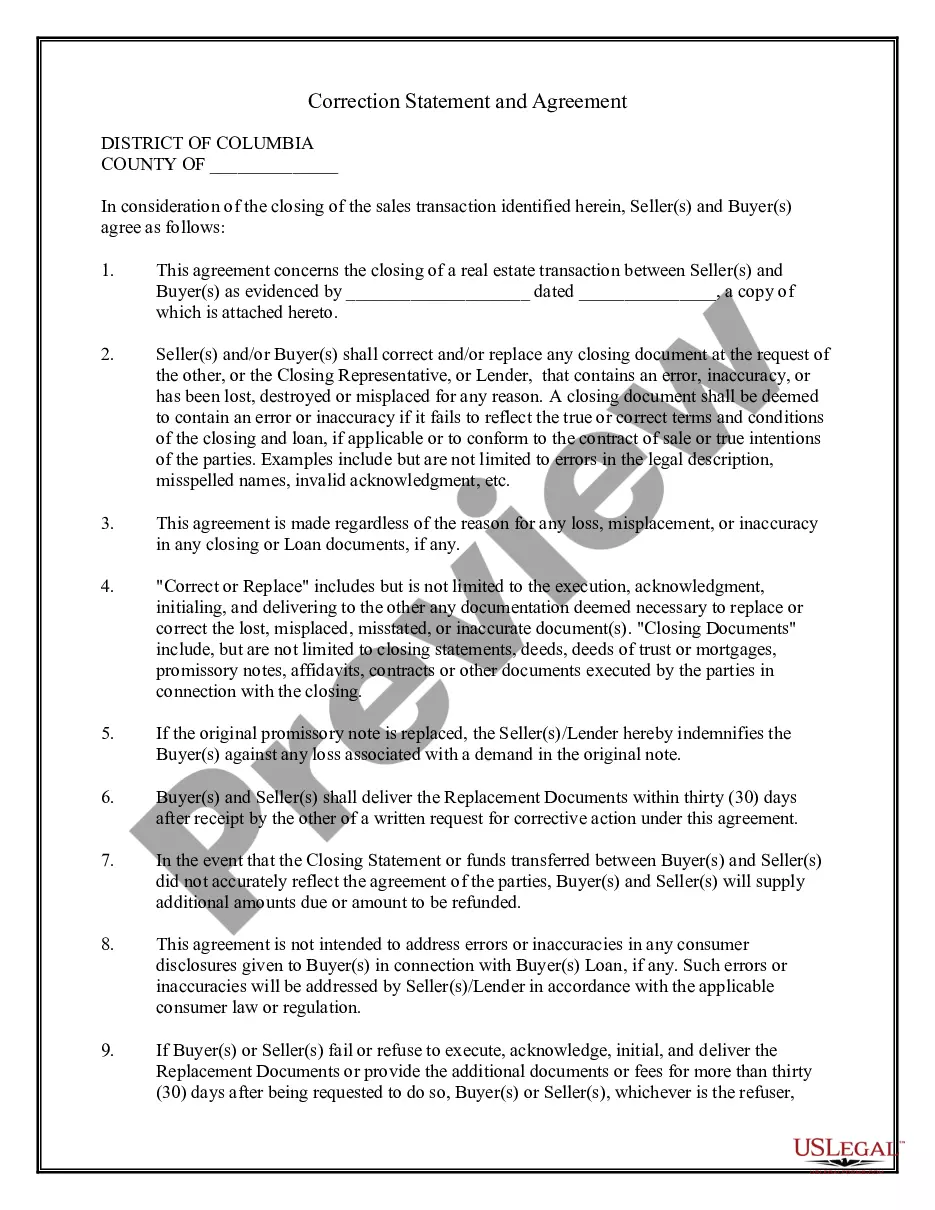
The Correction Statement and Agreement is a legal document that allows buyers and sellers involved in a real estate transaction to confirm their commitment to correct or replace any closing documents that may contain errors or inaccuracies. This form is essential during the closing phase to ensure all relevant documents accurately reflect the agreed-upon terms, setting this form apart from general agreements by specifically addressing corrections and replacements of legal documents.
What’s included in this form
- Identification of the seller and buyer involved in the transaction.
- Specific details of the sales transaction, including dates and the attached contract.
- Agreement to correct or replace documents that are lost, inaccurate, or fail to reflect true terms.
- Indemnification clause for buyers against losses associated with replaced documents.
- Timeframe for delivering replacement documents after a request.
- Liability section for failure to comply with the agreement regarding document replacements.

Common use cases
This form should be used during the closing of a real estate transaction whenever there is a need to address errors in documents, such as misrepresentations in legal descriptions, misspelled names, or if documents have been lost or are misplaced. It ensures that both parties are aware of the proper protocol for handling any discrepancies, helping to mitigate disputes after the transaction has been completed.
Who this form is for
This form is intended for:
- Real estate buyers and sellers involved in a property transaction.
- Closing representatives or lenders overseeing the transaction.
- Parties who may need to correct or replace legal documents post-closing.
Instructions for completing this form
- Identify the parties involved by entering the names of the seller(s) and buyer(s).
- Provide details about the sales transaction, including the date and reference number of the attached document.
- Review and agree to the terms outlined in the form regarding corrections and replacements.
- Sign and date the form to confirm agreement between the seller(s) and buyer(s).
- If necessary, have the form notarized to increase its legal validity.
Notarization guidance
This form must be notarized to be legally valid. US Legal Forms provides secure online notarization powered by Notarize, allowing you to complete the process through a verified video call.
Get your form ready online
Our built-in tools help you complete, sign, share, and store your documents in one place.
Make edits, fill in missing information, and update formatting in US Legal Forms—just like you would in MS Word.
Download a copy, print it, send it by email, or mail it via USPS—whatever works best for your next step.
Sign and collect signatures with our SignNow integration. Send to multiple recipients, set reminders, and more. Go Premium to unlock E-Sign.
If this form requires notarization, complete it online through a secure video call—no need to meet a notary in person or wait for an appointment.
We protect your documents and personal data by following strict security and privacy standards.

Make edits, fill in missing information, and update formatting in US Legal Forms—just like you would in MS Word.

Download a copy, print it, send it by email, or mail it via USPS—whatever works best for your next step.

Sign and collect signatures with our SignNow integration. Send to multiple recipients, set reminders, and more. Go Premium to unlock E-Sign.

If this form requires notarization, complete it online through a secure video call—no need to meet a notary in person or wait for an appointment.

We protect your documents and personal data by following strict security and privacy standards.
Typical mistakes to avoid
- Failing to include all parties' names and signatures.
- Not specifying the transaction details clearly.
- Overlooking the timeframe for delivering replacement documents.
- Not acknowledging the indemnification clause, which can lead to liability issues.
Benefits of using this form online
- Convenience of downloading and printing the form at any time.
- Editability allows users to fill in information digitally, reducing errors.
- Reliability of attorney-drafted templates ensuring legal compliance.
Looking for another form?
Form popularity
FAQ
Filing a complaint with DC requires you to first identify the appropriate agency related to your issue. You can then submit your complaint online or via mail, depending on the agency's guidelines. Utilizing the District of Columbia Correction Statement and Agreement may help clarify your complaint, ensuring all necessary information is included. For further assistance, explore resources available on US Legal Forms, designed to support you through the complaint process.
To amend your DC taxes, you will need to file a corrected tax return with the District of Columbia. This involves completing the appropriate forms and providing supporting documentation. The District of Columbia Correction Statement and Agreement can streamline this process by ensuring your filing is correct and complete. For efficient results, consider using a platform like US Legal Forms, which offers resources to guide you through the amendment process.
In the District of Columbia, you need to file your UCC documents with the Department of Consumer and Regulatory Affairs (DCRA). Look for the Business and Professional Licensing Administration section, which handles these filings. It's helpful to consult the District of Columbia Correction Statement and Agreement to ensure compliance with all requirements. For a streamlined process, consider using platforms like uslegalforms to access accurate forms and guidelines.
To fill out an affidavit of correction, start by gathering all necessary information related to the correction required. Ensure that you clearly state the original details that need correction and provide accurate new information. It is important to reference the District of Columbia Correction Statement and Agreement, as this governs the filing process. Lastly, sign and date the affidavit before submitting it to the appropriate office or authority.
To file a District of Columbia Correction Statement and Agreement online, first, visit the USLegalForms website. There, you will find a straightforward guide that walks you through the steps of completing your form. After filling out the necessary information, you can submit your Correction Statement electronically. This process is designed to be user-friendly, ensuring that you can efficiently rectify any errors in your documents.